Best Free Note Taking Apps in 2026: 9 Apps Compared

How we put this together: we compare official feature and pricing pages, app store listings, privacy policies and public user reviews. Prices change, so check the provider's site before you pay.
Key takeaways
- Notion suits planning and team workspaces, Obsidian suits a personal knowledge base you own as files, and OneNote suits free form notebooks with handwriting.
- Apple Notes and Google Keep are the best quick capture tools, because they are already on your devices and open in seconds.
- Free does not always mean unlimited, so check note limits, device limits, and sync costs before moving a large archive into any app.
- The best free app is the one you open daily, so trial two apps on real notes for a week rather than choosing on features alone.
Quick comparison
| Name | Who it suits | Starting price | Free option | |
|---|---|---|---|---|
 Notion Notion | Planning and team workspaces | Free | Yes | Visit |
 Obsidian Obsidian | Linked notes you own | Free | Yes | Visit |
 Microsoft OneNote Microsoft OneNote | Free form notebooks and ink | Free | Yes | Visit |
 Apple Notes Apple Notes | Apple device users | Free | Yes | Visit |
 Google Keep Google Keep | Quick capture and lists | Free | Yes | Visit |
 Joplin Joplin | Open source privacy | Free | Yes | Visit |
 Logseq Logseq | Outliner and daily notes | Free | Yes | Visit |
 Simplenote Simplenote | Minimal plain text notes | Free | Yes | Visit |
 Evernote Evernote | Web clipping with limits | Free | Yes | Visit |
The best free note taking apps
Free note apps split into three kinds: quick capture tools you open for a thought, notebooks you fill for school or work, and knowledge bases you build over years. The apps below cover all three, but they are not interchangeable, and the free plan limits matter as much as the headline features.
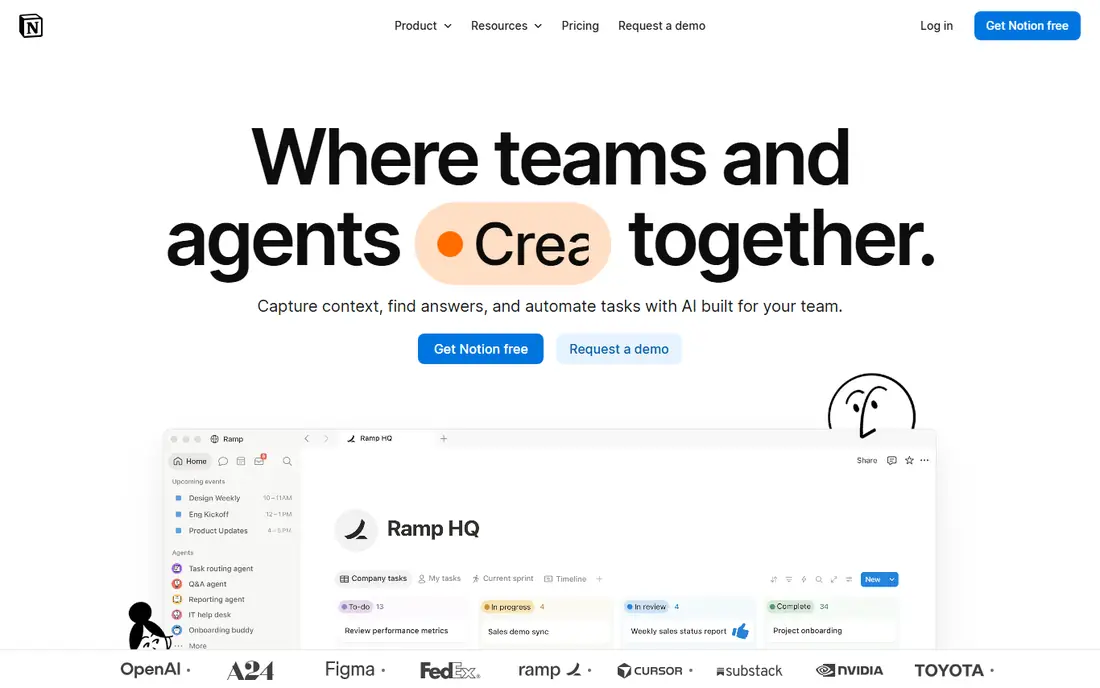
Notion is the best free choice when notes need to become a system. Pages, databases, calendars, and task views live in one workspace, so a study plan, a project tracker, and a reading list can share the same space. Templates help new users start fast, and sharing with a small team is straightforward on the free plan for individuals.
The downside is overhead. A quick thought takes more clicks in Notion than in Keep or Apple Notes, and the flexibility that makes it powerful can also make a simple notebook feel overbuilt. If you want a workspace that grows with a project, Notion is excellent. If you only want to jot and forget, a simpler app will serve you better.
- Flexible pages and databases
- Templates for almost any workflow
- Good collaboration
- Can feel complex for simple notes
- Advanced AI features are paid
- Needs an internet connection for full use
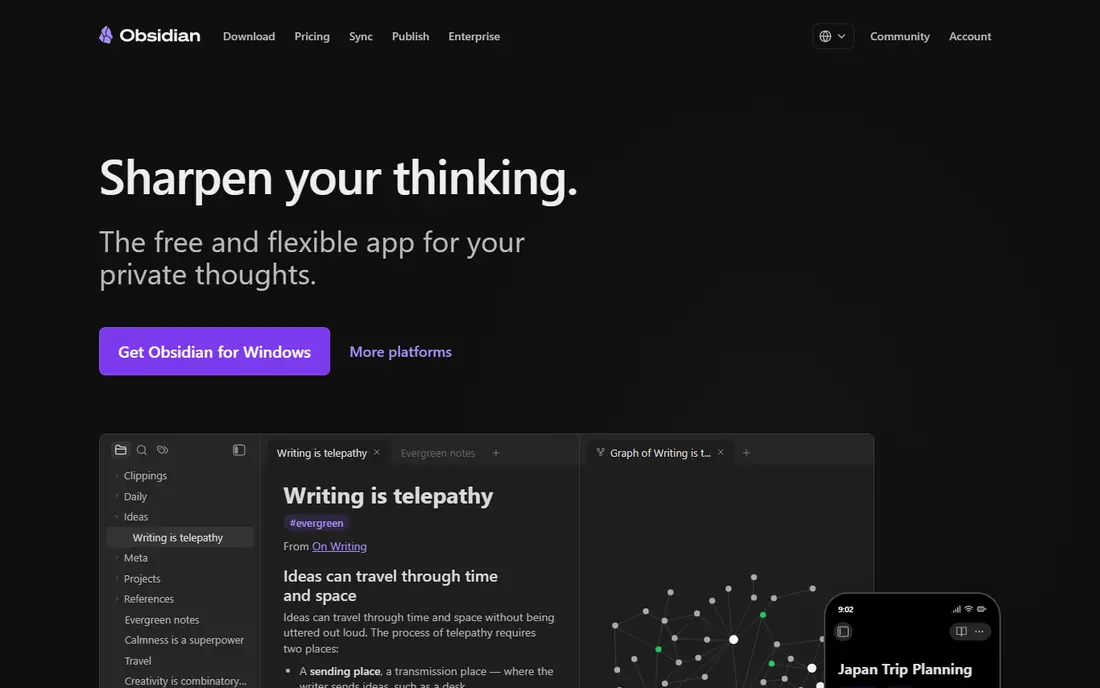
Obsidian is the pick for a personal knowledge base that you want to keep for years. Your notes are plain Markdown files on your own device, so you are not locked into one company format, and the core app is free for personal use with no note limit. Links between notes and the graph view help ideas connect over time, which suits writers, researchers, and students building a lasting archive.
The catch is sync. The app itself is free, but the official sync service costs extra, so multi device users often set up their own sync through a cloud folder or a third party service. Collaboration is also not its strength. If ownership and linking matter most, Obsidian is the clearest free choice here.
- Notes are local Markdown files you own
- Free for personal use
- Large plugin community
- Graph view for links
- Official sync is paid
- Learning curve for links and plugins
- No built in collaboration
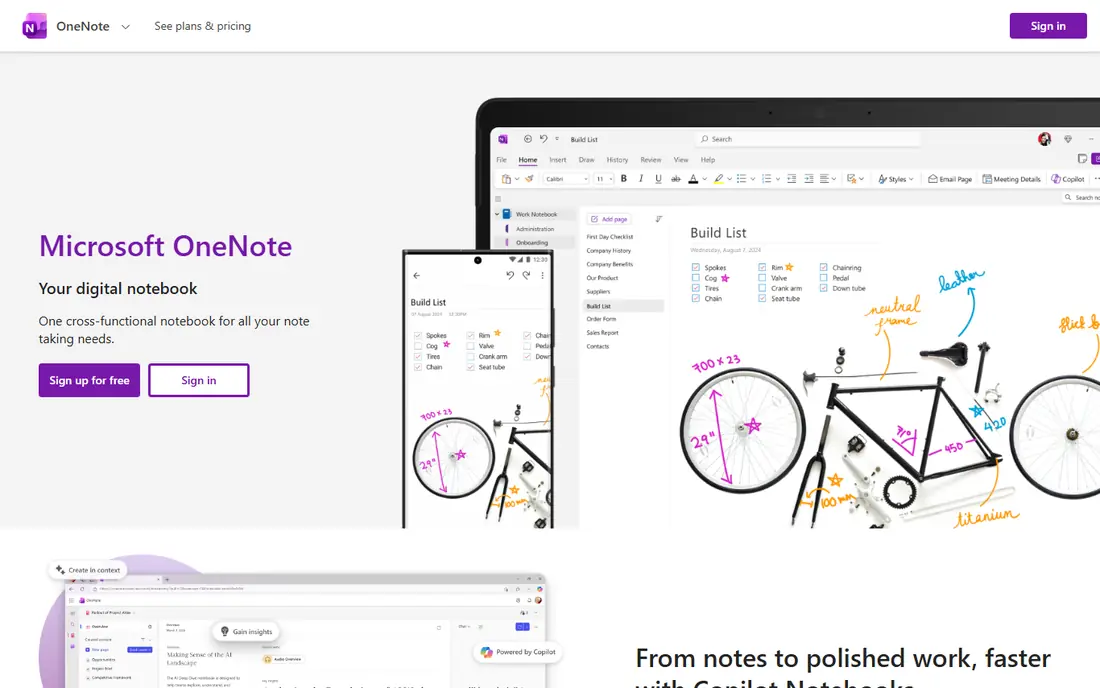
OneNote is the best free notebook for students and anyone who mixes typing, handwriting, and pasted material. Pages are free form, so you can place text, images, and ink anywhere, and section tabs keep subjects apart in a way that feels like a real binder. It runs on most platforms, and sync through OneDrive works well for most users.
The limit is storage. Notes share your OneDrive quota, so a large archive with many images and recordings can fill it over time. The interface also packs in many tools, which can feel busy next to a minimal app. For class notes, meeting notes, and mixed media notebooks, OneNote remains a strong free default.
- Free form pages
- Handwriting and ink support
- Runs on Windows, Mac, web, and mobile
- OneDrive sync
- Storage counts against OneDrive quota
- Interface can feel cluttered
- Organisation differs from other apps
Apple Notes is the app most iPhone, iPad, and Mac users should try first, because it is already installed and it syncs through iCloud without a subscription. It handles text, checklists, scanned documents, and handwriting well, and recent versions add useful organisation with folders, tags, and links between notes.
The limit is ecosystem. Notes work best on Apple devices, and while web access exists through iCloud, it is not as full as a native app on another platform. Apple Notes also lacks the databases and project views of Notion. For quick and everyday notes inside the Apple world, it is simple, fast, and free.
- Free with an Apple ID
- Apple Pencil support on iPad
- ICloud sync
- Scans and checklists built in
- Best inside the Apple ecosystem
- Web access is limited for non Apple users
- Fewer database features
Google Keep is the fastest way to capture a thought, a list, or a reminder. Notes are colour coded, searchable, and labelled rather than filed in folders, and reminders can be tied to a time or a place. It works on the web and on mobile, and it syncs with a Google account at no cost.
The simplicity is also the limit. Keep is not built for long essays, linked knowledge bases, or complex project plans, and its formatting is basic. Use it for capture and short lists, then move longer material into Notion, Obsidian, or OneNote when a note grows into a project. As a capture inbox, Keep is hard to beat.
- Opens fast
- Colour labels
- Reminders and checklists
- Free with a Google account
- No folders or notebooks
- Too simple for long documents
- Limited formatting
Joplin suits users who want privacy and control without paying. It is open source, it stores notes in Markdown, and it offers end to end encryption with a choice of sync options, including self hosted storage and cloud services. The web clipper also helps when saving articles and research for later reading.
The interface is functional rather than polished, and setting up sync takes a decision that simpler apps hide. Joplin also lacks the visual polish and template library of Notion. If open source, encryption, and ownership matter more than looks, Joplin is a strong free pick that respects your data.
- Free and open source
- Markdown notes
- End to end encryption option
- Web clipper
- Flexible sync choices
- Interface looks utilitarian
- Sync setup needs a choice
- Fewer templates than Notion
Logseq is built around daily notes and outlines, which suits users who think in bullet points and want every day to have its own page. Notes are local files, links connect ideas, and the outliner makes it easy to break a large topic into smaller tasks and thoughts. It is free and open source, with no note limit in the core app.
The style is not for everyone. Users who prefer long form pages may find the outline first approach awkward, and the interface feels more technical than Apple Notes or Keep. If you already like outlining, or you want a local first alternative to a linked knowledge base, Logseq deserves a week of real use before you judge it.
- Free and open source
- Local files
- Daily notes and outliner workflow
- Backlinks
- Outliner style suits some users only
- Interface can feel technical
- Mobile experience is thinner
Simplenote is the calmest app on this list. It does one job, plain text notes that sync fast across devices, and it does it without clutter, paywalls, or feature noise. Tags and search keep a large set of short notes usable, and Markdown support helps writers who want light formatting without a heavy editor.
The limit is scope. Simplenote is not a place for rich notebooks, images, databases, or complex project plans. If your notes are mostly text, and you value speed and simplicity over features, Simplenote is a genuine free forever option. If you need media and structure, pair it with a richer tool rather than forcing it to do both jobs.
- Completely free
- Fast sync across devices
- Tags and search
- Markdown support
- Plain text only in spirit
- No rich notebooks or databases
- Limited media handling
Evernote was once the default note app, and its web clipper remains a strength for saving articles and research. Notebooks, tags, and search still make sense for users with an existing archive, and the app runs on most platforms. For a user who already lives in Evernote, those habits are hard to replace.
The free plan is now the problem. It is limited to 50 notes, one notebook, and one connected device, which makes it impractical as a main free app for most new users. Paid plans remove those limits but cost more than many rivals. Evernote only makes sense here for a small, focused archive, or for users willing to pay for its clipping and search strengths.
- Strong web clipper
- Searchable notes including PDFs on paid plans
- Notebooks and tags
- Free plan is limited to 50 notes, one notebook, and one device
- Paid plans are costly
How we picked these
We compared official feature pages, pricing pages, and app listings for note apps with a genuinely free tier, not only a time limited trial. We favoured apps that are free for personal use, cover more than one platform or a clear ecosystem, and serve a distinct need, from quick capture to linked knowledge bases. We noted free plan limits plainly, because a free tier that caps notes or devices changes the value completely, and we used See website only where a price could not be confirmed, with most of these apps starting at Free.
How to choose without switching every month
Start with how you take notes, not with the feature list. If you capture short thoughts all day, start with Apple Notes or Google Keep. If you plan projects and share with others, start with Notion. If you build a lasting personal archive, start with Obsidian or Joplin. That single distinction removes most of the list at once.
Next, test sync and export before you import a large archive. Create notes on your phone and your computer, check that they appear on both, and try exporting a few notes to see what format you get. A note app that traps your work is a risk, even when it is free, so favour apps with local files or clear export options for anything you plan to keep for years.
Finally, allow two tools if that fits your work. Many people use a quick capture app for the day and a deeper app for the archive, and that split works better than forcing one app to do both jobs badly. Keep the capture app simple, keep the archive app structured, and move notes between them once a week rather than in the moment.
Frequently asked questions
What is the best free notetaking app?
For most people, Notion is the best free all rounder for planning, Obsidian is best for a personal knowledge base you own, and Apple Notes or Google Keep is best for quick capture. The winner depends on whether you plan, archive, or capture most often, so trial two apps for a week on real notes.
What is the best free note taking app for students?
OneNote suits class notes with handwriting and mixed media, while Notion suits course planning and project tracking. Obsidian suits a long term study archive with linked notes. Students should check sync and storage limits, since a semester of notes with images can grow fast.
Is Obsidian really free?
Yes, the core Obsidian app is free for personal use with no note limit, and your notes are local Markdown files. Official sync and publish services are paid extras, but you can sync files through other cloud or self hosted options if you prefer. Commercial use has separate licensing terms, so check the vendor site if you use it for business.
What is the best note taking software for privacy?
Joplin and Obsidian suit privacy focused users, because notes are local files and Joplin offers end to end encryption with flexible sync. Logseq is also local first and open source. No app can protect notes if your device itself is left open or your sync service is misconfigured, so use device passwords and check sync settings.
Can I switch note apps later?
Yes, but the effort varies. Plain text and Markdown apps such as Obsidian, Joplin, and Simplenote export cleanly, while database apps such as Notion need more work to move structured content. Export a sample before committing a large archive, and keep a backup copy of important notes outside any single app.
Sources we checked (9)

Online Jobs is an independent blog about careers, online work, learning new skills and the tools that help people earn. More about us.
Keep reading
All posts
Zoom Alternatives
Zoom alternatives compared for 2026: Google Meet, Microsoft Teams, Webex, Jitsi and more for free calls, large meetings and webinars for teams and classrooms.

What Is the Best Free Tool to Rotate a PDF
What is the best free tool to rotate a PDF? We compare eight free rotation tools on per-page control, limits, privacy and saved output quality in detail.

What Is the Best AI Dubbing Tool
We compared the best AI dubbing tools in 2026, from ElevenLabs and HeyGen to Rask AI, Dubverse and Veed, for videos and creators in many languages worldwide.