Best Free Language Apps in 2026: 8 Products Compared

How we put this together: we compare official feature and pricing pages, app store listings, privacy policies and public user reviews. Prices change, so check the provider's site before you pay.
Key takeaways
- Duolingo and Memrise give most beginners a usable free path without paying first, while Busuu adds corrections from other learners.
- HelloTalk and Tandem are best when your main goal is real conversation rather than lessons on a screen.
- Free plans vary a lot in limits, so check how many lessons, reviews, and chats you get before you settle into a daily habit.
- Pairing one lesson app with one conversation app covers vocabulary, listening, and speaking better than either type alone.
- Paid upgrades mainly remove limits and ads, so start free and pay only when a limit keeps getting in your way.
Quick comparison
| Name | Who it suits | Starting price | Free option | |
|---|---|---|---|---|
 Duolingo | Daily beginner lessons | Free | Yes | Visit |
 Memrise | Vocabulary from real videos | Free | Yes | Visit |
 Busuu | Grammar with community feedback | Free | Yes | Visit |
 Mondly | Short daily lessons in many languages | Free | Yes | Visit |
 HelloTalk | Talking with native speakers | Free | Yes | Visit |
 Tandem | One-to-one language exchange | Free | Yes | Visit |
 Clozemaster | Vocabulary in context | Free | Yes | Visit |
 LingQ | Reading and listening to real content | Free | Yes | Visit |
The best free language apps
We looked for apps you can start using without a card, that teach a language in a clear way, and that still feel useful after the first week. The list below mixes lesson apps, video-based vocabulary tools, and conversation apps, because no single style fits every learner.
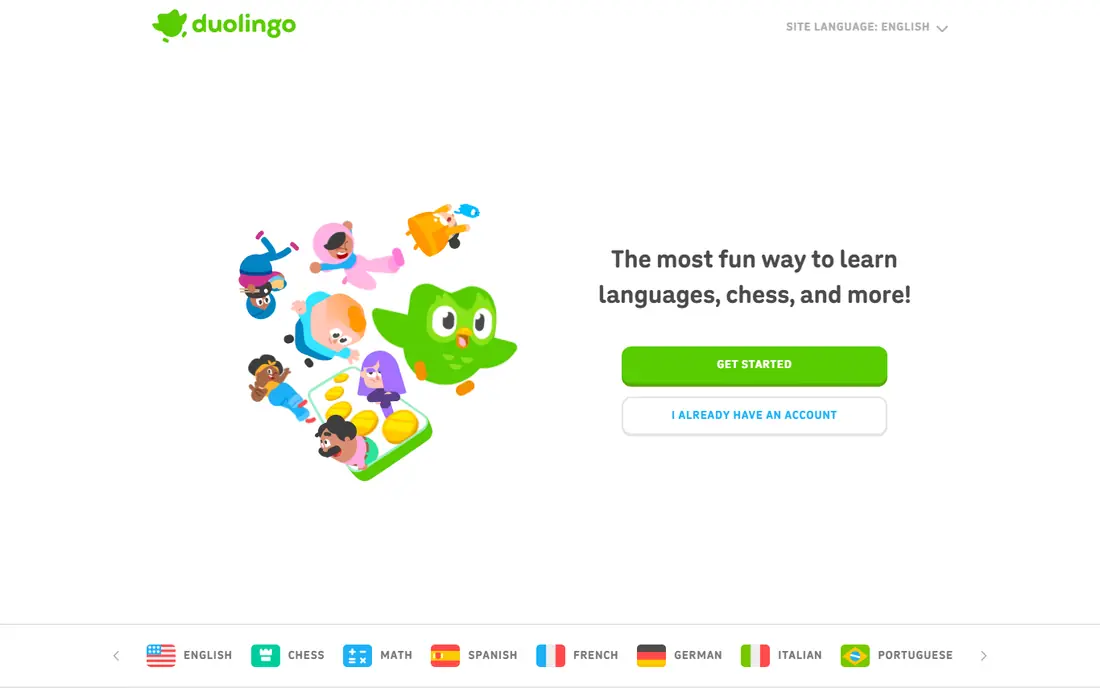
Duolingo works well if you want a low-pressure start. Lessons are short, they mix reading, listening, and speaking tasks, and they build up from single words to short sentences. We like it for people who have ten minutes a day and want a habit first, before they worry about perfect grammar. The free plan covers core lessons in many languages, which is why it stays at the top of most free lists.
The catch is depth. At higher levels, you may find yourself guessing at patterns rather than learning the rule behind them, and you will need reading or conversation practice elsewhere to move past basic phrases. Duolingo is also less useful if you already speak at an intermediate level and want focused work on writing or debate. Still, as a free starting point, it is hard to beat for consistency and range.
- Wide language choice
- Short lessons that fit a busy day
- Streaks and levels help many people stay consistent
- Grammar explanations can feel thin
- Free use includes ads and limits on some features
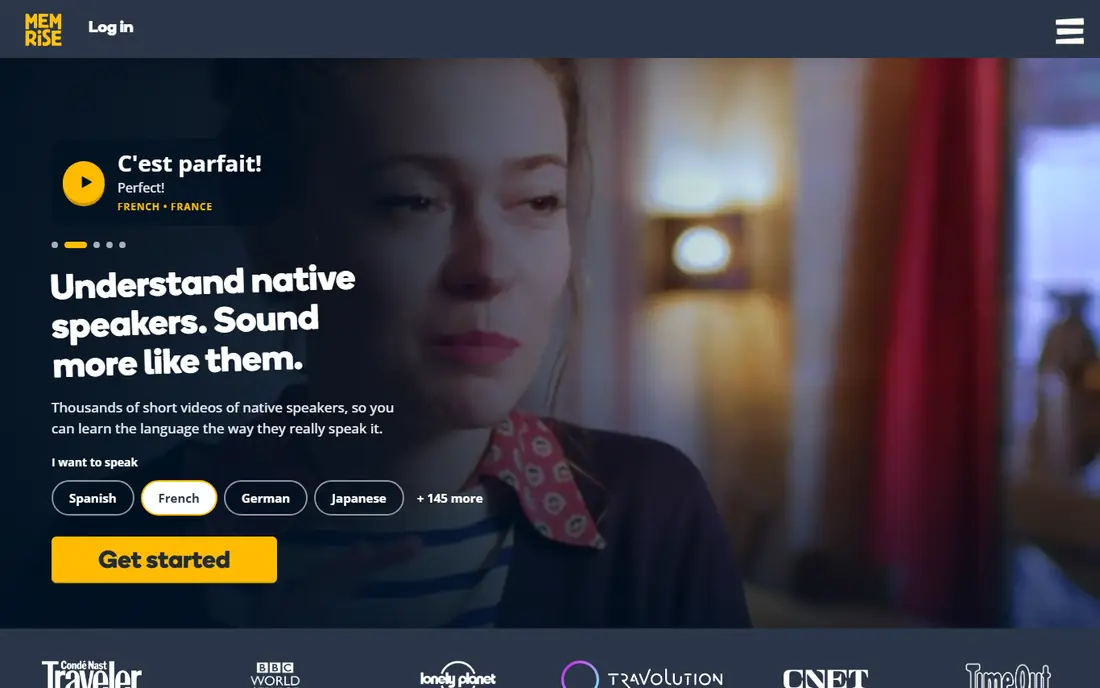
Memrise suits learners who remember words better when they hear them from real people. Short video clips show how phrases sound in normal speech, including speed, tone, and informal wording that textbook audio can miss. That makes it a strong pick for travel phrases, daily conversation, and listening practice.
We would pair Memrise with a grammar source if you want to build your own sentences rather than repeat set phrases. The free plan gives you a solid taste of the method, and you can tell quickly if video-based review works for your memory. If you like learning by hearing and repeating, Memrise earns a place in a daily routine.
- Clips of native speakers in real settings
- Spaced review helps words stick
- Useful for everyday phrases
- Grammar teaching is lighter than a full course
- Some features sit behind the paid plan
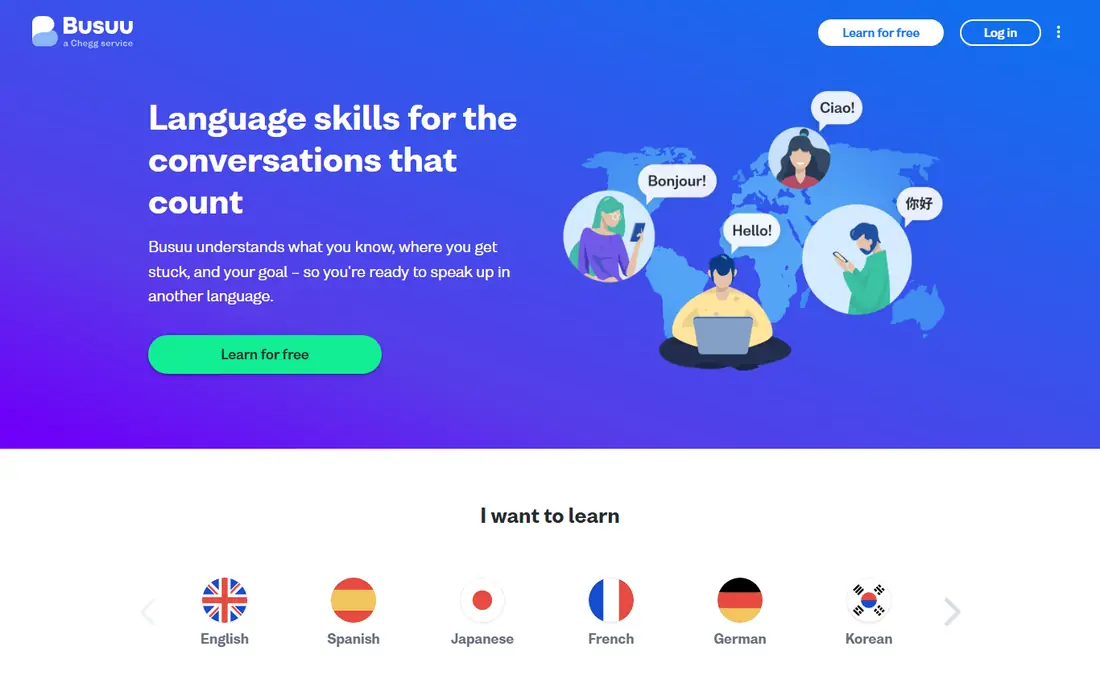
Busuu feels closer to a course than a game. Lessons follow a clear path, grammar points are explained in plain language, and exercises ask you to write or speak rather than only tap the right answer. The community correction feature is the part we rate most highly for free users, because feedback from a native speaker can catch mistakes that an automated check misses.
The limit to watch is course access. Free users do not get everything, so you may hit a wall in a language or level you enjoy. Even so, the free lessons plus corrections give you a fair test of the teaching style. Busuu fits learners who want order, explanations, and human feedback.
- Structured lessons from beginner to higher levels
- Native speakers can correct your writing and speaking
- Clear grammar notes
- Free plan covers only part of the full course
- Language choice is narrower than Duolingo
Mondly is a good fit if you like a fresh, short lesson each day and a clear record of progress. The daily lesson format keeps sessions short, and the app tracks words learned and days practised, which helps you see a run of work build up. Speech recognition gives you a chance to practise saying words aloud rather than only reading them.
The free version is best seen as a daily taster, not a full course. You get one main daily lesson free, with other content behind payment. That can still work well as a second app beside a main course, especially if you want variety or a language that other free apps cover less well. Try it for a week and see if the daily format keeps you coming back.
- Daily lessons, weekly quizzes, and monthly challenges
- Speech recognition for pronunciation practice
- Broad language list
- Free daily lesson is limited
- Deeper conversation practice needs other tools
HelloTalk changes the task from studying a language to using it. You connect with native speakers who are learning your language, and you help each other through messages, voice notes, and calls. Built-in tools let partners correct your sentences and translate words in place, which makes early chats less stressful than they might otherwise feel.
We think HelloTalk works best after you have some basics from a lesson app, even if that is only greetings, simple questions, and present-tense sentences. You will get more from chats if you arrive with a few topics ready and a clear idea of how much time you can give. Be patient with partner matching, set clear expectations early, and treat the first chats as practice, not tests.
- Large community of language partners
- Text, voice, and call options
- Built-in translation and correction tools
- Quality of partners varies
- You need to invest time in finding good matches and setting boundaries
Tandem is built around language exchange, where each person spends part of the time in each language. That structure helps both sides, and it suits learners who want regular, one-to-one practice rather than group posts. Matching by interests makes it easier to find someone you actually enjoy talking to, which matters more than most people expect for long-term practice.
The honest catch is setup time. You need a clear profile, a short intro about your goals, and a bit of patience while you test a few partners. Not every match will become a regular chat, and that is normal. When you find a steady partner, Tandem can do work that no lesson app can do on its own, because it forces you to listen, respond, and repair mistakes in real time.
- Profile matching by language, interests, and goals
- Text, audio, and video chat
- Tutor option if you want paid lessons later
- New accounts may wait for review
- Finding a steady partner takes effort
Clozemaster is best for the stage after beginner lessons, when you know basic words and want to grow your vocabulary fast. It shows you a sentence with one word missing, and you fill the gap from context. That method teaches you how words fit with other words, not just what they mean alone, and it covers a large set of sentences across many languages.
Beginners may find it tough at first, because sentences assume some reading skill. If you are past the first few weeks of study, though, Clozemaster is a useful daily drill. Use it in short bursts, focus on one language at a time, and keep a note of words that keep tripping you up so you can review them again later.
- Sentences show words in real use
- Good for intermediate learners who already know basics
- Game-style review keeps practice moving
- Not a good first app for complete beginners
- Grammar teaching is limited
LingQ suits learners who like to learn from stories, articles, and talks rather than only drills. You read or listen to content, tap unknown words to save them, and review them later in context. That approach builds reading skill and listening skill together, and it lets you choose topics you care about, which helps motivation over months rather than days.
The free plan has limits on saved words, so you will need to be selective or upgrade if you read a lot. We suggest starting with short, easy content and building up slowly. LingQ is a strong pick for intermediate learners and for anyone who finds drills dull but enjoys reading in a new language.
- Lessons built from real texts and audio
- Word tracking shows what you know and what is new
- Useful for reading and listening growth
- Free plan limits how many words you can save
- Interface takes a little time to learn
How we picked these
We started with apps that offer a real free plan, not only a short trial, and that cover a language you are likely to study. We checked each official site and app-store listing for free access, language range, and the main teaching method, and we left out tools that required payment before you could try a lesson. We then compared teaching style, limits on free use, and fit for beginners versus intermediate learners, so the list covers lessons, vocabulary, reading, and conversation rather than eight versions of the same drill.
We did not test every lesson in every language, and language coverage varies by app, so check your exact language before you commit to one tool. Prices and free limits can change, so confirm the current plan on the vendor site before you pay for an upgrade. Our aim was a short list you can actually start with today, not a catalogue of every app with a free tier.
What to check before you pick a free language app
Start with your goal, not the app store ranking. If you need travel phrases for a trip, a vocabulary app plus a phrase list will serve you better than a long grammar course. If you want to hold a conversation in six months, you need speaking practice from early on, even if it feels awkward at first. If you want to read books or news, pick a tool with real texts and audio.
Next, check three practical limits. First, does the free plan cover your language at your level, or does it stop after beginner lessons. Second, how much can you do each day without paying, and does that amount fit the time you actually have. Third, does the app work well on the device you use most, phone or computer, and does it work offline if you commute or travel. A good free app is one you will open daily, so a small, steady habit beats a large plan you abandon in week two.
Finally, plan for a second tool. Most learners do best with one lesson app for structure and one conversation or reading app for real use. That mix covers input and output, and it gives you a backup when one app feels stale. Revisit your mix every few weeks, drop what you no longer use, and keep the habit simple enough to maintain.
Frequently asked questions
What is the best free app to learn a language?
There is no single winner for every learner, because the best app depends on your goal and level. Duolingo suits beginners who want a daily habit, Busuu suits learners who want grammar and feedback, and HelloTalk suits learners ready to practise with native speakers. Start with one lesson app and one conversation app, use both free for two weeks, and keep the one that fits your routine.
Can you really learn a language with only free apps?
You can build a strong base with free apps, especially vocabulary, listening, and basic grammar, but most learners also need conversation and reading beyond drills. Free apps cover a lot of ground if you use them daily and add real practice, such as chats, videos, or books in the language. Think of free apps as the core of a routine, not the whole routine.
Is Duolingo really free?
Yes, Duolingo has a free plan that covers core lessons, with ads and some limits on extra features. Paid plans remove ads and add extras such as offline lessons and unlimited hearts in some versions, but you can learn without paying. Check the current free limits on the Duolingo site, since they can change by language and device.
Which free language app is best for speaking practice?
HelloTalk and Tandem are the strongest free choices for speaking, because they connect you with native speakers for voice and video chats. Lesson apps with speech recognition, such as Mondly and Duolingo, help with pronunciation drills, but they do not replace a live conversation. Start with short chats on simple topics and build up as your confidence grows.
How much time should I spend on a language app each day?
Fifteen to thirty minutes a day works well for most learners, split between lessons and review if you can manage it. Short, daily practice beats long, rare sessions, because review needs to happen before you forget new words. If you have more time, add reading or a short conversation rather than only doing more drills in one app.
Do free language apps work for less common languages?
Coverage varies a lot, so check your exact language in each app before you choose. Duolingo, Mondly, and LingQ cover many languages, but depth can be thin for less common ones, with fewer lessons or less audio. In that case, a conversation app plus books, videos, and a tutor directory may fill gaps that lesson apps leave.
Sources we checked (8)

Online Jobs is an independent blog about careers, online work, learning new skills and the tools that help people earn. More about us.
Keep reading
All posts
Best English Speaking Practice Apps
Best English speaking practice apps in 2026: AI tutors, live tutors, and free exchange apps compared for speaking time, feedback, and price. with prices checked

Best Apps to Learn Portuguese
Compare the best app to learn Portuguese in 2026, from free daily practice and structured courses to audio lessons, tutors, and Brazilian or European options.

9 Best Apps to Learn Italian for Travel, Study and Conversation
Compare the best apps to learn Italian, from Duolingo and Babbel to italki and Pimsleur, with free options, speaking practice and travel tips included.