Best Free Image to Video AI Tools in 2026: 8 Apps Compared

How we put this together: we compare official feature and pricing pages, app store listings, privacy policies and public user reviews. Prices change, so check the provider's site before you pay.
Key takeaways
- Kling AI offers the most renewing free footage for testing image-to-video, with daily credits on its free plan.
- Runway suits creators who want stronger camera and motion controls, but its free credits are a one-time allowance.
- Luma Dream Machine gives cinematic motion tests, while Pika suits fun effects and social clips.
- Hailuo AI handles faces and expressions well, and PixVerse suits fast social tests.
- Free exports usually carry a watermark and block commercial use, so check the licence before publishing client work.
Quick comparison
| Name | Who it suits | Starting price | Free option | |
|---|---|---|---|---|
 Kling AI Kling AI | Most free footage per month | Free | Yes | Visit |
 Runway Runway | Pro motion and camera control | Free | Yes | Visit |
 Luma Dream Machine Luma Dream Machine | Cinematic motion tests | Free | Yes | Visit |
 Pika Pika | Fun effects and social clips | Free | Yes | Visit |
 Hailuo AI Hailuo AI | Faces and expressions | Free | Yes | Visit |
 PixVerse PixVerse | Fast social tests | Free | Yes | Visit |
 Google Veo Google Veo | Realistic clips with audio | Free | Yes | Visit |
 CapCut Dreamina CapCut Dreamina | Everyday photo animation | Free | Yes | Visit |
The best free image to video ai tools
Free image-to-video tools turn a still photo into a short moving clip, usually five to ten seconds long. We compared tools on free credit allowances, watermark rules, resolution, motion quality, commercial rights and ease of use. Free plans change often, so treat credit counts as a guide and confirm the current pricing page before you start a project.
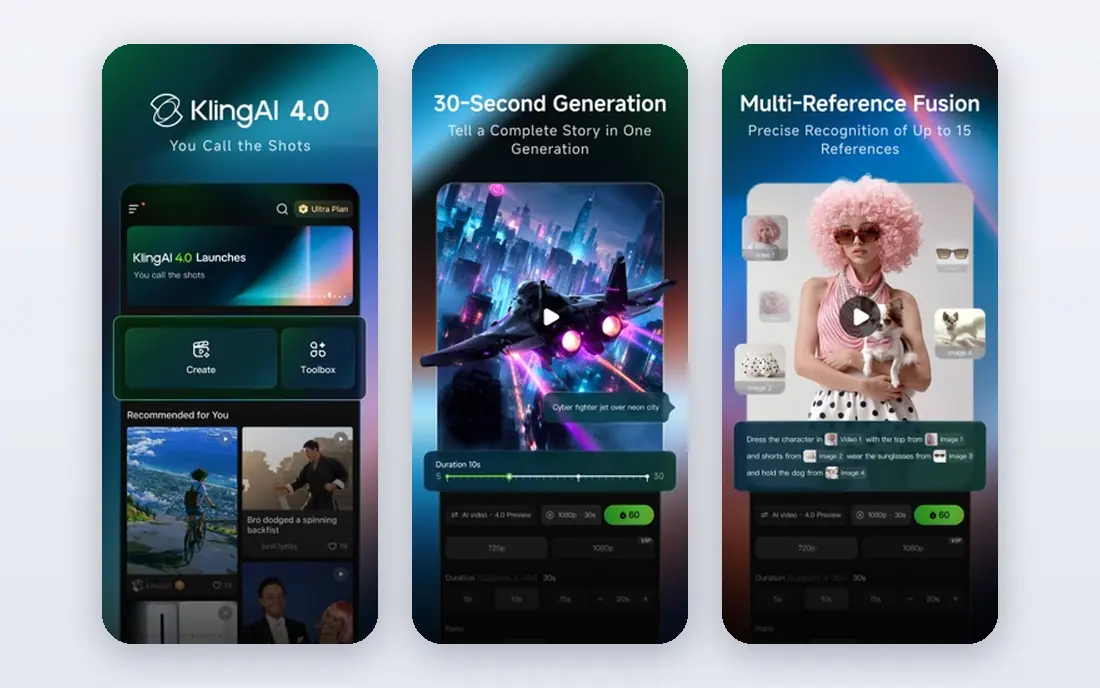
Kling AI is our top free pick because its free credits renew daily, which gives you steady testing over a month rather than a single trial. Motion for people, camera moves and everyday scenes looks natural for short clips, and image-to-video mode keeps the look of your starting photo better than many rivals. That makes it useful for storyboards, social tests and product previews. Free clips carry a watermark and are for personal use in most cases, so client work needs a paid plan. Queues can also slow down at busy times. If you want the most free practice and you can accept a watermark, start with Kling AI.
- Daily free credits that renew
- Strong human motion
- Image-to-video and text-to-video modes
- Free exports carry a watermark
- Commercial use is limited on the free plan
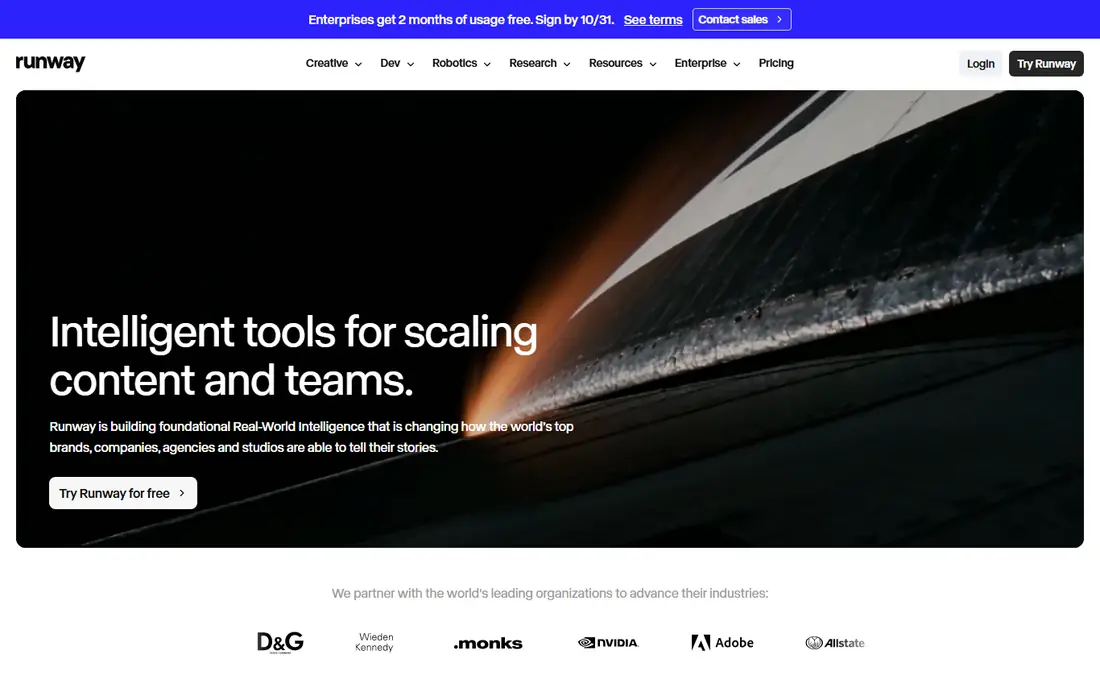
Runway appeals to creators who want more control than a simple animate button. Camera moves, motion strength and prompt guidance give you ways to shape a clip, and the wider Runway editor helps you trim and combine results. For a portfolio piece or a short ad test, that control matters more than a large free allowance. The free plan is the catch. Credits are given once and do not renew in the same way as daily plans, so free use ends quickly if you test many ideas. Paid plans remove the watermark and add higher quality. Use Runway free credits for a few careful tests, then decide if the control is worth paying for.
- Strong camera controls
- Clean editing workflow
- High-quality motion on paid models
- Free credits are one-time only
- Free exports carry a watermark

Luma Dream Machine is known for fluid, film-like motion, especially for scenery, animals and gentle camera moves. Uploading a photo and adding a short motion description is quick, and results often keep the scene coherent across the clip. That makes it a good test tool for creators who want a cinematic feel without learning a complex editor. Free generations per month are limited, so you cannot iterate endlessly without paying. Watermarks also apply on free exports. If you want a few polished test clips for a mood board or social post, Luma is a strong choice, but it is not the best free plan for daily volume.
- Natural, fluid motion
- Simple prompt and image upload
- Good for scenic clips
- Free monthly generations are limited
- Free exports carry a watermark
Pika suits playful clips, effects and social content rather than strict realism. You can transform a photo with stylised motion, add fun effects, and share a short result quickly. The interface stays simple, which helps beginners who want a result in minutes rather than a long prompt engineering session. Free credit terms have changed over time, so check the current pricing page before you plan a project around Pika. Free use also limits commercial rights and resolution in many cases. For fun, personal and social tests, Pika is enjoyable, but for client work you should confirm the paid terms first.
- Creative effects and transformations
- Easy social sharing
- Simple interface
- Free credit allowance has changed over time
- Commercial use is limited on free plans
Hailuo AI, from MiniMax, stands out for portraits and faces. Expressions, head movement and small gestures look more lifelike than on many general tools, which helps for avatar tests, character clips and social portraits. Daily free credits give you a few clips per day, enough to test an idea without paying. Free exports carry a watermark and stay at lower resolution, and commercial use needs a paid plan. Motion can still warp hands or complex scenes, as with all image-to-video tools. If your project centres on a person in a photo, Hailuo deserves a test alongside Kling AI.
- Daily free credits
- Good facial motion
- Lifelike movement for portraits
- Free exports carry a watermark
- Free resolution is limited
PixVerse is a fast, mobile-friendly option for social creators who want many quick tests. Daily credits let you try different motions for the same photo, and effects for anime, memes and trends are a strength. Generation is usually quick, which helps when you are testing hooks for short-form video. Quality varies more than on Kling or Luma, so some clips will need several tries. Free exports carry a watermark, and commercial use is limited. Use PixVerse for fast ideas and social drafts, then move a winning idea to a higher-quality tool if you need a polished final clip.
- Daily free credits
- Fast generation
- Good for anime and social effects
- Free exports carry a watermark
- Quality varies by prompt and image
Google Veo, available through Gemini and Google AI tools, produces realistic clips with native audio on supported models, which sets it apart from silent clip generators. Scenes with dialogue, ambient sound or camera movement can feel more complete, and prompt understanding is strong for complex descriptions. That makes Veo useful for short cinematic tests and story ideas. Free access is limited and often tied to a Google AI plan or trial, rather than a generous ongoing free tier. Availability also varies by region. Check what your current Google plan already includes before paying for a separate tool, because Veo may already be available to you.
- Realistic motion
- Native audio on supported models
- Strong prompt understanding
- Free access is limited and often bundled
- Availability varies by region and plan
CapCut Dreamina, inside the CapCut ecosystem, is the most practical pick for everyday creators who also need editing. You can animate a photo, then trim, caption and export it for social platforms without switching apps. Daily credits on some free plans are generous compared with other tools, which helps for regular posting. Watermark and commercial terms depend on the exact plan and export route, so read them before client use. Motion quality is good for social clips but less cinematic than Luma or Veo for complex scenes. If you already edit in CapCut, Dreamina saves time and keeps the workflow in one place.
- Large daily credit allowance on some plans
- Built-in editing and captions
- Easy social export
- Free exports may carry a watermark
- Commercial terms need checking
How we picked these
We reviewed official pricing pages, product pages, app listings and public reviews for each tool. We checked whether image-to-video is truly offered on a free plan, how credits renew, whether free exports carry a watermark, and whether commercial use is allowed. We kept only tools with a current free route to image-to-video and a working official site. Credit counts change often, so we marked prices as Free where a free plan exists and advised checking the vendor page for current limits.
How to get good results from free image-to-video tools
Start with a clear, high-quality photo. A sharp image with a simple background animates better than a cluttered or blurry one, and faces need good lighting to avoid warping. Write a short motion prompt that describes one main movement, such as a slow camera pan or a person turning their head, rather than listing many actions at once.
Plan for watermarks and licences
Assume free clips carry a watermark and block commercial use unless the vendor page says otherwise. For client work, portfolio pieces or ads, budget for a paid plan or use a tool whose paid terms clearly allow commercial use. Keep your source photos safe, and do not upload photos of other people without permission, since some tools may store uploads under their terms.
Test, then commit to one tool
Use free credits to test the same photo across two or three tools, then pick the one whose motion style fits your project. Kling AI suits volume testing, Luma suits cinematic tests, and CapCut suits social editing. Once you find a fit, learn its prompt style and limits instead of spreading credits thinly across many tools.
Frequently asked questions
What is the best free image to video AI tool?
Kling AI is the best free pick for most people, thanks to daily renewing credits and strong motion. Runway suits creators who want more camera control, while Luma suits cinematic tests. The best tool depends on whether you need volume, control or a polished single clip.
Are free AI video tools really free?
Yes, for personal tests with limits, but free plans usually add a watermark, limit resolution and block commercial use. Some free credits renew daily, while others are one-time only. Read the pricing page for credit renewal, watermark rules and commercial rights before you publish.
Can I use free AI video clips for commercial work?
Usually not on a free plan. Most vendors reserve commercial use for paid plans, even when free generation is allowed. Check the licence for the exact tool and plan you use, and upgrade if you plan to use clips for ads, client work or monetised content.
How long are clips from free image-to-video tools?
Most free clips run for about five to ten seconds, depending on the tool and model. Some tools allow extensions on paid plans, while free plans may limit length and resolution. Short clips work best for social posts, storyboards and product previews.
Why do faces warp in AI video?
AI video models predict motion frame by frame, and hands, faces and complex movements are hard to keep consistent. Clear lighting, simple motion prompts and a sharp source photo reduce warping. If a face matters, test Hailuo AI or Veo, and try several generations before you settle on one clip.
Do I need a powerful computer for these tools?
No, most tools in this list run in the browser or on a phone, so the vendor servers do the heavy work. You need a stable internet connection and a clear source photo. Self-hosted open models are the exception, since they need a strong graphics card and setup time.
Sources we checked (8)

Online Jobs is an independent blog about careers, online work, learning new skills and the tools that help people earn. More about us.
Keep reading
All posts
Best Writing Software
Looking for the best writing software in 2026? We compared 9 writing apps for books, articles and screenplays on price, features and fit. All verified.

Best Weather Apps
Searching for the best weather app? We compared eight top weather apps for accurate forecasts, radar, severe alerts, and daily planning near you today.

Best Video Editing Software
We compared the best video editing software for beginners and pros, checking official pricing, free plans and honest limits before ranking all nine editors.