Best Free Help Desk Software in 2026: 8 Tools Compared

How we put this together: we compare official feature and pricing pages, app store listings, privacy policies and public user reviews. Prices change, so check the provider's site before you pay.
Key takeaways
- Zoho Desk offers the best classic free hosted desk, with a free plan for up to 3 agents.
- Tawk.to is the most generous free hosted option overall, with unlimited agents for live chat and ticketing.
- HubSpot Service Hub suits teams already using HubSpot CRM, with free ticketing tied to customer records.
- Open source tools cost nothing in licence fees, but they need a server and someone to maintain it.
Quick comparison
| Name | Who it suits | Starting price | Free option | |
|---|---|---|---|---|
 Zoho Desk | Small hosted desk | Free | Yes | Visit |
 HubSpot Service Hub | Free desk inside HubSpot CRM | Free | Yes | Visit |
 Tawk.to | Unlimited free chat and tickets | Free | Yes | Visit |
 Spiceworks | Internal IT help desk | Free | Yes | Visit |
 Jira Service Management | IT teams on Atlassian | Free | Yes | Visit |
 osTicket | Classic open source tickets | Free | Yes | Visit |
 Zammad | Modern open source desk | Free | Yes | Visit |
 FreeScout | Lightweight shared inbox | Free | Yes | Visit |
The best free help desk software
We compared official pricing pages, feature pages and public comparisons for the tools below. A free plan is not the same as a free trial, so we marked that distinction clearly. A free plan can be used without a time limit, subject to agent or feature limits, while a trial ends after a set period even if the product is otherwise strong.
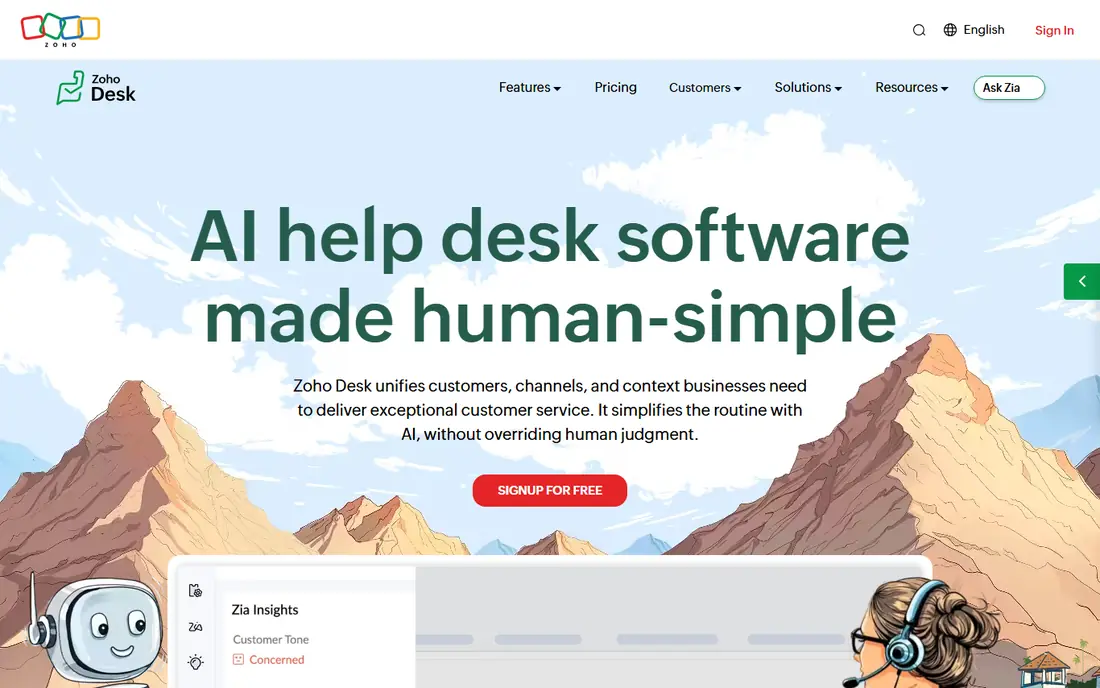
Zoho Desk is our first pick for a small team that wants a real hosted help desk at no cost. The free plan covers up to 3 agents, with email ticketing, a customer portal and a help centre, so a tiny support team can start properly without self-hosting. Paid plans then add automation, SLAs and deeper reporting as the team grows.
The free plan is intentionally basic. Multi-level SLAs, advanced workflows and some integrations sit on paid tiers, so a team with strict response targets should test those limits early. For a small business with simple tickets and a tight budget, Zoho Desk is hard to beat as a starting point.
- Free forever for up to 3 agents
- Email ticketing and help centre
- Grows into the wider Zoho suite
- Advanced automation and SLAs need paid plans
- Support options are limited on free plan
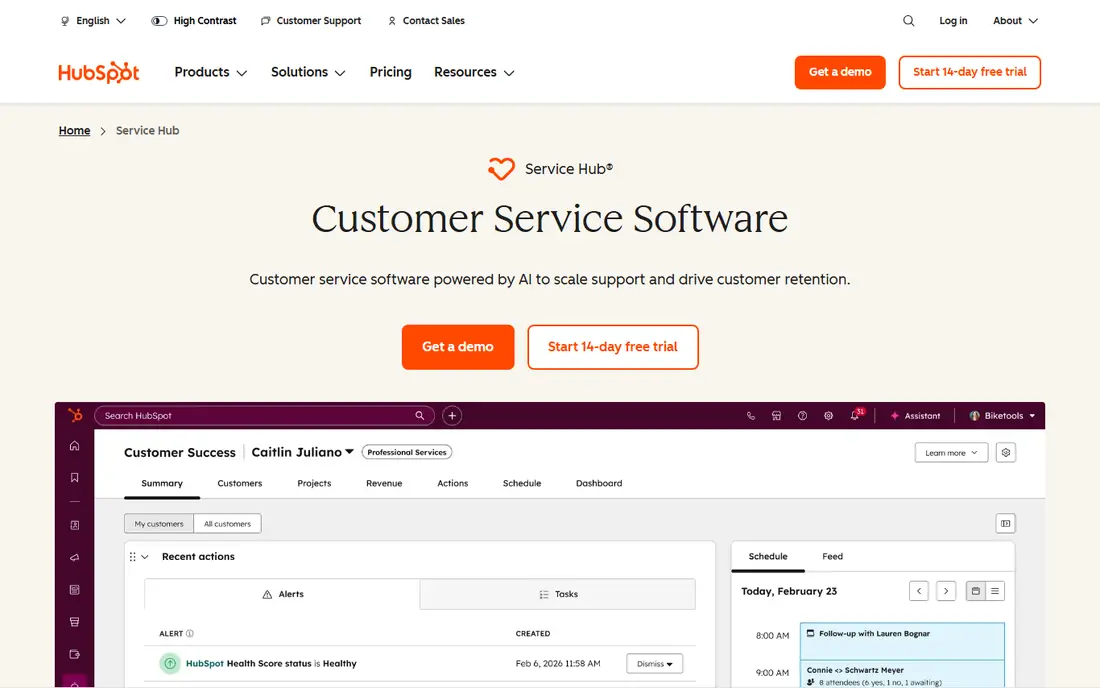
HubSpot Service Hub suits a team that already lives in HubSpot CRM. Free ticketing, live chat and forms connect to contact and company records, so an agent can see past purchases, conversations and notes beside a new ticket. That context helps a small team give personal replies without switching tools.
Free limits matter. The free tools cover a small number of users, and a full knowledge base and advanced automation need paid plans. If your team is already on HubSpot, those limits are a fair trade. If you only need a desk and nothing else, Zoho Desk or Tawk.to may be simpler.
- Tickets tied to full customer records
- Free live chat and forms
- Easy start for HubSpot users
- Free plan limits users and knowledge base features
- Paid tiers rise quickly for larger teams
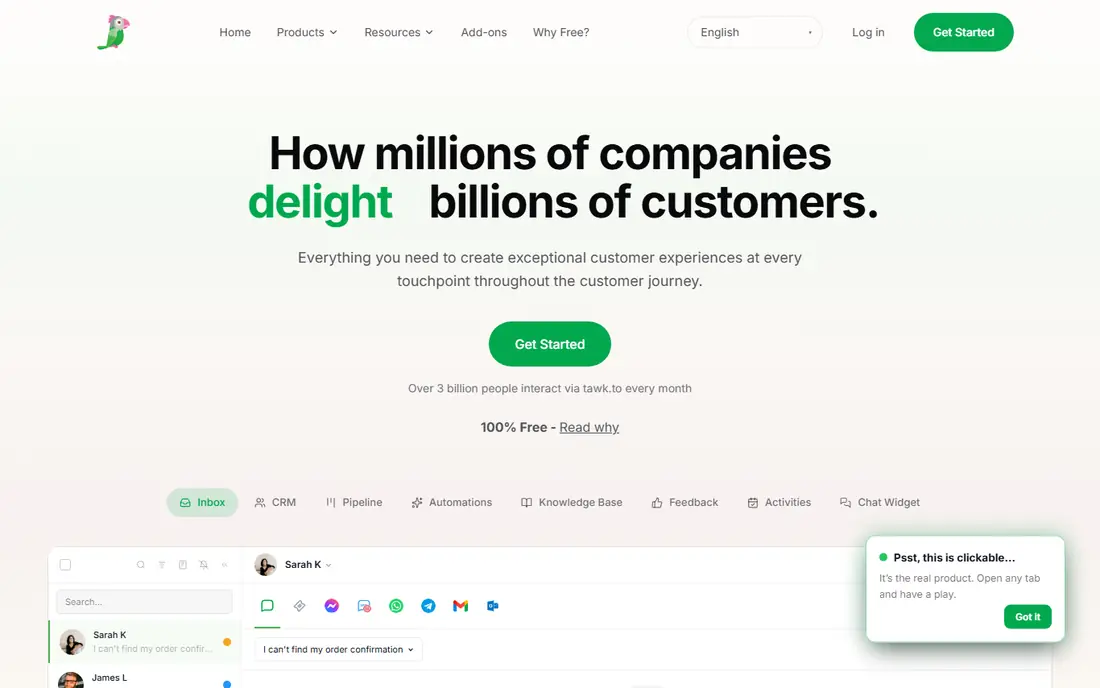
Tawk.to is the most generous free hosted option in this list. Unlimited agents, unlimited sites, live chat, ticketing and a knowledge base are all included at no licence cost, which makes it a strong pick for a small business, a charity or a startup with many part-time helpers. Setup is quick, and a chat widget can be live on a website the same day.
The main paid extra is branding removal, plus optional hired agents and add-ons. Some teams will also miss the polished reporting and automation of a paid desk. For a team that needs many agents at zero licence cost, Tawk.to is the clear value pick, with those trade-offs in mind.
- Unlimited agents and sites on free plan
- Live chat plus ticketing and knowledge base
- No licence cost
- Branding removal is paid
- Interface feels less polished than paid rivals in places
Spiceworks suits an internal IT team with no budget for a desk. It is free and hosted, with ticketing and a portal for staff requests, and it pairs with inventory tools that help an IT team track devices. For a school, a small office or a nonprofit IT team, that combination is practical.
Ads are the visible cost, and the internal-IT design is the hidden one. Spiceworks is not ideal for customer-facing support, where branding, SLAs and polished portals matter more. Use it for staff IT tickets, and choose a customer desk like Zoho Desk or HubSpot when customers are the audience.
- Free for internal IT teams
- Ticketing and portal
- Inventory tools on related products
- Ad-supported
- Designed for internal IT, not customer-facing support
- Dated feel in places
Jira Service Management is the right free pick for an IT team already using Jira. The free plan covers up to 3 agents, with request portals, SLAs, incident and change workflows, and links to development work. That ITSM depth helps when a ticket is really a bug, an outage or a change request.
Setup takes more thought than a simple shared inbox. Workflows, request types and permissions need planning, and a non-technical team may find the learning curve steep. For a technical team that already thinks in Jira issues, the free plan is a strong, scalable starting point.
- Free for up to 3 agents
- ITSM workflows, SLAs and portals
- Deep Jira integration
- Setup is heavier than a simple desk
- Paid pricing rises with agents and features
osTicket is a long-running open source ticket system that suits teams comfortable running their own server. Tickets arrive by email or web form, departments and custom fields keep work organised, and there is no per-agent licence cost. That control appeals to teams that want full data ownership.
The cost is time, not licence fees. You need hosting, updates, backups and security patches, and the interface feels dated next to modern hosted desks. osTicket fits a technical team with server skills and a stable ticket volume, not a non-technical owner who wants a desk live today with no maintenance.
- Open source and free to use
- Email and web form tickets
- Custom fields and departments
- Self-hosting and maintenance needed
- Interface feels dated
- No hosted free plan
Zammad is the modern open source alternative to osTicket. The interface feels current, channels cover email, chat, social and phone, and the community edition is free to run on your own server. That makes it a good middle ground between a dated open source tool and a paid hosted desk.
Self-hosting is still required for the free edition, so budget server time and updates. Hosted Zammad and enterprise features are paid, which can blur the “free” label if a team wants a managed service. For a technical team that wants a modern desk with full control, Zammad is the best open source pick here.
- Modern interface for an open source desk
- Email, chat, social and phone channels
- Community edition free
- Self-hosting needed for community edition
- Hosted and enterprise features are paid
FreeScout suits a tiny team that mainly needs a shared inbox, not a full ITSM system. Agents can share mailboxes, avoid replying to the same ticket twice, and add modules for workflows, reports or integrations as needs grow. The system is light, which helps on modest hosting.
The core is simpler than Zoho Desk or Jira Service Management, so teams that need SLAs, asset tracking or deep automation may outgrow it. Modules can also add cost, so price the modules you need before calling FreeScout free in practice. For email-first support, it is a clean, low-cost start.
- Lightweight and fast
- Shared inbox with collision detection
- Modules add features as needed
- Self-hosted for free use
- Core is simpler than a full help desk
- Modules can add cost
How we picked these
We compared official pricing and feature pages and public comparisons that checked free plans in 2026. We favoured tools with a genuine free plan or a free open source edition, not only a trial, and we included hosted and self-hosted options so different team types can compare fairly. We did not claim hands-on testing, and we did not invent agent limits or prices. Where a vendor changed a free plan recently, we described the current position in general terms and pointed readers to the pricing page.
What to check before you choose
Start with the free limit that will hit you first. Is it agents, tickets, history, channels or features? A free plan for 3 agents is useless for a team of 8, and a free plan with no knowledge base is a poor fit for a product with repeat questions. Map your team size, ticket volume and channels before you shortlist.
Then check the upgrade path. A free desk that grows into an expensive paid ladder can cost more than a modest paid desk chosen early. Check paid prices, SLA features, automation, reporting and data export, so you can leave if needed. Finally, test with real tickets: email threading, spam handling, mobile replies and customer portal clarity matter more in daily use than a long feature list.
Frequently asked questions
What is the best ticketing service that is free?
Zoho Desk is our best free ticketing pick for a small hosted team, with a free plan for up to 3 agents. Tawk.to is more generous on agents, while HubSpot Service Hub is best when tickets should sit beside CRM records.
What is the best free IT help desk software?
Spiceworks suits internal IT teams with no budget, while Jira Service Management suits IT teams already on Atlassian, with a free plan for up to 3 agents and ITSM workflows. Zammad and osTicket suit technical teams that prefer open source control.
Is there best help desk software free for unlimited agents?
Tawk.to offers unlimited agents on its free hosted plan for live chat and ticketing, with paid branding removal. Open source tools like osTicket, Zammad and FreeScout also have no per-agent licence cost, but they need self-hosting.
What happens when a free help desk plan runs out?
A free plan usually limits agents, features or history rather than ending after a set time, while a free trial ends and requires payment to continue. Check whether your tool offers a free plan, a trial, or both, before you build workflows around it.
Should a small team self-host a free help desk?
Self-hosting suits a technical team that wants full data control and has time for updates, backups and security. Most small non-technical teams will do better with a hosted free plan like Zoho Desk, HubSpot Service Hub or Tawk.to.
Sources we checked (8)

Online Jobs is an independent blog about careers, online work, learning new skills and the tools that help people earn. More about us.
Keep reading
All posts
n8n Alternatives
n8n alternatives compared for 2026, with Zapier, Make, Activepieces, and more, covering visual builders, code steps, self-hosting, and pricing models.

ZoomInfo Alternatives
The best ZoomInfo alternatives in 2026, compared on price, free plans, data coverage, and which tool fits small teams or large sales teams best in detail.

Workday Alternatives
We compared the best workday alternatives for HR, payroll, and global hiring, from BambooHR and Gusto to Rippling, Deel, and HiBob for growing teams in 2026.