Best Free Editing Software in 2026: 8 Apps Compared

How we put this together: we compare official feature and pricing pages, app store listings, privacy policies and public user reviews. Prices change, so check the provider's site before you pay.
Key takeaways
- DaVinci Resolve is the most capable free video editor, with professional colour, audio and effects tools and no watermark.
- CapCut is the fastest route from phone footage to a captioned social clip, on mobile and desktop.
- Shotcut and Kdenlive are fully free and open source, with no accounts, watermarks or upsell screens.
- Clipchamp and iMovie suit beginners on Windows and Mac, while OpenShot suits first-time desktop editors.
- Free does not always mean limited, but check 4K support, export limits and whether premium stock or effects need payment.
Quick comparison
| Name | Who it suits | Starting price | Free option | |
|---|---|---|---|---|
 DaVinci Resolve DaVinci Resolve | Serious editing and colour | Free | Yes | Visit |
 CapCut CapCut | Fast social video | Free | Yes | Visit |
 Shotcut Shotcut | No-account desktop editing | Free | Yes | Visit |
 Kdenlive Kdenlive | Open-source pro timeline | Free | Yes | Visit |
 OpenShot OpenShot | Easiest open-source start | Free | Yes | Visit |
 Clipchamp Clipchamp | Simple Windows editing | Free | Yes | Visit |
 iMovie iMovie | Simple Mac and iPhone editing | Free | Yes | Visit |
 VN Video Editor VN Video Editor | Mobile multi-layer editing | Free | Yes | Visit |
The best free editing software
This guide covers free video editing software for desktop and mobile, since most searches for free editing software mean video. We compared free editors on export quality, watermark rules, 4K support, learning curve, platform coverage and stability. Every tool below offers a genuinely usable free tier, not only a short trial.
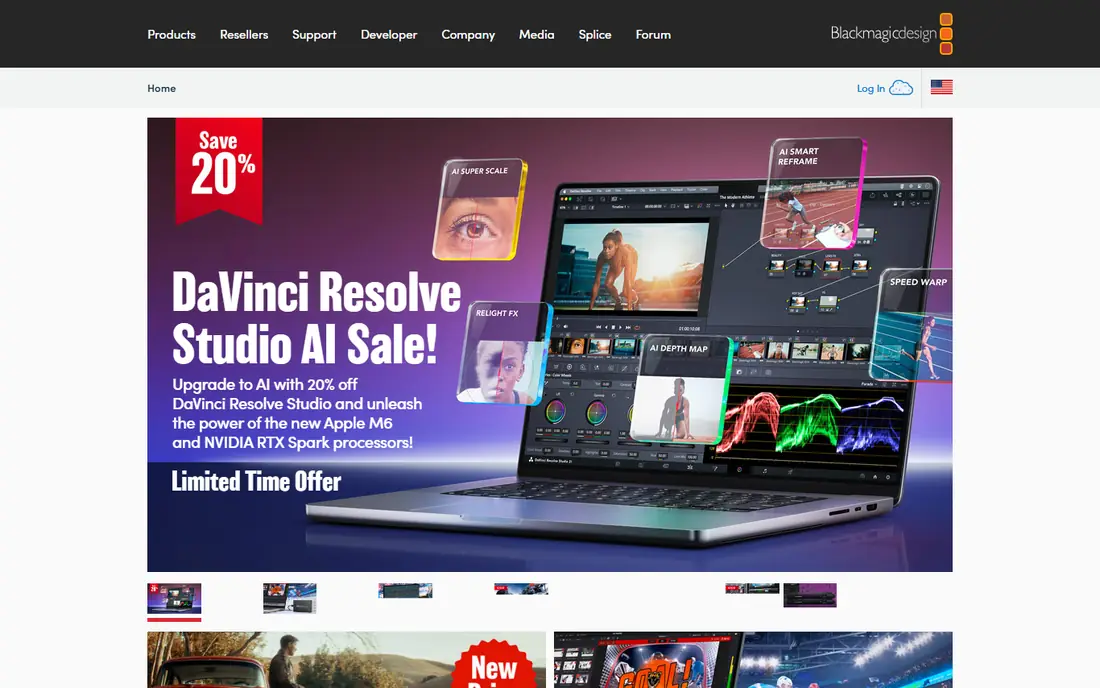
DaVinci Resolve is the clear leader for free video editing. The free version includes a full timeline editor, colour grading tools used in professional work, audio mixing and effects, with no watermark and no export time limit. For YouTube videos, short films and client work on a budget, it covers jobs that used to need paid software. The cost is hardware and learning time. Resolve benefits from a discrete graphics card and plenty of memory, especially for effects and noise reduction. Beginners should expect a few tutorials before the workflow feels natural. If you are serious about video and have a capable computer, start here.
- Professional editing, colour and audio in one app
- No watermark
- 4K exports on the free version
- Needs a strong computer
- Steep learning curve for beginners
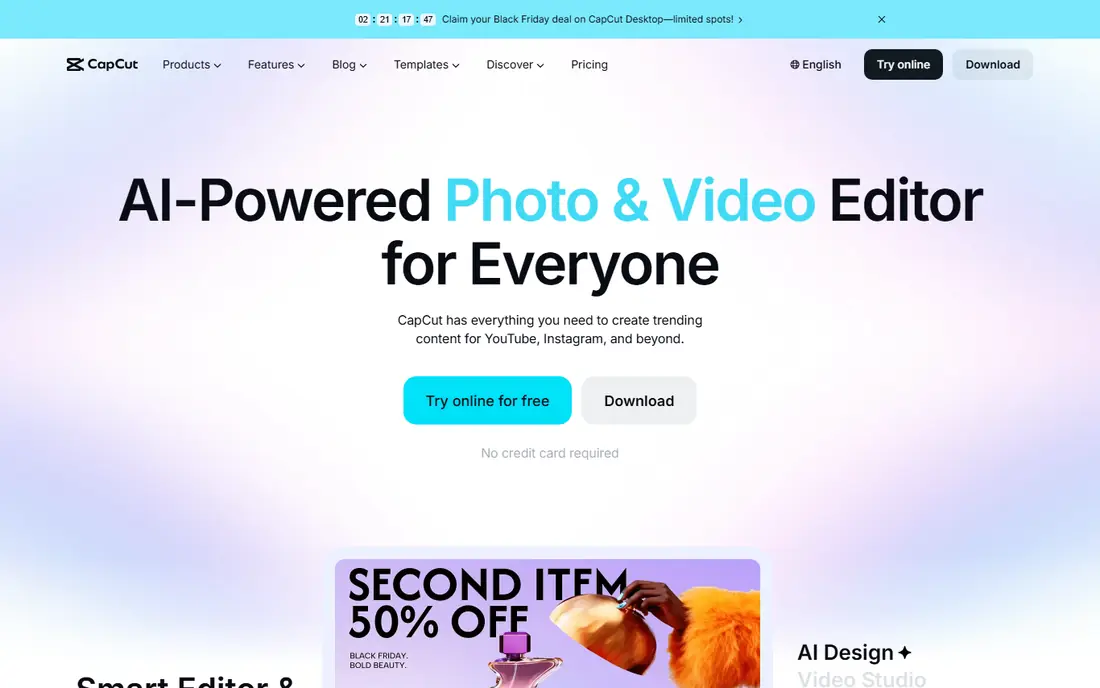
CapCut is the fastest way to turn phone footage into a finished short video. Auto-captions, templates, transitions and text-to-speech are built in, and the desktop app has grown into a capable editor for longer videos too. For TikTok, Reels and Shorts, the workflow from import to export is hard to beat for speed. Some premium effects, templates and cloud features need CapCut Pro, and AI tools have monthly limits on free plans. Check which features you use most before you rely on them for daily posting. If speed and social formats matter most, CapCut is our pick for mobile and social editing.
- Auto-captions and templates
- Mobile and desktop apps
- Fast social exports
- Some effects and templates need Pro
- AI features have monthly limits
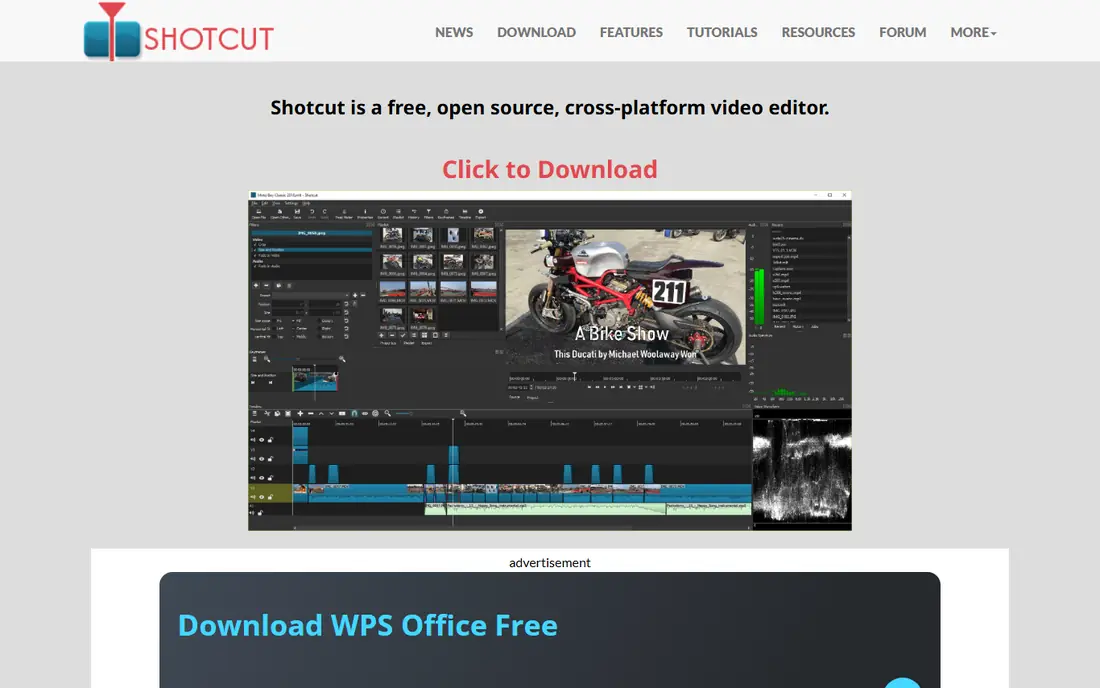
Shotcut is a free, open-source editor that works on all major desktop systems without an account. It supports 4K editing, a wide range of formats, filters and multi-track timelines, and it exports without a watermark. That makes it a dependable choice for creators who want a free tool with no upsell pressure. The interface is functional rather than polished, and it lacks the templates and guided workflows of CapCut or Clipchamp. Learning takes a little patience, but help guides and community forums cover common tasks. If you want a free desktop editor you can keep forever, Shotcut is a solid choice.
- Free and open source
- Works on Windows, Mac and Linux
- 4K support
- Interface is plainer than commercial editors
- Fewer templates
Kdenlive is another open-source editor, with a multi-track timeline that feels closer to professional software than Shotcut. Proxy editing helps 4K footage run smoothly on modest computers, and effects, transitions and audio tools cover most YouTube and documentary work. It runs on Windows, Mac and Linux. Beginners may find the layout busy at first, with many panels and settings. Some effects also need manual tuning to look polished. If you want open-source power with a pro-style timeline and you are willing to learn, Kdenlive rewards the effort.
- Multi-track timeline
- Proxy editing for smooth 4K
- Free and open source
- Interface can overwhelm beginners
- Some effects need manual setup
OpenShot is the gentlest open-source editor for first-time users. The timeline is simple, clips drag into place easily, and basic titles, transitions and effects are quick to add. For school projects, family videos and simple YouTube edits, it covers the essentials without a steep learning curve. Advanced colour grading, audio mixing and effects are more limited than DaVinci Resolve or Kdenlive, and large projects can feel slower. That trade-off is fair for beginners. If you want the easiest free desktop editor to learn, OpenShot is a good first step before moving to a more powerful tool.
- Gentle learning curve
- Free and open source
- Simple drag-and-drop timeline
- Fewer advanced colour and audio tools
- Performance can lag on large projects
Clipchamp is built into Windows 11 and also works in a browser, which makes it the simplest start for Windows users. Templates, text tools, stock media and screen recording cover business videos, tutorials and social clips without installing new software. The interface guides you through trimming, captions and exports step by step. Free exports are HD on many plans, not 4K, and some premium stock and filters need payment or a Microsoft 365 plan. For most social and work videos, HD is enough. If you want the easiest Windows editor with no download fuss, Clipchamp is a practical choice.
- Built into Windows 11
- Templates and stock media
- Screen recording included
- Free exports are limited to HD on some plans
- Premium stock needs payment
iMovie comes free with Mac and iPhone, and it remains the easiest polished editor for Apple users. Trailers, themes, titles and transitions help a first video look finished quickly, and projects move between iPhone, iPad and Mac. For family videos, school work and simple YouTube videos, it is hard to beat for simplicity. It is limited to Apple devices, and advanced colour, audio and effects tools are thinner than DaVinci Resolve. Creators who outgrow iMovie often move to Final Cut Pro or Resolve. If you use Apple devices and want a free editor that just works, iMovie is the obvious start.
- Free on Mac and iPhone
- Polished templates
- Easy sharing to Apple devices
- Mac and iOS only
- Fewer advanced tools than professional editors
VN Video Editor brings a proper multi-layer timeline to phones, which sets it apart from simpler mobile editors. You can layer video, text, music and effects with keyframes, and exports on many free plans carry no watermark. That makes it a strong pick for creators who edit mainly on a phone but want more control than a template app. Desktop support is smaller than CapCut or Resolve, and some advanced features sit behind payment. For mobile-first creators, though, VN offers a rare mix of control and free exports. If your phone is your main editing device, try VN before paying for a mobile editor.
- Multi-layer timeline on phones
- No watermark on many exports
- No account needed for basic use
- Smaller desktop presence
- Some advanced features need payment
How we picked these
We reviewed official product pages, pricing pages, app listings and public reviews for each editor. We checked free export limits, watermark rules, 4K support, platform coverage and whether the free tier is ongoing or only a trial. We kept only editors with a current free tier and active maintenance, and we excluded discontinued tools. Prices are listed as Free where the vendor offers a free editor, and we noted where a paid upgrade adds features.
How to choose a free video editor
Start with your device and your video type. A strong desktop computer suits DaVinci Resolve, while a phone suits CapCut or VN. A Windows user who wants simplicity suits Clipchamp, while a Mac user suits iMovie. An open-source fan who wants no account suits Shotcut or Kdenlive. Matching device and purpose avoids a tool that fights your workflow.
Check exports before you invest time
Confirm the free export resolution, watermark rules and format options before you edit a long project. A tool that caps free exports at 720p will disappoint if you need 4K, while a tool with a watermark will ruin a client delivery. Also check whether captions, stock media and effects you plan to use are free or paid, since those limits often appear only at export time.
Plan for learning time
Professional editors repay learning time with better colour, audio and effects, but they slow your first few videos. Template editors get a video out fast, but they limit creative control later. If you post daily social clips, speed matters most. If you make longer YouTube videos or client work, invest time in Resolve or Kdenlive and keep a simple editor for quick jobs.
Frequently asked questions
What is the best free editing software overall?
DaVinci Resolve is the best free editor overall, thanks to professional tools, 4K exports and no watermark. CapCut is best for fast social video, while Shotcut and Kdenlive are best for free open-source desktop editing. The overall winner depends on your device and video type.
What is the best free video editing app for mobile?
CapCut suits most mobile creators for speed and captions, while VN Video Editor suits creators who want a multi-layer timeline on a phone. Adobe Premiere mobile also offers free 4K exports on some plans. Try both with a real project to see which timeline feels natural.
Is there a free video editor with no watermark?
Yes, DaVinci Resolve, Shotcut, Kdenlive, OpenShot, iMovie and VN Video Editor export without watermarks on their free tiers in most cases. CapCut and Clipchamp also export without watermarks on standard free exports, though premium features may differ. Always test an export before a client delivery.
Can free editors handle 4K video?
Yes, DaVinci Resolve, Shotcut and Kdenlive support 4K editing and export for free, though you need a capable computer for smooth playback. Clipchamp free exports are HD on many plans, and mobile editors vary by device. Use proxy files if 4K feels slow on your computer.
What is the best free editing software for beginners?
CapCut and Clipchamp are easiest for beginners, thanks to templates and guided workflows. OpenShot is the gentlest open-source desktop option, while iMovie is easiest for Apple users. Start simple, then move to Resolve when you want deeper colour and audio control.
Do free editors include stock music and effects?
Some do, but premium stock, effects and templates often need payment. CapCut and Clipchamp include free stock with paid tiers for more choice, while open-source editors rely on your own media. Check the licence for any stock you use in monetised videos.
Sources we checked (8)

Online Jobs is an independent blog about careers, online work, learning new skills and the tools that help people earn. More about us.
Keep reading
All posts
Best Writing Software
Looking for the best writing software in 2026? We compared 9 writing apps for books, articles and screenplays on price, features and fit. All verified.

Best Weather Apps
Searching for the best weather app? We compared eight top weather apps for accurate forecasts, radar, severe alerts, and daily planning near you today.

Best Video Editing Software
We compared the best video editing software for beginners and pros, checking official pricing, free plans and honest limits before ranking all nine editors.