Best Free Bookmarks Apps in 2026: 8 Apps Compared

How we put this together: we compare official feature and pricing pages, app store listings, privacy policies and public user reviews. Prices change, so check the provider's site before you pay.
Key takeaways
- Raindrop.io suits visual collections, while Instapaper suits clean read-later reading.
- Diigo suits annotation, Toby suits tab sessions, and Wallabag suits self-hosting.
- Pinboard is paid only, so it is included for minimalists who accept a yearly fee, not as a free pick.
- Built-in browser bookmarks suit light users, but they grow messy at scale.
Quick comparison
| Name | Who it suits | Starting price | Free option | |
|---|---|---|---|---|
 Raindrop.io | visual bookmark collections | Free | Yes | Visit |
 Instapaper | clean read-later reading | Free | Yes | Visit |
 Diigo | bookmarks plus annotation | Free | Yes | Visit |
 Toby | saving tab sessions | Free | Yes | Visit |
 Start.me | start page with bookmarks | Free | Yes | Visit |
 Wallabag | self-hosted read-later library | Free | Yes | Visit |
 Pinboard | fast plain bookmark search | See website | No | Visit |
 Google Chrome Bookmarks | built-in browser bookmarks | Free | Yes | Visit |
The best free bookmarks apps
We compared these apps on price, free access, core features, and the limits that show up in daily use. The order below starts with the most broadly useful pick and then moves to options that suit a narrower need.
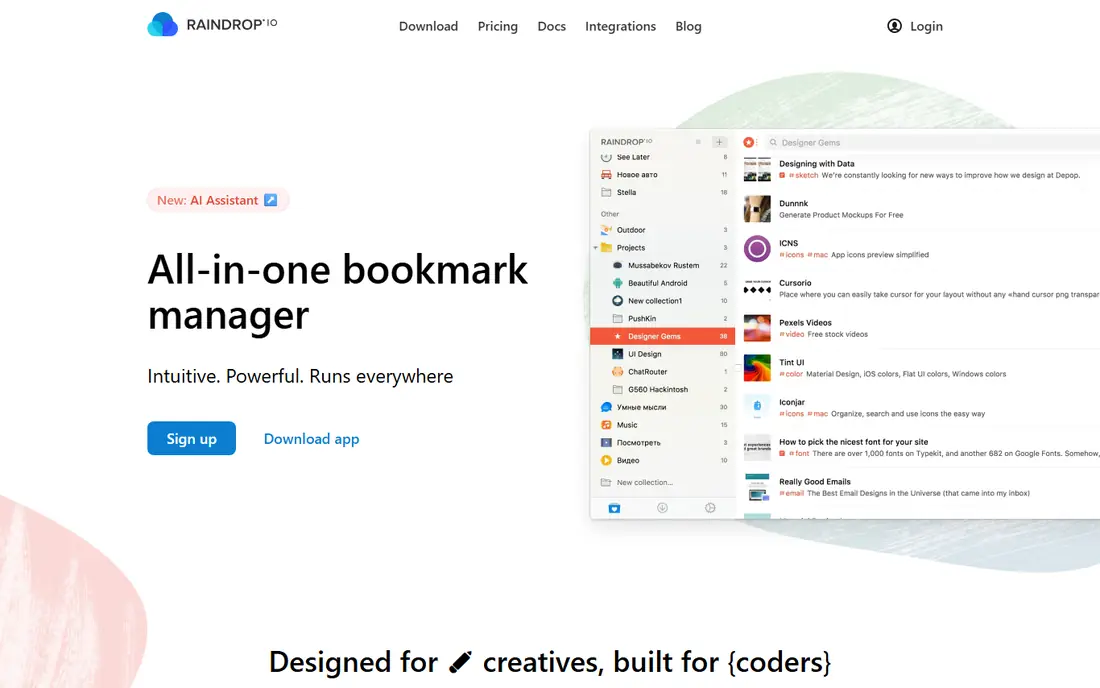
People who save links across work, recipes, and reading will like the visual collections here. Raindrop.io fits visual bookmark collections and gives you a clear place to start without a long setup process. It organises bookmarks into collections with tags, notes, and previews, so a saved link is easier to find later than in a flat browser list. Where Raindrop.io stands out is in how it handles collections and tags. Collections group links by topic, tags add a second way to filter, and previews make a large library scannable at a glance. The honest catch is full-text search and saved page copies need the paid plan, and the service needs an account from the start. Try the free plan or trial first, test the exact task you care about most, and check pricing on the vendor site before you pay.
- Unlimited bookmarks on free tier
- Collections and tags
- Cross-device sync
- Full-text search and permanent copies need Pro
- Cloud account required
Readers who save articles to read later in a clean view will find this a calm choice. Instapaper fits clean read-later reading and gives you a clear place to start without a long setup process. It strips articles to clean text, supports offline reading, and lets readers highlight and note passages for later review. Where Instapaper stands out is in how it handles clean reading view. The reader removes page clutter and lets readers adjust text size and background, which helps long articles feel easier to finish. The honest catch is the free tier limits notes and summaries, so heavy annotators will need Premium. Try the free plan or trial first, test the exact task you care about most, and check pricing on the vendor site before you pay.
- Clean reader
- Offline reading
- Highlights and notes
- Free note and summary limits apply
- Premium for full features
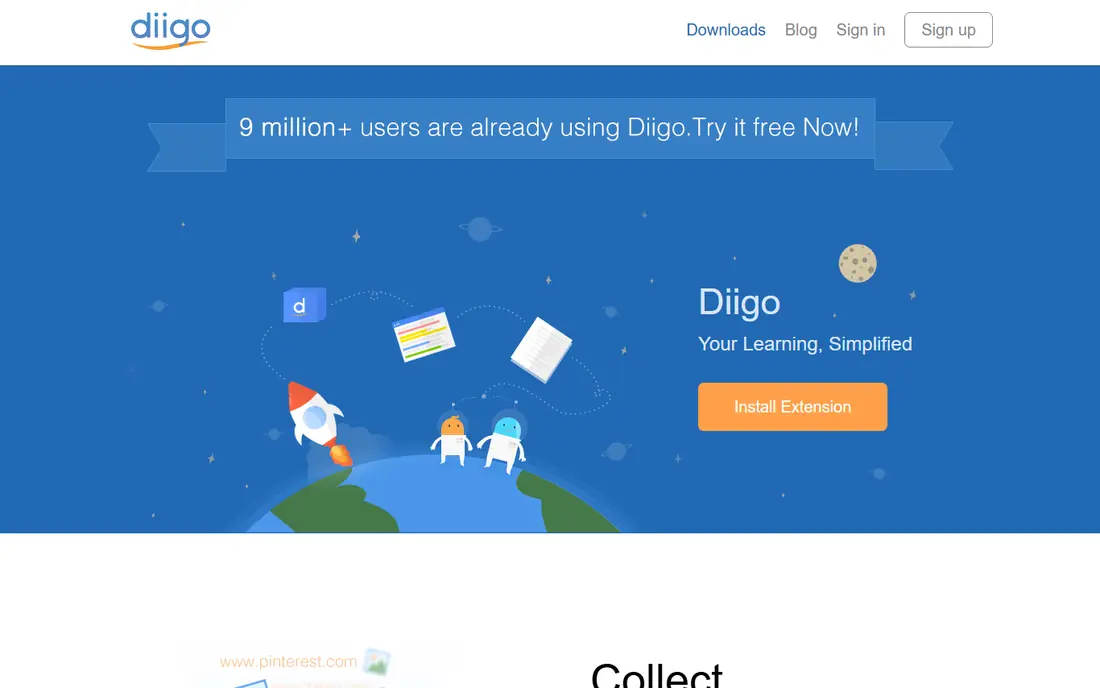
Researchers and students who annotate pages will value the tools here. Diigo fits bookmarks plus annotation and gives you a clear place to start without a long setup process. It combines bookmarking with highlighting and sticky notes on saved pages, plus group libraries for shared research. Where Diigo stands out is in how it handles page annotation. Highlights and notes stay attached to a saved page, so a researcher can return to the exact passage that mattered. The honest catch is the free tier has limits, and the interface is less modern than newer bookmark apps. Try the free plan or trial first, test the exact task you care about most, and check pricing on the vendor site before you pay.
- Annotation
- Archiving
- Group sharing
- Free tier limits apply
- Interface feels dated to some users
Tab hoarders who open dozens of tabs will find this session saver a practical fix. Toby fits saving tab sessions and gives you a clear place to start without a long setup process. It saves groups of tabs into collections that can be reopened later, which clears the browser without losing the research trail. Where Toby stands out is in how it handles tab collections. A collection can hold a whole research session, and reopening it restores the tabs in one action. The honest catch is the free Starter plan limits saved tabs, so heavy tab users will need a paid plan. Try the free plan or trial first, test the exact task you care about most, and check pricing on the vendor site before you pay.
- Tab collections
- Team sharing
- Restore sessions
- Free Starter limit on saved tabs
- Browser extension focus
People who want bookmarks on every new tab page will like this start-page approach. Start.me fits start page with bookmarks and gives you a clear place to start without a long setup process. It turns the browser start page into a dashboard of bookmark widgets, feeds, and notes, so saved links are visible on every new tab. Where Start.me stands out is in how it handles start-page dashboard. Widgets show bookmark groups on the start page, which makes a daily set of links easy to open without searching. The honest catch is advanced widgets and some sharing features need Pro, and users who prefer a plain new tab may find it busy. Try the free plan or trial first, test the exact task you care about most, and check pricing on the vendor site before you pay.
- Custom start page
- Bookmark widgets
- Shared pages
- Advanced widgets need Pro
- Start-page style may not suit everyone
Technical users who want full control of a read-later library will prefer this open option. Wallabag fits self-hosted read-later library and gives you a clear place to start without a long setup process. It saves articles for later reading, supports tagging and offline use, and can be self-hosted for full data control. Where Wallabag stands out is in how it handles self-hosted library. Self-hosting keeps articles on your own server, while tagging and search keep a large saved library organised. The honest catch is self-hosting needs setup and upkeep, and non-technical users should consider managed hosting instead. Try the free plan or trial first, test the exact task you care about most, and check pricing on the vendor site before you pay.
- Open source
- Self-host option
- Article saving
- Self-hosting needs technical skill
- Managed hosting costs extra
Minimalists who want fast bookmark search without social features will appreciate this plain tool. Pinboard fits fast plain bookmark search and gives you a clear place to start without a long setup process. It focuses on saving and searching bookmarks by tag, with an optional archiving service for saved pages. Where Pinboard stands out is in how it handles tag search. Tags make a large bookmark set searchable in seconds, and the plain design keeps saving fast. The honest catch is it is paid only, with no free tier, so free-seeking users should pick another option on this list. Try the free plan or trial first, test the exact task you care about most, and check pricing on the vendor site before you pay.
- Fast search
- Tags
- Archiving option
- Paid only
- Plain design
- No free tier
Light bookmark users who want nothing new to install should stay with the built-in option. Google Chrome Bookmarks fits built-in browser bookmarks and gives you a clear place to start without a long setup process. It offers folders, a bookmarks bar, and sync through a Google account, which is enough for a modest set of links. Where Google Chrome Bookmarks stands out is in how it handles built-in sync. Sync brings bookmarks to every signed-in device, and the bookmarks bar gives one-click access to top links. The honest catch is search is weak, folders grow messy at scale, and there are no visual layouts or saved tab sessions. Try the free plan or trial first, test the exact task you care about most, and check pricing on the vendor site before you pay.
- Built in
- Sync with Google account
- Bookmarks bar
- Weak search
- Folders get messy at scale
- No visual layouts
How we picked these
We started from official feature pages, pricing pages, and app store listings, and we checked privacy pages and public reviews where they helped explain a limit or a plan change. We left out products where the price or the free tier could not be pinned down, and we marked those cases as See website rather than guessing a figure. We also weighed fit over feature count. A product with fewer features can still be the right pick when it does one job well, costs less, or works on the devices a reader already owns. That is why the list mixes free options, paid specialists, and broad suites instead of ranking on price alone.
How to organise bookmarks so you can find them again
Use collections for topics and tags for cross-cutting themes. A recipe link can live in a cooking collection and carry a weeknight tag, so it is findable from either angle. That two-way structure beats a single deep folder tree, which hides links as it grows. Next, set a monthly cleanup. Delete dead links, move useful links into collections, and archive long articles you have already read. A bookmark library that is cleaned monthly stays useful, while a library that only grows turns into a second inbox.
Frequently asked questions
What is the best free bookmarks app?
Raindrop.io is a strong free pick for organising bookmarks, while Instapaper is a strong free pick for reading saved articles. The best pick depends on whether you organise links or read them later.
Are there free bookmark managers for Chrome?
Yes. Raindrop.io, Toby, and Start.me all offer free tiers with Chrome extensions, and Chrome itself includes free built-in bookmarks.
What happened to Pocket?
Pocket closed its hosted service in 2025, so new users should pick a current alternative such as Raindrop.io or Instapaper and export any old Pocket data promptly if it is still available.
Can I save tabs as a group?
Yes. Toby is built for saving tab sessions, and Raindrop.io collections can also hold a set of links from one research session.
Is a self-hosted bookmark app worth it?
It can be, if you want full data control and have technical skill. Wallabag is a strong open option, but managed hosting or a cloud app is simpler for most users.
Sources we checked (8)

Online Jobs is an independent blog about careers, online work, learning new skills and the tools that help people earn. More about us.
Keep reading
All posts
Zoom Alternatives
Zoom alternatives compared for 2026: Google Meet, Microsoft Teams, Webex, Jitsi and more for free calls, large meetings and webinars for teams and classrooms.

What Is the Best Free Tool to Rotate a PDF
What is the best free tool to rotate a PDF? We compare eight free rotation tools on per-page control, limits, privacy and saved output quality in detail.

What Is the Best AI Dubbing Tool
We compared the best AI dubbing tools in 2026, from ElevenLabs and HeyGen to Rask AI, Dubverse and Veed, for videos and creators in many languages worldwide.