Best Free Background Remover Tools in 2026: 10 Tools Compared

How we put this together: we compare official feature and pricing pages, app store listings, privacy policies and public user reviews. Prices change, so check the provider's site before you pay.
Key takeaways
- Remove.bg is our pick for most people, because it removes backgrounds from people and products cleanly in one click and offers a free tier for everyday use.
- Adobe Express and Canva are best when you also need to design a post, a listing image, or a presentation after removing the background.
- PhotoRoom is best for product sellers, because it adds clean backgrounds, shadows, and listing templates after the cutout.
- Free tiers usually limit image resolution, daily credits, or commercial use, so check those limits before you use a result for a shop or a client.
- Hair, fur, glass, and busy backgrounds are the hardest cases, so test the same difficult photo in two tools before you settle on one.
Quick comparison
| Name | Who it suits | Starting price | Free option | |
|---|---|---|---|---|
 Remove.bg | One-click people and product cutouts | Free | Yes | Visit |
 Adobe Express | Background removal plus design | Free | Yes | Visit |
 Canva | Background removal inside a design tool | Free | Yes | Visit |
 PhotoRoom | Product photos for sellers | Free | Yes | Visit |
 Pixlr | Background removal plus photo editing | Free | Yes | Visit |
 Fotor | Simple web and app cutouts | Free | Yes | Visit |
 Kapwing | Background removal for video and images | Free | Yes | Visit |
 Slazzer | Batch cutouts for product catalogues | Free | Yes | Visit |
 Removal.ai | Simple free web cutouts | Free | Yes | Visit |
 Erase.bg | Free phone and web cutouts | Free | Yes | Visit |
The best free background remover tools
We focused on tools that offer a genuinely usable free tier for background removal, not tools that only show a preview and charge for the download. Every tool below works in a browser or as an app, and we note where the free tier limits resolution, credits, or commercial use.
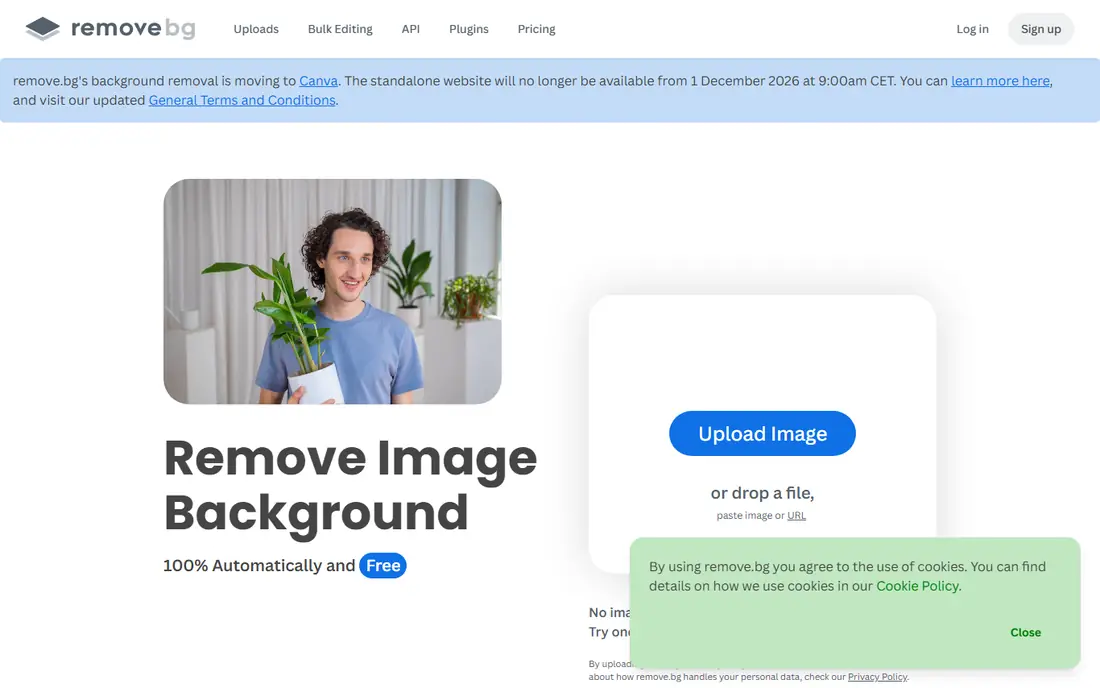
Remove.bg is the standard one-click background remover, and it earns that place with accuracy. Upload a photo of a person or a product and the background disappears in seconds, with hair and edges handled better than most free rivals. The result downloads as a transparent PNG, ready to place on a new background, and the tool is available on the web, as an app, and as a plugin for design tools.
The free tier is the limit. Free downloads are lower resolution, credits control how many images you can process, and high-resolution or commercial use needs paid credits. For everyday social posts and personal use, the free tier is enough. For a shop catalogue or client work, check the credit pricing before you build a workflow around it.
- Very accurate one-click cutouts
- Handles hair better than most free tools
- Web, app, and plugin access
- Free tier limits resolution and credits
- High-resolution and commercial use need credits
- Batch work needs a paid plan
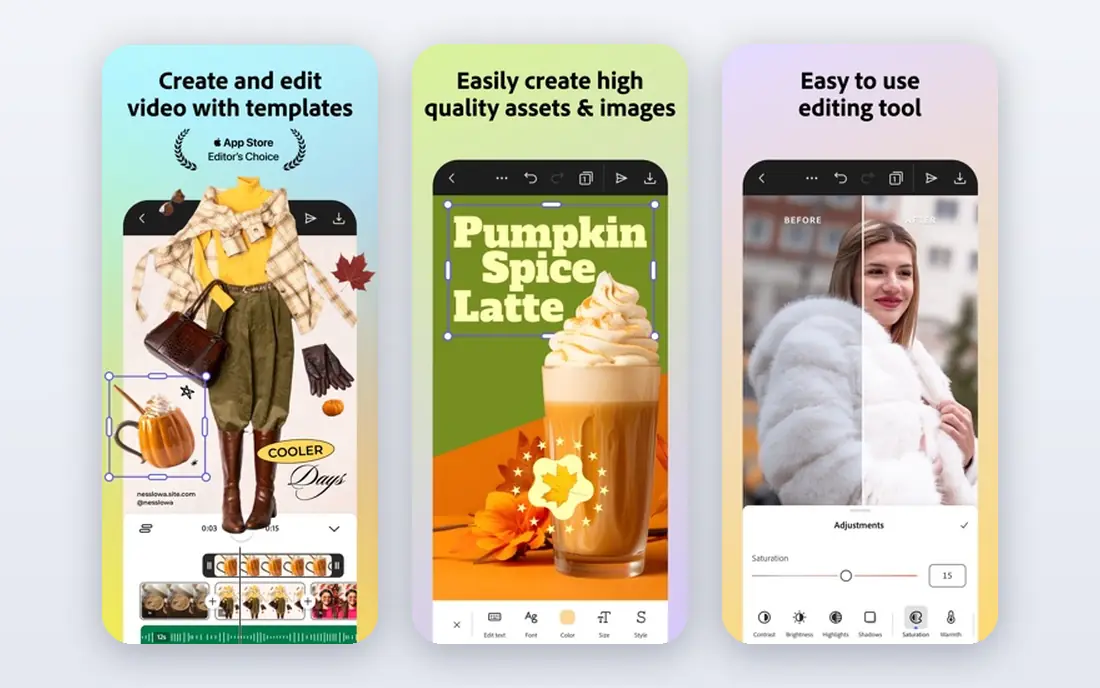
Adobe Express includes a background remover inside a wider design tool, which makes it ideal when removal is only the first step. Remove the background, place the cutout on a new background or template, add text, and export a social post, a listing image, or a presentation slide without switching apps. Templates speed up common jobs, and the design tools are stronger than a standalone remover.
The full feature set needs a subscription, and the free tier has limits on some premium templates and assets. If you only need a cutout and nothing else, Remove.bg is simpler. If you design after you cut out, Adobe Express saves time and keeps the whole job in one place.
- Background removal inside a full design tool
- Templates for social posts and listings
- Adobe stock and fonts included in plans
- Full features need a subscription
- Free tier has limits
- Best value if you also design in Express
Canva is the design tool many small businesses already use, and its background remover sits inside the editor where you build posts, listings, and presentations. That integration is the appeal: cut out a product, drop it into a template, add text and branding, and export, all without leaving Canva. Team sharing and brand kits on paid plans help businesses keep designs consistent.
The catch is that the background remover itself needs a Pro plan for full use, so Canva is not a free background remover in the same sense as Remove.bg. The free tier still covers design, but removal is a paid feature. For existing Canva Pro users, it is the most convenient remover available. For free-only users, start with Remove.bg or PhotoRoom.
- Huge template library
- Background remover in the editor
- Easy sharing and team use
- Background remover needs a Pro plan for full use
- Free tier limits some features
- Export options vary by plan
PhotoRoom is built for sellers who need clean product photos for marketplaces and shops. Remove the background, add a white or branded background, add a natural shadow, and export a listing-ready image, all from a phone or browser. Batch processing helps sellers who photograph many products at once, and templates cover common marketplace sizes.
Free use has limits on resolution and exports, and full catalogue work needs a paid plan. For a single product photo or a small shop, the free tier is a good test. For a large catalogue, compare PhotoRoom's paid plan with Slazzer's batch pricing before committing.
- Built for product listings
- Clean backgrounds, shadows, and templates
- Batch processing for sellers
- Free tier limits resolution and exports
- Watermark or limits on some free outputs
- Paid plan needed for full catalogue work
Pixlr pairs a background remover with a full web photo editor, which suits users who want to clean up a photo after the cutout. Adjust light, colour, and sharpness, retouch a blemish, or composite the cutout onto a new scene, all in the browser. That editing depth is a step beyond a one-click remover, without installing desktop software.
The free tier shows ads and limits some features and export resolution, and the interface can feel busy at first. For a quick cutout, Remove.bg is faster. For a cutout plus a proper edit, Pixlr is a strong free web option.
- Background remover plus full photo editing
- Web based with no install
- AI tools for retouching
- Free tier shows ads and has limits
- Interface can feel busy
- High-resolution exports need a paid plan
Fotor offers a simple background remover alongside photo editing and design templates, on the web and as an app. The workflow is beginner friendly: upload, remove, refine the edges if needed, and export or continue editing. That simplicity suits casual users who want a decent cutout without learning a design tool.
Free outputs can carry limits or watermarks on some features, and full resolution needs a paid plan, so check the export before you use a result commercially. For personal use and social posts, Fotor is an easy and capable free option.
- Simple background remover on web and app
- Photo editing and templates included
- Easy for beginners
- Free tier has limits and watermarks on some outputs
- Paid plan needed for full resolution
- Ads on free use
Kapwing is the pick here when your background removal job involves video as well as images. Its editor can remove a background from a clip, place the subject over a new background, and add text, captions, and music on a timeline. That makes it useful for creators who make short-form video and want a clean subject cutout without desktop video software.
Free exports carry a watermark, and video processing takes longer than a still image cutout. Paid plans remove the watermark and raise quality limits. For still images alone, a dedicated remover is faster, but for video creators, Kapwing covers a job the other tools here do not.
- Removes backgrounds from images and video
- Timeline editor for creators
- Good for social video
- Free exports carry a watermark
- Processing can be slower for video
- Paid plan needed for full quality
Slazzer focuses on accurate cutouts at volume, which suits shops and catalogues that process many product photos. Batch processing, an API, and integrations help teams automate removal rather than uploading one photo at a time. Accuracy on products is strong, with edge refinement for tricky outlines.
Free credits are limited, and high-volume work needs a paid plan, so Slazzer is best evaluated with a small batch first. The interface is business focused rather than casual, which is fine for a shop workflow. For catalogue work, Slazzer is one of the most practical tools here.
- Accurate cutouts with batch processing
- API and integrations for shops
- Desktop and web access
- Free tier limits credits
- High-volume work needs a paid plan
- Interface is business focused
Removal.ai keeps background removal simple: upload a photo in the browser, get a transparent cutout, and download it. There is no design tool to learn and no app to install, which makes it a good bookmark for occasional use. Cutout quality for people and products is solid for a free web tool.
The free tier has limits, and there are fewer design or batch tools than larger platforms, so it is not a catalogue solution. For a quick free cutout when you already have a design tool elsewhere, Removal.ai is a straightforward choice.
- Simple web workflow with no install
- Clean cutouts for people and products
- Easy download as transparent PNG
- Free tier has limits
- Fewer design tools than Canva or Adobe Express
- Batch work needs a paid plan
Erase.bg offers free background removal on the web and as an app, covering people, products, and animals with a simple upload and download flow. That phone-friendly approach suits social users who shoot on a phone and want a cutout quickly, without opening a desktop editor.
Free use limits resolution and credits, and quality on complex hair and fur varies, as it does on every tool here. Editing tools are also lighter than Pixlr or Canva. For a free phone cutout, Erase.bg is a useful option to test alongside Remove.bg, especially when one tool struggles with a difficult photo.
- Free web and app cutouts
- Handles people, products, and animals
- Simple export options
- Free tier limits resolution and credits
- Fewer editing tools than Pixlr
- Quality varies on complex hair and fur
How we picked these
We compared official tool pages, pricing pages, and app listings, and we kept only tools that are available in 2026 and that offer a usable free tier for background removal. We favoured tools with a distinct job, from one-click cutouts to product catalogues to video, and we noted where free tiers limit resolution, credits, watermarks, or commercial use. We did not claim hands-on photo testing.
What to look for in a free background remover
Start with your output. A social post can use a lower-resolution cutout, while a product listing, a print job, or client work needs high resolution and a clear commercial licence. Check the free tier limits before you process a whole batch, because a tool that looks free can charge for the download size you actually need.
Next, test a difficult photo, not an easy one. A person against a plain wall will cut out cleanly in almost every tool here. Hair, fur, glass, transparent objects, and busy backgrounds separate the good tools from the average ones, so run the same hard photo through two tools and zoom into the edges. Also check the refine tools: a brush to restore or erase edge areas can save a photo that an automatic cutout almost gets right.
Finally, think about the next step. If you only need a transparent PNG, a simple remover is enough. If you need a listing image, a social template, or a video, choose a tool that covers that next step too, such as PhotoRoom for listings, Canva or Adobe Express for design, or Kapwing for video. The best background remover apps are the ones that fit the whole job, not just the cutout.
Frequently asked questions
What is the best free background remover tool?
Remove.bg is our pick for most people because its one-click cutouts are accurate and its free tier covers everyday use. PhotoRoom is best for product sellers, Adobe Express and Canva are best when you also design after removal, and Kapwing is best for video.
What is the best free background remover app?
For phones, Remove.bg, PhotoRoom, and Erase.bg all offer app and web cutouts with free tiers. PhotoRoom suits sellers, Remove.bg suits general use, and Erase.bg is a simple free alternative, so try two on the same photo and keep the cleaner result.
Can I use free background remover results commercially?
It depends on the tool and the tier. Some free tiers limit commercial use or resolution, while paid plans lift those limits. Read the tool's terms and pricing page before using a cutout for a shop, an advert, or client work.
Why does my cutout look rough around hair?
Hair and fur are the hardest edges for automatic removal, because fine strands blend with the background. Try a second tool, use edge refinement or a restore brush where offered, and shoot future photos against a plain, contrasting background to make removal easier.
Do background remover tools keep my photos private?
Tools process your photo on their servers or in your browser, depending on the tool, so read the privacy policy before uploading sensitive images. For private photos, prefer a tool with a clear deletion policy, and avoid uploading identity documents or highly personal photos to a free web tool.
Sources we checked (10)

Online Jobs is an independent blog about careers, online work, learning new skills and the tools that help people earn. More about us.
Keep reading
All posts
Zoom Alternatives
Zoom alternatives compared for 2026: Google Meet, Microsoft Teams, Webex, Jitsi and more for free calls, large meetings and webinars for teams and classrooms.

What Is the Best Free Tool to Rotate a PDF
What is the best free tool to rotate a PDF? We compare eight free rotation tools on per-page control, limits, privacy and saved output quality in detail.

What Is the Best AI Dubbing Tool
We compared the best AI dubbing tools in 2026, from ElevenLabs and HeyGen to Rask AI, Dubverse and Veed, for videos and creators in many languages worldwide.