Best Free AI Tools for SEO in 2026: 9 Tools Compared


real search performance data · Starting price: Free
How we put this together: we compare official feature and pricing pages, app store listings, privacy policies and public user reviews. Prices change, so check the provider's site before you pay.
Key takeaways
- Google Search Console is the foundation of any free SEO stack, since it gives real click and impression data no other free tool can match.
- Ahrefs Webmaster Tools adds a free site audit and backlink view for a verified site, which complements Search Console well.
- ChatGPT on its free tier is useful for briefs, outlines, and metadata drafts, but it does not replace real keyword or ranking data.
- Free tiers cap reports, searches, or crawls, so pair two or three tools rather than expecting one free tool to cover everything.
Quick comparison
| Name | Who it suits | Starting price | Free option | |
|---|---|---|---|---|
| Google Search Console | real search performance data | Free | Yes | Visit |
 Ahrefs Webmaster Tools Ahrefs Webmaster Tools | free site audit and backlinks | Free | Yes | Visit |
 ChatGPT ChatGPT | briefs, outlines, and metadata drafts | Free | Yes | Visit |
 Semrush Semrush | free starter reports and keyword data | Free | Yes | Visit |
 Ubersuggest Ubersuggest | beginner keyword and content ideas | Free | Yes | Visit |
 AnswerThePublic AnswerThePublic | question based keyword ideas | Free | Yes | Visit |
 Google Keyword Planner Google Keyword Planner | keyword volume ranges for planning | Free | Yes | Visit |
 Screaming Frog SEO Spider Screaming Frog SEO Spider | technical crawls up to 500 URLs | Free | Yes | Visit |
 Bing Webmaster Tools Bing Webmaster Tools | Bing search performance and tools | Free | Yes | Visit |
The best free ai tools for seo
Free AI tools for SEO fall into two groups: AI assistants that help you write and plan, and SEO platforms with free tiers that give real data. The strongest free stack uses both, with Search Console and Ahrefs for data, ChatGPT for drafting help, and keyword tools for ideas. No free tool here replaces a paid suite for large sites, but together they cover a small site well.
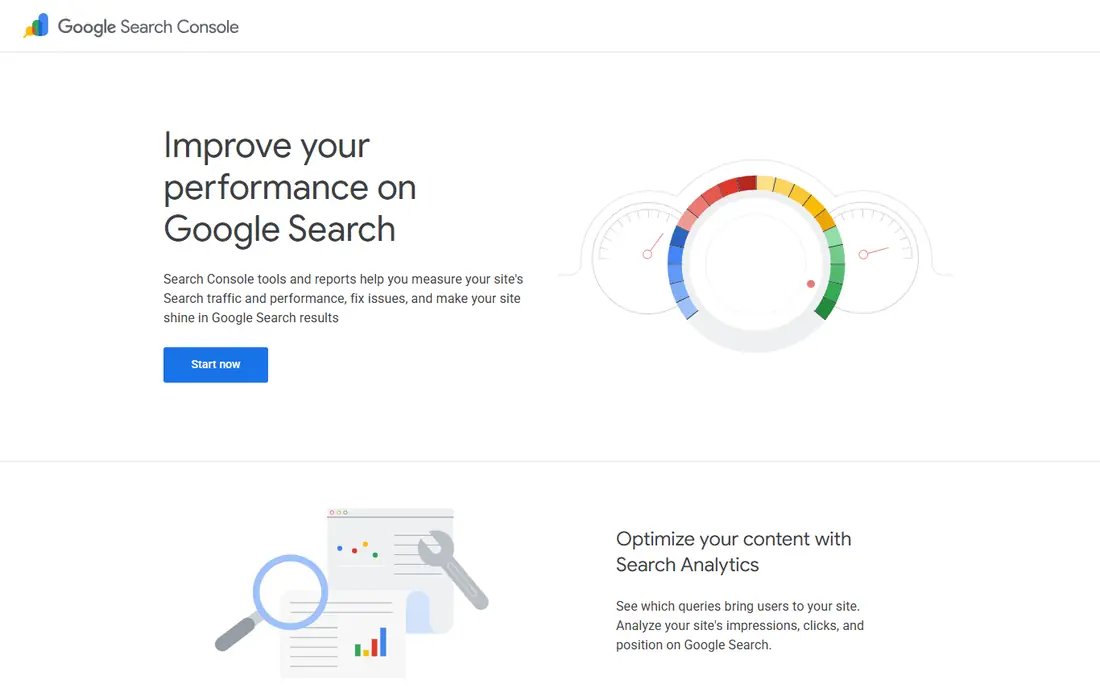
Google Search Console is the one free tool every site owner should set up first. It shows which queries bring clicks, which pages rank, and which pages have indexing or coverage problems, using real Google data rather than estimates. That data grounds every other SEO decision, from which pages to fix to which topics deserve new content.
It does not show competitor rankings or full keyword research, so pair it with a keyword tool. It also does not write content for you, though you can use its query data as input for an AI brief in ChatGPT. For a small site, Search Console alone answers the most important question: what is Google actually showing and clicking.
- Real clicks, impressions, and rankings from Google
- Indexing and coverage reports
- Completely free with no paid tier
- No competitor data
- Keyword data limited to your own site
- AI help is not built in
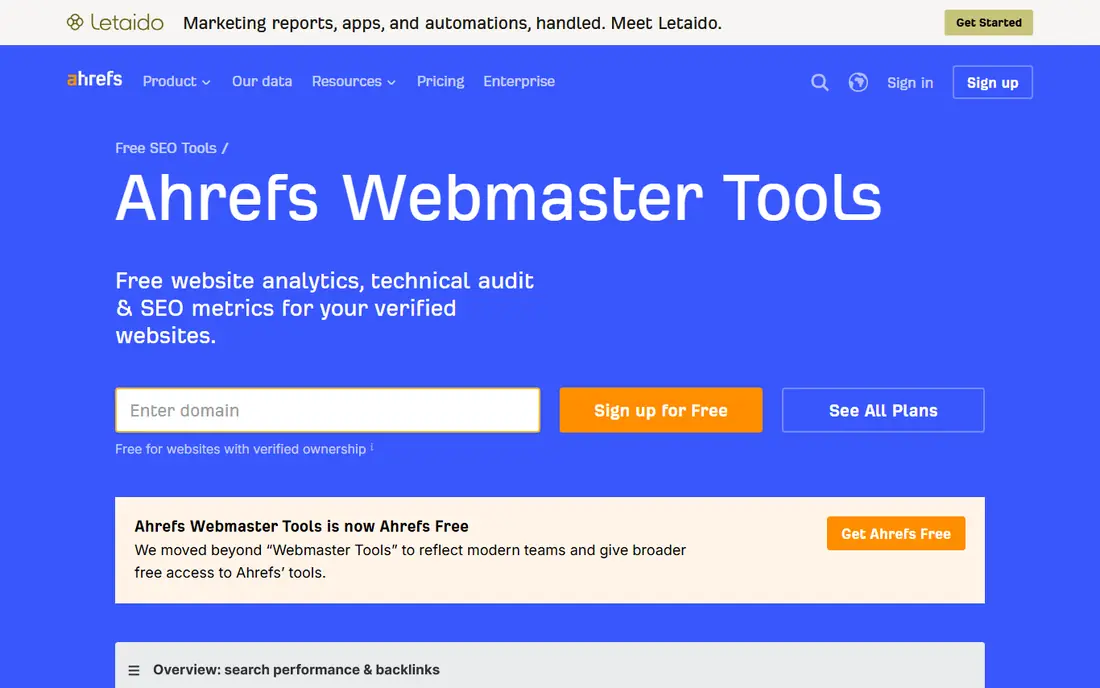
Ahrefs Webmaster Tools gives verified site owners a free site audit and a view of their backlink profile, which would otherwise sit behind a paid plan. Run the audit, fix broken links, missing titles, and other technical issues, and check which sites link to you. That audit pairs naturally with Search Console coverage reports.
The free tier covers your own verified sites only, not competitor research at full depth. Keyword research and rank tracking at scale need a paid Ahrefs plan. For a site owner starting out, Ahrefs Webmaster Tools plus Search Console is the strongest free data pair available.
- Free site audit for a verified site
- Backlink view for your own site
- Useful health and issue reports
- Limited to sites you verify
- Fuller keyword and competitor data need a paid plan
ChatGPT earns its place as an AI helper, not as a data source. Use it to turn a keyword and Search Console data into a content brief, outline, title options, and metadata drafts, then check every claim against real sources. It is also useful for brainstorming related questions, headings, and angles for a topic.
The risk is invented detail. ChatGPT can state search volumes, facts, and links that sound plausible but are wrong, so never publish its output unchecked and never use it as a source for keyword data. Use it for drafting speed, and use Search Console, Ahrefs, and keyword tools for facts. That division keeps AI help useful without letting it invent your SEO data.
- Free tier for drafting briefs, outlines, titles, and metadata
- Useful for brainstorming topics and questions
- Fast for first drafts
- Can invent facts, volumes, and links
- No real ranking data
- Output needs human checking and editing
Semrush offers a free account with a limited number of reports per day, covering keyword overviews, domain overviews, and backlink summaries. That is enough to research a handful of keywords, check a competitor domain at a basic level, and get a sense of a topic before writing. Its interface also helps beginners learn what SEO data looks like.
Daily caps mean a free account cannot support heavy daily research, and fuller features such as AI visibility tracking sit behind paid plans. Use Semrush free reports for focused research sessions, and save paid consideration for when your site grows. For a beginner, the free account is a useful learning tool.
- Free account with limited daily reports
- Keyword, domain, and backlink overviews
- Content tools on paid plans
- Free reports capped daily
- Fuller data and AI visibility tools need a paid plan
Ubersuggest is built for beginners who want keyword ideas without a complex dashboard. Enter a seed keyword, get related ideas, content suggestions, and basic difficulty guidance, and use the free daily searches to plan a few articles at a time. Its simplicity makes it a good first keyword tool alongside Google Keyword Planner.
Free searches are capped per day, so daily heavy research will hit the limit fast. Paid plans from around 12 dollars per month add more searches and tracking. Pick Ubersuggest when you want simple keyword and content ideas and are willing to work within a daily free limit.
- Simple keyword ideas and content suggestions
- Limited free searches per day
- Easy for beginners
- Free searches capped daily
- Deeper competitor and rank data need a paid plan
AnswerThePublic turns a keyword into a visual map of questions, prepositions, and comparisons people search for. That map is ideal for FAQ sections, article headings, and content angles, since it shows how real searchers phrase a topic. For a writer planning an article, that question view is more useful than a raw keyword list alone.
Free searches are limited, and regular use needs a paid plan. Use it in focused sessions to plan several articles at once, then save the question lists for writing. Pair it with Ubersuggest or Keyword Planner for volume context, since AnswerThePublic focuses on questions rather than volumes.
- Visual maps of questions people ask
- Useful for FAQ and article angles
- Free searches to try
- Free searches limited
- Paid plan needed for regular use and fuller data
Google Keyword Planner
Who it suits: keyword volume ranges for planning
Google Keyword Planner gives free keyword volume ranges once you create a Google Ads account, with no ad spend required. Those ranges are enough to validate whether a topic has search demand before you write a full article, and to compare related keywords. It also shows competition guidance from an advertising view.
Volume ranges are broad, especially without ad spend history, so treat them as ranges, not exact counts. The tool is built for advertisers, so its interface feels less writer friendly than Ubersuggest. Use Keyword Planner to validate demand, then use AnswerThePublic and ChatGPT to shape the article itself.
- Free with a Google Ads account and no spend required
- Search volume ranges and competition guidance
- Useful for validating a topic
- Volume ranges are broad without ad spend
- No AI content help
- Interface built for advertisers
Screaming Frog SEO Spider
Who it suits: technical crawls up to 500 URLs
Screaming Frog SEO Spider is the free technical audit tool for small sites. Its free version crawls up to 500 URLs and surfaces broken links, duplicate titles, missing meta descriptions, redirect chains, and other issues in minutes. That audit complements Search Console and Ahrefs, since it shows on page issues in one crawl.
It requires a desktop install, and larger sites will exceed the free 500 URL limit. It also offers no AI writing help, so pair it with ChatGPT for fixing content after the audit. For a small site, a Screaming Frog crawl plus Search Console fixes covers most technical SEO work for free.
- Free crawl up to 500 URLs
- Finds broken links, duplicate titles, and missing metadata
- Fast technical audit
- Desktop install required
- Free version limited to 500 URLs
- No AI content features
Bing Webmaster Tools is the Bing counterpart to Search Console, and it is completely free. It shows Bing search performance, indexing status, and site issues, plus keyword research tools and other utilities. For sites with meaningful Bing traffic, or for checking how a site appears outside Google, it adds useful coverage.
Most US sites get far more traffic from Google, so Bing data should not replace Search Console. It does not draft content either, so pair it with ChatGPT for writing help. Add Bing Webmaster Tools to your stack for a second search engine view and free keyword tools at no cost.
- Completely free
- Bing search performance and indexing data
- Keyword research and site tools included
- Bing traffic smaller than Google for most US sites
- No AI content drafting
How we picked these
We compared official feature pages, pricing pages, and public documentation for SEO tools with a genuinely free tier or free version available today to US users. We kept tools that give real SEO data or clear AI drafting help, and we left out tools whose free access is only a short trial that converts to paid. We noted daily caps, crawl limits, and verified site limits where they change the value, and we marked paid starting prices as See website where the free tier is the focus.
How to build a free SEO stack that works
Start with data, then add drafting help. Set up Search Console, Ahrefs Webmaster Tools, and Bing Webmaster Tools for your site, run a Screaming Frog crawl for technical issues, and use Keyword Planner, Ubersuggest, and AnswerThePublic to plan topics. Use ChatGPT only after you have real data, to turn that data into briefs and drafts.
Use AI for drafts, not for data
Let AI help with outlines, titles, and first drafts, but check every fact, volume, and link against a real source before publishing. AI output that sounds confident is not the same as measured data. A brief built from Search Console queries and keyword research will outperform a brief built from AI guesses alone.
Fix technical issues before writing more
A new article on a site with broken links, missing titles, and indexing problems will underperform. Fix the issues found by Search Console, Ahrefs, and Screaming Frog first, then publish new content on a sound technical base. That order gives every new article a better chance to rank.
Frequently asked questions
What are the best free AI tools for SEO?
Google Search Console and Ahrefs Webmaster Tools give the best free SEO data, while ChatGPT on its free tier helps with briefs, outlines, and metadata drafts. Ubersuggest, AnswerThePublic, and Google Keyword Planner add free keyword ideas, and Screaming Frog adds a free technical crawl up to 500 URLs.
Is ChatGPT good for SEO?
ChatGPT is useful for SEO drafting, including briefs, outlines, titles, and metadata, but it is not a source of ranking or keyword data. It can invent volumes and facts, so check its output against Search Console and keyword tools before publishing. Use it for speed, not for data.
What is the best free SEO tool for keyword research?
Google Keyword Planner gives free volume ranges, Ubersuggest gives simple keyword and content ideas with a daily free limit, and AnswerThePublic gives question based ideas for FAQs and headings. Together they cover demand, ideas, and angles better than any one free tool alone.
Can I do SEO completely free?
Yes, for a small site. Search Console, Ahrefs Webmaster Tools, Bing Webmaster Tools, Screaming Frog free crawl, and free keyword tools cover data, technical audits, and topic research. Paid tools become useful when you track many keywords, research competitors at scale, or manage a large site.
Do free AI SEO tools replace Semrush or Ahrefs paid plans?
No, not for large or competitive sites. Free tiers cap reports, searches, and crawls, and they lack fuller competitor, rank tracking, and AI visibility features. Free tools are enough for a small site starting out, and they help you learn what data matters before you pay for a full suite.
Sources we checked (9)
- https://search.google.com/search-console
- https://ahrefs.com/webmaster-tools
- https://chatgpt.com
- https://www.semrush.com
- https://neilpatel.com/ubersuggest/
- https://answerthepublic.com
- https://ads.google.com/home/tools/keyword-planner/
- https://www.screamingfrog.co.uk/seo-spider/
- https://www.bing.com/webmasters

Online Jobs is an independent blog about careers, online work, learning new skills and the tools that help people earn. More about us.
Keep reading
All posts
Workday Alternatives
We compared the best workday alternatives for HR, payroll, and global hiring, from BambooHR and Gusto to Rippling, Deel, and HiBob for growing teams in 2026.

Which SaaS Tools Have the Best Customer Support
Which SaaS tools have the best customer support? Compare eight popular tools on help centres, live help, response options and overall support quality.

Top AI Helpdesk Software
Searching for top AI helpdesk software in 2026? We compared 8 AI helpdesks on automation, pricing, channels and ease of setup for small and growing teams.