Best Free AI Text to Video Tools in 2026: 8 Tools Compared

How we put this together: we compare official feature and pricing pages, app store listings, privacy policies and public user reviews. Prices change, so check the provider's site before you pay.
Key takeaways
- Google Flow gives one of the most useful free allowances, with daily credits that suit short test clips.
- Kling AI offers daily free credits and strong human motion, which makes it a good daily driver for social clips.
- PixVerse and Dreamina are useful for frequent short clips, but free exports often carry a watermark.
- Runway is best used as a short trial of a professional tool, since its free credits do not refill daily.
- Free tiers change often, so check the pricing page on the day you sign up before planning a series around one tool.
Quick comparison
| Name | Who it suits | Starting price | Free option | |
|---|---|---|---|---|
 Google Flow | Cinematic short clips | See website | Yes | Visit |
 Kling AI | Realistic motion | $6.99 per month | Yes | Visit |
 PixVerse | Daily social clips | See website | Yes | Visit |
 Dreamina | Cinematic realistic shots | See website | Yes | Visit |
 Vidu | Anime and stylised video | See website | Yes | Visit |
 Hailuo AI | Quick model test | See website | Free trial | Visit |
 Runway | Professional trial clips | $12 per month | Yes | Visit |
 Luma Dream Machine | Fast visual ideas | See website | Free trial | Visit |
The best free AI text to video tools
Free text-to-video tools are best judged by what you actually get without paying: how many clips, how long they run, whether they carry a watermark, and whether the quality is good enough to post. The eight tools below all offer a free route in 2026, but they differ sharply on those details.
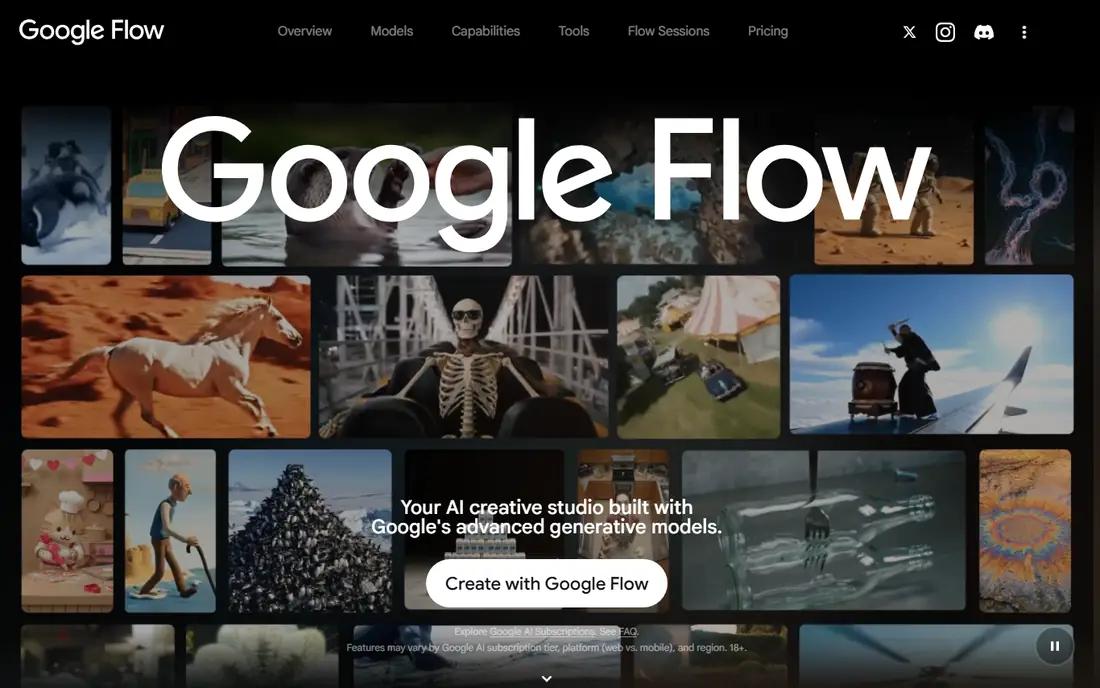
Google Flow is the filmmaking front end for Google video models, including Veo. You write a scene, set camera moves, and extend or edit shots in a timeline-style workspace. For a free user, the appeal is quality: clips look closer to filmed footage than many budget tools manage. The free allowance is reported as daily credits, enough for a handful of short clips. That makes Flow a good place to test ideas and learn prompting. The catch is that Flow is not a standalone subscription in the usual sense. Credits and limits sit inside Google AI plans, so the exact allowance can change with your account type and region.
- Daily free credits
- Cinematic model quality
- Native audio on supported generations
- Access is tied to a Google plan
- Heavy use drains credits fast
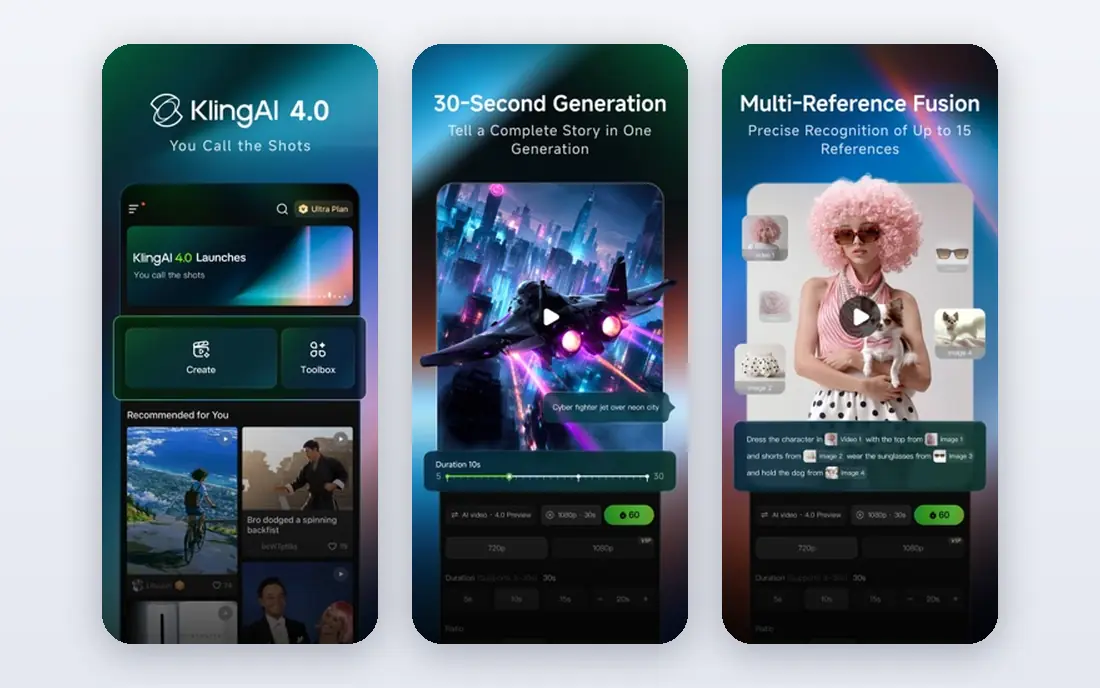
Kling AI has become a favourite for creators who animate people, animals, and everyday scenes. Motion tends to stay coherent for longer than in many free tools, and the prompt controls are clear enough for a beginner to learn in an afternoon. Login credits give you a daily route to test ideas without paying, which suits a regular posting habit. Paid plans raise resolution and remove some limits. The catch is the watermark and resolution cap on free output. For a draft or a personal test, that is fine. For client work, you will likely need a paid plan.
- Daily free credits
- Strong people and motion
- Text and image to video
- Free output can carry a watermark
- Higher resolutions need paid credits
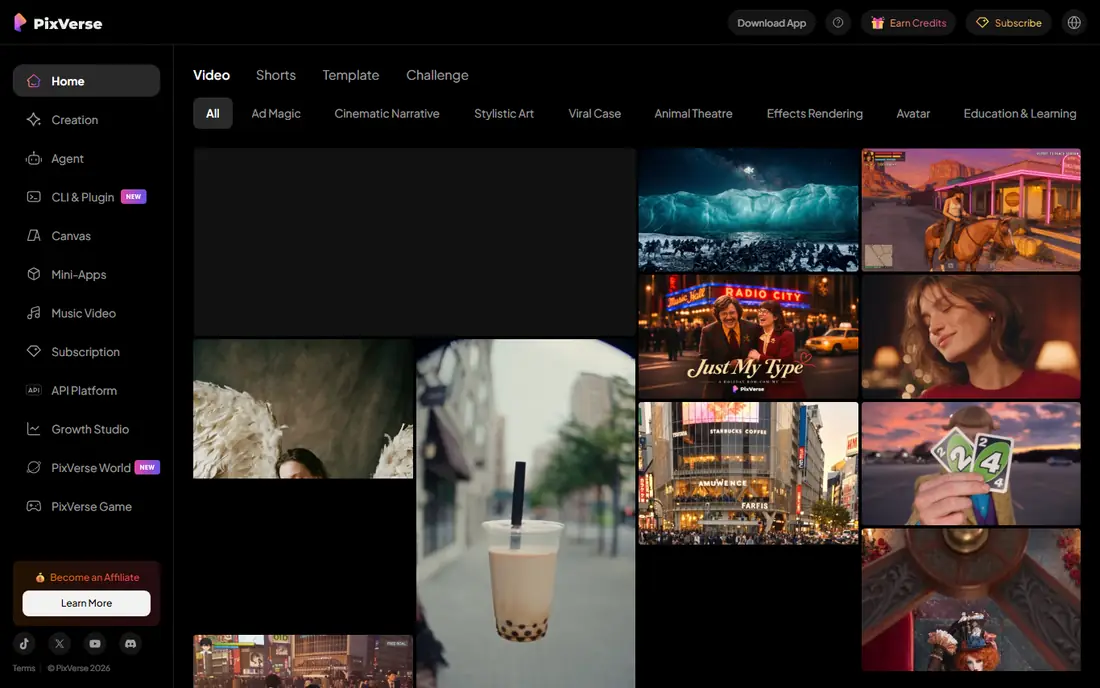
PixVerse is built for speed. You type a prompt, pick a style or effect, and get a short clip that fits TikTok, Reels, or Shorts. The sign-up bonus plus daily credits means you can keep testing ideas over several days, rather than burning a one-time allowance in a single session. That rhythm suits creators who post often and want to try many angles on one idea. The catch is polish. Free clips are lower resolution and watermarked, so they work best as drafts, tests, or casual posts rather than polished brand videos.
- Sign-up credits plus daily credits
- Fast generation
- Good for short social formats
- Free resolution is limited
- Watermark on free exports
Dreamina, from the CapCut family, pairs image generation with video generation in one account. That pairing helps when you want a still image first, then animate it, or when you want a consistent character across several shots. Daily credits make it practical for regular short projects, and the realistic styles suit product shots and scene-setting clips. The catch is watermarking and credit math. Longer clips and stronger models use more credits, so a free account rewards short, focused prompts rather than long experiments.
- Daily free credits
- Cinematic and realistic styles
- Image and video tools together
- Free output carries a watermark
- Credit use varies by model and length
Vidu stands out for animation and stylised work. If your project leans toward anime, illustration, or a drawn look, it often produces cleaner results than general tools that favour live-action realism. Multi-reference features also help keep a character or object consistent across shots. Free credits from login bonuses let you test that strength without paying. The catch is the same as with most free video tools: lower resolution and a watermark on free exports. Use Vidu free for style tests and personal projects, and move to a paid plan for publish-ready work.
- Login bonus credits
- Strong anime and 2D styles
- Multi-reference consistency
- Free resolution is limited
- Watermark on free exports
Hailuo AI, from MiniMax, is worth trying when you want to judge a newer video model in a few generations. The interface is simple, prompts are easy to write, and short clips come back quickly. That makes it a useful comparison tool alongside Kling or PixVerse. The catch is the free structure. Trial credits are one-time and can expire within days, so Hailuo is not a reliable daily free tool. Treat it as a test drive: run your hardest prompts, compare the results, and only pay if the quality beats your current free options.
- One-time trial credits
- Strong short clips
- Simple prompt workflow
- Trial credits expire quickly
- No recurring free allowance on the basic route
Runway is the most professional tool on this list, with editing, effects, and video-to-video tools around its generative models. For a creator who wants to learn a serious workflow, the free credits offer a real taste of that system, including camera control and motion tools. The catch is that free credits do not refill daily. Once they are gone, you need a paid plan to keep generating. That makes Runway a poor choice as a permanent free tool, but a strong choice if you want to test a professional platform before paying.
- Professional editing suite
- Strong camera control
- Useful for B-roll and effects
- Free credits are one-time only
- Credits deplete fast on longer clips
Luma Dream Machine is useful for turning an idea into a moving image quickly. You describe a scene, get a short cinematic clip, and use it as a concept, mood reference, or social draft. The speed suits brainstorming and storyboarding. The catch is free access. Luma has changed its free offering over time, and current free access may be limited or trial-based rather than a steady daily allowance. Check the pricing page before you rely on it, and use Kling or PixVerse for a more predictable daily free routine.
- Fast cinematic ideation
- Simple prompt flow
- Good for concept clips
- Free access is limited and can change
- Paid tiers are costly for heavy use
How we picked these
We compared web search results, official pricing and help pages, and recent free-tier guides checked in October 2026. We kept only tools with a free route that a new user can actually use, and we noted where that route is a one-time trial rather than a daily allowance. We looked at clip length, watermark rules, resolution limits, and whether text-to-video is the core feature or an add-on. Where a vendor page did not give a clear starting price, we wrote See website instead of repeating a third-party figure.
Making free tools work for you
Plan around credits and watermarks
Free video is a budgeting exercise. Shorter prompts, fewer retries, and a clear shot list will stretch daily credits much further than open-ended experimenting. If a watermark ruins a post, use the free tool for drafts and pay for a single export only when a clip is worth publishing.
Pick one daily tool and one test tool
Use Kling AI or PixVerse as your daily routine, since their credits refill, and keep Google Flow or Runway for higher-quality tests. That split gives you steady output plus a way to compare quality without paying for several subscriptions at once.
Keep prompts short and specific
Long, crowded prompts waste credits on confused motion. Name one subject, one action, one setting, and one camera move. If the first result is close, edit that prompt rather than starting from scratch, and save prompts that work well for reuse.
Frequently asked questions
What is the best completely free text to video tool?
Kling AI and PixVerse are strong answers because they offer recurring daily credits rather than a single trial. Google Flow is also strong for quality, but its allowance depends on your Google plan. No free tool gives unlimited high-resolution, watermark-free video, so expect a trade-off somewhere.
Do free AI videos have watermarks?
Many do. PixVerse, Dreamina, Vidu, and Kling free exports can carry a watermark, while some Google Flow output uses an invisible marker instead of a visible one. If you need clean exports for a brand, check the watermark rule on the pricing page and budget for at least the entry paid plan.
How long are free AI video clips?
Most free clips run about five to ten seconds. Longer videos are usually made by chaining clips together or by paying for extended generation. For social posts, that length is often enough, especially if you edit several clips into one finished video.
Can I use free AI videos for commercial work?
It depends on the tool and the plan. Some free tiers allow personal use only, while others allow broader use with limits. Read the terms for the exact tool before using a free clip in an ad, a client project, or a monetised channel, and keep a record of the plan you used.
Why do free credits run out so fast?
Video generation uses far more computing power than image generation, so vendors ration it with credits. Longer clips, higher resolution, and stronger models cost more credits per generation. Shorter prompts and lower resolution settings will make a free allowance last longer.
Is it worth paying for a text to video tool?
Paying makes sense once you post regularly, need clean exports, or need longer clips. Entry plans for Kling and Runway start in a range many creators can test for a month. If you only make occasional clips, a rotation of free daily credits may be enough.
Sources we checked (8)

Online Jobs is an independent blog about careers, online work, learning new skills and the tools that help people earn. More about us.
Keep reading
All posts
Sora Alternatives
Compare the best sora alternatives now that Sora is discontinued, from Google Veo to Runway and Kling, with strengths and limits for video makers today.
OpenClaw Alternatives
Looking for openclaw alternatives? We compare 9 self-hosted and hosted AI agent tools, from Open WebUI and LibreChat to Manus, on setup, control, and price.
Best Midjourney Alternatives
Compare the best Midjourney alternatives in 2026, from free image generators to commercial-safe tools, with pricing, free plans, and honest trade-offs.