Best Form Software in 2026: 9 Tools Compared

How we put this together: we compare official feature and pricing pages, app store listings, privacy policies and public user reviews. Prices change, so check the provider's site before you pay.
Key takeaways
- Free plans differ sharply on response limits, so check monthly responses before you publish a form.
- Conversational forms can lift completion rates, but classic forms are faster to build for internal use.
- Payment, file upload and logic features often sit on paid plans, even when the basic builder is free.
- Integrations with sheets, email and CRM tools save more time than a pretty form design alone.
- Compliance needs such as HIPAA or GDPR handling should be confirmed on the vendor page for your plan.
Quick comparison
| Name | Who it suits | Starting price | Free option | |
|---|---|---|---|---|
 Google Forms | Free quick forms | Free | Yes | Visit |
 Jotform | Templates and widgets | See website | Yes | Visit |
 Typeform | Conversational forms | See website | Yes | Visit |
 Tally | Unlimited free responses | Free | Yes | Visit |
 Microsoft Forms | Microsoft 365 teams | See website | Yes | Visit |
 Zoho Forms | Approval workflows | See website | Yes | Visit |
 Paperform | Designed order forms | See website | Free trial | Visit |
 Fillout | Forms linked to databases | See website | Yes | Visit |
 Formstack | Workflows and compliance | See website | Free trial | Visit |
The best form software
Form software should make it easy to ask a question, collect a clean answer, and send that answer where it needs to go. The tools below differ on templates, logic, payments and response limits, so the best pick depends on the job behind the form.
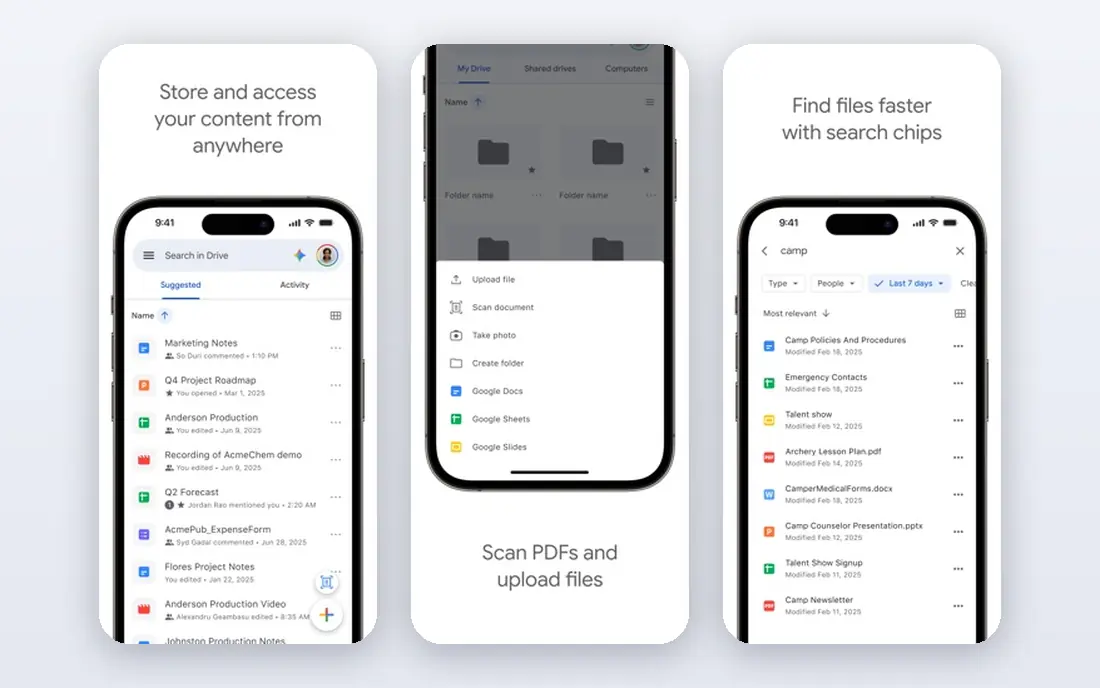
Google Forms is the fastest way to get a working form online. You can build a survey, quiz or signup form in minutes, share a link, and watch answers appear in a linked sheet. For internal feedback, class quizzes, event signups and simple research, that speed and simplicity are hard to beat. Design and advanced logic are limited. You cannot collect payments, build a polished branded landing page, or run complex approval workflows inside Google Forms. It is best for teams that already use Google Workspace and need a reliable, free form now, not for businesses that need a customer-facing order form.
- Free with a Google account
- Simple setup
- Answers flow into Google Sheets
- Limited design control
- No payment collection
- Basic logic only
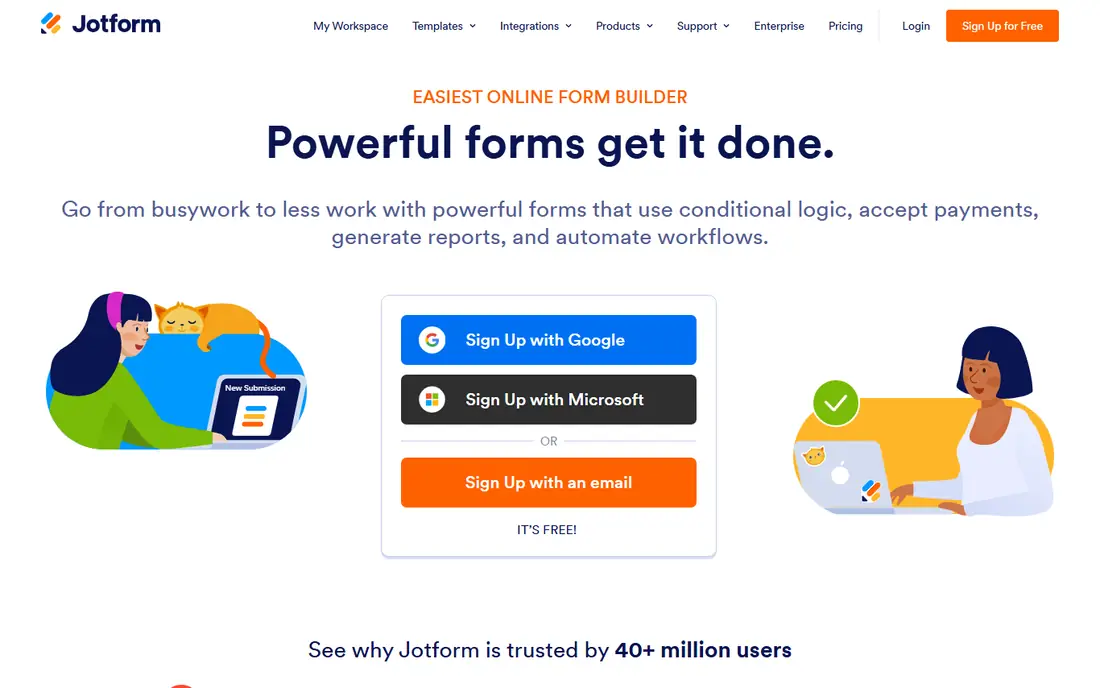
Jotform suits teams that want to start from a template rather than a blank page. Its library covers lead forms, order forms, surveys, applications and bookings, and widgets add payments, signatures, file uploads and calculations. That breadth makes Jotform a good general-purpose builder for small businesses. The free plan is limited to a small number of forms and monthly responses, so a popular form can hit the cap quickly. Paid plans raise those limits and remove branding, but they cost more than leaner rivals. Jotform fits businesses that use templates often and need payment and widget options in one place.
- Very large template library
- Many widgets and integrations
- Payment support
- Free plan limits forms and responses
- Paid plans cost more than some rivals
Typeform presents one question at a time, which can feel more like a conversation than a long page of fields. That format suits customer-facing lead forms, feedback surveys and quizzes where completion rate matters. Design options are strong, and logic jumps can route respondents to different questions based on earlier answers. The free plan is tight on responses, so Typeform is not a good free workhorse for high-volume forms. Paid plans are aimed at marketing teams that value completion rates and brand presentation. Choose Typeform when the respondent experience is the priority and the form volume fits the plan.
- One-question-at-a-time format
- Strong design
- Logic and calculations
- Free plan allows very few responses
- Paid plans are priced for marketing teams
Tally is a strong free alternative for teams that need volume without a monthly bill. Its doc-style builder feels like writing a document, with questions added as blocks, and logic, calculations and payment options are available without the tight response caps seen on some rivals. That mix suits startups, creators and small teams collecting leads or feedback at scale. Templates and advanced design options are fewer than on larger platforms, and removing Tally branding needs a paid plan. For a public form where volume matters more than a large template library, Tally is often the most generous free option in this list.
- Free plan allows many forms and responses
- Simple doc-style builder
- Logic and payments on free plan in many cases
- Smaller template library than Jotform
- Branding removal needs a paid plan
Microsoft Forms fits teams already on Microsoft 365, because forms, results and Excel work together without extra setup. Teachers, internal teams and small businesses can build a survey or quiz, share it in Teams or by email, and review answers in Excel. That native fit saves time compared with connecting a separate tool. Design control is basic, and free personal accounts have lower response limits than work accounts. Microsoft Forms is best for internal and education use inside Microsoft 365, not for a highly branded customer-facing order form that needs payments and complex logic.
- Included with many Microsoft 365 plans
- Results flow into Excel
- Simple quizzes and polls
- Design options are basic
- Public form limits apply to free personal accounts
Zoho Forms suits businesses that need a form to start a process, not just collect an answer. Approval workflows can route a submission to a manager, request changes and record the decision, which helps with leave requests, expense claims and internal approvals. Reports and notifications keep the process visible without manual chasing. The free plan limits submissions, so high-volume public forms may need a paid plan. The interface also has many options, which can slow a first-time builder. Zoho Forms fits teams already using Zoho apps, or businesses where approval is the main reason for the form.
- Approval flows
- Reports
- Works well with other Zoho apps
- Free plan limits submissions
- Interface takes time to learn
Paperform turns a form into a designed page that can look like a landing page, not just a list of fields. That presentation suits order forms, bookings, applications and lead pages where design affects trust and completion. Payments, calculations and conditional logic are built in, so a single form can take an order, calculate a total and collect payment. There is no permanent free plan, so Paperform is a paid choice from the start. It fits businesses that sell through forms and need design and payments together, rather than teams that only need a free survey. Test the trial with a real order flow before committing.
- Strong design and landing-page style
- Payments and calculations
- Good for orders
- No permanent free plan
- Price is higher than lean free builders
Fillout is built for forms that write directly into tools you already use, such as Airtable, Notion or Google Sheets. That link matters when a form is not the end of the process, but the start of a database, a CRM record or a project task. AI-assisted building can also draft a form from a prompt, which speeds up a first version. As a newer platform, Fillout has a smaller template and community base than Jotform or Typeform. Some advanced features, such as branding removal and higher response limits, need a paid plan. Fillout fits teams that already run on a database or sheet and want forms that feed it cleanly.
- Strong database and sheet integrations
- AI form building
- Payments via Stripe
- Newer platform
- Some advanced features need a paid plan
Formstack suits organisations that need forms inside a controlled workflow. Submissions can trigger approvals, generate documents, collect signatures and route data to other systems, with compliance options available on suitable plans for health and regulated data. That depth helps hospitals, schools, government teams and larger businesses. Cost and setup are higher than for simple builders, and there is no permanent free plan. Formstack is best when a form must meet compliance rules, feed a workflow and produce documents, not when a team only needs a quick survey. A trial with a real workflow is the best way to judge fit.
- Workflows and approvals
- Document generation
- Compliance options on suitable plans
- Higher cost
- No permanent free plan
- Setup takes longer
How we picked these
We compared official feature pages, pricing pages, app store listings, privacy policies and public reviews. We looked at free response limits, templates, logic, payments, file uploads, integrations and workflow options. We favoured tools with clear free or trial terms and with a distinct job, so the list covers quick surveys, conversational forms, order forms and regulated workflows. We did not claim hands-on testing. Where response limits or prices changed by plan or region, we wrote See website rather than presenting a single figure as universal. Check the vendor pricing page for the plan you will actually use before publishing a high-volume form.
How to build a form people finish
Ask fewer questions
Every extra field lowers completion, so ask only for data you will actually use. Use logic to hide questions that do not apply, and put easy questions first. If a field is not needed for the next step, remove it or make it optional.
Test on a phone first
Most respondents will open a form on a phone, so test the full flow on a small screen before you share it. Check file uploads, payment steps and long dropdowns, because those are where mobile forms often fail. A form that works on desktop but breaks on mobile will lose responses quietly.
Plan where answers go
Decide before launch whether answers go to a sheet, a CRM, an email inbox or a database, and who owns follow-up. A form that collects leads but never notifies anyone is worse than no form, because respondents expect a reply. Set up notifications and a simple follow-up step on day one.
Frequently asked questions
What is the best form builder software for small businesses?
Jotform suits template-heavy small businesses, Tally suits high-volume free forms, and Google Forms suits simple internal forms. The best pick depends on whether you need payments, templates or volume most. Test one real form on each shortlisted tool before you commit.
What is the best free form app?
Google Forms and Tally are strong free options, with Google Forms simplest for internal use and Tally more generous for public forms and logic. Microsoft Forms is also free for many Microsoft users. Check response limits, because free does not always mean unlimited.
Can form software collect payments?
Yes, Jotform, Paperform, Tally and Fillout support payment collection through providers such as Stripe, usually on paid plans or with limits on free plans. Check transaction fees, payment provider support and refund handling before you use a form for orders.
What is the best form tool for surveys?
Typeform suits conversational surveys where completion matters, while Google Forms and Microsoft Forms suit simple internal surveys at no cost. For research surveys with complex logic and reporting, Jotform or Formstack may give more control. Pick based on audience and analysis needs, not on design alone.
Do I need a form builder if I use WordPress?
WordPress plugins such as WPForms and Gravity Forms can work well for sites already on WordPress. A standalone builder is better when you need forms on multiple sites, or when you want database and CRM links without WordPress plugins. Both routes can collect clean data if set up well.
How do I handle private data in a form?
Limit fields to what you need, use a vendor that supports your compliance needs, and check data storage, access and retention settings. For health or regulated data, confirm HIPAA or GDPR handling for your specific plan, not just for the vendor in general. Avoid collecting sensitive data in a free form that was not built for it.
Sources we checked (9)

Online Jobs is an independent blog about careers, online work, learning new skills and the tools that help people earn. More about us.
Keep reading
All posts
Zoom Alternatives
Zoom alternatives compared for 2026: Google Meet, Microsoft Teams, Webex, Jitsi and more for free calls, large meetings and webinars for teams and classrooms.

What Is the Best Free Tool to Rotate a PDF
What is the best free tool to rotate a PDF? We compare eight free rotation tools on per-page control, limits, privacy and saved output quality in detail.

What Is the Best AI Dubbing Tool
We compared the best AI dubbing tools in 2026, from ElevenLabs and HeyGen to Rask AI, Dubverse and Veed, for videos and creators in many languages worldwide.