Best Forex Trading Platforms in 2026: 8 Platforms Compared

How we put this together: we compare official feature and pricing pages, app store listings, privacy policies and public user reviews. Prices change, so check the provider's site before you pay.
Key takeaways
- OANDA and FOREX.com are the most accessible US-regulated choices for most retail traders, with demo accounts and clear pricing models.
- Interactive Brokers suits traders who also trade stocks and futures, while IG suits traders who want research depth alongside forex.
- Spreads and commissions vary by pair and account type, so compare the all-in cost on the pairs you actually trade.
- A demo account is the safest first step, and no platform removes the risk of losing money on borrowed-funds trades.
- US regulation limits borrowing and available pairs, so offshore offers that promise higher borrowing carry added risk.
Quick comparison
| Name | Who it suits | Starting price | Free option | |
|---|---|---|---|---|
 OANDA OANDA | Transparent pricing | See website | Free trial | Visit |
 FOREX.com FOREX.com | Platform choice | See website | Free trial | Visit |
 IG US IG US | Research and education | See website | Free trial | Visit |
 Interactive Brokers Interactive Brokers | Multi-asset trading | See website | Free trial | Visit |
 tastyfx tastyfx | Simple US forex trading | See website | Free trial | Visit |
 TradingView TradingView | Charting with broker links | See website | Yes | Visit |
 MetaTrader 5 MetaTrader 5 | Automated strategies | See website | Free trial | Visit |
 cTrader cTrader | Fast manual trading | See website | Free trial | Visit |
The best forex trading platforms
This is not financial advice; trading carries risk, and forex trading with borrowed funds can lose more than a small account balance if risk controls are ignored. We compared official platform pages, pricing schedules, regulation disclosures, mobile apps and public reviews.
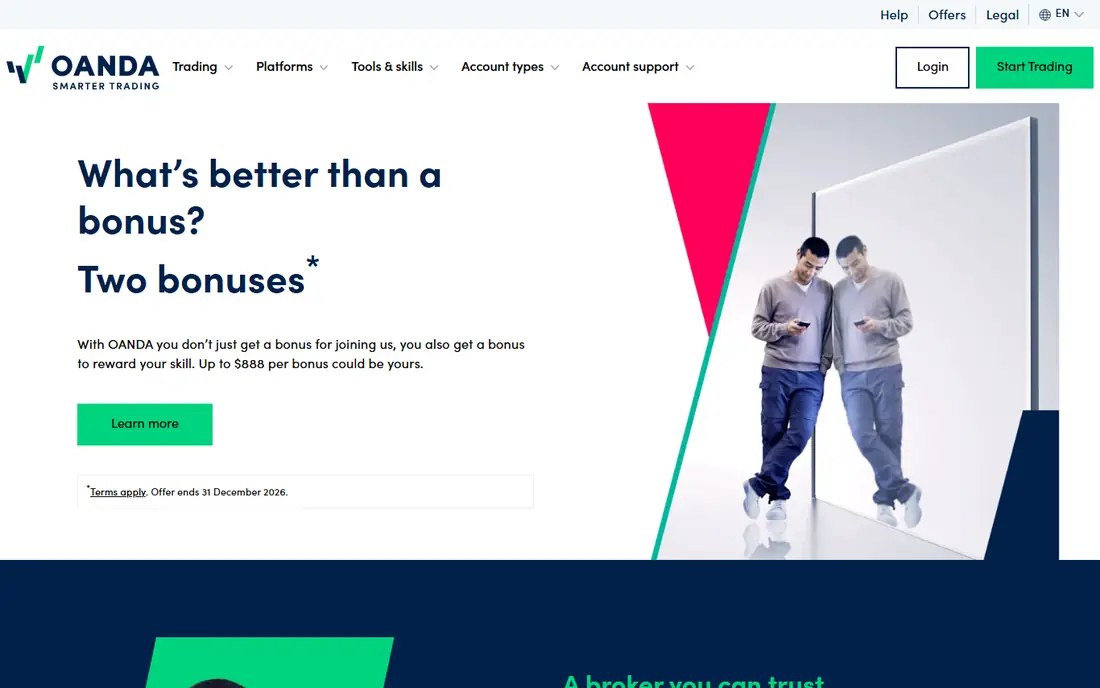
OANDA suits a new US trader who wants pricing they can understand before placing a trade. Standard accounts use spread-only pricing, while a core pricing option pairs tighter spreads with commission, so active traders can choose the model that fits their volume. A demo account lets you practise with virtual funds on the same platforms, which is the right first step for anyone new to forex.
The catch is breadth. OANDA lists fewer pairs than FOREX.com, and its research library is thinner than a research-led broker. If you trade exotic pairs or lean heavily on analyst research, you may want a second platform. For major pairs and clear costs, OANDA is a strong starting point.
- No minimum deposit on standard accounts
- Demo account
- Clear spread and commission models
- Fewer currency pairs than some rivals
- Research tools are lighter than IG
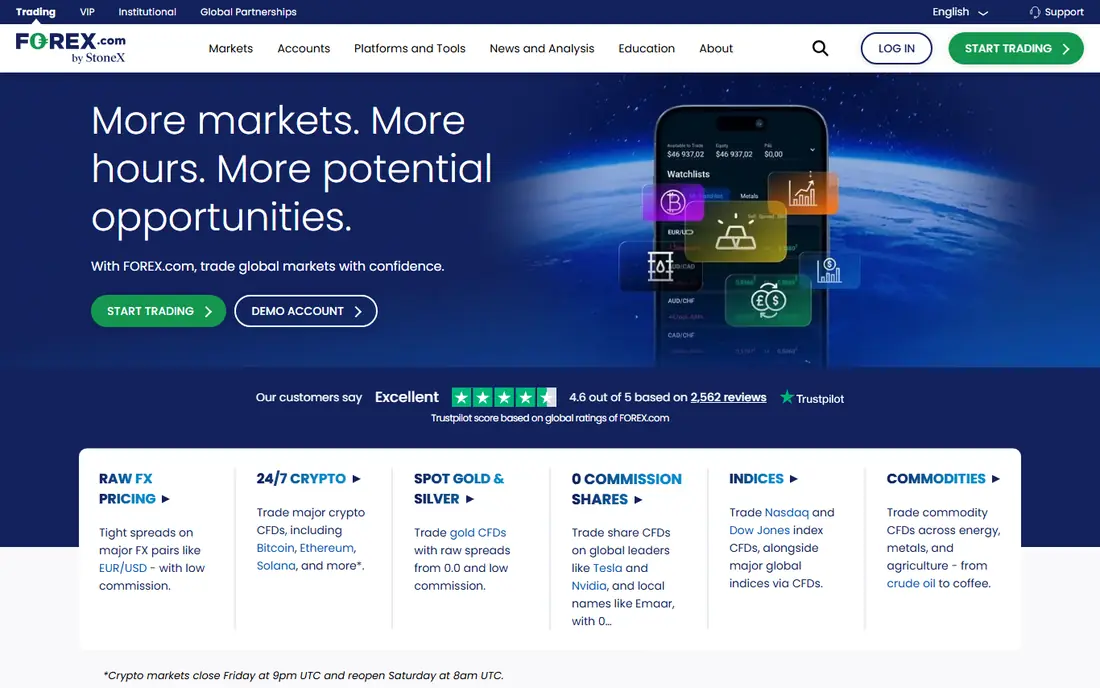
FOREX.com fits a trader who wants to pick a platform rather than accept one house app. You can trade on its web trader, MetaTrader 4, MetaTrader 5 or through TradingView, and the pair list covers more than 80 currencies. Research, market news and analyst commentary are built in, which helps traders who follow macro events.
The catch is complexity at the start. Spread-only and raw commission accounts price differently, and a new trader can easily compare the wrong pair of numbers. Start on a demo account, pick one platform, and compare all-in costs on EUR/USD and your other main pairs before funding a live account.
- Wide platform range including MetaTrader and TradingView
- Broad pair list
- Strong research
- Pricing varies by account type
- Platform choice can overwhelm new traders
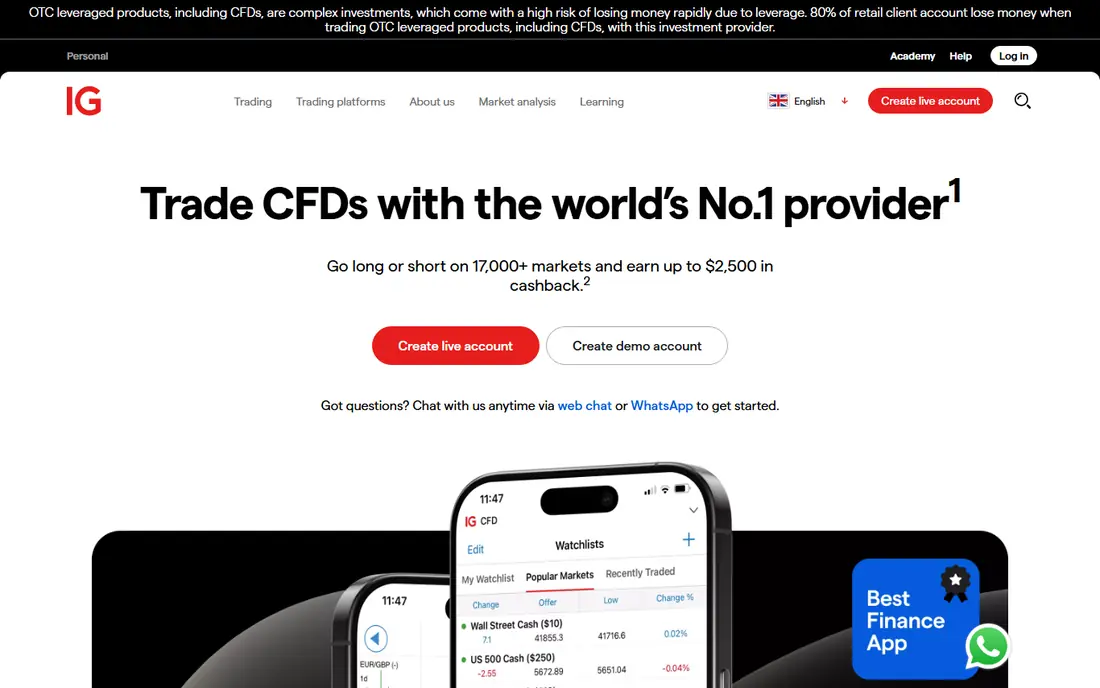
IG suits a trader who reads before trading. Its research, market analysis and education material are among the most complete in US retail forex, and the platform presents news, charts and economic calendars in one place. That matters for traders who build a view from data rather than from a single chart pattern.
The catch is the entry bar. IG sets a higher minimum deposit than some rivals, and its platform range is narrower than FOREX.com. If you want the deepest research in a single app and can meet the minimum, IG is a strong pick. If you want the lowest entry cost, OANDA may fit better.
- Deep research and education library
- Well-designed web and mobile apps
- US-regulated
- Higher minimum deposit than OANDA
- Fewer platform choices than FOREX.com
Interactive Brokers fits a trader who already trades other assets and wants forex in the same account. You can hold stocks, futures and forex side by side, use advanced order types, and access many global markets from one login. Active traders may also find commissions competitive at volume, though the schedule needs careful reading.
The catch is the learning curve. Trader Workstation is built for professionals, and a new forex trader can feel lost among its panels and order tools. The mobile app is simpler, but it still assumes more knowledge than a beginner app. Choose Interactive Brokers when you plan to grow beyond forex, not as a first-only forex app.
- Stocks, futures, options and forex in one account
- Tight spreads for active traders
- Global market access
- Trader Workstation has a steep learning curve
- Forex is one part of a much larger platform
tastyfx suits a US trader who wants a focused forex account without the clutter of a multi-asset broker. The platform is clean, the account types are easy to follow, and a demo account lets you learn order placement before risking real money. For a trader who trades a handful of major pairs, that focus is a benefit.
The catch is scale. The pair list and research extras are smaller than at FOREX.com or IG, so a trader who branches into exotic pairs or deep macro research may outgrow it. As a first live account with clear costs, tastyfx is a sensible and honest choice.
- US-regulated forex specialist
- Clear platform
- Demo account
- Smaller pair range than larger brokers
- Fewer research extras
TradingView is not a broker, and that distinction matters. It is the best charting tool in this list, with clean charts, many indicators and a community that shares ideas. Supported brokers can be linked so you can trade from charts, which keeps analysis and execution in one window for many traders.
The catch is that TradingView alone does not hold your money or execute trades without a broker. Free charts cover most needs, but real-time data and extra layouts sit behind paid plans. Use TradingView as your charting layer, and judge your broker separately on regulation, spreads and execution.
- Excellent charts and indicators
- Large trader community
- Links to supported brokers
- Not a broker itself, so you still need a funded broker account
- Advanced plans cost extra
MetaTrader 5 suits a trader who uses automated strategies or custom indicators. The platform supports expert advisors, backtesting and a large library of community indicators, and many brokers offer it, so a strategy can move between brokers with less rework. That portability is a real benefit for systematic traders.
The catch is that MetaTrader 5 is only as good as the broker behind it. Spreads, execution and regulation come from the broker, not the platform, and the interface feels dated next to modern web apps. Choose the broker first on regulation and cost, then use MetaTrader 5 if its tools fit your method.
- Wide broker support
- Automated trading and custom indicators
- Familiar to many traders
- Interface looks dated
- You still need a broker account
- Quality varies by broker
cTrader fits a manual trader who values speed and a clear view of market depth. Order entry is fast, charts are clean, and the depth-of-market panel shows liquidity in a way that helps short-term traders judge entries. For discretionary traders, it feels more modern than MetaTrader.
The catch is broker availability. Fewer US brokers support cTrader than MetaTrader, so your choice of broker narrows. Check that a regulated US broker offers cTrader with the pairs you trade before building a workflow around it. Where it is offered, it is a strong manual trading platform.
- Clean depth-of-market view
- Fast order entry
- Good charting
- Fewer US brokers offer it
- Automated tools differ from MetaTrader
How we picked these
We compared official platform pages, pricing schedules, regulation disclosures, demo account terms, mobile apps and public reviews. We favoured US-regulated brokers for US readers, plus widely used platforms that link to those brokers. Where spreads or commissions vary by pair and account, we wrote "See website" rather than quoting a single pair as a general price.
How to choose a forex platform without costly mistakes
Forex costs hide in spreads, commissions, overnight financing and currency conversion, so read the full schedule.
Regulation first
Check that the broker is registered with US regulators for US retail forex, and read its risk disclosure. Offshore brokers may offer higher borrowing, but they sit outside US protections, and recovering funds after a dispute is far harder. Regulation is not a guarantee of profit, but it is a basic safety filter.
Compare all-in costs
Compare spread plus commission on the pairs you trade most, not just a headline spread on EUR/USD. Add overnight financing if you hold positions for days, and check conversion fees if you fund in a different currency. A platform that looks cheap on one pair can be costly on another.
Practise, then size small
Use a demo account to learn order types, stop losses and position sizing before funding a live account. When you go live, start with small positions and a written risk limit per trade. Most retail forex traders lose money, and a platform choice does not change that fact, but disciplined sizing limits the damage.
Frequently asked questions
What is the best forex trading app for US traders?
OANDA and FOREX.com are strong starting points for US traders, since both are US-regulated, offer demo accounts and publish clear pricing models. OANDA suits traders who want a low entry bar, while FOREX.com suits traders who want more platforms and pairs. Check the broker regulator listing and demo terms before funding any account.
What is the best mobile trading app for forex?
OANDA, FOREX.com and IG all offer well-rated mobile apps with charts, order entry and account management. TradingView also works well on mobile for charting, though you still need a broker account to trade. Try the demo version of each app first, since mobile order entry is where costly taps happen.
What is the best platform for forex trading for beginners?
A platform with a demo account, clear spread pricing and education material is the safest beginner choice, and OANDA fits that description well. Avoid high borrowing at the start, learn stop losses and position sizing, and treat early live trading as education with small stakes. This is not financial advice, and trading carries risk of loss.
Are forex trading apps safe?
A US-regulated broker with segregated client funds and clear risk disclosures is safer than an unregulated offshore broker, but no app makes trading itself safe. Check regulation, read the risk disclosure, and never deposit money you cannot afford to lose. Be wary of any app that promises guaranteed returns or pressures you to deposit quickly.
How much money do I need to start forex trading?
Some brokers set no minimum deposit, while others set a minimum in the low hundreds of dollars, so the entry cost varies by broker. Starting capital matters less than position size, since borrowing can turn a small move into a large loss. Start small, use a demo first, and only increase size after you understand risk controls.
What is the difference between spread-only and commission pricing?
Spread-only pricing builds the broker cost into the gap between buy and sell prices, while commission pricing pairs a tighter spread with a separate fee per trade. Active traders may pay less overall on commission accounts, while occasional traders may prefer the simplicity of spread-only pricing. Compare the all-in cost on your main pairs before choosing.
Sources we checked (8)

Online Jobs is an independent blog about careers, online work, learning new skills and the tools that help people earn. More about us.
Keep reading
All posts
Best Trading Apps for Beginners
Compare the best trading app for beginners, with $0 stock commissions, fractional shares, education, paper trading and account types explained in 2026 now.
Best Trading App
We compared the best trading apps for beginners and active traders on fees, tools, accounts and ease of use, so you can pick a platform that fits your plan.
Best Tax Software
Compare the best tax software in 2026 for simple returns, investors, freelancers, and preparers, with free options, state fees, and honest limits for filing.