Best Tax Software in 2026: 8 Tax Tools Compared

How we put this together: we compare official feature and pricing pages, app store listings, privacy policies and public user reviews. Prices change, so check the provider's site before you pay.
Key takeaways
- FreeTaxUSA and Cash App Taxes offer free federal filing for many complex returns, while the free tiers at larger brands cover only simple returns.
- TurboTax and H&R Block charge more, but they add stronger guided help, document imports, and access to tax experts.
- State filing is often the hidden cost, so check the federal price plus the state price before you start.
- Freelancers and investors should pick by form coverage first, since a low headline price means little if Schedule C, D, or E is missing.
- Tax prices change through the season, so confirm the total on the vendor pricing page on the day you file.
Quick comparison
| Name | Who it suits | Starting price | Free option | |
|---|---|---|---|---|
 FreeTaxUSA FreeTaxUSA | Best value for most filers | Free | Yes | Visit |
 TurboTax TurboTax | Guided filing and expert help | Free | Yes | Visit |
 H&R Block H&R Block | In-person backup and online filing | Free | Yes | Visit |
 Cash App Taxes Cash App Taxes | Free federal and state filing | Free | Yes | Visit |
 TaxSlayer TaxSlayer | Low-cost confident filing | Free | Yes | Visit |
 TaxAct TaxAct | Middle-ground price and guidance | Free | Yes | Visit |
 Jackson Hewitt Online Jackson Hewitt Online | Flat-price complex returns | $25 per return | No | Visit |
 eFile.com eFile.com | Low-cost premium returns | Free | Yes | Visit |
The best tax software
The best tax software depends less on brand and more on your forms, your comfort with tax terms, and whether you want a person to review your work. We compared official feature pages, pricing pages, app store listings, privacy policies, and public reviews to sort the value options from the guided options.
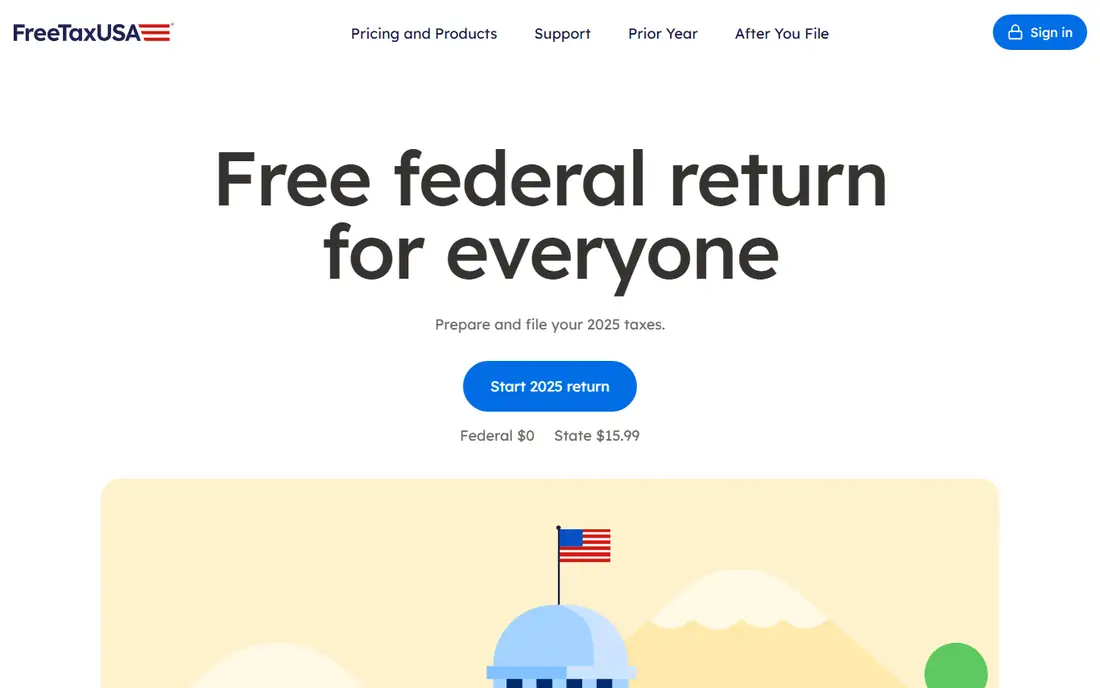
FreeTaxUSA is our pick for filers who know the basics and want to keep costs down. Federal filing is free in the basic service, including many situations that push other brands into paid tiers, such as self-employment income, investment sales, and rental income. That flat approach makes budgeting simple, since complexity alone does not raise the federal price.
The trade-off is guidance. The flow is more form-focused than interview-focused, so first-time filers may need to look up a term or two as they go. State filing costs extra per state, and support upgrades such as Deluxe and Pro Support are optional add-ons. If you are comfortable checking your own entries, this is hard to beat on price.
- Free federal filing for many situations
- Low state price compared with larger brands
- Optional support upgrades are clearly priced
- Guidance is less detailed than TurboTax
- Import tools are more limited for many 1099 forms
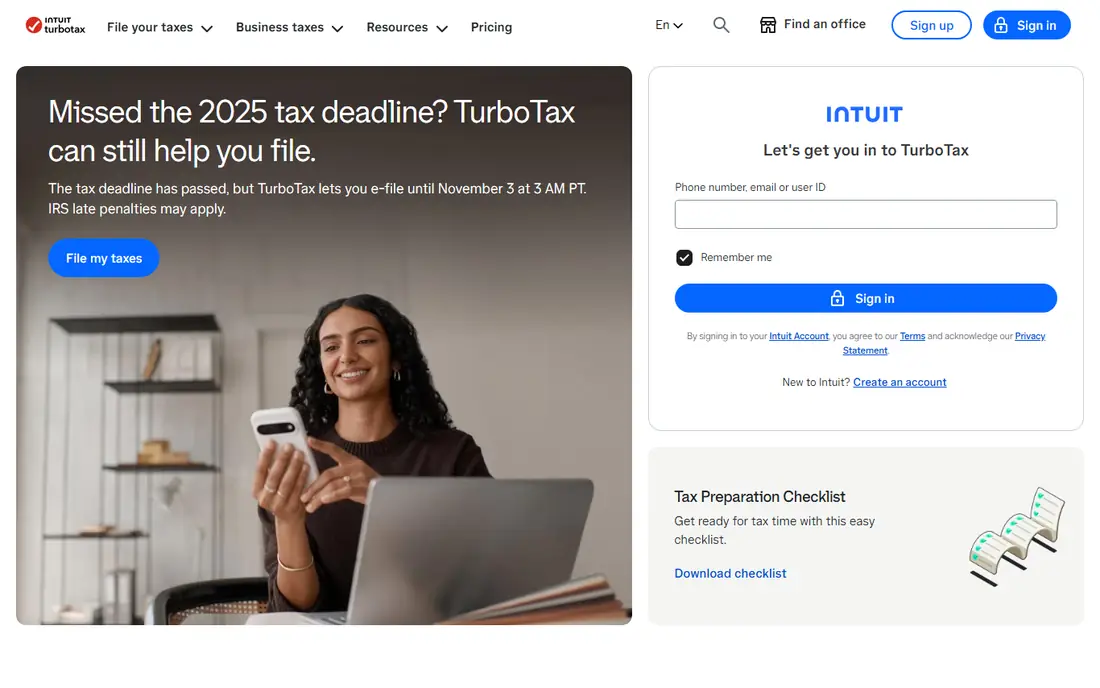
TurboTax is the easiest starting point for filers who want plain-language questions and a polished flow. You can import W-2 and 1099 documents, answer questions about income and deductions, and let the software complete the matching forms. Expert Assist adds on-demand help from tax experts, and Full Service pairs you with an expert who prepares the return.
The catch is the free tier. TurboTax Free Edition is limited to simple Form 1040 returns, with no schedules except for certain credits and deductions, so many filers move to a paid tier partway through. Deluxe, Premium, and expert tiers cost more than budget rivals, and state filing is extra on paid plans. Pay for TurboTax when guidance or expert review matters more than the lowest price.
- Clear step-by-step interview
- Strong document import options
- Expert help and full-service options on the same platform
- Free Edition covers only simple returns
- Paid tiers and state fees add up quickly

H&R Block suits filers who want to start online and still have a local office as a fallback. Its online range runs from Free Online for simple returns through Deluxe, Premium, and Self-Employed tiers for homeowners, investors, and freelancers. Paid online plans include expert help features, and Tax Pro Review lets a professional check a return you prepared yourself.
The main drawback is price movement. Online prices are repriced through tax season, so a figure seen in one month may not match the checkout total in another month. State filing is also extra on paid tiers. If you like the idea of walking into an office when a return gets tricky, H&R Block is the strongest hybrid choice here.
- Free Online tier for simple returns
- Thousands of offices for in-person help
- Tax Pro Review option for a second look
- Online prices change through the season
- Import tools trail TurboTax for some investors
Cash App Taxes is the simplest free option on this list, because there is no paid upgrade tier waiting in the flow. Federal and one state return are free, and the service covers W-2 income, self-employment income, investment sales, and many common credits and deductions. You can file from a phone or a computer, and progress saves across devices.
The limits matter for some filers. You need a Cash App account to use it, and support is mainly in-app help rather than live expert advice. It also does not cover every complex situation, such as multi-state returns and certain estate or trust forms. For a straightforward or moderately complex single-state return, it is a strong no-cost pick.
- Federal and state filing at no cost
- Covers many 1099 and investment situations
- No paid tier to bump you into
- Requires a Cash App account
- No live tax expert service
- Some complex situations are not supported
TaxSlayer is a good middle choice for filers who want more than a bare form tool but do not want to pay a premium brand price. Simply Free covers qualifying simple returns, while Classic covers a broad range of situations, including homeowners and filers with dependents. Premium adds live chat and tax professional help, and Self-Employed adds guidance for 1099 income and Schedule C.
The free tier is narrow, so check the rules before you assume you qualify. State filing is extra on paid tiers, and the interface is plainer than TurboTax or H&R Block. If you are confident with tax terms and want a lower paid price, TaxSlayer deserves a close look.
- Simply Free tier for qualifying simple returns
- Classic covers many situations at a lower price
- Self-Employed tier adds business guidance
- Free tier has strict limits on income and dependents
- Tax expert help is limited to higher tiers
TaxAct balances price and guidance better than most budget tools. The free tier covers qualifying simple returns, while Deluxe adds homeowner deductions and health savings account support, and Premier adds investment sales, home sales, and rental income. Self-Employed covers contract and freelance work, and Xpert Assist can add one-on-one expert advice and a review before filing.
The flow is less polished than TurboTax, and some filers will find the free tier too narrow once dependents or itemized deductions enter the picture. State returns also add a separate fee on most plans. For filers who want guided help without a premium price, TaxAct is a sensible compromise.
- Free tier for qualifying simple returns
- Deluxe and Premier undercut premium rivals
- Xpert Assist adds expert help for a fee
- Free tier is limited by income and deductions
- State filing is extra on most plans
Jackson Hewitt Online is easy to understand, because the online price does not change with return complexity. The flat online fee covers federal filing and state filing, which can make it cheaper than tiered rivals for investors, freelancers, and multi-state filers who would otherwise land in a top tier. The online flow includes guided sections, error checks, and live chat support.
There is no free version, so simple filers may pay more here than with a free tier elsewhere. In-person preparation is a separate service, and office prices vary because many offices are independently owned. If your return is complex and you want one predictable online price, this flat model is worth comparing against the tiered brands.
- Flat $25 online fee for federal and state
- Covers complex forms without tier jumps
- Live chat support is included online
- No free tier
- In-person pricing varies by office
- Interface is plainer than premium rivals
eFile.com is a budget option that keeps premium filing cheaper than the big brands. The free federal tier covers qualifying basic returns, while Deluxe and Premium tiers add dependents, mortgage interest, retirement income, and complex personal or business situations. The site also supports filing extensions and offers audit support features.
The free tier is narrow, with limits on income, filing status, and dependents, so many filers will need a paid tier. There is no office network and no dedicated expert service to match H&R Block or TurboTax. If price is your main filter and you are comfortable filing online, eFile.com is a solid low-cost choice.
- Free federal tier for qualifying basic returns
- Premium tier is cheaper than many rivals
- Flat state fee structure on some plans
- Free tier has strict income and filing limits
- No in-person help
- Guidance is lighter than premium brands
How we picked these
We compared official feature pages, pricing pages, app store listings, privacy policies, and public reviews for each product. We kept only products that exist for US individual filers in October 2026 and that cover the main filing situations for their tier. We checked free-tier limits carefully, because a free label means little when a single form moves you to a paid plan.
We also weighed form coverage, import options, expert help, state pricing, and support limits. A product earned a place when it had a clear audience, such as value filers, guided filers, investors, or freelancers, rather than when it simply had a familiar name. Prices change through tax season, so we note where a figure is a starting price and advise checking the vendor page before filing.
What to check before you pay
Start with your forms, not the brand
List your income types first: W-2, 1099-NEC, 1099-B, rental income, and business income. Then check that the tier you plan to use supports each form. A free tier that excludes Schedule C will cost more in the end than a paid tier that includes it from the start.
Add state filing to every comparison
Many comparisons quote only the federal price. Add the state price, any support upgrade, and any fee for paying from a refund. Two products with similar federal prices can differ by a wide margin once one state return is added.
Decide how much help you need
If you are confident and your return is stable year to year, a value tool is often enough. If you had a major life change, sold a business, or received an IRS notice, expert review or full-service help may be worth the extra cost. Keep records for deductions and income, and review the return before you submit it, since software can only work with the entries you provide.
Frequently asked questions
What is the best tax software for simple returns?
For a simple W-2 return with the standard deduction, start with a free tier from TurboTax, H&R Block, TaxAct, or TaxSlayer, and compare it with Cash App Taxes and FreeTaxUSA. The right choice depends on whether you also need a free state return, since state rules differ by product. Check the qualifying rules before you enter data, so you do not reach checkout and face an unexpected upgrade.
What are the best alternatives to TurboTax?
FreeTaxUSA, Cash App Taxes, TaxSlayer, TaxAct, H&R Block, and eFile.com are the main alternatives to TurboTax for personal filing. FreeTaxUSA and Cash App Taxes are strongest on price, while H&R Block adds office backup and TaxAct adds a lower-priced guided path. Pick by form coverage and state cost, not by headline price alone.
What is the best tax software for preparers?
This list covers personal DIY filing, not professional preparer software for firms. TaxSlayer Pro, and similar professional products, are sold separately for preparers who file many client returns. If you prepare returns for others as a business, check professional licensing, e-file rules, and client data rules before choosing a tool.
What is the best 1040 tax software for investors?
Investors need Schedule D and Form 8949 support, plus import options for brokerage statements. TurboTax Premium, H&R Block Premium, TaxAct Premier, and FreeTaxUSA all cover investment sales, but import depth and guidance differ. If you have many transactions, import quality matters more than a small price gap.
What is the best personal tax software for freelancers with 1099 income?
Freelancers need Schedule C support, expense tracking help, and quarterly payment reminders where offered. FreeTaxUSA covers Schedule C at the federal level for free, while TaxSlayer Self-Employed, TaxAct Self-Employed, and H&R Block Self-Employed add more guidance. Cash App Taxes also covers self-employment income for free, subject to its form limits.
Is free tax software really free?
It can be, but only within the limits of each free tier. Some free tiers cover only simple returns, while others cover federal filing for many situations and charge only for state filing or optional support. Read the qualifying rules, add the state fee, and check for optional add-ons before you judge the total cost.
Sources we checked (8)
- https://turbotax.intuit.com/personal-taxes/?view=desktop
- https://www.taxact.com/taxes-online/product-selection
- https://www.taxslayer.com/blog/cheapest-way-to-file-taxes-online
- https://www.e-file.com/faq/index.php
- https://cash.app/taxes
- https://www.freetaxusa.com
- https://www.hrblock.com
- https://www.jacksonhewitt.com/tax-help/questions-and-answers/where-can-i-file-taxes-online/

Online Jobs is an independent blog about careers, online work, learning new skills and the tools that help people earn. More about us.
Keep reading
All posts
Best Trading Apps for Beginners
Compare the best trading app for beginners, with $0 stock commissions, fractional shares, education, paper trading and account types explained in 2026 now.

Best Trading App
We compared the best trading apps for beginners and active traders on fees, tools, accounts and ease of use, so you can pick a platform that fits your plan.

Best Tax Preparation Software
Best tax preparation software compared for 2026, including free filing, guided help, self-employed returns and expert support, pros, cons and pricing notes.