QuickBooks Online Alternatives in 2026: 8 Options Compared

How we put this together: we compare official feature and pricing pages, app store listings, privacy policies and public user reviews. Prices change, so check the provider's site before you pay.
Key takeaways
- Xero is our pick for most small businesses leaving QuickBooks, because it covers invoicing, bank feeds and reporting in a clean cloud system.
- Wave suits solo owners and freelancers who need free core accounting and are willing to pay for payroll and payments separately.
- FreshBooks is the best fit for service businesses that live on invoices, time tracking and client payments.
- Zoho Books is a strong low-cost option, especially for businesses already using other Zoho apps.
- Switching is easier if you export your chart of accounts, open invoices and customer lists before you cancel QuickBooks.
Quick comparison
| Name | Who it suits | Starting price | Free option | |
|---|---|---|---|---|
 Xero | Most small businesses | See website | Free trial | Visit |
 FreshBooks | Service businesses and invoicing | See website | Free trial | Visit |
 Wave | Solo owners needing free core tools | Free | Yes | Visit |
 Zoho Books | Low-cost accounting in the Zoho suite | See website | Yes | Visit |
 Sage Accounting | Small firms wanting Sage reporting | See website | Free trial | Visit |
 FreeAgent | Freelancers and small UK and US firms | See website | Free trial | Visit |
 Kashoo | Simple bookkeeping for small firms | See website | Free trial | Visit |
 AccountEdge | Desktop accounting for small firms | See website | No | Visit |
The best quickbooks online alternatives
QuickBooks Online is popular for a reason, but it is not the only good choice. Some owners leave because of price rises, some want simpler invoicing, and some want a system that fits their other tools better. We compared official product pages and pricing pages for accounting tools that cover the core jobs: invoicing, expenses, bank reconciliation, reports and tax preparation support.
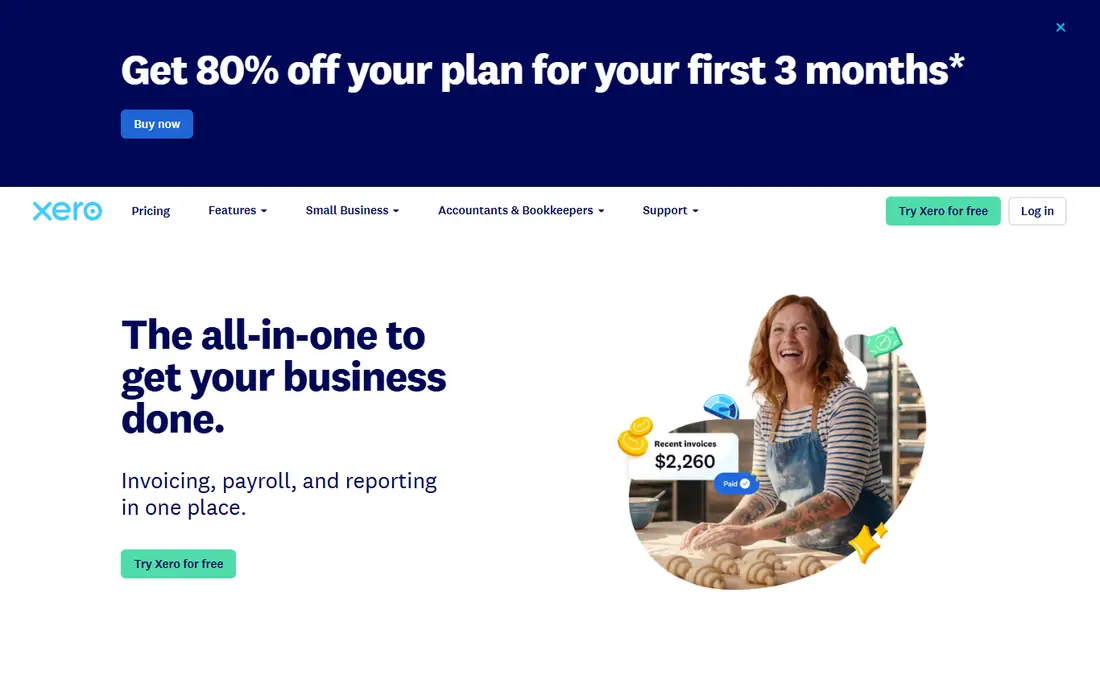
Xero is the closest all-round replacement for QuickBooks Online, and our pick for most small businesses. It handles invoices, bills, bank feeds, reconciliation and financial reports in a straightforward cloud interface, and it works well with an accountant who can log in and review the books. The app marketplace adds payroll, inventory and payment options without forcing you into a single bundle.
The main limits are location and depth. Payroll and tax features differ by country and state, so check coverage for your area before you switch. Businesses with complex inventory or manufacturing needs may also need an add-on. For a typical service, retail or consultancy business, Xero covers the daily work cleanly and scales as you grow.
- Clean invoicing, bank feeds and reconciliation
- Good reporting and multi-user access
- Large app ecosystem for payroll, inventory and payments
- Payroll coverage varies by location
- Some advanced inventory features need add-ons
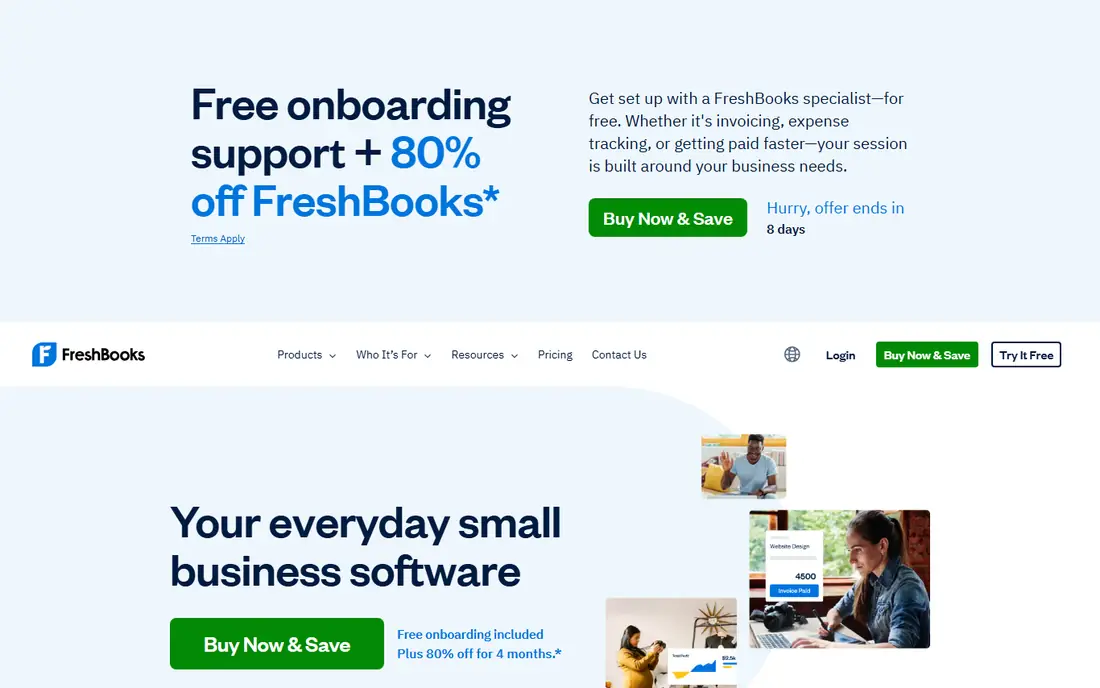
FreshBooks started as an invoicing tool, and that focus still shows. Invoices look professional, clients can pay online, and you can track time and project costs against each job. For a consultant, designer, agency or trades business that bills by project or by hour, that workflow can save more time than a heavier accounting system.
The trade-off is accounting depth. FreshBooks now covers double-entry accounting, expenses and reports, but firms with complex inventory, multiple entities or detailed cost accounting may find it light. If invoicing and getting paid are your main pain points, FreshBooks is an excellent switch. If you need deep inventory or job costing, compare Xero first.
- Excellent invoicing and client payment tools
- Time tracking and project features for services
- Simple interface for non-accountants
- Less suited to complex inventory or multi-entity firms
- Full accounting depth is lighter than Xero
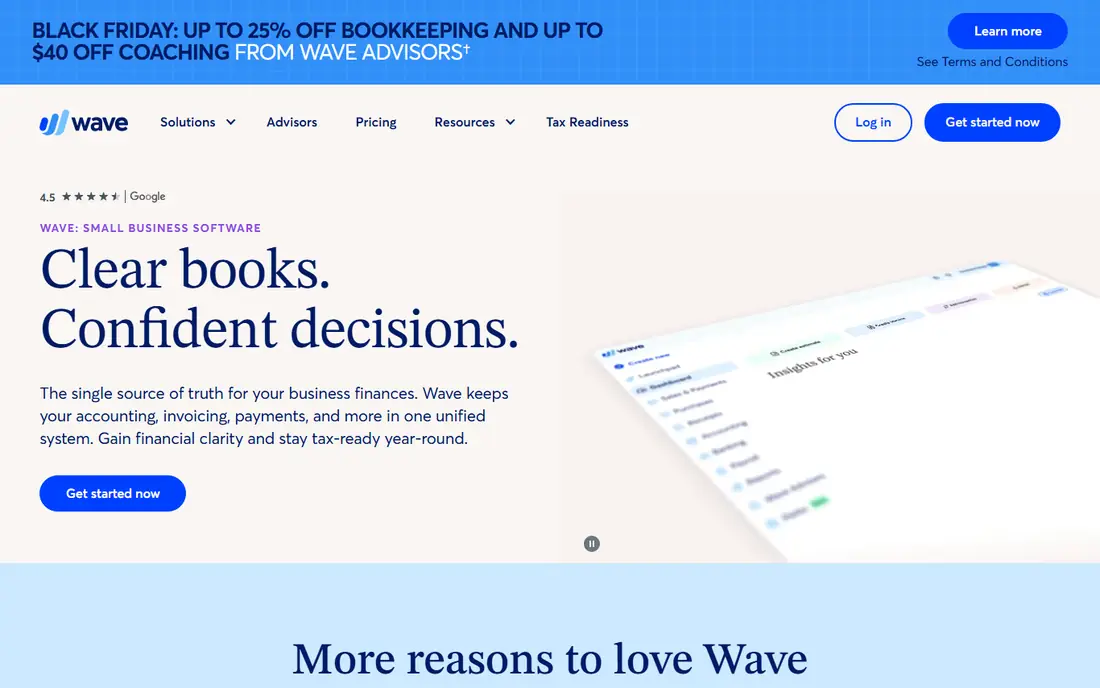
Wave is the best free starting point for a solo owner or freelancer. Core accounting, invoicing and receipt capture cost nothing, which makes it easy to move away from a paid subscription while you test whether a simpler system fits. The interface is friendly for non-accountants, and bank connections handle much of the routine bookkeeping.
The limits appear as you grow. Payroll and card payments are paid add-ons, support options are narrower than paid rivals, and advanced reporting is limited. Wave fits a freelancer, side business or very small firm with straightforward books. Once you have staff, inventory or multi-entity needs, a paid system will usually serve you better.
- Free invoicing, accounting and receipt scanning
- Simple setup for freelancers and solo owners
- Paid add-ons for payroll and payments
- No free payroll, and support is more limited
- Fewer advanced reporting and inventory features
Zoho Books is a strong value choice, especially if you already use Zoho CRM, Zoho Inventory or other Zoho tools. It covers invoicing, expenses, bank feeds, projects and reports, and the free tier helps very small firms get started without a monthly bill. The connection to the wider Zoho suite means customer, stock and sales data can flow together.
New users sometimes find the settings dense, and payroll is handled through separate Zoho products in some regions. If you already live in Zoho, though, the integration advantage is real. Zoho Books suits small businesses that want capable accounting at a lower price and are happy to learn one more Zoho app.
- Low-cost plans with a free tier for small firms
- Good invoicing, expenses and project billing
- Connects well to other Zoho apps
- Interface takes a little learning
- Some payroll features need separate Zoho apps
Sage Accounting is a dependable choice for small firms that want solid reporting and cash flow tools from a long-established vendor. It covers invoicing, expenses, bank reconciliation and forecasting, with support for tax handling in several countries. Firms that already use Sage products, or whose accountants prefer Sage, will find the transition smoother.
The main checks are regional coverage and interface. Feature sets differ by country, so confirm payroll, tax and bank feed support for your location. The design is functional rather than flashy, which suits owners who care more about reports than looks. For a small firm that wants a steady, well-supported system, Sage Accounting is a safe alternative.
- Solid invoicing, cash flow and VAT support
- Good reporting for small firms
- Long history in small business accounting
- US payroll and feature coverage varies by plan
- Interface can feel less modern than rivals
FreeAgent is built for freelancers, contractors and small firms that want bookkeeping to feel manageable. It shows invoices, expenses, bank balances and upcoming tax deadlines in one dashboard, and it helps sole traders and small companies track what they owe. The mobile app makes receipt capture quick, which helps owners who hate paperwork.
Larger firms with inventory, multiple entities or complex payroll will outgrow it, and some tax features are tuned more for UK users than US users. Check the current US feature set before you switch. For a freelancer or small firm that wants clarity over complexity, FreeAgent is a friendly and capable choice.
- Simple bookkeeping with tax timelines
- Good invoicing and expense capture
- Clear dashboard for cash flow and tax deadlines
- Less suited to large or complex firms
- Some features are stronger for UK users
Kashoo keeps bookkeeping simple without hiding the accounting underneath. It uses real double-entry accounting, but the screens stay plain and approachable for owners who are not accountants. Invoicing, expenses, bank connections and basic reports cover the daily needs of a small firm.
The trade-off is ecosystem size. Kashoo has fewer third-party integrations than Xero, and firms that need specialized inventory, payroll or industry tools may need workarounds. If you want a simple, honest bookkeeping system and you do not need a large app marketplace, Kashoo is a good, low-fuss alternative.
- Simple double-entry bookkeeping
- Easy invoicing and expense tracking
- Good fit for owners without accounting training
- Smaller app ecosystem than Xero
- Advanced features are limited
AccountEdge suits owners who prefer desktop software and do not want a monthly cloud subscription for core accounting. It covers invoicing, payroll, inventory and reporting, and your data stays on your own machine. For a small firm with a stable office setup and a preference for owning software rather than renting it, that model still appeals.
The downside is access. Remote work, accountant collaboration and bank feed convenience are weaker than in cloud systems, and you need to manage your own backups and updates. If your team works from several places, a cloud tool will serve you better. If you work from one office and value desktop control, AccountEdge is a credible alternative.
- Desktop software with no required monthly cloud fee
- Solid invoicing, payroll and inventory for small firms
- Data stays on your own computer
- Desktop-only approach limits remote access
- Fewer modern cloud integrations
How we picked these
We compared official product pages and pricing pages for accounting tools that are live in 2026 and that cover the core QuickBooks Online jobs for small businesses. We included cloud leaders, a free option, a desktop option and low-cost suites, so owners with different budgets and working styles can find a fit. We favored tools with clear invoicing, bank reconciliation and reporting, and we left out tools that only handle invoicing or only handle tax.
We did not claim hands-on testing, and we did not invent prices or feature claims. Where a vendor does not publish a price, we wrote See website. Check the current pricing page before you buy, since plan limits and payroll coverage change by region.
How to switch from QuickBooks Online without losing data
A switch goes smoothly when you plan the data move before you cancel anything.
Export before you cancel
Export your chart of accounts, customer and supplier lists, open invoices and bills, and year-to-date reports. Keep a copy of past tax returns and year-end reports as well. Most alternatives offer import tools or assisted migration, but a clean export gives you a fallback if an import needs fixing.
Run both systems for one month
Enter new transactions in the new system while keeping QuickBooks read-only for reference. Reconcile bank accounts in the new system and compare the month-end reports. That overlap month catches setup errors while you still have the old books to check against.
Tell your accountant early
Your accountant may have a preference, a discount or a migration process for one of these tools. Involve them before you choose, since their familiarity with the new system will affect year-end work and tax preparation far more than a small monthly price difference.
Frequently asked questions
What are the best alternatives to QuickBooks Online?
Xero is the best all-round alternative for most small businesses, followed by FreshBooks for service firms and Wave for solo owners who want free core tools. Zoho Books, Sage Accounting, FreeAgent, Kashoo and AccountEdge each fit a different budget or working style. The best choice depends on whether you need payroll, inventory, desktop software or the lowest price.
What is the best QuickBooks Online alternative for small business?
For a typical small business, Xero offers the closest match to QuickBooks Online, with invoicing, bank feeds, reporting and a large app ecosystem. FreshBooks suits service businesses that bill by project or hour, while Zoho Books suits firms that want lower cost. Test your invoicing and bank reconciliation workflows in a trial before you commit.
Is there a free alternative to QuickBooks?
Wave offers free core accounting, invoicing and receipt scanning, with paid add-ons for payroll and card payments. Zoho Books also offers a free tier for very small firms. Free plans work well for freelancers and solo owners, but growing firms usually need a paid plan for payroll, support and advanced reporting.
Is Xero better than QuickBooks Online?
Xero is better for some owners and QuickBooks is better for others. Xero often feels cleaner for invoicing and accountant collaboration, while QuickBooks has broader US payroll and industry coverage in some areas. The deciding factors are usually price, your accountant preference, payroll needs and which interface your team finds easier to use daily.
Can I switch from QuickBooks Online to Xero?
Yes, and many accountants handle this move regularly. Export your chart of accounts, customers, suppliers and open balances from QuickBooks, then use Xero import tools or an assisted migration. Run both systems for a month, reconcile the new books, and keep QuickBooks access until you are confident the new reports match.
Sources we checked (8)

Online Jobs is an independent blog about careers, online work, learning new skills and the tools that help people earn. More about us.
Keep reading
All posts
Top AI Financial Software
Searching for top AI financial software? We compared 9 AI finance tools for AP, spend, close, forecasting and bookkeeping to help teams choose wisely.

Quicken Alternatives
Compare the best quicken alternatives for Mac, Windows, and small business owners, from Monarch Money and YNAB to Copilot, Tiller, and Banktivity in 2026.

GoFundMe Alternatives
Looking for GoFundMe alternatives? We compared 8 fundraising platforms on fees, campaign types, donor tools and who each platform suits best in 2026 today.