Best Trading Apps for Beginners in 2026: 8 Apps Compared

How we put this together: we compare official feature and pricing pages, app store listings, privacy policies and public user reviews. Prices change, so check the provider's site before you pay.
Key takeaways
- Fidelity is the strongest all-round starting point, pairing $0 stock and ETF commissions with education, fractional shares and retirement accounts.
- Charles Schwab is a close alternative, with strong support and the thinkorswim platform for learners who grow into active trading.
- Robinhood and Webull suit mobile-first beginners, with Robinhood simpler and Webull stronger for charts and paper trading.
- SoFi Invest and Public suit beginners who want automated investing or simple recurring plans alongside stock picking.
- This is not financial advice; investing carries risk, and beginners should start small and learn before trading actively.
Quick comparison
| Name | Who it suits | Starting price | Free option | |
|---|---|---|---|---|
 Fidelity Fidelity | All-round beginners | Free | No | Visit |
 Charles Schwab Charles Schwab | Education and support | Free | No | Visit |
 Robinhood Robinhood | Simple mobile investing | Free | No | Visit |
 Webull Webull | Charts and paper trading | Free | No | Visit |
 SoFi Invest SoFi Invest | Automated plus active | Free | No | Visit |
 E*TRADE E*TRADE | Research and tools | Free | No | Visit |
 Public Public | Simple multi-asset plans | Free | No | Visit |
 Interactive Brokers Interactive Brokers | Growing into active trading | Free | No | Visit |
The best trading apps for beginners
This is not financial advice; investing carries risk, and the value of stocks and ETFs can fall as well as rise. We compared official fee schedules, account types, education material, mobile apps and public reviews.
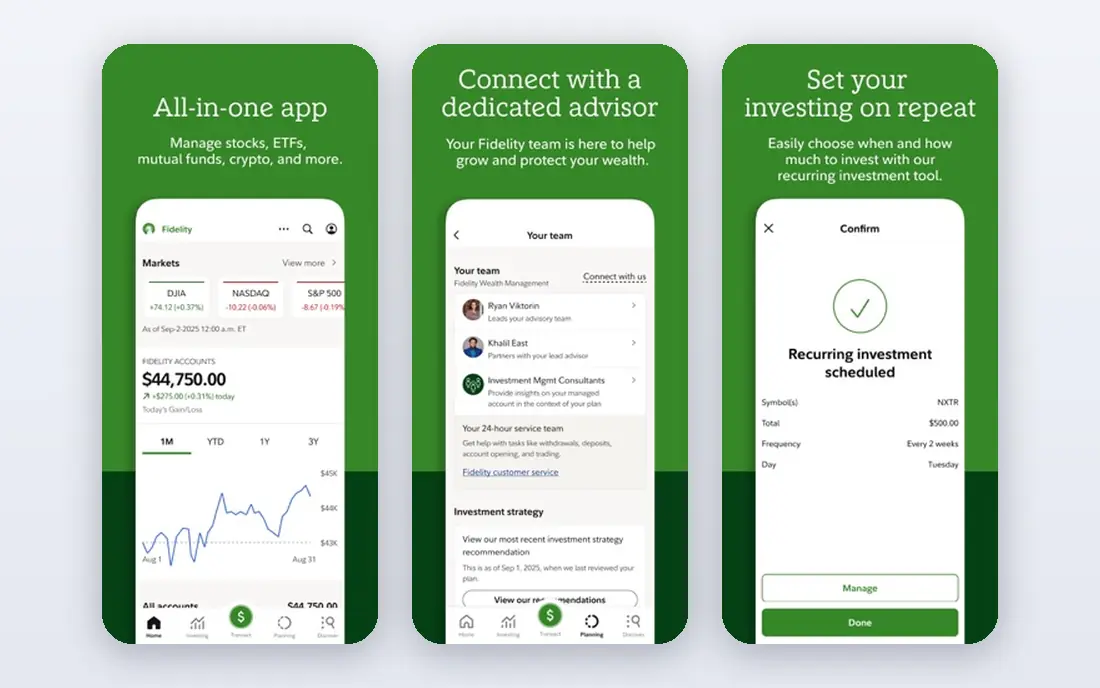
Fidelity is our pick for most beginners because it grows with you. You can start with fractional shares from $1, learn from a large education library, and later open a retirement account in the same app without switching brokers. Research, screeners and planning tools sit beside the trading screen, which helps a beginner move from a first stock to a diversified plan.
The catch is density. The app packs in more features than a simple mobile broker, so a first-time user may need a few sessions to find their way. That is a fair trade for a broker that still fits when you are no longer a beginner. For long-term investing, Fidelity is hard to beat.
- $0 online US stock and ETF commissions
- Fractional shares from $1
- Strong education and retirement accounts
- App feels busier than Robinhood
- Advanced tools take time to learn
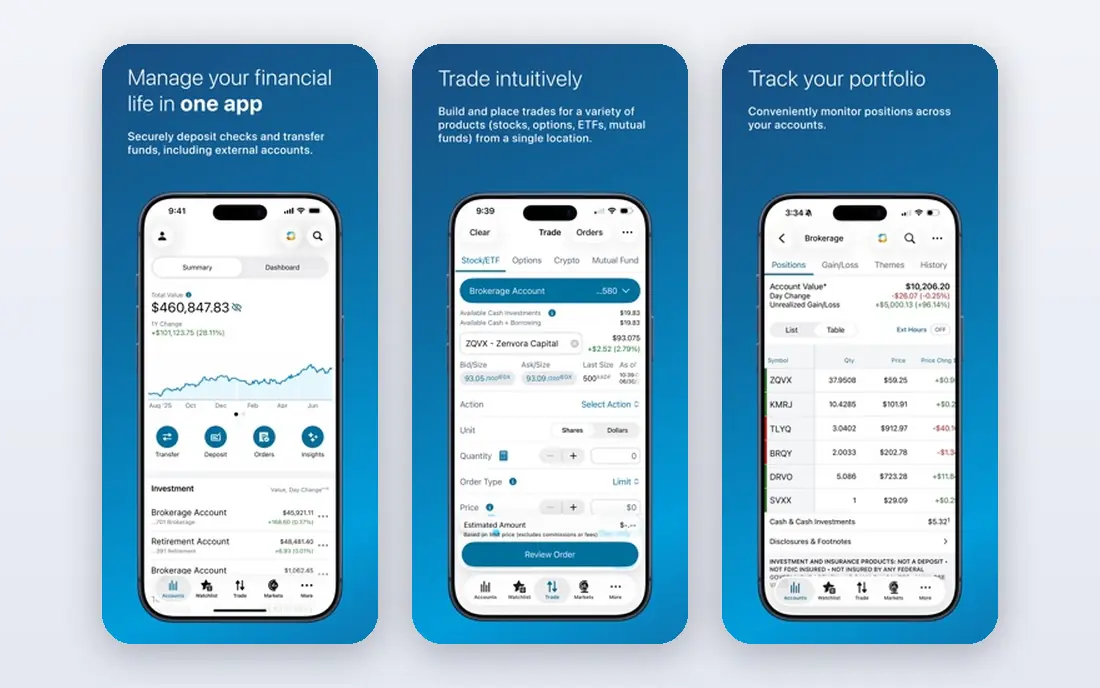
Charles Schwab suits a beginner who wants a human to call when something is unclear. Support is well rated, education material is thorough, and the thinkorswim platform gives a clear path into charting and paper trading as skills grow. Retirement accounts, banking and investing can also sit under one roof.
The catch is breadth. Schwab offers so many products and platforms that a new investor can feel overwhelmed at the start. Start with the main app and a simple account, and ignore thinkorswim until you want deeper tools. For support-led beginners, Schwab is an excellent choice.
- $0 online listed stock and ETF commissions
- Strong customer support
- Thinkorswim platform
- Product range can feel complex at first
- Branch access varies by location
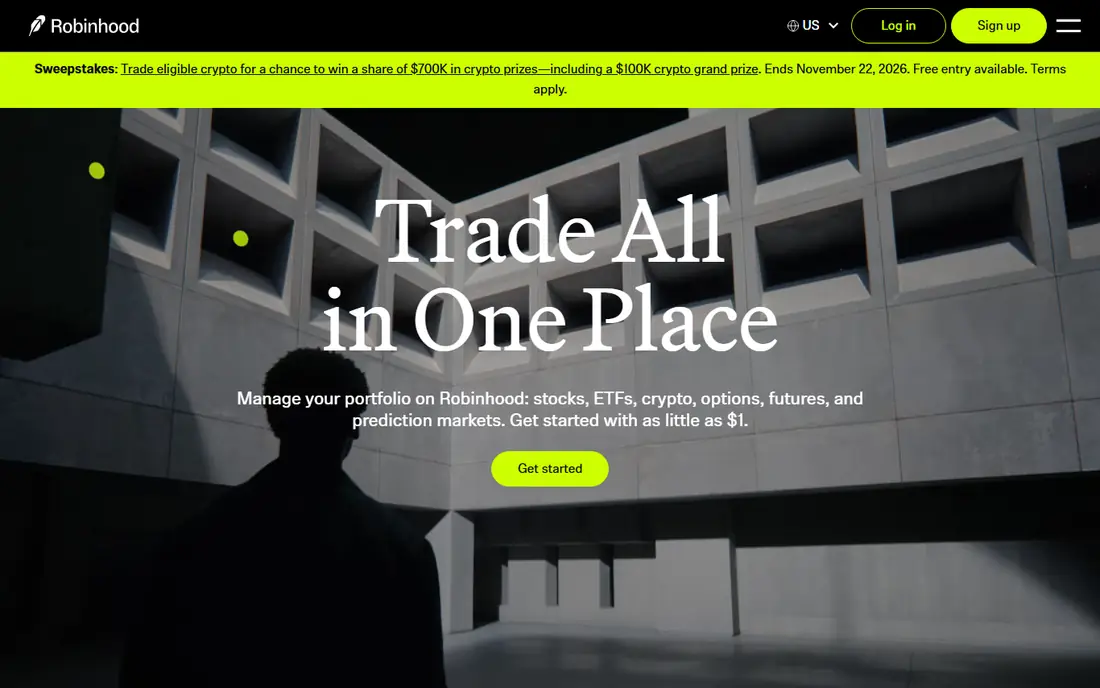
Robinhood is the simplest mobile start in this list. The app is clean, fractional shares start at $1, recurring investments are easy to set up, and options carry no per-contract commission. For a beginner who wants to buy a first ETF on a phone in minutes, Robinhood removes friction better than any full broker.
The catch is temptation and depth. The simple design can encourage frequent trading, which usually hurts beginners, and research tools are thinner than Fidelity or Schwab. Robinhood works best with a plan: set recurring investments, check the app rarely, and avoid trading on headlines. Used that way, it is a fine beginner app.
- $0 stock and ETF commissions
- Fractional shares from $1
- Clean mobile design
- Research tools are lighter than full brokers
- No mutual funds
- Interface can encourage frequent trading
Webull suits a beginner who wants to learn active trading without risking real money first. Paper trading uses real market prices, charts offer many indicators, and extended-hours trading is available. That combination lets a learner test ideas and learn order types before funding a live account.
The catch is complexity. Webull shows more data than a beginner needs at first, and it is less focused on simple retirement plans than Fidelity or Schwab. Use paper trading for a few weeks, learn one or two indicators well, and keep live positions small. For chart-curious beginners, Webull is the best learning lab.
- $0 commissions on US stocks and ETFs
- Free paper trading
- Strong charts and indicators
- Steeper learning curve than Robinhood
- Less suited to simple retirement planning
SoFi Invest fits a beginner who is not sure whether they want to pick stocks or let automation handle it. You can hold a self-directed account and an automated portfolio in the same app, switch between them, and use fractional investing to start small. The design stays clean, which helps a new investor avoid overwhelm.
The catch is research depth. Tools and screeners are lighter than Fidelity, Schwab or E*TRADE, so a learner who wants deep company research may outgrow SoFi. For a beginner who wants a simple, automated-first path with room to pick stocks, SoFi is a good fit.
- $0 stock commissions
- Automated investing and self-directed accounts in one app
- Clean design
- Research tools are lighter than full brokers
- Fractional minimum is higher than some rivals
ETRADE suits a beginner who wants research and education alongside trading. The main app handles simple investing, while Power ETRADE adds charting and analysis for learners who grow into active trading. Webinars and education material help a new investor learn order types, options basics and portfolio ideas.
The catch is options costs and choice. Options carry a per-contract fee, unlike Robinhood and Webull, and choosing between platforms takes a moment. Beginners should start in the main app, learn stocks and ETFs first, and treat options as an advanced topic for later, if at all.
- $0 online US stock and ETF commissions
- Power E*TRADE tools
- Strong education and webinars
- Options contract fees apply
- Platform choice can confuse new users
Public fits a beginner who wants a simple multi-asset portfolio in one place. Stocks, ETFs, bonds, Treasuries and crypto-related products sit beside recurring investment plans, so a beginner can build a diversified plan without juggling brokers. The interface stresses long-term plans over day trading, which is a healthy nudge.
The catch is fees on some products. While stock and ETF commissions are $0, some plans, subscriptions and asset types carry separate fees, so read the fee schedule for the assets you actually use. For a simple, plan-based portfolio, Public is a clean and honest choice.
- Stocks, ETFs, bonds and Treasuries in one app
- Recurring plans
- Clear fee disclosure
- Some asset types and plans carry separate fees
- Research is lighter than full brokers
Interactive Brokers suits a beginner who plans to grow into active or global trading and does not mind a learning curve. IBKR Lite offers $0 commissions on US stocks and ETFs for eligible clients, and the same account can later access global markets, options and futures. That headroom means no broker switch as skills grow.
The catch is complexity. The main platform is built for professionals, and beginner guidance is thinner than at Fidelity or Schwab. Start with the mobile app and Lite pricing, keep positions small, and learn order types slowly. For ambitious beginners, Interactive Brokers rewards patience.
- IBKR Lite offers $0 US stock and ETF commissions
- Global market access
- Low margin rates for eligible clients
- Platform learning curve is steep
- Beginner education is thinner than Fidelity or Schwab
How we picked these
We compared official fee schedules, account minimums, fractional share terms, education material, mobile apps and public reviews. We favoured US brokers with $0 online stock and ETF commissions, no account minimum or a low minimum, and a clear path from first trade to long-term investing. Where fees vary by product, we note that in the text rather than quoting a single fee as universal.
How a beginner should start investing
A good app helps, but habits matter more than the broker logo on your phone.
Start with a plan, not a stock tip
Decide how much you can invest regularly, what the money is for, and how long you can leave it invested. A diversified ETF or a retirement account suits most beginners better than a single stock picked from social media. Write the plan down, then choose an app that supports it.
Use fractional shares and recurring investments
Fractional shares let you start with $1 or $5, and recurring investments remove the need to time the market. Set a regular amount you can afford, even if it is small, and let it run. Avoid margin borrowing at the start, since borrowed money magnifies losses as well as gains.
Learn before you trade actively
Use paper trading on Webull or thinkorswim practice tools to learn order types without risking money. Read the education material in your broker app, and treat options, borrowed-funds products and crypto as advanced topics. If a trade feels urgent because of a headline, that urgency is usually a reason to wait, not to act.
Frequently asked questions
What is the best stock app for beginners?
Fidelity is our all-round pick, thanks to $0 commissions, fractional shares from $1, education and retirement accounts in one app. Charles Schwab is a close alternative for support-led learners, while Robinhood suits mobile-first beginners who want the simplest app. Choose the broker that fits your plan, not just the prettiest app.
What is the best trading app for beginners with no money?
Fidelity, Schwab, Robinhood and Webull all offer $0 stock and ETF commissions with no account minimum, and fractional shares let you start with $1 or $5. That low bar helps, but investing still carries risk, so only invest money you can leave invested for years. Start with a small recurring amount rather than a single large trade.
What is the best brokerage app for beginners who want to learn?
Fidelity and Schwab lead for education, with libraries, webinars and planning tools built into their apps. Webull leads for hands-on learning through paper trading and charts, while thinkorswim paper trading at Schwab offers a similar practice route. Use education and paper trading before risking real money on active strategies.
Are trading apps safe for beginners?
Regulated US brokers hold client assets under investor protection rules, but no app makes investing itself safe, since stock prices can fall. Check that a broker is regulated, read its fee schedule, and avoid apps that promise guaranteed returns. Keep passwords strong, use two-factor authentication, and never share login details.
Should beginners trade options?
Most beginners should learn stocks and ETFs first, since options add time decay, volatility and borrowing that can wipe out a position quickly. If you want to learn options later, use paper trading and education material first, and keep any live options positions very small. This is not financial advice, and options carry a high risk of loss.
What is the difference between a trading app and a brokerage app?
The terms overlap, but a trading app usually stresses fast mobile trading, while a brokerage app usually covers the full account, including retirement accounts, research and banking links. Fidelity and Schwab are full brokers with mobile apps, while Robinhood and Webull started as mobile-first trading apps. Beginners often benefit from a full broker, since it grows with them.
Sources we checked (8)

Online Jobs is an independent blog about careers, online work, learning new skills and the tools that help people earn. More about us.
Keep reading
All posts
Best Trading App
We compared the best trading apps for beginners and active traders on fees, tools, accounts and ease of use, so you can pick a platform that fits your plan.
Best Tax Software
Compare the best tax software in 2026 for simple returns, investors, freelancers, and preparers, with free options, state fees, and honest limits for filing.
Best Tax Preparation Software
Best tax preparation software compared for 2026, including free filing, guided help, self-employed returns and expert support, pros, cons and pricing notes.