Best Flowchart Software in 2026: 9 Tools Compared


Structured technical diagrams · Starting price: $7.95 per month
How we put this together: we compare official feature and pricing pages, app store listings, privacy policies and public user reviews. Prices change, so check the provider's site before you pay.
Key takeaways
- diagrams.net is completely free with no document limits, which makes every paid tool compete on collaboration and polish.
- Lucidchart is the structured diagramming leader for technical teams, while Visio wins where Microsoft 365 already lives.
- Miro suits workshops where a diagram emerges from discussion, and FigJam suits teams already using Figma.
- SmartDraw and EdrawMax offer template depth and desktop power at prices below Lucidchart per seat.
- Creately and Whimsical are strong mid-priced options for teams that want clean diagrams without enterprise complexity.
Quick comparison
| Name | Who it suits | Starting price | Free option | |
|---|---|---|---|---|
| Lucidchart | Structured technical diagrams | $7.95 per month | Yes | Visit |
 Microsoft Visio | Microsoft 365 shops | $5 per user per month | No | Visit |
 diagrams.net | Free unlimited diagramming | Free | Yes | Visit |
 Miro | Whiteboard-to-diagram workflows | $8 per user per month | Yes | Visit |
 SmartDraw | Template-driven business diagrams | $9.95 per month | Free trial | Visit |
 EdrawMax | Affordable Visio alternative | $119 per year | Yes | Visit |
 Creately | Visual team collaboration | $8 per month | Yes | Visit |
 Whimsical | Fast clean flowcharts | $10 per month | Yes | Visit |
 FigJam | Figma teams | $5 per user per month | Yes | Visit |
The best flowchart software
The best flowchart software depends on whether your diagrams are formal documentation or live collaboration. Formal process maps, network diagrams and org charts need precise shapes, data linking and export options. Workshop diagrams need a shared canvas, sticky notes and fast editing. We compared official pricing pages and feature lists to cover both jobs, plus free options that handle the basics well.
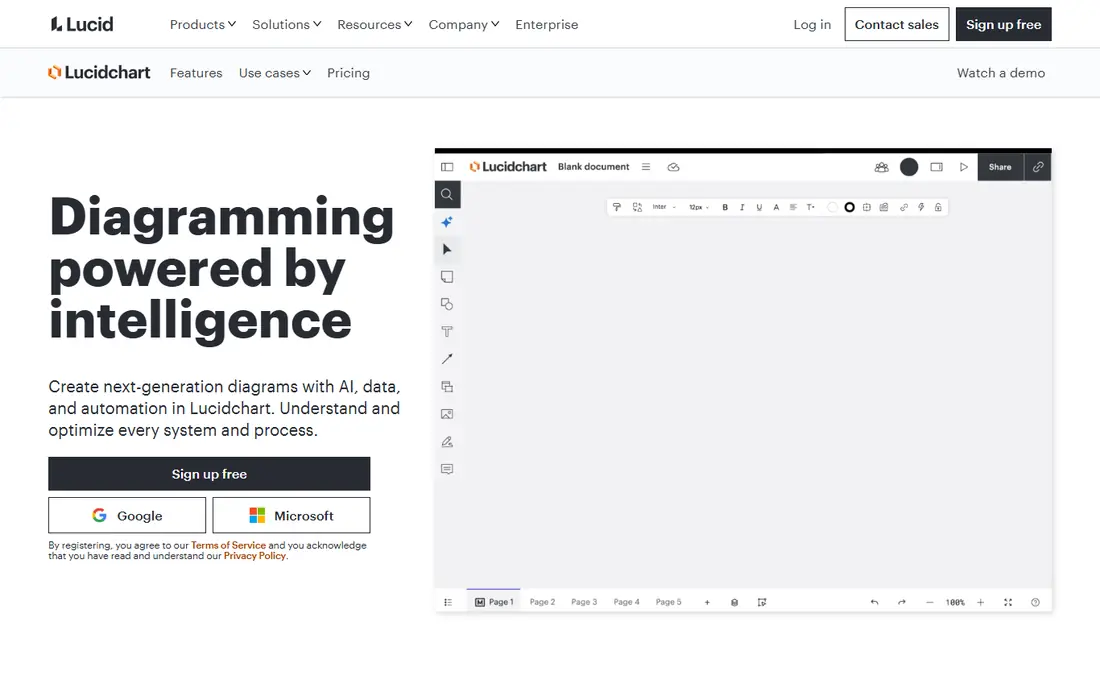
Lucidchart is the default professional choice for flowcharts, with deep shape libraries, data linking, conditional formatting and Visio compatibility. It scales from a quick process map to documenting an entire system, and its admin controls explain why larger companies pick it for governed documentation. The Individual plan costs $7.95 per month billed annually, with Team plans from around $10 per user per month.
The free plan caps you at three documents, so regular users will need to pay, and team costs add up at scale. For technical teams that need serious diagramming with governance, Lucidchart remains the leader.
- Deep shape libraries
- Data linking and layers
- Strong collaboration and admin controls
- Free plan limited to 3 documents
- Cost rises per seat for teams
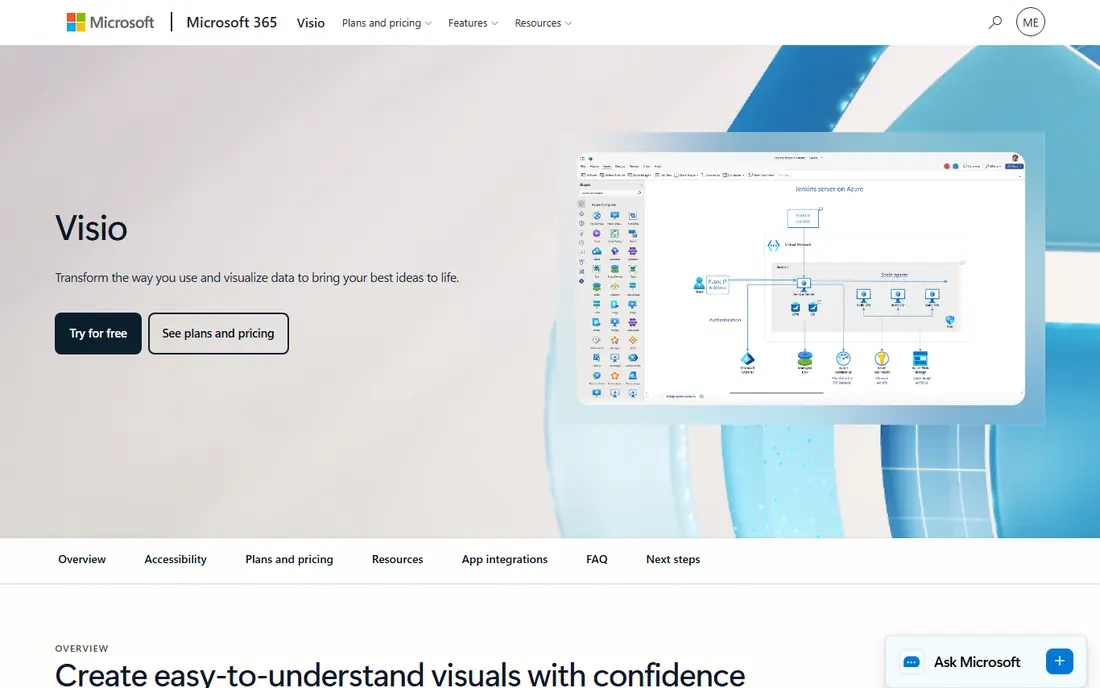
Visio fits organisations already committed to Microsoft 365, with deep integration into Excel, PowerPoint and Power Automate, plus support for BPMN and other diagram standards. Visio Plan 1 costs $5 per user per month for web-based diagramming, while Plan 2 at $15 per user per month adds the desktop app. Existing Visio files and templates transfer cleanly, which matters for established teams.
The desktop app is Windows-only, the web version is more limited, and there is no free plan. If your organisation already pays for Microsoft 365 and holds Visio files, Visio is the natural choice; otherwise a web-first tool may serve you better.
- Deep Microsoft 365 integration
- Desktop-grade diagrams
- BPMN and standards support
- Desktop app is Windows-only
- Web version is limited
- No free plan
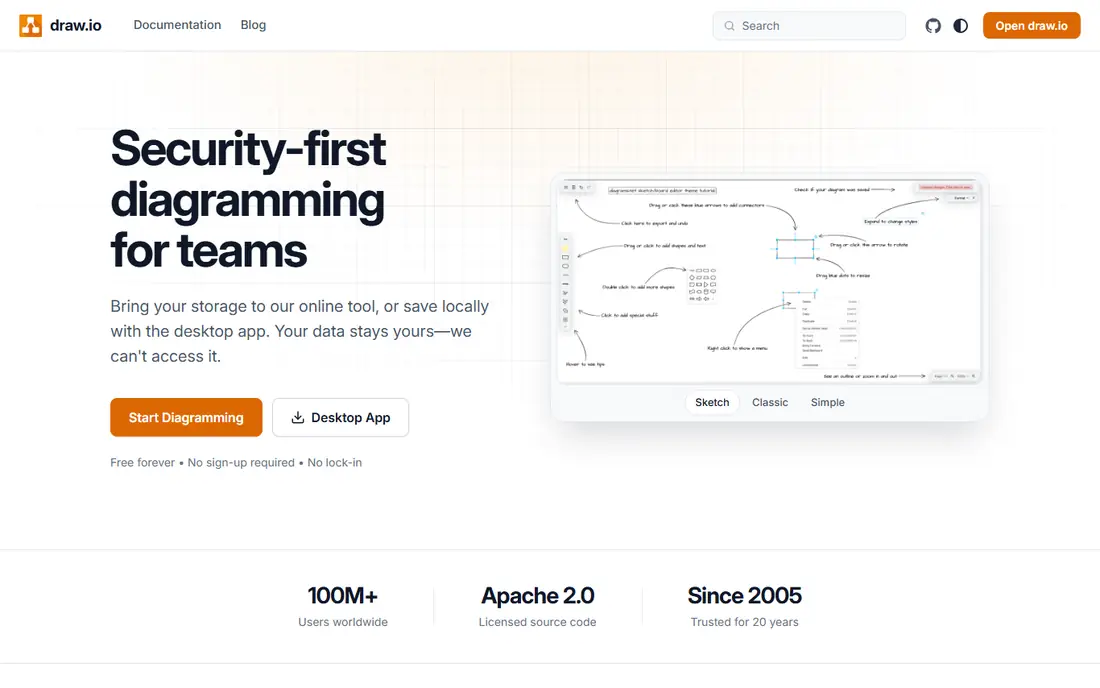
diagrams.net, formerly draw.io, is the best free flowchart software, full stop. It offers the full core feature set free, works in a browser or as a desktop app, works offline, and stores files in your own cloud storage or locally. Technical stencils cover flowcharts, network diagrams, UML and more, and it opens Visio files.
The interface looks dated next to Lucidchart or Miro, there is no native real-time collaboration, and automatic layout needs manual tidying. For individuals and small teams that need capable diagramming at no cost, diagrams.net is unbeatable value.
- Completely free
- Works offline
- No seat fees
- Visio compatible
- Dated interface
- No native real-time collaboration
- Manual layout cleanup
Miro is an infinite whiteboard that diagrams well, which suits mapping a process live with a group rather than documenting one that is already agreed. Sticky notes turn into flowchart shapes, collaborators edit together with visible cursors, and auto-layout tidies the result. The free plan includes three editable boards, while Starter costs $8 per member per month billed annually.
For formal documentation, Miro is less precise than Lucidchart, and very large boards can slow down. If your diagrams emerge from workshops and brainstorming, Miro is the best fit on this list.
- Infinite canvas
- Real-time collaboration
- Flowchart tools with auto-layout
- Less precise than Lucidchart for formal docs
- Large boards can slow down
SmartDraw is built around templates and automatic formatting: pick a diagram type, add your content, and the tool handles alignment and layout. Its library covers flowcharts, org charts, floor plans, network diagrams and many business visuals, which suits professionals who need many diagram types without learning each one. Individual plans cost $9.95 per month, or $7.95 billed annually.
There is no free plan beyond a trial, and the interface feels less modern than Miro or Lucidchart. For template-driven business diagramming with minimal fiddling, SmartDraw remains a dependable choice.
- Large template library
- Automatic formatting
- Strong business diagram types
- No free plan, trial only
- Interface less modern than rivals
EdrawMax is the cheapest full-featured desktop alternative to Visio, with more than 280 diagram types covering flowcharts, org charts, floor plans, UML and engineering visuals. An Individual plan costs $119 per year, and a limited free tier lets you test it. Desktop apps for Windows and Mac plus a web version make it flexible for different setups.
The interface can feel busy, and real-time collaboration is weaker than cloud-first rivals. For a solo professional or small team that wants breadth of diagram types at a low annual price, EdrawMax is strong value.
- 280 plus diagram types
- Desktop and web apps
- Cheaper than Visio desktop
- Interface can feel busy
- Collaboration weaker than Lucidchart
Creately combines diagramming with visual collaboration, letting teams build flowcharts together and link diagrams to project data. Its AI-assisted diagramming speeds up first drafts, and the free plan covers basic use. Personal plans start at $8 per month, with team plans adding collaboration and admin features.
Its template library is smaller than SmartDraw or EdrawMax, and some advanced features sit on higher tiers. For teams that want diagrams tied to their project work without enterprise pricing, Creately is a balanced pick.
- Team collaboration features
- AI-assisted diagramming
- Database-linked visuals
- Smaller template library than SmartDraw
- Some features need higher tiers
Whimsical is loved by product and startup teams for speed: its minimalist interface produces tidy flowcharts, wireframes and mind maps with very little effort, and the output always looks clean. The free plan covers limited use, while paid plans cost $10 per editor per month billed annually, with viewers free.
It offers fewer diagram types than Lucidchart or EdrawMax, and per-editor pricing can add up for larger teams. If you want fast, attractive flowcharts during product work, Whimsical is one of the most pleasant tools to use.
- Minimalist and fast
- Clean output
- Good for product teams
- Fewer diagram types than Lucidchart
- Per-editor pricing adds up
FigJam is Figma's whiteboard, and its case is continuity: diagrams sit beside the designs they describe, with the same accounts, permissions and component libraries. For a product team already on Figma, adopting another diagram tool adds friction for no gain, and FigJam's flowchart templates and collaboration features cover most product needs. Professional plans start at around $5 per editor per month, with a free tier available.
Its shape libraries are weaker than Lucidchart for technical documentation, and it assumes Figma adoption. For design-led teams, FigJam is the obvious flowchart pick.
- Lives beside Figma designs
- Same accounts and permissions
- Playful collaboration
- Weaker shape libraries
- Assumes your team already uses Figma
How we picked these
We compared official pricing pages, feature lists and plan details, and checked that each homepage loads and belongs to the product named. We covered free, budget and professional tools, and both formal documentation and live collaboration styles, so the list fits individuals, small teams and larger organisations. Where pricing varies by billing period, we stated the annual figure and noted it.
What to check before you choose
Decide first whether diagrams are documentation or collaboration. Documentation needs shape libraries, data linking, version control and export formats such as Visio, PDF and SVG. Collaboration needs real-time editing, comments and a canvas that handles many contributors at once.
Check the free limits too: document caps, board caps and shape limits decide whether a free tier is usable or just a demo. Finally, test import and export with your existing files, since a tool that cannot open your current diagrams will cost more in rework than its subscription saves.
Frequently asked questions
What is the best flowchart software free?
diagrams.net is the best free flowchart software, with full core features, offline use and no document limits. Miro, Lucidchart, Creately, Whimsical and FigJam also offer free tiers, but with caps on documents or boards.
What is the best software for flowcharts for technical teams?
Lucidchart leads for technical teams thanks to shape libraries, data linking and admin controls, while Visio suits Microsoft 365 shops. diagrams.net covers technical diagrams free if collaboration is not required.
What is the best flowchart app for workshops?
Miro is the best pick for workshops, with an infinite canvas and real-time collaboration, followed by FigJam for Figma teams. Both let groups build a diagram live rather than documenting one afterwards.
What is the best diagram software for business diagrams?
SmartDraw and EdrawMax offer the broadest business diagram libraries, while Lucidchart covers business and technical diagrams in one tool. Choose SmartDraw for templates and EdrawMax for breadth at a lower annual price.
What is the best free diagram software for students?
diagrams.net is the best free option for students, with no cost and no document limits, and it works offline for coursework. Miro's free tier also suits group projects with up to three editable boards.
What is the best workflow diagram software for process mapping?
Lucidchart and Visio lead for formal process mapping, with BPMN support and swimlanes, while Miro suits collaborative process discovery. For simple workflow maps, Whimsical and Creately are faster to learn.
Sources we checked (9)

Online Jobs is an independent blog about careers, online work, learning new skills and the tools that help people earn. More about us.
Keep reading
All posts
Zoom Alternatives
Zoom alternatives compared for 2026: Google Meet, Microsoft Teams, Webex, Jitsi and more for free calls, large meetings and webinars for teams and classrooms.

What Is the Best Free Tool to Rotate a PDF
What is the best free tool to rotate a PDF? We compare eight free rotation tools on per-page control, limits, privacy and saved output quality in detail.

What Is the Best AI Dubbing Tool
We compared the best AI dubbing tools in 2026, from ElevenLabs and HeyGen to Rask AI, Dubverse and Veed, for videos and creators in many languages worldwide.