Best floor plan software in 2026: 9 tools Compared


Easy room design for beginners · Starting price: $4.99 per month
How we put this together: we compare official feature and pricing pages, app store listings, privacy policies and public user reviews. Prices change, so check the provider's site before you pay.
Key takeaways
- Planner 5D is the easiest starting point for most people, with a real free plan and Premium at $4.99 per month billed annually.
- SketchUp Free is the best free way to learn true 3D modelling, while paid Go plans start at $129 per year.
- RoomSketcher suits anyone who wants measured 2D plans plus 3D walkthroughs, with Pro at $12 per month billed annually.
- Sweet Home 3D is the only fully free, offline, open source option on this list, ideal if you refuse subscriptions.
- Free tiers differ a lot, so check project limits, export costs and watermarks before you commit to a plan.
Quick comparison
| Name | Who it suits | Starting price | Free option | |
|---|---|---|---|---|
| Planner 5D | Easy room design for beginners | $4.99 per month | Yes | Visit |
 SketchUp SketchUp | True 3D modelling and design | $129 per year | Yes | Visit |
 RoomSketcher RoomSketcher | Measured plans plus 3D walkthroughs | $12 per month | Yes | Visit |
 Floorplanner Floorplanner | Quick plans in a browser | Free | Yes | Visit |
 Sweet Home 3D Sweet Home 3D | Free offline design | Free | Yes | Visit |
 HomeByMe HomeByMe | Photorealistic room visuals | Free | Yes | Visit |
 magicplan magicplan | Scanning rooms with a phone | See website | Yes | Visit |
 Live Home 3D Live Home 3D | Polished 3D on Apple devices | See website | No | Visit |
 Homestyler Homestyler | Fast lifelike renders | See website | Yes | Visit |
The best floor plan software
We compared official pricing pages, feature pages, app store listings and public reviews. Prices are list prices in US dollars unless stated, and free plans often limit projects, exports or render quality, so read the free tier details in each section.
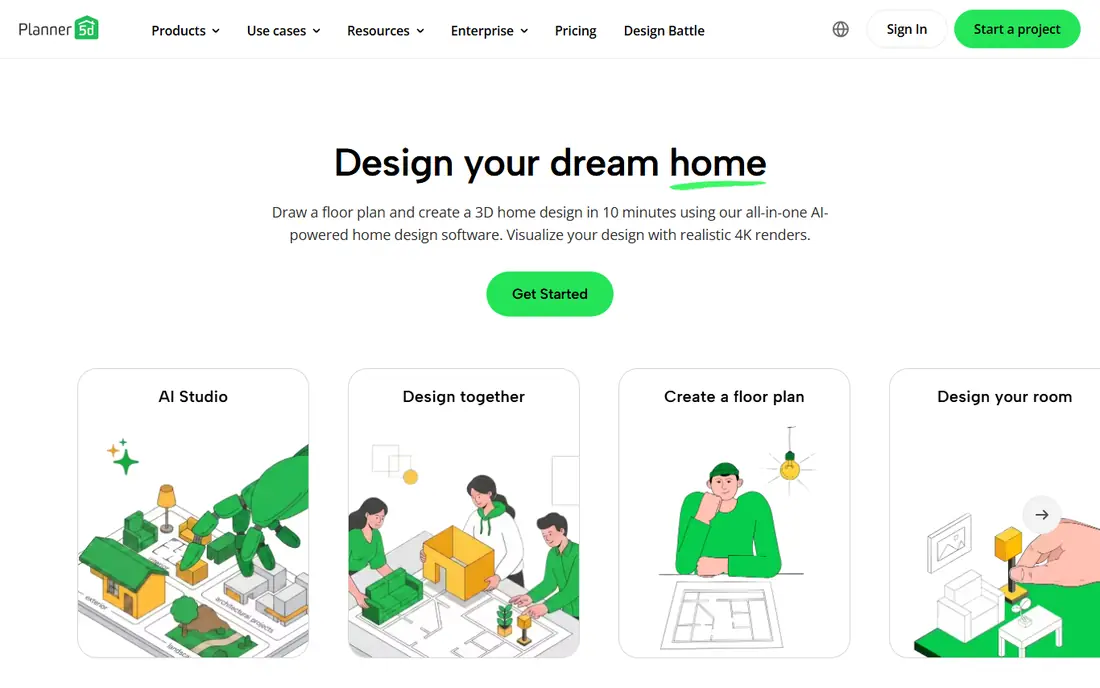
Planner 5D is our pick for most people because it is easy to start and hard to get stuck in. You can draw a floor plan, furnish it from a large catalogue, and view it in 3D without learning CAD, and the app works on web, iOS and Android. Premium at $4.99 per month billed annually, or $59.99 per year, adds more catalogue items and higher quality renders.
The catch is the free tier. It is useful for learning and for a single room, but watermarks, lower resolution renders and locked catalogue items will push serious users to Premium. That is still good value for a home project, and far cheaper than hiring a designer for a first layout.
- Easy drag and drop design on web, phone and tablet
- Large furniture catalogue
- 4K renders and AI floor plan tools on paid plans
- Free renders carry watermarks and lower resolution
- About half the catalogue is locked behind Premium in many comparisons
- Ads appear on the free tier
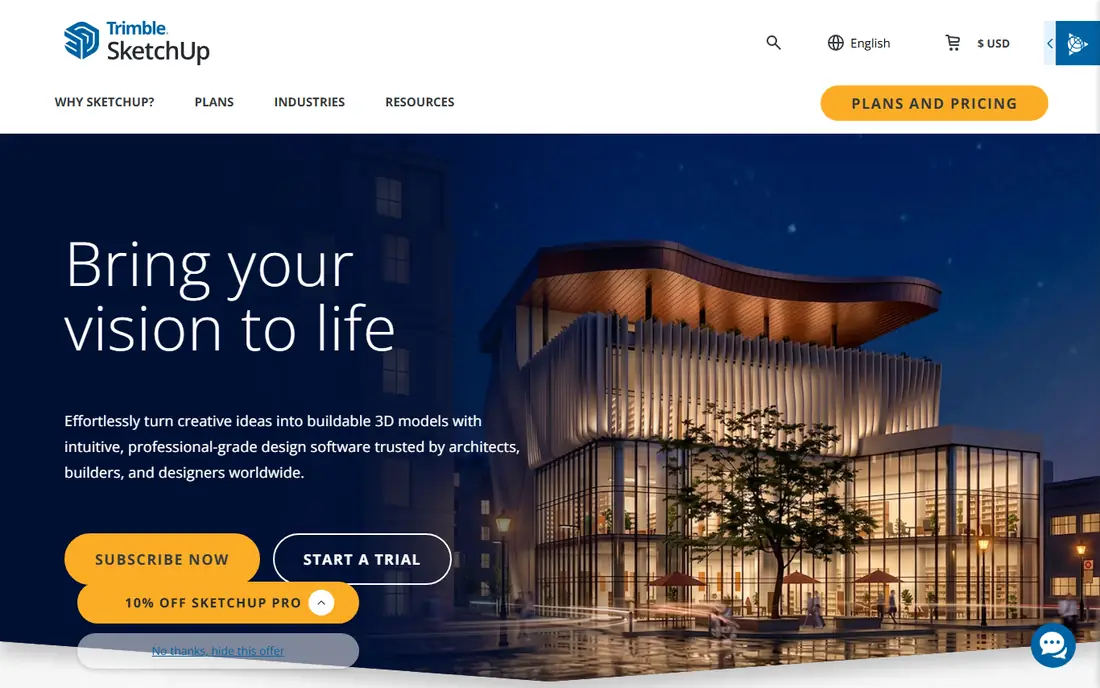
SketchUp is the tool to choose when you want to model a space, not just decorate it. You can build walls, roofs, furniture and custom shapes in true 3D, which makes it useful for remodel planning, extensions and client presentations. SketchUp Free gives a web based starting point for personal use, while Go starts at $129 per year for more tools and apps.
The learning curve is real. A beginner can draw a room quickly, but precise modelling, measurements and professional output take practice and tutorials. If you only want a quick floor plan for a listing or a furniture test, Planner 5D or Floorplanner will be faster. If you want to learn real 3D design, SketchUp is the best free start.
- Real 3D modelling, not just room decoration
- Free web version for personal use
- Huge library of models and extensions on paid plans
- Learning curve is steeper than Planner 5D or RoomSketcher
- Go at $129 per year is the entry paid plan, with Pro higher
- Free version is limited to non commercial use
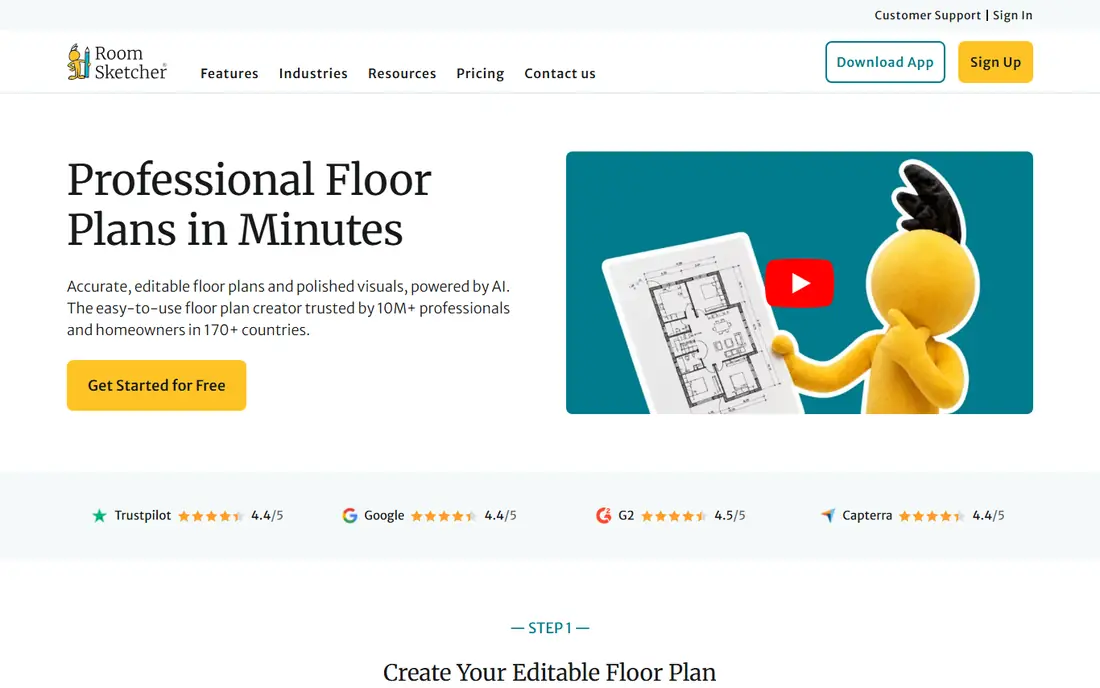
RoomSketcher suits real estate agents, interior designers and homeowners who need a plan a builder or buyer can trust. You draw to scale, add dimensions, furnish the plan, and produce 2D plans plus 3D walkthroughs that look professional. That measured output is the difference between a sketch and a usable plan.
The free tier is more of a preview than a working tool. Projects are limited, 3D snapshots are watermarked, and exporting a floor plan can cost extra on the free tier. Pro at $12 per month billed annually, or $144 per year, is the realistic starting point for real work, and it uses a credit system, so check how many exports you need each month.
- Measured 2D floor plans with dimensions
- Interactive 3D walkthroughs and photos
- Output that suits real estate listings and client presentations
- Free tier is limited, with watermarked snapshots and pay per export costs on some plans
- Pro at $12 per month billed annually uses credits, not unlimited exports
Floorplanner is the fastest way to produce a clean floor plan for a listing. You open a browser, draw rooms, add doors and windows, furnish the plan, and view it in 2D or 3D without installing software. For an agent or homeowner who needs a plan this week, that speed is the main appeal.
The free tier allows a small number of projects, and high resolution exports cost credits, so a busy agent will need a paid plan. Floorplanner is less of a decorating tool than Planner 5D, and less of a modelling tool than SketchUp, but for quick, polished plans it is hard to beat.
- No install needed, works in a browser
- Quick 2D and 3D plans for listings
- Free tier with a small number of projects
- Free tier limits projects
- High resolution exports and extra features need credits or a subscription
- Less furniture depth than Planner 5D
Sweet Home 3D is the only tool on this list that is truly free, offline and open source, and that matters if you refuse subscriptions. You can draw a plan, furnish it, view it in 3D and export it without paying, and your projects stay on your own computer. For a homeowner, student or small firm on a tight budget, that is a strong offer.
The visuals are the trade-off. Sweet Home 3D looks and feels older than Planner 5D, and its renders are simpler, so it will not produce the photorealistic images that Homestyler or Planner 5D Premium can. If you need a measured plan and a clear 3D view, not a marketing render, Sweet Home 3D is excellent. If you need a beautiful listing image, pair it with a render tool or choose a paid plan elsewhere.
- Completely free and open source
- Works offline on Windows, Mac and Linux
- No subscription, no project limits from a paywall
- Interface looks dated next to modern web tools
- 3D visuals are simpler than Planner 5D or Homestyler
- Fewer ready made furniture models
HomeByMe suits anyone who wants to see how a room will actually look, with real furniture and realistic light. You build a room in 3D, place brand name items, and render a photorealistic image that is far closer to a photo than a simple 3D view. That makes it useful for interior design decisions, before you buy furniture.
It is not a construction plan tool. Measured output, dimensions and builder ready plans are stronger in RoomSketcher or SketchUp, while HomeByMe wins on visuals. Use the free tier to test a room, and pay only if you need frequent high quality renders for client work.
- Free tier for 3D decorating
- Photorealistic renders with brand name furniture
- Easy to test furniture in a real room layout
- Free tier limits renders and projects
- Paid plans are needed for frequent high quality renders
- Less focused on measured construction plans than RoomSketcher
magicplan is different from the other tools here, because it starts with a real room, not a blank plan. You scan a room with your phone, and magicplan builds a measured floor plan, complete with doors, windows and objects, which you can edit and export. For renovation, insurance, restoration and property work, that scan saves hours of measuring.
Accuracy depends on the device and the room. A clear, well lit room with a lidar phone scans better than a cluttered room with an older phone, so check results against a tape measure for critical dimensions. The free tier allows a small number of projects, and paid plans include more exports and features, so confirm the plan that matches your project volume.
- Room scanning with a phone camera, including lidar on supported devices
- Exports to PDF, JPG, DXF and other formats
- Useful for renovation and insurance work
- Pricing is plan based and varies by use, so we list See website
- Scanning accuracy depends on the phone and the room
- Full features need a paid plan
Live Home 3D suits Apple households that want a polished, native app rather than a browser tool. It runs well on Mac, iPad and iPhone, with Windows also supported, and it produces clean 2D plans and 3D views that are easy to share with family or clients. The interface feels more like a desktop design app than a web toy, which many users prefer.
The catch is pricing variation. App store prices differ by platform, and some versions offer a one time purchase while others use a subscription, so check the store for your device before budgeting. If you need web collaboration or a free tier, Planner 5D or Floorplanner will be simpler, while Live Home 3D wins on polish for Apple users.
- Polished native app for Mac, iPad, iPhone and Windows
- 2D plans plus 3D views and walkthroughs
- One time purchase options in some app stores
- Free trial only, with no free plan in the table sense
- Pricing varies by platform and store, so we list See website
- Less web based collaboration than Floorplanner
Homestyler is the pick when you want a lifelike picture fast. The free tier allows renders that look close to a photo, and the web and phone apps make it easy to restyle a room without learning CAD. For a homeowner deciding on furniture, colours or layout, that quick visual answer is often enough.
It is not a measured construction tool. If you need a dimensioned plan for a builder, RoomSketcher, SketchUp or magicplan will serve you better. Use Homestyler for visual decisions and client inspiration, and keep a measured tool for any work that affects walls, plumbing or structure.
- Free tier with lifelike renders
- Easy web and phone design
- Large furniture and decor catalogue for quick room styling
- Published paid prices have varied across sources, so we list See website
- High resolution renders and extra features need a paid plan
- Less measured plan depth than RoomSketcher
How we picked these
We compared official pricing and feature pages, app store listings and public reviews, and we kept tools operating in October 2026 that produce real floor plans to scale, not just AI styled photos. We included easy web tools, a true 3D modeller, a free offline tool, a phone scanner and a render focused tool, because different users need different outputs: a listing plan, a remodel plan, a furniture test or a client render. We used See website where pricing varied by platform or across sources.
How to choose for your project
Start with the output you need. If you need a plan for a builder, choose RoomSketcher, SketchUp or magicplan, and check dimensions and export formats before you start. If you need a listing plan, Floorplanner or RoomSketcher will be fastest. If you need to test furniture, Planner 5D, HomeByMe or Homestyler will give the best visual answer. If you need a free tool with no subscription, Sweet Home 3D is the clear pick.
Then check the free tier honestly. Count how many projects you need, how many exports you need, whether renders carry watermarks, and whether high resolution output costs extra. A free tier that looks generous but charges $38 per export, as RoomSketcher does on some free plans, is not free for real work. Finally, test the tool on one real room before you commit to a year, because ease of drawing walls, doors and stairs varies a lot between tools.
When to hire a professional instead
Use software for layout, furniture and visual decisions, and hire a professional for structural changes, permits, electrical, plumbing and load bearing walls. A floor plan app can show a wall removed, but it cannot tell you whether that wall holds up the floor above, and it cannot produce permit ready construction drawings on its own. For a remodel that changes structure, a designer or architect should check the plan before work starts.
Frequently asked questions
What is the best floor plan software?
Planner 5D is the best starting point for most people, SketchUp is best for true 3D modelling, RoomSketcher is best for measured plans plus 3D walkthroughs, and Sweet Home 3D is best if you want a completely free offline tool. The right choice depends on whether you need a listing plan, a remodel plan or a furniture visual.
Is there free floor plan software?
Yes. Sweet Home 3D is completely free and offline, while Planner 5D, Floorplanner, RoomSketcher, HomeByMe and Homestyler offer free tiers. Free tiers usually limit projects, exports or render quality, so check those limits before you start a large project.
What is the best 3D floor plan software?
SketchUp is the best for true 3D modelling, with a free web version for personal use. Planner 5D and RoomSketcher are easier for 3D walkthroughs and room visuals, while Homestyler and HomeByMe are best for fast photorealistic renders of a single room.
Can I scan a room with my phone to make a floor plan?
Yes, magicplan and Planner 5D offer room scanning on supported phones, with lidar giving better results on newer iPhones. Scanning is useful for renovation and insurance work, but you should check critical dimensions with a tape measure, because accuracy depends on the phone and the room.
Do I need construction drawings for a renovation?
For structural changes, permits and contractor bids, yes, you need construction level drawings, usually from a professional or a tool like SketchUp or Chief Architect used by a designer. For cosmetic updates and layout planning, a floor plan app like Planner 5D or RoomSketcher is enough.
Which floor plan app is best for real estate listings?
RoomSketcher and Floorplanner are the strongest choices for listings, because they produce clean, measured 2D plans plus 3D views that buyers understand quickly. RoomSketcher Pro at $12 per month billed annually is the realistic starting point for regular listing work, while Floorplanner is faster for occasional plans.
Sources we checked (9)

Online Jobs is an independent blog about careers, online work, learning new skills and the tools that help people earn. More about us.
Keep reading
All posts
Workday Alternatives
We compared the best workday alternatives for HR, payroll, and global hiring, from BambooHR and Gusto to Rippling, Deel, and HiBob for growing teams in 2026.

Which SaaS Tools Have the Best Customer Support
Which SaaS tools have the best customer support? Compare eight popular tools on help centres, live help, response options and overall support quality.

Top AI Helpdesk Software
Searching for top AI helpdesk software in 2026? We compared 8 AI helpdesks on automation, pricing, channels and ease of setup for small and growing teams.