Best Field Service Software in 2026: 9 Tools Compared


Small crews that quote and invoice fast · Starting price: $29 per month billed annually
How we put this together: we compare official feature and pricing pages, app store listings, privacy policies and public user reviews. Prices change, so check the provider's site before you pay.
Key takeaways
- Jobber and Housecall Pro are the most practical starting points for small crews, with published monthly pricing and short setup times.
- ServiceTitan fits larger multi-crew operations, but its quote-based pricing and longer onboarding make it overkill for a solo operator.
- Free options exist for very small teams, with Workiz Lite and ServiceM8 offering a no-cost way to run jobs before paying.
- The price that matters is the total per month at your crew size, not the headline tier price, because added users and add-ons change the bill fast.
Quick comparison
| Name | Who it suits | Starting price | Free option | |
|---|---|---|---|---|
| Jobber | Small crews that quote and invoice fast | $29 per month billed annually | Free trial (14 days) | Visit |
 Housecall Pro | Booking-led home service teams | $59 per month billed annually | Free trial (14 days) | Visit |
 ServiceTitan | Large multi-crew operations | See website | No | Visit |
 Workiz | Phone-heavy small teams | Free | Yes | Visit |
 Service Fusion | Mid-size teams that dislike per-seat pricing | See website | No | Visit |
 FieldEdge | HVAC and plumbing shops on QuickBooks | See website | No | Visit |
 ServiceM8 | Solo operators with a modest job count | Free | Yes | Visit |
 Kickserv | Budget-conscious small teams | $60 per month | Free trial (30 days) | Visit |
 FieldPulse | Teams that want simple custom workflows | See website | Free trial | Visit |
The best field service software
Field service software replaces paper job cards, phone tag and scattered invoices with one schedule, one customer record and one way to get paid. These nine tools cover that job at very different sizes and prices.
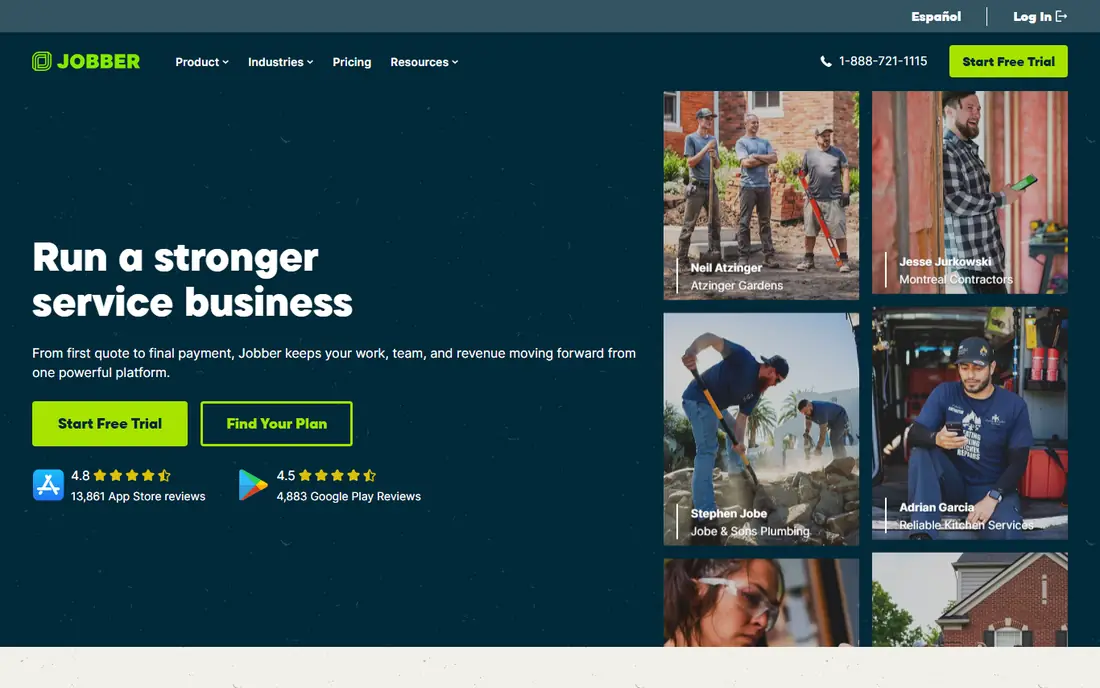
Jobber suits a solo operator or a crew of up to five that wants quoting, scheduling, invoicing and payments in one place without a long implementation. Online booking and the client hub let customers approve quotes and pay without a phone call, which saves office time on routine jobs. The interface stays plain and readable, so a new hire can learn the daily routine in days rather than weeks.
The catch is scale. Jobber works best when the workflow is straightforward residential work, and larger operations with complex price books or multi-location dispatch may outgrow it. Check the cost at your actual user count, since the entry tier covers one user and extra users change the monthly total.
- Clear published pricing
- Strong online booking and client hub
- Quick setup for small teams
- Advanced reporting sits on higher tiers
- Per-user costs add up as the crew grows
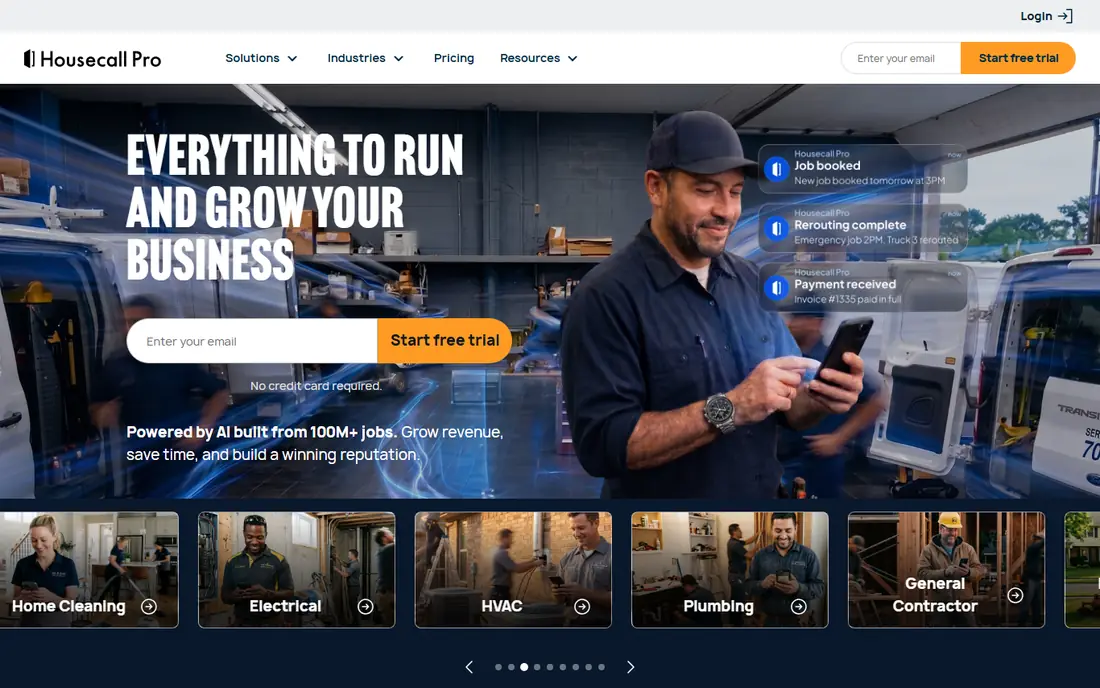
Housecall Pro earns its place for teams that win work through online booking and repeat customers. Automated reminders, review requests and customer texts keep the schedule full without constant manual follow-up. Dispatch, estimates and invoicing sit in the same app, so a technician in the field can update a job and take payment on the spot.
The trade-off is price creep. The base plan is reasonable for one user, but marketing tools, GPS tracking and extra seats are separate costs. A team of eight or more should price the full bundle before committing, and compare it with flat-rate options in this list.
- Online booking and automated review requests
- Strong customer messaging
- Easy adoption
- Add-ons for marketing and GPS raise the bill
- Per-user fees beyond the included seats
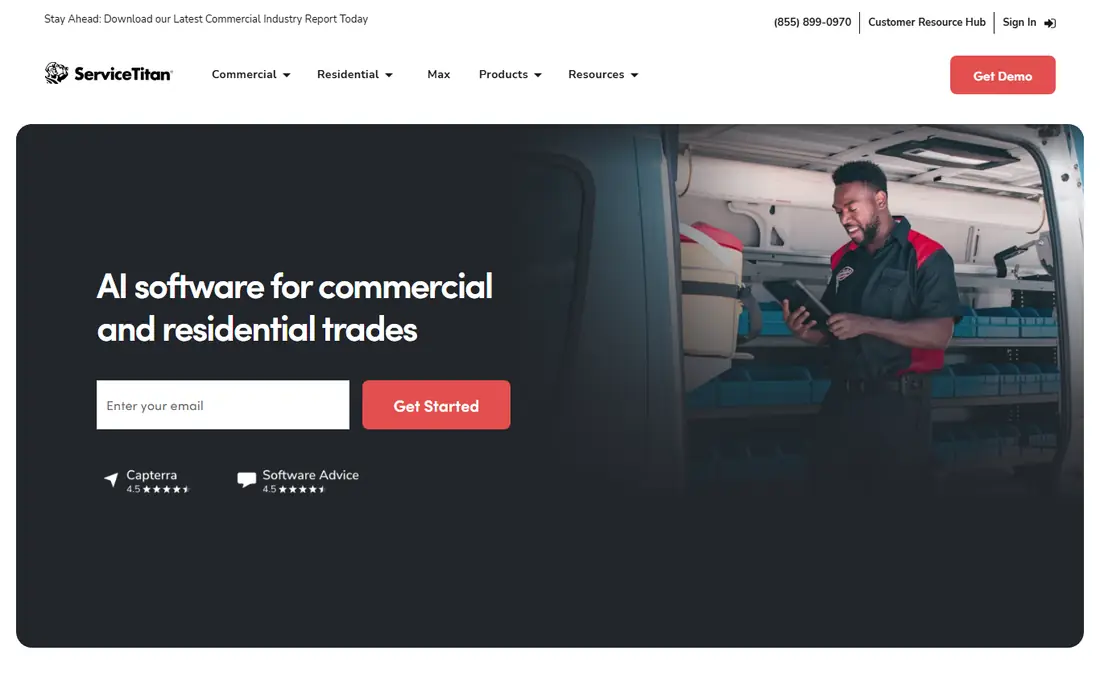
ServiceTitan is the heavyweight of this category, built for shops with many technicians, office staff and multiple locations. Its reporting, dispatch board and price book give managers a detailed view of job profitability, and its marketing tools tie campaigns to booked work. For a company doing high volume residential service, that depth is hard to match.
For a small shop, it is simply too much. Pricing is quoted per technician, implementation can take months, and many small teams would pay for features they never open. Our pick for most people is not ServiceTitan unless the crew is already past ten technicians and the office can support the setup.
- Deep reporting and price book control
- Marketing automation
- Built for scale
- Quote-based pricing with no public list price
- Long implementation for smaller shops
Workiz stands out because its Lite plan lets a two-person operation run jobs for free, which is rare in this category. Phone-driven trades benefit from call tracking and booking tools that turn missed calls into scheduled work. Scheduling, invoicing and payments cover the daily basics without a steep learning curve.
The limits show up as the team grows. Some paid pricing is not published as clearly as Jobber or Housecall Pro, so a growing shop should request a written quote early. Still, for a locksmith, garage door or appliance crew starting out, the free tier is a genuine way to test the workflow before spending.
- Free Lite plan for up to two users
- Call handling and booking tools
- Low starting cost
- Paid tiers are quote-based on some pages
- Smaller feature set than the leaders
Service Fusion appeals to owners who hate watching the bill rise with every hire. Its flat plan structure means a growing crew does not pay per seat in the same way, and job costing helps a mid-size shop see which jobs actually make money. The built-in customer database keeps history, notes and invoices together.
The downside is transparency. With no public starting price, budgeting requires a sales conversation, and smaller teams may find the entry tier higher than Jobber or Workiz. It fits best at ten or more users, where flat pricing starts to beat per-seat plans.
- Flat plan pricing with unlimited users on some tiers
- Solid job costing
- Customer database
- No published starting price
- Interface feels less modern than newer rivals
FieldEdge is built for HVAC and plumbing companies that already run their books in QuickBooks and want dispatch, agreements and invoicing to stay in step with accounting. Service agreement tracking suits maintenance contract work, and dispatch tools handle recurring visits well. It is a workhorse rather than a flashy app, and that suits trade owners who value reliability.
The cost is the unknown until you ask, and implementation needs more attention than a one-user tool. Shops that do not use QuickBooks get less of the benefit, so they should weigh FieldEdge against Jobber or Housecall Pro on dispatch alone.
- Native QuickBooks sync
- Service agreement tracking
- Strong for HVAC and plumbing
- Quote-based pricing
- Setup can take longer than simpler tools
ServiceM8 takes a different pricing approach: pay by job volume rather than by seat, with a free tier for a single user up to a monthly job limit. That makes it cheap for a solo tradesperson doing steady but not huge volume, and paid tiers keep unlimited users, which helps a small crew share the system. Job cards, quotes and invoicing are clear and quick to use.
Busy operators will hit the free job cap and need a paid tier, so count monthly jobs before choosing. It also lacks some of the marketing depth of Housecall Pro, but for pure job management at low cost, it is hard to beat.
- Free tier for one user and a monthly job cap
- Unlimited users on paid tiers
- Simple job cards
- Job cap on the free tier limits busy operators
- Some features need paid add-ons
Kickserv is the quiet value pick for a team of about five that wants one simple price and a tool everyone can learn quickly. Scheduling, invoicing, payments and customer history cover the core workflow, and the plan includes multiple users rather than charging per seat from the start. That predictability helps a small owner budget with confidence.
It will not match ServiceTitan on reporting or Housecall Pro on marketing automation, and larger shops may want more depth. For a small crew that just needs jobs scheduled, invoiced and paid, Kickserv does the job without fuss.
- Simple pricing that includes several users
- Easy to learn
- Long track record
- Fewer advanced marketing tools
- Reporting is basic compared with ServiceTitan
FieldPulse fits trades that need custom job forms and workflows without enterprise complexity. A shop can shape intake forms, job stages and customer communication around how it actually works, rather than forcing every job into a fixed template. Scheduling stays fast, and the mobile app covers field updates well.
Pricing requires a quote, which makes direct comparison harder, and the integration list is smaller than Jobber or Housecall Pro. Teams that value flexibility over a large app marketplace will like it, while teams that need many native integrations should check the list first.
- Custom forms and workflows
- Fast scheduling
- Good for mixed residential work
- Quote-based pricing
- Smaller integration list than the leaders
How we picked these
We compared official feature pages, pricing pages and app store listings for each product, plus public reviews from trade owners. We kept only tools that exist today, handle scheduling and invoicing for field service work, and publish enough detail to judge fit honestly. Where a vendor does not publish a price, we wrote See website rather than guessing from third-party roundups.
What to check before you choose
Start with crew size and job volume, since those two numbers decide most of the bill. A solo operator should look at free tiers and one-user plans, while a ten-person crew should compare flat-rate plans against per-seat plans at the full headcount. Ask each vendor for the total monthly cost including extra users, payment processing and any marketing or GPS add-ons you actually need.
Scheduling and dispatch
Check how the dispatch board handles same-day changes, recurring jobs and multi-day work. A drag-and-drop board that updates the technician app in real time prevents double bookings and missed visits, which cost more than any subscription.
Invoicing and payments
Confirm that quotes turn into invoices without retyping, and that customers can pay online from the invoice. Payment processing fees vary, so read that line carefully before comparing headline plan prices.
Fit for your trade
HVAC and plumbing shops benefit from price books and service agreements, while cleaning and lawn crews need route and recurring visit tools. Pick the tool whose strengths match your daily work, not the one with the longest feature list.
Frequently asked questions
What is the best field service app for a small business?
Jobber or Housecall Pro are the safest starting points for most small crews, because both publish pricing, offer trials and cover scheduling, quoting and payments. Solo operators on a tight budget should also try the free tiers from Workiz and ServiceM8 before paying.
What is the best free field service management software?
Workiz Lite and ServiceM8 both offer free tiers, but each has limits on users or monthly jobs. They work well for one or two people with modest volume, and both let you upgrade when job counts rise.
What is the best app for field service technicians in the field?
Housecall Pro, Jobber and ServiceM8 all offer mobile apps for job updates, photos and on-site payments. The best choice depends on your office system, since the field app must stay in step with dispatch and invoicing.
Do field service apps handle IoT or connected equipment?
Some larger platforms, including ServiceTitan and FieldEdge, support equipment records and service history that can sit alongside sensor or monitoring data, but none of these tools replace a dedicated IoT platform. Ask the vendor how equipment history and alerts are handled before buying for that use case.
Is ServiceTitan worth it for a small shop?
Usually not. ServiceTitan suits larger operations with office staff and high job volume, while smaller shops get similar daily value from Jobber, Housecall Pro or Kickserv at a far lower total cost.
How much should a small crew expect to pay?
A one-user plan starts around $29 to $59 per month billed annually on published pricing, while a five-person crew often pays $150 to $350 per month depending on the vendor and add-ons. Always price the full crew, not just the entry tier.
Sources we checked (9)

Online Jobs is an independent blog about careers, online work, learning new skills and the tools that help people earn. More about us.
Keep reading
All posts
n8n Alternatives
n8n alternatives compared for 2026, with Zapier, Make, Activepieces, and more, covering visual builders, code steps, self-hosting, and pricing models.

ZoomInfo Alternatives
The best ZoomInfo alternatives in 2026, compared on price, free plans, data coverage, and which tool fits small teams or large sales teams best in detail.

Workday Alternatives
We compared the best workday alternatives for HR, payroll, and global hiring, from BambooHR and Gusto to Rippling, Deel, and HiBob for growing teams in 2026.