Best Field Service Management Software in 2026: 7 Tools Compared

How we put this together: we compare official feature and pricing pages, app store listings, privacy policies and public user reviews. Prices change, so check the provider's site before you pay.
Key takeaways
- Entry prices range from $49 per month for Jobber Core to $245 per month for Service Fusion Starter, while ServiceTitan and FieldEdge are quote-only.
- Pricing models matter more than headline prices: Jobber and Housecall Pro charge per user band, Service Fusion charges one flat rate with unlimited users, and ServiceTitan charges per technician.
- A solo operator pays least on Jobber or Housecall Pro, while a crew of 10 or more often pays less on flat-rate Service Fusion than on per-user plans.
- Free trials of 14 days are standard at Jobber and Housecall Pro, while ServiceTitan, Service Fusion and FieldEdge sell through demos instead.
- QuickBooks integration is a deciding factor for many shops, and FieldEdge and Service Fusion both make it central to their pitch.
Quick comparison
| Name | Who it suits | Starting price | Free option | |
|---|---|---|---|---|
 Jobber Jobber | Solo operators to mid-size crews | $49 per month | Free trial 14 days | Visit |
 Housecall Pro Housecall Pro | Small to mid-size residential teams | $79 per month | Free trial 14 days | Visit |
 ServiceTitan ServiceTitan | Larger trades businesses | See website | Demo only | Visit |
 Service Fusion Service Fusion | Growing crews wanting flat pricing | $245 per month | Demo only | Visit |
 FieldEdge FieldEdge | QuickBooks-heavy mid-market shops | See website | Demo only | Visit |
 Workiz Workiz | On-demand crews and franchises | See website | Free trial 7 days | Visit |
 FieldPulse FieldPulse | Scaling teams wanting tailored workflows | $99 per user per month | See website | Visit |
The best field service management software in 2026
Field service management software runs the daily work of trades and home service businesses: scheduling, dispatching, quoting, invoicing, payments and customer records in one system. Without it, those jobs live in separate calendars, spreadsheets and paper job sheets, and the office spends its evenings reconciling them. With it, a job moves from first call to final payment without retyping the same details.
We compared official feature pages, pricing pages and pages quoting vendor pricing. We did not run hands-on tests, and we have not claimed results we did not measure. Prices are current as of October 2026, with monthly billing figures used where annual billing differs. Where a price could not be verified, we wrote See website rather than guessing.
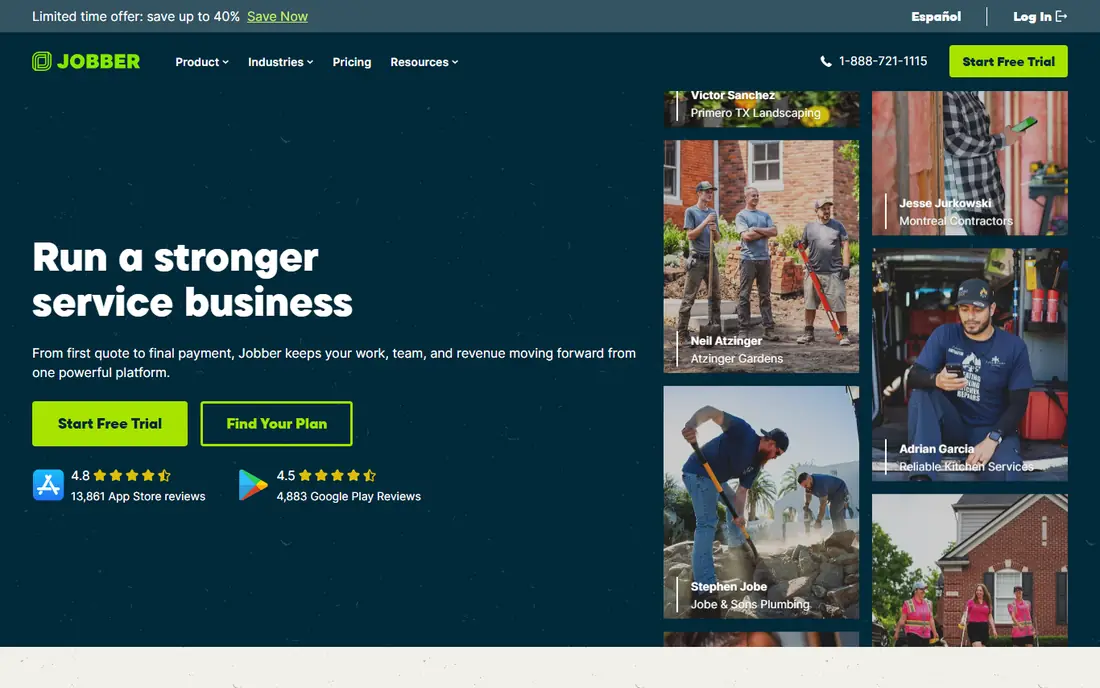
Jobber is the default starting point for small service businesses, and its pricing explains why. Core costs $49 per month with monthly billing, or $29 per month billed annually, and covers quoting, scheduling, invoicing and client management for a solo operator. Higher tiers add users, automation and marketing tools as the crew grows, up to mid-size operations with around 15 users.
The platform also covers the customer side well, with a client hub for quote approvals and online booking, plus AI features that help price jobs and flag upsell opportunities. The limit is the user ladder: Core includes one user, so a shop with an office manager and several techs needs a higher tier, and the monthly total rises with each band. A 14-day trial needs no card. Jobber fits solo operators through small crews best, and it is especially strong for landscaping, cleaning and general contracting work.
- Lowest published entry price in this list
- Quote to payment in one platform
- Client hub, scheduling, invoicing and marketing tools
- AI help with quoting
- Core includes one user, so larger crews pay for higher tiers
- Advanced features sit on Grow plans
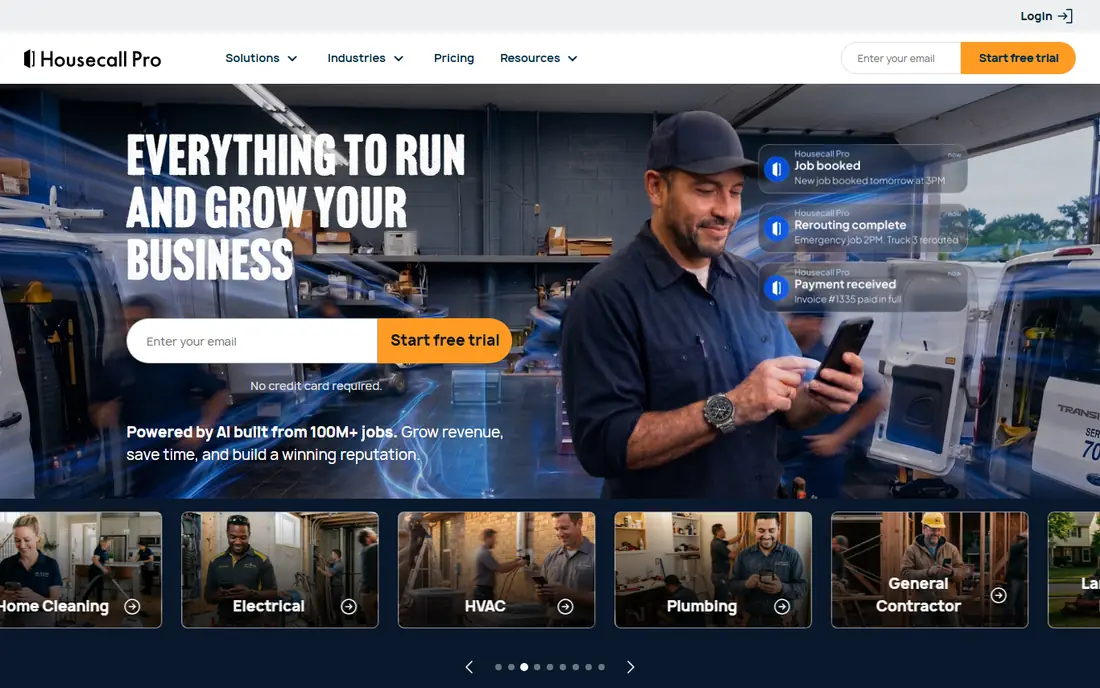
Housecall Pro is the review-driven pick for residential trades. Basic costs $79 per month with monthly billing, or $59 per month billed annually, for one user, with Essentials and Max tiers above it. The platform covers scheduling, dispatching, estimates, invoicing and payments, plus automated customer texts, on-my-way messages and review requests that help small shops build a reputation without extra marketing tools.
Its sweet spot is teams of 3 to 8 users, where plan pricing and included users line up well. Beyond that, extra user fees add up: a 20-person team on Max can pay far more than the headline tier price once extra users are counted. A 14-day trial needs no card. Housecall Pro fits plumbing, HVAC, electrical and cleaning crews that win work on reputation and repeat bookings. Larger crews should compare Service Fusion flat pricing before committing.
- Strong customer communication with automated texts and review requests
- Online booking and price book
- Easy adoption for non-technical teams
- Higher entry price than Jobber
- Extra users cost $35 or more per month beyond plan caps
- GPS and price book extras sit on higher tiers
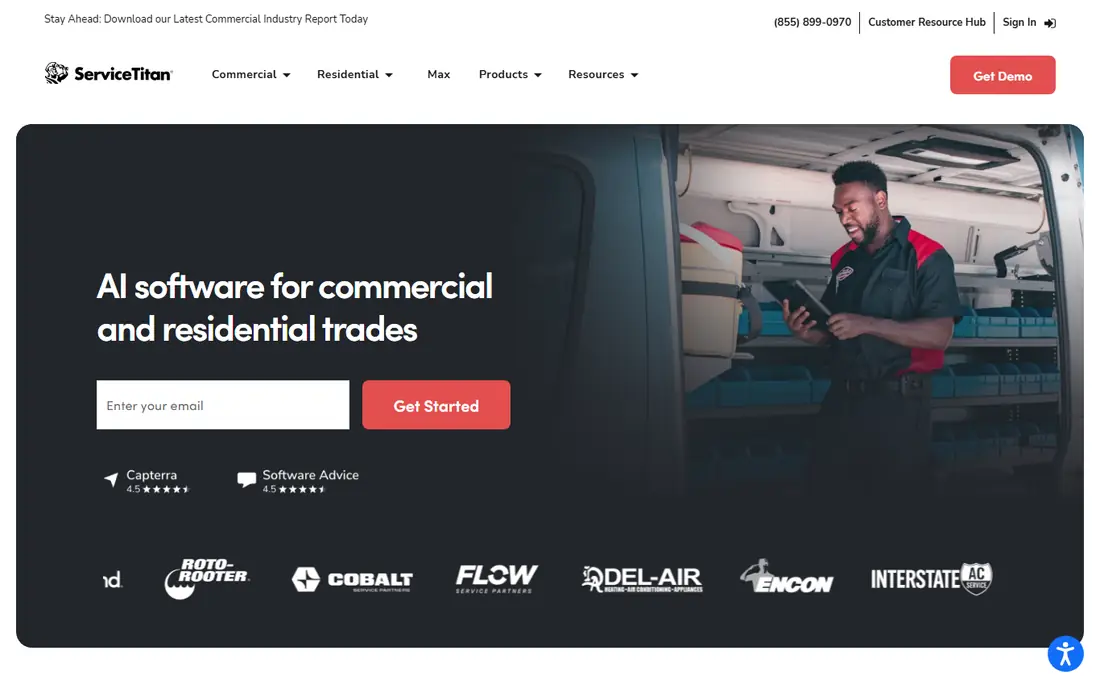
ServiceTitan is the enterprise standard for the trades, and its pitch is profit control rather than simple scheduling. The platform covers dispatch, quoting, invoicing, payments, marketing automation, service agreements and reporting, with real-time costing across every visit and phase of work. Commercial customers report gains in revenue per technician and service agreement renewals, though results vary by shop.
The barrier is cost and commitment. ServiceTitan publishes no price list, and contractor-reported figures run around $250 to $500 per technician per month, with implementation commonly cited at $5,000 to $15,000 and multi-year contracts. There is no free trial, only a demo. ServiceTitan fits companies with $2 million or more in revenue, dedicated office staff and 10 or more technicians. Smaller shops will find Jobber or Housecall Pro far cheaper and faster to adopt.
- Deepest feature set for large residential and commercial operations
- Real-time job costing and reporting
- Marketing automation and service agreement tools
- Quote-only pricing, commonly reported at $250 to $500 per technician per month
- Implementation fees reported in thousands
- Long contracts
Service Fusion solves the problem per-user pricing creates: a growing crew that pays more every time it hires. Starter costs $245 per month with monthly billing, or $208 per month billed annually, and every tier includes unlimited users. A crew of five techs and two office staff pays the same as a crew of fifteen on the same tier, which makes budgeting predictable as the business grows.
The platform covers scheduling and dispatching with route optimization, estimate creation with good, better and best options, customer management, GPS tracking, invoicing and payments, plus a technician mobile app and service agreements. QuickBooks integration is included. The drawback is the entry price: $245 per month is a lot for a solo operator with no one else to add. There is no free trial, only a demo. Service Fusion fits mid-size crews that hate per-seat math and want one flat bill.
- Flat rate with unlimited users on every tier
- GPS fleet tracking
- Estimates, jobs, invoicing, payments and QuickBooks sync
- High entry price for a solo operator
- Reporting and inventory tools draw user complaints
- Demo-led sale with no trial
FieldEdge is built for multi-truck HVAC, plumbing and electrical contractors that need depth rather than simplicity. Its software covers scheduling and dispatch with skill-based technician recommendations, a customizable good, better and best price book, service agreement automation, payments and marketing tools, plus performance dashboards showing planned versus actual sales. The QuickBooks sync is automatic, which matters for shops whose books run through QuickBooks.
Pricing is quote-only, with published comparisons reporting around $100 per month per office user and $125 per month per technician, plus setup fees of $500 to $2,000. A five-tech shop with two office staff would pay around $825 per month on those figures, well above Service Fusion flat pricing. There is no free trial, only a demo. FieldEdge fits established mid-market shops that will use its depth. Smaller shops will find it expensive and slow to learn.
- Deep dispatch, service agreement and price book tools
- Automated QuickBooks sync
- Performance dashboards for owners
- Quote-only pricing, reported around $100 per office user and $125 per technician per month plus setup fees
- Steeper learning curve
Workiz positions itself as an AI growth engine for home service pros, and communication is its edge. The platform handles scheduling with drag-and-drop dispatch, invoicing, payments and performance tracking, plus a built-in phone system, online booking widget and service chatbot that answers inbound inquiries. That combination suits on-demand trades where calls and lead handoffs are the bottleneck: locksmiths, garage door, appliance repair, junk removal and franchises.
Pricing is quote-based, with some comparisons listing entry figures near $198 per month and a freemium tier mentioned, so get a written quote for your headcount before comparing. A 7-day trial needs no card. The weaknesses to weigh are integration depth, with QuickBooks sync flagged as glitchy by some users, and mobile app rough edges. Workiz fits small to mid-size on-demand crews that value calls and bookings over the deepest job costing.
- Built-in phone system and online booking
- Service chatbot for inbound inquiries
- Easy setup for locksmith, garage door, appliance and junk removal crews
- Pricing is quote-based, so comparison requires a sales call
- QuickBooks integration and mobile apps draw user complaints
FieldPulse is built for teams ready to scale past basic tools without outgrowing their software. Its pitch is workflows that match how a business runs today and how it wants to run as it grows, with ClearPath guiding techs through every stage of a job so required details are collected and mistakes fall. Operator AI answers after-hours, declined or overloaded calls and books jobs directly into the schedule, which recovers revenue that voicemail loses.
Pricing is reported from $99 per user per month up to $299 on higher tiers, with no annual contract, so confirm your tier quote against headcount. No free plan is published. FieldPulse fits growing residential and commercial crews that want structure, guidance and strong support through setup and migration. Solo operators will find Jobber cheaper, and flat-rate fans will prefer Service Fusion.
- Tailored workflows that match how a business already runs
- ClearPath job-stage guidance for techs
- Operator AI answering after-hours calls
- Strong support reputation
- Per-user pricing from $99, with higher tiers reported up to $299 per user per month
- No free plan published
How we picked these
We kept field service platforms with a live product and a confirmed homepage in October 2026, covering solo operators through multi-truck operations. Each tool had to handle scheduling, dispatching, customer records, estimates or jobs, and invoicing, not only one slice such as payments or GPS alone. We mixed per-user, flat-rate and quote-only pricing so the list shows how the same crew can cost very different amounts on different models.
We checked official feature pages and pricing pages, plus pages quoting vendor pricing where the vendor page did not show the figure. Where pricing reports conflicted, we used the most recent vendor-direct or review-of-vendor-pages figure and noted the billing basis. Where a price could not be verified, we wrote See website.
How to pick field service software for your crew size
The right tool depends mostly on headcount, trade and bookkeeping setup. These four checks narrow the list fast.
Count paying users
Multiply the per-user price by everyone who needs a login, including office staff, not only techs. A $49 solo plan and a $245 flat plan look far apart until a 12-person crew makes the flat plan cheaper. Run your current headcount and your headcount in a year through each pricing model before choosing.
Mobile app in the field
Techs live in the mobile app, so test it where they work. Check offline behavior in low-signal areas, job detail clarity, photo capture, estimate creation and on-site payment. A beautiful office dashboard means little if the field app lags or loses sync, a complaint raised against several tools here.
QuickBooks and payments
Follow a completed job into the invoice and into your books during the trial. Check whether QuickBooks sync is automatic or manual, which QuickBooks version is supported, and what card processing costs. FieldEdge and Service Fusion make QuickBooks central, while other tools treat it as one integration among many.
Contracts and quotes
Get the contract in writing: term length, setup fees, implementation costs and what happens to your data if you leave. ServiceTitan commonly involves multi-year terms and large setup fees, while Jobber, Housecall Pro and FieldPulse offer month-to-month options. A cheaper monthly rate with a three-year lock-in is not cheaper if the tool does not fit.
Frequently asked questions
Sources we checked (9)
- https://getjobber.com/
- https://www.housecallpro.com/
- https://www.servicetitan.com/
- https://www.servicefusion.com/
- https://fieldedge.com/
- https://workiz.com/
- https://www.fieldpulse.com/
- https://homeserviceoperatorguide.com/field-service-software
- https://servicefusion.com/blog/how-much-does-field-service-management-software-cost

Online Jobs is an independent blog about careers, online work, learning new skills and the tools that help people earn. More about us.
Keep reading
All posts
DocuSign Alternatives
We compared the best DocuSign alternatives on price, free plans, templates, audit trails and ease of use, including free DocuSign alternatives for small teams.
Best Spend Management Software
Looking for the best spend management software? We compared 8 platforms on cards, approvals, travel and price to help your finance team pick the right one.

Best Recruitment Software for Direct Hire
Looking for the best recruitment software for direct hire? We compared 8 ATS tools on price, pipelines, interviews and hiring tools to pick the right one.