Best Facility Management Software in 2026: 9 Tools Compared

How we put this together: we compare official feature and pricing pages, app store listings, privacy policies and public user reviews. Prices change, so check the provider's site before you pay.
Key takeaways
- MaintainX and Fiix give small teams a genuine free starting point for work orders.
- UpKeep suits mobile-first teams that need fast adoption by technicians.
- Limble and FMX suit schools, multi-site operators and non-technical teams.
- eMaint and Hippo CMMS suit regulated and multi-site programmes that need governance and audit trails.
- Per-user pricing punishes broad adoption, so count paid seats and free requesters before you compare headline prices.
Quick comparison
| Name | Who it suits | Starting price | Free option | |
|---|---|---|---|---|
 MaintainX | Frontline teams adopting fast | Free | Yes | Visit |
 Fiix | Manufacturers with asset data | Free | Yes | Visit |
 UpKeep | Mobile-first small teams | $24 per month | Free trial | Visit |
 Limble CMMS | Preventive maintenance programmes | See website | Free trial | Visit |
 eMaint | Regulated multi-site maintenance | See website | No | Visit |
 Hippo CMMS | Healthcare, education and government | See website | No | Visit |
 FMX | Schools and multi-facility operators | $35 per month | Free trial | Visit |
 Facilio | Multi-site portfolios and providers | See website | No | Visit |
 Fracttal | Maintenance with AI-assisted planning | See website | No | Visit |
The best facility management software
Facility management software, often called a CMMS, covers work orders, assets, preventive maintenance, parts and reporting. The tools below differ mainly in who uses them each day: a technician on a phone, a planner at a desk, or a manager across many sites. Pick by that daily user first.
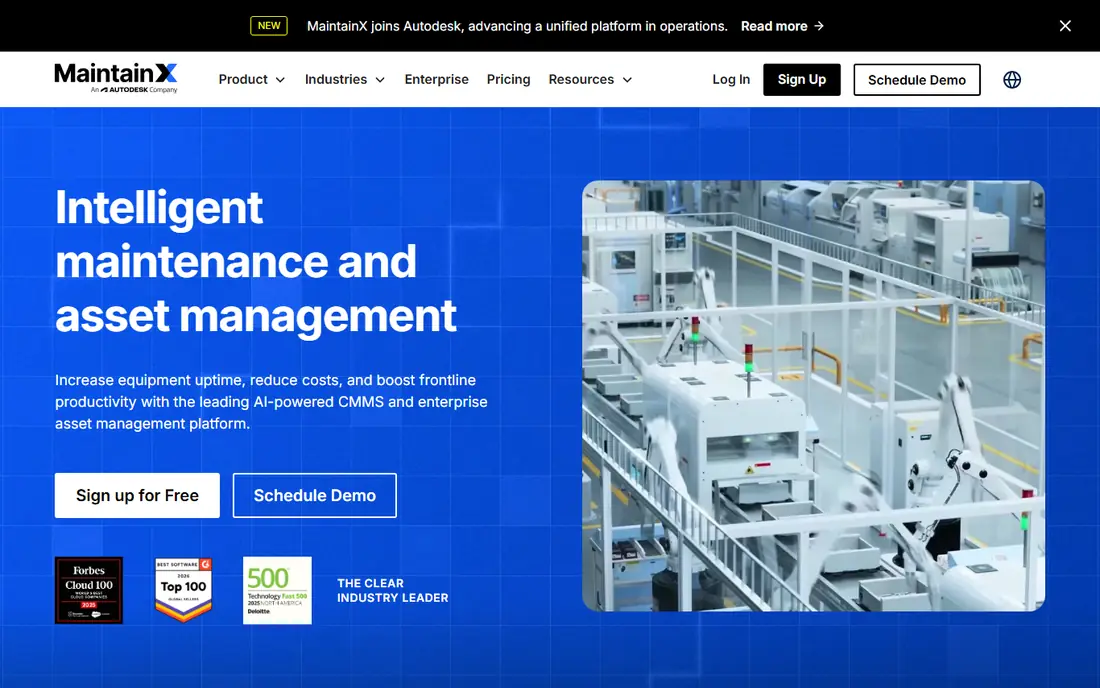
MaintainX is our pick for a small team digitising maintenance for the first time. Technicians open a phone app, see assigned work, attach photos and close jobs without a desktop login. That mobile-first design is why adoption rates are often higher than on desk-led tools, especially for frontline staff. The free basic plan covers core work orders, which lets a team prove the workflow before paying. Paid tiers add preventive maintenance, analytics and integrations, so check which of those your team actually needs in the first year. For a single site with a small crew, the free or essential tier often covers the core job.
- Free basic plan for small teams
- Mobile-first work orders
- Unlimited free requesters on some plans
- Advanced analytics and integrations sit on higher tiers
- Asset depth is lower than enterprise CMMS tools
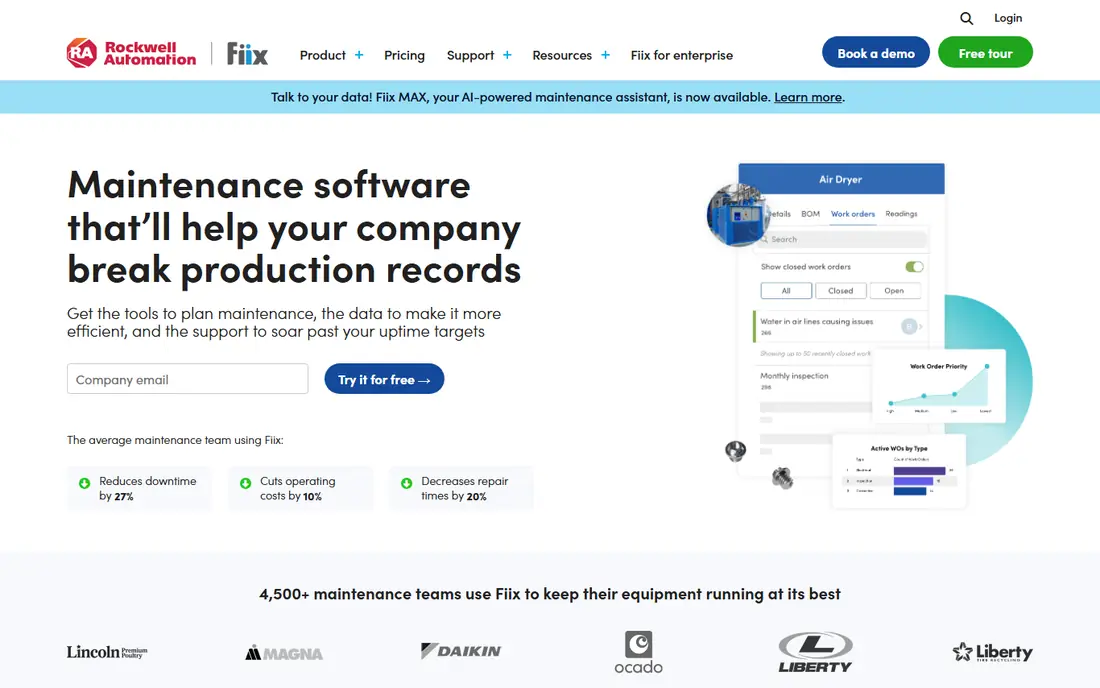
Fiix suits manufacturing teams that need asset history beside work orders. Track an asset, see its past jobs and parts, and schedule preventive work from its service history, rather than from a spreadsheet. The free plan gives a small team a real CMMS to start with, not just a trial. Paid pricing needs careful counting. Per-user costs add up as planners, supervisors and technicians all need paid seats, so model the bill at your full team size. For a plant with a clear asset register and a preventive programme, Fiix gives a strong balance of depth and usability.
- Free CMMS plan for core work
- Asset tracking and preventive schedules
- Integrations for manufacturing systems
- Paid tiers rise fast with user count
- Some advanced features need higher plans or add-ons
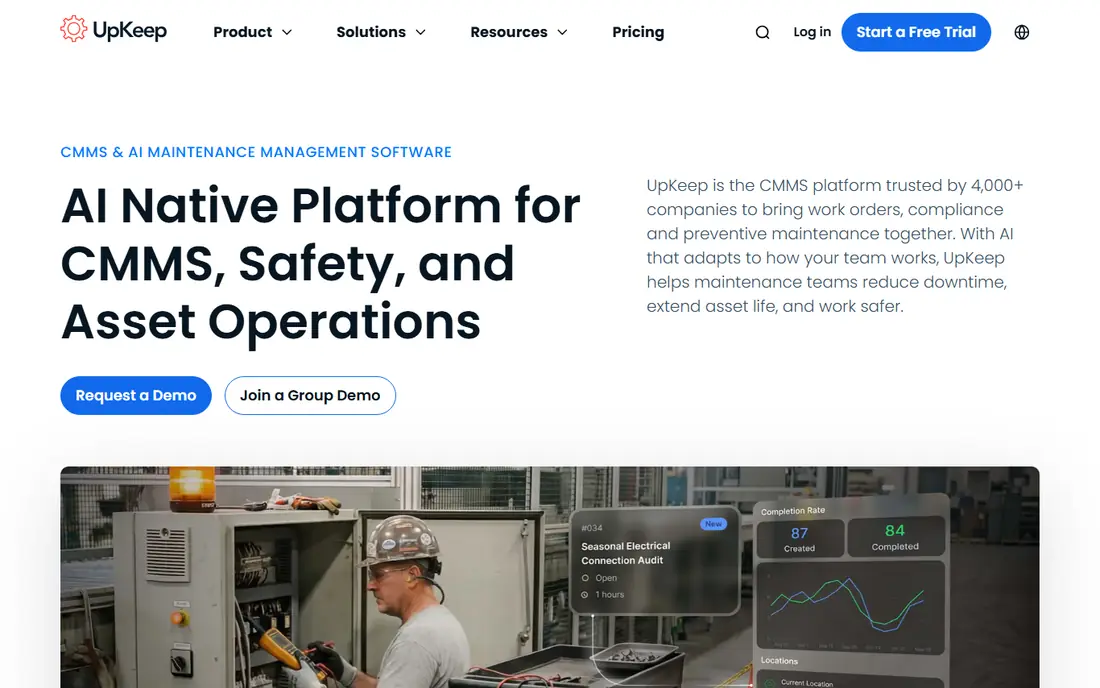
UpKeep is built for teams that work from phones all day. Create a work order, scan an asset, attach a photo and update status from the field, with a dashboard for managers to track open jobs and overdue preventive tasks. That field-first workflow suits facilities, property and field service teams with staff rarely at a desk. The trial should be used for a real week of jobs, not just a demo. Test offline use, photo uploads and requester access, since those daily details decide adoption. For a team that needs a quick, mobile setup without a long implementation, UpKeep is a strong shortlist pick.
- Fast mobile setup for technicians
- Work orders, assets and preventive maintenance in one app
- Barcode and QR support
- No standing free plan, only a trial
- Advanced reporting and integrations sit on higher tiers
Limble suits operations teams where preventive maintenance is the whole programme. Set recurring tasks by time or meter, assign them to technicians, and track completion without a complex setup. The interface is simple enough for staff who have never used a CMMS, which helps adoption in mixed teams. Pricing needs a direct check, since the vendor page now directs buyers to calculate a price. Ask for a quote at your exact user count and asset count, and compare it with MaintainX and UpKeep at the same size. For a team that lives by preventive schedules, Limble is worth that extra pricing step.
- Strong preventive maintenance scheduling
- Easy interface for non-technical staff
- Asset and parts tracking
- Pricing is less transparent on the current pricing page, so a quote is needed
- Advanced analytics sit on higher tiers
eMaint, part of Fluke, suits multi-site and regulated operations that need governance, audit trails and standard processes across sites. Asset hierarchies, preventive programmes and reporting can be standardised, so a head office can compare sites on the same measures. Condition monitoring links help plants that use Fluke sensors. Small teams may find the setup and price heavy for a simple work order job. eMaint earns its place when compliance, multi-site reporting and asset history matter more than fast mobile adoption. Budget time for implementation and training in the first quarter.
- Deep asset and work management for multi-site teams
- Condition monitoring and audit trails
- Fluke integrations for sensors
- Higher price and longer setup than small-team tools
- Interface feels enterprise-led rather than mobile-first
Hippo CMMS suits facilities teams in healthcare, education and government, where requesters are many and technicians are fewer. Staff can submit requests through a portal, managers can approve and assign work, and preventive schedules keep buildings compliant. That requester workflow is a better fit than a plant-led asset tool for many facilities teams. Check pricing and implementation support for your sector, since Hippo prices by quote and setup varies by site count. For a hospital, school district or council with many buildings and many requesters, the facilities focus outweighs the lack of a public starting price.
- Facilities focus for healthcare, schools and government
- Work order and preventive tools with requester portals
- Reporting for managers
- Pricing needs a quote
- Less manufacturing depth than Fiix or eMaint for plant-focused teams
FMX suits schools, churches, municipalities and multi-location operators that need a clear, shared system for requests and maintenance. Staff submit a request, facility managers assign it, and technicians update it from the field. Scheduling for rooms and equipment sits beside maintenance, which helps schools that manage both. The per-user model means a large technician team should model the full bill, not just the entry price. For a multi-site operator with a central facility team and many requesters, FMX gives a good balance of simplicity and control without enterprise complexity.
- Clear work order and scheduling tools for schools and multi-site teams
- Requester portal for staff
- Reporting for facility managers
- Less manufacturing and sensor depth than enterprise CMMS tools
- Pricing per user adds up for large technician teams
Facilio suits enterprise facility teams and service providers managing many sites as a portfolio. Work orders, assets, vendors and occupant requests sit in one system, with portals for different stakeholders and links to building systems where available. That portfolio view helps managers compare sites and providers on the same data. A single small site will find Facilio heavy and quote-based pricing hard to compare. For a portfolio, a provider or a large operator, the breadth and stakeholder tools justify a sales conversation. Ask for a scoped quote tied to site count and user roles, not just a headline rate.
- Connected CMMS for portfolios and service providers
- Stakeholder portals for vendors and occupants
- IoT and building system links
- Quote-based pricing for portfolios
- Setup and scope suit larger operators more than a single small site
Fracttal suits teams that want AI help with planning, such as predicting which assets need attention and optimising preventive schedules. The mobile app covers work orders and assets, while the planning tools help managers move from reactive fixes to a planned programme. Its strength in Latin America and Europe also helps multinational teams in those regions. Buyers in North America should check support hours and local partner coverage before committing. For a team that wants a modern, AI-assisted CMMS and operates in Fracttal strong regions, it is a credible alternative to the US-led tools in this list.
- AI-assisted maintenance planning and insights
- Strong presence in Latin America and Europe
- Mobile work orders and asset tracking
- Pricing needs a quote
- Smaller North American support footprint than US-led rivals for some buyers
How we picked these
We compared official feature pages, pricing pages, app store listings, privacy policies and public reviews for facility management tools live in October 2026. We favoured tools with real work order, asset and preventive maintenance workflows, over generic project tools with a maintenance label. We did not run hands-on facility trials for every product. Prices change often and many tools price by quote, so check the vendor pricing page or request a quote at your user and site count before you buy. Free plans differ in work order, asset and user limits, and the starting prices here reflect the first paid tier where published.
Choosing for your sites and team
Count paid seats and free requesters separately
Per-user pricing looks cheap until every planner, supervisor and technician needs a paid seat. Count paid seats first, then check how many requesters can submit jobs free. A tool with free requesters can save a large amount for schools, hospitals and multi-site operators.
Start with preventive maintenance, not just work orders
A CMMS that only logs breakdowns will not cut downtime. List your recurring tasks, assets and intervals first, then test whether the tool schedules them by time, meter or condition. That preventive test separates a real CMMS from a simple ticketing tool.
Test mobile use in the field
Technicians will use the phone app, not the desktop dashboard. Test work orders, photos, offline use and asset scanning on a real job in a basement or plant floor with weak signal. If the mobile app fails there, adoption will fail too.
Plan asset data before migration
Importing a messy asset list into a new CMMS just moves the mess. Clean asset names, locations and criticality first, and import a pilot site before the full portfolio. A clean pilot site shows whether the hierarchy and reporting actually work for your team.
Frequently asked questions
What is the difference between facility management software and a CMMS?
The terms overlap heavily. A CMMS usually covers work orders, assets, preventive maintenance and parts, while facility management software may also cover space, vendors, cleaning and occupant services. Most tools here do both to some degree, so check the exact modules for your sites.
Is there free facility management software?
Yes. MaintainX and Fiix offer free plans for core work orders, and Limble has offered a free tier in the past, though current terms should be checked. Free plans suit small teams digitising for the first time, with limits on users, assets or analytics that paid tiers remove.
How much does facility management software cost?
Entry prices in this list range from free to about $24 to $35 per user per month, while enterprise tools price by quote. A team of ten paid users can expect roughly $240 to $350 per month at entry level, before add-ons, implementation and training. Model the full team, not just technicians.
How long does implementation take?
A small single-site team can go live in weeks with a pilot asset list, while a multi-site rollout with clean asset data, preventive schedules and integrations can take months. Start with one site, prove the workflow, then roll out site by site rather than all at once.
Do technicians need a paid licence each?
It depends on the tool. Some tools offer free requester accounts for staff who only submit jobs, while technicians who update and close jobs usually need a paid seat. Check the role model for each tool, since that split changes the total bill more than the headline price.
Should we choose per-user or flat-fee pricing?
Per-user pricing suits small, stable teams, while flat-fee pricing suits larger or growing teams where adding technicians should not raise the bill each month. Compare the first-year total at your expected headcount in 12 months, not just today, and include implementation costs.
Sources we checked (9)

Online Jobs is an independent blog about careers, online work, learning new skills and the tools that help people earn. More about us.
Keep reading
All posts
ZoomInfo Alternatives
The best ZoomInfo alternatives in 2026, compared on price, free plans, data coverage, and which tool fits small teams or large sales teams best in detail.

Workday Alternatives
We compared the best workday alternatives for HR, payroll, and global hiring, from BambooHR and Gusto to Rippling, Deel, and HiBob for growing teams in 2026.

Which SaaS Tools Have the Best Customer Support
Which SaaS tools have the best customer support? Compare eight popular tools on help centres, live help, response options and overall support quality.