Best Event Planning Apps in 2026: 9 Tools Compared

How we put this together: we compare official feature and pricing pages, app store listings, privacy policies and public user reviews. Prices change, so check the provider's site before you pay.
Key takeaways
- Eventbrite is the best starting point for public ticketed events, because publishing is free for free events and paid ticket fees are charged per ticket.
- Whova and Accelevents suit conferences and trade shows, with mobile apps, networking, and session tools that a simple ticketing page cannot match.
- Planning Pod and HoneyBook fit planners and venues that need bookings, contracts, and payments in one system rather than just ticket sales.
- The best event planning software depends on event type first and price second, since a conference app and a party planning app solve different problems.
- Check total costs early, including per ticket fees, per attendee fees, and payment processing, because the headline plan rarely tells the full story.
Quick comparison
| Name | Who it suits | Starting price | Free option | |
|---|---|---|---|---|
 Eventbrite | Public ticketed events | Free | Yes | Visit |
 Whova | Conferences and trade shows | See website | No | Visit |
 Cvent | Large event programs | See website | No | Visit |
 Bizzabo | Corporate event programs | See website | No | Visit |
 Planning Pod | Venues and catering events | See website | No | Visit |
 HoneyBook | Independent planners and vendors | See website | Free trial | Visit |
 Eventzilla | Small and mid sized events | See website | Yes | Visit |
 Accelevents | Hybrid and virtual events | See website | No | Visit |
 Splash | Branded corporate event pages | See website | Yes | Visit |
The best event planning apps
Event planning covers ticket sales, registration, schedules, venues, vendors, and attendee communication. No single app does all of those jobs equally well, so this list groups tools by the job they do best. We compared them on event type, ticketing and registration, attendee tools, and how pricing is charged.
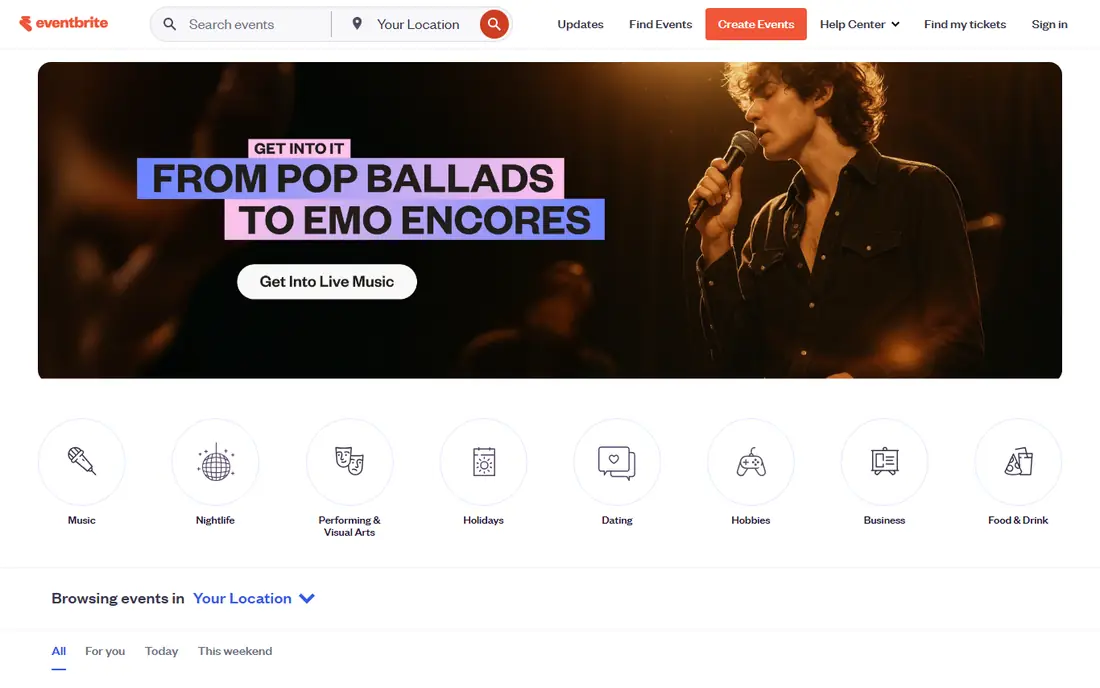
Eventbrite is the default choice for a public workshop, concert, class, or community fundraiser. You build an event page, set ticket types, and share the link. Buyers can find events through Eventbrite search, which helps small organisers reach people beyond their own mailing list. Sales reports and attendee lists are straightforward, and refunds and discounts are easy to manage.
The cost model matters. Free events carry no Eventbrite fee, while paid tickets carry a service fee per ticket plus payment processing. For a small paid event, that is simple and predictable. For a large or frequent program, compare the per ticket total with a subscription platform, because fees can pass the cost of a flat plan as volume grows.
- Free to publish free events
- Large public discovery audience
- Simple ticket types, discounts, and sales reports
- Paid ticket fees add up on large events
- Limited conference networking features compared with Whova
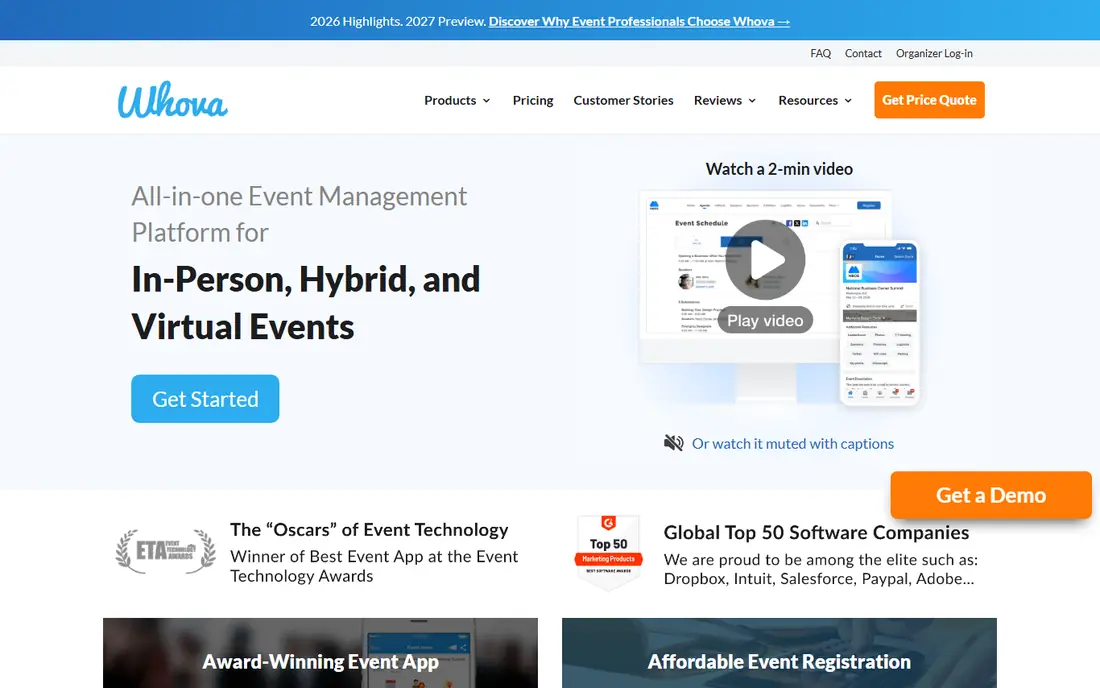
Whova is built for conferences where attendees need more than a ticket. The mobile app carries the agenda, speaker profiles, maps, and networking tools, so attendees can plan sessions and message each other before and during the event. Organisers can run registration, send announcements, and collect feedback without stitching several tools together.
That depth comes with quote based pricing, which makes a quick cost comparison harder. Whova tends to suit associations, universities, and trade shows that run a full program and want one attendee app. A single small meetup will usually be cheaper and simpler on Eventbrite or Eventzilla.
- Strong mobile event app with agendas and networking
- Registration and ticket sales in one system
- Live polls and Q and A for sessions
- Pricing is quote based, so budgeting needs a sales conversation
- Best value for multi day conferences rather than one off meetups
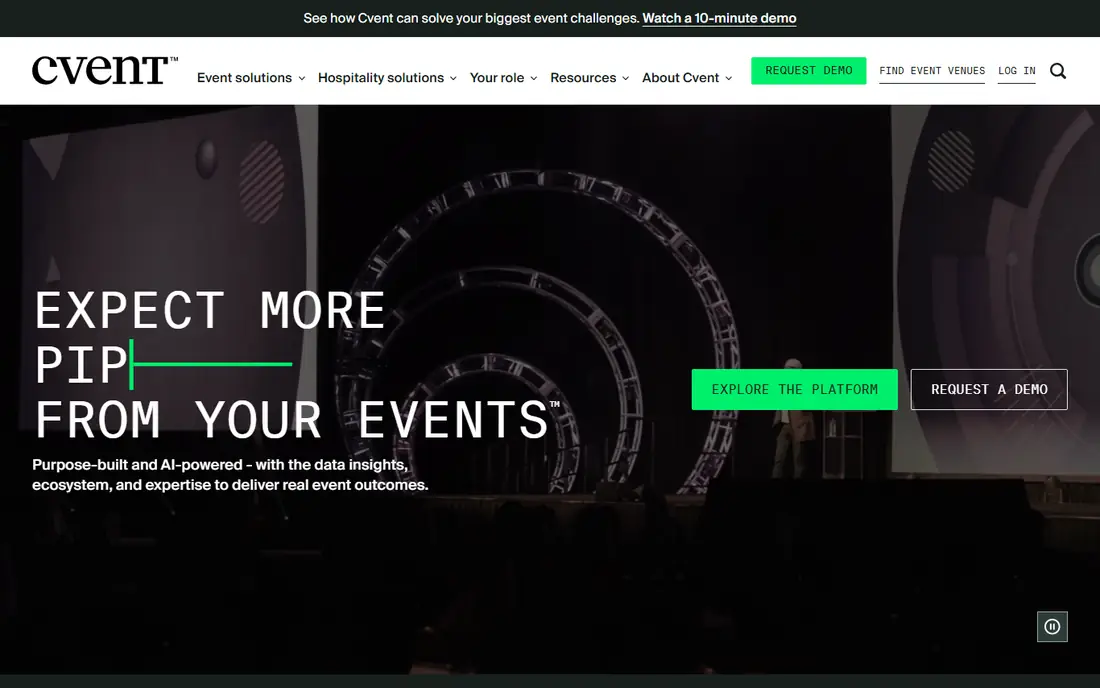
Cvent covers the full life of a large event program, from venue sourcing and registration to onsite check in and post event reporting. It suits companies and associations that run many events a year and need consistent branding, approvals, and data across all of them. Integrations with CRM and marketing tools help larger teams keep attendee data in one place.
The trade off is scale. Pricing is custom, setup takes planning, and a small team running one event a year may find it heavy. For a large portfolio, though, that structure is the point. Cvent replaces a patchwork of forms, spreadsheets, and separate ticketing tools with one system that a central team can govern.
- End to end tools for registration, venue sourcing, and reporting
- Strong for multi event portfolios
- Enterprise controls and integrations
- Quote based pricing and a learning curve
- More than most small organisers need
Bizzabo focuses on corporate and marketing events where brand and attendee experience matter. Organisers can build branded registration pages, run virtual and in person sessions, and track engagement and pipeline data in one place. That makes it a good fit for product launches, user conferences, and field marketing programs.
Pricing is subscription based and aimed at teams with a regular event calendar, so a one off community event will usually be cheaper elsewhere. For a marketing team that runs events as part of a campaign, the reporting and branding controls can justify the cost, because event data flows back into the wider marketing system.
- Branded registration and event websites
- Audience engagement and networking tools
- Reporting across virtual and in person events
- Annual subscription pricing suits larger budgets
- Smaller events may not need the full platform
Planning Pod is for the business side of events, not the public ticket page. Venues, caterers, and planners use it to manage inquiries, bookings, contracts, invoices, and event details in one place. A shared calendar and client portal cut down on email chains about menus, timelines, and payments, which is where venue teams lose the most time.
It is not a discovery platform like Eventbrite, and attendees do not browse Planning Pod for events to attend. Its value is internal. If your work is booking and delivering private events, Planning Pod organises that pipeline. If your work is selling public tickets, start with a ticketing platform instead.
- Bookings, contracts, payments, and calendars in one system
- Tools for banquets, weddings, and venue teams
- Client portals for documents
- Monthly subscription cost
- More operational than a simple ticketing tool
HoneyBook suits independent planners, photographers, florists, and other event vendors who book clients one at a time. A project moves from inquiry to proposal to contract to invoice without leaving the system, and clients can approve and pay in the same thread. Templates for common packages save time on repeat work, and automated reminders reduce chasing for signatures and payments.
HoneyBook does not sell public tickets or run a conference app, so it pairs with a ticketing tool when an event is public. For a solo planner or vendor, though, it is the back office that keeps bookings tidy. The monthly cost makes most sense once you handle regular paid work rather than a single family party.
- Proposals, contracts, invoices, and scheduling in one flow
- Client communication stays tied to each project
- Templates speed up repeat bookings
- Not a public ticketing platform
- Monthly cost suits working professionals more than occasional hosts
Eventzilla is a practical middle ground for small and mid sized events. Setup is quick, registration forms are flexible, and organisers can use discount codes, group registrations, and attendee lists without a large platform. Per registration pricing can suit events that run occasionally, because you pay in line with attendance rather than a large annual fee.
The audience is smaller than Eventbrite, so most ticket buyers will come from your own promotion. Conference organisers who need a full mobile app and networking should look at Whova or Accelevents. For a workshop, fundraiser, or local conference with straightforward registration, Eventzilla keeps costs and complexity down.
- Simple setup for registration and ticketing
- Per registration pricing options
- Discount codes and attendee management included
- Smaller discovery audience than Eventbrite
- Fewer conference app features than Whova
Accelevents suits events that mix in person and online audiences. Organisers can run live sessions, virtual booths, networking, and chat in one platform, while in person attendees use the mobile app for agendas and check in. That single system avoids the common hybrid problem of two separate attendee experiences.
Pricing depends on event size and format, so a quote is needed for larger programs. Small single room events may be simpler on Eventbrite, but a multi track conference with remote attendees will benefit from Accelevents. Plan extra setup time for virtual stages and networking, because those features need testing before doors open.
- Virtual and hybrid sessions with networking
- Registration and ticketing in one platform
- Mobile app for in person attendees
- Pricing is event or annual based and needs a quote for larger programs
- Setup time grows with session complexity
Splash is the best pick when the event page itself is part of the marketing. Companies use it for launches, dinners, and brand events where the invitation, page design, and guest list all need to look polished. RSVP tracking and guest management are built in, and templates keep design work fast for repeat events.
Splash is lighter on deep conference features such as session networking and exhibitor tools. It works best as a front end for invitations and registration, sometimes beside a separate tool for ticketing or onsite management. If design and guest experience are the priority, Splash delivers that focus without the weight of an enterprise platform.
- Strong branded event pages and invitations
- RSVP and guest list management
- Templates for corporate and marketing events
- Full event management is lighter than Cvent or Bizzabo
- Paid plans needed for advanced features
How we picked these
We started with tools that are still active in October 2026 and that cover the main kinds of event work, namely public ticketing, conferences, venue operations, and independent planning. For each tool, we checked the vendor site for its stated use case and pricing model, and we kept only tools with a clear official homepage and a current product. We favoured tools that solve a named job well over tools that claim to do everything.
We did not rank tools on review scores, because scores mix events of very different sizes. Where pricing is quote based, we say so rather than quoting an old figure. Always request a full quote that includes per ticket fees, payment processing, and any add ons before you commit a budget.
Choosing the right event tool
Start with the event type
A ticketed concert, a multi day conference, a wedding venue booking, and a brand launch need different tools. Pick the category first, then compare tools inside it.
Count the total cost
Add per ticket fees, payment processing, subscription costs, and app add ons. A free to publish tool can cost more than a subscription tool once ticket volume rises.
Test the attendee view
Register as a test attendee, open the mobile app if there is one, and check the agenda and check in flow. Friction at registration is where events lose people.
Plan for onsite day
Confirm check in, badge printing, announcements, and support. A tool that looks good in a demo can still fail if onsite staff cannot check people in quickly.
Frequently asked questions
What is the best event planning app for a small party?
For a small private party, a simple invitation and RSVP tool is often enough, and HoneyBook suits a professional planner handling paid bookings. For a public ticketed party, Eventbrite or Eventzilla will handle tickets and guest lists with less setup than a conference platform.
What is the best event planning software for conferences?
Whova and Accelevents are strong conference choices, with mobile agendas, networking, and session tools. Cvent and Bizzabo suit larger conference programs where reporting, branding, and multi event management matter more.
Is Eventbrite free to use?
Publishing an event and selling free tickets on Eventbrite is free. Paid tickets carry a service fee per ticket plus payment processing, which organisers can pass to buyers or absorb. Always check the current fee page before you set ticket prices.
What is the best app for event planning if I run a venue?
Planning Pod is built for venue and catering operations, with bookings, contracts, payments, and calendars in one system. It is a better fit than a ticketing tool when most of your work is private bookings rather than public ticket sales.
Can one tool handle virtual and in person events?
Yes, Accelevents and Bizzabo both support hybrid formats, with virtual sessions beside in person agendas. Test the virtual attendee experience before the event, because a hybrid event needs two good experiences, not one good room and one weak stream.
How do I choose between Eventbrite and Whova?
Choose Eventbrite for simple public ticket sales and discovery, and Whova for a multi day conference where attendees need an app, networking, and session planning. If you need both, use Eventbrite for tickets only when the conference app is not required, or use Whova for the full program.
Sources we checked (9)

Online Jobs is an independent blog about careers, online work, learning new skills and the tools that help people earn. More about us.
Keep reading
All posts
n8n Alternatives
n8n alternatives compared for 2026, with Zapier, Make, Activepieces, and more, covering visual builders, code steps, self-hosting, and pricing models.

ZoomInfo Alternatives
The best ZoomInfo alternatives in 2026, compared on price, free plans, data coverage, and which tool fits small teams or large sales teams best in detail.

Workday Alternatives
We compared the best workday alternatives for HR, payroll, and global hiring, from BambooHR and Gusto to Rippling, Deel, and HiBob for growing teams in 2026.