Best Event Apps for Conferences in 2026: 8 Tools Compared

How we put this together: we compare official feature and pricing pages, app store listings, privacy policies and public user reviews. Prices change, so check the provider's site before you pay.
Key takeaways
- The best event apps for conferences balance the organizer dashboard with the attendee app, because a tool that looks good in a demo can still fail on event day.
- Whova is the strongest all-round conference app for associations and academic events, while Bizzabo and Cvent suit larger corporate and enterprise programs.
- Best free event apps are limited in this category, with Eventbrite offering free events and several vendors offering trials rather than free plans.
- Networking features such as community boards, matchmaking, and 1 to 1 meetings matter more than agenda design once attendees arrive.
- Check offline access, check-in speed, and badge printing before you choose, because venue Wi-Fi is not always reliable.
Quick comparison
| Name | Who it suits | Starting price | Free option | |
|---|---|---|---|---|
 Whova | Associations and academic conferences | See website | No | Visit |
 Cvent | Enterprise event programs | See website | No | Visit |
 Bizzabo | Corporate marketing events | $17,999 per year | No | Visit |
 Eventbrite | Simple public events | Free | Yes | Visit |
 Swapcard | B2B trade shows and networking | See website | No | Visit |
 EventMobi | Customizable mid to large events | See website | No | Visit |
 Guidebook | Universities and multi-event groups | See website | No | Visit |
 Accelevents | Hybrid and virtual conferences | $7,500 per event | No | Visit |
The best event apps for conferences
We compared conference apps by attendee experience, agenda and speaker tools, networking, registration, check-in, analytics, and published pricing, and we gave extra weight to tools that work well when Wi-Fi is weak and queues are long.
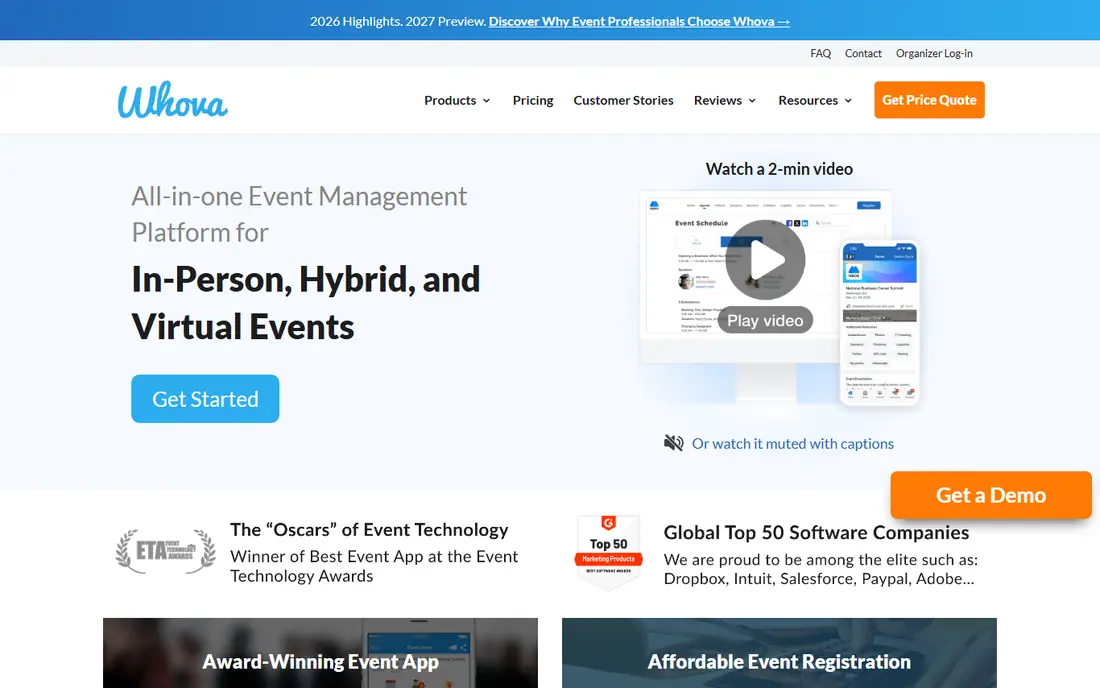
Whova is a natural fit for associations, academic conferences, and community events where attendees want to connect before, during, and after sessions. Community boards help attendees find people with shared interests, while live polls, Q and A, and push notifications keep sessions interactive. Registration, badge printing, check-in, and lead retrieval for exhibitors sit in the same system, which reduces the need for separate tools.
Pricing is quote-based with options priced per event, so budgeting requires a conversation based on attendee count and features. The app experience also depends on venue connectivity in published comparisons, so test offline behavior for your venue. For a conference where networking and community matter as much as the agenda, Whova is our top pick.
- Strong community boards and networking
- Registration, check-in, and app in one system
- Speaker and abstract tools
- Pricing is quote-based
- Web-based app experience varies with venue Wi-Fi
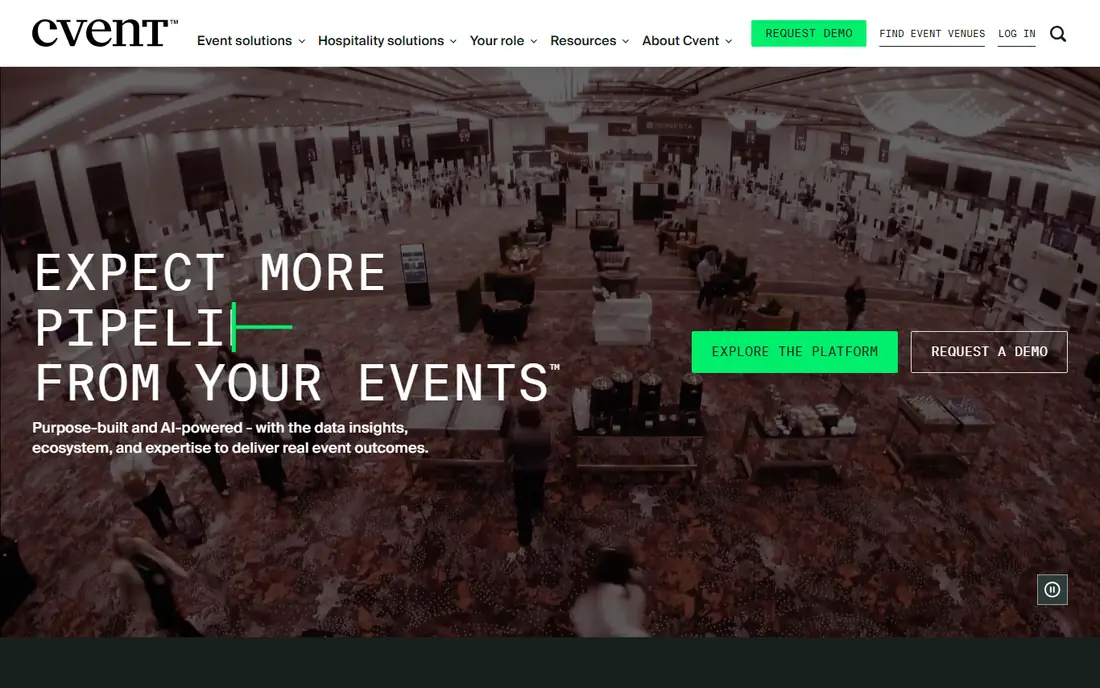
Cvent suits organizations that run many events a year and need one system for sourcing, registration, attendee management, and reporting. Its venue database, with hundreds of thousands of venues in vendor descriptions, helps planners compare sites, while the Attendee Hub gives attendees agendas, networking, and event information in one app. Integrations with CRM and marketing tools help enterprise teams track event impact.
The trade-off is scale and cost. Cvent is quote-based, with annual costs often reported from $15,000 per year in published comparisons, and setup takes more planning than a simple conference app. Smaller conferences may find it heavier than needed. For an enterprise program with complex portfolios and reporting needs, Cvent offers depth that simpler tools cannot match.
- Deep enterprise event management
- Venue sourcing database
- Strong integrations and analytics
- Quote-based enterprise pricing
- Heavier setup than simpler conference apps
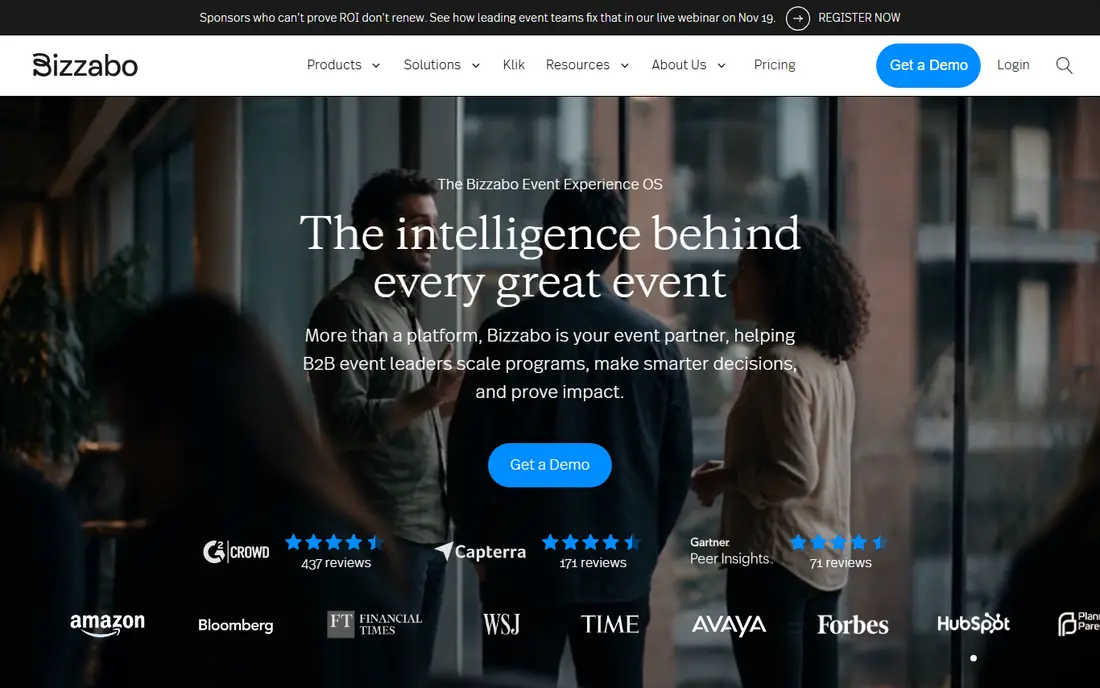
Bizzabo is built for corporate marketing events where brand experience and lead quality matter. The attendee app looks polished, registration and agenda tools are strong, and SmartBadge wearables help track session attendance and networking without manual scanning. HubSpot and other CRM integrations help marketing teams turn event engagement into pipeline data.
Price is the barrier. Entry plans start at $17,999 per year in published comparisons, with a minimum user count, so Bizzabo suits companies with an annual event program, not a one-off conference on a tight budget. If your events are a core marketing channel and you need polished branding plus lead data, Bizzabo justifies that price. If you run one small conference a year, Whova or Eventbrite will cost far less.
- Polished attendee experience
- SmartBadge wearable tech
- Strong CRM and marketing integrations
- High annual entry price
- Minimum user requirements on entry plans
Eventbrite is the best event app for simple public conferences and smaller ticketed events. Creating an event, selling tickets, and checking attendees in is fast, and free events carry no Eventbrite fees. The built-in marketplace also helps new attendees discover your conference, which is useful for public events without a large mailing list.
Networking depth is limited compared with Whova or Swapcard. Eventbrite does not offer the same community boards, matchmaking, or 1 to 1 meeting tools, so it suits conferences where ticketing matters more than attendee networking. Paid events carry per-ticket fees, so work out the total fee at your expected attendance. For a straightforward ticketed conference under a few hundred attendees, Eventbrite is the simplest choice.
- Free for free events
- Built-in event discovery
- Simple ticketing and check-in
- Conference networking features are limited
- Paid-event fees apply per ticket
Swapcard fits B2B trade shows, expos, and conferences where exhibitor value and attendee matchmaking drive success. AI matchmaking suggests relevant contacts, meetings, and exhibitors, while lead capture tools help exhibitors follow up after the event. The attendee app supports agendas, networking, and exhibitor discovery in one place.
Pricing clarity varies, with self-service plans reported from around $560 to $610 per year in different published comparisons, so we list See website here. Confirm the exact plan and attendee limits before you buy. For a trade show where networking and exhibitor return matter most, Swapcard is a strong pick. For a simple academic conference, Whova may feel more focused.
- AI matchmaking for attendees and exhibitors
- Strong lead capture
- Trade show and expo tools
- Published starting prices vary
- Less suited to simple single-track conferences
EventMobi suits teams that want a branded, customizable attendee app without an enterprise contract. Templates and customization options help organizers match the app to event branding, and native app options support offline use better than web-only tools. Per-event plans help organizers who run occasional conferences, while annual plans suit teams with a full calendar.
Published prices have varied, with per-event figures around $3,500 and annual figures around $7,500 in different comparisons, so we list See website. Customization also takes time, so plan for setup and testing. If you need a polished, branded app for mid to large events and want offline reliability, EventMobi deserves a demo. If you need the fastest setup, Whova or Eventbrite will be quicker.
- Highly customizable attendee app
- Strong offline options
- Per-event and annual plans
- Published prices vary by plan type
- Customization takes more setup time
Guidebook is a long-standing choice for universities, associations, and organizations that run many events with similar needs. The native app works offline, which helps on campuses and in venues with weak Wi-Fi, and organizers can manage multiple event guides from one account. That structure suits orientation weeks, academic conferences, and recurring association events.
Pricing is quote-based, and Guidebook is less focused on marketing analytics and lead generation than Bizzabo or Swapcard. If your priority is a reliable attendee guide for many events, Guidebook is a practical fit. If your priority is pipeline tracking and exhibitor lead value, a trade show tool will serve you better. Ask for a quote based on event count and attendee numbers.
- Native offline app
- Good fit for universities and associations
- Multi-event management
- Pricing is not published
- Feature set is less marketing-led than Bizzabo
Accelevents fits conferences that need in-person and virtual attendance in one system. Registration, attendee app, and virtual venue tools work together, so remote attendees can join sessions, network, and visit exhibitors without a separate platform. Annual plans with unlimited events suit organizations with a mixed calendar.
Entry pricing starts at $7,500 per event in published comparisons, with annual business plans higher, so small in-person conferences may find it expensive. The virtual feature set is also broader than a purely in-person event needs. For a hybrid conference program, Accelevents offers a coherent single system. For a single in-person conference, Whova or EventMobi will usually cost less.
- Strong hybrid and virtual event support
- Registration, app, and virtual venue in one system
- Unlimited events on annual plans
- High entry price for small events
- Virtual features may be more than an in-person conference needs
How we picked these
We compared official feature pages, pricing pages, app store listings, privacy policies, and public reviews for event apps with a real attendee app for conferences. We checked agenda tools, networking, registration, check-in, offline access, and analytics, not just event management features. Where published prices conflicted, we wrote See website. We did not claim hands-on testing, and we treated review comments as user reports.
What to check before you choose
Test the attendee app, not just the organizer dashboard
Ask for a test event and use the attendee app as a guest. Check agenda browsing, speaker details, networking, notifications, and offline access. A dashboard that looks powerful can still produce an attendee app that feels confusing on event day.
Price for your real attendee count
Many conference tools price by event, attendee count, or annual contract, and fees change sharply with scale. Get a quote for your expected attendance plus a buffer for late registrations, and confirm what happens if you exceed the limit. A tool that looks cheap for 200 attendees may cost far more for 1,000.
Plan for check-in and Wi-Fi failure
Ask how check-in works if Wi-Fi drops, how badges print, and how quickly staff can scan a queue. Native offline apps and printed backup lists help when connectivity fails. Test check-in with a real badge printer before event day, not during the first morning rush.
Frequently asked questions
What is the best event app for a small conference?
For a small conference, Whova is a strong choice if networking matters, while Eventbrite is best if you mainly need simple ticketing. Eventbrite is free for free events, and Whova is quote-based per event. Choose Whova for community and sessions, and Eventbrite for a straightforward public event.
What are the best apps for events with networking?
Whova, Swapcard, and Bizzabo lead for networking. Whova suits community and association networking, Swapcard suits AI matchmaking at trade shows, and Bizzabo suits corporate events with lead tracking. Test networking features with real attendee profiles, because matchmaking quality depends on profile data and attendee engagement.
Are there best free event apps for conferences?
Free options are limited for full conference apps. Eventbrite is free for free events, and several vendors offer trials or demos rather than free plans. Some tools offer free tiers for very small events, but most conference apps with networking, agendas, and check-in require a paid plan or per-event fee.
What is the best mobile event app for conferences?
The best mobile event app depends on offline needs and event type. Guidebook and EventMobi offer strong native app options, Whova offers a full community app, and Bizzabo offers a polished corporate app. If your venue has weak Wi-Fi, prioritize a native app with offline agenda access.
How much do best conference apps cost?
Costs range from free for Eventbrite free events to $7,500 per event for Accelevents and $17,999 per year for Bizzabo, with Whova, Cvent, Swapcard, EventMobi, and Guidebook using quote-based or per-event pricing. Always request a quote for your attendee count and feature needs, because published entry prices rarely cover every feature.
Can one app handle registration, agenda, and networking?
Yes, Whova, Cvent, Bizzabo, Swapcard, EventMobi, and Accelevents all combine registration, agenda, networking, and check-in to different depths. The difference is how strong each part is. Check the weakest part for your event, not the strongest, because attendees will notice a weak agenda or slow check-in even if networking is excellent.
Sources we checked (10)
- https://whova.com
- https://www.cvent.com
- https://www.bizzabo.com
- https://www.eventbrite.com
- https://www.swapcard.com
- https://www.eventmobi.com
- https://guidebook.com
- https://www.accelevents.com
- https://eventify.io/blog/best-event-apps
- https://www.engineerica.com/conferences-and-events/post/best-event-registration-platforms/

Online Jobs is an independent blog about careers, online work, learning new skills and the tools that help people earn. More about us.
Keep reading
All posts
ZoomInfo Alternatives
The best ZoomInfo alternatives in 2026, compared on price, free plans, data coverage, and which tool fits small teams or large sales teams best in detail.

Workday Alternatives
We compared the best workday alternatives for HR, payroll, and global hiring, from BambooHR and Gusto to Rippling, Deel, and HiBob for growing teams in 2026.

Which SaaS Tools Have the Best Customer Support
Which SaaS tools have the best customer support? Compare eight popular tools on help centres, live help, response options and overall support quality.