Best EV Charging App in 2026: 8 Apps Compared

How we put this together: we compare official feature and pricing pages, app store listings, privacy policies and public user reviews. Prices change, so check the provider's site before you pay.
Key takeaways
- PlugShare is our first pick for most drivers because driver reports and photos often show which stalls actually work.
- Network apps such as ChargePoint, EVgo, and Electrify America are still needed to start and pay for many sessions.
- A Better Routeplanner is the strongest choice for longer trips, since it plans charging stops around your car and route.
- Most of these apps are free to download, while the electricity itself is priced by the station or network.
- Keeping two or three apps ready before a trip avoids a stressful search at a low battery level.
Quick comparison
| Name | Who it suits | Starting price | Free option | |
|---|---|---|---|---|
 PlugShare PlugShare | Finding working chargers | Free | Yes | Visit |
 ChargePoint ChargePoint | Everyday public charging | Free | Yes | Visit |
 Tesla Tesla | Supercharger access | Free | Yes | Visit |
 Electrify America Electrify America | Highway fast charging | Free | Yes | Visit |
 EVgo EVgo | City fast charging | Free | Yes | Visit |
 A Better Routeplanner A Better Routeplanner | Road trip planning | Free | Yes | Visit |
 ChargeHub ChargeHub | Cross-network searching | Free | Yes | Visit |
 Blink Charging Blink Charging | Blink network charging | Free | Yes | Visit |
The best ev charging apps
Public charging is easier when the right app is already on your phone. The apps below cover finding stations, planning trips, and paying for a charge.
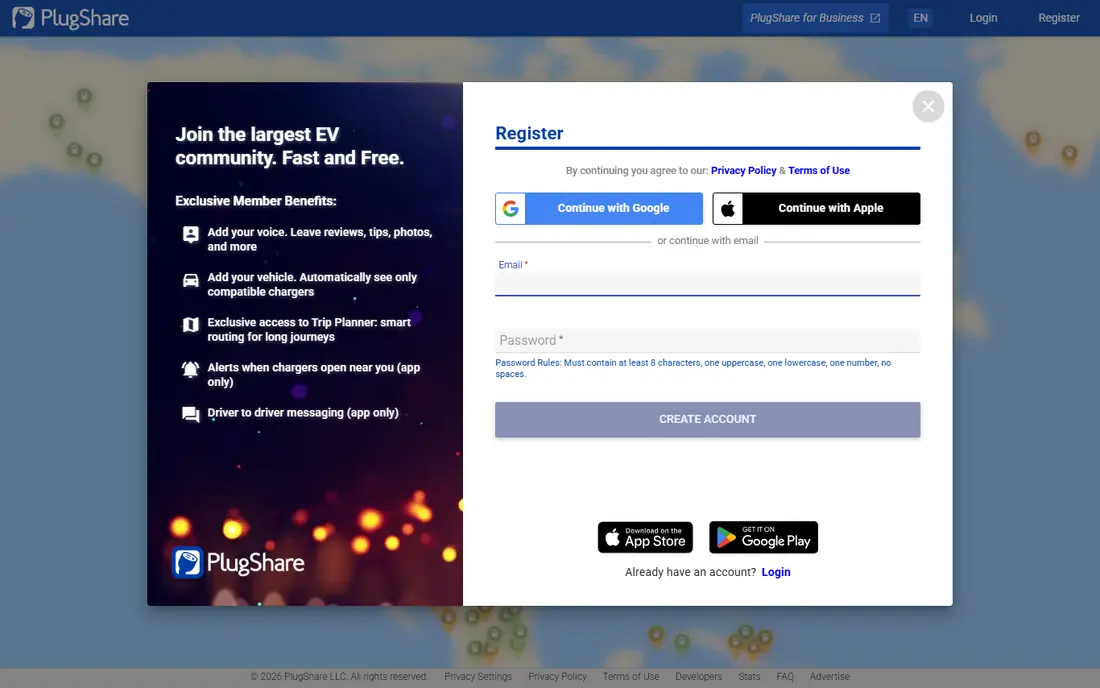
PlugShare earns the top spot because it answers the question drivers care about most, which is whether a charger is likely to work when they arrive. Drivers leave check-ins, photos, and notes about broken stalls, blocked bays, and payment problems. Filters for connector type, charging speed, and network help narrow a long list to the options that fit a specific car.
The trade-off is that PlugShare is mainly a finder, not a universal payment app. Some stations can be started through a linked account, but many still need the network app or a card at the charger. That is a fair exchange for the breadth of its map, and we would still install it first. It is especially useful in unfamiliar towns, where one bad stop can change a whole day.
- Broad station coverage
- Driver reviews and photos
- Filters for plug type and speed
- It cannot start every session
- Some listings depend on driver updates
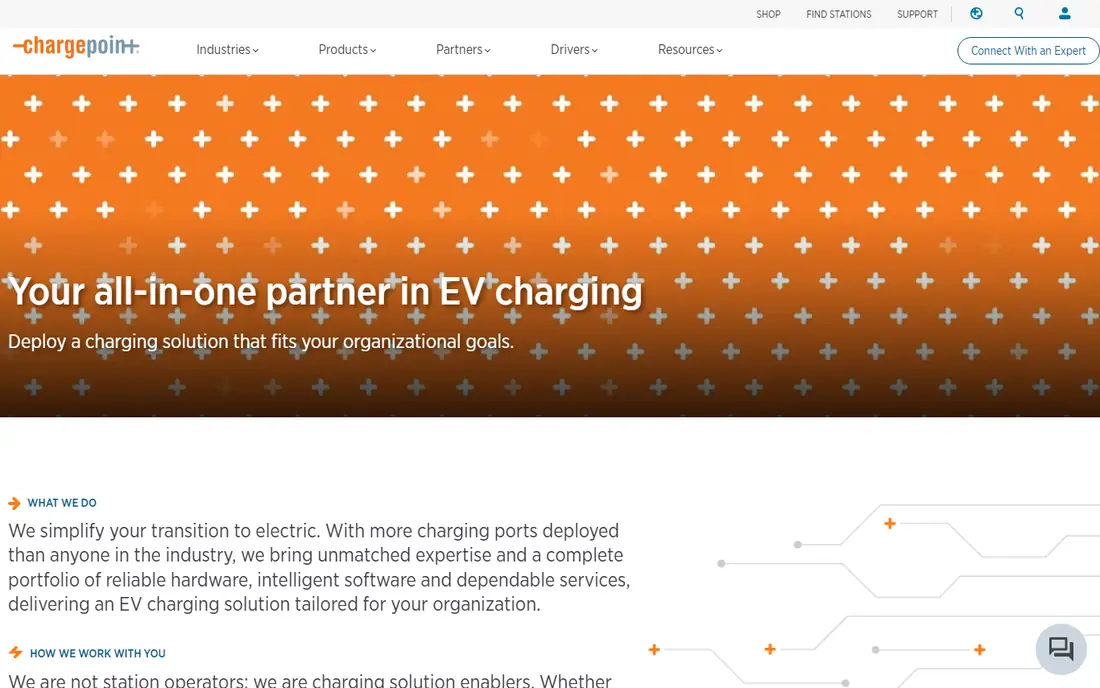
ChargePoint is a practical daily app for drivers who charge at work, shops, apartment buildings, and other local sites. The app shows nearby stations, availability, and pricing where the host provides it, and it can start and stop many sessions. Drivers with a ChargePoint home charger can also manage home charging from the same account, which keeps the routine simple.
The main catch is price variation. Because site hosts set many prices, two nearby ChargePoint stations can cost very different amounts. Checking the price in the app before plugging in avoids an unpleasant surprise. Still, for regular local charging, this is one of the most useful apps to keep signed in and ready.
- Large public network
- Clear station availability
- Home charger controls in the same app
- Prices are set by site hosts and vary widely
- Coverage is thinner in some rural areas
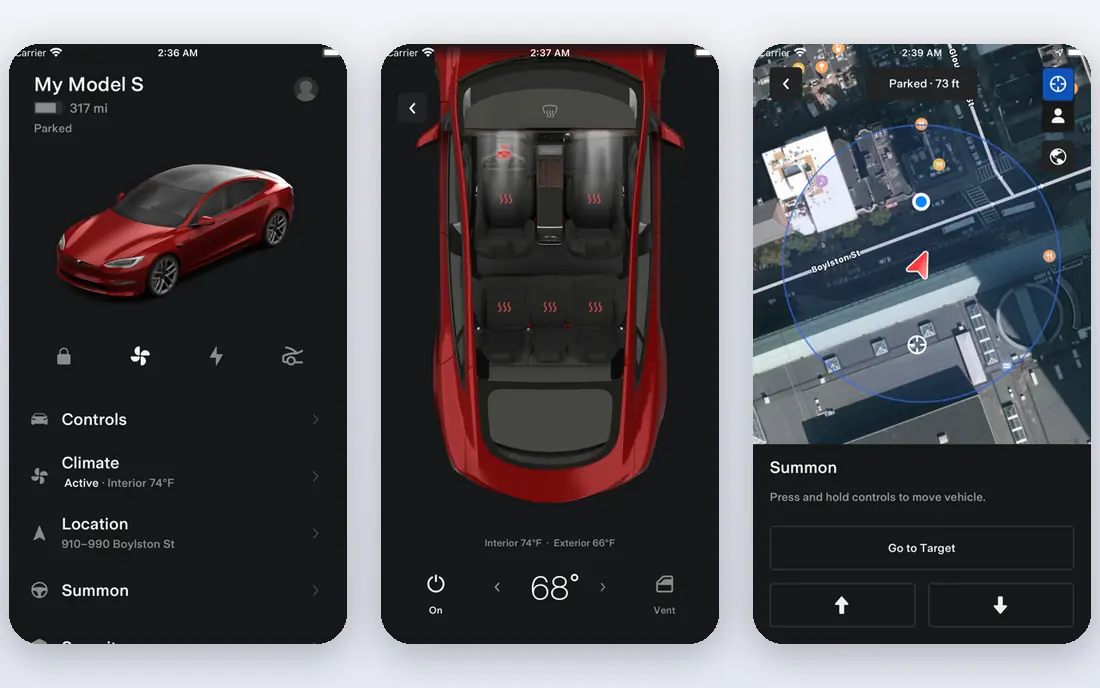
The Tesla app is essential for Tesla owners and increasingly useful for other drivers as Supercharger access opens up. For Tesla owners, it handles charging, payment, and station details in one place, with the car often doing much of the routing work. That close link between car and app is hard for a standalone finder to match.
Drivers of other brands should check site eligibility before relying on it. Some Supercharger sites accept non-Tesla cars, while others do not, and an adapter may be needed depending on the car and site. Membership pricing for non-Tesla drivers is listed in the app, so it is worth checking before a long trip. Even with those limits, the size of the network makes this app hard to ignore.
- Large Supercharger network
- Simple payment for Tesla owners
- Trip routing in many cars
- Non-Tesla access varies by site and adapter
- Some features are tied to a Tesla account
Electrify America is built for highway travel, with many sites offering high-power DC fast charging. The app lets drivers find stations, start a session, track charging progress, and manage a membership if they use the network often. For a driver who regularly covers long distances on major routes, that combination is a strong fit.
Reliability is the honest weakness. Most sessions work as expected, but some sites have out-of-service stalls, so checking recent PlugShare reports before a stop is still wise. Pricing also varies, and membership only pays off if you charge on this network often enough. Used as part of a small set of apps, rather than alone, it is a solid highway companion.
- Fast highway stations
- App payment and session tracking
- Membership option for frequent users
- Station reliability can vary by location
- Pricing differs by state and plan
EVgo suits drivers who need a fast charge during a normal day, rather than only on road trips. Its stations often sit near grocery stores, malls, and other places where a driver is already stopping. The app handles finding, starting, and paying for sessions, and Autocharge on supported cars can start a session without opening the phone at all.
The coverage pattern is the limit to understand. EVgo is stronger in cities and suburbs than on remote highway stretches, so long-distance drivers should pair it with a highway network app. Prices also vary by site and plan, so the app price check matters. For apartment dwellers and city drivers without home charging, it is one of the most practical picks here.
- Strong city and suburban coverage
- Fast charging at shops and grocery sites
- Autocharge on supported cars
- Fewer highway sites than some rivals
- Pricing and plans vary by location
A Better Routeplanner, often called ABRP, is the trip planner in this list. You enter your car, starting charge, and destination, and it suggests where to stop, how long to charge, and what charge level to expect at each stop. That detail matters on a long trip, where a short stop at the right charger beats a long stop at the wrong one.
It is not a payment app for most networks, so drivers still need the network apps to start sessions. The free version covers basic planning well, while premium adds live data and extra options. For anyone planning a first long EV trip, or a route through areas with fewer chargers, this is the app we would open before leaving home.
- Route planning tuned to your car
- Charging stop estimates
- Weather and elevation factors
- It does not pay for most sessions
- Premium features need a subscription
ChargeHub is a useful second finder, especially for drivers who cross into Canada or want one map across several networks. It lists stations from many providers, offers filters for connector and speed, and includes trip planning features. The interface is straightforward, and it helps when a favourite finder is missing a smaller network.
Payment is where expectations should stay realistic. ChargeHub can help at some stations, but many sessions still need the network app. Its community data is also thinner in some US regions than PlugShare. As a backup map and a cross-border tool, it earns its place, but we would not rely on it as the only app on a trip.
- Maps many networks in one place
- Trip planning tools
- Community station information
- Payment support varies by network
- Smaller US presence than the largest finders
Blink Charging is a network app, so its value depends on where Blink stations sit on your routes. Where they are present, the app makes charging simple: find a station, start a session, pay, and review history. That direct link avoids the friction of juggling a card or a third-party payment step at a Blink charger.
The limit is scale. Blink does not yet match the largest networks for nationwide coverage, and in some regions there may be few or no stations. Drivers should check the map for their home area and regular routes before counting on it. If Blink stations are common near you, it is a sensible addition; if not, keep it as a backup for travel.
- Direct access to Blink stations
- App payment and session history
- Growing public network
- Network is smaller than the leaders
- Station density varies sharply by region
How we picked these
We compared official feature pages, pricing pages, app store listings, and public driver guidance for each app. We favoured apps that are available in the US, cover a clear job such as finding stations, planning trips, or paying, and are still actively maintained. We also favoured a mix of broad finders and network apps, since no single app covers every charger, payment method, and route.
We did not claim hands-on road tests for every network. Instead, we weighed coverage patterns, payment options, filters, and known limits such as price variation and station reliability. Prices for electricity change by site, state, and plan, so we list app cost as free where the app itself is free to download and use, and we point readers to the network app for the session price.
How to choose the right charging app for your driving
Start with how you charge most often. Home chargers need a different setup from public-only driving, and city drivers need different coverage from highway drivers. A driver who charges at home most nights mainly needs a finder and one or two network apps for trips. A driver without home charging needs a strong local network app and a reliable finder for daily use.
Build a small set, not a large collection
Two or three apps cover most situations. PlugShare plus the app for the network you use most is a good base, with A Better Routeplanner added for longer trips. More apps do not help if accounts are not set up, so create accounts and add a payment method before a trip, not at a charger in the rain.
Check price, plug, and recent reports before you stop
Open the station detail page and confirm three things: the connector fits your car, the price is acceptable, and recent driver reports look positive. A fast charger with the wrong plug is useless, and a cheap-looking stop can cost more once session or idle fees apply. This quick check takes less than a minute and prevents most bad stops.
Plan for the charger that does not work
Even good networks have broken stalls. Keep enough charge to reach a second station, especially on rural routes or late at night. Save a backup station in the finder before you set off, and know whether your car needs an adapter for the networks on your route. That habit matters more than any single app feature.
Frequently asked questions
What is the best app for finding EV charging stations?
PlugShare is our pick for finding stations, because it covers many networks and adds driver reports, photos, and check-ins. Network apps are still useful for starting and paying, but for the question of where to go, PlugShare is the best starting point.
What is the best EV charging app for road trips?
A Better Routeplanner is the best road trip tool here, since it plans stops around your car, battery level, and route. Pair it with PlugShare for station reports and with the network apps needed to pay at each stop.
Do EV charging apps cost money?
Most of the apps in this list are free to download and use. The cost that matters is the electricity, which is priced by the station host or network and can vary by location, speed, and time. Check the price in the app before starting a session.
Can one app work for every charging network?
No single app reliably starts and pays for every network yet. Finders cover many networks for searching, but payment often still runs through the network app. Keeping two or three apps ready is the normal setup for US drivers.
Which app is best for Tesla Supercharger access?
The Tesla app is the best choice for Supercharger access, especially for Tesla owners. Non-Tesla drivers should check whether a specific site accepts their car and whether an adapter is needed before relying on it.
How do I find EV chargers near me?
Open PlugShare or a network app, allow location access, and filter by connector type and charging speed. For a trip, plan the route in A Better Routeplanner first, then check recent driver reports for each planned stop.
Sources we checked (8)

Online Jobs is an independent blog about careers, online work, learning new skills and the tools that help people earn. More about us.
Keep reading
All posts
Best Phone Company
Looking for the best phone company in 2026? We compared 9 US carriers on price, coverage, data and perks so you can pick the right plan for your line.
Best Arduino Alternatives
Looking for the best Arduino alternatives? We compare ESP32, Raspberry Pi Pico, Teensy and more on speed, wireless, price and ease of use today for makers.
ZoomInfo Alternatives
The best ZoomInfo alternatives in 2026, compared on price, free plans, data coverage, and which tool fits small teams or large sales teams best in detail.