Best eSignature Service in 2026: 8 Tools Compared

How we put this together: we compare official feature and pricing pages, app store listings, privacy policies and public user reviews. Prices change, so check the provider's site before you pay.
Key takeaways
- DocuSign is our pick when signers expect the most familiar name, while SignNow offers the lowest entry price on this list.
- PandaDoc suits sales teams that send proposals, and Zoho Sign suits teams already using Zoho apps.
- Free plans from PandaDoc, Zoho Sign, and SignWell-style tools help solo users, but paid plans are needed for team features.
- Check envelope or document limits on the plan you will buy, since unlimited claims often still cap sends per user per year.
Quick comparison
| Name | Who it suits | Starting price | Free option | |
|---|---|---|---|---|
 DocuSign | Familiar signing for all parties | $10 per month | Free trial | Visit |
 Adobe Acrobat Sign | Acrobat and Microsoft 365 users | $16.99 per month | Free trial | Visit |
 Dropbox Sign | Simple signing for Dropbox users | $15 per month | Free trial | Visit |
 PandaDoc | Proposals plus signing | $19 per seat per month | Yes | Visit |
 SignNow | Lowest entry price | $8 per user per month | Free trial | Visit |
 Zoho Sign | Zoho app users | $10 per user per month | Yes | Visit |
 Signeasy | Mobile-first signing | $10 per seat per month | Free trial | Visit |
 BoldSign | Low-cost team signing | $5 per user per month | Yes | Visit |
The best esignature service
An esignature service should make sending, signing, and tracking a document feel simple for both sides. The tools below all cover that core job, and they differ in price, document limits, templates, and how well they fit sales, legal, or general business work.
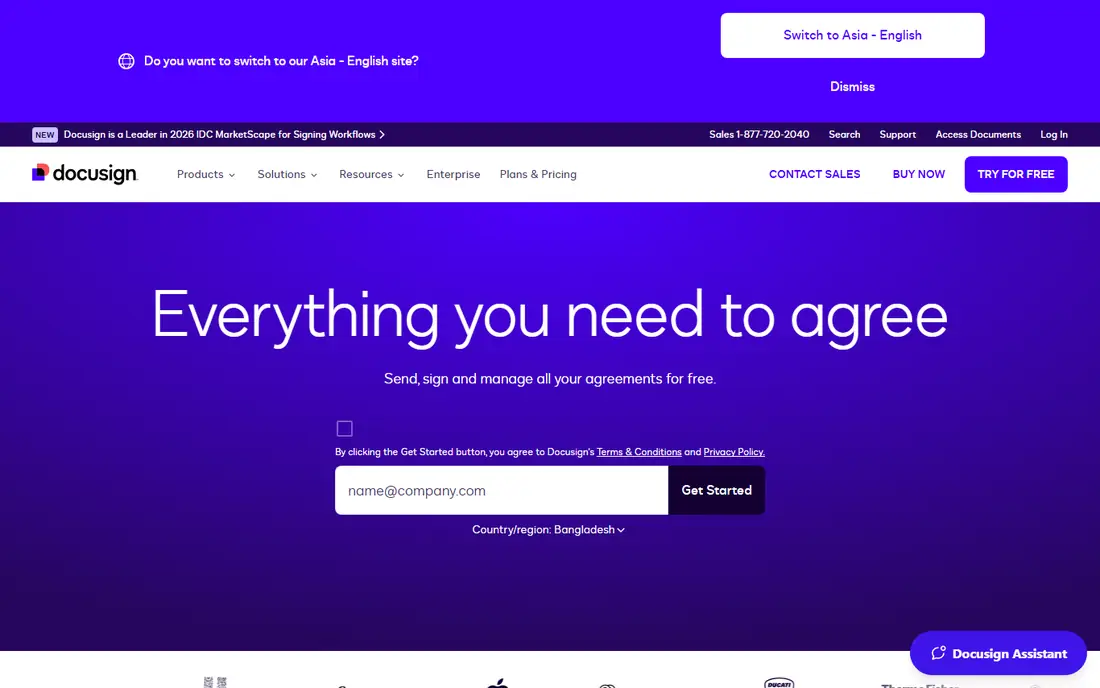
DocuSign is the name most signers already know, and that familiarity matters. When a client, tenant, or partner opens a DocuSign request, they usually know what to do without instructions, which cuts delays and support messages. The product covers templates, signing order, reminders, and audit trails, with integrations for Salesforce, Google, Microsoft, and many other tools. The entry Personal plan starts at $10 per month on annual billing, with a trial available. The catch is limits. Lower plans cap envelopes per user per year, so high-volume teams need a higher tier or a custom quote. For businesses that send contracts to outside parties every week, the familiarity and workflow depth justify the price.
- Most recognised name for signers
- Broad integrations
- Strong templates and workflows
- Envelope limits on lower plans
- Price rises quickly with users and volume
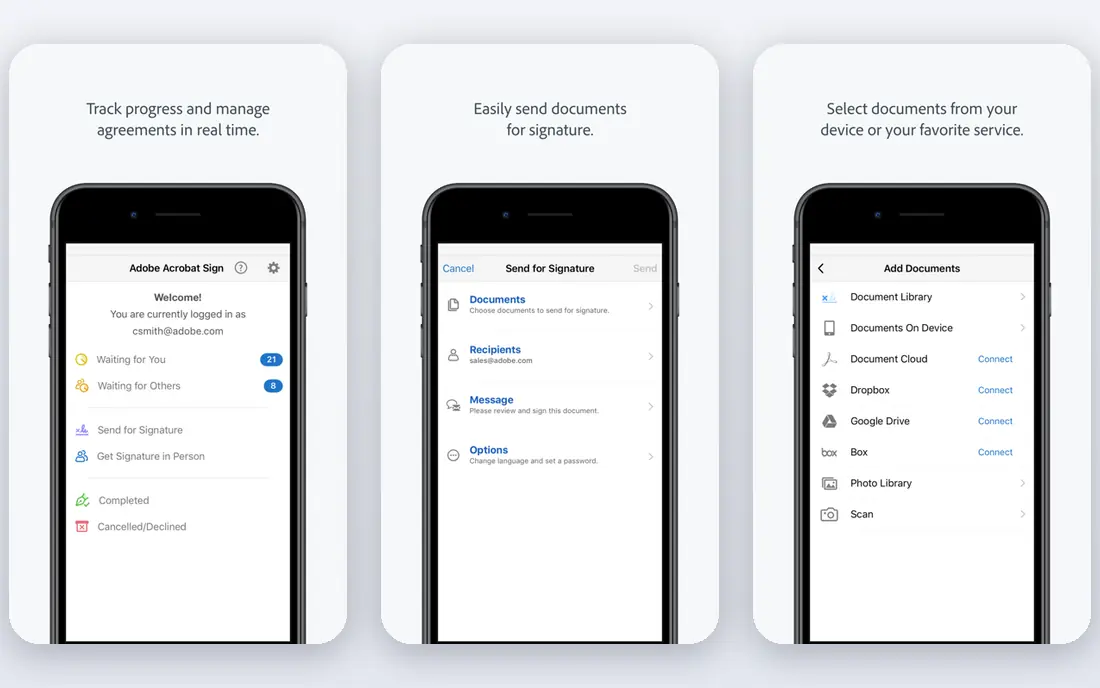
Adobe Acrobat Sign suits teams already paying for Acrobat. Signing sits alongside full PDF editing, form creation, and document management, so there is no separate tool to learn for PDF work. Acrobat Standard for teams is listed at $16.99 per licence per month, with Pro at $23.99, both on annual commitments, and both include signature collection. Microsoft 365 users also benefit from Adobe integrations. The trade-off is that signing is part of a larger Acrobat bundle, so buyers who only need signatures may pay for PDF features they rarely use. Some users also find the sending flow longer than DocuSign or Dropbox Sign. For Acrobat households, the bundle value usually wins.
- Included with Acrobat plans
- Strong PDF tools
- Good Microsoft 365 fit
- Pricing is tied to Acrobat tiers
- Sending flow can feel longer than rivals
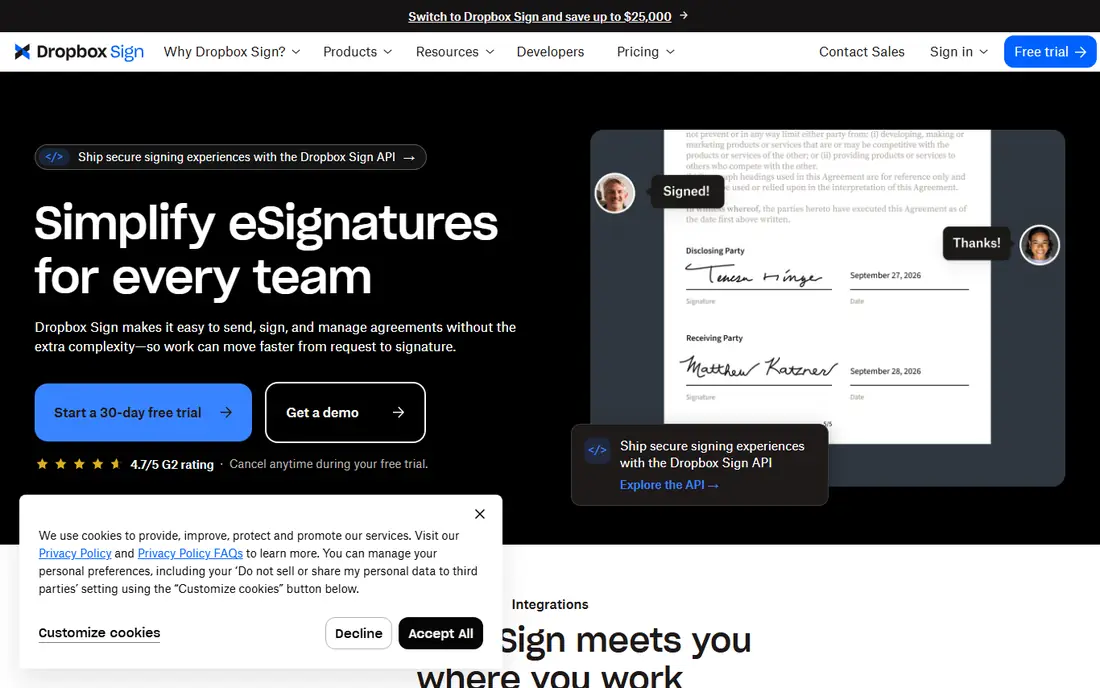
Dropbox Sign, formerly HelloSign, is the simplest signing tool on this list to learn. Upload a document, place fields, send it, and track it, with little setup and a clean experience for signers. Teams whose files already live in Dropbox get extra value, since documents can move from storage to signature without downloads and re-uploads. Paid plans start around $15 per month, with a trial available, though exact pricing varies by billing period and region. The limit is depth. Dropbox Sign does not match DocuSign on complex workflows, bulk sends, or advanced integrations. For individuals and small teams that send straightforward contracts and want the least friction, that simplicity is the point.
- Very simple sending flow
- Good Dropbox integration
- Clean signer experience
- Fewer advanced workflow features than DocuSign
- Paid plans needed for team tools
PandaDoc is the pick for sales teams, because it covers the document before the signature as well as the signature itself. Users can build proposals, quotes, and contracts with pricing tables, then send them for signature and track opens and views. The free eSign plan lets solo users send a limited number of documents without paying, which is a genuine way to test the product. Paid Starter plans start at $19 per seat per month on annual billing. The catch is price and scope. Teams that only need signatures will pay more than with SignNow or BoldSign, and they may never use the proposal builder. For sales-led businesses that send quotes every week, PandaDoc replaces two tools with one, and that saving often covers the higher seat price.
- Proposal and quote building plus signing
- Free eSign plan
- Good sales templates
- Higher entry price than pure signing tools
- Sales features may be unused by general teams
SignNow wins on entry price. Business plans start at $8 per user per month on annual billing, with a trial available, which undercuts most rivals for a team that needs core signing. The product covers templates, signing order, audit trails, and integrations, plus bulk sending for teams that send the same document to many signers. That value suits budget-conscious small businesses and teams with many occasional senders. The trade-off is polish. The interface feels more functional than beautiful, and some users report slower support on lower tiers. For teams that judge a signing tool by price and core function, rather than design, SignNow is the best value on this list.
- Lowest entry price on this list
- Unlimited users on some workspace plans
- Bulk sending options
- Interface feels plainer than DocuSign
- Support quality varies by plan
Zoho Sign is the natural signing tool for businesses already using Zoho CRM, Books, or other Zoho apps. Documents can move from CRM or accounting into signature without manual export, and signed copies return to the right record. The free plan covers a small number of envelopes per month for one user, which suits solo users and very light senders. Paid plans start at $10 per user per month on annual billing. The limit is ecosystem. Outside Zoho, the integration advantage fades, and DocuSign offers more third-party links. For a Zoho household, though, Zoho Sign is cheaper and simpler than adding a separate signing vendor, and the free plan makes it easy to test.
- Free plan with monthly envelopes
- Strong Zoho integration
- Low entry price
- Best value only inside Zoho
- Fewer third-party integrations than DocuSign
Signeasy suits people who sign on a phone or tablet more than on a desktop. Its mobile apps are polished, in-person signing works well for field teams, and documents can be prepared and sent without a desk. That matters for real estate agents, field service teams, and anyone who meets clients away from an office. Paid plans start at $10 per seat per month on annual billing, with a trial for business plans. The free option is limited, so regular senders will need a paid plan quickly. Team administration and advanced workflows sit on higher tiers, so larger teams should check those prices early. For mobile-first signing, Signeasy is one of the most pleasant tools to use day to day.
- Strong mobile apps
- Easy in-person signing
- Good for field teams
- Free plan is limited
- Higher tiers needed for team administration
BoldSign is a newer, low-cost option that deserves attention from small teams. Entry pricing starts at $5 per user per month, with a free plan for light use, which makes it one of the cheapest ways to get team signing with audit trails and templates. The product publishes document allowances clearly, which helps buyers avoid surprise limits. The trade-off is recognition. Signers may not know BoldSign as well as DocuSign, though the signing experience itself is straightforward. Integrations are also fewer than the biggest names. For a small business that sends a steady but modest volume and wants to keep costs down, BoldSign offers strong value without a complex setup.
- Very low entry price
- Free plan available
- Published document allowances
- Smaller brand recognition with signers
- Fewer integrations than DocuSign
How we picked these
We compared vendor pricing pages, product documentation, and public reviews, and we checked each vendor homepage to confirm the product is live. Prices shown are those published by the vendor or widely listed on vendor pricing pages. Where pricing varies by billing period or region, we show the annual-billing figure and note that it varies. Envelope and document limits change, so check the current plan page for the exact limit on the tier you will buy.
How to choose an esignature service for a small business
Start with volume. Count how many documents you send per month, and how many people send them. A solo sender with ten documents a month needs a different plan from a five-person team sending one hundred. Then check the limit type. Some vendors count envelopes, others count documents or signature invites, and those counts are not the same. A plan that looks unlimited may still cap invites per user per year, so read the limit line, not just the headline.
Test the signer experience
Send a test document to yourself and to a colleague who has never used the tool. Watch how long it takes to sign on a phone, whether reminders are clear, and whether the completed copy arrives in the right place. Signer friction causes more delays than any missing admin feature, so this test matters more than a feature checklist.
Check legal and storage needs
Most esignatures are legally valid for ordinary business contracts in the US and EU, but regulated work may need stronger identity checks or specific audit trails. Check whether the tool offers the audit trail, authentication options, and storage retention your industry needs. Also confirm where completed documents are stored and how long they are kept.
Frequently asked questions
What is the best esignature service for a small business?
DocuSign is the best overall pick for small businesses that send to outside parties, because signers know it. SignNow is the best value pick, and PandaDoc is best for sales teams that send proposals. The right choice depends on volume, signer familiarity, and whether you need proposal tools.
What is the best free esignature service?
PandaDoc Free eSign, Zoho Sign free plan, and BoldSign free plan all let you send real documents without paying. Free plans limit monthly documents and team features, so they suit solo users and light senders. Regular team senders will need a paid plan for templates, reminders, and admin controls.
Is DocuSign worth the price for a small business?
DocuSign is worth it when signer familiarity, integrations, and workflow depth matter more than the lowest price. If you send few documents to people who already know DocuSign, the time saved on support and delays can cover the higher fee. If price is the main concern, SignNow or BoldSign cost less.
Are electronic signatures legally binding?
In most cases, yes, for ordinary business contracts in the US under the ESIGN Act and in the EU under eIDAS, provided the signature process shows intent and keeps an audit trail. Some documents, such as certain wills and court filings, have special rules. Check local law for your document type before relying on any tool.
How many documents can I send on a basic plan?
Limits vary by vendor and plan. DocuSign lower plans cap envelopes per user per year, while other vendors count documents or invites. Always check the exact limit on the plan page, and work out your yearly total, not just your monthly average, before choosing.
What is the best document signing software for sales teams?
PandaDoc is the best pick for sales teams, since it combines proposals, quotes, pricing tables, and signing in one tool. DocuSign also works well for sales when proposals are built elsewhere. Choose PandaDoc if proposal creation is part of the job, and DocuSign if signing alone is the main need.
Sources we checked (8)

Online Jobs is an independent blog about careers, online work, learning new skills and the tools that help people earn. More about us.
Keep reading
All posts
n8n Alternatives
n8n alternatives compared for 2026, with Zapier, Make, Activepieces, and more, covering visual builders, code steps, self-hosting, and pricing models.

ZoomInfo Alternatives
The best ZoomInfo alternatives in 2026, compared on price, free plans, data coverage, and which tool fits small teams or large sales teams best in detail.

Workday Alternatives
We compared the best workday alternatives for HR, payroll, and global hiring, from BambooHR and Gusto to Rippling, Deel, and HiBob for growing teams in 2026.