Best Enterprise Software in 2026: 8 Platforms Compared


Microsoft 365 companies · Starting price: $65 per user per month
How we put this together: we compare official feature and pricing pages, app store listings, privacy policies and public user reviews. Prices change, so check the provider's site before you pay.
Key takeaways
- Microsoft Dynamics 365 suits companies already using Microsoft 365 for email, documents, and meetings.
- Salesforce suits sales-led companies that need a CRM that can grow from a small team to thousands of sellers.
- SAP and Oracle NetSuite suit complex finance, manufacturing, and multi-subsidiary operations.
- HubSpot suits smaller and mid-market teams that want a free start before buying paid tiers.
Quick comparison
| Name | Who it suits | Starting price | Free option | |
|---|---|---|---|---|
| Microsoft Dynamics 365 | Microsoft 365 companies | $65 per user per month | Free trial | Visit |
 Salesforce | Growing sales teams | $25 per user per month | Free trial | Visit |
 SAP S/4HANA Cloud | Complex global operations | See website | No | Visit |
 Oracle NetSuite | Mid-size companies outgrowing basic accounting | See website | No | Visit |
 Workday | HR and finance for larger employers | See website | No | Visit |
 ServiceNow | IT and employee service workflows | See website | No | Visit |
 HubSpot | Marketing-led small and mid-market firms | Free | Yes | Visit |
 Zoho One | All-in-one suite on a budget | See website | Free trial | Visit |
The best enterprise software
We compared enterprise software platforms and solutions on scope, published pricing, integration with common business tools, and fit for different company sizes. The eight options below are not one product type: they cover CRM, ERP, HR and finance, and service workflows, so shortlist by the problem you need to solve first.
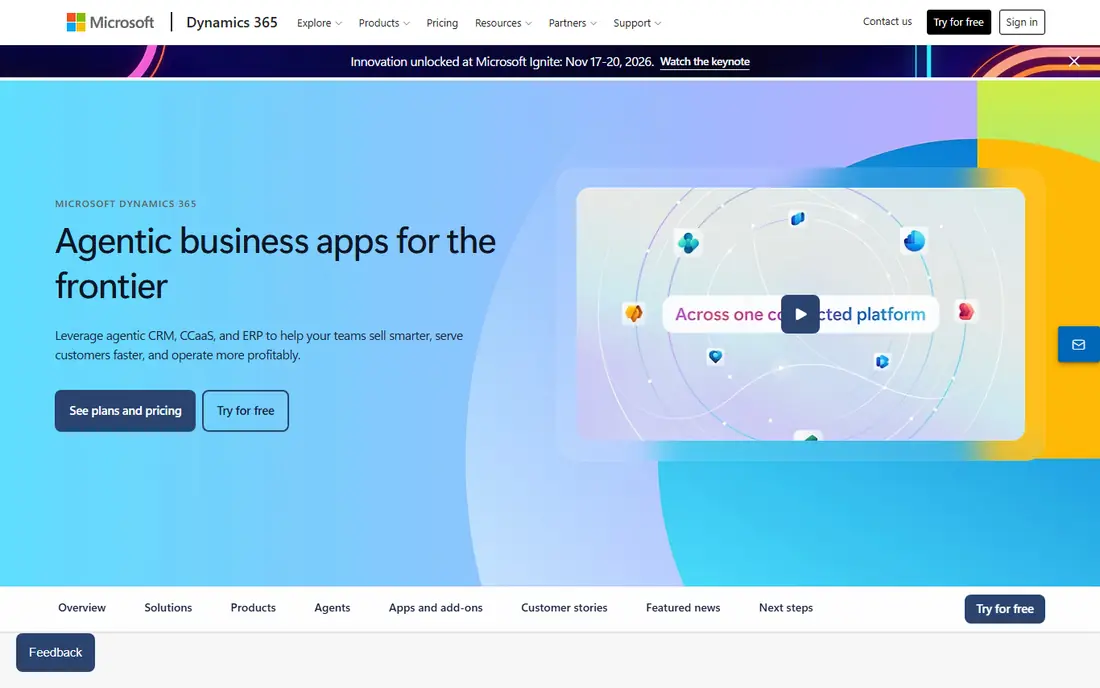
Microsoft Dynamics 365 is the safest first call for a business that already lives in Outlook, Teams, and Excel. It fits microsoft 365 companies well, and it is worth shortlisting if that description matches your situation.
It is a family of apps rather than one product, so a company can start with Sales and add service, finance, or supply chain apps later without changing vendors. That strength matters most when the team reviewing the bill is not the same team running the system, because both groups need the same numbers in plain form.
The catch is licensing: combining apps, add-ons, and AI features creates a puzzle that many buyers hand to a partner, so budget for that work early. Before you commit, ask for a trial on your own data, check how support responds, and confirm what happens when you outgrow the entry tier.
- Sales, service, finance, and supply chain apps under one brand
- Native Microsoft 365 links
- Published per-user prices
- Licensing gets complex when mixing apps
- Implementation often needs a partner
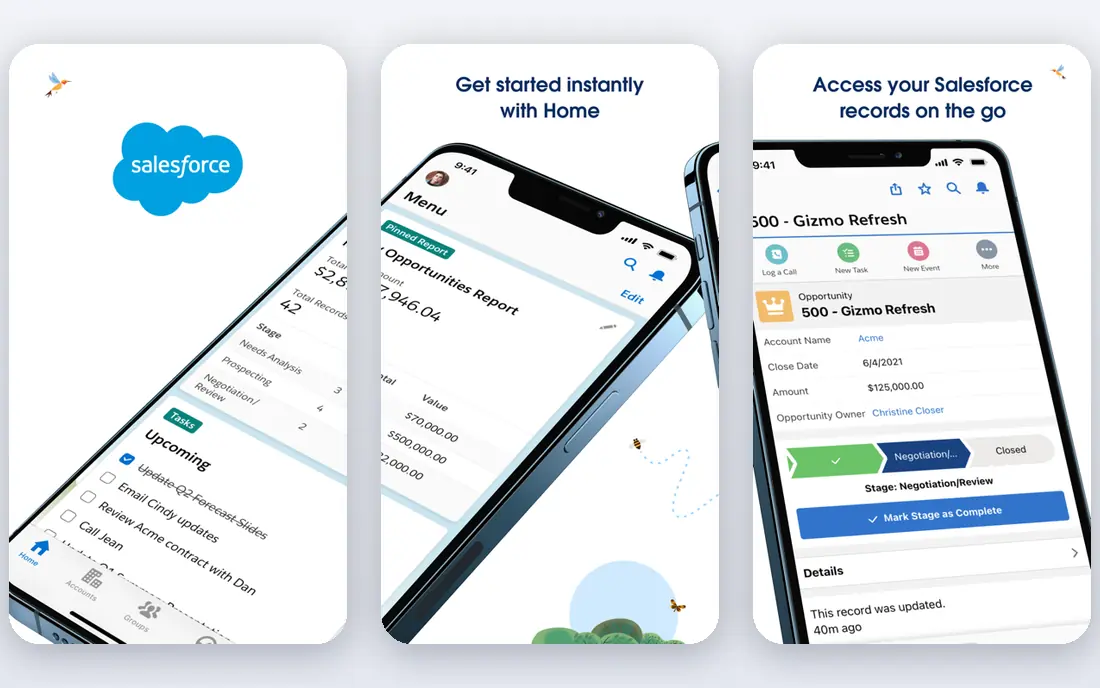
Salesforce suits a sales-led company that wants a CRM that can grow from a handful of sellers to a large team. It fits growing sales teams well, and it is worth shortlisting if that description matches your situation.
Its Starter Suite gives small teams a low entry price, while larger editions add automation, forecasting, and service tools as the company grows. In day to day use, the value shows up in fewer surprises, clearer ownership, and less time spent chasing down why a number moved.
The catch is total cost: editions, add-ons, and implementation can push the bill well above the starter price, so map the full stack before signing. Before you sign, test it with a small group, read the renewal terms, and confirm the features you need are in the plan you are buying, not a higher tier.
- Widely used CRM
- Large app marketplace
- Starter Suite for small teams
- Costs rise with editions and add-ons
- Customisation needs skilled admins
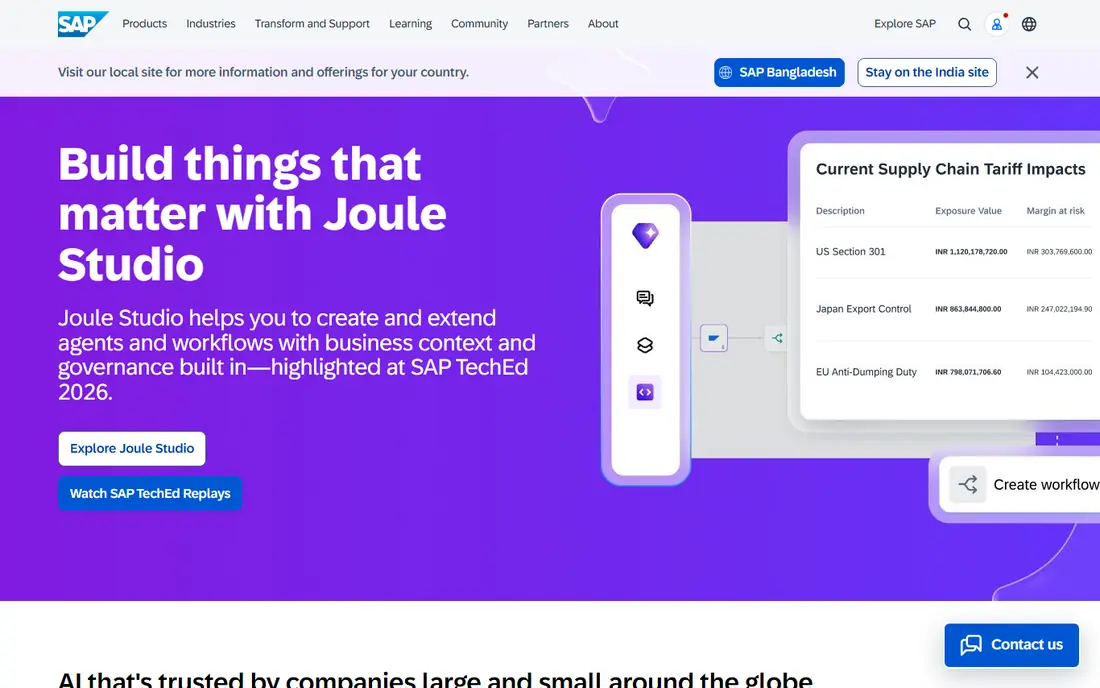
SAP S/4HANA Cloud fits manufacturers and global companies with complex supply chains and finance needs. It fits complex global operations well, and it is worth shortlisting if that description matches your situation.
Its strength is depth across finance, procurement, manufacturing, and logistics in one system, with controls for multi-country operations. For a busy team, the practical benefit is less manual work and a clearer record of what changed and why.
The catch is scale: implementation is a major project, and it is rarely the right choice for a small company that only needs basic finance and CRM. Before you commit, run a short pilot, compare the total cost with add-ons included, and check how easy it is to export your data later.
- Deep finance and supply chain capability
- Global and multi-entity support
- Large partner network
- Quote-based pricing
- Long implementation for large deployments
Oracle NetSuite suits a fast-growing company that has outgrown basic accounting and spreadsheet reporting. It fits mid-size companies outgrowing basic accounting well, and it is worth shortlisting if that description matches your situation.
It brings finance, orders, inventory, and customer data together, which helps multi-subsidiary companies close books and report in one place. That strength matters most when the team reviewing the bill is not the same team running the system, because both groups need the same numbers in plain form.
The catch is price clarity: plans are quoted, so buyers should ask for a total that includes implementation, users, and modules. Before you commit, ask for a trial on your own data, check how support responds, and confirm what happens when you outgrow the entry tier.
- Finance, inventory, and CRM in one cloud system
- Multi-subsidiary support
- Wide partner network
- Quote-based pricing
- Customisation and implementation add cost
Workday suits larger employers that want HR and finance in one system with consistent reporting. It fits hr and finance for larger employers well, and it is worth shortlisting if that description matches your situation.
Its unified data model helps HR and finance answer the same headcount and cost questions without reconciling separate systems. In day to day use, the value shows up in fewer surprises, clearer ownership, and less time spent chasing down why a number moved.
The catch is size: smaller companies may find the price and implementation effort larger than they need, and it is not a light CRM or ERP replacement. Before you sign, test it with a small group, read the renewal terms, and confirm the features you need are in the plan you are buying, not a higher tier.
- Unified HR and finance
- Strong reporting
- Regular cloud updates
- Quote-based pricing
- Best fit for larger employers
- Implementation is a major project
ServiceNow suits large organisations that need to standardise IT, HR, and employee service requests in one workflow system. It fits it and employee service workflows well, and it is worth shortlisting if that description matches your situation.
It turns tickets, approvals, and service requests into tracked workflows, which helps large teams measure and improve service delivery. For a busy team, the practical benefit is less manual work and a clearer record of what changed and why.
The catch is complexity: it is a platform, not a simple help desk, so buyers should plan for administration and process design. Before you commit, run a short pilot, compare the total cost with add-ons included, and check how easy it is to export your data later.
- Workflow automation for IT and employee services
- Strong governance
- Large enterprise use
- Quote-based pricing
- Platform needs skilled administration
HubSpot suits a marketing-led small or mid-market firm that wants to start free and grow into paid tools. It fits marketing-led small and mid-market firms well, and it is worth shortlisting if that description matches your situation.
Its free CRM covers contacts, deals, and basic marketing, and its hubs add sales, service, and content tools without a full enterprise project. That strength matters most when the team reviewing the bill is not the same team running the system, because both groups need the same numbers in plain form.
The catch is scaling cost: as contacts and feature needs grow, paid tiers can become expensive, so check pricing at your expected contact volume. Before you commit, ask for a trial on your own data, check how support responds, and confirm what happens when you outgrow the entry tier.
- Free CRM tools
- Marketing, sales, and service hubs
- Easy start for small teams
- Paid tiers rise quickly with contacts and features
- Advanced needs need higher plans
Zoho One suits a budget-conscious company that wants many business apps under one subscription. It fits all-in-one suite on a budget well, and it is worth shortlisting if that description matches your situation.
It bundles CRM, finance, HR, projects, and collaboration tools, which can replace several separate subscriptions for a small or mid-size firm. In day to day use, the value shows up in fewer surprises, clearer ownership, and less time spent chasing down why a number moved.
The catch is depth: no suite is best at everything, so check the two or three apps you will use daily before judging the whole bundle. Before you sign, test it with a small group, read the renewal terms, and confirm the features you need are in the plan you are buying, not a higher tier.
- Large suite of business apps for one price
- CRM, finance, HR, and collaboration tools
- Lower entry cost than rivals
- Suite breadth can mean uneven depth in some apps
- Larger enterprises may need deeper specialist tools
How we picked these
We compared official product pages, pricing pages, and public documentation, and we checked that each homepage loads and matches the product named. We favoured platforms that are actively sold in 2026, that state their scope plainly, and that publish at least some pricing or a clear quote process. Where a vendor does not publish a price, we wrote See website rather than repeating a third-party estimate as a list price. Implementation cost is separate from licence cost for most enterprise platforms, and buyers should ask for both.
How to choose enterprise software without a costly mistake
Start with one problem, not a wish list. A CRM decision, an ERP decision, and an HR system decision have different buyers, different data, and different risks, and bundling them too early can slow all three. Next, count users by role, not by headcount, since many platforms price by user type and some users only need limited access. Ask for a total first-year cost that includes licences, implementation, data migration, training, and support, and ask what changes at renewal. Test integrations with the tools you already use, especially email, documents, and finance, since a platform that does not connect cleanly will create manual work. Finally, run a pilot with one department and real data before rolling out company-wide.
Frequently asked questions
What is the best enterprise software?
The best enterprise software depends on the problem. Salesforce leads for CRM, Microsoft Dynamics 365 leads for Microsoft-centred companies, SAP and Oracle NetSuite lead for complex ERP, and Workday leads for HR plus finance at larger employers.
What are the top enterprise software companies?
The top enterprise software companies in this group include Microsoft, Salesforce, SAP, Oracle, Workday, ServiceNow, HubSpot, and Zoho. Each leads in a different area, so a single ranking that ignores use case is misleading.
What is the best platform for enterprise apps?
The best platform for enterprise apps is the one that covers your core workflows, connects to your existing tools, and fits your budget for licences plus implementation. Microsoft Dynamics 365 and Zoho One suit suite buyers, while Salesforce and ServiceNow suit specialist buyers.
How much does enterprise software cost?
Licence costs range from free starter tiers to quoted enterprise contracts, and implementation often adds a large share on top. Always ask for a first-year total, including implementation, migration, and support, rather than comparing licence prices alone.
Should a small business buy enterprise software?
Only if the problem is large enough. Small teams often do better with a focused CRM or accounting tool, and move to enterprise platforms when headcount, subsidiaries, or compliance needs make simpler tools hard to manage.
Sources we checked (8)

Online Jobs is an independent blog about careers, online work, learning new skills and the tools that help people earn. More about us.
Keep reading
All posts
n8n Alternatives
n8n alternatives compared for 2026, with Zapier, Make, Activepieces, and more, covering visual builders, code steps, self-hosting, and pricing models.

ZoomInfo Alternatives
The best ZoomInfo alternatives in 2026, compared on price, free plans, data coverage, and which tool fits small teams or large sales teams best in detail.

Zoom Alternatives for Webinars
Compare Zoom alternatives for webinars in 2026, from browser-based rooms to enterprise events, with prices, attendee limits, features and honest trade-offs.