Best Enterprise Content Management Platforms in 2026: 8 Platforms Compared

Microsoft 365 companies · Starting price: See website
How we put this together: we compare official feature and pricing pages, app store listings, privacy policies and public user reviews. Prices change, so check the provider's site before you pay.
Key takeaways
- Microsoft SharePoint is our pick for companies already on Microsoft 365, since it comes with the subscription they already pay for.
- Box suits cloud first companies that need secure sharing and governance across partners.
- M-Files suits companies drowning in folders, because it organizes content by metadata and context.
- Laserfiche, DocuWare, and Hyland suit regulated industries that need records, workflows, and audit trails.
Quick comparison
| Name | Who it suits | Starting price | Free option | |
|---|---|---|---|---|
| Microsoft SharePoint | Microsoft 365 companies | See website | Free trial | Visit |
 Box | Secure cloud sharing | $5 per user per month | Yes | Visit |
 M-Files | Metadata driven organization | See website | Free trial | Visit |
 Laserfiche | Records and workflow automation | See website | Free trial | Visit |
 DocuWare | Digitizing paper workflows | See website | Free trial | Visit |
 Hyland OnBase | Regulated industry content | See website | No | Visit |
 OpenText Content Management | Large regulated enterprises | See website | No | Visit |
 Egnyte | Hybrid cloud and on premises | $10 per user per month | No | Visit |
The best enterprise content management platforms
Enterprise content management, often called ECM, covers how a large company stores, finds, governs, and automates documents and records. We compared official feature and pricing pages for the platforms below, and we focused on search, metadata, workflow, records management, security, and integration with existing tools. Many ECM prices are quote based, because cost depends on users, storage, and implementation, so we show See website where a simple starting price would mislead.
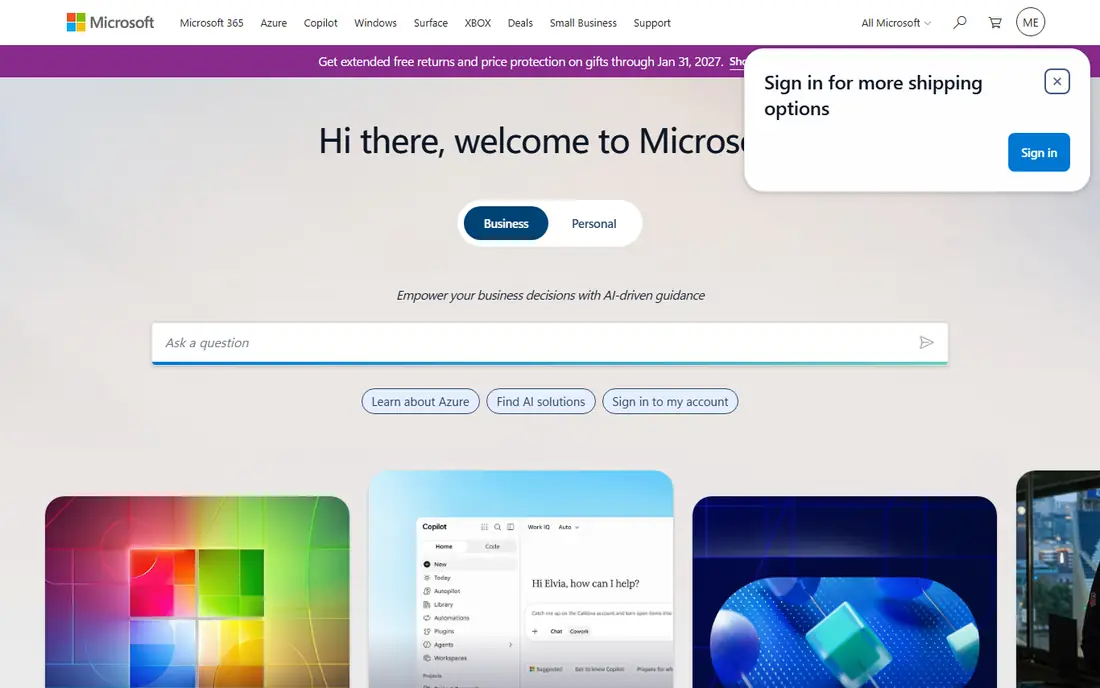
SharePoint is the default ECM choice for companies already on Microsoft 365, because document libraries, team sites, versioning, and permissions come with the subscription they already pay for. Files in Teams are stored in SharePoint, and Office apps edit those files directly, so staff do not need to learn a separate system for everyday documents. That integration is a major advantage for adoption.
The risk is sprawl. Without site structure, naming rules, and retention policies, SharePoint can grow into many overlapping sites that are hard to search. Migration from file shares also needs planning for permissions and metadata. For a Microsoft 365 company with straightforward document needs, SharePoint is our pick. For deep records management, pair it with retention tools or consider a specialist ECM platform.
- Included with many Microsoft 365 plans
- Deep Teams and Office integration
- Versioning and permissions built in
- Can become messy without governance
- Customization and migration need planning
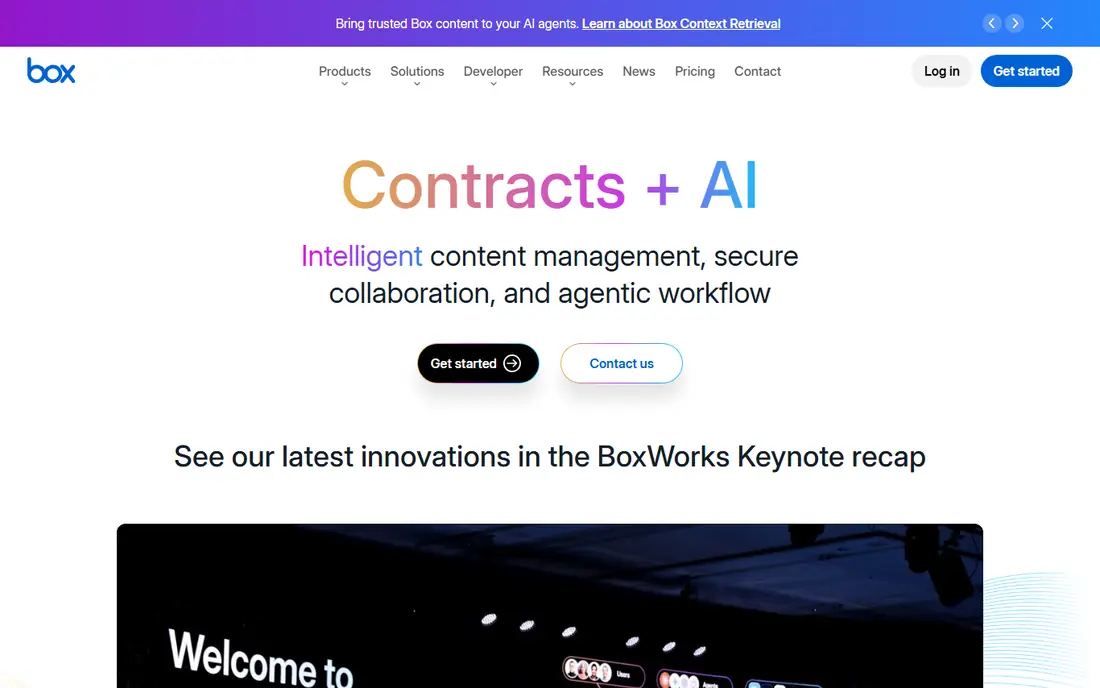
Box is a cloud content platform built for secure sharing and collaboration, especially with external partners. It offers granular permissions, version history, governance controls, and workflow automation through Box Relay, plus integrations with many business apps. That makes it useful for companies that share files outside the company often and need to control who sees what.
Box starts at 5 dollars per user per month on its entry business plan, with a minimum user count in many cases, and enterprise tiers cost more. For a Microsoft 365 company, SharePoint may already cover much of what Box offers at no extra cost. For a multi cloud company that needs a standalone, secure content hub, Box is a strong choice.
- Strong cloud sharing and governance
- External partner collaboration
- Workflow automation with Box Relay
- Cost rises on higher enterprise tiers
- Less native than SharePoint for Microsoft 365 teams
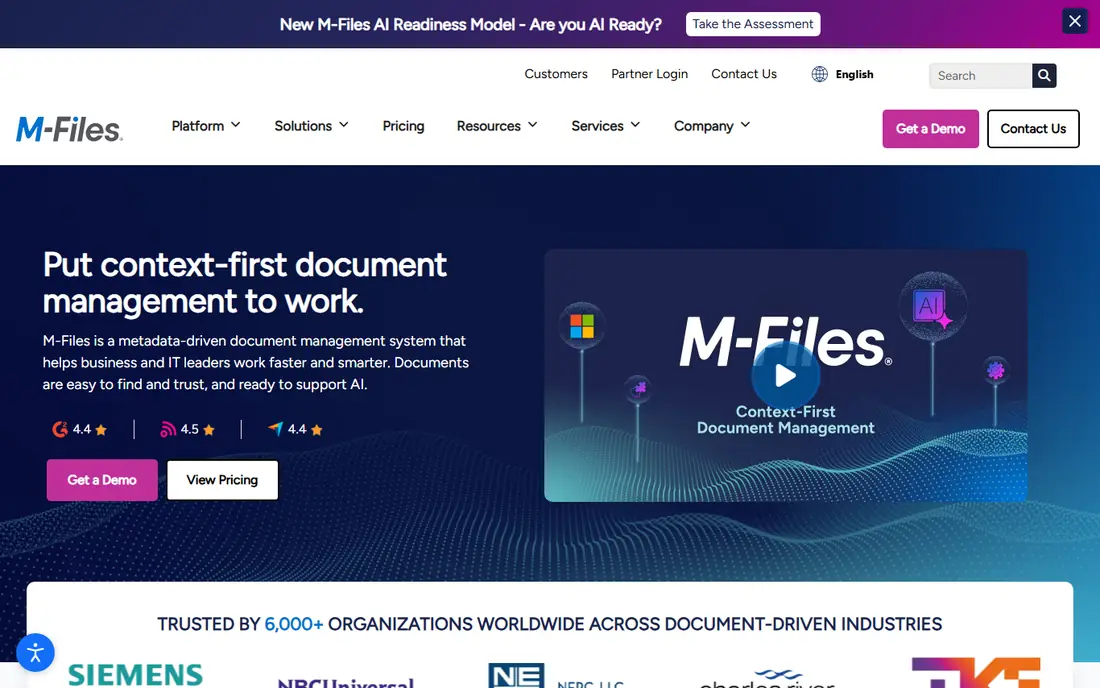
M-Files takes a different approach from folder based ECM: it organizes documents by what they are, using metadata such as customer, project, and document type, rather than where they are saved. That means a contract can appear in every relevant view without being copied into several folders. AI classification helps tag documents automatically, and integration with Microsoft 365 and Teams keeps the system inside everyday tools.
The metadata model takes training, especially for teams used to folders, and pricing is quote based. For companies with scattered files, duplicate copies, and slow search, M-Files can change how work gets done. For a small team with simple folders, it may be more than needed. M-Files is our pick for metadata driven organization at enterprise scale.
- Organizes by metadata, not folders
- AI classification
- Strong Microsoft 365 and Teams integration
- Quote based pricing
- Concept takes training for folder based teams
Laserfiche is an intelligent content platform with strong workflow, forms, and records management. Low code tools let business teams build approval workflows, capture forms, and automate document routing without heavy coding. Records management and audit trails suit government, education, and regulated companies that must prove who changed a document and when.
Pricing varies by tier, user count, and deployment, so a quote is needed for a realistic total. Implementation for a large archive also needs planning for scanning, metadata, and retention rules. For a mid sized organization that wants workflow plus records in one platform, Laserfiche is a strong choice. For a simple file repository, it may be more than required.
- Low code workflow and forms
- Records management and audit trails
- AI document processing
- Pricing varies by tier and user count
- Implementation needs planning for large archives
DocuWare suits companies moving from paper to digital, especially for invoices, HR files, and other high volume documents. Intelligent indexing reads key fields from scanned documents, so files can be found by invoice number, employee, or date without manual filing. Pre built workflows for common processes help teams automate approvals faster than building from scratch.
DocuWare offers cloud and on premises deployment, which helps companies with data residency or legacy system needs. Pricing varies by region and plan, so check the DocuWare site for your location. For a paper heavy company that needs simple, reliable digitization plus workflow, DocuWare is a practical pick.
- Intelligent indexing for scanned documents
- Pre built workflows for invoices and HR
- Cloud and on premises options
- Pricing varies by region and plan
- Advanced automation needs higher tiers
Hyland offers several content platforms, with OnBase as its low code enterprise platform for regulated industries. It provides document management, workflow automation, and industry specific modules for healthcare, insurance, and government, where compliance and audit matter. Hyland also owns Alfresco and Nuxeo, giving larger companies options for open and cloud native content services.
Pricing is quote only, and the range of Hyland platforms can confuse buyers, since OnBase, Alfresco, and Nuxeo suit different technical teams. For a regulated company that needs industry workflows and long term records, Hyland is a strong enterprise choice. For a smaller company, a simpler cloud ECM such as Box or SharePoint will be easier to adopt.
- Industry modules for healthcare, insurance, and government
- Low code automation
- Content services across systems
- Quote only pricing
- Platform range can be confusing, with OnBase, Alfresco, and Nuxeo under one vendor
OpenText Content Management
Who it suits: Large regulated enterprises
OpenText Content Management, including its Documentum and Extended ECM products, suits very large, regulated enterprises with complex content needs. It offers deep records management, governance, and compliance tools, plus integrations with SAP, Salesforce, and Microsoft systems that many large companies already run. That depth helps when content must be controlled across many systems and business processes.
OpenText is not a quick purchase. Pricing is quote only, and implementation needs specialist help, migration planning, and governance design. For a large enterprise with SAP or Salesforce at the center and strict regulatory needs, OpenText is a credible top tier choice. For a mid sized company, Box, M-Files, or Laserfiche will be faster to deploy.
- Deep records and governance
- Integrations with SAP, Salesforce, and Microsoft
- Large scale content handling
- Quote only pricing
- Implementation is complex and needs specialist help
Egnyte suits companies that need both cloud sharing and on premises storage, such as firms with large files, legacy file servers, or data residency needs. It lets teams share and collaborate in the cloud while keeping some content on local storage, with governance and security controls across both. That hybrid model is useful for architecture, media, and engineering firms with large project files.
Egnyte starts at 10 dollars per user per month on its Team plan, with no free plan, and advanced governance sits on higher tiers. It is less of a pure records platform than Laserfiche or OpenText, and less of a simple repository than SharePoint. For hybrid storage with governance, Egnyte is a strong specialist choice.
- Hybrid cloud and on premises storage
- Governance and security controls
- File sharing for large files
- No free plan
- Higher tiers needed for advanced governance and integrations
How we picked these
We compared official feature and pricing pages for enterprise content management platforms available in October 2026, and we checked that each official homepage matches the product named. We favored platforms with real ECM features, such as versioning, metadata, workflow, records, and governance, rather than simple file storage tools. We included Microsoft 365 native, cloud native, metadata driven, hybrid, and regulated industry options so different enterprise architectures are covered.
How to choose an ECM platform
Start with your existing systems. If you run Microsoft 365, SharePoint should be your baseline, and any other platform must justify its extra cost with features SharePoint lacks. If you share heavily with external partners, Box deserves a close look. If search and duplication are your main pain, M-Files offers a different model worth testing.
Next, define governance before you buy. Decide who owns sites and folders, how long records are kept, who can share externally, and how sensitive content is classified. A platform without governance rules will become messy no matter how good its search is. Finally, plan migration and training as part of the budget, not as an afterthought, since moving years of files, permissions, and metadata is often the largest cost in an ECM project.
A short pilot checklist
Run a pilot with one department, one document type, and one workflow, such as invoice approval or contract review. Measure search time, approval time, and user adoption before you roll out widely. If the pilot does not save time for that department, a wider rollout is unlikely to fix the problem.
Frequently asked questions
What is the best enterprise content management software?
Microsoft SharePoint is the best choice for Microsoft 365 companies, Box suits cloud first sharing, M-Files suits metadata driven organization, and Laserfiche and Hyland suit regulated workflows. The best platform depends on your existing systems and governance needs.
What is the best ECM software for regulated industries?
Hyland OnBase, OpenText Content Management, and Laserfiche are strong for regulated industries, with records management, audit trails, and industry workflows. DocuWare also suits regulated document processes, especially for digitized paper workflows.
Is SharePoint an ECM platform?
Yes, SharePoint provides ECM features such as document libraries, versioning, metadata, permissions, and retention, especially inside Microsoft 365. For deep records management, companies often add retention and governance tools or use a specialist ECM platform alongside SharePoint.
What is the difference between ECM and simple cloud storage?
Cloud storage mainly saves and shares files, while ECM adds metadata, search, workflow, version control, records management, and governance. A company that only needs file sharing can use simple storage, while a company that needs approvals, retention, and audit trails needs ECM.
How much does enterprise content management cost?
Costs vary widely. Box starts at 5 dollars per user per month and Egnyte at 10 dollars per user per month, while SharePoint is included with many Microsoft 365 plans. M-Files, Laserfiche, DocuWare, Hyland, and OpenText use quote based pricing that depends on users, storage, and implementation.
Can ECM platforms work with Microsoft Teams and Office?
Yes. SharePoint is native to Teams and Office, M-Files and Box integrate with Teams and Office, and OpenText integrates with Microsoft systems. Check the exact integration for your version and plan, since some features need higher tiers.
Sources we checked (8)

Online Jobs is an independent blog about careers, online work, learning new skills and the tools that help people earn. More about us.
Keep reading
All posts
n8n Alternatives
n8n alternatives compared for 2026, with Zapier, Make, Activepieces, and more, covering visual builders, code steps, self-hosting, and pricing models.

ZoomInfo Alternatives
The best ZoomInfo alternatives in 2026, compared on price, free plans, data coverage, and which tool fits small teams or large sales teams best in detail.

Zoom Alternatives for Webinars
Compare Zoom alternatives for webinars in 2026, from browser-based rooms to enterprise events, with prices, attendee limits, features and honest trade-offs.