Best Employee Training Software in 2026: 8 Platforms Compared

How we put this together: we compare official feature and pricing pages, app store listings, privacy policies and public user reviews. Prices change, so check the provider's site before you pay.
Key takeaways
- TalentLMS suits small and mid-size teams that need training live quickly at a clear price.
- 360Learning suits companies that want employees to create courses together.
- Docebo and Absorb suit enterprises training employees, customers, and partners from one platform.
- iSpring LMS suits PowerPoint-heavy teams that want to convert decks into courses.
Quick comparison
| Name | Who it suits | Starting price | Free option | |
|---|---|---|---|---|
 TalentLMS | Small and mid-size teams | $119 per month | Yes | Visit |
 Docebo | Enterprise multi-audience training | See website | Free trial | Visit |
 Absorb LMS | Premium learner experience | See website | Free trial | Visit |
 Cornerstone | Large organisations and compliance | See website | No | Visit |
 360Learning | Collaborative course creation | $8 per user per month | Free trial (30 days) | Visit |
 LearnUpon | Mid-market multi-audience training | See website | No | Visit |
 SAP Litmos | LMS plus ready-made content | See website | Free trial | Visit |
 iSpring LMS | PowerPoint-heavy teams | $6.91 per user per month | Free trial (30 days) | Visit |
The best employee training software
We compared employee training software, platforms, and tools on course creation, enrolment and reporting, compliance tracking, integrations, and price. The eight options below cover small teams that need training live fast, mid-market firms training several audiences, and large enterprises with complex compliance needs.
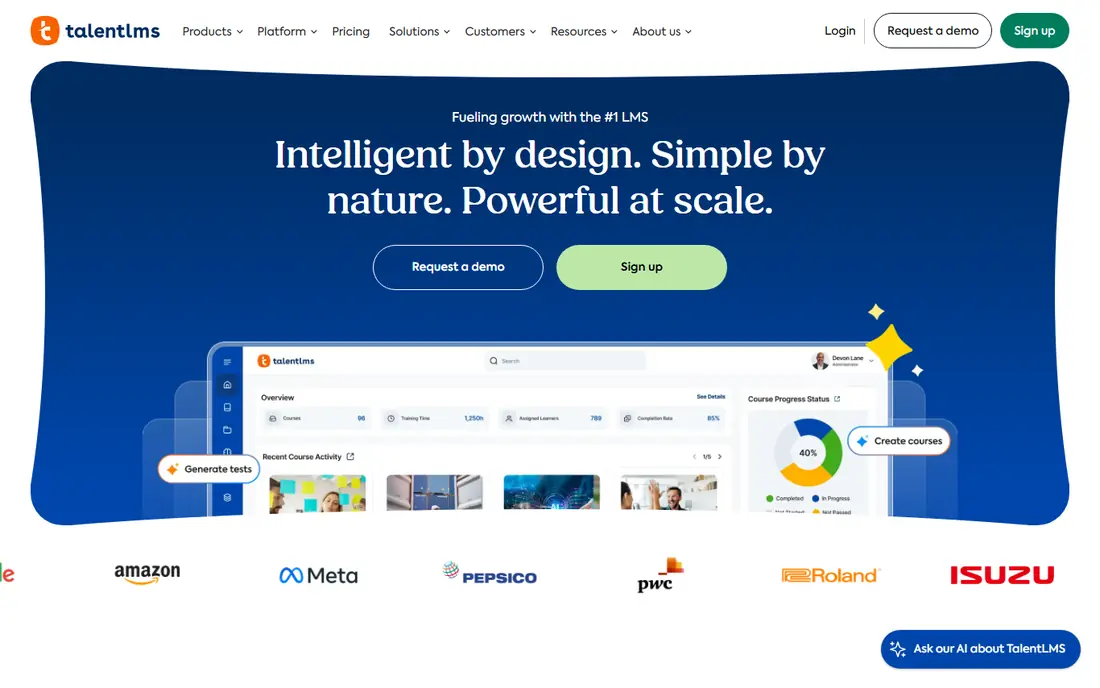
TalentLMS suits a small or mid-size team that needs training live this month, not after a long project. It fits small and mid-size teams well, and it is worth shortlisting if that description matches your situation.
Its builder, paths, and reports cover the core LMS job well, and its free tier lets a tiny team start before paying. That strength matters most when the team reviewing the bill is not the same team running the system, because both groups need the same numbers in plain form.
The catch is scale: very large or complex multi-audience programs may need a more enterprise-focused platform. Before you commit, ask for a trial on your own data, check how support responds, and confirm what happens when you outgrow the entry tier.
- Fast setup
- Course paths and reports
- Free tier for up to five users
- Advanced enterprise features are limited
- User bands affect price
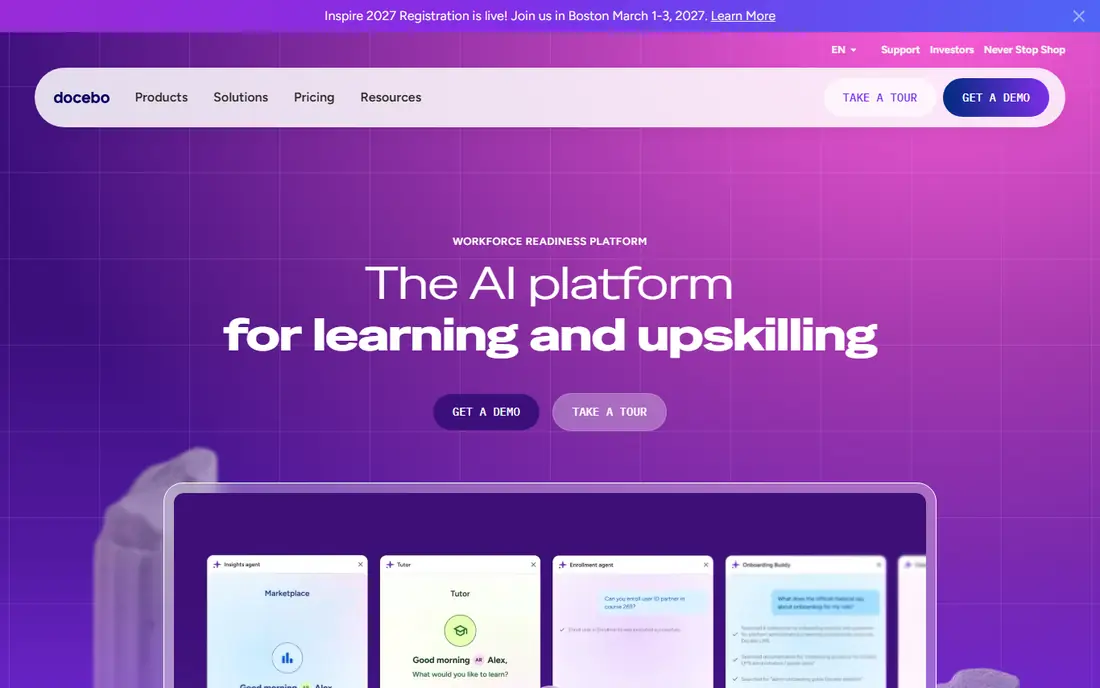
Docebo suits an enterprise that trains employees, customers, and partners from one platform. It fits enterprise multi-audience training well, and it is worth shortlisting if that description matches your situation.
Its multi-portal design keeps audiences separate while sharing content and reporting, and its integrations connect learning to HR and business systems. In day to day use, the value shows up in fewer surprises, clearer ownership, and less time spent chasing down why a number moved.
The catch is price and setup: plans are quoted, and a large rollout needs planning, migration, and content work. Before you sign, test it with a small group, read the renewal terms, and confirm the features you need are in the plan you are buying, not a higher tier.
- Multi-portal training
- AI recommendations
- Many integrations
- Quote-based pricing
- Implementation takes time
Absorb LMS suits a company where the learner experience has to look premium and feel simple. It fits premium learner experience well, and it is worth shortlisting if that description matches your situation.
Its interface, enrolment rules, and reporting help L and D teams run training without constant manual work. For a busy team, the practical benefit is less manual work and a clearer record of what changed and why.
The catch is cost clarity: pricing is quoted, so buyers should confirm what authoring, portals, and support are included. Before you commit, run a short pilot, compare the total cost with add-ons included, and check how easy it is to export your data later.
- Polished learner experience
- Strong reporting
- Enrolment rules
- Quote-based pricing
- Authoring tools may be an add-on
Cornerstone suits a large organisation that wants learning tied to wider talent, performance, and compliance work. It fits large organisations and compliance well, and it is worth shortlisting if that description matches your situation.
Its certification and role-path tools help regulated firms prove who completed what, and its reporting supports audit and planning. That strength matters most when the team reviewing the bill is not the same team running the system, because both groups need the same numbers in plain form.
The catch is weight: it is a broad suite, not a light LMS, so smaller teams may find it more than they need. Before you commit, ask for a trial on your own data, check how support responds, and confirm what happens when you outgrow the entry tier.
- Broad talent and learning suite
- Compliance and certification tracking
- Mature reporting
- Quote-based pricing
- Complex setup for large deployments
360Learning suits a company that wants subject experts to create courses, not just a central L and D team. It fits collaborative course creation well, and it is worth shortlisting if that description matches your situation.
Its co-authoring, feedback, and social features turn internal knowledge into training faster than a top-down course factory. In day to day use, the value shows up in fewer surprises, clearer ownership, and less time spent chasing down why a number moved.
The catch is compliance: firms that need strict compliance tracking and certification workflows should test those features carefully before choosing it. Before you sign, test it with a small group, read the renewal terms, and confirm the features you need are in the plan you are buying, not a higher tier.
- Employee co-creation of courses
- Social learning
- AI quiz tools
- Less suited to pure compliance training
- Higher tiers are quoted
LearnUpon suits a mid-market company training employees, customers, and partners from separate branded portals. It fits mid-market multi-audience training well, and it is worth shortlisting if that description matches your situation.
Its portal design and enrolment rules help each audience see the right training without building separate systems. For a busy team, the practical benefit is less manual work and a clearer record of what changed and why.
The catch is trial access: there is no free tier, so buyers should use the demo with their own content and audience structure in mind. Before you commit, run a short pilot, compare the total cost with add-ons included, and check how easy it is to export your data later.
- Multi-portal hubs
- Rule-based enrolments
- Customer and partner training
- Quote-based pricing
- No free tier, demo only
SAP Litmos suits a team that wants an LMS plus ready-made content in one purchase. It fits lms plus ready-made content well, and it is worth shortlisting if that description matches your situation.
Its course library covers common workplace topics, which helps teams that do not have time to build every course from scratch. That strength matters most when the team reviewing the bill is not the same team running the system, because both groups need the same numbers in plain form.
The catch is fit: ready-made content helps for general topics, but specialist roles will still need custom courses. Before you commit, ask for a trial on your own data, check how support responds, and confirm what happens when you outgrow the entry tier.
- Ready-made course library
- Assignment and compliance tools
- SAP links
- Quote-based pricing for many buyers
- Library fit varies by industry
iSpring LMS suits a team that already builds training in PowerPoint and wants to turn decks into tracked courses. It fits powerpoint-heavy teams well, and it is worth shortlisting if that description matches your situation.
Its conversion tools keep slides, narration, and quizzes together, and its per-user pricing is published plainly. In day to day use, the value shows up in fewer surprises, clearer ownership, and less time spent chasing down why a number moved.
The catch is scope: teams that need deep multi-portal enterprise features should compare it with Docebo or Absorb first. Before you sign, test it with a small group, read the renewal terms, and confirm the features you need are in the plan you are buying, not a higher tier.
- Transparent per-user pricing
- PowerPoint conversion
- Authoring tool included
- Best fit for PowerPoint-based content
- Enterprise portals are less deep than Docebo
How we picked these
We compared official product pages, pricing pages, and public documentation, and we checked that each homepage loads and matches the product named. We favoured platforms that are actively sold in 2026, that support standard course formats and reporting, and that state pricing or a clear quote process. Where a vendor does not publish a simple price, we wrote See website rather than repeating a third-party estimate as a list price.
Choosing training software your employees will actually finish
Start with the training you must prove, not just the training you want to offer. Compliance, certification, and safety training need tracking, reminders, and reports that stand up to audit, while skills training needs good authoring and feedback. Next, check who creates courses: a central team, subject experts, or both, since that decides whether collaborative tools matter. Test the learner experience on a phone, since many employees train on mobile, and check enrolment rules, reminders, and manager reporting. Finally, count total users by audience, since employee, customer, and partner training often need separate portals and pricing.
Frequently asked questions
What is the best employee training software?
The best employee training software depends on size and audience. TalentLMS leads for small and mid-size teams, 360Learning leads for collaborative creation, and Docebo and Absorb lead for enterprise multi-audience training.
What are the best training platforms for employees?
Training platforms for employees in this group include TalentLMS, Docebo, Absorb, Cornerstone, 360Learning, LearnUpon, SAP Litmos, and iSpring LMS. Shortlist by audience size, compliance needs, and who creates the courses.
What is the best employee training platform for small business?
TalentLMS is the clearest small business pick, with a free tier and a published monthly price for up to 40 users. 360Learning also suits small collaborative teams at a per-user price.
Do I need an LMS for compliance training?
Yes, if you must prove completion. An LMS tracks enrolments, completions, expiries, and reports by person and role, which spreadsheets handle poorly at scale. Cornerstone, Docebo, and SAP Litmos are strong compliance-focused options in this group.
Can employees create their own training courses?
Yes, on collaborative platforms such as 360Learning, where subject experts can co-author courses with review and feedback. Other platforms focus more on central L and D teams creating courses, so check authoring roles before buying.
Sources we checked (8)

Online Jobs is an independent blog about careers, online work, learning new skills and the tools that help people earn. More about us.
Keep reading
All posts
n8n Alternatives
n8n alternatives compared for 2026, with Zapier, Make, Activepieces, and more, covering visual builders, code steps, self-hosting, and pricing models.

ZoomInfo Alternatives
The best ZoomInfo alternatives in 2026, compared on price, free plans, data coverage, and which tool fits small teams or large sales teams best in detail.

Zoom Alternatives for Webinars
Compare Zoom alternatives for webinars in 2026, from browser-based rooms to enterprise events, with prices, attendee limits, features and honest trade-offs.