Best Employee Time Tracking App in 2026: 8 Apps Compared

Free tracking for any team size · Starting price: $5.49 per user per month
How we put this together: we compare official feature and pricing pages, app store listings, privacy policies and public user reviews. Prices change, so check the provider's site before you pay.
Key takeaways
- Clockify is the strongest free starting point, with unlimited users on its free plan and simple timers and timesheets.
- Toggl Track suits small knowledge-work teams that want the simplest timer and clean reports without monitoring features.
- Harvest fits agencies and consultancies that bill clients, since time flows directly into invoices and expenses.
- Hubstaff and Time Doctor suit remote teams that need screenshots, activity levels, and payroll tools, with a clear privacy trade-off.
- QuickBooks Time is the natural pick for teams already running QuickBooks payroll and scheduling.
Quick comparison
| Name | Who it suits | Starting price | Free option | |
|---|---|---|---|---|
| Clockify | Free tracking for any team size | $5.49 per user per month | Yes | Visit |
 Toggl Track | Simple timers for small teams | $9 per user per month | Yes | Visit |
 Harvest | Client billing and invoicing | $11 per seat per month | Yes | Visit |
 Hubstaff | Remote teams and payroll | $4.99 per user per month | Free trial | Visit |
 Time Doctor | Productivity visibility | $6.67 per user per month | Free trial | Visit |
 QuickBooks Time | QuickBooks payroll teams | $20 per month | Free trial | Visit |
 Everhour | Tracking inside project tools | $8.50 per user per month | Yes | Visit |
 TimeCamp | Low-cost automatic tracking | $3.99 per user per month | Yes | Visit |
The best employee time tracking apps
A good employee time tracking app should make logging hours easy, give managers clean timesheets, and respect staff privacy. The apps below cover that range, from simple timers to full monitoring and payroll suites. If you use screenshots or activity tracking, tell staff clearly what is recorded and why, and check local labour rules before you switch it on.
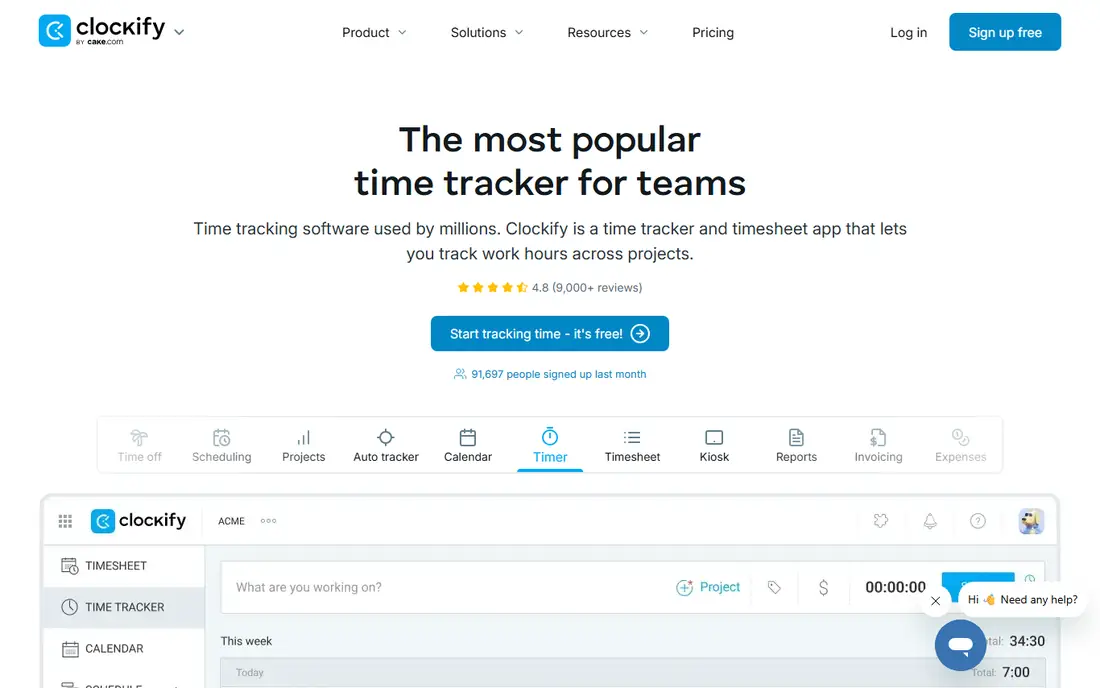
Clockify wins on value. The free plan lets unlimited users track time with timers, manual entries, and timesheets, which is rare in this category. Small teams can run for months without paying, then move to a paid plan for approvals, scheduling, and invoicing when they need it.
The plain design is both a strength and a limit. It is easy to learn, but it lacks the polished reporting and billing depth of Harvest, and it does not offer the monitoring features of Hubstaff. For teams that simply need honest hours and clean exports, that simplicity is exactly right.
- Free plan covers unlimited users
- Simple timers and timesheets
- Good reports
- Payroll and advanced approvals need paid plans
- Interface is plain
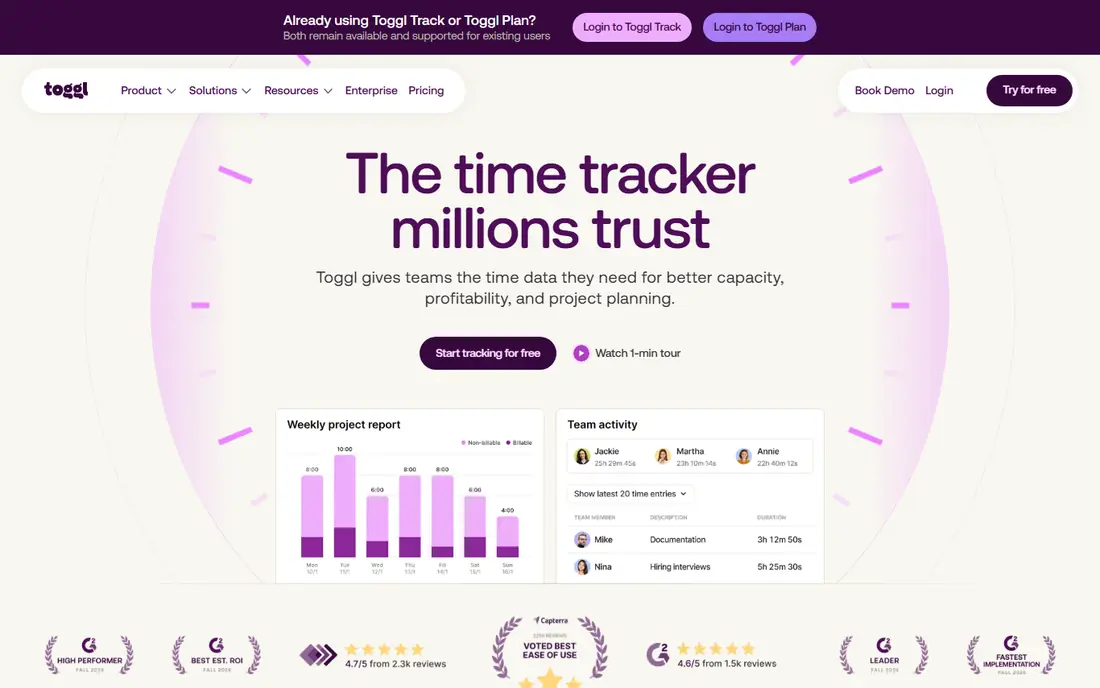
Toggl Track is the timer people actually remember to use. One click starts tracking, projects and tags keep work organised, and reports show where time went without a spreadsheet rebuild. Browser extensions and integrations with common project tools make it easy to track from the app you already work in.
It deliberately avoids employee monitoring, which suits knowledge teams that value trust. If you need proof of work through screenshots, GPS, or activity levels, Toggl Track will not provide it. For most office and agency teams, though, its simplicity leads to better data than a stricter tool staff avoid using.
- Fast one-click timer
- Clean reports
- Many integrations
- No screenshots or monitoring
- Paid plans needed for advanced reporting
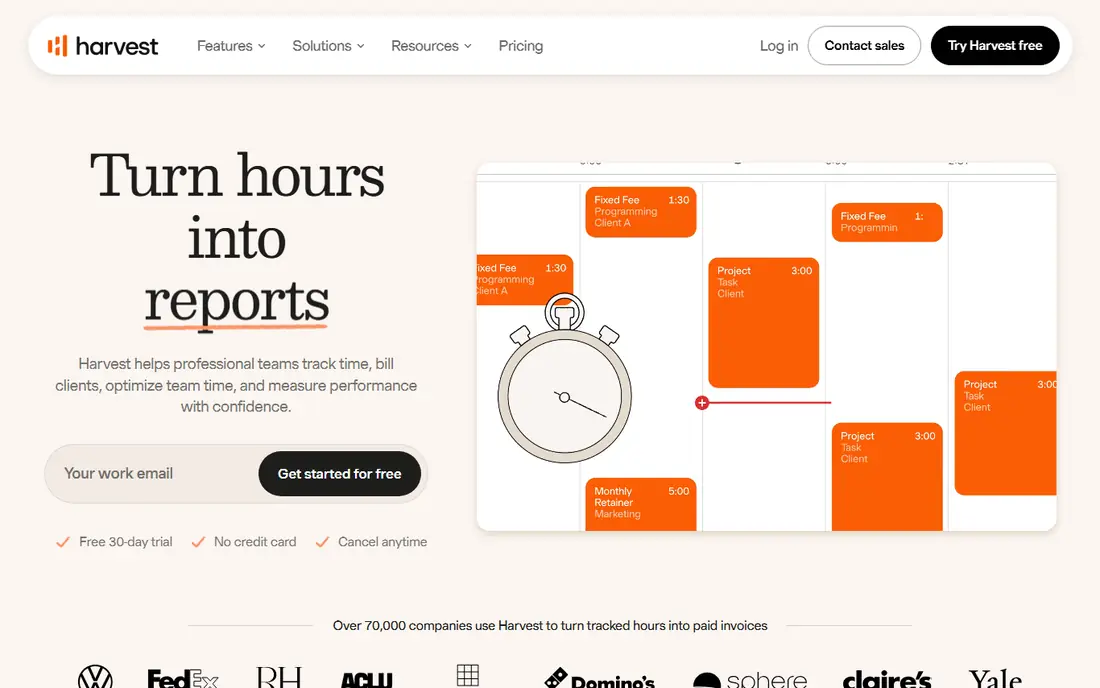
Harvest connects time to money more cleanly than most trackers here. Tracked hours and expenses feed invoices, budgets show whether a project is on track, and clients can see clear summaries of work done. Agencies and consultancies that bill by the hour will save real admin time with this link.
The free plan is limited to one seat and two projects, so it works as a trial rather than a team solution. Field teams that need GPS or geofencing should look at QuickBooks Time or Hubstaff instead. For desk-based client work, Harvest remains a strong, focused pick.
- Time flows into invoices
- Expense tracking
- Clear client reporting
- Free plan covers only one seat
- Less suited to field GPS tracking
Hubstaff suits remote and field teams that need verification as well as hours. GPS tracking, geofenced clock-ins, screenshots, and activity levels give managers visibility, while timesheets, payroll, and invoicing keep admin in one place. That combination explains its popularity with distributed teams and agencies managing remote staff.
Monitoring is the honest catch. Screenshots and activity tracking can feel intrusive, and some staff will push back or find workarounds if policies are vague. Use it only with written notice, clear limits on what is captured, and a reason tied to client billing or safety, not general surveillance.
- GPS and geofencing
- Screenshots and activity levels
- Payroll and invoicing tools
- Monitoring can harm trust if handled poorly
- Setup needs clear staff policies
Time Doctor focuses on productivity insight. It records app and website use, takes optional screenshots, and flags time spent on distracting sites, then turns that data into reports on focus time and team patterns. Managers who need to coach remote staff or prove hours to clients get detailed evidence.
Like Hubstaff, it works best when staff understand what is tracked and can see their own data. Without that transparency, it can damage morale fast. Teams that do not need monitoring should choose Toggl Track or Clockify instead and avoid paying for features they will not use well.
- Screenshots and app tracking
- Distraction alerts
- Payroll integrations
- Monitoring features need careful policy
- Interface takes time to learn
QuickBooks Time, formerly TSheets, is built for hourly and field workforces already using QuickBooks. Clock-ins, GPS location, geofencing, scheduling, and time-off requests flow into payroll without manual re-entry, which cuts errors for larger hourly teams. Kiosk mode also helps shared workplaces where staff do not each have a phone app.
The catch is cost structure and ecosystem lock-in. A monthly base fee sits on top of per-user charges, so small teams should compare the total with Clockify or Toggl Track. If you already run QuickBooks payroll, though, the time saved on payroll alone often justifies it.
- Feeds QuickBooks payroll directly
- GPS and geofencing
- Scheduling and kiosk clock-ins
- Base fee plus per-user fees
- Less attractive outside QuickBooks
Everhour takes a different approach: it adds time tracking to the project tool your team already uses. Timers appear inside Asana, ClickUp, Trello, or Jira tasks, and budgets, estimates, and invoices draw on that tracked time. Teams avoid switching apps, which usually means more complete time data.
If your team does not use one of those project tools, Everhour loses much of its appeal. Paid plans also carry a minimum user count, so very small teams should check the total cost. For project-led agencies, it is one of the most natural fits here.
- Works inside Asana, ClickUp, Trello, and Jira
- Budgets and billing
- Clean reports
- Needs a project tool to shine
- Minimum user count on paid plans
TimeCamp combines manual timers with automatic tracking of apps and tasks, which helps people who forget to start a timer. Timesheets, attendance, and basic invoicing cover small-team needs at a low starting price, and the free plan lets teams test it properly before paying.
Automatic tracking is not perfect. It can misclassify time or capture work that needs editing, so managers should review entries before payroll or billing. With that review step in place, TimeCamp offers strong value for teams that want automation without Hubstaff-style monitoring.
- Low starting price
- Automatic time capture
- Invoicing and attendance features
- Interface is less polished
- Automatic tracking needs review for accuracy
How we picked these
We compared official pricing pages, feature lists, and app listings for tools that handle employee timers, timesheets, approvals, and payroll links. We favoured tools that are actively sold in 2026, that serve employees rather than only freelancers, and that cover distinct needs from free tracking to field GPS and client billing. Where prices vary by billing period, we used the annual billing figure shown in vendor and comparison sources and advise readers to confirm the current price before buying.
What to check before you choose
Start with how your team actually works. Desk teams need simple timers and reports, field teams need GPS and mobile clock-ins, and agencies need billing links. Pick the tool that matches the dominant work pattern, then test it with a small group for two weeks using real projects, real clients, and real payroll deadlines. A tool that looks good in a demo can still fail on overtime rules, approvals, or exports.
Next, settle the privacy question before rollout. Write down what is tracked, who can see it, how long data is kept, and how staff can correct entries. Share that policy with staff, train managers to use reports for coaching rather than punishment, and check labour and privacy rules in your state or country. Clear rules protect both staff trust and the quality of the data you collect.
Timesheets, approvals, and payroll
Check approval flows, overtime handling, and payroll exports early. A tool that exports clean timesheets to your payroll system saves hours each cycle, while a tool that needs manual cleanup will cost more than its subscription suggests. Test a corrected entry, a missed clock-out, and a public holiday to see how gracefully the system handles real life.
Cost at your real team size
Compare total monthly cost at your actual headcount, including base fees and minimum seat counts. A low per-user price with a base fee can cost more than a higher per-user price without one for a small team. Also confirm whether guests, contractors, and part-time staff need paid seats.
Frequently asked questions
Which app is best for employee time tracking?
Clockify is the best free starting point, Toggl Track is the simplest paid timer for office teams, and Hubstaff or QuickBooks Time suit field and remote teams that need GPS and payroll links. The best app depends on whether you need monitoring, billing, or simply clean timesheets.
What is the best free employee time tracking app?
Clockify offers the strongest free plan here, with unlimited users, timers, and timesheets. Toggl Track and TimeCamp also offer free plans for small teams. Free plans usually lack advanced approvals, payroll, and detailed billing, so growing teams often move to a paid tier.
What is the best app for tracking employee hours?
For general hour tracking, Clockify and Toggl Track cover timers, manual entries, and reports with the least setup. For hourly and field staff, QuickBooks Time adds scheduling, GPS, and payroll sync. For project teams, Everhour tracks time inside the project tool itself.
Is employee time tracking software legal?
In most US workplaces, time tracking is legal when used for payroll, billing, and scheduling, but rules on monitoring, consent, and data retention vary by state and by type of tracking. Tell staff what is tracked, limit monitoring to a clear business purpose, and check local rules or legal advice before enabling screenshots or location tracking.
How much does employee time tracking software cost?
Free plans cover basic tracking on Clockify, Toggl Track, and TimeCamp, while paid plans in this list start around 4 dollars to 11 dollars per user per month. QuickBooks Time adds a monthly base fee on top of per-user charges, so compare total cost at your team size.
Sources we checked (8)

Online Jobs is an independent blog about careers, online work, learning new skills and the tools that help people earn. More about us.
Keep reading
All posts
Zoom Alternatives
Zoom alternatives compared for 2026: Google Meet, Microsoft Teams, Webex, Jitsi and more for free calls, large meetings and webinars for teams and classrooms.

What Is the Best Free Tool to Rotate a PDF
What is the best free tool to rotate a PDF? We compare eight free rotation tools on per-page control, limits, privacy and saved output quality in detail.

What Is the Best AI Dubbing Tool
We compared the best AI dubbing tools in 2026, from ElevenLabs and HeyGen to Rask AI, Dubverse and Veed, for videos and creators in many languages worldwide.