Best Employee Scheduling Software in 2026: 8 Tools Compared

How we put this together: we compare official feature and pricing pages, app store listings, privacy policies and public user reviews. Prices change, so check the provider's site before you pay.
Key takeaways
- Homebase and Connecteam offer the most usable free plans for small hourly teams, with limits on headcount and locations.
- Deputy suits teams where compliance, overtime rules and forecasting matter more than the lowest price.
- When I Work and Sling suit simple shift scheduling at low per-user prices, with different trade-offs on time clocks.
- 7shifts is the strongest restaurant-specific pick, with point-of-sale integrations and a free tier for small teams.
Quick comparison
| Name | Who it suits | Starting price | Free option | |
|---|---|---|---|---|
 Homebase Homebase | Small teams at one location | Free | Yes | Visit |
 Deputy Deputy | Compliance and forecasting | $5 per month | No | Visit |
 When I Work When I Work | Simple low-cost scheduling | $2.50 per month | No | Visit |
 Connecteam Connecteam | Deskless and field teams | Free | Yes | Visit |
 7shifts 7shifts | Restaurants | Free | Yes | Visit |
 Sling Sling | Free scheduling and messaging | Free | Yes | Visit |
 ZoomShift ZoomShift | Seasonal rosters | See website | Yes | Visit |
 QuickBooks Time QuickBooks Time | Teams already on QuickBooks | See website | No | Visit |
The best employee scheduling software
Good scheduling software does three jobs: it builds the rota, it lets staff swap shifts without chaos, and it feeds hours into payroll. The tools below differ on free plans, time clocks and compliance, so the right pick depends on team size, industry and how strict your labour rules are. We compared official pricing pages, feature pages, app store listings and public reviews to build this list.
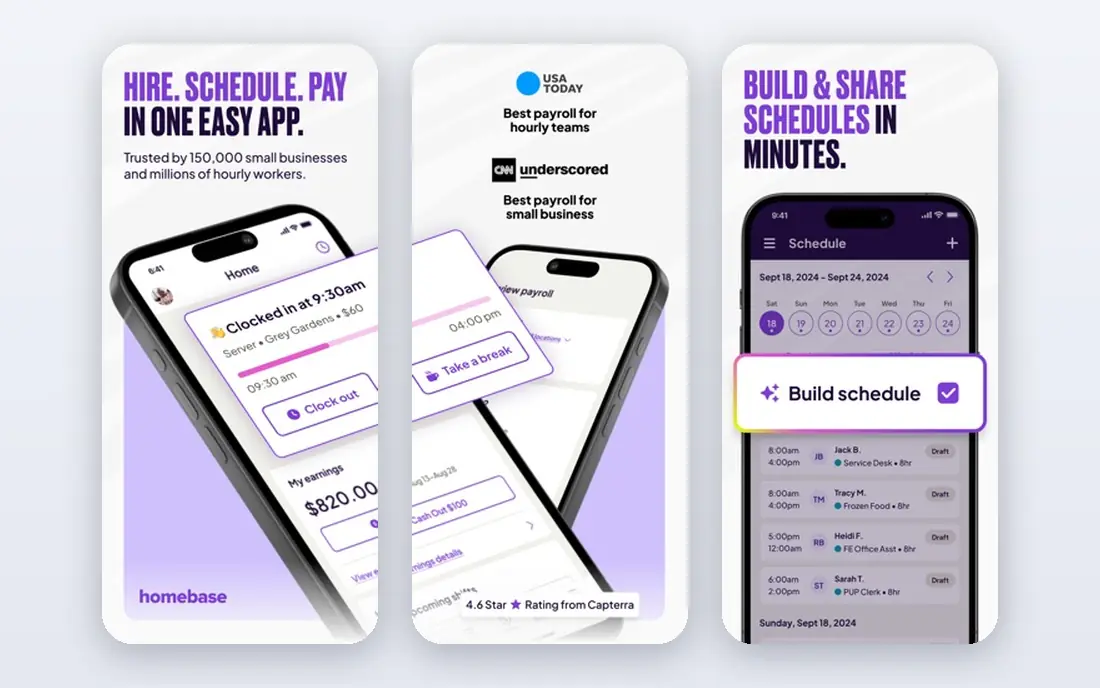
Homebase is the best free starting point for a single shop, cafe or salon. Its free Basic plan covers scheduling, a time clock, team messaging and timesheets for one location and up to 10 employees, which is enough for many small teams to run properly. Paid plans, priced per location per month from $30, add more locations, advanced scheduling and payroll options.
The catch is scale. Per-location pricing means a five-site business pays five times, while per-user tools may cost less at that size. Payroll and HR features are also more US-focused than those of global tools such as Deputy. If you run one location with an hourly team, Homebase is the easiest free trial on this list.
- Free plan for one location and up to 10 employees
- Time clock and team messaging included
- Hiring and onboarding tools
- Per-location pricing adds up across many sites
- Payroll features are US-focused
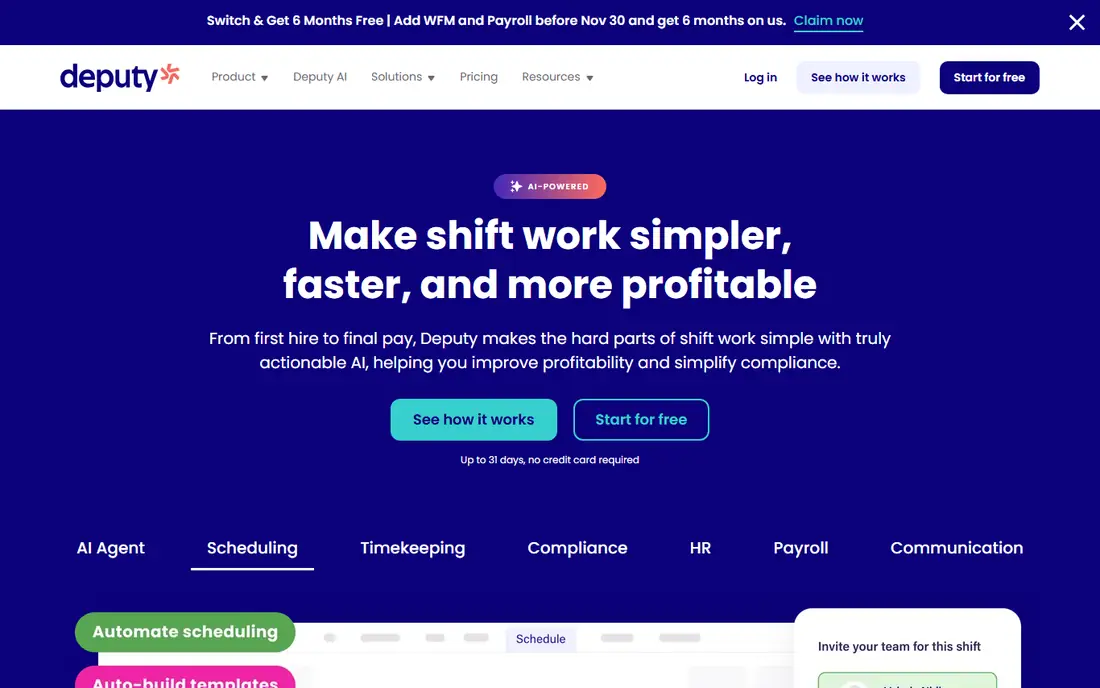
Deputy suits teams where getting the rota wrong has legal or cost consequences. It builds break rules, overtime thresholds and award interpretation into scheduling, rather than leaving managers to police them by hand. Demand forecasting uses sales and history data to suggest staffing levels, and integrations cover payroll, point-of-sale and HR systems.
Pricing starts at $5 per user per month for the Lite scheduling plan, with a $30 minimum in published materials, and higher tiers add forecasting and deeper compliance. There is no free plan, although a trial of up to 31 days is offered. Deputy costs more than simple schedulers, but for hospitality, healthcare and retail teams with complex rules, the compliance cover justifies it.
- Strong labour-law compliance, breaks and overtime rules
- Demand forecasting
- Mature integrations
- Higher per-user price
- More setup before it pays off
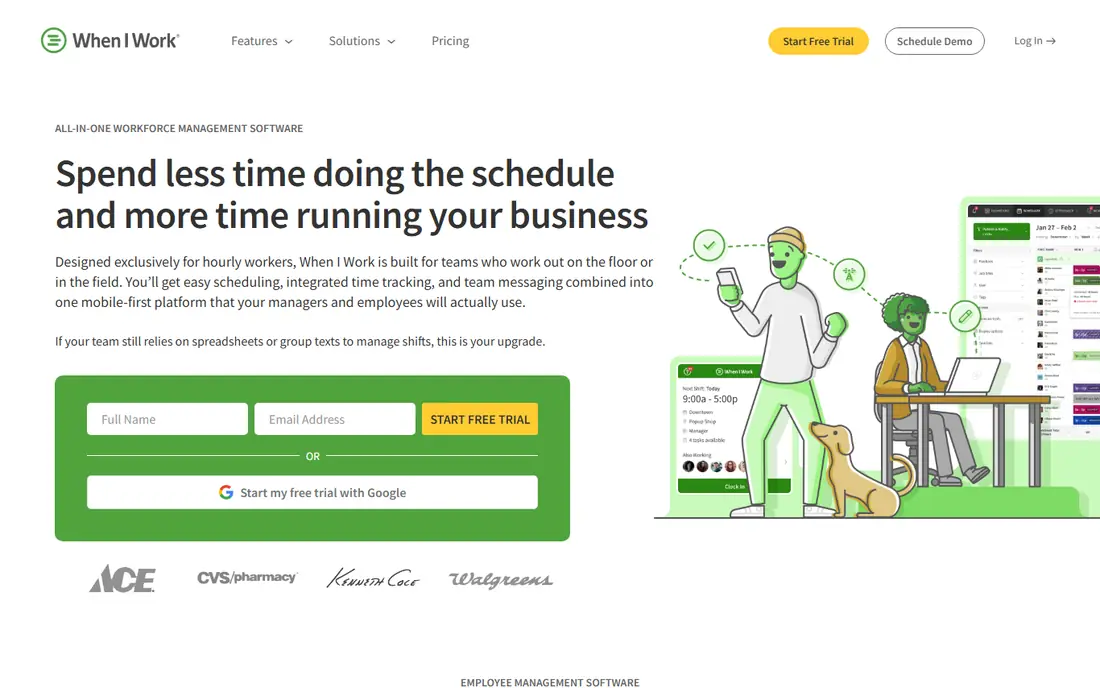
When I Work is the simplest paid scheduler on this list, and its price reflects that. Scheduling, time tracking and team messaging are covered from $2.50 per user per month for a single location, with a 14-day trial and no free plan. Staff use a clear mobile app for shifts, swaps and clock-ins, which keeps adoption high in hourly teams.
The limits are reporting and scale. Multi-location pricing rises to $5 per user per month, and forecasting and reporting are thinner than Deputy. If your main need is a clean rota, easy swaps and a time clock at a low per-head price, When I Work is a strong pick. If you need compliance automation, look at Deputy first.
- Lowest per-user entry price here
- Quick setup
- Good mobile app for staff
- No free plan
- Multi-location pricing doubles the per-user cost
- Basic reporting
Connecteam is built for deskless teams: field crews, cleaners, security staff and delivery teams who rarely sit at a desk. Its free plan covers up to 10 users with scheduling and a GPS time clock, which is more generous on the clock than several rivals. Paid plans start at $35 per month per hub for up to 30 users, then add per-user pricing above that.
Beyond scheduling, Connecteam adds team chat, forms, checklists and training, so it can replace several small tools at once. The trade-off is that API access and webhooks need the higher Expert tier, which matters if you plan deep integrations. For a small field team that needs scheduling plus communication in one app, Connecteam is hard to beat.
- Free plan for up to 10 users
- GPS time clock
- Forms, training and communication in one app
- Paid plan is per hub for the first 30 users
- Advanced integrations need higher tiers
7shifts is designed for restaurants, and that focus shows in its scheduling, labour cost tracking and point-of-sale integrations. Its free plan covers up to 15 employees at one location, which suits a single restaurant well. Paid plans start at $44.99 per location per month and add forecasting, advanced reporting and more integrations.
The catch is that 7shifts is less general than Deputy or Homebase. Its strengths in restaurant labour costing and tip tracking matter less to offices or field teams, and per-location pricing adds up for chains. If you run a restaurant or cafe, though, 7shifts is the most tailored scheduler here, and its free tier makes it easy to test with a real rota.
- Free plan for up to 15 employees at one location
- Restaurant-specific features
- Point-of-sale integrations
- Paid plans are per location
- Best features are restaurant-focused
Sling offers the largest free user count on this list, with scheduling and messaging free for up to 30 users. That makes it a good pick for a team that mainly needs a rota and a way to message staff about shifts, without paying per head from day one. Paid Premium plans start at $2 per user per month and add a time clock and labour cost tools.
The honest catch is the missing free time clock. If you need clock-ins and timesheets without paying, Homebase or Connecteam free plans serve you better. Sling suits teams that already track time elsewhere, or small teams happy to pay a low per-user price for the clock. For free scheduling at scale, Sling leads.
- Free plan for up to 30 users
- Strong team messaging
- Low paid prices
- No time clock on the free plan
- Labour cost tools need paid plans
ZoomShift suits seasonal and part-time teams that need a rota without a long commitment. Its free plan covers up to 20 users, and paid Starter plans, priced per active member per month from around $2.50, add a time clock and more features. The interface is simple, with drag-and-drop scheduling and shift templates.
The free plan limit to watch is forward scheduling: free users can only schedule two weeks ahead, which frustrates teams that plan a month at a time. The integration range is also smaller than Deputy or Homebase. If your team is seasonal, small and happy planning two weeks ahead, ZoomShift is a useful free option.
- Free plan for up to 20 users
- Time clock included on paid Starter
- Simple rota building
- Free plan limits forward scheduling to two weeks
- Smaller integration range
QuickBooks Time, formerly TSheets, is the right pick when payroll accuracy matters most and your books already live in QuickBooks. Scheduling, time tracking with GPS, and timesheet approval feed direct into QuickBooks Online, which removes the manual re-entry that causes payroll errors. Reporting covers hours, overtime and job costing.
The catch is cost structure. QuickBooks Time is priced per user per month plus a monthly base fee, on top of a QuickBooks Online subscription, so it is not a standalone cheap scheduler. Teams not already on QuickBooks will find Homebase, Deputy or When I Work better value. For QuickBooks users, the payroll integration alone can justify it.
- Timesheets flow into QuickBooks payroll
- GPS tracking and scheduling
- Strong reporting
- Needs a QuickBooks Online subscription
- Priced per user plus a monthly base fee
How we picked these
We compared official pricing pages, feature pages, app store listings and public reviews for scheduling tools used by hourly, shift-based teams. We favoured tools with a published free plan or a clear per-user price, a mobile app for staff, shift swaps, and a time clock or a stated reason for lacking one. We also checked whether free plans were genuinely usable, rather than demos, and noted headcount, location and feature limits where vendors publish them.
What to check before you choose
Count locations and employees first, then price the paid tier you will actually land on. Free tiers are generous here but carry limits on users, features or locations, and the free plan that fits today may not fit after your next hire. Test the staff mobile app with real employees during a trial, since clock-ins, swap requests and reminders live on phones.
Compliance and integrations
Confirm break, overtime and predictive scheduling rules for your state or country before committing, since these vary widely and only some tools automate them well. Also confirm that the tool integrates with your specific point-of-sale and payroll systems, and how often the sync runs. A schedule built without sales data is guesswork, and timesheets that do not flow into payroll create weekly admin.
Time clocks and labour costs
Check whether the time clock is included on the tier you will buy, not just on the top tier. Sling and 7shifts omit or limit the clock on free plans, while Homebase and Connecteam include it. If labour cost control matters, check whether the tool tracks scheduled against actual hours and flags overtime before it happens.
Frequently asked questions
What is the best free employee scheduling app?
Homebase suits single locations with up to 10 employees, Connecteam suits deskless teams up to 10 users, and Sling suits larger teams up to 30 users for scheduling and messaging. The best free pick depends on whether you need a time clock, since Sling lacks one on its free plan while Homebase and Connecteam include it.
How much does employee scheduling software cost?
Prices range from free for small teams to around $2 to $5 per user per month for simple schedulers, and $30 to $45 per location per month for location-priced tools such as Homebase and 7shifts. Deputy starts at $5 per user per month. Always price the tier you will actually use, including any base fees or minimums.
Does Deputy have a free plan?
No, Deputy does not offer a free plan, although it offers a trial of up to 31 days. Its Lite scheduling plan starts at $5 per user per month with a $30 minimum in published materials. If you need a free plan, Homebase, Connecteam, 7shifts, Sling or ZoomShift are better starting points.
Which scheduling app is best for restaurants?
7shifts is the strongest restaurant-specific pick, with labour costing, tip tracking and point-of-sale integrations built for restaurant work. Homebase also suits single restaurants with its free plan and time clock. Larger restaurant groups with complex compliance needs should also compare Deputy.
Can employees swap shifts in these apps?
Yes, all the tools on this list support shift swaps or shift trades, usually with manager approval. Staff request a swap in the mobile app, a colleague accepts, and the manager approves it before the rota updates. Check approval settings during setup, since open swaps without approval can leave shifts uncovered.
Do these apps include payroll?
Some do, some do not. Homebase offers payroll as a paid option in the United States, QuickBooks Time feeds into QuickBooks payroll, and Deputy integrates with payroll providers. When I Work, Sling and 7shifts focus on scheduling and time, with payroll handled through integrations. Confirm your payroll route before buying.
Sources we checked (8)

Online Jobs is an independent blog about careers, online work, learning new skills and the tools that help people earn. More about us.
Keep reading
All posts
Best White Label SEO Companies
We compare the best white label SEO companies and tools in 2026 for agencies, from fulfilment services to branded reporting platforms, margins and prices.
Best Webinar Software
We compared the best webinar software for 2026 on price, attendee limits, automation and ease of use, to help you host better live sessions with confidence.

Best Web Scraping Tools
Compare the best web scraping tools in 2026, from no-code Octoparse and Browse AI to Apify, Firecrawl, Bright Data, Zyte, ScraperAPI and free Scrapy, with prices.