Best Employee Communication Apps in 2026: 8 Apps Compared


Office teams that live in chat and use many apps · Starting price: $7.25 per user per month
How we put this together: we compare official feature and pricing pages, app store listings, privacy policies and public user reviews. Prices change, so check the provider's site before you pay.
Key takeaways
- Slack and Microsoft Teams suit office teams best, while Connecteam, Workvivo and Staffbase are built to reach frontline staff who rarely sit at a desk.
- Free plans from Slack, Teams, Zoom, Google Chat, Connecteam and Mattermost cover small teams well, but message history limits and app limits are the usual catch.
- Paid plans start at $4 per user per month for Microsoft Teams Essentials and $7.25 per user per month for Slack Pro, while Workvivo and Staffbase use quote-only pricing.
- The right pick depends less on chat features and more on who must be reached, how much admin control you need, and what you already pay for.
Quick comparison
| Name | Who it suits | Starting price | Free option | |
|---|---|---|---|---|
| Slack | Office teams that live in chat and use many apps | $7.25 per user per month | Yes | Visit |
 Microsoft Teams Microsoft Teams | Companies already paying for Microsoft 365 | $4 per user per month | Yes | Visit |
 Connecteam Connecteam | Frontline and deskless teams | Free | Yes | Visit |
 Zoom Zoom | Teams that meet on video most of the day | See website | Yes | Visit |
 Google Chat Google Chat | Google Workspace teams and small businesses | Free | Yes | Visit |
 Mattermost Mattermost | Regulated teams that need to host their own chat | Free | Yes | Visit |
 Workvivo Workvivo | Large companies that need a company-wide news hub | See website | No | Visit |
 Staffbase Staffbase | Enterprises reaching frontline staff across many channels | See website | No | Visit |
The best employee communication apps in 2026
We tested the shortlist against one simple question: can every employee, desk-based or not, actually get the message? The eight apps below passed that test in different ways, and the price and free plan details come from each vendor's own site.
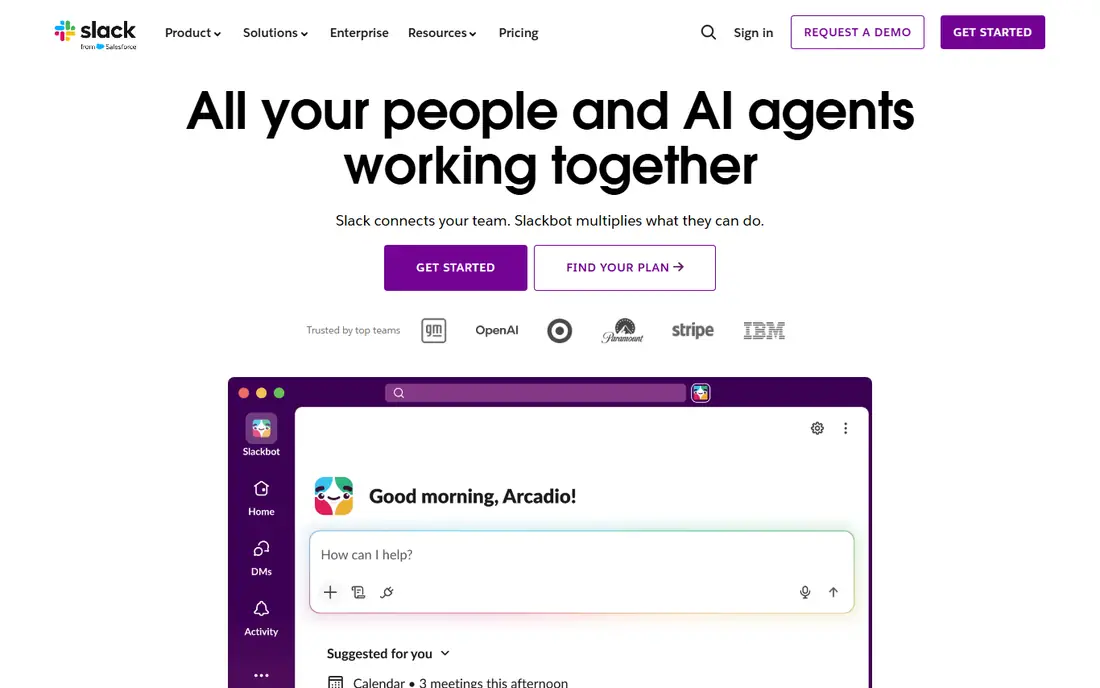
Slack is the default choice for office teams, and the reason is channels. Work talk gets sorted by project, team or topic instead of piling up in one inbox, and threads keep side discussions from taking over the main flow. The app directory connects Slack to tools like Google Drive, Asana and Zoom, and the workflow builder lets non-technical staff automate routine steps such as approvals and status updates.
The free plan covers unlimited messages in the short term, but only the most recent 90 days stay searchable, and it allows up to 10 app integrations. Pro costs $7.25 per user per month when billed yearly ($8.75 month to month) and removes those limits while adding guest access and unlimited history. The weakness is noise: busy channels can bury important updates, so teams need clear rules about what goes where.
- Huge app directory and a no-code workflow builder
- Channels keep topics tidy and searchable
- Huddles give teams quick voice chats without a meeting link
- Free plan keeps only 90 days of message history
- Costs rise quickly as headcount grows
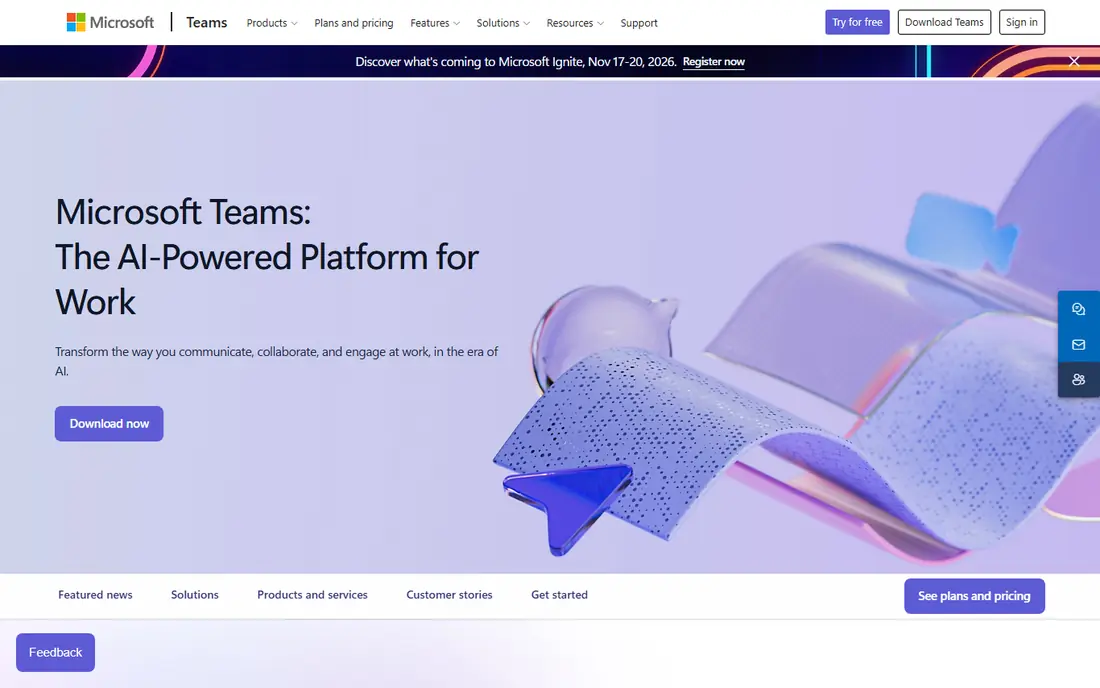
Teams makes most sense when a company already lives in Microsoft's world. Chat, video meetings, file storage and Office apps sit inside one window, so staff stop switching between five tools to finish one task. Admins get detailed controls over who can message whom, which apps are allowed, and how long data is kept, which matters for larger and regulated employers.
Pricing starts with a free version that covers group meetings, chat and file sharing. Teams Essentials costs $4 per user per month when billed yearly, and Business Basic costs $7 per user per month yearly with fuller Office apps and larger storage. The drawback is the interface itself, which packs a lot into each screen and can feel busy until staff learn where things live.
- Chat, meetings and files in one app
- Strong admin and compliance controls
- Deep links to Word, Excel and SharePoint
- Interface can feel crowded for new users
- Best value comes with a Microsoft 365 plan
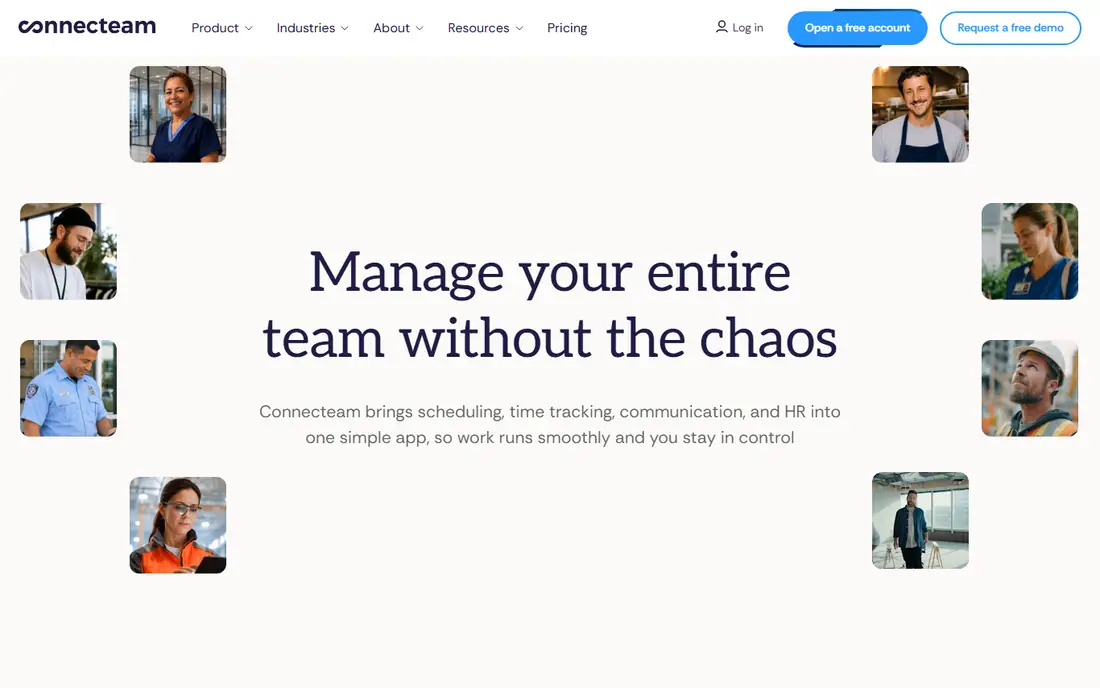
Connecteam starts from the opposite end of the market from Slack. It is built for retail, hospitality, care and field teams whose staff work from a phone, not a laptop, and its home screen puts shifts, messages, forms and training in one place. Managers can post company news, run quick polls and share documents, while staff clock in, swap shifts and complete checklists from the same app.
The free tier covers up to 10 users with full access, which makes it a genuine option for a small shop or a single site. Paid plans start with Basic at $29 per month per hub when billed yearly for up to 30 users, with hubs covering areas like operations, communications or HR. The pricing model takes care to compare, since costs depend on how many hubs you switch on, and the desktop version is thinner than the mobile app.
- Free for teams of up to 10 users
- Scheduling, time tracking and training in one app
- Mobile app designed for staff without a desk
- Paid plans are priced per hub, so comparing costs takes care
- Desktop tools are thinner than the mobile app
Zoom earns its place here because, for many teams, communication now means video first and chat second. Team Chat sits inside the same app as meetings, so a conversation can move from text to a call without a new link or login. Whiteboards, phone and webinar tools round out the package, and the meeting quality holds up well with large groups and poor connections.
The free Basic plan covers one-to-one meetings without a time cap, but group meetings stop at 40 minutes, which pushes most workplaces toward a paid plan. Zoom does not publish a single headline chat price, since chat comes bundled with Workplace plans, so we list its starting price as See website and recommend checking the current plan page. The trade-off is cost: if your team rarely meets on video, a chat-first tool gives better value.
- Dependable video meetings at large scale
- Team Chat lives in the same app as meetings
- Phone, whiteboard and webinar options in one place
- Free group meetings end after 40 minutes
- Paid plans cost more than chat-only tools
Google Chat is the quiet option on this list, and that is part of its appeal. Anyone with a Google account can use it for free, and Spaces give each project a shared home for messages, files and tasks. For Workspace customers, Chat adds Gemini features such as conversation summaries, message drafting help and automatic translation, all inside the same window staff already use for email and documents.
Business use runs through Google Workspace, where Business Starter costs $7 per user per month and bundles Gmail, Drive and Meet alongside Chat. That makes Chat close to free for companies already paying for Workspace, and hard to beat on simplicity for small teams. The limits are a smaller integration catalogue than Slack and admin controls that sit at Workspace level, so Chat alone cannot match a dedicated admin console.
- Free with any Google account
- Spaces organize projects, files and tasks
- Gemini summaries and translation in Workspace plans
- Fewer third-party integrations than Slack
- Admin controls live in Workspace, not in Chat alone
Mattermost is the pick for teams that cannot put internal chat on someone else's servers. The free self-hosted version runs on your own infrastructure with channels, threads, file sharing and full searchable history, and it can run fully offline in air-gapped settings. Playbooks turn incident response into a checklist inside the channel, so alerts, tasks and sign-offs stay together during an outage or a security event.
Professional costs $10 per user per month and adds guest accounts, advanced permissions and compliance exports for teams that need them. The trade-off is effort: self-hosting saves subscription fees but costs IT time for setup, updates and backups, and smaller teams may prefer the hosted route. For defence, healthcare and critical infrastructure teams, though, that control is the whole point.
- Free self-hosted version with full message history
- Data stays on your own servers
- Playbooks guide incident response step by step
- Self-hosting needs IT time and server upkeep
- Paid plans start at $10 per user per month
Workvivo acts as a digital headquarters rather than a chat app alone. Company news, chat, video calls, livestreams and knowledge pages live in one hub, and communicators can target updates by role, location or team so a warehouse in one city does not get head-office news meant for another. AI tools summarize long threads and help staff find answers from company knowledge without digging through old emails.
Pricing is quote-based, so expect a sales conversation before you see a number, and there is no free plan to test with. That puts Workvivo firmly in the mid-size to enterprise bracket, where the cost buys reach: one place that desk staff and frontline staff both actually open. The risk is adoption, since a hub only works if leaders post in it consistently and teams are given time to switch over.
- News, chat and knowledge in one hub
- Messages can target staff by role and location
- Built for frontline and office staff together
- Quote-only pricing makes early budgeting slower
- Needs a rollout plan to win daily use
Staffbase covers more channels than any other app here. One message can go out through the employee app, the intranet, email and digital signage at once, with read receipts and acknowledgement tracking that show who actually saw a safety update or policy change. The employee app is mobile-first and works offline, which suits shift workers, drivers and retail staff who never open a browser at work.
The platform also plugs into Microsoft 365, so updates can surface inside Teams, SharePoint and Copilot without staff learning a new system. Pricing is quote-only with no free plan, and Staffbase says the average deployment takes 3 to 4 months including migration and content setup. That makes it a serious investment, but for enterprises with thousands of hard-to-reach staff, the ability to prove a message landed is often worth it.
- App, intranet, email and signage from one place
- Read receipts and acknowledgement tracking
- Deep integration with Microsoft 365
- Quote-only pricing
- Average deployment takes 3 to 4 months
How we picked these
We compared official feature pages, pricing pages, app store listings and public reviews for the leading employee communication tools, and we kept only products that are sold and supported in October 2026. Each app had to serve real workplace communication, not just personal messaging, and we checked whether deskless staff could use it from a phone without a company laptop.
Price and free plan details come from the vendor's own site wherever we could verify them, and we marked pricing as See website where the vendor sells by quote or bundles chat into a wider plan. We also weighed admin controls, integration depth and how each app handles the gap between office staff and frontline staff, since that gap is where most internal communication fails.
How to choose an employee communication app
Start with who must be reached
Count the staff who never sit at a desk before you shortlist anything. If that group is large, frontline tools like Connecteam, Workvivo and Staffbase deserve first look, because office chat apps assume everyone checks a laptop during the day. If almost everyone is desk-based, Slack or Teams will cover more of the daily workflow for less money.
Count the full cost
Free plans look generous until you hit the limits that matter: Slack keeps 90 days of history, Zoom caps free group meetings at 40 minutes, and Connecteam's free tier stops at 10 users. Price the plan you will actually need in six months, not the one that fits today, and check whether costs are per user or per hub, since that changes the total fast.
Run a real trial
Give a small mixed group, including frontline staff, two weeks on the shortlisted app and watch what happens without prompting. Check whether managers post in it unprompted, whether questions get answered there instead of by text message, and whether anyone still needs a second tool for shifts or documents. The app that survives that test is the one worth rolling out.
Frequently asked questions
What is the best employee communication app for small businesses?
For a small office team, Slack's free plan or Google Chat covers chat, file sharing and basic organisation at no cost, and both are quick to set up. If the team includes shop, care or field staff, Connecteam is the stronger small-business pick, since its free tier covers up to 10 users and adds scheduling and time tracking. Start free, then pay only when message history limits or headcount force the move.
Which internal communication app works best for frontline workers?
Connecteam, Workvivo and Staffbase are built for this group, with mobile-first apps that staff can open on a personal phone without a company laptop. Connecteam suits smaller frontline teams and is free up to 10 users, while Workvivo and Staffbase suit larger employers that need targeted news, acknowledgement tracking and multi-channel reach. The deciding factor is usually scale: Connecteam for one site, Staffbase or Workvivo for many sites.
Is Microsoft Teams free?
Yes, Microsoft offers a free version of Teams with group meetings, chat and file sharing, and it works without a paid Microsoft 365 plan. Paid options start with Teams Essentials at $4 per user per month when billed yearly, and Business Basic at $7 per user per month yearly adds fuller Office apps and more storage. Companies already paying for Microsoft 365 usually get Teams included, which makes it the cheapest serious option for them.
Can I use Google Chat without Google Workspace?
Yes, anyone with a free Google account can use Google Chat for direct messages and group Spaces at no cost. Business features such as admin controls, larger storage and Gemini summaries need a Workspace plan, starting with Business Starter at $7 per user per month. For a small team already using Gmail and Drive, Chat is the simplest internal communication app to adopt.
What is the best team communication app for a company that already uses Microsoft 365?
Microsoft Teams is the natural pick, since it is included in most Microsoft 365 plans and links directly to Word, Excel, SharePoint and Outlook. Staff keep one login, admins keep one control panel, and files stay inside the same system instead of spreading across separate tools. Slack can still win if the team relies on a wide range of third-party apps, but for a Microsoft-centred company the integration gap is hard to justify.
Sources we checked (8)

Online Jobs is an independent blog about careers, online work, learning new skills and the tools that help people earn. More about us.
Keep reading
All posts
DocuSign Alternatives
We compared the best DocuSign alternatives on price, free plans, templates, audit trails and ease of use, including free DocuSign alternatives for small teams.
Best Spend Management Software
Looking for the best spend management software? We compared 8 platforms on cards, approvals, travel and price to help your finance team pick the right one.
Best Recruitment Software for Direct Hire
Looking for the best recruitment software for direct hire? We compared 8 ATS tools on price, pipelines, interviews and hiring tools to pick the right one.