Best Embedded Analytics Platforms in 2026: 9 Platforms Compared

How we put this together: we compare official feature and pricing pages, app store listings, privacy policies and public user reviews. Prices change, so check the provider's site before you pay.
Key takeaways
- Looker, Tableau, and Power BI Embedded bring mature BI engines to embedded use, but pricing models differ sharply, from per user to capacity based.
- ThoughtSpot and Sisense suit product teams that want search driven or AI assisted analytics inside a customer facing app.
- Metabase and GoodData suit teams that want a lower cost or open source starting point, with different trade offs for multi tenant use.
- Qlik and Luzmo suit exploratory dashboards and fast white label delivery respectively, for different product styles.
- Pricing at scale matters more than the starting price, so model cost at your expected customer and viewer counts before you sign.
Quick comparison
| Name | Who it suits | Starting price | Free option | |
|---|---|---|---|---|
 Looker | Governed semantic layer | See website | No | Visit |
 Tableau Embedded | Deep visual analytics | See website | No | Visit |
 Power BI Embedded | Microsoft stack value | See website | No | Visit |
 Sisense | Embedded analytics at scale | See website | No | Visit |
 ThoughtSpot | Search driven analytics | $25 per user per month | No | Visit |
 Metabase | Open source budget option | Free | Yes | Visit |
 Qlik | Exploratory analytics | See website | No | Visit |
 GoodData | Multi tenant workspaces | See website | Yes | Visit |
 Luzmo | Fast white label dashboards | See website | No | Visit |
The best embedded analytics platforms
Embedded analytics means putting dashboards, charts, and reports inside your own product, so customers see insights without opening a separate BI tool. The right platform depends on how you price your product, how many viewers you serve, and how much control you need over branding, security, and data models. A platform that is cheap for fifty viewers can become very expensive for five thousand, so pricing model matters as much as chart quality.
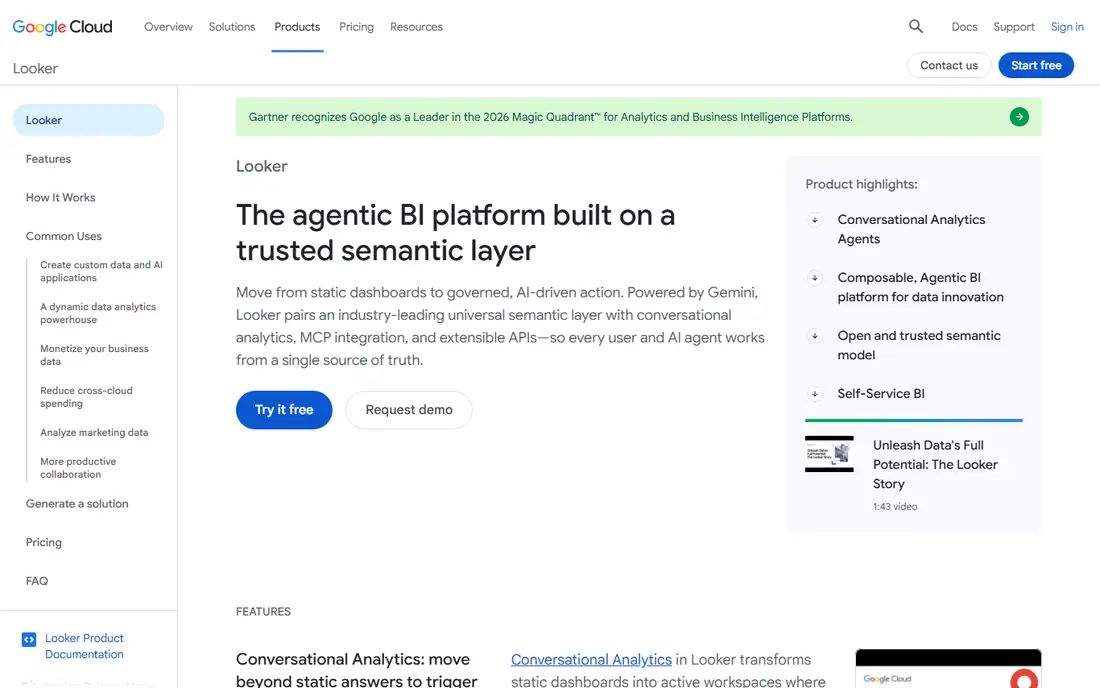
Looker suits product teams that need every customer to see the same trusted numbers. Its semantic layer defines metrics once, so a dashboard, an embedded chart, and a data export all use the same definition of revenue, churn, or active users. That governance matters when customers make business decisions from your embedded analytics, and when your own team needs to change a metric without rebuilding every dashboard.
The trade off is effort and cost. Looker pricing is quote based, and building a good semantic layer takes data modelling skill and time. Teams without that skill may move faster with a simpler tool. For Google Cloud centred companies with a governed data strategy, Looker is a strong, long term embedded choice.
- Strong semantic layer for consistent metrics
- Governed data models suit multi customer products
- Deep Google Cloud integration
- Quote only pricing
- Implementation needs data modelling skill
- Learning curve for teams new to LookML
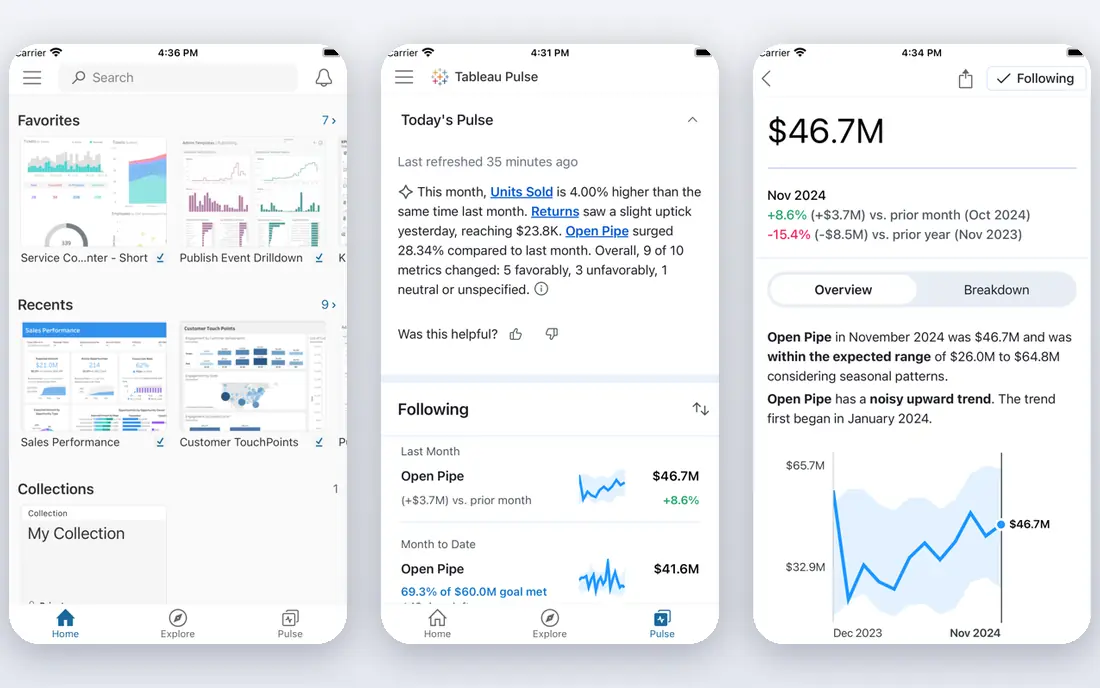
Tableau Embedded brings one of the deepest visualisation engines to customer facing products. Product teams can embed interactive dashboards, with filters, drill downs, and rich chart types, inside a web app, using the Tableau Embedding API. The result feels like a full analytics product, not a static chart, which suits customers who explore data rather than just read a report.
Pricing is the main watch point. Tableau uses per user pricing for many plans, plus an embedded quote, so costs can rise quickly as viewer counts grow. Multi tenant setups, where each customer sees only their own data, need careful row level security design. For products where visual depth is the selling point, Tableau justifies that effort, but model the cost at scale first.
- Mature visual analytics engine
- Wide chart and interaction options
- Large community and learning resources
- Quote based embedded pricing
- Per user pricing can grow fast at scale
- Multi tenant setup needs care
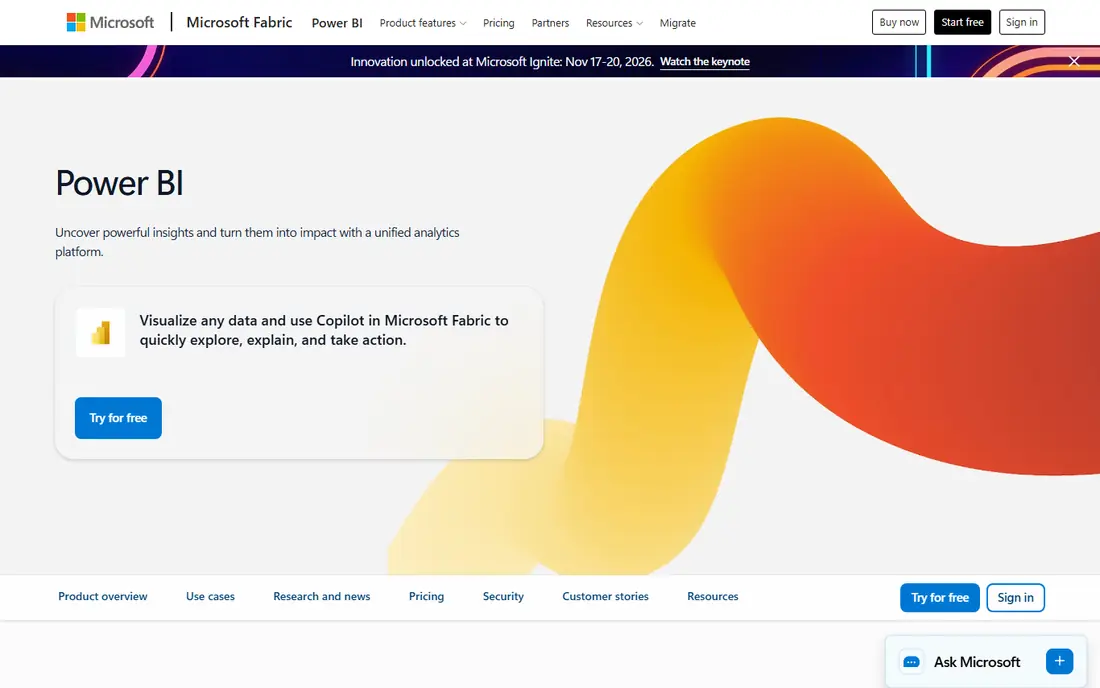
Power BI Embedded suits Microsoft centred product teams that want predictable capacity pricing. Instead of paying per viewer, you pay for capacity, which can serve many viewers, making it attractive for customer facing apps with large audiences. Authoring in Power BI Desktop is familiar to many analysts, and Azure integration helps with security and scaling.
Capacity sizing is the skill to learn. Too little capacity slows dashboards under load, while too much capacity wastes money. Teams outside the Microsoft ecosystem may also find less value here than in a standalone embedded platform. For Azure and Microsoft 365 shops, Power BI Embedded is often the most cost effective embedded option.
- Capacity based pricing with no per viewer licence on embedded capacity
- Strong Microsoft and Azure integration
- Familiar Power BI authoring
- Capacity sizing needs care
- Best value sits inside a Microsoft stack
- Embedded setup needs Azure knowledge
Sisense suits product teams that need deep customisation and scale. The Compose SDK lets developers build analytics components directly into an app, rather than only embedding whole dashboards in an iframe, which gives more control over layout and interaction. Data modelling handles complex sources, and AI features help users explore data inside the product.
That power comes with implementation effort and quote based pricing. Smaller teams with simple dashboard needs may move faster with Metabase or Luzmo. For SaaS products where embedded analytics is a core feature, and where data models are complex, Sisense offers the depth to build a differentiated experience.
- Compose SDK for building analytics into apps
- Strong data modelling for complex sources
- AI assisted features for embedded use
- Quote only pricing
- Implementation can be complex
- Smaller teams may find the platform larger than they need
ThoughtSpot suits products where users want to ask questions in plain language rather than navigate a fixed dashboard. A customer can type a question, such as sales by region last quarter, and get a chart and answer, then drill deeper without waiting for an analyst. The Visual Embed SDK brings that search experience inside your own app, with your branding and security controls.
The model behind search needs care. Data must be prepared well, with clear measures and dimensions, or search answers will confuse users. Pricing also needs modelling: a published starting price exists for some plans, but enterprise embedded use is often quote based. For products aimed at non technical users, ThoughtSpot offers a distinctive, question led experience.
- Natural language search for analytics inside products
- Visual Embed SDK for customer facing use
- AI assisted analysis features
- Enterprise pricing for embedded use can be quote based
- Search model needs good data preparation
- Per user costs need modelling at scale
Metabase is the budget friendly starting point for embedded analytics. The open source version can be self hosted for free, and cloud plans offer a low cost path with hosting handled for you. Embedding is straightforward, with static, interactive, and SDK options, and non technical users can build questions with a visual query builder or SQL.
Multi tenant use is the limit. Serving many customers, each with isolated data, needs manual setup and care, unlike platforms built for workspaces from the start. Governance and advanced security also lag enterprise rivals. For startups and internal tools where cost matters more than complex multi tenancy, Metabase is a practical choice.
- Open source self hosted version is free
- Cloud plans start at a low monthly price
- Simple embedding and interactive dashboards
- Multi tenant embedding needs manual work
- Advanced governance is thinner than enterprise rivals
- Self hosting adds maintenance
Qlik suits products where customers want to explore data freely, following associations between fields rather than following a fixed report path. The associative engine highlights related and unrelated data as users click, which helps them spot patterns they did not plan to look for. Embedded dashboards use the same engine, so the exploration experience carries into your product.
The trade off is pricing and expertise. Qlik plans vary, and embedded use often needs a sales conversation to price correctly. Teams also need Qlik knowledge to build and maintain apps well. For products where exploration is the point, Qlik offers a distinctive engine that simpler dashboard tools do not match.
- Associative engine for free exploration
- Strong interactive dashboards
- AI insights for embedded use
- Pricing varies by plan and use
- Embedded setup needs Qlik knowledge
- Per user costs can add up
GoodData is built around workspaces, which map well to multi tenant SaaS products where each customer needs isolated data, dashboards, and permissions. The SDK and APIs let developers embed analytics with white label branding, and governed metrics keep numbers consistent across customers. A free tier exists for smaller use, which helps teams test the platform before committing.
Workspace based pricing needs careful modelling, since cost grows with workspaces and users in ways that differ from per viewer pricing. Design work for workspaces and metrics also takes time. For SaaS vendors whose core problem is serving many customers safely from one platform, GoodData is a strong, purpose built choice.
- Workspace model suits multi tenant SaaS products
- SDK and API embedding
- Governed metrics and AI assistant features
- Pricing is workspace based and needs modelling
- Learning curve for workspace and metric design
- Smaller community than Tableau or Power BI
Luzmo suits product teams that want customer facing dashboards live quickly, with full white label branding. The platform offers flexible components and an SDK, so dashboards feel like part of your product rather than a bolted on report. AI assisted dashboarding speeds up building, which helps small product teams without a dedicated BI developer.
The starting price is higher than Metabase or a self hosted option, so Luzmo fits teams that value speed and a polished customer experience over the lowest possible cost. Check pricing at your expected customer count, since monthly fees and usage limits affect total cost. For fast, white labelled embedded dashboards, Luzmo is a compelling option.
- Fast time to embedded dashboards
- White label components and SDK
- AI assisted dashboarding for product teams
- Higher starting price than open source options
- Scale pricing needs checking
- Smaller ecosystem than larger BI vendors
How we picked these
We compared official vendor pages, pricing pages, and current embedded analytics guides, and we favoured platforms that offer a real embedding SDK or API, white label options, and row level security for multi customer use. We included mature BI engines, search driven tools, and budget options, rather than only the largest vendors. Prices shown come from vendor pages where we could confirm them, and we used See website where pricing is quote based or varies by deployment, since a single figure would mislead product teams.
Modelling cost before you commit
Embedded pricing models differ in ways that matter at scale. Per user pricing grows with every viewer, capacity pricing grows with usage peaks, workspace pricing grows with customers, and flat rate pricing stays stable until a tier limit. Model all three at your current counts and at three times those counts, and ask vendors what happens when you cross a tier. Also ask about viewer versus creator licences, since many customers need view only access and should not be charged as authors.
Security and branding checks
Check row level security, single sign on, and data isolation before you choose, since a dashboard that leaks one customer's data to another is a serious failure. Test white label options, including colours, logos, and domain use, and check whether embedded charts work well on mobile, since many customers view analytics on a phone. A short pilot with real customer data, under a non disclosure agreement, will reveal more than any sales demo.
Frequently asked questions
What is the best embedded analytics software?
Looker suits governed metrics, Tableau suits visual depth, Power BI Embedded suits Microsoft value, and ThoughtSpot suits search driven use. The best software depends on your pricing model, your viewer counts, and how much control you need over branding and security.
What is the best embedded analytics platform for SaaS?
GoodData and Luzmo suit SaaS vendors, with workspace models and white label SDKs built for multi customer products. Metabase suits early stage SaaS teams on a budget, while Sisense suits larger SaaS products where embedded analytics is a core feature.
Which embedded analytics tools are best for small teams?
Metabase offers a free open source starting point, and GoodData offers a free tier for smaller use. Both let a small team ship embedded dashboards without an enterprise contract, though multi tenant setup needs more work in Metabase.
How much do embedded analytics tools cost?
Costs range from free self hosted options to quote based enterprise contracts, with capacity, per user, workspace, and flat rate models in between. Model cost at your expected viewer and customer counts, since the cheapest starting price is rarely the cheapest at scale.
What is the difference between embedded analytics and regular BI?
Regular BI serves your own team in a BI tool, while embedded analytics serves your customers inside your product. Embedded use needs white labelling, row level security, and pricing that works for many external viewers, which regular BI licences often do not cover.
Do embedded analytics platforms support AI features?
Many platforms now offer AI assisted features, including natural language questions, AI dashboard building, and automated insights. ThoughtSpot, Sisense, GoodData, and Luzmo all describe AI features on their product pages, but the quality depends on how well your data is prepared.
Sources we checked (9)

Online Jobs is an independent blog about careers, online work, learning new skills and the tools that help people earn. More about us.
Keep reading
All posts
n8n Alternatives
n8n alternatives compared for 2026, with Zapier, Make, Activepieces, and more, covering visual builders, code steps, self-hosting, and pricing models.

ZoomInfo Alternatives
The best ZoomInfo alternatives in 2026, compared on price, free plans, data coverage, and which tool fits small teams or large sales teams best in detail.

Zoom Alternatives for Webinars
Compare Zoom alternatives for webinars in 2026, from browser-based rooms to enterprise events, with prices, attendee limits, features and honest trade-offs.