Best Email Warm Up Tools in 2026: 8 Tools Compared

How we put this together: we compare official feature and pricing pages, app store listings, privacy policies and public user reviews. Prices change, so check the provider's site before you pay.
Key takeaways
- Instantly and Smartlead are the best value for teams warming many inboxes, because warm-up is bundled and not charged per inbox.
- Lemwarm suits teams already using Lemlist, while Mailreach suits teams that want detailed placement and reputation checks.
- Per-inbox tools such as Warmup Inbox, Warmbox, and Mailwarm get expensive fast once you pass a handful of inboxes.
- Warm-up alone does not fix bad lists, missing authentication, or spammy content, so fix those basics first.
- Our pick for most small teams is Instantly for bundled warm-up, or Warmbox for a single inbox on a tight budget.
Quick comparison
| Name | Who it suits | Starting price | Free option | |
|---|---|---|---|---|
 Instantly | Bundled warm-up at scale | See website | Free trial | Visit |
 Lemwarm | Lemlist users | See website | Free trial | Visit |
 Smartlead | Agencies with bundled warm-up | See website | Free trial | Visit |
 Warmup Inbox | Simple standalone warm-up | $19 per month | Free trial | Visit |
 Warmbox | Budget single-inbox warm-up | $15 per month | No | Visit |
 Mailreach | Placement testing and monitoring | See website | No | Visit |
 TrulyInbox | Unlimited inboxes on a budget | $22 per month | Yes | Visit |
 Mailwarm | Large established warm-up network | $69 per month | No | Visit |
The best email warm up tools
Email warm-up tools send and engage with emails gradually from a new inbox, so mailbox providers learn to trust that sender before real outreach begins. The best email warm up tools differ mainly in price model: bundled tools charge one plan for many inboxes, while standalone tools charge per inbox. We compared official pricing pages and public tool descriptions, and we kept only tools that are live today.
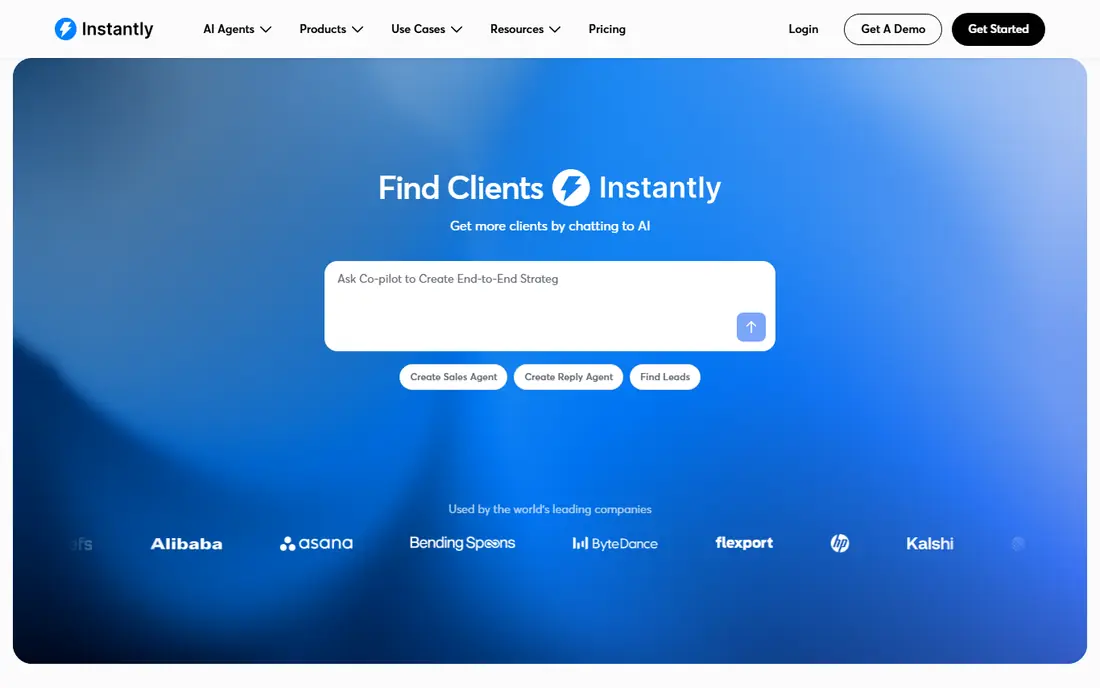
Instantly is the default pick for a team warming many inboxes, because warm-up is included rather than billed per mailbox. You can connect multiple domains, rotate inboxes, and ramp sending volume gradually, all inside the same outreach platform. That bundled model is why the math beats per-inbox tools once you pass three or four inboxes.
The catch is that you are buying a cold email platform, not just warm-up. A solo user who only needs one inbox warmed may find a cheaper standalone tool. For an agency or a sales team, though, the bundled price and the unlimited model are hard to beat.
- Unlimited warm-up on most plans
- Inbox rotation and deliverability tools included
- Scales without per-inbox fees
- Warm-up is part of a wider outreach platform, so standalone buyers pay for features they may not use
- Pricing tiers change often
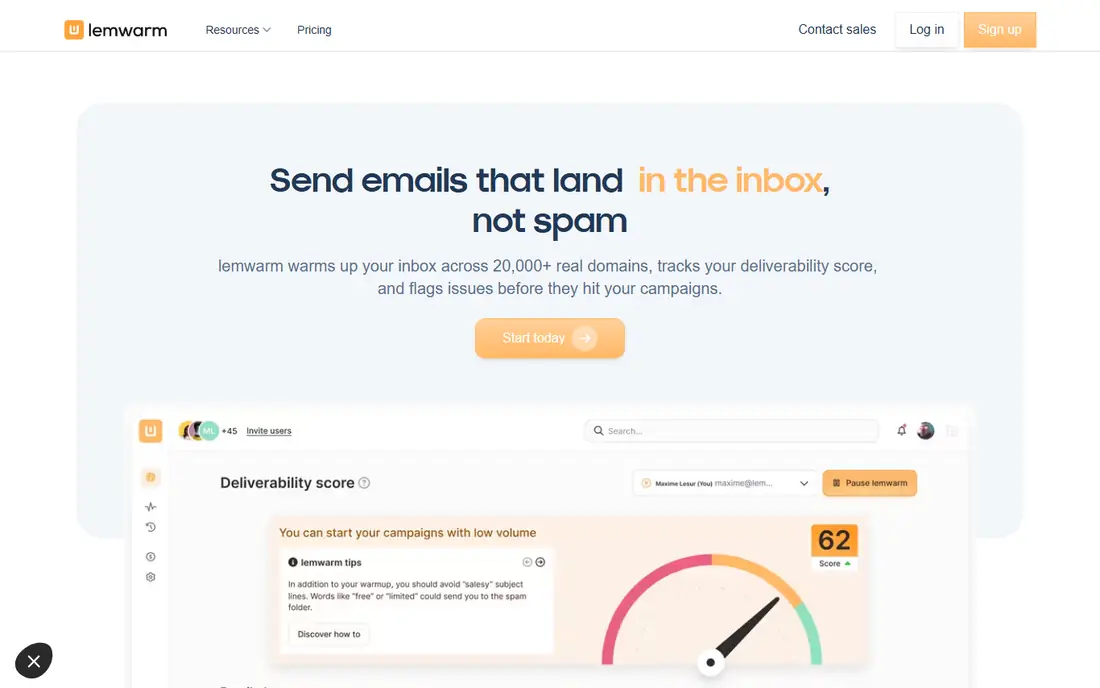
Lemwarm is the warm-up tool for teams already using Lemlist, because it sits inside the same outreach system. Warm-up emails exchange with a network of real inboxes, and deliverability reports show inbox placement over time. That close link to campaigns means a team can move from warming to sending without switching tools.
The weakness is price at scale. Per-inbox billing is fair for one or two mailboxes, but a team with ten inboxes will pay far more than with a bundled tool. If you already pay for Lemlist, Lemwarm is a natural add-on. If not, compare bundled options first.
- Works inside Lemlist outreach workflows
- Network of real inboxes
- Clear deliverability reporting
- Per-inbox pricing adds up at scale
- Best value only inside a Lemlist plan

Smartlead bundles warm-up into an outreach platform built for agencies and teams sending at volume. Inbox rotation, deliverability checks, and campaign management sit together, which suits an agency running many client domains. The bundled model again helps once inbox counts rise.
The trade-off is scope. Smartlead is a full outreach system, and a buyer who only wants warm-up will pay for campaign features too. For an agency, that breadth is a benefit. For a single inbox, a simpler tool is cheaper.
- Unlimited warm-up on its plans
- Built for agencies and high-volume sending
- Deliverability features included
- Aimed at agencies, so solo users may find the platform broad
- Pricing tiers need checking for your volume
Warmup Inbox is a good standalone choice when you want warm-up and nothing else. Setup is quick, the dashboard shows sending progress and placement, and the tool is built around Gmail and other common providers. A founder warming a single new domain will find it easy to understand and run.
The limit is the per-inbox model. One inbox is affordable, but five or ten inboxes multiply the bill, and at that point a bundled platform wins. Use Warmup Inbox for a small number of inboxes, and revisit the choice as soon as you scale.
- Simple setup and dashboard
- Focused only on warm-up
- Clear per-inbox pricing
- Per-inbox cost grows quickly
- Fewer outreach features than bundled platforms
Warmbox is the budget pick for a solo operator warming one inbox. The entry price is low, setup is straightforward, and the warm-up network handles the gradual ramp and engagement that builds sender reputation. For a freelancer or a founder starting cold outreach, that simplicity is enough.
The catch is scale and reporting. Higher inbox counts move you to higher tiers, and the analytics are thinner than Mailreach or Lemwarm. Warmbox is best as a starting tool, not as a long-term system for an agency with many domains.
- Low entry price
- Simple warm-up for solo users
- Network of real inboxes
- Per-inbox tiers
- Limited reporting compared with larger tools
- No free plan
Mailreach stands out for diagnostics. It tests where your emails land, including spam folder placement, and it monitors sender reputation over time, which helps a team find the cause when deliverability drops. That detail is useful for a team that already warms inboxes but still sees inbox problems.
The downside is price structure and the lack of a free plan. Per-inbox billing adds up, and you pay before you can test the tool properly. Mailreach suits a team that needs answers about placement, not just a warm-up ramp.
- Detailed spam placement tests
- Reputation monitoring
- Useful diagnostics beyond basic warm-up
- Per-inbox pricing
- No free plan, so testing costs money from day one
TrulyInbox is worth a look for a team that wants unlimited inboxes without paying for a full outreach platform. The paid plans cover unlimited mailboxes, and a free plan lets you test the basics before paying. For a small agency, that combination can cut warm-up costs sharply.
The honest caution is track record. TrulyInbox is newer and less widely reviewed than Instantly or Lemwarm, so check recent user feedback and test placement yourself during a trial. If the results hold up for your domains, the price model is attractive.
- Unlimited inboxes on paid plans
- Free plan available
- Low entry price for scale
- Newer tool with a smaller public track record
- Reporting is simpler than larger rivals
Mailwarm has one of the longest histories in warm-up, with a large network of aged inboxes and optional expert guidance. For a team that wants a hands-on service and a well-established network, that experience counts. The tool focuses on warm-up quality rather than bundling outreach features.
The price is the problem for most buyers. At a per-inbox rate, Mailwarm costs far more than bundled tools for the same inbox count, and there is no free plan to test it first. It fits a team with a small number of high-value inboxes, not a team warming dozens of domains.
- Large network of aged inboxes
- Expert guidance options
- Long history in warm-up
- High per-inbox price
- No free plan or trial in the usual sense
- Expensive at scale
How we picked these
We compared official pricing pages and public descriptions for warm-up tools that are live today, and we kept both standalone and bundled options so readers can compare price models fairly. We favoured tools with a clear warm-up network, placement or reputation reporting, and a published or quotable starting price. Where pricing varies by tier or is quoted, we wrote See website.
Choosing the right email warm-up tool
Warm-up is a slow ramp, not a switch. A new domain should build volume over several weeks, and no tool can safely compress that into a few days without risking spam placement.
Count inboxes before you compare prices
The single most important number is how many inboxes you will warm. For one or two inboxes, a standalone tool such as Warmbox or Warmup Inbox is cheap and simple. For five or more, a bundled tool such as Instantly or Smartlead usually costs less in total, even if its headline plan price looks higher.
Fix authentication and lists first
Set up SPF, DKIM, and DMARC, verify your email list, and avoid sending to old or purchased contacts. Warm-up builds reputation, but a single blast to bad addresses can undo weeks of work. Check placement during warm-up, and do not start full campaigns until placement is stable.
Watch placement, not just volume
A tool that reports rising volume but poor inbox placement is not helping. Look for spam placement tests, reply and engagement signals, and alerts when placement drops. If placement falls, pause campaigns, check content and list quality, and let the domain recover before scaling again.
Frequently asked questions
What is the best email warm up tool?
Instantly is our pick for most teams because warm-up is bundled and unlimited on most plans, which keeps costs flat as inbox counts grow. For a single inbox, Warmbox or Warmup Inbox is cheaper and simpler.
What is the best email warmup service for agencies?
Smartlead and Instantly suit agencies best, because both bundle unlimited warm-up with outreach and inbox rotation. Per-inbox tools become expensive for an agency managing many client domains, so compare total cost, not just the entry price.
How long does email warm-up take?
Most guides suggest several weeks of gradual ramping for a new domain, with volume rising slowly and placement checked along the way. The exact time depends on your domain history, sending volume, and whether placement stays stable during the ramp.
Does warm-up guarantee inbox placement?
No, warm-up helps build sender reputation, but it cannot fix missing authentication, bad lists, or content that triggers spam filters. Treat warm-up as one part of deliverability, alongside clean data, proper setup, and sensible sending volume.
Is a free email warm-up tool enough?
A free plan can work for testing warm-up on one inbox, but free tiers usually limit volume, inboxes, or reporting. A paid plan is usually needed for steady, monitored warm-up across real outreach domains.
Should I warm up a new domain before sending cold email?
Yes, warming a new domain before large campaigns is standard practice, because a sudden high volume from a fresh domain looks like spam to mailbox providers. Start small, ramp gradually, and check placement before you scale.
Sources we checked (8)

Online Jobs is an independent blog about careers, online work, learning new skills and the tools that help people earn. More about us.
Keep reading
All posts
n8n Alternatives
n8n alternatives compared for 2026, with Zapier, Make, Activepieces, and more, covering visual builders, code steps, self-hosting, and pricing models.

ZoomInfo Alternatives
The best ZoomInfo alternatives in 2026, compared on price, free plans, data coverage, and which tool fits small teams or large sales teams best in detail.

Zoom Alternatives for Webinars
Compare Zoom alternatives for webinars in 2026, from browser-based rooms to enterprise events, with prices, attendee limits, features and honest trade-offs.