Best Email Services for Small Business in 2026: 9 Services Compared


Gmail-based teams · Starting price: $6 per user per month
How we put this together: we compare official feature and pricing pages, app store listings, privacy policies and public user reviews. Prices change, so check the provider's site before you pay.
Key takeaways
- Google Workspace suits teams that live in Gmail, Docs, and Drive, with business email at a clear per-user price.
- Microsoft 365 suits businesses already using Office, Teams, and OneDrive.
- Zoho Mail is the budget option, especially for companies already using Zoho apps.
- Proton Mail suits businesses that prioritize privacy and encryption, while Fastmail suits users who want simple, fast email.
- The best service follows the apps your team already uses, since switching ecosystems costs more than the mailbox itself.
Quick comparison
| Name | Who it suits | Starting price | Free option | |
|---|---|---|---|---|
| Google Workspace | Gmail-based teams | $6 per user per month | Free trial | Visit |
 Microsoft 365 Microsoft 365 | Office-based teams | $6 per user per month | Free trial | Visit |
 Zoho Mail Zoho Mail | Budget business email | See website | Yes | Visit |
 Proton Mail Proton Mail | Privacy-first email | See website | Yes | Visit |
 Fastmail Fastmail | Simple fast email | See website | Free trial | Visit |
 Titan Email Titan Email | Small business email | See website | Free trial | Visit |
 Namecheap Private Email Namecheap Private Email | Low-cost custom domains | See website | Free trial | Visit |
 GoDaddy Professional Email GoDaddy Professional Email | Domain-bundled email | See website | Free trial | Visit |
 Rackspace Email Rackspace Email | Hosted business email | See website | Free trial | Visit |
The best email services for small business
A business email service gives your team addresses on your own domain, like [email protected], plus the apps and admin controls around them. The options below cover the major ecosystems and budget picks. We compared official pricing pages, feature lists, and documentation to sort them by ecosystem, privacy, and cost.
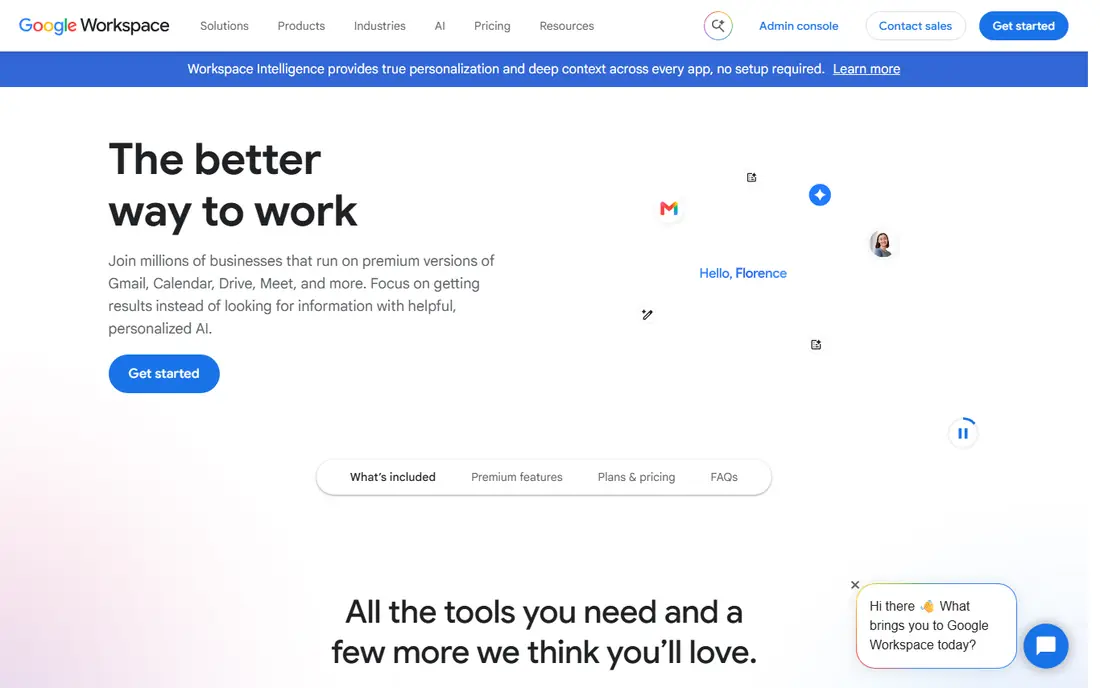
Google Workspace gives small businesses Gmail on their own domain, with Docs, Sheets, Drive, and Meet included. Business Starter costs 6 dollars per user per month, and the familiar Gmail interface means staff need little training. Admin controls cover accounts, security, and device management from one console.
Per-user pricing adds up as headcount grows, and the cheapest plan limits Drive storage. For a team that already lives in Google apps, Workspace is the most natural business email choice.
- Gmail with your own domain
- Docs, Drive, and Meet included
- Easy admin controls
- Per-user cost grows with headcount
- Storage limits on the cheapest plan
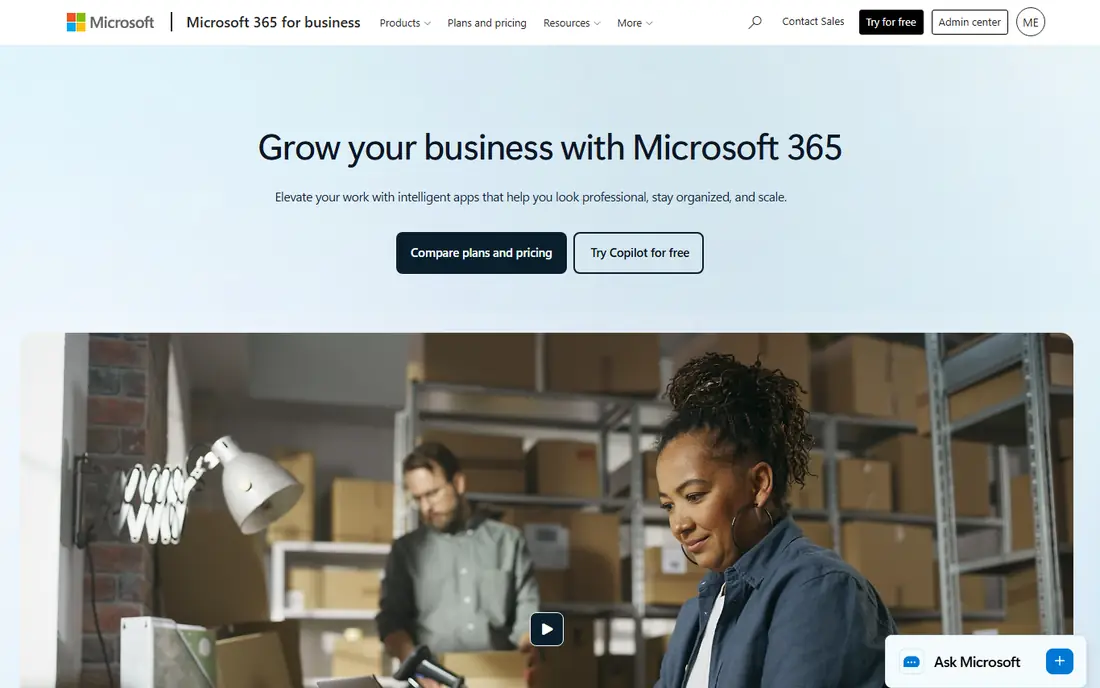
Microsoft 365 gives businesses Outlook email on their own domain, with Word, Excel, PowerPoint, Teams, and OneDrive in business plans. Business Basic costs 6 dollars per user per month, and its admin tools suit companies that need compliance, archiving, and device management. Outlook's calendar and mail rules remain strong for heavy email users.
The admin console can feel complex for very small teams, and per-user pricing grows with headcount. For a business already using Office and Teams, Microsoft 365 is the obvious email choice.
- Outlook with your own domain
- Office apps and Teams included
- Strong admin tools
- Interface can feel complex
- Per-user cost grows with headcount
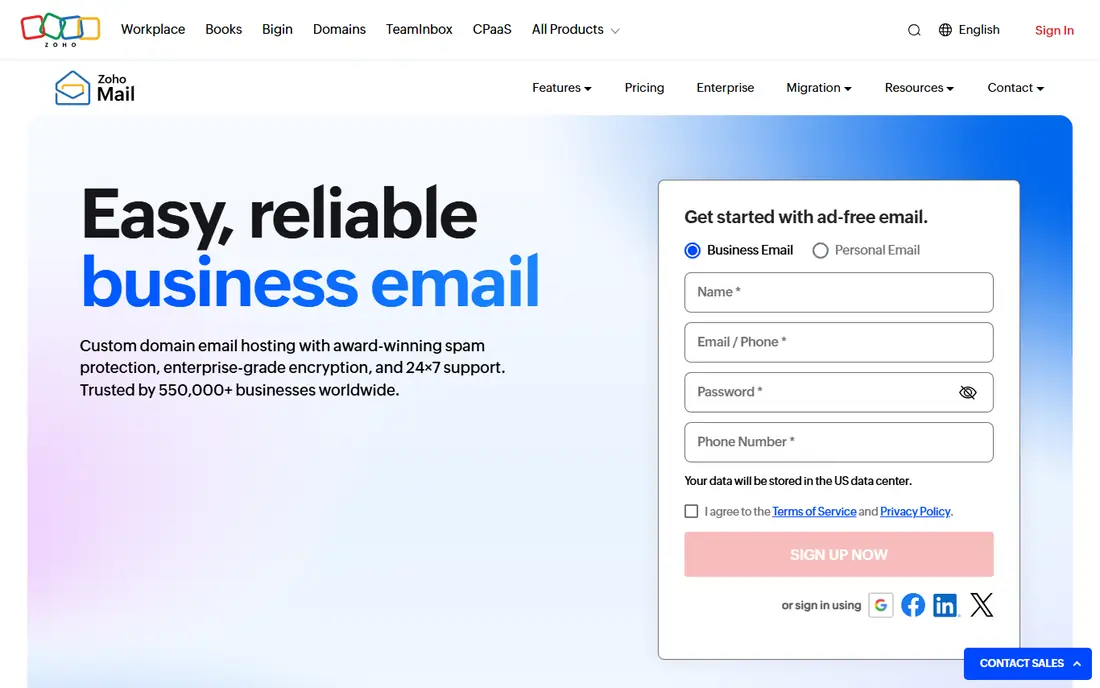
Zoho Mail offers business email on your own domain at a lower price than Google or Microsoft, with a free tier for small teams and paid plans listed on Zoho's site. It integrates with Zoho's CRM, Books, and office apps, giving small businesses a full suite at a modest cost.
The ecosystem is smaller than Google's or Microsoft's, and the interface divides opinion. For a budget-conscious small business, especially one already using Zoho apps, Zoho Mail is the best-value option here.
- Affordable business email
- Free tier for small teams
- Integrates with Zoho apps
- Smaller ecosystem than Google or Microsoft
- Interface divides opinion
Proton Mail prioritizes privacy, with end-to-end encryption for messages and Swiss privacy protections. Business plans add custom domains, admin controls, and more storage, while a free tier covers personal use. Its calendar and drive apps extend the privacy focus beyond mail.
Integrations are fewer than Google's or Microsoft's, and business plans cost more than budget options. For a business where client confidentiality matters, such as legal or consulting work, Proton Mail's privacy is a genuine differentiator.
- End-to-end encryption
- Swiss privacy protections
- Custom domains on paid plans
- Fewer integrations than Google or Microsoft
- Business plans cost more than budget picks
Fastmail offers fast, clean email on your own domain, with calendars, contacts, and strong spam filtering. It takes a privacy-friendly stance, with no advertising and clear data policies, and its interface is widely praised for speed and clarity. A free trial covers evaluation, with pricing listed on Fastmail's site.
No office suite is included, so teams needing Docs or Office must pair it with other apps. For a small business that wants excellent email without a full suite, Fastmail is the most focused choice.
- Fast, clean email with your own domain
- Strong privacy stance
- Good calendar and contacts
- No office suite included
- Smaller brand than Google or Microsoft
Titan Email is built for small businesses, offering email on your own domain with scheduling, templates, and follow-up reminders aimed at sales and service teams. Its interface is simple, and plans are priced for small teams, with a free trial for evaluation.
The ecosystem is smaller than Google's or Microsoft's, with fewer integrations. For a small team that wants business email plus light productivity features at a modest price, Titan Email is a practical pick.
- Business email with scheduling and templates
- Built for small teams
- Affordable plans
- Smaller ecosystem
- Fewer integrations than major suites
Namecheap Private Email is the low-cost route to business email on a domain you already own, especially one registered at Namecheap. Plans are cheap, setup is simple, and webmail covers the basics with calendars and contacts. A free trial covers evaluation.
The feature set is basic, with no office suite and fewer collaboration tools. For a solo business or tiny team that mainly needs a professional address at the lowest cost, Namecheap Private Email is hard to beat.
- Very affordable
- Easy with Namecheap domains
- Simple webmail
- Basic feature set
- No office suite
- Support is email-focused
GoDaddy Professional Email suits businesses that already host domains at GoDaddy, bundling email with domain management in one account. Plans cover basic webmail, while Microsoft 365 options add Outlook and Office apps for teams that want them. A free trial covers evaluation, with pricing listed on GoDaddy's site.
Renewal pricing rises after introductory periods, and basic plans are limited. For a GoDaddy domain owner who wants email in the same account, Professional Email is the convenient choice.
- Easy to bundle with a GoDaddy domain
- Microsoft 365 options available
- Simple setup
- Pricing rises on renewal
- Basic plans are limited
Rackspace Email offers hosted business email with support, alongside managed Microsoft 365 and Google Workspace options for teams that want help migrating. Its support reputation suits businesses that value a human contact when email breaks. A free trial covers evaluation, with pricing listed on Rackspace's site.
It is less known as an email brand than Google or Microsoft, and pricing varies by setup. For a small business that wants hosted email with strong support, Rackspace is a solid option.
- Hosted email with support
- Microsoft 365 and Google options
- Good for migrating teams
- Less known as an email brand
- Pricing varies by setup
How we picked these
We compared official pricing pages, feature lists, and documentation for business email services that operate today. We favored services with custom-domain email and admin controls, and we included major suites, privacy options, and budget picks rather than only one style. Prices are the standard published rates from each vendor's own site, and where pricing varies by plan we say so rather than guessing.
What to check before you choose
Start with the apps your team already uses. Gmail teams suit Google Workspace, Office teams suit Microsoft 365, and Zoho teams suit Zoho Mail. Ecosystem fit matters more than mailbox features, since switching suites later costs time and retraining.
Check storage and mailbox limits
Cheapest plans limit storage per user, which matters for teams that keep years of mail with attachments. Compare storage, attachment limits, and archiving options before choosing on price alone. A plan that forces constant mailbox cleanup costs more in time than it saves in fees.
Plan migration before you pay
Moving old mail, contacts, and calendars takes planning, especially from a personal Gmail or an old host. Check each vendor's migration tools and support, and run a trial migration for one mailbox before moving the whole team. Email downtime during a switch frustrates customers fast.
Set up authentication records
After choosing, set up SPF, DKIM, and DMARC records for your domain so your mail reaches inboxes instead of spam folders. Every vendor here publishes setup guides, and skipping this step undermines an otherwise professional address.
Frequently asked questions
What is the best email service for small business?
Google Workspace is our pick for Gmail-based teams, Microsoft 365 for Office-based teams, and Zoho Mail for budget-conscious teams. Proton Mail suits privacy-focused businesses, while Fastmail suits teams that want simple, fast email. The best service follows your existing apps.
What is the cheapest email service for small business?
Zoho Mail offers a free tier for small teams and low-cost paid plans, while Namecheap Private Email is among the cheapest paid options. Titan Email is also affordable for small teams. Compare storage and features, since the cheapest plan may limit mailboxes or storage.
Is Gmail good for small business?
Gmail through Google Workspace is excellent for small business, giving a familiar interface, strong spam filtering, and Docs, Drive, and Meet in the same plan. Business Starter costs 6 dollars per user per month, with a free trial for evaluation. Personal Gmail lacks custom-domain addresses and admin controls.
What is the best private email service for business?
Proton Mail leads on privacy, with end-to-end encryption and Swiss protections, while Fastmail offers a strong privacy stance with fast, clean email. Both support custom domains on paid plans. For client-confidential work, Proton Mail's encryption is the strongest option.
Can I use my own domain with business email?
Yes, every service here supports custom domains on paid plans, and Zoho Mail's free tier also supports them for small teams. Setup involves adding DNS records to prove domain ownership, and vendors publish step-by-step guides. Your address then reads as [email protected].
How many email accounts do I need for a small business?
Start with one mailbox per person, plus shared addresses for roles like info@, sales@, and support@. Shared mailboxes avoid tying customer mail to one employee's inbox, which matters when staff change. Most plans price per user, so shared addresses often cost nothing extra.
Sources we checked (9)
- https://workspace.google.com/pricing.html
- https://www.microsoft.com/en-us/microsoft-365/business/pricing
- https://www.zoho.com/mail/pricing.html
- https://proton.me/mail/pricing
- https://www.fastmail.com/pricing/
- https://titan.email/pricing
- https://www.namecheap.com/hosting/email/
- https://www.godaddy.com/email/professional-email
- https://www.rackspace.com/email-hosting

Online Jobs is an independent blog about careers, online work, learning new skills and the tools that help people earn. More about us.
Keep reading
All posts
Workday Alternatives
We compared the best workday alternatives for HR, payroll, and global hiring, from BambooHR and Gusto to Rippling, Deel, and HiBob for growing teams in 2026.

Which SaaS Tools Have the Best Customer Support
Which SaaS tools have the best customer support? Compare eight popular tools on help centres, live help, response options and overall support quality.

Top AI Helpdesk Software
Searching for top AI helpdesk software in 2026? We compared 8 AI helpdesks on automation, pricing, channels and ease of setup for small and growing teams.