Best Email Marketing Companies in 2026: 8 Platforms Compared

How we put this together: we compare official feature and pricing pages, app store listings, privacy policies and public user reviews. Prices change, so check the provider's site before you pay.
Key takeaways
- Mailchimp and Brevo suit most small businesses first, because both offer a free plan and a clear path to paid automation.
- Kit is the strongest pick for creators who sell through newsletters, while Klaviyo is built around online store data.
- Constant Contact suits small teams that want phone support and simple event tools, but it has no permanent free plan.
- ActiveCampaign and HubSpot cost more, yet they add deeper automation and customer records that larger teams can use.
Quick comparison
| Name | Who it suits | Starting price | Free option | |
|---|---|---|---|---|
 Mailchimp | Small businesses starting out | $13 per month | Yes | Visit |
 Constant Contact | Small teams wanting support | See website | Free trial | Visit |
 Brevo | Large lists sent less often | $9 per month | Yes | Visit |
 Kit | Creators and newsletter writers | Free | Yes | Visit |
 ActiveCampaign | Advanced automation | $15 per month | Free trial | Visit |
 Klaviyo | Online stores | Free | Yes | Visit |
 HubSpot | Teams needing a full CRM | Free | Yes | Visit |
 AWeber | Simple newsletters on a budget | Free | Yes | Visit |
The best email marketing companies
These are the best email marketing companies for different kinds of senders, from a first newsletter to a store with thousands of customers. We compared official pricing pages, free plans, automation tools, and public feature lists, and we focused on what each platform does well for a specific user.
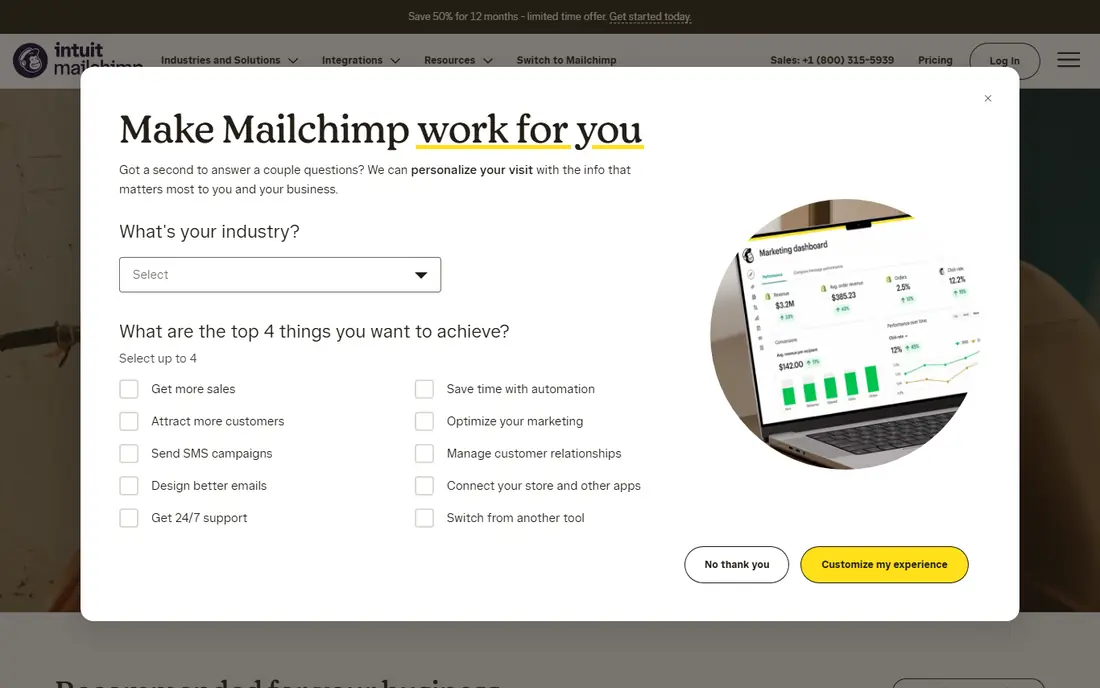
Mailchimp remains the default starting point for many small businesses, and the reason is simple: it covers the basics well. You get templates, audience segments, sign-up forms, and reports in one place, and the free plan lets a new sender learn the tool before paying. Its integrations with online stores and website builders also make it easy to connect a list to sales.
The catch is how the bill grows. Mailchimp charges by contacts, so a list that grows quickly can push you into a higher tier even if you send rarely. Automation on the entry plans is also more limited than on specialist tools. Still, for a business sending regular campaigns and wanting a familiar, well-supported platform, it is a sensible first choice.
- Large template library
- Strong reporting
- Wide range of integrations
- Costs rise with contact count
- Advanced automation sits on higher plans
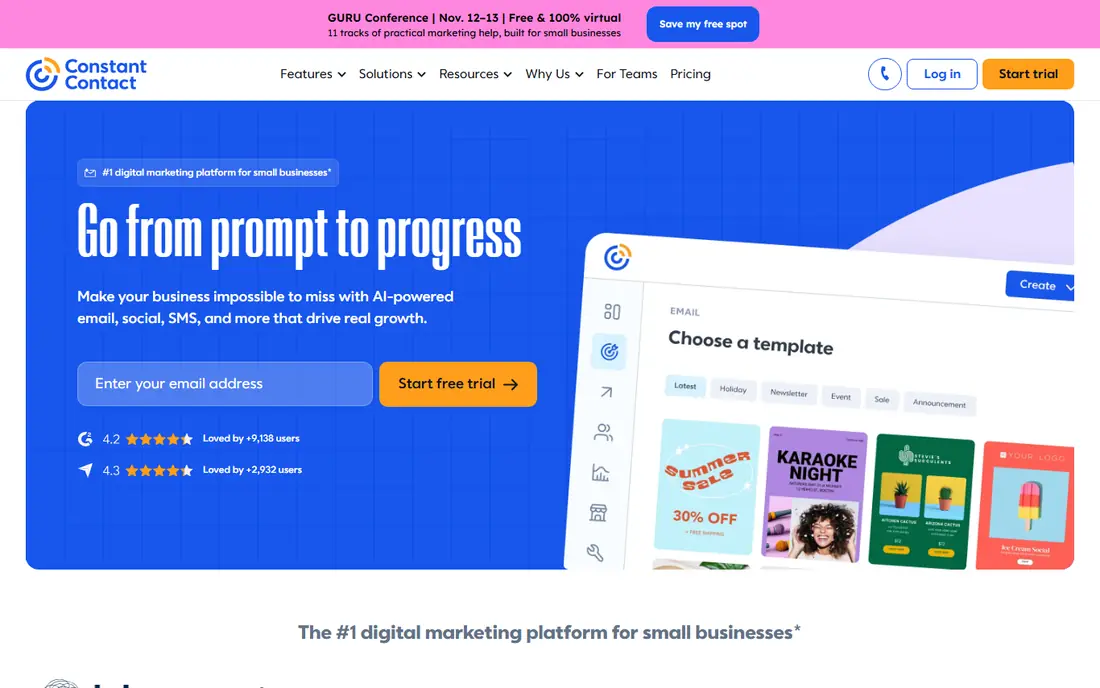
Constant Contact is built for owners who want email marketing to feel straightforward. The editor is easy to use, the templates look clean, and the platform adds event registration and social posting tools that suit local businesses and nonprofits. Support by phone is a real plus for teams that would rather ask a person than search help pages.
The trade-off is price and depth. There is no free plan to stay on, so you pay from the start, and multi-step automation with branching logic needs a higher plan. If you send simple campaigns and value support over advanced workflows, that trade is fair. If you need complex customer journeys, a specialist automation tool will fit better.
- Simple editor
- Event and social tools
- Helpful customer support
- No permanent free plan
- Automation is basic on lower plans
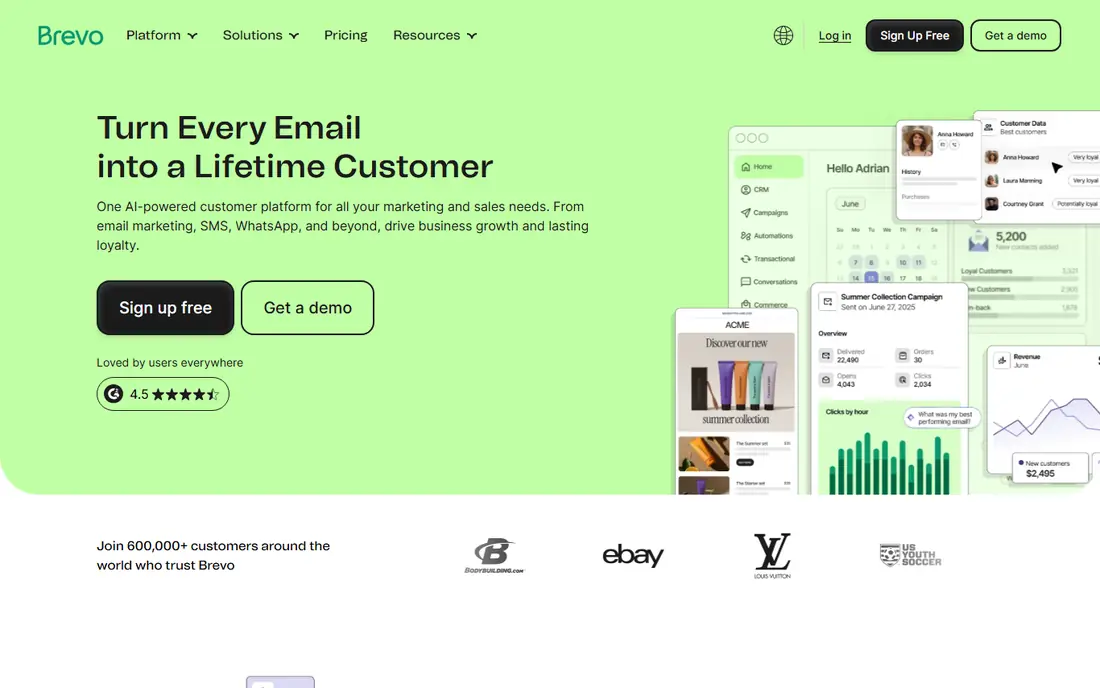
Brevo takes a different approach to pricing, and for some senders it is much cheaper. Instead of charging for every contact you store, it charges for the emails you send, so a large list emailed twice a month can cost less here than on a contact-based platform. The free plan allows up to 300 emails a day, which is enough for a small list or a slow start.
Brevo also covers SMS and transactional email, which makes it useful for stores that send order messages as well as campaigns. The editor is functional rather than beautiful, and frequent daily senders may climb tiers fast. For occasional senders with big lists, though, the pricing model is hard to beat.
- Charges by emails sent, not contacts
- Free plan allows unlimited contacts
- SMS included
- Daily sending limit on the free plan
- Design tools feel less polished
Kit, formerly ConvertKit, is aimed squarely at creators: writers, podcasters, course sellers, and newsletter publishers. Its strength is turning subscribers into buyers through tags, segments, and visual automations, and paid plans allow unlimited emails rather than charging per send. Landing pages and forms are included, so a creator can grow a list without a separate website tool.
Design is not its strongest area. If you want highly polished, image-heavy templates, Mailchimp offers more choice. Kit also keeps its commerce features simple compared with a full store platform. For a creator whose business runs on email, however, its focus on audience and revenue is exactly right.
- Built for creators
- Unlimited emails on paid plans
- Simple landing pages
- Fewer design templates than Mailchimp
- Commerce tools are basic
ActiveCampaign is the pick when simple campaigns are no longer enough. Its automation builder lets you build branching journeys based on purchases, site visits, tags, and engagement, and the built-in customer records keep sales and marketing in one place. For a growing business with several products or a longer sales cycle, that depth pays off.
It is not a casual tool. New users may need time to learn the builder, and there is no free plan, only a trial. Prices also rise with contacts. If your marketing is mostly a monthly newsletter, this is more tool than you need. If you want behavior-based follow-ups that run on their own, it is one of the strongest options here.
- Deep automation builder
- Built-in CRM
- Strong segmentation
- No free plan
- Learning curve is steeper than simpler tools
Klaviyo is built for online stores, and it shows in how it uses data. It pulls in purchase history, browsing, and cart activity, then lets you build segments such as repeat buyers or people who abandoned a cart. That makes abandoned-cart emails, post-purchase flows, and win-back campaigns much easier to run well.
The downside is cost at scale. As a store list grows, Klaviyo can become one of the pricier options, and businesses without a store will not use its best features. For Shopify and other major store platforms, though, the integration depth is a genuine advantage, and the free plan gives small stores a low-risk way to start.
- Deep store integrations
- Strong purchase-based segments
- SMS in the same account
- Costs rise fast with list size
- Best value is tied to ecommerce
HubSpot suits teams that want email inside a wider system rather than as a standalone tool. The free tools cover contacts, forms, and basic email, and paid plans add automation, lead scoring, and reporting that connect marketing to sales. For a business already using HubSpot for sales or service, keeping email in the same place saves a lot of manual work.
The catch is the price curve. HubSpot is generous at the free level, but its paid marketing tiers are priced for companies with real budgets, and costs grow with contacts. Small senders who only need email will find better value elsewhere. Teams that need shared customer records across departments will find the extra cost easier to justify.
- Free CRM tools
- Email, forms, and landing pages in one system
- Strong reporting
- Paid marketing plans get expensive
- Some features need higher tiers
AWeber has been around for years, and it still appeals to senders who want email without fuss. The editor is simple, the free plan covers small lists, and basic automations such as welcome sequences are easy to set up. It is a good fit for bloggers, clubs, and small businesses that send a regular newsletter and little else.
It does not match the leaders on design variety or deep analytics, and larger teams may outgrow it. But not every sender needs those extras. If your main goal is a reliable newsletter at a low cost, AWeber delivers the essentials without a steep learning curve or a surprise bill.
- Free plan for small lists
- Easy editor
- Useful automation for beginners
- Template choice is narrower
- Analytics are less detailed than leaders
How we picked these
We compared official pricing pages, free plans, automation features, and app store listings for widely used email platforms, and we kept only services that exist and work today. We favored platforms with clear pricing, a usable free plan or trial, and a distinct audience, so the list covers small businesses, creators, stores, and larger teams rather than eight versions of the same tool. Prices change often, so check the vendor pricing page before you buy.
What to check before you choose
Start with how you will actually send. A monthly newsletter needs a good editor and a fair price for your list size. A store needs purchase data and cart flows. A creator needs tags and landing pages. Write down your top three tasks, then shortlist only the tools that do all three well, because a long feature list will not help if the basics feel awkward.
Next, model the price at your real list size, not at the smallest tier. Contact-based tools get expensive as lists grow, while email-volume tools suit large, rarely emailed lists. Check what counts as a contact, whether unsubscribed contacts still count, and what happens to automation when you change plans. A free plan is only useful if its sending limits match how often you email.
Finally, test deliverability basics before a big send. Set up domain authentication, import a clean list, and send to a small group first. Check spam placement, links, and how the email looks on a phone. A platform can have great templates and still disappoint if your domain setup is incomplete, so treat the first sends as a trial, not a launch.
Frequently asked questions
What is the best email marketing company for a small business?
Mailchimp or Brevo are good starting points for most small businesses. Mailchimp offers a familiar editor and broad integrations, while Brevo can be cheaper for large lists that are emailed less often. Try the free plan of each with a real campaign before committing.
What is the best software for email marketing automation?
ActiveCampaign offers the deepest automation builder in this list, with branching journeys based on behavior and purchases. HubSpot is a strong alternative when automation must connect to sales records. For simpler welcome and follow-up sequences, Kit and AWeber are easier to learn.
Which email marketing company is best for creators?
Kit is built for creators, with tags, segments, landing pages, and unlimited emails on paid plans. It suits newsletter writers, course sellers, and podcasters who earn from an audience. Mailchimp can also work, but its pricing by contacts is less friendly to a fast-growing creator list.
Do any of these companies offer a free plan?
Yes. Mailchimp, Brevo, Kit, Klaviyo, HubSpot, and AWeber all offer free plans, though each has limits on contacts, sends, or features. Constant Contact and ActiveCampaign offer trials instead of permanent free plans, so check the trial length before you start.
How much does email marketing cost per month?
It depends on list size and how you are charged. Entry paid plans in this list start around $9 to $15 per month for small lists, but costs rise with contacts or sends. Always price your actual list size, and remember that some platforms charge for contacts you no longer email.
Sources we checked (8)

Online Jobs is an independent blog about careers, online work, learning new skills and the tools that help people earn. More about us.
Keep reading
All posts
n8n Alternatives
n8n alternatives compared for 2026, with Zapier, Make, Activepieces, and more, covering visual builders, code steps, self-hosting, and pricing models.

ZoomInfo Alternatives
The best ZoomInfo alternatives in 2026, compared on price, free plans, data coverage, and which tool fits small teams or large sales teams best in detail.

Workday Alternatives
We compared the best workday alternatives for HR, payroll, and global hiring, from BambooHR and Gusto to Rippling, Deel, and HiBob for growing teams in 2026.