Best Electronic Signature Software in 2026: 8 Tools Compared

How we put this together: we compare official feature and pricing pages, app store listings, privacy policies and public user reviews. Prices change, so check the provider's site before you pay.
Key takeaways
- DocuSign remains the most widely recognised name, but its entry plan caps monthly sends, so volume matters more than brand alone.
- PandaDoc, Zoho Sign, Dropbox Sign and SignWell all offer a free starting point, which is enough for very light, occasional signing.
- signNow and Zoho Sign stand out for low per-user pricing, while PandaDoc suits teams that write proposals before they ask for a signature.
- Check envelope limits, signer limits and audit trails before you pay, because those limits decide the real cost of each plan.
Quick comparison
| Name | Who it suits | Starting price | Free option | |
|---|---|---|---|---|
 DocuSign | Widely recognised signing | See website | Free trial | Visit |
 Adobe Acrobat Sign | PDF work plus signing | See website | Free trial | Visit |
 Dropbox Sign | Simple, clean signing | $15 per user per month | Yes | Visit |
 PandaDoc | Proposals and contracts | Free | Yes | Visit |
 signNow | Low-cost team signing | $8 per user per month | Free trial | Visit |
 Zoho Sign | Zoho users and small teams | $10 per user per month | Yes | Visit |
 SignWell | Simple low-volume signing | $10 per user per month | Yes | Visit |
 Signeasy | Mobile-first signing | $10 per user per month | Free trial | Visit |
The best electronic signature software
Signing on paper slows deals down, creates filing work and leaves you chasing people for a scan. The tools below send a link, collect a legally recognised electronic signature and keep a record of who signed and when. We compared official feature pages, pricing pages and public documentation, and we focused on send limits, free plans and ease of use for the person signing.
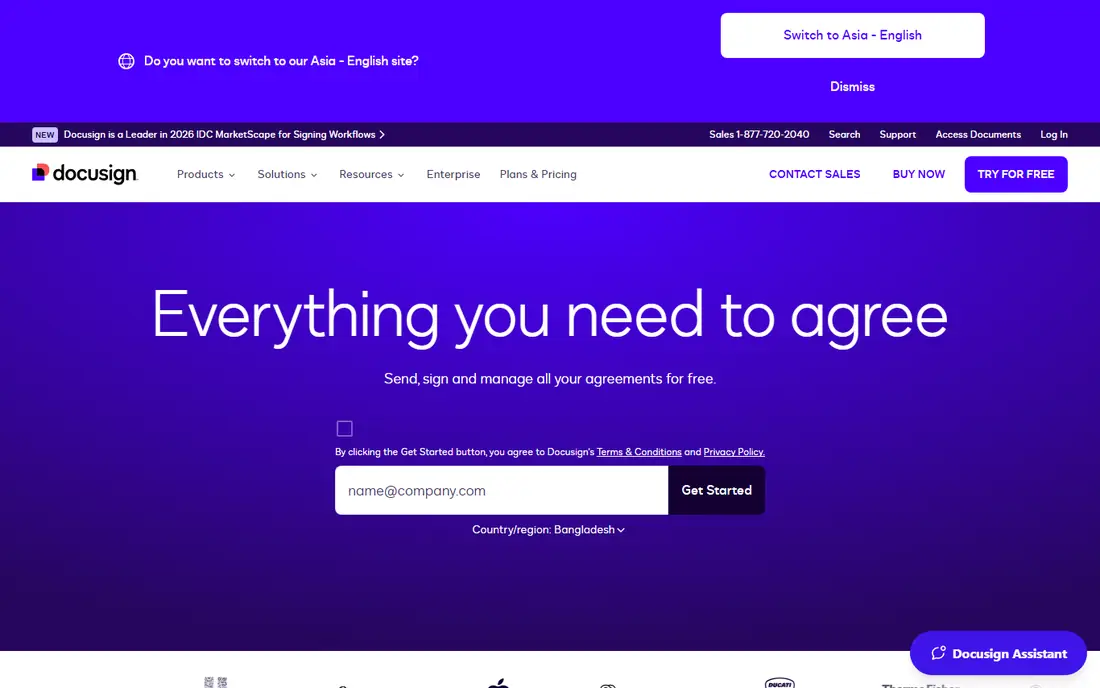
DocuSign is the name most clients already know, and that familiarity has real value. A signer who has used it before will not pause over an unfamiliar screen, and that can shorten the time between sending a contract and getting it back. The platform covers templates, reminders, fields for signers to complete and a certificate that records the signing history.
The catch is volume. The entry-level Personal plan allows only a small number of envelopes each month, so it fits a freelancer who sends a few contracts, not a team that sends dozens. If your volume is steady and higher, look at the Standard tier or at a rival with unlimited sends. For occasional use, the recognition factor alone may still make DocuSign the easiest choice, because fewer signers will ask what the link is or why they should trust it.
- Very widely recognised by clients
- Strong templates and reminders
- Detailed audit trail with a certificate of completion
- Entry plan has a low monthly envelope cap
- Costs rise quickly for larger teams
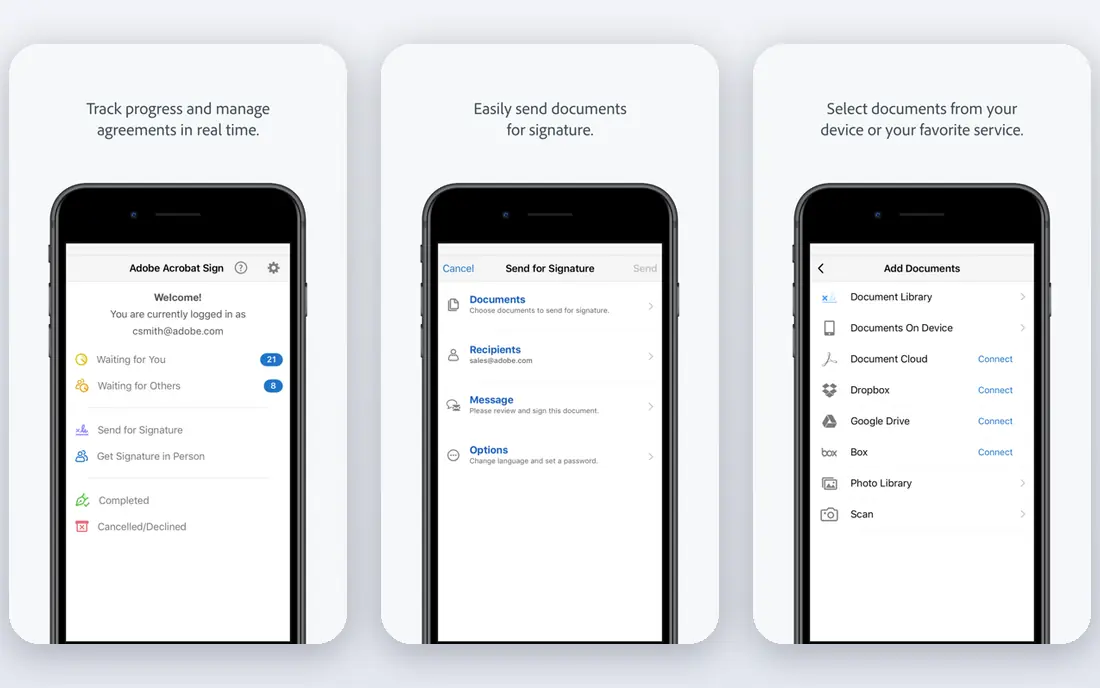
Adobe Acrobat Sign makes most sense when PDFs are already at the centre of your work. You can edit, prepare and send a document without moving it between apps, and signers get a clean, familiar signing screen. For teams in regulated work, Adobe also offers compliance and identity options that smaller tools do not match, which matters when a signature must stand up to close scrutiny.
The downside is that the simplest Adobe route is Acrobat itself, and the deeper Acrobat Sign business features are sold separately or by quote. That makes it harder to compare at a glance, and it can cost more than a signing-only tool. If you already pay for Acrobat, start there. If you only need signatures, a cheaper, simpler tool will probably serve you better.
- Works inside Acrobat and common PDF workflows
- Strong compliance options
- Good for teams that already use Adobe tools
- Full business features sit behind higher tiers
- Pricing is quoted for larger plans
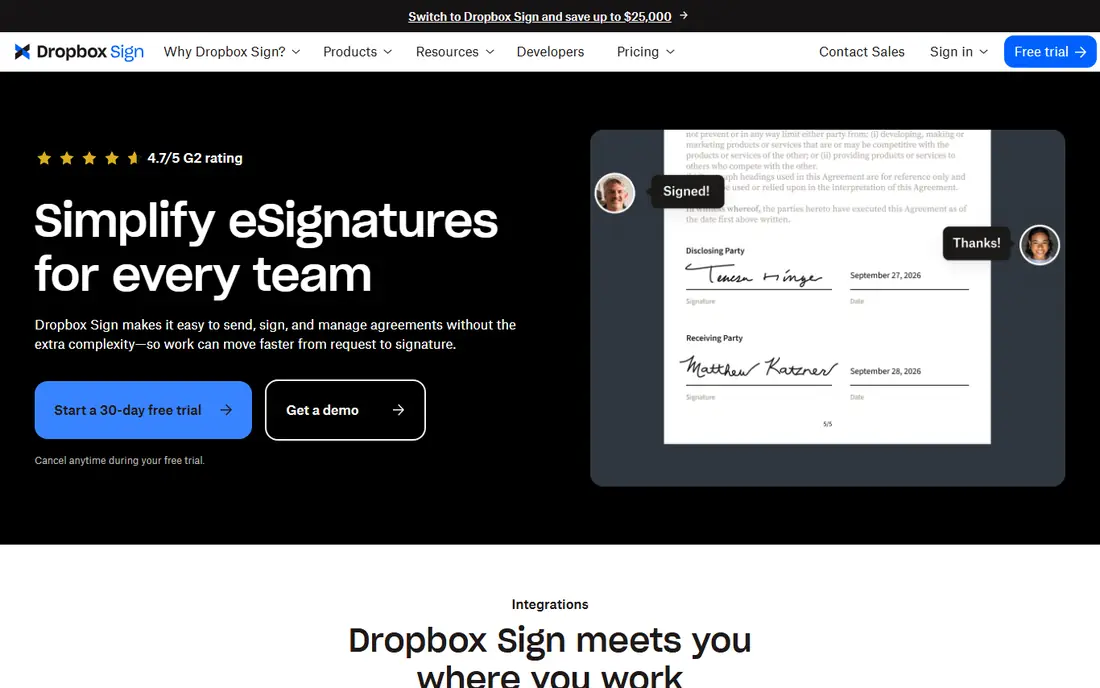
Dropbox Sign, formerly HelloSign, keeps the whole process short. You upload a document, add signer fields and send a link. The signer opens it, signs and is done, with no account to create. That low friction is a genuine advantage, because every extra step is a chance for a busy client to put the document aside and forget it.
Paid plans allow unlimited signature requests, which removes the envelope-count worry that shapes DocuSign pricing. The free plan covers a small number of sends each month, so it works as a trial or for rare use. The trade-off is that admin controls, team features and deeper integrations sit on higher tiers. For a small team that values a smooth signer experience over a long feature list, Dropbox Sign is a strong pick.
- Signers do not need an account
- Unlimited signature requests on paid plans
- Clean, simple sender flow
- Team controls and advanced features need higher plans
- Costs more than the cheapest rivals
PandaDoc is different from most tools on this list because you do not start with a finished PDF. You build the proposal, quote or contract inside PandaDoc, then send it for signature, and on paid plans you can collect payment in the same flow. For sales teams, that single flow removes copy-and-paste work and keeps the document, the price and the signature in one place.
The free plan is genuinely useful for light use, covering a handful of documents each month. Its limits, including a cap on recipients per document, will push busier teams to a paid plan. If you only sign documents that someone else wrote, PandaDoc may feel heavy. If you write proposals and chase signatures as part of the same job, it can replace two tools at once.
- Build documents, proposals and quotes in the same tool
- Free plan covers a small monthly volume
- Useful templates and payments on paid plans
- More tool than a signing-only user needs
- Free plan limits recipients per document
signNow earns its place on price. It undercuts most rivals at entry level while still covering the core job: templates, signer fields, reminders and an audit trail. For a team with several senders, that per-user saving adds up fast over a year, and it leaves budget for other tools. Mobile signing is also solid, which helps field teams and clients who sign on a phone.
The compromise is polish. The interface is functional rather than elegant, and some advanced controls are reserved for higher plans. That will not matter to a team that sends standard contracts all day, but a firm that wants a highly branded, white-glove signing experience may prefer Dropbox Sign or DocuSign. For value-first teams, signNow is hard to beat.
- Low entry price for teams
- Templates, bulk send and mobile signing
- Unlimited users on some plans
- Interface feels less polished than the leaders
- Advanced features need higher tiers
Zoho Sign is a quiet, capable option, especially for businesses already using Zoho CRM, Zoho Books or Zoho Mail. Documents can move from those apps into a signing flow without awkward exports, and the pricing stays modest. The free plan covers a small number of documents each month, which is enough for a sole trader who signs a contract now and then.
Outside the Zoho world, it still works well as a standalone signing tool, with templates, reminders and audit trails. Its integration list is shorter than DocuSign, and its brand is less familiar to some clients, so a signer may need a short note explaining the link. For a small business watching costs, those are small trade-offs for a solid, affordable tool.
- Free plan for light use
- Good value at entry level
- Fits well with other Zoho apps
- Smaller integration range than DocuSign
- Some advanced features need higher plans
SignWell keeps things plain on purpose. You upload a document, place fields, send it and track it, without a long setup process or a dashboard full of options you will never use. That simplicity suits freelancers, landlords, small clinics and anyone who signs a few documents a month and wants the task finished in minutes.
The free plan covers a few documents each month, and paid plans remove that worry for regular senders. SignWell does not try to be a full document platform, so teams that need complex approval chains, payments or deep CRM automation should look at PandaDoc or DocuSign instead. For straightforward signing, its clarity is the selling point.
- Very simple setup
- Free plan for occasional sends
- Unlimited documents on some paid plans
- Fewer advanced workflow features
- Smaller template library than PandaDoc
Signeasy is built around signing from a phone or tablet, which suits people who work away from a desk. You can prepare a document, collect a signature in person or send it remotely, and store the completed file in the app. For field teams, agents and tradespeople, that mobile focus is more useful than a long list of desktop workflow features.
The entry plan is priced in line with Zoho Sign and SignWell, and it covers the core signing job well. There is no permanent free tier, so occasional users should use the trial to confirm it fits before paying. If most of your signing happens on a laptop in an office, other tools on this list offer similar value. If it happens on a phone, Signeasy deserves a close look.
- Strong mobile apps for signing on the go
- Easy in-person signing
- Simple document preparation
- No permanent free plan
- Some team features need higher tiers
How we picked these
We compared official pricing pages, feature pages and public documentation for each tool, and we checked that each vendor homepage loads and belongs to the product named. We favoured tools that cover the full signing job, meaning sending, signer fields, reminders and an audit trail, rather than simple PDF annotation apps. We also weighed free plans, entry pricing, envelope limits and signer experience, because a tool that clients abandon halfway through is not a bargain at any price. Prices change, so check the vendor pricing page before you commit.
What to check before you choose
Start with volume, not features. Count how many documents you send in a typical month, how many signers each one needs and how often a document needs more than one round of signatures. A tool with a low monthly cap can look cheap and then cost more in upgrades or workarounds. A tool with unlimited sends can be better value even at a higher seat price.
Next, test the signer view. Send a sample document to yourself and open it on a phone. Check how many taps it takes to sign, whether the signer needs an account and whether the finished document is easy to download. Then check the audit trail, template options and integrations with the apps you already use, such as your CRM, storage or accounting tool. Finally, confirm the legal standing of electronic signatures for your document type in your state, because a small number of document types still need a wet signature or a notary.
A note on security
Electronic signatures rely on audit trails, signer authentication and secure storage. Use a tool that records who signed, when and from which device, and turn on extra signer checks for high-value agreements. Keep completed documents in your own storage as well as in the signing tool, so you are not locked out if you change provider later.
Frequently asked questions
What is the best electronic signature app for a small business?
For most small businesses, Dropbox Sign or signNow offer the best balance of price and simplicity, while DocuSign suits firms whose clients expect the most familiar name. PandaDoc is the better pick when you also write proposals and quotes. Start with your monthly volume, then test the signer view on a phone before you pay.
Is there a best free e signature app?
Yes, for very light use. PandaDoc, Zoho Sign, Dropbox Sign and SignWell all offer a free plan with a small monthly allowance. Those plans suit occasional contracts, but they cap sends or recipients, so a busier sender will need a paid plan. Signers never need to pay to sign a document sent to them.
What is the best online contract signing software for proposals?
PandaDoc is the strongest choice here, because you can build the proposal, set prices, collect payment and gather signatures in one flow. DocuSign and Dropbox Sign can sign a finished proposal, but they do not replace a proposal builder. If proposals are a core part of your sales process, that combined flow saves real time.
Are electronic signatures legally valid in the US?
In general, yes, for most business agreements under federal and state electronic signature laws. The tool should provide an audit trail showing who signed and when, and you should keep a copy of the completed document. Some documents, such as certain wills and court filings, have special rules, so check the requirements for your document type.
How do I choose between DocuSign and a cheaper tool?
Choose DocuSign when client familiarity and broad integrations matter most, and when your volume fits its plan limits. Choose a cheaper tool when you send standard documents often and want lower per-user costs or unlimited sends. Run a sample document through both and compare the signer experience, not just the price page.
What should I check in an electronic signature tool?
Check send limits, signer limits, templates, reminders, audit trails, mobile signing and integrations with your current apps. Also check how easy it is to download completed documents and cancel if you switch provider. A clear pricing page and a simple signer flow matter more than a long feature list you will never use.
Sources we checked (8)

Online Jobs is an independent blog about careers, online work, learning new skills and the tools that help people earn. More about us.
Keep reading
All posts
n8n Alternatives
n8n alternatives compared for 2026, with Zapier, Make, Activepieces, and more, covering visual builders, code steps, self-hosting, and pricing models.

ZoomInfo Alternatives
The best ZoomInfo alternatives in 2026, compared on price, free plans, data coverage, and which tool fits small teams or large sales teams best in detail.

Workday Alternatives
We compared the best workday alternatives for HR, payroll, and global hiring, from BambooHR and Gusto to Rippling, Deel, and HiBob for growing teams in 2026.