Best Ecommerce Platform for Startups in 2026: 8 Products Compared

How we put this together: we compare official feature and pricing pages, app store listings, privacy policies and public user reviews. Prices change, so check the provider's site before you pay.
Key takeaways
- Shopify is the best all round pick for most startups because setup is fast, payments are built in, and the app store covers most needs.
- WooCommerce is best when you want full ownership and control, and you already use WordPress or have technical help.
- BigCommerce suits larger catalogs and growth without many apps, while Wix and Squarespace suit design led stores with fewer products.
- Monthly price is only part of the cost: check transaction fees, app fees, payment processing, and theme costs together.
- Pick a platform you can run without a developer for daily tasks, even if you hire help for the initial build.
Quick comparison
| Name | Who it suits | Starting price | Free option | |
|---|---|---|---|---|
 Shopify Shopify | Most startups and growing brands | See website | Free trial | Visit |
 WooCommerce WooCommerce | WordPress control and ownership | Free | Yes | Visit |
 BigCommerce BigCommerce | Larger catalogs and B2B growth | See website | Free trial | Visit |
 Wix Wix | Simple stores with a website | See website | Free trial | Visit |
 Squarespace Squarespace | Design led brands | See website | Free trial | Visit |
 Square Online Square Online | In person plus online selling | See website | Yes | Visit |
 Ecwid Ecwid | Adding a store to an existing site | See website | Yes | Visit |
 Sellfy Sellfy | Digital products and creators | See website | Free trial | Visit |
The best ecommerce platform for startups
A startup store needs to launch fast, take payments safely, and grow without a rebuild in six months. The platforms below differ on control, cost, design, and how much technical work they need. A hosted platform does more for you, while an open platform gives you more control and more responsibility. Choose by how you sell, how many products you have, and who will run the store day to day.

Shopify is our pick for most startups because it removes the hardest early work. You pick a theme, add products, connect payments, and launch, often in days rather than weeks. Checkout is polished, mobile selling is strong, and the app store covers subscriptions, bundles, reviews, and marketing tools that a startup would otherwise need to build. Point of sale also helps if you later sell at markets or a pop up shop.
The costs need a full view. The monthly plan is only the start: transaction fees, payment processing, and paid apps can raise the total. If you use Shopify Payments, transaction fees are lower, but that choice depends on your region and payment needs. Still, for a founder who wants to sell rather than manage servers, Shopify is the most reliable path in this list.
- Fast setup with themes and a large app store
- Built in payments, checkout, and point of sale
- Scales from first sale to larger teams
- Transaction fees apply if you do not use Shopify Payments
- App costs can add up as you add features
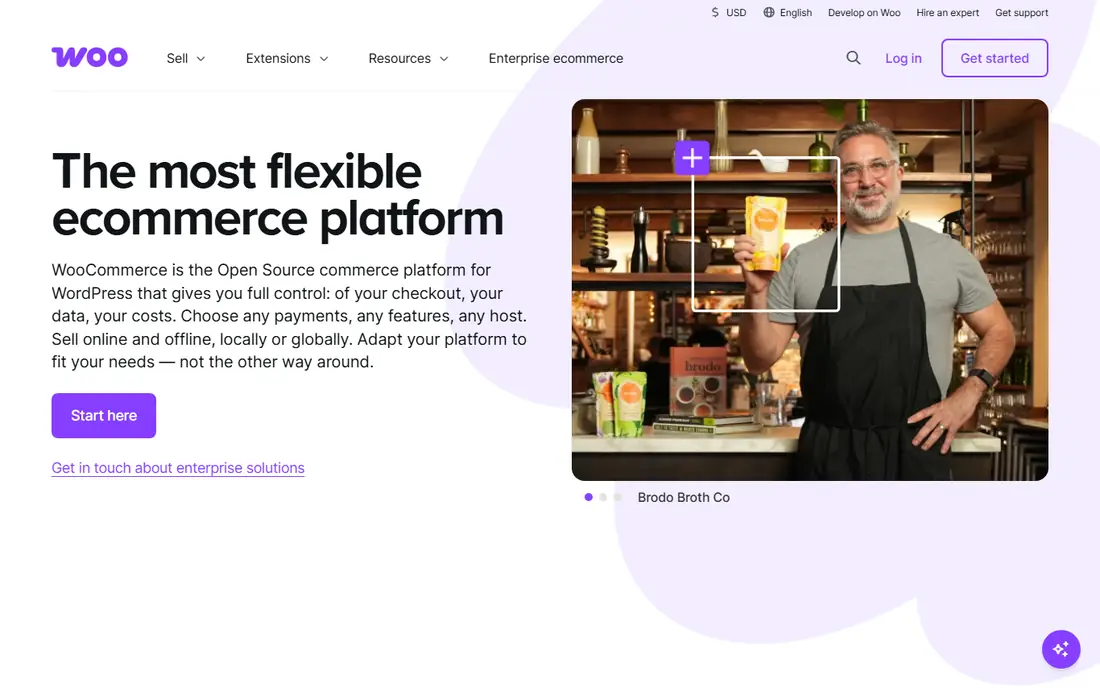
WooCommerce turns a WordPress site into a store, and it gives you the most control in this list. You own the code, the data, and the hosting choice, and you can shape checkout, product pages, and integrations without platform limits. The plugin itself is free, and the WordPress ecosystem offers tools for almost every need, from subscriptions to bookings to memberships.
Control brings responsibility. Hosting, backups, security updates, and plugin conflicts are yours to manage, or yours to pay someone to manage. That can cost more in time than a hosted plan saves in fees, especially for a solo founder. WooCommerce suits a startup that already runs on WordPress, has technical help, or wants long term ownership more than fastest launch.
- Free core plugin with full data ownership
- Huge WordPress plugin ecosystem
- No platform transaction fee from WooCommerce itself
- You pay for hosting, security, and updates
- Setup and maintenance need technical skill or paid help

BigCommerce is built for stores that plan to grow into complex catalogs, multiple channels, or business to business sales. Many features that need an app on Shopify are built in here, such as advanced product options, customer groups, and B2B pricing tools. That can keep long term costs steadier, even if the monthly plan looks similar at first.
The trade off is ecosystem size and simplicity. The theme and app choice is smaller than Shopify, and the admin can feel heavier for a founder selling ten products. BigCommerce suits a startup with a large catalog, complex variants, or a clear B2B path, rather than a simple first store with a handful of items.
- Strong built in features with fewer apps needed
- No platform transaction fees on most plans
- Good for large catalogs and B2B
- Theme and app choice is smaller than Shopify
- Interface can feel more complex for a first time seller
Wix is a good pick when the store is part of a broader website, such as a service business that also sells a few products, a portfolio with a shop, or a local business with bookings and a store. The builder is visual and friendly, templates look good quickly, and you can manage pages, blog, and store in one place without code.
Ecommerce depth is the limit. For a large catalog, complex discounts, or advanced fulfillment, Shopify and BigCommerce offer more. Wix also makes migration harder than an open platform, so a store that grows very large may face a rebuild. Choose Wix when ease and a full website matter more than advanced ecommerce features.
- Easy drag and drop builder for a full website plus store
- Good templates for small catalogs
- Simple setup for beginners
- Ecommerce depth is thinner than Shopify for large stores
- Moving to another platform later can be hard
Squarespace suits brands where look and story matter as much as the product. Templates are clean, typography and image handling are strong, and a creator or design led brand can build a store that feels like a portfolio. Blogging, portfolios, and service pages sit naturally alongside products, which helps a brand that sells through content as well as a catalog.
The ecommerce toolset is narrower than Shopify, especially for large catalogs, advanced discounts, and complex shipping. Lower plans also add transaction fees, so check the plan that matches your sales volume. Squarespace is best for a small, design led catalog where presentation drives sales, not for a high volume store with hundreds of variants.
- Polished templates and strong visual design
- Good for creators, services, and small product ranges
- Built in blogging and portfolios
- Ecommerce features are more limited than Shopify
- Transaction fees apply on lower plans
Square Online is the clearest pick for a business that already sells in person with Square. Inventory, payments, and customer records can stay in one system, whether the sale happens at a counter or online. The free plan lets a local shop get online quickly, with paid plans adding more design and features. That matters for a cafe, salon, or retail shop that wants online ordering without a second system.
The store builder is simpler than Shopify or Squarespace, and design options are more limited. If online sales become your main channel and catalog grows large, you may outgrow Square Online. For a local business where in person sales lead and online is an extra channel, Square Online is practical and low cost.
- Free plan for a basic online store
- Tight link to Square point of sale and payments
- Good for shops, cafes, and local sellers
- Design and ecommerce depth are thinner than Shopify
- You are tied to Square payments
Ecwid is different from the rest of this list: it is a store you add to a site you already have, rather than a site you build from scratch. If you run a WordPress blog, a simple business site, or a social page, Ecwid lets you add products and checkout without rebuilding. The free plan covers a small catalog, which is useful for testing demand before you invest in a full platform.
A dedicated platform gives you more control over the full store design and customer journey. Ecwid is best as a starter or add on store, not as the long term home for a large brand. Choose Ecwid when you already have traffic on an existing site and want to sell without moving that site.
- Adds a store to an existing website, blog, or social page
- Free plan for a small catalog
- Works across web, social, and marketplaces
- Full store design is less complete than a dedicated platform
- Advanced features need paid plans
Sellfy suits creators who sell digital downloads, print on demand, and subscriptions without building a full store. You can upload a file, set a price, and share a store link, with payments and digital delivery handled for you. That simplicity helps musicians, designers, writers, and course creators who want to sell directly rather than through a marketplace.
Physical retail is not its strength. Complex shipping, large catalogs, and advanced inventory tools are thinner than Shopify or BigCommerce. Sellfy is best when your products are digital or print on demand, your catalog is focused, and you want a store live quickly with little setup.
- Simple setup for digital products, print on demand, and subscriptions
- Built in payment and delivery for digital files
- Creator friendly store pages
- Less suited to large physical catalogs and complex shipping
- App and theme choice is small
How we picked these
We compared official feature pages, pricing pages, app and theme stores, and public reviews for each platform. We looked at setup ease, checkout quality, payment options, transaction fees, catalog limits, design control, and growth path. We also weighed hosted versus open platforms, since that choice affects daily work more than any single feature. We did not build a live store on every platform for this guide, and we did not count a feature unless the vendor page or documentation supported it.
What to price before you choose
Add up the full monthly cost
List the plan price, payment processing fees, platform transaction fees where they apply, paid apps, theme cost, and any email or marketing tool you need. A cheap plan with many paid apps can cost more than a higher plan with features built in. BigCommerce and Shopify differ here, so model both at your expected sales volume.
Test checkout on a phone
Most startup traffic comes from phones, so test the full checkout on a phone before launch. Check guest checkout, payment options, shipping choices, and order confirmation. A beautiful desktop store that frustrates phone buyers will lose sales no matter how good the product is.
Plan the exit
Ask how you export products, customers, and order history before you commit. WooCommerce gives you the most ownership, while hosted platforms vary on export ease. You may never move, but a clear export path protects you if pricing or features change.
Frequently asked questions
Which ecommerce platform is best for small business?
Shopify is our pick for most small businesses because it balances ease, checkout quality, and growth. WooCommerce is best for WordPress users who want ownership, BigCommerce is best for larger catalogs, and Wix or Squarespace are best for design led stores with fewer products.
Is Shopify or WooCommerce better for a startup?
Shopify is better if you want fast launch and low maintenance. WooCommerce is better if you want full control, own your data and code, and already use WordPress or have technical help. The cost difference depends on hosting, apps, and who maintains the site, so compare total cost, not just the plugin price.
What is the cheapest ecommerce platform for a startup?
WooCommerce core is free, but hosting and maintenance add cost. Ecwid and Square Online offer free plans for small catalogs, and Shopify offers a low cost starter option in some regions. Check what the free plan limits: product count, transaction fees, and design options often decide whether free stays useful.
Can I sell on social media and marketplaces too?
Yes, on most platforms in this list, including Shopify, BigCommerce, Wix, Squarespace, and Ecwid. Social and marketplace channels help a startup find buyers, but each channel has its own fees and rules. Start with your own store as the home base, then add one channel at a time.
Do I need a developer to run an online store?
Not for daily tasks on Shopify, Wix, Squarespace, or Square Online, where adding products, changing prices, and managing orders are built in. You may want help for custom design, complex shipping, or integrations, and WooCommerce usually needs more technical help for setup and maintenance.
How many products can I sell on these platforms?
Most hosted platforms in this list allow large catalogs, but practical limits come from design, search, and management rather than a hard cap. Squarespace and Wix suit smaller catalogs best, while Shopify, BigCommerce, and WooCommerce handle larger catalogs more comfortably. Check plan limits for your catalog size before you launch.
Sources we checked (8)

Online Jobs is an independent blog about careers, online work, learning new skills and the tools that help people earn. More about us.
Keep reading
All posts
Workday Alternatives
We compared the best workday alternatives for HR, payroll, and global hiring, from BambooHR and Gusto to Rippling, Deel, and HiBob for growing teams in 2026.

Which SaaS Tools Have the Best Customer Support
Which SaaS tools have the best customer support? Compare eight popular tools on help centres, live help, response options and overall support quality.

Top AI Helpdesk Software
Searching for top AI helpdesk software in 2026? We compared 8 AI helpdesks on automation, pricing, channels and ease of setup for small and growing teams.