Best Driver Update Software in 2026: 8 Tools Compared


Easiest all-round updater · Starting price: See website
How we put this together: we compare official feature and pricing pages, app store listings, privacy policies and public user reviews. Prices change, so check the provider's site before you pay.
Key takeaways
- Windows Update and your PC maker should be the first stop for drivers, especially for graphics cards and laptops with custom drivers.
- Driver Booster and Driver Easy are the easiest paid updaters for most Windows users, with backup and restore options before changes.
- Snappy Driver Installer is the best free and open source option, but it suits confident users more than beginners.
- Never update every driver at once without a restore point, and skip any updater that pressures you into unrelated software during install.
Quick comparison
| Name | Who it suits | Starting price | Free option | |
|---|---|---|---|---|
| Driver Booster | Easiest all-round updater | See website | Yes | Visit |
 Driver Easy | Simple scanning and updating | $29.95 per year | Yes | Visit |
 Snappy Driver Installer | Free offline updates | Free | Yes | Visit |
 Avast Driver Updater | Large driver database | See website | Free trial | Visit |
 AVG Driver Updater | Automatic updates | See website | Free trial | Visit |
 DriverMax | Scheduled updates and backups | See website | Yes | Visit |
 DriverFix | Straightforward driver updates | $19.95 per year | Yes | Visit |
 Auslogics Driver Updater | Scan-only start with paid updates | $19.95 per year | Yes | Visit |
The best driver update software
We compared official feature and pricing pages for Windows driver updaters still sold in October 2026. Our pick for most people is Driver Booster, because it combines a large database with restore points and a simple one-click update flow. Snappy Driver Installer is the pick for users who want a free tool and are comfortable managing driver packs themselves.
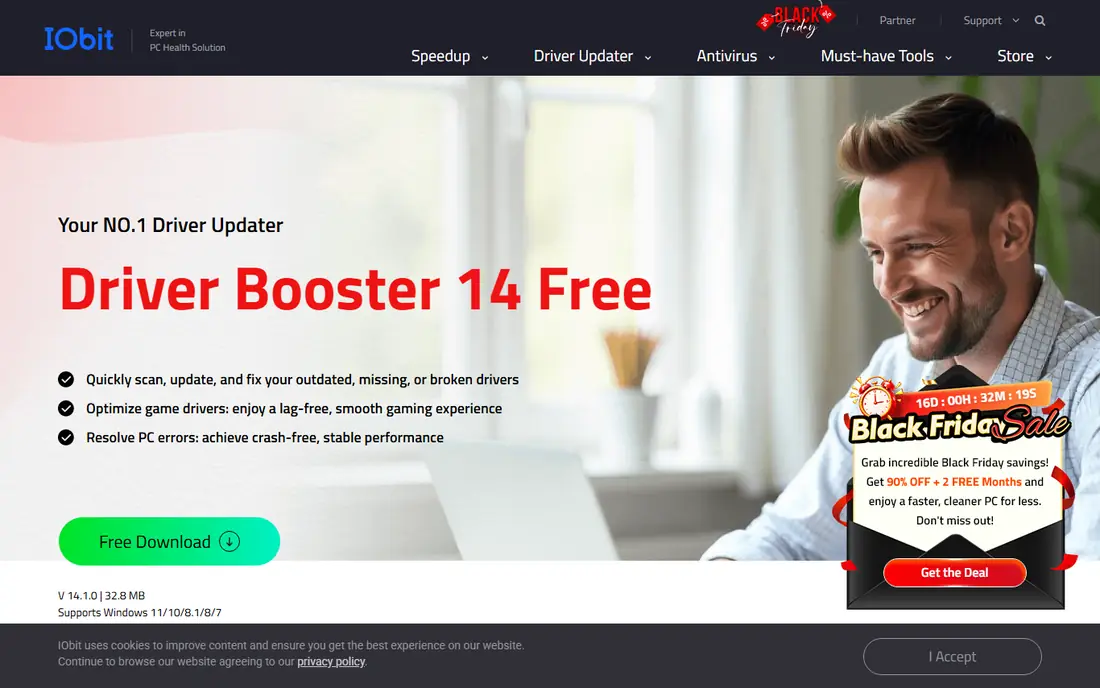
Driver Booster, from IObit, is the most widely used driver updater in this list, and it earns that place by keeping the process simple. Run a scan, review the outdated drivers, create a restore point, and update. The paid version adds automatic updates and faster downloads, plus tools for fixing common device problems such as no sound or network failure.
The honest catch is the installer. Watch each screen during setup and decline any extra IObit software you do not want. The free version also limits how many drivers you can update quickly, so it works best as a scanner and occasional updater unless you pay. For most home users who want a guided tool, Driver Booster remains a practical starting point, provided you use a restore point first.
- Large driver database
- Restore point before updates
- Offline install options on paid plans
- Installer may promote other IObit products
- Free version limits update speed and count
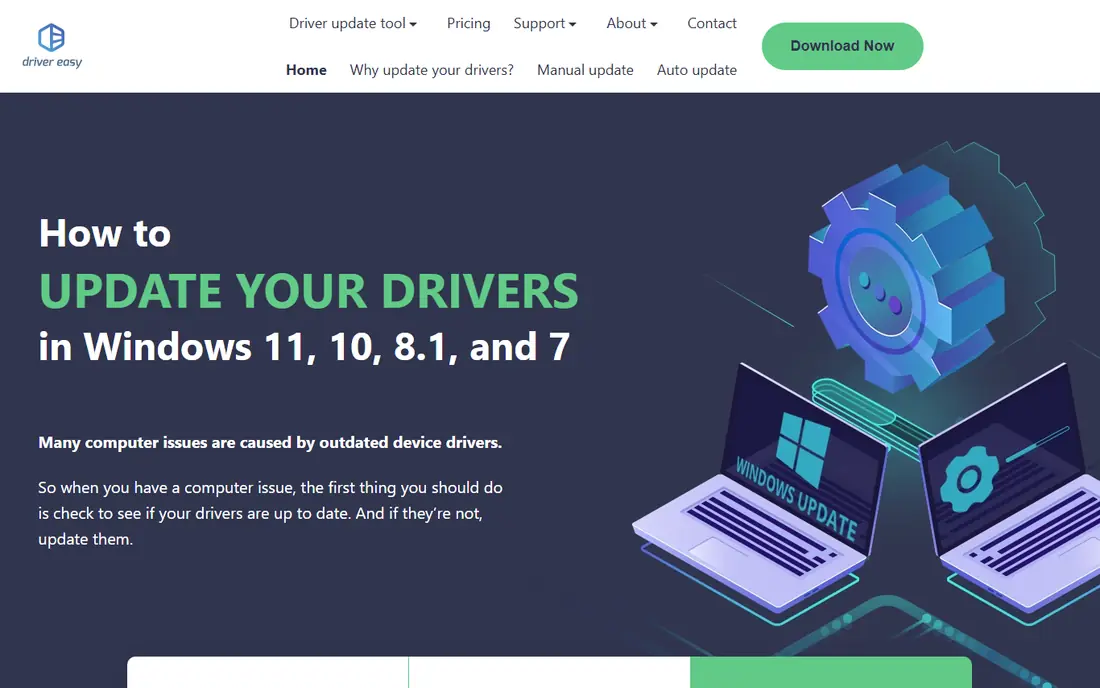
Driver Easy focuses on clarity. The scan shows which drivers are outdated, and the Pro version updates them in bulk with faster downloads. It also offers an offline scan, which helps when a PC has no working network driver and you need to fetch drivers from another computer. For users who find other updaters crowded, Driver Easy feels calm and direct.
The limit is the free tier. Free users can scan and update manually, but downloads are slower and updates are one at a time, which becomes tedious on a PC with many outdated drivers. The Pro price starts at $29.95 per year for the plans listed on its site. If you only need to fix one or two drivers, the free version may be enough. For a full refresh, Pro is the realistic option.
- Clear scan results
- Large driver database
- Offline scan option
- Free version updates one driver at a time with slower downloads
- Full speed needs Pro
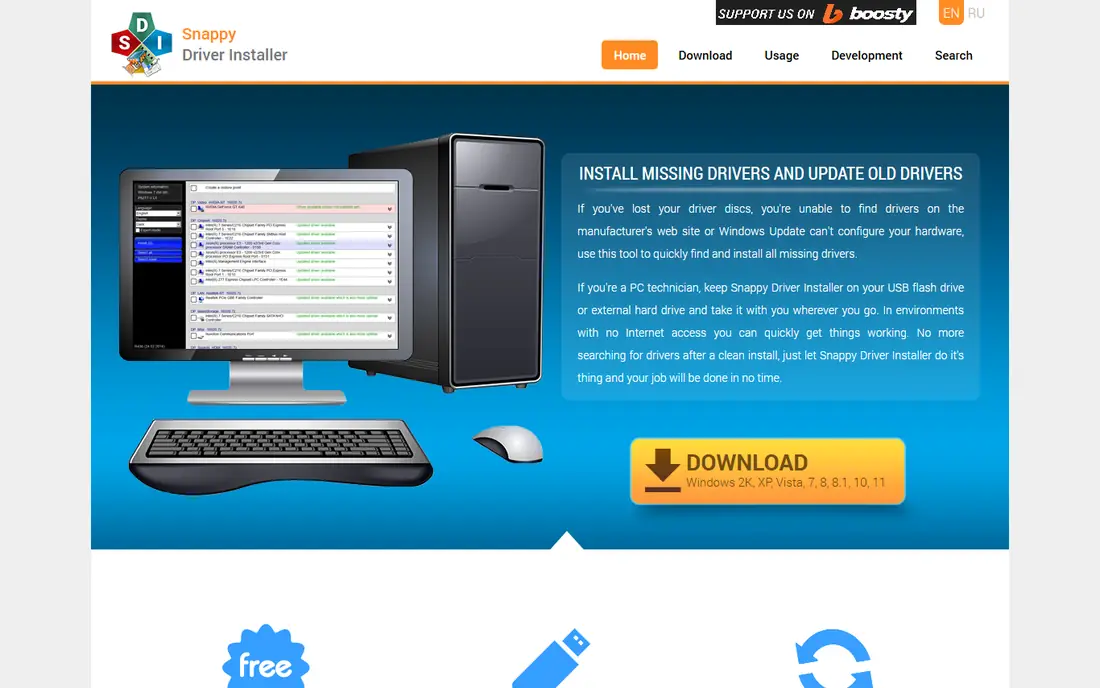
Snappy Driver Installer, often called SDI, is the best free option for users who do not want to pay or deal with upsells. It is open source, works offline, and can update drivers from driver packs stored on a USB drive. That makes it useful for fresh Windows installs, repair work, and PCs with broken network drivers.
The trade-off is ease of use. SDI does not hold your hand the way Driver Booster or Driver Easy do, and it does not offer scheduled automatic scans. Downloading full driver packs also takes time and disk space. If you are comfortable picking the right driver pack and checking results yourself, SDI is excellent. Beginners should start with a guided paid tool instead.
- Free and open source
- Works offline from a USB drive
- No ads or bundled software
- Less beginner friendly
- No scheduled automatic scans
- Driver packs are large
Avast Driver Updater suits users who already trust Avast security products and want driver updates in the same ecosystem. It scans for outdated drivers, checks them, and updates them automatically on paid plans, with backup and restore if a new driver causes trouble. The database is large, which helps with older or less common hardware.
The catch is that full updating is paid, and the free version mainly scans. Check the current pricing page before buying, since Avast offers vary by region and promotion. Avast Driver Updater is a solid choice for users who want automatic updates and do not mind a subscription, but it is not the cheapest route for a one-off fix.
- Automatic scanning and updates
- Backup and restore
- Checks drivers before install
- Paid product for full updates
- Trial length varies by offer
AVG Driver Updater works much like Avast Driver Updater, which is no surprise, since both brands sit in the same company group. It scans, updates automatically on paid plans, and offers backup and restore before changes. The interface is simple, and scheduling helps users who want drivers kept current without thinking about it.
The limit is value. AVG Driver Updater is a paid tool, and users who only need a single driver fix may do better with Windows Update, the hardware maker, or a free scanner. It fits best when you want set-and-forget updates across a home PC and you already use AVG products. Compare its current price with Avast before buying, since the two often overlap.
- Automatic updates on paid plans
- Backup and restore
- Simple interface
- Paid product for full updates
- Similar in price to Avast, since both sit in the same group
DriverMax has been around for many years, and its strength is routine maintenance. You can schedule scans, back up existing drivers before updating, and restore them if a new driver misbehaves. That backup step matters, because a bad driver can affect sound, display, or network access, and restoring quickly saves a lot of trouble.
The free version limits how many drivers you can download each day, so a PC with many outdated drivers will need patience or a paid plan. Check the current pricing page for the plan that removes those limits. DriverMax suits users who like scheduled maintenance and want a clear backup before every change.
- Scheduled scans
- Driver backup and restore
- Large database
- Free version limits downloads per day
- Paid plan needed for full use
DriverFix keeps things focused. It scans for outdated drivers, shows a download manager so you can track progress, and updates drivers without adding unrelated PC cleanup tools. That focus appeals to users who do not want a suite of extras they will never use. Entry pricing starts at $19.95 per year for one PC on its published plans.
The downside is the free version. It scans and can help with manual installation, but automatic installation is a paid feature, and manual updates take time and care. DriverFix is a good pick if you want a simple, fairly priced updater and you are willing to pay for the automatic version. For a completely free fix, Snappy Driver Installer is better.
- Focused on driver updates only
- Clear download manager
- Competitive entry price
- No extra PC tools
- Free version requires manual install for many drivers
Auslogics Driver Updater
Who it suits: Scan-only start with paid updates
Auslogics Driver Updater is a clean scanner that shows outdated drivers and offers backup before changes. It suits users who want to see what is out of date before deciding whether to pay for updates. The interface is straightforward, and the backup step helps if a new driver causes a problem.
The main limit is that the free version does not fully update drivers in bulk. Paid plans start at $19.95 per year on its site, and that is the realistic cost for regular use. Auslogics Driver Updater is worth trying as a free scan, then deciding whether the paid update flow is worth it for your PC, or whether Windows Update and the hardware maker already cover your needs.
- Clear scan results
- Backup before updates
- Simple interface
- Free version is scan only for full updates
- Paid plan needed to install in bulk
How we picked these
We compared official product pages and pricing pages for Windows driver updaters still available in October 2026. We favored tools with backup and restore, restore point support, or both, and we excluded tools that bundle unrelated software aggressively or that hide pricing entirely. We also stressed the safer first step in this guide, which is Windows Update and the hardware maker, because third-party updaters carry more risk than official drivers.
When to use Windows Update instead of a driver updater
Use Windows Update first for most drivers, and go to your PC maker or graphics card maker for graphics, chipset, and laptop-specific drivers. Those sources are tested for your exact hardware, while third-party updaters match drivers by database entries that can be wrong for customized laptops. A driver updater is most useful when Windows Update finds nothing, a device shows an error in Device Manager, or you are rebuilding a PC and need many drivers quickly.
Before any bulk update, create a system restore point and back up important files. Update one category at a time if you can, starting with the device that has a problem, and test sound, display, and network access after each batch. If a new driver breaks something, roll back that driver in Device Manager or restore from the backup your updater made. That caution matters more than any feature list.
Frequently asked questions
What is the best driver update software?
Driver Booster is the best all-round pick for most Windows users because it is easy to use and offers restore points and backups. Driver Easy is a close second for clarity, while Snappy Driver Installer is the best free option for confident users. Always try Windows Update and your PC maker first, especially for graphics drivers.
Is driver update software safe?
Reputable updaters are generally safe when you use restore points and backups, but no third-party updater is risk free. A wrong driver can break sound, display, or network access. Avoid updaters that bundle unrelated software, update only drivers for devices with problems or outdated versions, and never update every driver at once on a working PC without a backup.
Do I need paid driver update software?
Not always. Windows Update, your PC maker, and graphics card maker cover many drivers for free. Free tools like Snappy Driver Installer can handle the rest, though they need more care. Paid tools are worth it when you want automatic updates, faster bulk downloads, and built-in backup and restore.
How often should I update drivers?
Update drivers when a device has a problem, when a new driver fixes a known issue, or when you install new hardware. Do not chase every update on a stable PC, since a working driver is often better than a newer one that has not been tested on your system. Graphics drivers are the main exception, since game and app updates often need newer versions.
Can driver updaters fix no sound or no network problems?
Sometimes, yes, if the problem is a missing or outdated driver. Tools like Driver Booster include fix options for common device problems, and a fresh driver can restore sound or network access. If the problem is hardware failure, a loose cable, or a Windows setting, a driver update will not fix it, and you should check those causes first.
Sources we checked (8)

Online Jobs is an independent blog about careers, online work, learning new skills and the tools that help people earn. More about us.
Keep reading
All posts
Windows 11 Alternatives
Explore Windows 11 alternatives that run on your current PC, from beginner-friendly Linux systems to ChromeOS Flex, with install notes and trade-offs.
Eventbrite Alternatives
Compare the best Eventbrite alternatives for ticketing fees, free events and event pages, with honest notes on cost, discovery and fit for organisers.
Chrome Alternatives
Chrome alternatives compared: Brave, Firefox, Vivaldi, Edge and more for privacy, speed and tab organisation, with free plans, pros and cons to compare.