Best Digital Signature Software in 2026: 9 Tools Compared

How we put this together: we compare official feature and pricing pages, app store listings, privacy policies and public user reviews. Prices change, so check the provider's site before you pay.
Key takeaways
- The best digital signature software depends on how many documents you send each month, so count envelopes before you compare prices.
- DocuSign is the safest default for teams that need broad acceptance, while SignNow and BoldSign offer lower entry prices for lighter use.
- PandaDoc suits sales teams that build proposals and quotes, not just collect signatures, while Dropbox Sign suits teams whose files already live in Dropbox.
- Free plans are genuinely useful for occasional signing, but they cap documents per month and often limit templates and team features.
- Audit trails, signer authentication, and legal validity matter more than a low headline price, especially for contracts and real estate deals.
Quick comparison
| Name | Who it suits | Starting price | Free option | |
|---|---|---|---|---|
 DocuSign | Broad acceptance and teams | $10 per month | No | Visit |
 PandaDoc | Proposals and quotes | $19 per seat per month | Yes | Visit |
 Dropbox Sign | Dropbox users | $15 per month | Yes | Visit |
 SignNow | Low-cost teams | $8 per user per month | Free trial | Visit |
 Zoho Sign | Zoho users | $10 per user per month | Yes | Visit |
 Adobe Acrobat Sign | Acrobat and PDF teams | See website | Free trial | Visit |
 BoldSign | Low-cost API-friendly signing | $5 per user per month | Yes | Visit |
 SignWell | Simple unlimited signing | $10 per month | Yes | Visit |
 Signeasy | Mobile-first signing | $10 per month | Yes | Visit |
The best digital signature software
Digital signature software does more than put a scribble on a PDF. It tracks who signed what and when, sends reminders, stores an audit trail, and makes a signed document hold up when someone questions it later. The tools below all do that, but they differ in price, envelope limits, and whether they also help you create the document in the first place.
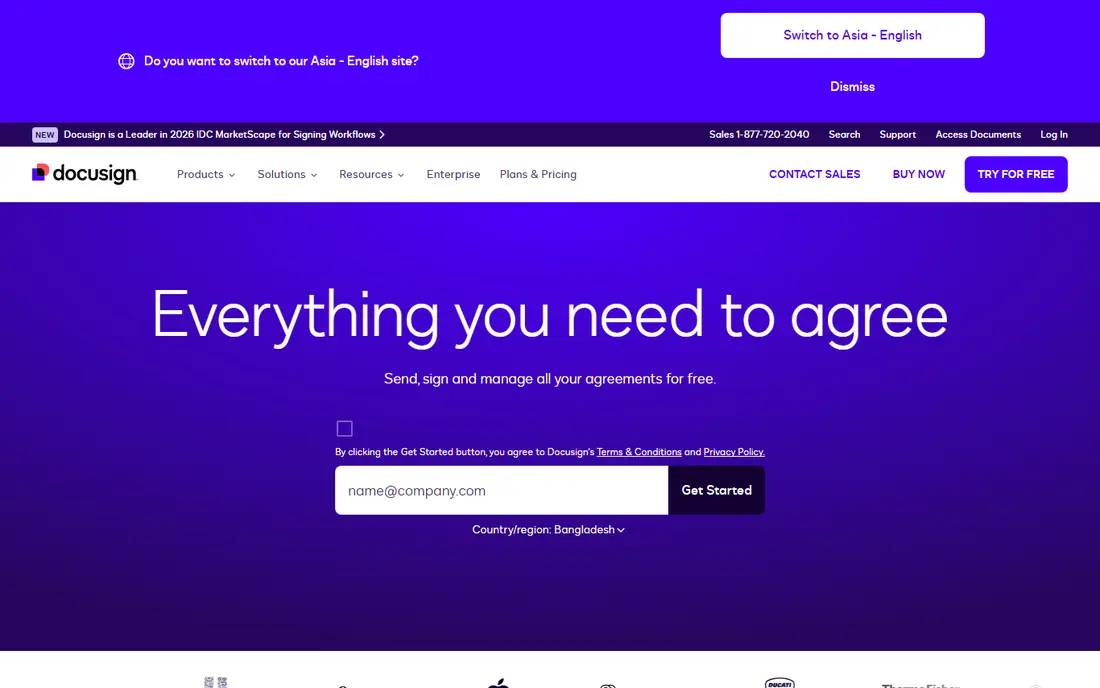
DocuSign is our pick for most people who need signatures to be accepted without explanation. Clients, lawyers, and real estate partners already know the name, which reduces the friction of asking someone to sign through an unfamiliar system. The Personal plan starts at $10 per month on annual billing and covers basic sending, templates, and reminders, while Standard and Business Pro add team features and higher envelope allowances.
The catch is the envelope cap. The Personal plan allows only a small number of envelopes per month, so a busy freelancer can hit the limit quickly and need a higher tier. DocuSign also has no free sending plan, though recipients can sign for free. If you send only a few documents a year, a cheaper tool with a free plan may serve you better.
- Widely recognised by clients and partners
- Strong templates and reminders
- Detailed audit trail and certificate of completion
- Personal plan caps envelopes per month
- Higher tiers cost more per user
- No free plan for sending
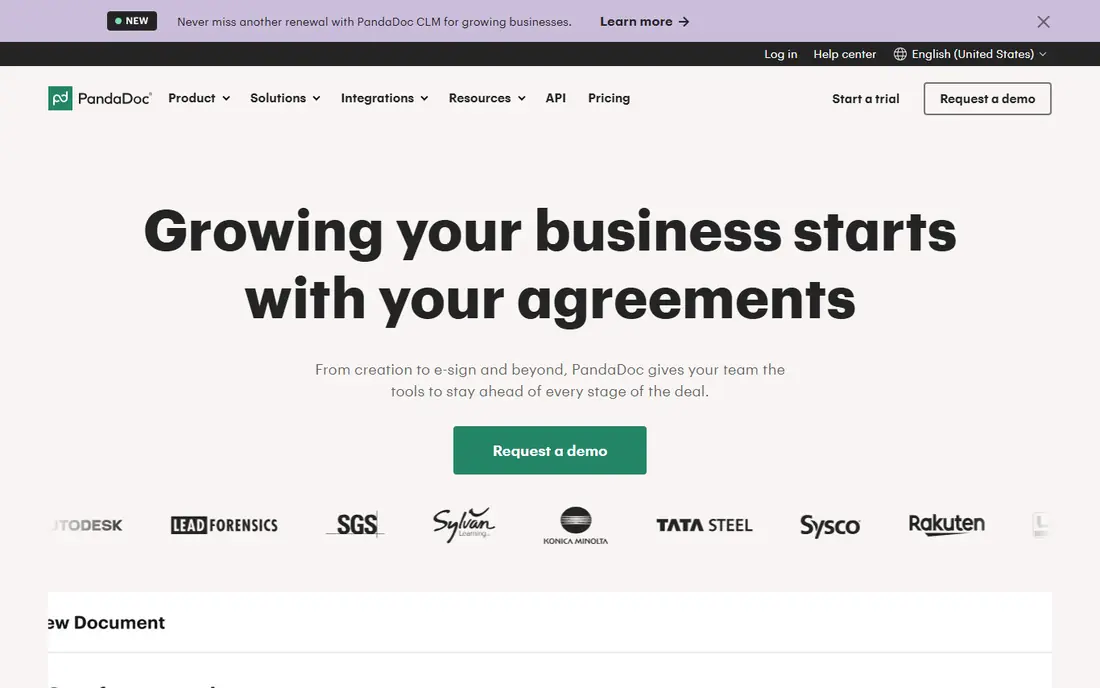
PandaDoc is the best choice if you do not just need a signature, but a document that sells. Its builder lets you create proposals, quotes, and contracts from templates, add pricing tables, and collect payments, then track when a client opens and signs. That workflow suits sales teams and agencies far better than a tool that only handles a PDF you upload.
For pure signing, PandaDoc is pricier than SignNow or BoldSign. The Starter plan starts at $19 per seat per month on annual billing, and the free plan covers a limited number of documents per year. If your main need is sending a handful of contracts a month, a simpler tool will cost less. If proposals are your product, PandaDoc earns its price.
- Document builder with templates for proposals and quotes
- Payment collection inside documents
- CRM integrations
- Signing alone is more costly than rivals
- Free plan caps documents
- Advanced features need the Business plan
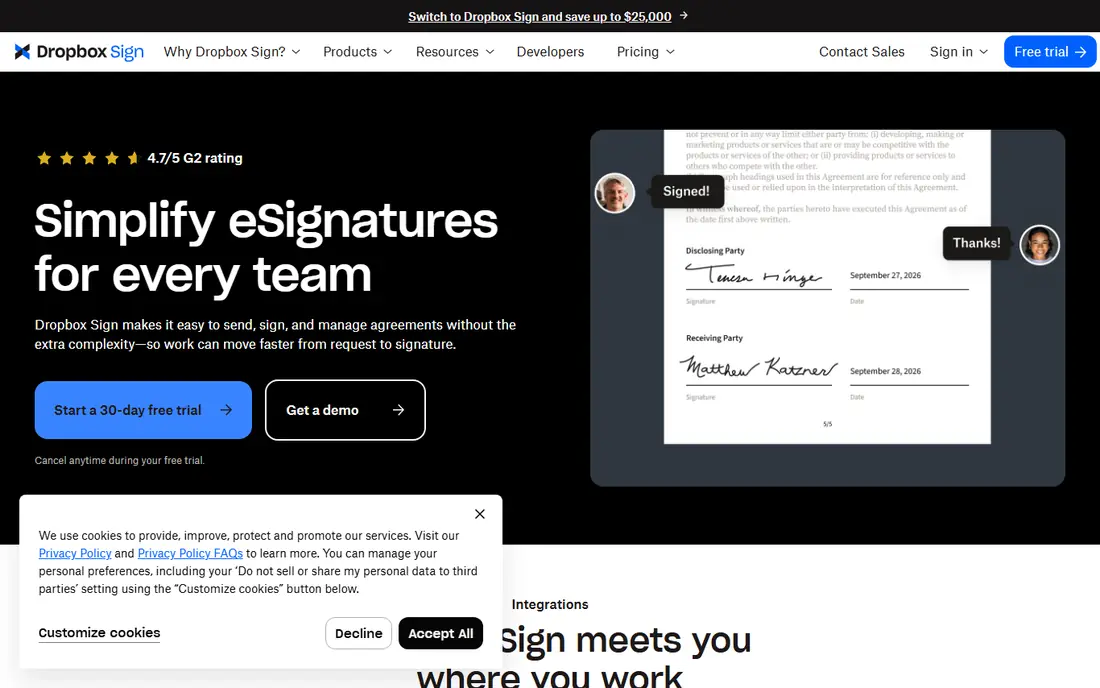
Dropbox Sign, formerly HelloSign, is the natural pick if your files already live in Dropbox. The signing flow is clean, recipients do not need an account to sign, and paid plans offer unlimited signature requests in many configurations, which removes the envelope anxiety that comes with DocuSign's lower tiers. The Essentials plan starts at $15 per month, with Standard at a higher per-user rate.
The weakness is document creation. Dropbox Sign is a signing tool first, so teams that need proposal builders, pricing tables, or complex forms will need another tool beside it. Template limits on lower plans can also frustrate a team that reuses the same contract often. For straightforward signing from Dropbox, though, it is hard to beat for simplicity.
- Simple signing flow
- Unlimited signature requests on paid plans in many cases
- Works naturally with Dropbox storage
- Fewer document creation tools than PandaDoc
- Standard plan needs a minimum team size in some listings
- Templates are limited on lower plans
SignNow is our value pick for teams that send documents regularly but do not want DocuSign prices. The Business plan starts at $8 per user per month on annual billing, and higher tiers add features such as bulk send and advanced fields. Unlimited users on some configurations make it attractive for a team where many people occasionally send, rather than a few people sending constantly.
The trade-off is polish. The interface and template library feel less refined than DocuSign or PandaDoc, and some features that are standard elsewhere sit on higher tiers. For a cost-conscious team that mainly needs reliable sending, reminders, and audit trails, those gaps rarely matter enough to justify paying double elsewhere.
- Low entry price at $8 per user per month on annual billing
- Unlimited users on some plans
- In-person and mobile signing
- Interface is less polished than DocuSign
- Some advanced features need higher tiers
- Support varies by plan
Zoho Sign is the obvious choice for businesses already running Zoho CRM, Zoho Books, or Zoho Writer. Signatures flow naturally from those apps, so a quote in Zoho CRM can become a signed contract without exporting files between systems. The free plan covers a small number of documents per month, and paid plans start at $10 per user per month, with Pro adding unlimited documents in many listings.
Outside the Zoho world, the brand carries less weight with clients than DocuSign, though the signatures themselves are legally valid in the same way. The interface also takes a little learning if you are used to a simpler tool. If you already pay for Zoho, adding Zoho Sign is usually cheaper and smoother than buying a separate signing tool.
- Free plan for light use
- Deep integration with Zoho apps
- Good value on Pro plans
- Less recognised outside the Zoho ecosystem
- Some features need higher tiers
- Interface takes learning
Adobe Acrobat Sign suits teams that already live in PDFs and Acrobat. Because signing sits beside full PDF editing, you can prepare, edit, and send a document without switching tools, and enterprise compliance features suit regulated industries. Teams that already pay for Acrobat Pro may find Sign included or available at a bundle price that beats buying a separate tool.
As a standalone purchase, Acrobat Sign can be pricier than SignNow or Zoho Sign, and the exact price depends on whether you buy it alone or as part of an Acrobat bundle, so we list it as See website rather than a single figure. Check whether your existing Acrobat plan already covers signing before you add another subscription, and read the annual plan terms before you commit.
- Deep PDF editing alongside signing
- Strong enterprise compliance features
- Familiar to Acrobat users
- Pricing varies by bundle and plan
- Can be costly as a standalone signing tool
- Cancellation terms on annual plans need care
BoldSign is the cheapest credible option in this list for many small teams. The Growth plan starts at $5 per user per month on annual billing, and the free plan covers a useful number of envelopes per month for occasional senders. Developers also like its API-first approach, which makes it easier to embed signing into an existing app or workflow without enterprise pricing.
The main limit is recognition. Some clients may not know the name, though that rarely matters once they see a clean signing link and a proper audit trail. The free plan is limited to one user, so a team will need a paid plan quickly. For a freelancer or a small team watching costs, BoldSign is a strong first trial.
- Low entry price
- Generous free plan for occasional use
- API-friendly for developers
- Smaller brand recognition than DocuSign
- Team features need higher tiers
- Free plan limited to one user
SignWell, formerly Docsketch, is built for people who want signing to be simple and predictable. The Light plan starts at $10 per month on annual billing, and paid plans offer unlimited documents in many listings, which suits a sender whose volume varies month to month. The interface is deliberately plain, so new users can send a first document in minutes.
The simplicity has edges. Integrations are fewer than DocuSign or PandaDoc, and editing a document after upload is limited, so prepare your file carefully before you send it. The free plan covers a few documents per month and one template, which is enough to test the flow but not enough for regular business use. For straightforward signing without extra tools, SignWell is a solid, low-friction choice.
- Simple interface
- Unlimited documents on paid plans in many listings
- Bulk send on higher plans
- Fewer integrations than DocuSign
- Editing after upload is limited
- Free plan caps templates
Signeasy is the best pick for people who sign away from a desk. Its mobile apps are polished, in-person signing works well for field teams and site visits, and the core workflow of upload, add fields, send, and track is quick to learn. The Personal plan starts at $10 per month, with business tiers adding team features.
For complex, multi-step workflows with conditional routing and deep CRM integration, DocuSign or PandaDoc will serve you better. Signeasy keeps its focus narrow, which is a strength for mobile users and a limit for back-office teams. If most of your signing happens on a phone or tablet, that focus is exactly what you want.
- Strong mobile apps for signing on the go
- Simple workflow for field teams
- In-person signing support
- Fewer advanced workflow features than DocuSign
- Some features need higher tiers
- Web experience is simpler than rivals
How we picked these
We compared official pricing pages, feature pages, and public plan documentation, favouring tools that are actively maintained, legally valid for electronic signatures in the US, and genuinely usable by small teams. We checked envelope limits, free plans, and per-user versus per-seat pricing, because those details decide the real monthly cost more than any headline figure. We did not claim hands-on testing, and we used See website where pricing depended on a bundle or had changed recently.
Choosing the right e-sign tool
Count your documents first. If you send fewer than five a month, a free plan from PandaDoc, Zoho Sign, BoldSign, or SignWell may cover you entirely. If you send dozens a month, an unlimited plan from Dropbox Sign, SignNow, or SignWell will usually beat a capped plan, even if the monthly fee looks higher. Also check who receives your documents: if clients expect DocuSign, the familiarity may be worth the premium.
Legal validity and security checks
In the US, electronic signatures are generally valid under federal and state law for most business documents, with exceptions for certain wills, court filings, and similar documents that still need wet ink or a specific process. Check the audit trail before you rely on a tool for an important contract: it should record signer identity, timestamps, IP address, and any changes to the document. Two-factor authentication for senders, signer authentication options, and data storage location also matter for sensitive agreements, so confirm those on the vendor's security page.
Templates, reminders, and integrations
Templates save more time than any other feature once you send the same contract repeatedly, so check how many templates your plan allows and whether fields can be reused. Automatic reminders reduce chasing, and bulk send matters if you send the same document to many people at once. Finally, check integrations with your CRM, storage, and accounting tools, because a signing tool that fits your existing workflow will get used, while a standalone tool often gets forgotten.
Frequently asked questions
What is the best e signature software for small business?
DocuSign is the safest default for broad acceptance, while SignNow and BoldSign offer lower prices for regular use. PandaDoc suits sales teams that build proposals, and Zoho Sign suits teams already using Zoho apps. Start with your monthly document count, then choose the cheapest plan that covers it without caps.
What is the best free digital signature software?
BoldSign, SignWell, Zoho Sign, and PandaDoc all offer free plans for light use, with different monthly document caps. BoldSign's free plan is generous for occasional senders, while PandaDoc's free plan suits someone who also needs a document builder. For regular business sending, a paid plan will quickly pay for itself in time saved.
Are digital signatures legally binding?
In most US business contexts, yes, provided the signer consents, the signature is linked to the signer, and an audit trail records the signing process. Some documents, such as certain wills and court documents, have special requirements, so check the rules for your document type and state before you rely on an electronic signature for a high-stakes agreement.
What is the difference between a digital signature and an electronic signature?
An electronic signature is any mark that shows agreement, such as a typed name or a drawn signature on a screen. A digital signature uses cryptography to verify the signer and detect changes to the document after signing. Most tools in this list provide electronic signatures with audit trails, and some add certificate-based digital signatures for higher assurance.
How many documents can I send on a free plan?
It depends on the tool. Free plans in this list typically cover between three and twenty-five documents or envelopes per month, with limits on templates and team members. Check the current free plan terms on the vendor's pricing page, because caps change, and a plan that covers you this month may not cover a busy month later.
Can recipients sign for free?
Yes, on all the tools here, recipients can sign without paying or creating a paid account. Only the sender needs a plan, apart from free-plan limits. That is standard across the industry, and it is why asking a client to sign through DocuSign, SignNow, or any tool here rarely meets resistance.
Sources we checked (9)

Online Jobs is an independent blog about careers, online work, learning new skills and the tools that help people earn. More about us.
Keep reading
All posts
Zoom Alternatives
Zoom alternatives compared for 2026: Google Meet, Microsoft Teams, Webex, Jitsi and more for free calls, large meetings and webinars for teams and classrooms.

Which Software Is Best for Data Entry
Compare the best data entry software for forms, OCR scanning, and spreadsheets, with free plans, pricing, and honest limits for each tool before you commit.

What Is the Best Free Tool to Rotate a PDF
What is the best free tool to rotate a PDF? We compare eight free rotation tools on per-page control, limits, privacy and saved output quality in detail.