Best Digital Signage Software in 2026: 8 Products Compared

How we put this together: we compare official feature and pricing pages, app store listings, privacy policies and public user reviews. Prices change, so check the provider's site before you pay.
Key takeaways
- Yodeck and OptiSigns are the best starting points for small businesses, with free tiers and clear per-screen pricing.
- ScreenCloud suits larger teams that need content governance, permissions, and many app integrations.
- Rise Vision suits schools and education settings, with templates and emergency messaging features.
- TelemetryTV suits live data dashboards, while NoviSign suits healthcare and education templates.
- PosterBooking and Xibo cover free entry points and open-source self-hosting, but they need different levels of setup.
Quick comparison
| Name | Who it suits | Starting price | Free option | |
|---|---|---|---|---|
 Yodeck Yodeck | Small business screens | Free | Yes | Visit |
 OptiSigns OptiSigns | App-heavy small business | Free | Yes | Visit |
 ScreenCloud ScreenCloud | Multi-location governance | See website | Free trial | Visit |
 Rise Vision Rise Vision | Schools and education | See website | Free trial | Visit |
 TelemetryTV TelemetryTV | Live data dashboards | See website | Free trial | Visit |
 NoviSign NoviSign | Healthcare and education | See website | Free trial | Visit |
 PosterBooking PosterBooking | Free entry screens | Free | Yes | Visit |
 Xibo Xibo | Open-source self-hosting | Free | Yes | Visit |
The best digital signage software
We compared official feature pages, pricing pages, hardware guides, privacy policies, and public reviews for each platform. Prices below are per screen or per device where published, and they change often, so check the vendor pricing page for your screen count. Hardware, mounts, and displays are separate costs, and free tiers have screen and feature limits.
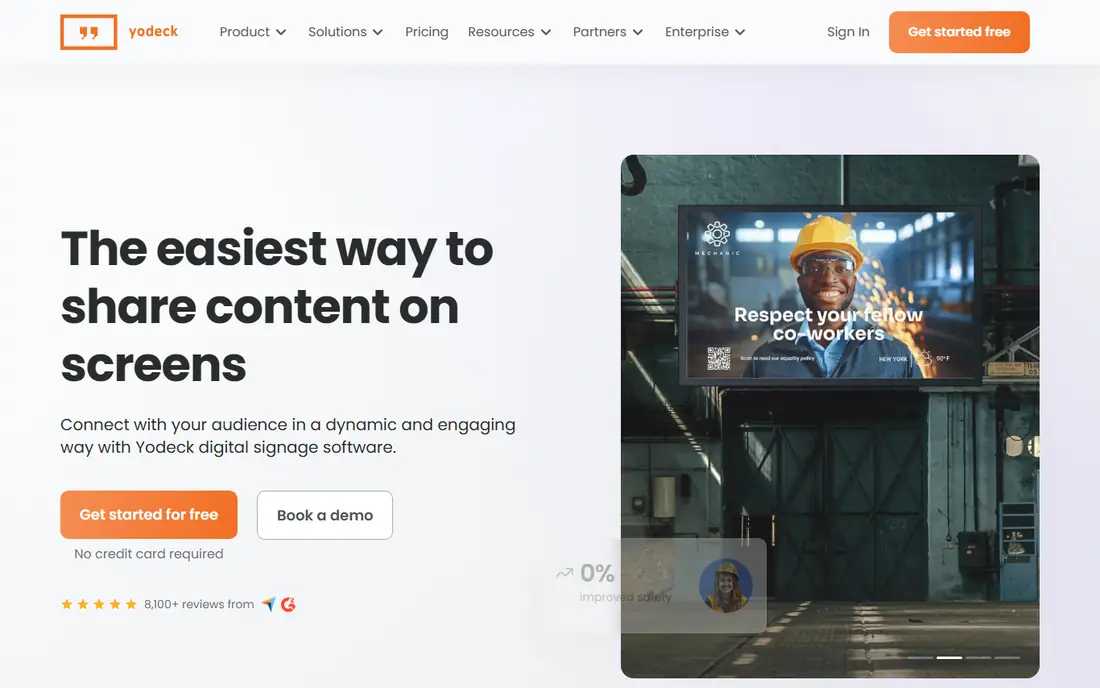
Yodeck is a strong starting point for small businesses because it offers a free plan for one screen and clear paid pricing for more screens. You can manage content from a web dashboard, schedule playlists by time of day, use templates, and monitor screens remotely. That combination covers the core needs of a cafe, shop, office, or clinic without a complex setup.
The platform centres on dedicated players, including Raspberry Pi options, which help reliability compared with a smart TV browser alone. Paid plans add more screens, users, and features, so check pricing for your screen count. If you want a low-risk start with room to grow, Yodeck is the first platform to test.
- Free plan for one screen
- Raspberry Pi and other player options
- Scheduling, templates, and remote management
- Paid plans needed for more screens and advanced features
- Hardware choice affects reliability
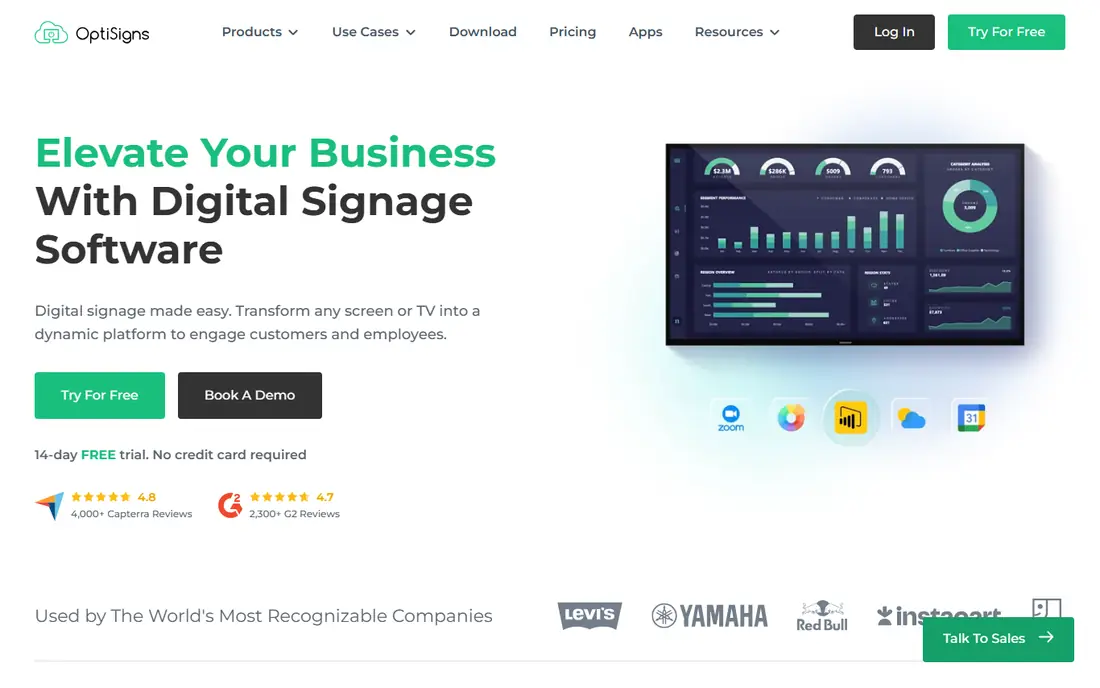
OptiSigns suits small businesses that want many content apps in one system. You can connect calendars, dashboards, spreadsheets, social feeds, and menu boards, with scheduling by time and location. That app range helps restaurants, gyms, offices, and retail stores that need live information, not just static images.
The free tier covers a small number of screens, which is useful for testing, but branding and feature limits apply, so read the plan page before you rely on it for a live site. Paid plans add more screens and features at a clear per-screen rate. If you want app integrations and easy menu scheduling, OptiSigns is a strong rival to Yodeck.
- Free tier for a small number of screens
- Many app integrations
- Menu board scheduling and offline playback
- Free tier includes branding limits
- Advanced features need paid plans
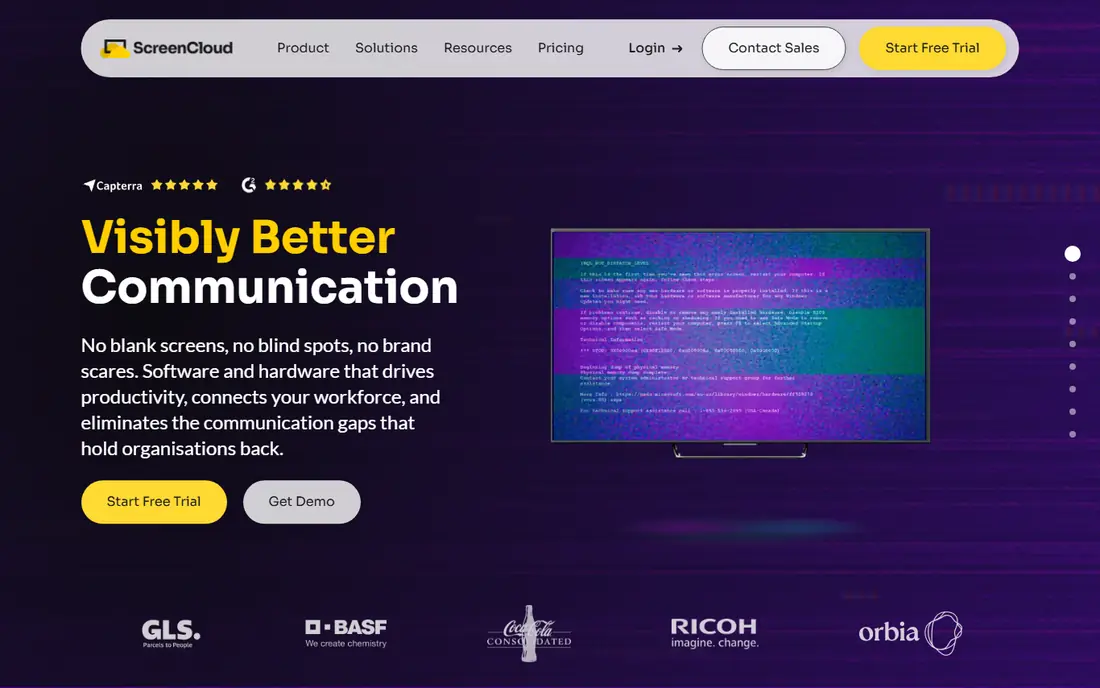
ScreenCloud is built for organisations that need control across many locations. Admins can set permissions, organise screens into groups, approve content, and push updates to many sites from one dashboard. App integrations cover workplace tools, calendars, dashboards, and social feeds, which helps internal communications as well as customer screens.
The price is higher than Yodeck or OptiSigns, and there is no permanent free tier, only trials, so budget for the per-screen rate at your full screen count. If you run a handful of screens, a budget platform may be enough. If you run dozens of screens across sites and need governance, ScreenCloud is worth the higher price.
- Strong content permissions and screen groups
- Many app integrations
- Reliable remote management for many locations
- Higher per-screen price than budget rivals
- No permanent free tier, with trials instead
Rise Vision is a strong pick for schools, colleges, and education settings. It offers templates for announcements, events, menus, and safety messages, with scheduling and emergency messaging features that matter in a school. The platform also supports screen sharing and a wide range of players, including Raspberry Pi, Windows, Android, and ChromeOS devices.
Pricing and free options vary by user type, with special terms for qualifying schools in some cases, so check the official pricing page for your organisation. Non-school users may find budget platforms cheaper for simple screens. If you work in education and need templates plus safety messaging, Rise Vision is a focused, practical choice.
- Large template library for education
- Emergency messaging features
- Screen sharing and scheduling tools
- Free options are limited for non-school users
- Higher plans needed for advanced features
TelemetryTV suits teams that want screens to show live data, not just images. You can build dashboards for sales, operations, support queues, or factory metrics, with data apps that update automatically. That focus helps offices, warehouses, and service teams that need current numbers visible to staff or visitors.
The platform is less centred on simple poster or menu screens than Yodeck or OptiSigns, so compare it on your main use case, not just on price. Pricing varies by device and plan, so check the official page for your screen count. If live data is your main need, TelemetryTV is a strong, focused pick.
- Strong live data and dashboard apps
- Useful for metrics, KPIs, and operations screens
- Flexible player support
- Less focused on simple menu or poster screens
- Pricing needs a check for your device count
NoviSign suits healthcare, education, and service settings that need clear templates and alerts. You can build screens with a drag-and-drop editor, use templates for waiting rooms, classrooms, and lobbies, and send real-time alerts when needed. That combination helps non-technical staff update screens without design training.
The platform offers trials rather than a permanent free tier, so plan for paid pricing after testing. Larger deployments may need a plan check or quote, so model cost for your full screen count. If you work in healthcare or education and want templates plus alerts, NoviSign is a useful option to test alongside Rise Vision.
- Education and healthcare templates
- Real-time alerts
- Drag-and-drop editor for non-technical users
- Trial only, with no permanent free tier
- Pricing needs a quote or plan check for larger deployments
PosterBooking is a useful free entry point for small businesses, schools, and startups. It offers a free tier for a number of screens, with simple setup on common players such as Firestick, Android, and PC. That low barrier helps organisations that want to test digital signage without a monthly bill, or that run a small number of screens on a tight budget.
The free tier has limits, and enterprise features such as deep governance and advanced analytics are less strong than on ScreenCloud or larger platforms. If you need a simple, low-cost start, PosterBooking is a practical pick. If you grow to many locations with strict permissions, plan a move to a governance-focused platform later.
- Free tier for a number of screens
- Simple setup on Firestick, Android, and PC
- Useful for small businesses and schools
- Free tier has limits and branding considerations
- Fewer enterprise governance features than ScreenCloud
Xibo is the open-source pick for technical teams that want control. You can self-host the software, manage screens and layouts, and avoid per-screen subscription costs for the software itself, though hosting and maintenance still cost time and money. That model suits organisations with on-premise rules, privacy needs, or in-house technical staff.
The trade-off is setup. You need to install, update, and support the system yourself, or pay for hosted Xibo services, and the learning curve is steeper than Yodeck or OptiSigns. If you have technical help and want open-source control, Xibo is a strong choice. If you want a managed cloud dashboard with support, choose a hosted platform instead.
- Free open-source software
- Self-hosting control
- Useful for technical teams with privacy or on-premise needs
- Needs hosting, setup, and maintenance
- Support and ease of use depend on your technical skills
How we picked these
We compared official feature pages, pricing pages, hardware guides, privacy policies, and public reviews for each platform. We looked for software that is still active in 2026, that publishes clear pricing or a clear trial process, and that covers different needs, from free small deployments to multi-location governance and open-source hosting. We did not claim hands-on testing, and we did not rank by a single review score.
We favoured a mix of budget, governance, education, data, and open-source options, because signage buyers have different screen counts and control needs. A cafe with two screens does not need the same platform as a school district with hundreds of screens. Where a price could not be confirmed on the vendor site, we wrote See website rather than guessing a per-screen figure.
What to check before you choose signage software
Start with screen count, locations, and content type, not with the cheapest per-screen price. Count how many screens you will run in a year, who will update content, and whether you need live data, menus, emergency alerts, or simple posters. Then check hardware, since a reliable player often matters more than a small software saving, and a screen that goes dark during trading hours costs more than a better player.
Pricing, hardware, and total cost
Compare per-screen pricing, free tier limits, and contract terms on the official pricing page, and add player, display, mount, and cabling costs. Budget for support and for time spent updating content, since those costs are easy to miss. A free software tier is not a free project if you need paid players, design time, or support for many locations.
Content, scheduling, and permissions
Check how easy it is to create, schedule, and approve content, and who can publish to which screens. Look for templates, playlists, daypart scheduling, and offline playback, so a network outage does not blank your screens. For multi-location work, permissions and audit trails matter, since a wrong publish to every screen is worse than a slow publish to one.
Reliability, support, and security
Check player compatibility, remote monitoring, and alerting for offline screens, and test support response times during a trial. Read the security and privacy pages for user access, data handling, and update policies, especially for schools, healthcare, and corporate sites. A platform with clear monitoring and support will save time when a screen fails at a busy site.
Frequently asked questions
What is the best digital signage software?
For most small businesses, Yodeck or OptiSigns are the best starting points, with free tiers and clear per-screen pricing. ScreenCloud suits larger multi-location teams that need governance, Rise Vision suits schools, and TelemetryTV suits live data dashboards. Pick by screen count, content type, and control needs, not by price alone.
Is there free digital signage software?
Yes, with limits. Yodeck offers a free plan for one screen, OptiSigns offers a free tier for a small number of screens, and PosterBooking offers a free tier for a number of screens. Xibo is free open-source software if you host and maintain it yourself. Check screen limits, branding, and feature limits on the official pricing page before you rely on a free tier for a live site.
How much does digital signage software cost per screen?
Published cloud rates in 2026 often run from free for a limited tier to around $20 per screen per month for mid-range platforms, with enterprise platforms priced by quote. Yodeck, OptiSigns, Rise Vision, and TelemetryTV sit in the lower to mid range in many published plans, while ScreenCloud sits higher. Add player and display costs to get a true total per screen.
Do I need special hardware for digital signage?
Not always, since many platforms run on a smart TV browser or a low-cost streaming stick, but dedicated players are more reliable at scale. Yodeck centres on Raspberry Pi players, while other platforms support Android, Windows, Firestick, and PC players. Check the vendor hardware guide for your platform, and budget for a player, mount, and cabling per screen.
What is the best digital signage app for a small business?
Yodeck and OptiSigns are strong small business picks, because they offer free tiers, templates, scheduling, and remote management without enterprise complexity. PosterBooking is also useful for a very low-cost start. Test one platform with a single screen, check how easy content updates feel, and add screens only when the workflow works for your team.
How do I update content on many screens at once?
Use a cloud dashboard with screen groups, playlists, and scheduling, so one publish can reach many screens. Set permissions so only approved staff can publish to all screens, and use daypart scheduling for menus or announcements that change by time of day. Test a publish to one screen first, then roll it out to the group, and check remote monitoring to confirm every screen updated.
Sources we checked (8)

Online Jobs is an independent blog about careers, online work, learning new skills and the tools that help people earn. More about us.
Keep reading
All posts
Workday Alternatives
We compared the best workday alternatives for HR, payroll, and global hiring, from BambooHR and Gusto to Rippling, Deel, and HiBob for growing teams in 2026.

Which SaaS Tools Have the Best Customer Support
Which SaaS tools have the best customer support? Compare eight popular tools on help centres, live help, response options and overall support quality.

Top AI Helpdesk Software
Searching for top AI helpdesk software in 2026? We compared 8 AI helpdesks on automation, pricing, channels and ease of setup for small and growing teams.