Best Digital Business Card Apps in 2026: 8 Tools Compared

How we put this together: we compare official feature and pricing pages, app store listings, privacy policies and public user reviews. Prices change, so check the provider's site before you pay.
Key takeaways
- A free plan is enough for many solo users, since a QR code and a link usually share a card without the recipient needing an app.
- Teams should weigh CRM sync and brand control more heavily than a single design, because those features save follow-up time after events.
- NFC tap cards suit frequent in-person networking, while QR codes suit occasional sharing and cost nothing to start.
- Pricing models differ in an important way: some charge per user, some charge per team, and some hide team pricing behind a sales quote.
- Check what happens to your card and contacts if you cancel, before you put the card on every email signature and event badge.
Quick comparison
| Name | Who it suits | Starting price | Free option | |
|---|---|---|---|---|
 Blinq | Teams that want CRM sync | See website | Yes | Visit |
 HiHello | Individuals who want a polished card fast | See website | Yes | Visit |
 Popl | Event and trade show lead capture | See website | No | Visit |
 Wave Connect | Sales teams that want simple sharing | See website | Yes | Visit |
 Mobilo | Premium physical cards for sales teams | See website | No | Visit |
 Linq | Tap sharing with workflow links | See website | No | Visit |
 Uniqode | QR cards with team controls | See website | Yes | Visit |
 Canva | Designing a card inside a broader design tool | See website | Yes | Visit |
The best digital business card apps
We looked for cards that open cleanly on a phone, share by QR code or link, and keep contact details easy to save. The eight tools below cover free solo cards, team cards, and tap-to-share hardware, so the right choice depends on how often you meet people in person.
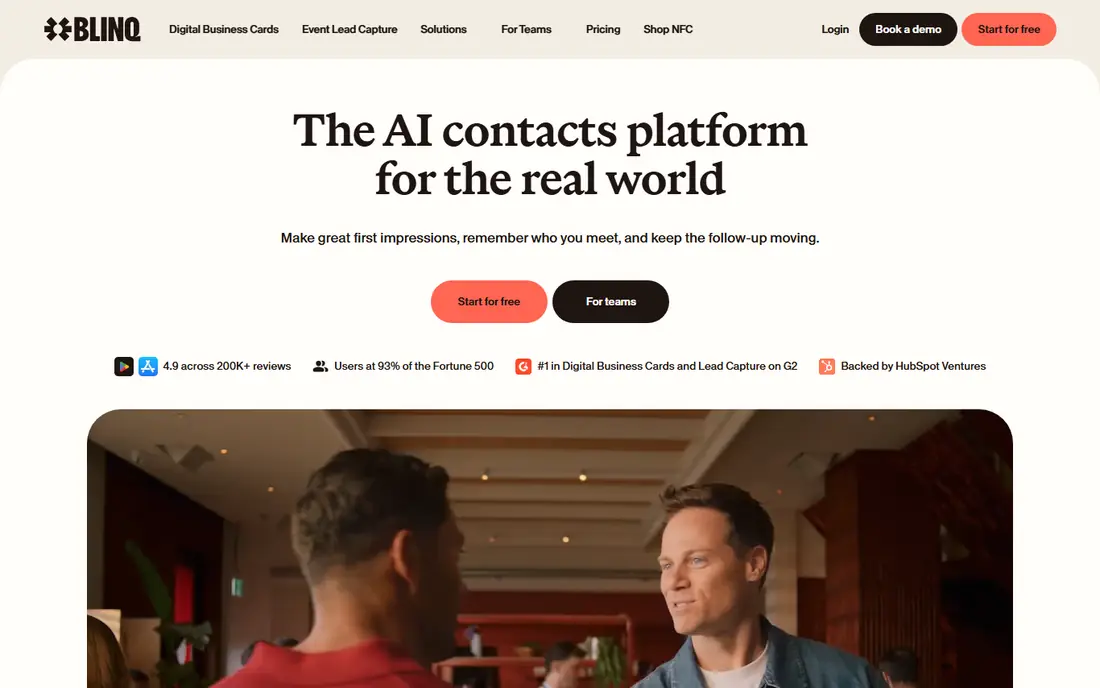
Blinq works well when a card is only the first step. A recipient scans a code or taps a link, saves the details, and the sender can move on without handing over paper. For teams, the appeal is the link to a CRM, which cuts the manual copying that often follows a conference. The trade-off is that the free card is simpler than the team version. Branding, analytics, and deeper integrations tend to require a paid plan, so solo users should test the free card first and only upgrade when a specific team feature is clearly needed.
- Free plan for individuals
- QR and link sharing
- CRM sync on team plans
- Some team features sit on higher plans
- NFC cards are a separate purchase
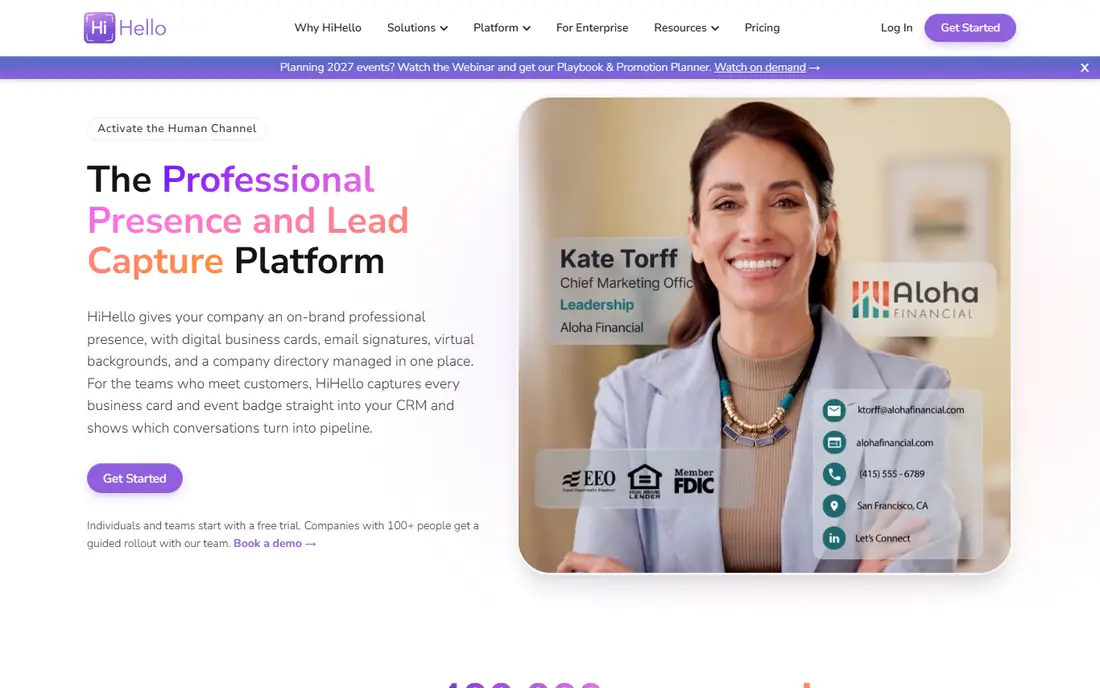
HiHello is a strong starting point for a freelancer or a job seeker who needs a card today. The editor is direct, the card looks tidy on a phone screen, and sharing takes a link or a QR code rather than a download. That low friction matters when you meet someone for only a minute. Where HiHello asks for a decision is scale. One card is easy, but a team that wants shared branding and CRM sync should check the business plan in detail. The free plan is useful for testing, and the paid plans make more sense once several people will use the same template.
- Quick setup
- Multiple card designs
- QR and link sharing
- Some analytics and integrations need a paid plan
- NFC options depend on your own tag or card
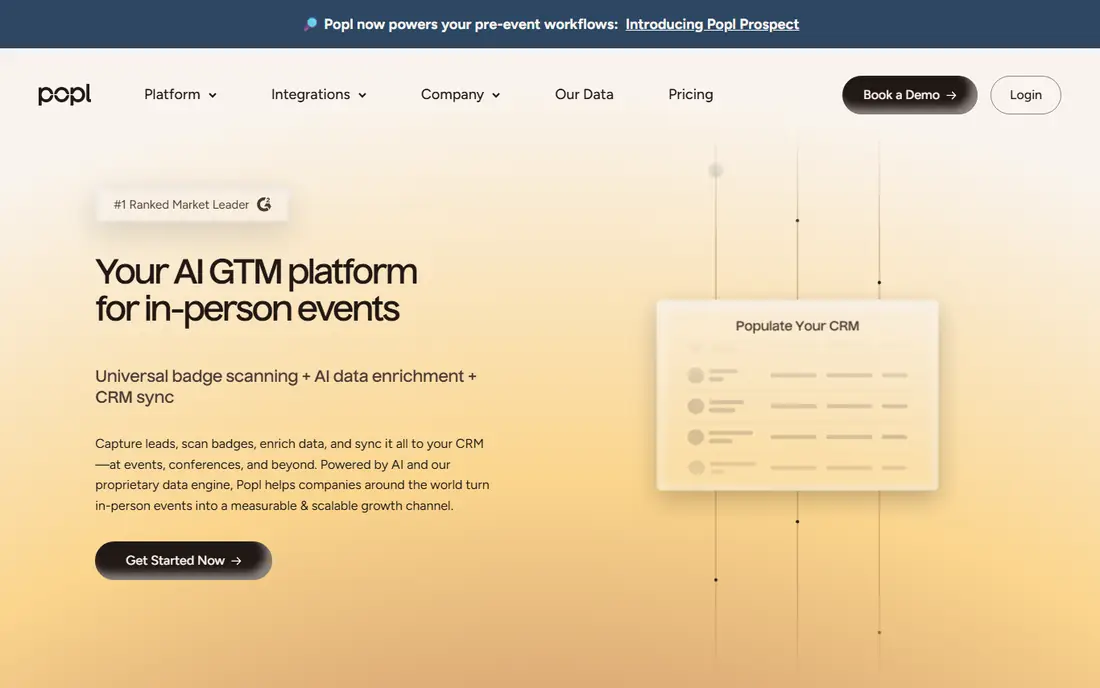
Popl is built around the moment of meeting someone at a booth or a conference. A tap can share a card, and the lead capture tools help a rep record notes and follow up while the conversation is still fresh. That focus makes it a natural fit for teams that attend many events each year. The cost question needs care, because team pricing is not always published in full. A small team should ask for a written quote that covers seats, hardware, and any lead capture add-ons, and compare that total with a QR-only tool before committing.
- NFC tap sharing
- Lead capture tools for events
- Team management options
- Team pricing is quote based
- Physical products add cost
Wave Connect keeps the recipient experience simple, which is a real advantage in a busy hallway. The other person opens a link in a browser, sees the card, and saves the contact without installing anything. That removes one common reason a digital card fails in practice. For a sales team, the value grows when analytics and contact export are included, since managers can see which cards lead to replies. Solo users may find the free plan covers the basics, while teams should confirm which plan includes the CRM link they actually use.
- Browser based sharing for recipients
- Free plan available
- Analytics on paid plans
- Some CRM features need a paid plan
- Design options are more limited than a full design tool
Mobilo suits a team that wants a physical card to feel like part of its brand. The card can be tapped or scanned, and the linked profile can be updated without reprinting anything, which solves the old problem of a job title changing after a print run. Admin controls help keep many reps on the same template. The downside is cost and commitment. A team should count cards, seats, and any platform fee together, and check how a card is reassigned when someone leaves. If most sharing happens by email or link, a cheaper QR-only tool may do the same job.
- Branded physical cards
- Tap and QR sharing
- Team admin controls
- No free plan in the usual sense
- Hardware and team costs add up
Linq appeals to people who like a physical tap and a custom page behind it. The page can hold links, a booking link, and social profiles, so the card becomes a small hub rather than just a name and number. That is useful for creators and consultants who send people to several places. Buyers should separate the hardware price from the platform price. A tap product can look cheap until the subscription is added, and a QR code may be enough for a user who rarely meets clients in person. Test the page on a real phone before ordering hardware for a whole team.
- NFC tap sharing
- Custom landing pages
- Workflow and CRM links on some plans
- Hardware is an extra cost
- Pricing varies by plan and product
Uniqode comes from the QR world, and that shows in its team tools. A manager can create cards in bulk, keep branding consistent, and track scans, which helps at a large event where many staff share cards at once. The QR route also avoids hardware for every employee. The limit is that a team wanting a premium tap experience may need another product for hardware. Uniqode is strongest when the main job is a reliable, scannable card that works on any phone camera, and when the team values central control over a physical tap.
- QR code focus
- Team management tools
- Analytics on paid plans
- Less emphasis on NFC hardware
- Advanced features need a paid plan
Canva is the pick when design matters more than lead capture. A user can start from a template, adjust colours and layout, and share a link or a QR code to the finished card. For a small business that already uses Canva for posts and flyers, keeping the card in the same tool saves time. The honest limit is follow-up. Canva does not replace a dedicated card platform for CRM sync, scan analytics, or team lead capture. It works best as a design-first card, or as a simple card for someone who mainly needs a good-looking link to share.
- Wide design templates
- Easy editing
- Free plan available
- Not a dedicated card CRM
- Sharing and lead capture are more basic
How we picked these
We compared official feature pages, pricing pages, app store listings, and privacy policies, and we checked public reviews for recurring complaints about sharing, pricing, and support. We kept only tools that were still offered in October 2026 and that could share a card by QR code, link, or tap without forcing the recipient to install an app. We did not claim hands-on testing that we did not do, and where a vendor did not publish a price, we wrote See website rather than guessing. We also weighed the recipient experience, because a card that is hard to open fails no matter how good the editor looks. That is why free plans, browser sharing, and clear pricing counted heavily, and why a tool with strong hardware but opaque team pricing did not rank above a simpler tool for most readers.
Choosing a card that people will actually save
A good card answers three questions in seconds: who you are, what you do, and how to reach you next. Put the phone number and email where they can be tapped, add one booking or website link, and leave out social links that no one will use. A card with ten links looks busy on a small screen and makes the main contact detail harder to find. Think about where you will share it before you pay. If most meetings happen online, a link in an email signature is enough, and a free plan may cover you for a long time. If you work trade shows, test tap sharing and lead capture in a real hall, with noise and poor signal, not just at a desk. Ask how contacts export, how a leaver's card is turned off, and whether the card still works if you stop paying. Those answers matter more than a new template. For teams, agree on one template and one naming rule before rollout. A card that spells a name one way and a CRM entry another way creates duplicate contacts, and that duplicate work erases the time a digital card was meant to save. A short trial with two or three reps will reveal most problems before the whole team switches.
Free versus paid
Start free when you can, and upgrade for a named reason, such as CRM sync, analytics, or team branding. A paid plan that no one uses for follow-up is just a prettier card, while a free card with a clear call to action can win work.
QR, link, or tap
QR codes work on almost any phone and cost nothing. Links suit email and messaging. Tap cards suit repeat in-person networking and feel more premium, but they add hardware cost and a risk of loss. Many teams use QR and link for most staff and tap cards only for event staff.
Frequently asked questions
What is the best digital business card app for free?
Blinq, HiHello, Wave Connect, Uniqode, and Canva all offer a free starting point, though the free features differ. A solo user should pick based on design and sharing, not on the longest feature list, and upgrade only when a paid feature is needed. Check whether the free card carries platform branding and whether contacts export without paying.
Do recipients need the same app to view my card?
No, in most cases. The tools listed here let a recipient open a card in a browser by scanning a QR code, tapping a link, or tapping an NFC card. The sender needs an account to create and edit the card, but the recipient does not need to install anything to view it.
Are digital business cards better than paper cards?
They are better for updating details and for follow-up, since a changed number does not require a reprint and a scan can feed a contact list. Paper still has a place at some events, and some people keep a few paper cards for contacts who prefer them. Many teams now use both, with digital as the main card.
What is the best free digital business card app for a team?
A free plan can work for a very small team, but shared branding and CRM sync usually need a paid plan. Wave Connect and Blinq are worth testing first for small teams, because their free tiers cover sharing well. For a larger team, compare the total per-seat cost, not just the starting price.
How do QR code business cards work?
A QR code encodes a link to your card page. When someone points a phone camera at the code, the phone opens that page, where the contact details can be saved. The code can be printed, shown on a phone screen, or added to an email signature, and the page behind it can be updated without changing the code in many tools.
Is my contact data safe on a digital business card platform?
That depends on the vendor and on what you share. Read the privacy policy before adding a personal mobile number or home address, and use a work number and work email where possible. Established vendors publish security details, while a new tool with no published policy deserves caution.
Sources we checked (8)

Online Jobs is an independent blog about careers, online work, learning new skills and the tools that help people earn. More about us.
Keep reading
All posts
n8n Alternatives
n8n alternatives compared for 2026, with Zapier, Make, Activepieces, and more, covering visual builders, code steps, self-hosting, and pricing models.

ZoomInfo Alternatives
The best ZoomInfo alternatives in 2026, compared on price, free plans, data coverage, and which tool fits small teams or large sales teams best in detail.

Workday Alternatives
We compared the best workday alternatives for HR, payroll, and global hiring, from BambooHR and Gusto to Rippling, Deel, and HiBob for growing teams in 2026.