Best Digital Asset Management Software in 2026: 8 Tools Compared

How we put this together: we compare official feature and pricing pages, app store listings, privacy policies and public user reviews. Prices change, so check the provider's site before you pay.
Key takeaways
- Digital asset management software gives teams one searchable home for photos, videos, logos, and documents, replacing scattered shared drives.
- Bynder and Brandfolder lead for larger brands that need governance, portals, and control over who uses which asset.
- Canto is the easiest mid-market option to adopt, while Air suits small creative teams that want a fast, visual workspace.
- Cloudinary is the pick for developer-led teams, because it stores assets and transforms and delivers them to websites and apps.
- ResourceSpace is the free open-source option for teams willing to self-host, and it costs nothing in license fees.
Quick comparison
| Name | Who it suits | Starting price | Free option | |
|---|---|---|---|---|
 Bynder | Enterprise brand governance | See website | No | Visit |
 Brandfolder | Distributing approved brand assets | See website | No | Visit |
 Canto | Mid-market teams that want easy adoption | See website | Free trial | Visit |
 Acquia DAM | Commerce teams that need DAM plus product data | See website | No | Visit |
 Cloudinary | Developer-led media delivery | See website | Yes | Visit |
 Frontify | Brand guidelines plus DAM in one place | See website | No | Visit |
 Air | Small creative teams | See website | Yes | Visit |
 ResourceSpace | Self-hosted open-source DAM | Free | Yes | Visit |
The best digital asset management software
Digital asset management, or DAM, software stores, organizes, and distributes the files a brand runs on: product photos, videos, logos, templates, and campaign documents. The tools below range from free open-source software to enterprise platforms, and the right one depends on team size, governance needs, and whether developers or marketers are the main users.
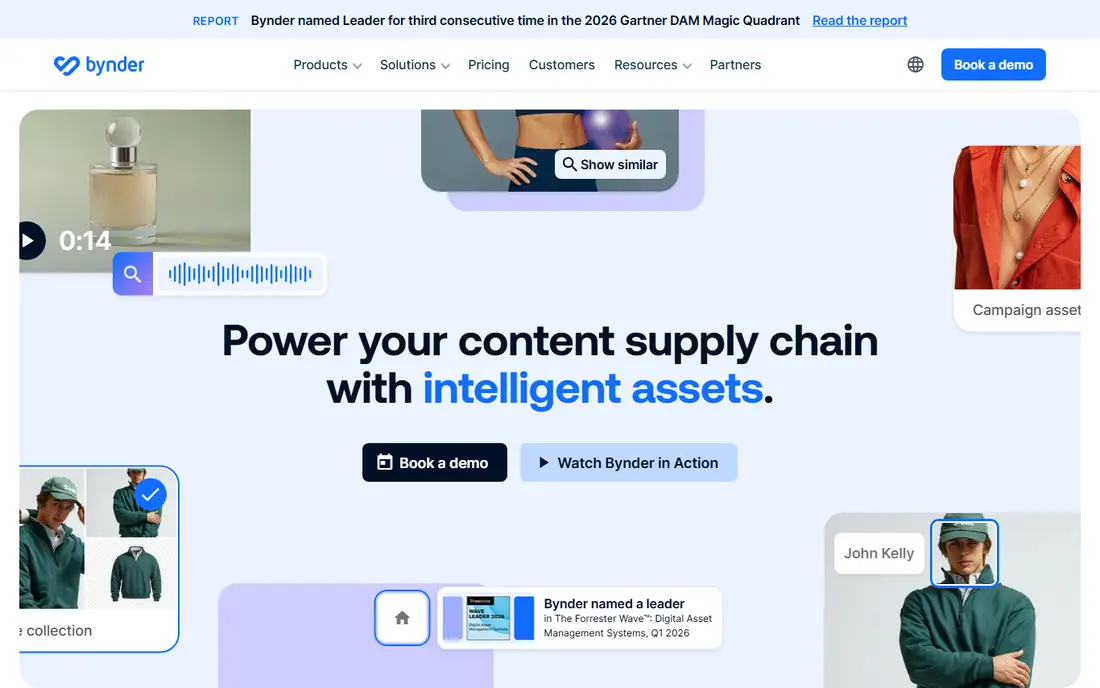
Bynder is the most recognized enterprise name in this category, and it wins deals where multi-brand or multi-region governance is the dominant requirement. Its AI search finds assets by image, text, or similarity, its portals let partners and retailers download approved files without emailing marketing, and its workflow modules route assets through approval before release.
That power comes with enterprise process. Pricing is fully custom, there is no self-serve plan, and getting value from Bynder usually means assigning someone internally to own taxonomy, permissions, and integrations. For a large brand with those resources, it is the benchmark. For a ten-person team, it is more than you need.
- Strong AI search and governance modules
- Brand portals for partners
- Broad integration catalog
- Fully custom pricing
- Needs a dedicated owner to run well
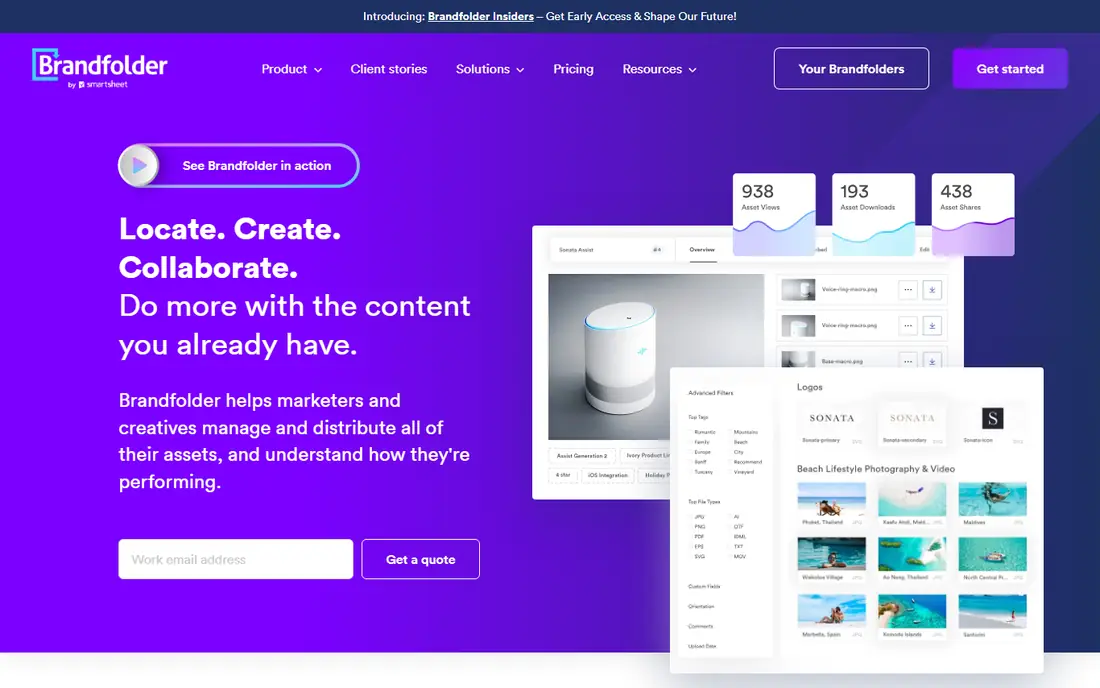
Brandfolder, part of Smartsheet, focuses on getting approved assets into the hands of the people who need them: sales teams, partners, franchisees, and agencies. Its portals are polished, its asset analytics show which files actually get used, and its permissions keep unapproved work out of circulation. Brand-led teams that spend their days answering "can you send me the logo" will feel the benefit fast.
Pricing is quote-only across Premium and Enterprise tiers, with features such as asset analytics and video AI starting at Premium. Creative workflow and custom automation sit higher. If your priority is distribution and visibility rather than deep content operations, Brandfolder is a strong, more approachable rival to Bynder.
- Clean, usable interface
- Strong portals and asset analytics
- Good external sharing controls
- No published pricing
- Proofing and approvals run through a separate Smartsheet workflow
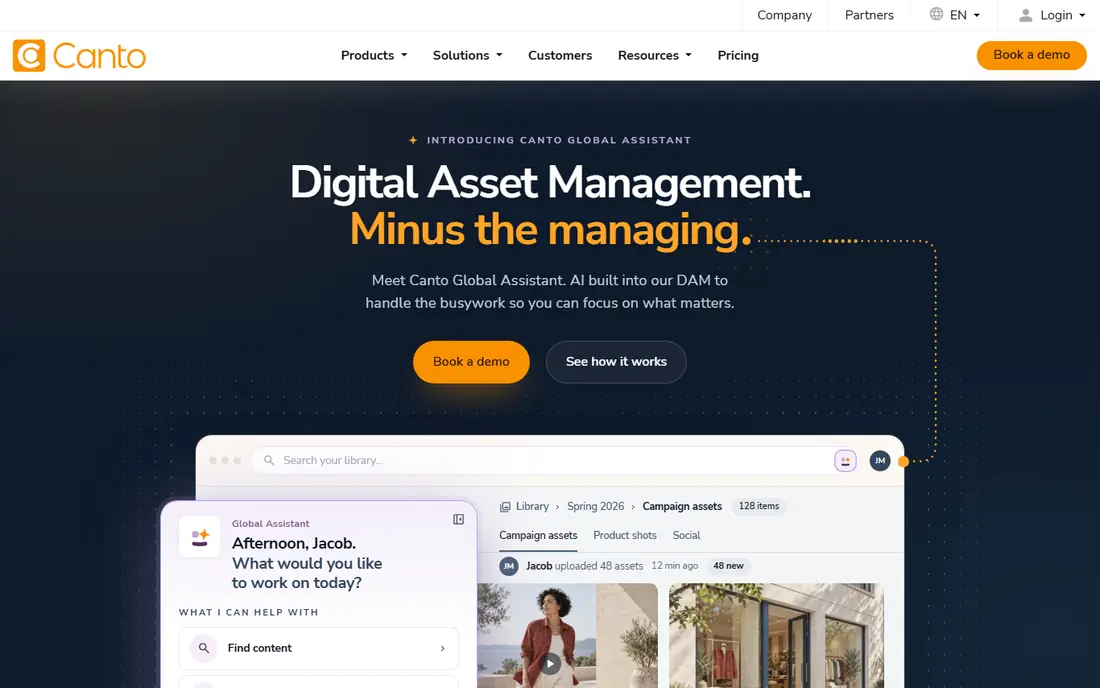
Canto is the mid-market comfort pick. Teams praise it for a short learning curve and quick onboarding, and its AI visual search helps staff find images without perfect tagging. For a marketing team moving off shared drives, Canto delivers the core DAM experience, search, sharing, and brand control, without the enterprise weight of the bigger platforms.
The limits show at the top end. Governance, workflow depth, and analytics are thinner than in Bynder or Brandfolder, and pricing is tiered by quote rather than published. If your library is large but your process is straightforward, Canto's ease of use is a genuine advantage that shows up in adoption rates.
- Easy to learn and fast to set up
- AI visual search
- Good onboarding reputation
- Quote-only tiered pricing
- Fewer enterprise governance features than Bynder
Acquia DAM, formerly Widen, pairs digital asset management with product information management, which matters for commerce and manufacturing teams that need product data and product imagery to stay in sync. Its tiered packaging avoids per-seat penalties, and its integration catalog covers the content and commerce tools those teams already use.
This is still an enterprise purchase in practice. Tiers are set by users and storage through a quote, and implementation needs internal ownership. Teams already in the Acquia or Drupal world get extra value, while others should weigh it against Canto for simplicity or Bynder for governance.
- Combines DAM with product information management
- Flat tiered pricing
- Many integrations
- Quote-based tiers
- Implementation is a real project
Cloudinary is different from the rest of this list because it does not just store assets. It transforms and delivers them, resizing, cropping, optimizing, and converting images and video at request time for websites and apps. A developer can serve a new crop or format without creating and uploading another file, which is why engineering-led teams adopt it.
The free plan covers the image and video APIs, and a 30-day trial covers the full DAM product, but portals, single sign-on, and AI search need the enterprise plan. Watch credit usage too, since transformations consume credits. If your DAM must feed a website or app, Cloudinary is the natural pick. If it only needs to store files for people, a simpler tool fits better.
- Free plan for image and video APIs
- Transforms and delivers media on request
- 30-day DAM trial
- Full DAM features need the quote-only enterprise plan
- Credit usage needs monitoring
Frontify appeals to teams tired of keeping brand guidelines in one tool and assets in another. Guidelines, logos, templates, and campaign files live together, and its brand assistant answers questions about the guidelines in plain language. That unity helps distributed teams stay on brand without hunting through separate systems.
Pricing is custom and based on monthly active users, so costs scale with adoption rather than a flat fee. Media transformation is thinner than Cloudinary, and governance depth is thinner than Bynder. For a mid-market brand that wants guidelines and DAM unified, Frontify is a smart compromise.
- Unifies brand guidelines and asset library
- Conversational AI over guidelines
- Good mid-market fit
- Usage-based custom pricing
- Less media transformation depth than Cloudinary
Air is built for lean creative and marketing teams that want to find, share, and tweak assets without enterprise ceremony. Its interface feels visual and fast, its free plan lets small teams start immediately, and paid plans include unlimited users, which removes the per-seat math that inflates other tools. In-app editing and resizing mean fewer round trips to a design tool.
The trade-offs are scope. Air does not offer product data management or syndication, and its governance features are lighter than Bynder or Brandfolder. For a small business drowning in Drive folders, though, Air is the quickest route to a library people actually use.
- Free plan available
- Fast visual workspace
- Unlimited users on paid plans
- Easy editing and resizing
- No product data management
- Less governance than enterprise DAMs
ResourceSpace is the open-source answer for teams with technical resources and no DAM budget. Self-hosting is free, with no license fees, and the platform covers the essentials: metadata, search, permissions, and sharing. Managed cloud plans exist for teams that want hosting handled, but the free self-hosted route is the headline.
Self-hosting is also the cost. Your team owns installation, updates, backups, and security, and the interface is plainer than commercial tools. For a nonprofit, university, or small team with a capable IT person, that trade is excellent. For a marketing team with no technical support, a commercial free plan like Air or Cloudinary is safer.
- Free self-hosted open-source software
- No license fees
- Flexible metadata and permissions
- You host and maintain it
- Interface feels older than commercial rivals
How we picked these
We compared official product pages, pricing pages, and public documentation for digital asset management platforms, and checked each homepage to confirm it loads and belongs to that product. We favored tools that cover storage, search, sharing, and permissions, and we mixed enterprise, mid-market, developer-led, and free options so different budgets are represented. Where pricing is quote-only, we say so rather than repeating third-party estimates.
Buying a DAM without regret
Start with an audit, not a demo. Count how often staff recreate assets they cannot find, time your ten worst searches, and list who needs access from outside the company. That evidence tells you whether you need governance, delivery, or simply better search.
Test with your messiest folder
Load a real folder, not a vendor sample set, into every trial. Run your worst searches, check duplicate handling, and try sharing a file with an outside partner. A DAM that shines on clean demo data and struggles on your real library is the wrong DAM.
Price for your real user count
Per-seat pricing punishes broad adoption, while flat or unlimited-user pricing rewards it. Model the cost at your current headcount and at double that number, including storage growth. A tool that is cheap for ten users and expensive for fifty will surprise you later.
Plan the migration
Tagging and permissions are the unglamorous work that decides whether a DAM succeeds. Budget time to clean filenames, set a simple taxonomy, and assign an owner. Without that, even the best platform becomes another drive full of files nobody can find.
Frequently asked questions
What is the best digital asset management software for small business?
Air and Cloudinary are strong small-business picks, because both offer free plans and fast setup. Canto is the best mid-market step up when a team outgrows free tools and wants dedicated onboarding.
What is the best digital asset management platform for enterprises?
Bynder leads for enterprise brand governance, with Brandfolder close behind for distribution and Acquia DAM for commerce teams that need product data alongside assets. All three are quote-priced, so request proposals from at least two.
How much does digital asset management software cost?
Self-serve and free tools run from free to a few hundred dollars a month, while quote-based mid-market and enterprise platforms typically run into thousands per year and beyond. Storage, user counts, and add-on modules drive the final figure.
What is the best free digital asset management tool?
ResourceSpace is the best fully free option for teams that can self-host, while Air and Cloudinary offer the best free cloud plans. Choose self-hosting for control and no license fees, or a free cloud plan for zero maintenance.
Do I need a DAM if I already use Google Drive or Dropbox?
A shared drive stores files, but a DAM adds structured metadata, visual search, version control, permissions, and portals for outside partners. If staff regularly recreate assets they cannot find, or send the wrong logo version, a DAM pays for itself.
What features matter most in a DAM?
Search quality, permissions, sharing controls, and integrations matter most for daily use. AI tagging and transformation help at scale, but a DAM with weak search will fail no matter how many extra features it lists.
Sources we checked (8)

Online Jobs is an independent blog about careers, online work, learning new skills and the tools that help people earn. More about us.
Keep reading
All posts
ZoomInfo Alternatives
The best ZoomInfo alternatives in 2026, compared on price, free plans, data coverage, and which tool fits small teams or large sales teams best in detail.

Workday Alternatives
We compared the best workday alternatives for HR, payroll, and global hiring, from BambooHR and Gusto to Rippling, Deel, and HiBob for growing teams in 2026.

Which SaaS Tools Have the Best Customer Support
Which SaaS tools have the best customer support? Compare eight popular tools on help centres, live help, response options and overall support quality.