Best Dictation App in 2026: 8 Apps Compared

How we put this together: we compare official feature and pricing pages, app store listings, privacy policies and public user reviews. Prices change, so check the provider's site before you pay.
Key takeaways
- Apple Dictation, Google Docs Voice Typing, and Windows Voice Access cover everyday dictation free, with no subscription.
- Wispr Flow is the strongest cross-platform paid dictation app, with AI cleanup that works in any text field.
- Dragon Professional remains the choice for specialized legal and medical vocabulary on Windows, at a high one-time price.
- Otter.ai is a meeting transcription tool, not a dictation app, so pick it only if transcripts and summaries are the job.
Quick comparison
| Name | Who it suits | Starting price | Free option | |
|---|---|---|---|---|
 Apple Dictation | Apple users, free | Free | Yes | Visit |
 Google Docs Voice Typing | Google Docs writers | Free | Yes | Visit |
 Wispr Flow | Cross-platform AI dictation | $15 per month | Yes | Visit |
 Dragon Professional | Specialized professional vocabulary | $699 one-time | No | Visit |
 Otter.ai | Meeting transcription | Free | Yes | Visit |
 Windows Voice Access | Windows 11 users, free | Free | Yes | Visit |
 Superwhisper | Mac privacy and offline use | $8.49 per month | Yes | Visit |
 Speechnotes | Quick browser dictation | Free | Yes | Visit |
The best dictation apps
Dictation apps split into two jobs: replacing typing in any app, and transcribing meetings or recordings. The best dictation app for you depends on which job you need, your platform, and how much you care about privacy and offline use.
Apple Dictation is the best free starting point for anyone on a Mac, iPhone, or iPad. It is built in, works in any text field, and processes speech on the device, which keeps audio off external servers. For emails, notes, and short documents, it is fast enough that many users never need a paid app.
The limits are clear. There is no AI cleanup, filler removal, or advanced formatting, so long drafts need editing after dictation. Accuracy also varies with background noise and accents. If you dictate for hours daily, a paid app with cleanup will save editing time.
- Built into macOS and iOS
- On-device processing
- Works system-wide in any app
- No AI cleanup or formatting tools
- Accuracy drops with heavy accents or noise
- Apple devices only
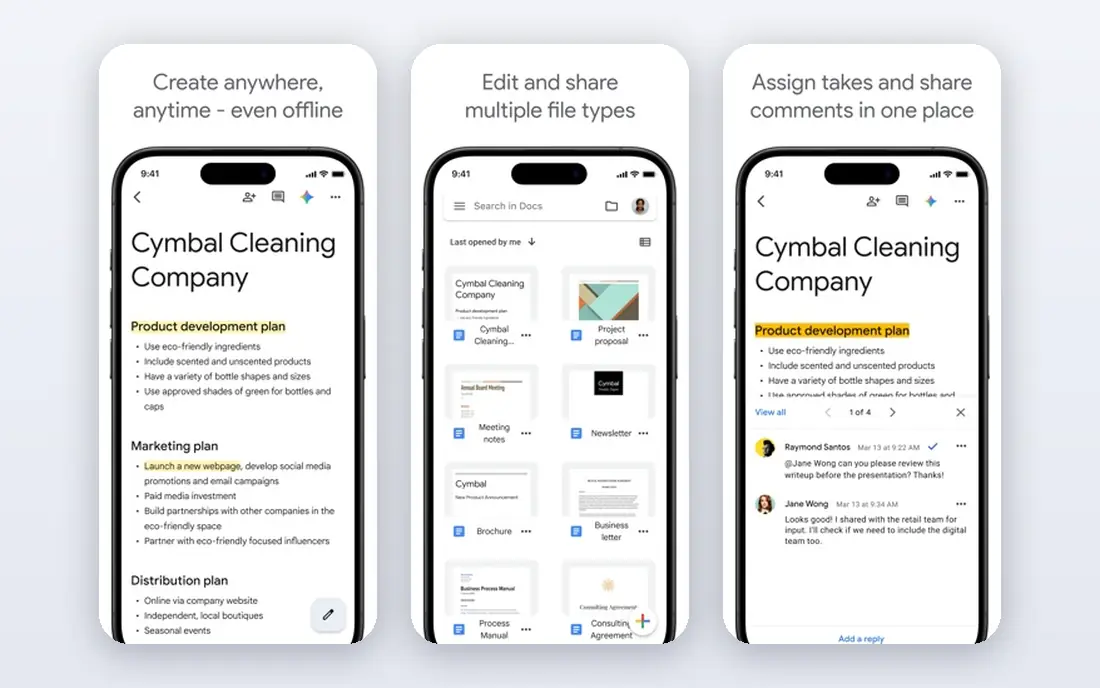
Google Docs Voice Typing is the best free option for writers who already live in Google Docs. Open a document in Chrome, turn on voice typing, and speak. Language support is broad, and there is nothing to install or pay for, which makes it ideal for students and casual writers.
The catch is scope. It only works inside Google Docs, so you cannot dictate into email, Slack, or other apps with it. It also needs a connection, since processing happens in the cloud. If you write mainly in Docs, that limit rarely matters. If you dictate everywhere, look at Wispr Flow or Apple Dictation instead.
- Free inside Google Docs
- Wide language support
- No install needed in Chrome
- Only works inside Google Docs
- Needs an internet connection
- No system-wide dictation
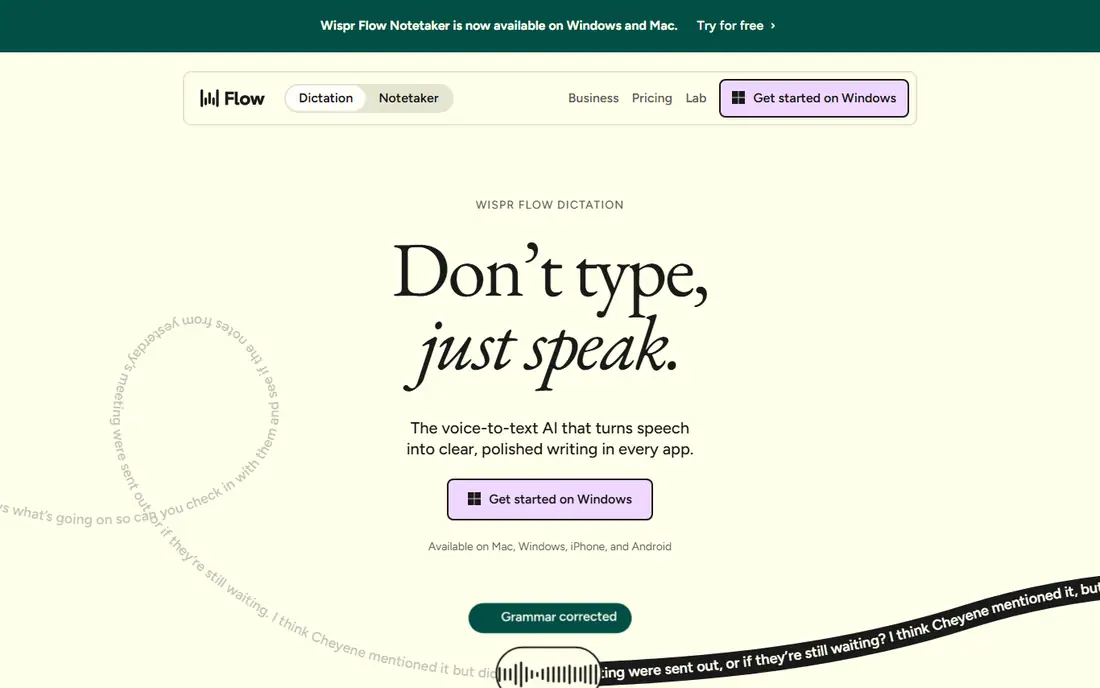
Wispr Flow is our pick for serious daily dictation across platforms. It works in any app, cleans up filler words and phrasing as you speak, and supports voice commands for punctuation and formatting. Writers, professionals, and anyone who dictates into many different apps gain the most here.
The trade-offs are price and privacy. At $15 per month, it costs more than free built-ins, and processing happens in the cloud rather than on your device. The free tier limits weekly words, so heavy users will need the paid plan. Try the free tier for a week of real work before subscribing.
- Works in any text field on Mac, Windows, iOS, and Android
- AI cleanup and filler removal
- Voice commands for editing
- Cloud processing, not offline
- $15 per month adds up
- Free tier limits weekly words
Dragon Professional, from Nuance, is still the reference for specialized dictation. Legal and medical vocabularies, custom word lists, and full voice control of Windows make it the choice for professionals who dictate technical language all day. Offline processing also suits privacy-sensitive work.
The price and platform limits are serious. At $699 for a one-time license, it is far beyond casual needs, and Mac users no longer get a native version. For general writing, Wispr Flow or a free built-in is cheaper and simpler. Buy Dragon only when specialized vocabulary is the job.
- Custom vocabularies for legal and medical work
- Offline use on Windows
- Deep voice control
- $699 one-time cost
- Windows only, with Mac support discontinued
- Steep setup for casual users
Otter.ai is included because many people searching for dictation software actually need meeting transcripts. It records calls, identifies speakers, and produces searchable transcripts with summaries and action items, which is a different job from dictating an email. The free tier covers 300 minutes a month, and paid plans add more minutes and features.
Do not buy Otter.ai to replace typing. It does not dictate into any text field the way Wispr Flow or Apple Dictation do. If your work is meetings, interviews, or lectures, it is excellent. If your work is writing, pick a dictation-first app.
- Speaker identification
- AI summaries and searchable transcripts
- Meeting integrations
- Built for meetings, not dictation into any app
- Free tier caps monthly minutes
- Paid plans start at $16.99 per month
Windows Voice Access is the Windows answer to Apple Dictation. Built into Windows 11, it handles dictation and full voice control of the system, works offline, and costs nothing extra. For Windows users with accessibility needs or a wish to cut typing, it is a strong free starting point.
The limits mirror Apple's: no AI cleanup, and accuracy depends on your microphone and environment. Learning voice commands takes a short while, but the payoff is hands-free control beyond dictation. Heavy writers may still prefer Wispr Flow for cleanup, while casual users will find Voice Access enough.
- Built into Windows 11
- System-wide dictation and voice control
- Offline use
- Windows only
- Fewer AI cleanup tools than paid apps
- Setup takes some learning
Superwhisper suits Mac users who want dictation without sending audio to the cloud. Local models handle transcription on the device, and a lifetime purchase option exists alongside the $8.49 per month plan. That privacy model appeals to writers handling unpublished or sensitive work.
The trade-off is breadth. It is Mac-first, AI cleanup is more basic than Wispr Flow, and the most capable cloud models are paid extras. If privacy and offline use matter more than polished cleanup, Superwhisper is the right balance. If you need Windows and Mac together, Wispr Flow fits better.
- Local processing with small models
- System-wide on Mac
- Lifetime purchase option
- Mac-focused, with limited Windows support
- AI cleanup is basic
- Cloud models cost extra
Speechnotes is the quickest way to try dictation. Open the site in Chrome, speak, and copy the text out, with no install and no account needed for basic use. A low-cost paid tier removes ads and adds features, at around $1.90 per month on recent listings, but the free tier already covers short dictation well.
The limits are scope and polish. It is not system-wide, so you cannot dictate directly into other apps, and the free tier includes ads. For occasional notes, emails, and drafts, it is a fine free tool. For daily, all-app dictation, a system-wide app wins.
- No install needed
- Free tier for browser dictation
- Simple, clean interface
- Browser-based, not system-wide
- Free tier includes ads
- Fewer advanced features than paid apps
How we picked these
We compared official pricing pages, app store listings, and public feature descriptions for dictation and speech-to-text tools available in 2026. We favored tools with a clear dictation job, a usable free tier or justified price, and honest limits about platform and privacy. We did not claim hands-on testing, and we flagged meeting tools like Otter.ai as a different category rather than scoring them as dictation apps.
How to choose the right dictation app
Start free on your own platform
Try Apple Dictation, Windows Voice Access, or Google Docs Voice Typing first. If free dictation covers your daily writing, you save a subscription. Only pay when a specific gap appears, such as AI cleanup, cross-platform use, or specialized vocabulary.
Decide where your audio goes
On-device tools like Apple Dictation, Windows Voice Access, and Superwhisper keep audio local, while cloud tools like Wispr Flow and Google Docs send it to servers. For medical, legal, or unpublished work, check the privacy policy and prefer local processing or a vendor with clear enterprise terms.
Test accuracy on your real voice and topics
Dictation accuracy varies with accent, microphone, background noise, and vocabulary. Dictate a real paragraph from your work, not a test sentence, and count the edits needed. An app that handles your accent and terms well is worth more than one with a longer feature list.
Microphone quality affects dictation accuracy more than most app features. A headset or a close microphone in a quiet room will beat a laptop microphone across the room, whatever app you use. Test your setup with a real paragraph before judging an app, and retest after changing rooms, since background noise is the most common cause of poor transcripts.
Frequently asked questions
What is the best dictation app?
Apple Dictation and Windows Voice Access are best free, Wispr Flow is best paid cross-platform, and Dragon Professional is best for specialized vocabulary. The best dictation app depends on your platform and whether you need AI cleanup.
What is the best voice to text software for writers?
Wispr Flow suits writers who dictate into many apps, while Google Docs Voice Typing suits writers who work only in Docs. Apple Dictation and Superwhisper suit writers who prefer on-device processing.
Is there a free dictation app?
Yes, Apple Dictation, Windows Voice Access, Google Docs Voice Typing, and Speechnotes all offer free dictation. Free tools lack AI cleanup, but they cover everyday emails, notes, and drafts well.
What is the best dictation software for Mac?
Apple Dictation is free and system-wide, Superwhisper adds privacy and offline models, and Wispr Flow adds AI cleanup across Mac and other platforms. Mac users should start free, then pay only for a gap they actually hit.
Is Otter.ai a dictation app?
Otter.ai is mainly a meeting transcription tool, not a dictation app. It transcribes calls and recordings with summaries, while Wispr Flow, Apple Dictation, and Dragon dictate text into documents and apps.
Sources we checked (8)

Online Jobs is an independent blog about careers, online work, learning new skills and the tools that help people earn. More about us.
Keep reading
All posts
Zoom Alternatives
Zoom alternatives compared for 2026: Google Meet, Microsoft Teams, Webex, Jitsi and more for free calls, large meetings and webinars for teams and classrooms.

Which Software Is Best for Data Entry
Compare the best data entry software for forms, OCR scanning, and spreadsheets, with free plans, pricing, and honest limits for each tool before you commit.

What Is the Best Free Tool to Rotate a PDF
What is the best free tool to rotate a PDF? We compare eight free rotation tools on per-page control, limits, privacy and saved output quality in detail.