Best DevOps Platforms in 2026: 9 Tools Compared

How we put this together: we compare official feature and pricing pages, app store listings, privacy policies and public user reviews. Prices change, so check the provider's site before you pay.
Key takeaways
- GitLab is the strongest all in one DevOps platform, combining code, CI, security scanning, and deployment in a single system.
- GitHub Actions is the easiest choice for teams already on GitHub, with workflows defined beside the code they test and deploy.
- Jenkins remains the most flexible self hosted option, but that flexibility comes with real maintenance work.
- CircleCI and TeamCity suit teams that prioritise build speed and build management, while Argo CD suits Kubernetes teams using GitOps.
- The best DevOps tool is often the one that matches your code host, your deployment target, and the amount of platform work your team can own.
Quick comparison
| Name | Who it suits | Starting price | Free option | |
|---|---|---|---|---|
 GitLab | All in one DevOps platform | $29 per month | Yes | Visit |
 GitHub Actions | GitHub native workflows | $4 per month | Yes | Visit |
 Jenkins | Self hosted custom pipelines | Free | Yes | Visit |
 CircleCI | Fast cloud builds | $15 per month | Yes | Visit |
 Azure DevOps | Microsoft stack teams | See website | Yes | Visit |
 Argo CD | GitOps for Kubernetes | Free | Yes | Visit |
 Harness | Software delivery at scale | See website | Yes | Visit |
 TeamCity | Enterprise build management | $45 per month | Yes | Visit |
 Octopus Deploy | Multi environment deployments | See website | Free trial | Visit |
The best devops platforms
A DevOps platform covers how code moves from a commit to production, including builds, tests, security checks, releases, and rollbacks. Some tools do the whole journey, while others specialise in builds or deployments. We compared nine platforms that are still active in October 2026, looking at hosting, pricing model, and the team size each one fits best.

GitLab suits teams that want one system instead of several connected tools. A merge request can carry code review, pipeline results, security findings, and deployment status, so developers spend less time switching dashboards to find why a release stopped. The built in container registry and package tools reduce the need for extra services in many setups.
The cost and breadth are the trade offs. Small teams may use only a fraction of the platform on the free tier, and larger teams will need Premium for advanced controls. If your team wants a single governed platform and can invest in learning it, GitLab is a strong long term choice.
- Code, CI, registry, security scanning, and deployment in one platform
- Self hosted and cloud options
- Strong access and compliance controls on paid plans
- Premium pricing starts at $29 per user per month
- The full platform takes time to learn
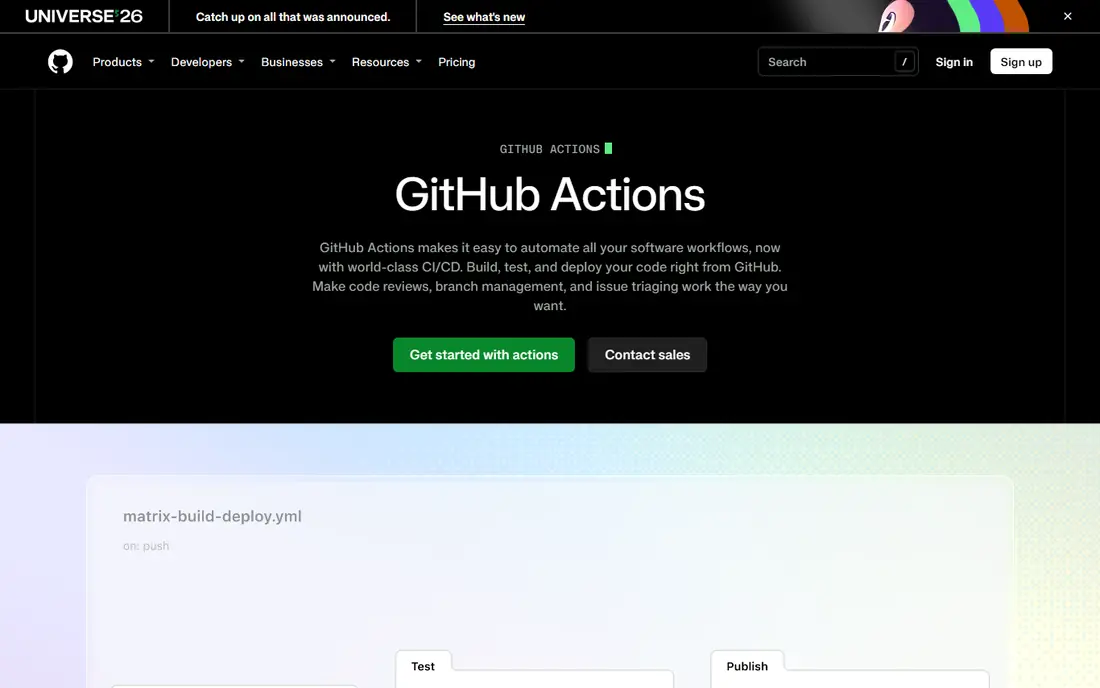
GitHub Actions is the natural pick when code already lives on GitHub. A workflow file defines builds, tests, and deployments, and results appear on the pull request itself. The marketplace offers reusable actions for common tasks, from setting up a language runtime to deploying to a cloud provider, which speeds up a first pipeline.
The simplicity can hide cost and complexity at scale. Private repositories get a free minute allowance, after which minutes and larger runners are charged, and a long workflow file can be hard to debug. For small and mid sized teams on GitHub, though, Actions removes the need for a separate CI server in most cases.
- Workflows live beside code in the same repository
- Large marketplace of reusable actions
- Free minutes for public and private projects within limits
- Complex pipelines can become hard to manage
- Costs grow with build minutes and larger runners
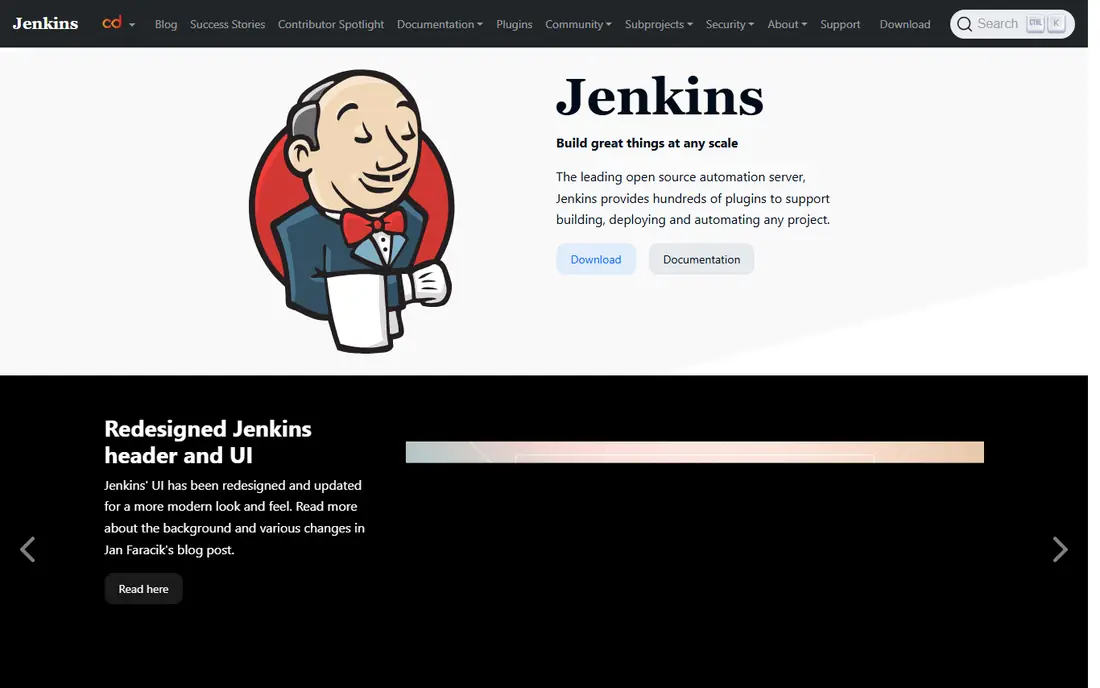
Jenkins is the veteran of this list, and it remains the most flexible option for teams with unusual requirements. It runs on your own servers, connects to almost any tool through plugins, and can deploy to internal systems that cloud runners cannot reach. For regulated or air gapped environments, that control is often a requirement rather than a preference.
Free software does not mean free operation. Someone must patch Jenkins, update plugins, manage agents, and back up configuration, and that work grows with the number of pipelines. Teams with dedicated platform capacity can run Jenkins well. Teams without it will usually ship faster on a managed platform.
- Open source and free to run
- Huge plugin ecosystem
- Full control over agents, networks, and deployment targets
- Setup, updates, and plugin maintenance take real engineering time
- Interface feels dated beside cloud tools
CircleCI is built for speed. Cloud runners, caching, and parallel jobs help larger test suites finish faster, which shortens the feedback loop for developers waiting on a pull request. Configuration is straightforward, and Docker support makes it easy to test in an environment close to production.
Pricing is usage based, so a team with many builds or long test suites should model monthly minutes before committing. The free plan covers small projects, and the paid plan starts at $15 per month before usage charges. If build speed is the main pain point, CircleCI is worth testing against your current pipeline.
- Fast cloud runners and parallelism for larger test suites
- Clear pipeline configuration
- Good Docker and caching support
- Costs rise with build minutes and parallelism
- Self hosted runners need extra setup
Azure DevOps suits teams that already build on .NET, use Azure, or work inside Microsoft 365. Boards track work, repos host code, pipelines build and deploy, and test plans cover manual testing, all under one account and permission model. That integration reduces tool sprawl for larger Microsoft focused organisations.
Outside that ecosystem, some of the value fades, and the suite can feel large for a team that only needs CI. Small teams can start on the free tier, which covers a few users and a basic pipeline setup. For a Microsoft heavy team, Azure DevOps is often the path of least resistance.
- Boards, repos, pipelines, and test plans in one suite
- Strong fit for .NET and Azure deployments
- Free tier for small teams
- Interface and breadth can overwhelm small teams
- Best value inside the Microsoft ecosystem
Argo CD does one job well, which is keeping Kubernetes clusters in sync with a Git repository. Developers declare the desired state in Git, Argo CD compares it with the live cluster, and it syncs changes or flags drift. Rollbacks mean returning to a known Git version, which is easier to reason about than a manual kubectl change.
It is a delivery tool, not a full DevOps platform. Teams still need a CI tool to build and test images, and they need Kubernetes skills to operate Argo CD. For a team already running Kubernetes, Argo CD brings order and auditability to deployments without a large licence cost.
- Open source GitOps for Kubernetes
- Desired state stored in Git
- Clear sync status and rollback to a known good version
- Kubernetes only, so it does not replace a full CI tool
- Needs Kubernetes knowledge to run well
Harness targets organisations with complex release flows, many services, and strict approval steps. Pipelines can model canary releases, approvals, and rollbacks, while related modules cover CI, feature flags, and cloud cost management. That breadth helps platform teams standardise delivery across many services instead of letting each team build its own release process.
The free tier covers small use, but larger plans are quote based, so budgeting needs a vendor conversation. Smaller teams may find Harness more than they need, while larger teams with many services and compliance steps will use more of the platform. Treat it as an enterprise delivery platform rather than a simple CI replacement.
- Continuous delivery with pipelines, approvals, and rollback
- Modules for CI, feature flags, and cloud cost
- Automation for complex release flows
- Pricing is quote based for larger plans
- Platform breadth needs onboarding time
TeamCity from JetBrains is a mature build server with strong reporting, build chains, and agent management. Developers who use IntelliJ IDEA or other JetBrains tools will find the integration familiar, and the Kotlin DSL lets teams define pipelines as code in a typed language rather than YAML alone. Build history and test reporting are clear, which helps when a build fails.
The cloud plan starts at $45 per month for a small number of committers, and the self hosted free tier covers a limited number of agents. That makes TeamCity a better fit for mid sized and enterprise teams than for a solo developer. If build management and reporting are the priority, it is a polished and reliable choice.
- Strong build management and reporting
- Kotlin DSL for pipeline as code
- Good fit for JetBrains IDE users
- Cloud pricing starts higher than some rivals
- Self hosted setup needs care
Octopus Deploy specialises in the last mile of delivery, which is getting a tested build safely into dev, staging, and production. Releases, environments, variables, and approvals are modelled clearly, and runbooks cover routine operational tasks beside deployments. That structure helps teams that deploy the same application to many environments or tenants.
Octopus does not host code or run CI builds, so it pairs with GitHub Actions, GitLab, Jenkins, or another CI tool. Pricing depends on deployment targets and plan, so check the vendor page against your environment count. For complex multi environment delivery, Octopus brings order that a CI tool alone rarely provides.
- Clear release and environment model for complex deployments
- Approvals, variables, and runbooks in one place
- Self hosted and cloud options
- Focused on deployment rather than code or CI
- Pricing needs a check against target count
How we picked these
We looked for platforms that are still active in October 2026 and that cover a distinct part of DevOps work, from all in one platforms to build servers to GitOps and deployment tools. For each platform, we checked the vendor site for hosting options and pricing model, and we kept only tools with a clear official homepage. We favoured tools with a documented use case over tools that are only known by name.
We did not rank tools on speed claims or uptime figures that we could not verify from the vendor. Where pricing is quote based, we say so. Before choosing, run a real pipeline on a trial or free tier, including a failed build and a rollback, because those moments reveal more than a successful demo deploy.
Choosing a DevOps platform
Match the code host first
If code lives on GitHub, Actions is the shortest path. If you want one platform for code and delivery, GitLab or Azure DevOps may fit better.
Decide how much platform work you can own
Self hosted Jenkins and Argo CD give control but need maintenance. Managed platforms cost more in fees and less in engineering time.
Test failure, not just success
Check how a failed test, a bad deploy, and a rollback look in the interface. A platform that makes failures clear will save more time than one that only deploys quickly.
Model the full monthly cost
Add users, build minutes, runners, and deployment targets. A free tier can look cheap until minutes or targets push a team into a paid plan.
Frequently asked questions
Which platform is best for DevOps beginners?
GitHub Actions is a good starting point for teams on GitHub, because workflows sit beside code and the first pipeline takes little setup. GitLab is also approachable for a team that wants one platform, though its full feature set takes longer to learn.
What is the best DevOps tool to learn for a job?
GitHub Actions, GitLab CI, and Jenkins are the most widely useful, because they appear in many job descriptions and cover cloud, all in one, and self hosted approaches. Argo CD is a valuable extra skill for Kubernetes roles.
Is Jenkins still a good choice in 2026?
Yes, for teams that need self hosted control, custom plugins, or access to internal systems. Jenkins is less attractive for a small team with no platform capacity, because maintenance falls on the team itself.
What is the best platform for DevOps in a Kubernetes team?
Argo CD is a strong delivery choice for Kubernetes, paired with a CI tool for builds and tests. GitLab and GitHub Actions can also deploy to Kubernetes, so the choice depends on whether you want GitOps as the main model.
Do these platforms offer free plans?
Most do, including GitLab, GitHub Actions, Jenkins, CircleCI, Azure DevOps, Argo CD, and Harness, though free limits on users, minutes, or agents vary. Octopus Deploy offers a trial rather than a permanent free plan, and larger paid plans are often quote based.
How do I choose between GitLab and GitHub Actions?
Choose GitHub Actions if your code is already on GitHub and you mainly need CI and delivery. Choose GitLab if you want code, CI, security, and deployment in one platform, especially with self hosting or stronger governance needs.
Sources we checked (9)

Online Jobs is an independent blog about careers, online work, learning new skills and the tools that help people earn. More about us.
Keep reading
All posts
n8n Alternatives
n8n alternatives compared for 2026, with Zapier, Make, Activepieces, and more, covering visual builders, code steps, self-hosting, and pricing models.

ZoomInfo Alternatives
The best ZoomInfo alternatives in 2026, compared on price, free plans, data coverage, and which tool fits small teams or large sales teams best in detail.

Workday Alternatives
We compared the best workday alternatives for HR, payroll, and global hiring, from BambooHR and Gusto to Rippling, Deel, and HiBob for growing teams in 2026.