Best Design Apps in 2026: 9 Apps Compared

How we put this together: we compare official feature and pricing pages, app store listings, privacy policies and public user reviews. Prices change, so check the provider's site before you pay.
Key takeaways
- Canva is the best design app for non-designers and marketing teams, with a genuinely useful free plan and Pro from 15 dollars a month billed annually.
- Figma is the best app for interface and website design, with real-time collaboration that no desktop tool matches.
- Affinity is now completely free for individuals after Canva's acquisition, making it the strongest no-cost option for professional vector, photo and layout work.
- Adobe Illustrator and Photoshop remain the industry standards for professional vector art and photo editing, at 22.99 dollars a month each.
- Procreate costs 12.99 dollars once for iPad and is the best drawing app for illustrators, though you still need a desktop tool for final print work.
Quick comparison
| Name | Who it suits | Starting price | Free option | |
|---|---|---|---|---|
 Canva Canva | Marketing graphics for everyone | $15 per month | Yes | Visit |
 Figma Figma | Interface and website design | $16 per month | Yes | Visit |
 Adobe Illustrator Adobe Illustrator | Professional vector art | $22.99 per month | Free trial | Visit |
 Adobe Photoshop Adobe Photoshop | Photo editing and composites | $22.99 per month | Free trial | Visit |
 Affinity Affinity | Pro design without a subscription | Free | Yes | Visit |
 Procreate Procreate | iPad illustration | $12.99 one-time | No | Visit |
 Adobe Express Adobe Express | Quick social posts | $9.99 per month | Yes | Visit |
 Sketch Sketch | Mac interface design | $9 per month | Free trial | Visit |
 Inkscape Inkscape | Free vector editing | Free | Yes | Visit |
The best design apps
Design apps split into two camps: template tools that get marketing graphics out fast, and professional tools that give you full control over every pixel and vector. We compared nine apps across both camps, checking vendor pricing pages in October 2026. Prices are for individual plans unless noted.
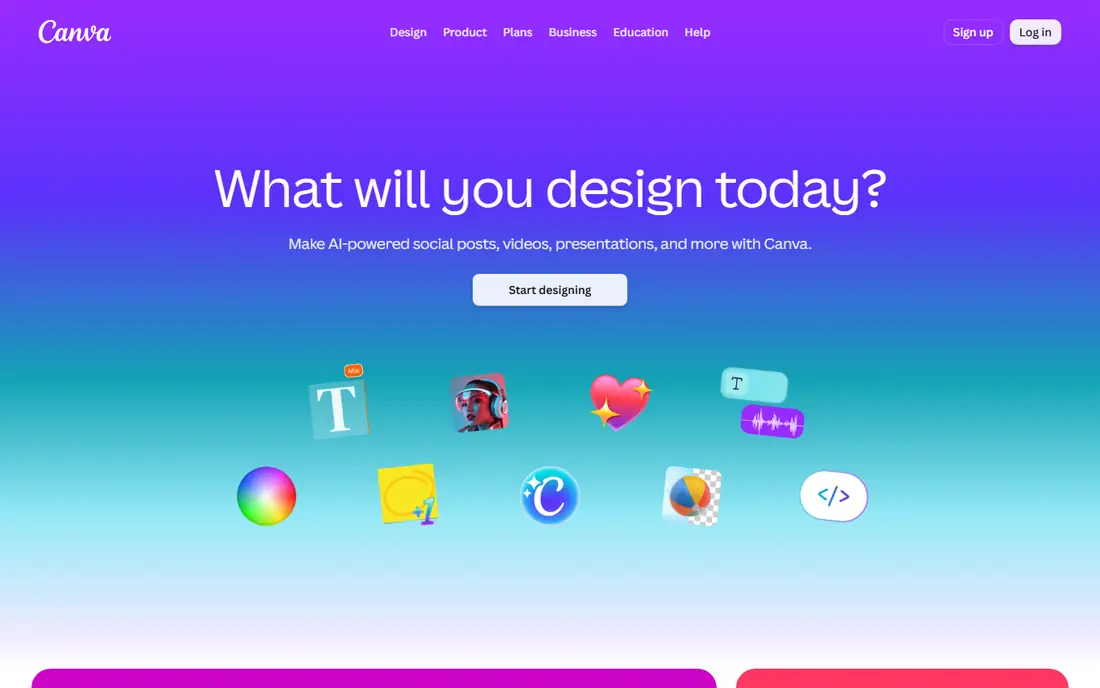
Canva is the default design app for non-designers, and for good reason. Its free plan covers most everyday needs: thousands of templates, millions of stock photos, and basic video editing. Pro adds Brand Kit, Magic Resize, background remover and Magic Studio AI tools, and costs 144 dollars a year, which works out to 15 dollars a month billed annually, or 18 dollars month to month.
The trade-off is originality. Canva designs built from templates can look like other Canva designs, and professional print shops may ask for files Canva cannot produce. For social posts, presentations, flyers and marketing graphics, Canva is the fastest path from idea to finished post.
- Huge template library and a genuinely useful free plan
- Brand Kit and Magic Studio AI on Pro
- Works on web, desktop and mobile
- Pro costs 18 dollars month to month, 15 dollars only when billed annually
- Template-based designs can look generic
- Limited for professional print work
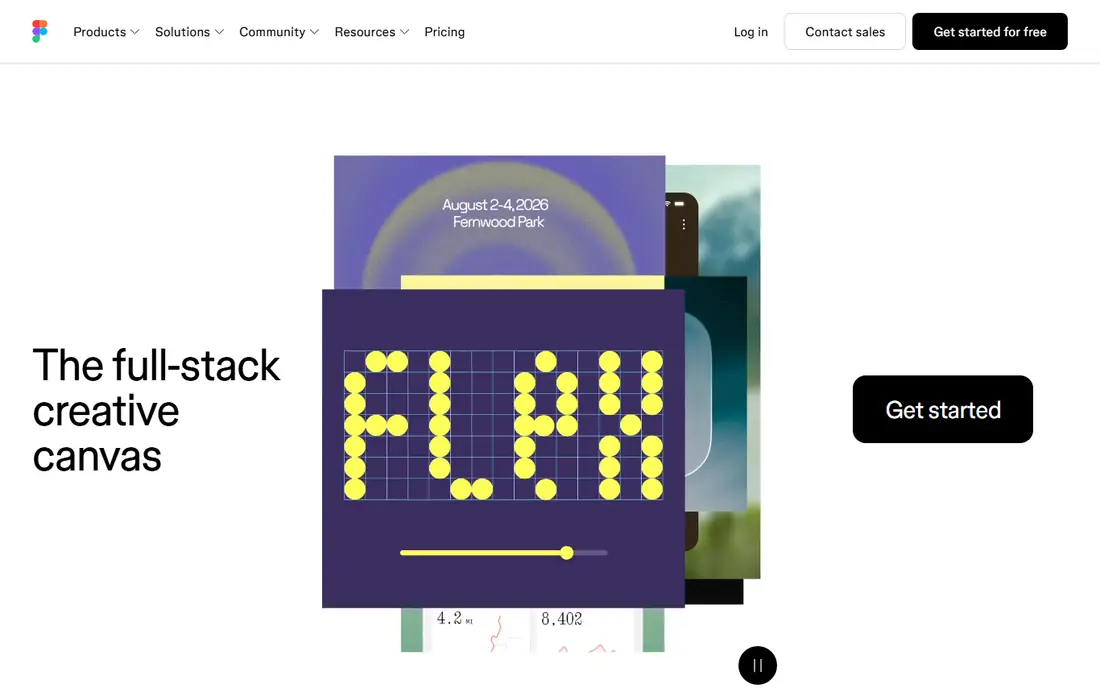
Figma is the standard for interface and website design. Multiple designers edit the same file at once, stakeholders comment directly on frames, and developers pull specs and assets without exporting files. The free Starter plan allows three design files and unlimited collaborators, which is enough for learning and small projects.
Professional costs 16 dollars per editor per month billed annually, or 20 dollars month to month. Figma is not a photo editor and not a print layout tool, so it pairs with other apps on this list. For any team designing apps or websites together, Figma is the obvious choice.
- Real-time multiplayer editing for design teams
- Free Starter plan with three design files
- FigJam whiteboarding built in
- Full seat costs 16 dollars per editor per month billed annually
- Browser-based, so it needs a good connection
- Not a photo editor or print layout tool
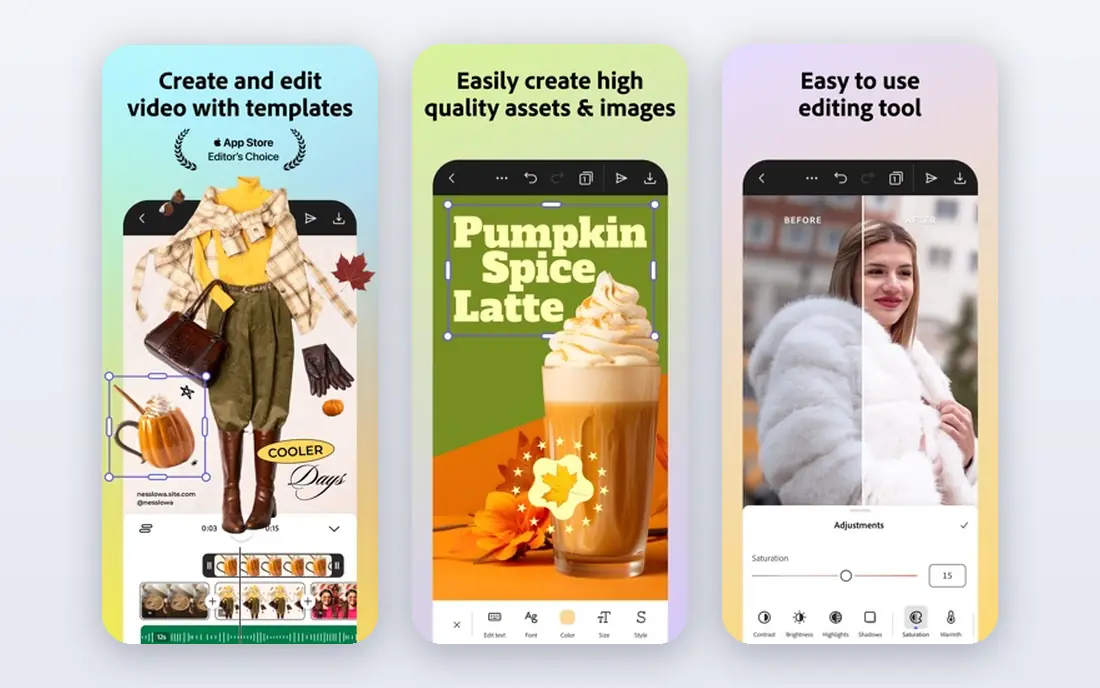
Adobe Illustrator remains the pick for professional vector work. Logos, icons, packaging and print graphics built in Illustrator scale to any size and arrive at print shops in the formats they expect. Its Bézier pen tools, typography controls and path operations are the deepest in the industry, and Illustrator on iPad lets you start work away from your desk.
The plan costs 22.99 dollars a month on an annual plan, with a 7-day free trial. For serious vector professionals, that subscription is the cost of working in the industry standard. For everyone else, Affinity or Inkscape below cover most of the same ground for free.
- Industry standard for logos, icons and print-ready vector art
- Precise Bézier tools and typography
- Illustrator on iPad for sketching on the go
- 22.99 dollars a month adds up fast
- Steep learning curve
- 7-day trial only
Photoshop is the standard for photo editing, retouching and composites. Layers, masks, smart objects and adjustment layers give professionals control that simpler editors cannot match, and Generative Fill now handles object removal and extension in seconds. A free mobile app covers quick edits on the go.
Like Illustrator, Photoshop costs 22.99 dollars a month on an annual plan with a 7-day trial. For photographers, retouchers and compositors, there is no substitute. For quick social edits, Adobe Express or Canva below are faster and cheaper.
- Deepest photo editing, retouching and compositing tools
- Generative Fill and Firefly AI built in
- Free mobile app for quick edits
- 22.99 dollars a month on an annual plan
- Heavy for simple edits
- 7-day trial only
Affinity is the biggest bargain in design software. After Canva's acquisition, the full suite, Designer for vectors, Photo for editing and Publisher for layout, is completely free for individuals, with no subscription and no catch. It handles professional work: layered PSD files, CMYK print output and vector tools that rival Illustrator for most jobs.
The trade-offs are a smaller plugin ecosystem and AI tools that require a Canva Pro subscription. For designers who refuse subscriptions, or students and freelancers on a tight budget, Affinity is the strongest no-cost option on this list, and it is the first app to install before spending anything.
- Completely free for individuals after Canva's acquisition
- Professional vector, photo and layout tools
- Desktop-class performance
- AI tools require a Canva Pro subscription
- Smaller plugin and template ecosystem than Adobe
- IPad versions still rolling out
Procreate is the drawing app that made the iPad a serious illustration tool. Its brush engine feels natural with Apple Pencil, the interface stays out of your way, and the community supplies thousands of free and paid brushes. It costs 12.99 dollars once on iPad, with nothing more to pay, and a separate iPhone version costs 5.99 dollars once.
Procreate is raster only, so logos and print work need vector finishing in Affinity or Illustrator, and it runs only on iPad and iPhone. For illustrators, concept artists and sketchers, it is the best value on this list by a wide margin.
- 12.99 dollars once, no subscription
- Superb brush engine and Apple Pencil support
- Huge brush and tutorial community
- IPad only, with a separate 5.99 dollar iPhone app
- Raster only, no vector tools
- You still need a desktop tool for final print prep
Adobe Express is the quick social post app for people who want Adobe quality without Adobe complexity. Templates, stock assets and Firefly AI generation produce branded posts and flyers in minutes, and the free plan covers basic needs. Premium costs 9.99 dollars a month, the cheapest premium plan from a major vendor.
Express sits between Canva and Photoshop: faster than Photoshop, more polished than many template tools, but with less template depth than Canva. For businesses already in the Adobe ecosystem, or anyone who values commercially safe AI generation, Express is a strong choice.
- Cheapest premium plan from a major vendor at 9.99 dollars a month
- Firefly AI built in
- Commercially safe AI generation
- Less template depth than Canva
- Free plan is limited
- Not a professional design tool
Sketch was the original interface design tool, and it remains excellent for Mac-based teams. Its native app is fast, its symbol and component system is mature, and plugins extend it for prototyping, handoff and design systems. Pricing starts at 9 dollars per editor per month, or 99 dollars a year.
The limitation is platform: Sketch runs only on Mac, while Figma runs anywhere. For Mac-only teams who prefer a native app over a browser, Sketch is still a strong choice. For cross-platform teams, Figma wins.
- Native Mac app with fast performance
- Deep symbol and component system
- Strong plugin ecosystem for interface work
- Mac only
- 9 dollars per editor per month or 99 dollars a year
- Smaller community than Figma
Inkscape is the free vector editor for people who want open source software on any desktop operating system. It edits native SVG files, offers powerful Bézier curves, node editing and path operations, and handles logos, icons and illustrations competently. It runs on Windows, Mac and Linux at no cost.
The interface feels dated compared with Affinity, and print workflows need workarounds for CMYK. For students, hobbyists and freelancers who want free vector tools without any account or subscription, Inkscape remains a solid, honest choice.
- Free and open source on Windows, Mac and Linux
- Native SVG editing
- Powerful Bézier and node tools
- Interface feels dated next to Affinity
- No AI features
- CMYK and print workflows need workarounds
How we picked these
We compared vendor pricing pages, platform availability and feature lists in October 2026, favoring apps with clear pricing, real free options and distinct strengths. We included both template tools and professional tools because "design app" means different things to a marketer and a professional illustrator. Prices change often, so confirm the current plan on each pricing page before subscribing.
Choosing the right app for your work
Start with the job, not the app. Marketing graphics point to Canva or Adobe Express. Interface design points to Figma or Sketch. Professional vector work points to Illustrator or Affinity. Photo editing points to Photoshop or Affinity Photo. Illustration points to Procreate or Affinity Designer.
Budget changes the answer less than it used to. Affinity is free for individuals, Inkscape is free everywhere, and Canva and Figma both offer genuinely useful free plans. Try the free tier of two or three apps on a real project before paying, since interface feel matters more than feature lists.
Frequently asked questions
What is the best design app for beginners?
Canva is the best design app for beginners, with a useful free plan and Pro from 15 dollars a month billed annually. Adobe Express at 9.99 dollars a month is the cheapest premium option from a major vendor. Both offer templates that make good-looking graphics achievable without design training.
What is the best free design app?
Affinity is the best free design app for professional work, offering vector, photo and layout tools free for individuals. Inkscape is the best free vector editor for open source fans, and Canva and Figma both offer strong free plans for marketing and interface design.
Is Figma better than Sketch?
Figma is better for cross-platform teams because it runs in any browser with real-time collaboration. Sketch is better for Mac-only teams who prefer a fast native app. Both cost roughly 9 to 16 dollars per editor per month, and Figma's free Starter plan is more generous for learning.
Can I replace Adobe Illustrator with Affinity?
For most vector work, yes. Affinity Designer handles logos, icons and illustrations professionally and is free for individuals. Illustrator still wins for print shops that require Adobe files, for the deepest typography tools, and for teams already in Creative Cloud.
What is the best design app for iPad?
Procreate is the best iPad app for drawing and illustration at 12.99 dollars once. For layout and vector work on iPad, Affinity and Illustrator both offer iPad versions. Canva and Adobe Express cover quick social graphics on any tablet.
Do I need a subscription for professional design work?
No. Affinity is free for individuals, Inkscape is free everywhere, and Procreate costs 12.99 dollars once. Subscriptions buy convenience, collaboration and the latest AI features, but professional-quality design work no longer requires a monthly payment.
Sources we checked (9)

Online Jobs is an independent blog about careers, online work, learning new skills and the tools that help people earn. More about us.
Keep reading
All posts
Zoom Alternatives
Zoom alternatives compared for 2026: Google Meet, Microsoft Teams, Webex, Jitsi and more for free calls, large meetings and webinars for teams and classrooms.

What Is the Best Free Tool to Rotate a PDF
What is the best free tool to rotate a PDF? We compare eight free rotation tools on per-page control, limits, privacy and saved output quality in detail.

What Is the Best AI Dubbing Tool
We compared the best AI dubbing tools in 2026, from ElevenLabs and HeyGen to Rask AI, Dubverse and Veed, for videos and creators in many languages worldwide.