Best Deployment Tools in 2026: 8 Tools Compared

How we put this together: we compare official feature and pricing pages, app store listings, privacy policies and public user reviews. Prices change, so check the provider's site before you pay.
Key takeaways
- GitHub Actions and GitLab CI/CD suit teams that want deployment built into the same platform as their code.
- Jenkins suits teams that need maximum flexibility and already have staff to run it.
- Argo CD suits Kubernetes teams that want GitOps, where Git is the source of truth for what runs.
- Octopus Deploy and Harness suit teams that need approvals, lifecycles and governance around releases.
- Open-source tools cost less in licences but more in operations, while managed tools cost more and reduce platform work.
Quick comparison
| Name | Who it suits | Starting price | Free option | |
|---|---|---|---|---|
 GitHub Actions | GitHub-native CI and CD | Free | Yes | Visit |
 GitLab CI/CD | All-in-one DevOps delivery | Free | Yes | Visit |
 Jenkins | Flexible self-hosted pipelines | Free | Yes | Visit |
 Argo CD | Kubernetes GitOps delivery | Free | Yes | Visit |
 Octopus Deploy | Release orchestration and approvals | See website | Free trial | Visit |
 Harness | Enterprise delivery with governance | See website | Free trial | Visit |
 CircleCI | Fast cloud CI and CD | Free | Yes | Visit |
 Spinnaker | Multi-cloud delivery pipelines | Free | Yes | Visit |
The best deployment tools
Deployment tools move code from a repository to a running environment, safely and repeatably. Some do that as part of a wider CI/CD platform, some focus only on deployment, and some are built for Kubernetes. The right choice depends on where your code lives, where it runs, and how much governance a release needs.
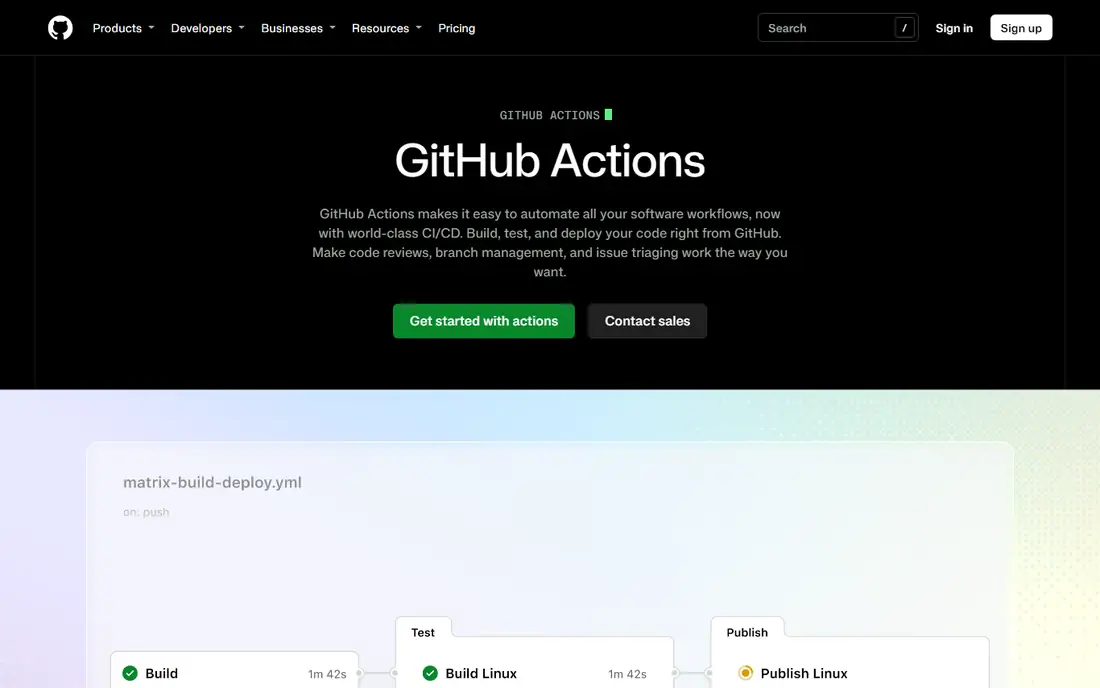
GitHub Actions is the natural deployment tool for teams whose code already lives on GitHub. Workflows defined in the repository build, test and deploy on push, pull request or schedule, and a large marketplace of actions covers common deployment steps. Hosted runners remove server management, while self-hosted runners suit teams with special network or hardware needs.
Costs scale with minutes, and macOS and Windows runners cost more than Linux, so a busy team should watch usage. Very complex workflows also need discipline to stay readable. For GitHub-centred teams, though, no other tool starts faster or integrates as cleanly.
- Built into GitHub
- Large marketplace of reusable actions
- Hosted and self-hosted runners
- Costs scale with minutes and runner types
- Complex workflows need care

GitLab CI/CD bundles source control, pipelines, security scanning, environments and deployment in one application, which removes the integration work of stitching separate tools together. Auto DevOps can generate a pipeline for a new project, and environments with review apps help teams preview changes before release. Self-managed deployment suits teams that need control over data and runners.
Advanced features sit on paid tiers, and the full platform can feel heavy for a team that only needs simple deployment. For teams that want one DevOps home, from code to production, GitLab is a strong, coherent choice.
- Repository, CI/CD, security scans and environments in one app
- Auto DevOps for quick starts
- Self-managed option
- Paid tiers needed for advanced features
- Single app can feel heavy for small teams
Jenkins is the most flexible deployment tool on this list, with pipelines as code and a plugin library that covers almost any system, legacy or modern. Teams with unusual build steps, on-premises systems or complex approval flows can shape Jenkins to fit, rather than shaping their process to fit a managed tool.
That flexibility costs operations time. Jenkins servers, plugins, agents and security updates need regular care, and a neglected instance becomes slow and risky. Teams with platform staff and legacy needs get great value from Jenkins. Teams without that staff usually do better with a managed platform.
- Free and open source
- Huge plugin library
- Pipelines as code for any workflow
- High maintenance at scale
- Plugin and security updates need regular attention
Argo CD is a GitOps controller for Kubernetes: the desired state of an application lives in Git, and Argo CD syncs the cluster to match it, flagging drift when reality differs. That model gives a clear audit trail, easy rollbacks by reverting a commit, and multi-cluster management from one control plane. Helm and Kustomize support covers most Kubernetes packaging.
Argo CD only serves Kubernetes, and it works best when the whole team accepts GitOps discipline, including pull requests for changes rather than manual cluster edits. Teams that bypass Git will fight the tool. For Kubernetes teams that commit to GitOps, it is the clearest deployment choice.
- Git as the source of truth
- Drift detection and auto-sync
- Multi-cluster and Helm support
- Kubernetes only
- GitOps discipline required from the whole team
Octopus Deploy focuses on deployment itself, rather than building code, with releases, lifecycles, environments, approvals and tenanted deployments for customer-specific releases. Runbooks handle recurring operations tasks in the same system. That focus suits enterprises with structured releases across cloud, Kubernetes and on-premises targets.
Pricing is commercial and scales with deployment targets, so check the vendor page and trial terms at your real target count. Teams with a simple pipeline may not need its depth. Teams with governed, multi-environment releases will value its clarity and audit trail.
- Purpose-built deployment UX
- Lifecycles, approvals and tenanted deployments
- Runbooks for operations tasks
- Commercial pricing scales with targets
- Less useful for teams that only need simple pipelines
Harness is an enterprise delivery platform with progressive delivery, including canary and blue-green releases, plus governance, policy and cost controls that large organisations need. It covers cloud, Kubernetes and other targets, and its verification features aim to catch bad releases before they reach all users.
Pricing is quoted for larger plans, and the breadth of the platform takes onboarding time. A free trial helps a team test a real service before committing. For enterprises that need safe, governed rollouts at scale, Harness is a strong contender beside Octopus Deploy.
- Progressive delivery with canary and blue-green options
- Governance and policy controls
- Broad cloud support
- Enterprise pricing is quoted
- Platform breadth takes onboarding time
CircleCI offers fast, managed CI/CD with reusable configuration pieces called orbs, which cover common deployment steps without writing everything from scratch. Its free plan suits small teams, and cloud runners remove server management. Speed and a clean configuration model are its main strengths.
Costs scale with credits, so a team with long or frequent pipelines should model usage at its real volume. Teams that need deep self-hosting control may prefer Jenkins or GitLab self-managed. For cloud-first teams that want fast pipelines without platform work, CircleCI is a practical pick.
- Fast managed pipelines
- Reusable orbs for common steps
- Free plan for small teams
- Costs scale with credits and usage
- Self-hosted options are more limited than Jenkins
Spinnaker is an open-source, multi-cloud delivery platform built for large enterprises, with pipelines that span clouds and regions and native support for canary and blue-green releases. It suits organisations that deploy the same service to several clouds and need consistent release strategies across them.
Installation and operation are complex, and Spinnaker needs dedicated platform staff to run well. Smaller teams will find it heavy for their needs. For large, multi-cloud organisations with that staff, Spinnaker gives powerful, consistent delivery without licence costs.
- Free and open source
- Multi-cloud pipelines
- Native canary and blue-green strategies
- Complex to install and operate
- Needs platform staff
How we picked these
We compared official documentation and pricing pages, plus current deployment tool guides, and we kept tools that are actively maintained in 2026 and genuinely deploy software, not just build it. We included pipeline platforms, a GitOps tool, deployment-focused tools and a multi-cloud platform, because deployment needs differ by target and governance. Where pricing is quoted, we say so. We did not claim hands-on testing.
Choosing a deployment tool
Start with where code and infrastructure already live. GitHub teams start with Actions, GitLab teams start with GitLab CI/CD, and Kubernetes teams evaluate Argo CD early. Then check the release controls you need: approvals, audit trails, canary releases and rollback must be easy, not bolted on, if your releases affect customers or revenue.
Test rollback before you need it. A deployment tool is only as good as its worst release, so practise reverting a bad change on a staging service, check that database changes can be undone safely, and agree who can approve an emergency release. Start with one service and one environment, prove the pipeline and rollback, then expand to more services.
Keep pipelines simple and safe
Store pipeline definitions in version control, use secrets management rather than hard-coded credentials, and keep environment differences in configuration, not in separate scripts. Limit who can deploy to production, log every release, and alert on failed deployments. Simple, audited pipelines beat clever pipelines that only one person understands.
Frequently asked questions
What is the best deployment software?
GitHub Actions leads for GitHub teams, GitLab CI/CD leads for all-in-one DevOps, Argo CD leads for Kubernetes GitOps, and Octopus Deploy leads for governed release orchestration. The best tool follows your code host and target platform.
What is the best software deployment tool for Kubernetes?
Argo CD is the leading GitOps choice for Kubernetes, with Git as the source of truth and drift detection. Spinnaker suits multi-cloud Kubernetes delivery, while Octopus Deploy and Harness also cover Kubernetes beside other targets.
Is Jenkins still a good deployment tool?
Yes, for teams that need maximum flexibility and have staff to maintain it. Jenkins suits legacy and complex pipelines, while managed tools such as GitHub Actions and CircleCI suit teams that want less platform work.
What is the difference between continuous delivery and continuous deployment?
Continuous delivery keeps a manual approval before release, while continuous deployment releases every passing change automatically. The tooling overlaps, but the approval step and risk appetite differ, so choose the model before the tool.
How much do deployment tools cost?
Open-source tools such as Jenkins, Argo CD and Spinnaker are free to use, with infrastructure and operations costs on top. Managed tools offer free plans for small teams and scale with minutes, credits, targets or seats, while enterprise tools such as Harness are quoted.
Sources we checked (8)

Online Jobs is an independent blog about careers, online work, learning new skills and the tools that help people earn. More about us.
Keep reading
All posts
n8n Alternatives
n8n alternatives compared for 2026, with Zapier, Make, Activepieces, and more, covering visual builders, code steps, self-hosting, and pricing models.

ZoomInfo Alternatives
The best ZoomInfo alternatives in 2026, compared on price, free plans, data coverage, and which tool fits small teams or large sales teams best in detail.

Zoom Alternatives for Webinars
Compare Zoom alternatives for webinars in 2026, from browser-based rooms to enterprise events, with prices, attendee limits, features and honest trade-offs.