Best Database Software in 2026: 10 Tools Compared

How we put this together: we compare official feature and pricing pages, app store listings, privacy policies and public user reviews. Prices change, so check the provider's site before you pay.
Key takeaways
- PostgreSQL and MySQL suit most new applications that need reliable tables and joins.
- MongoDB suits data that changes shape often and does not fit neat rows.
- Redis suits caching and fast lookups, not as a sole home for critical records.
- Supabase and Airtable suit teams that want a database plus an interface without heavy setup.
- Open source tools cost less in licences but still need hosting, backups and care.
Quick comparison
| Name | Who it suits | Starting price | Free option | |
|---|---|---|---|---|
 PostgreSQL | Reliable relational work at any scale | Free | Yes | Visit |
 MySQL | Read-heavy web applications | Free | Yes | Visit |
 MariaDB | MySQL-compatible work without vendor lock-in | Free | Yes | Visit |
 Microsoft SQL Server | Teams already on the Microsoft stack | See website | Free trial | Visit |
 Oracle Database | Large, regulated enterprise systems | See website | Free trial | Visit |
 MongoDB | Flexible document data at scale | Free | Yes | Visit |
 SQLite | Single-app and embedded storage | Free | Yes | Visit |
 Redis | Caching and fast real-time lookups | Free | Yes | Visit |
 Supabase | Postgres with instant APIs for developers | Free | Yes | Visit |
 Airtable | No-code databases for small teams | See website | Yes | Visit |
The best database software
This guide compares ten database tools across relational, document, in-memory and low-code use. We look at what each one stores well, where it struggles, and what kind of team should pick it, so you can choose by data shape and workload rather than by brand alone.
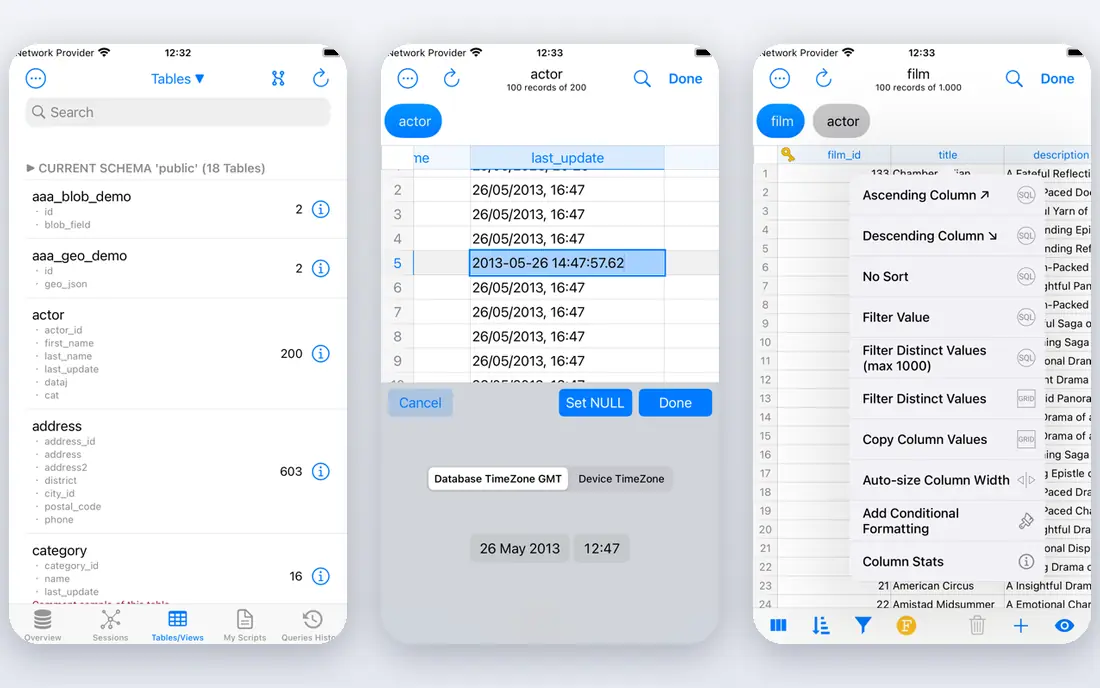
PostgreSQL is the safe default for most applications that store orders, users, payments or content in tables. It handles complex queries well, supports a wide range of indexes, and extensions add search, geographic data and more without changing the core engine. Teams that learn it once can reuse that skill for years. The honest catch is scale beyond one strong server. Read replicas are straightforward, but splitting writes across many servers needs planning and extra tools. Backups, monitoring and version upgrades still need an owner, even though the software itself is free.
- Open source with no licence fee
- Strong support for joins, indexes and extensions
- Large community and documentation
- Sharding and multi-writer setups need extra work
- Tuning takes skill for very large workloads
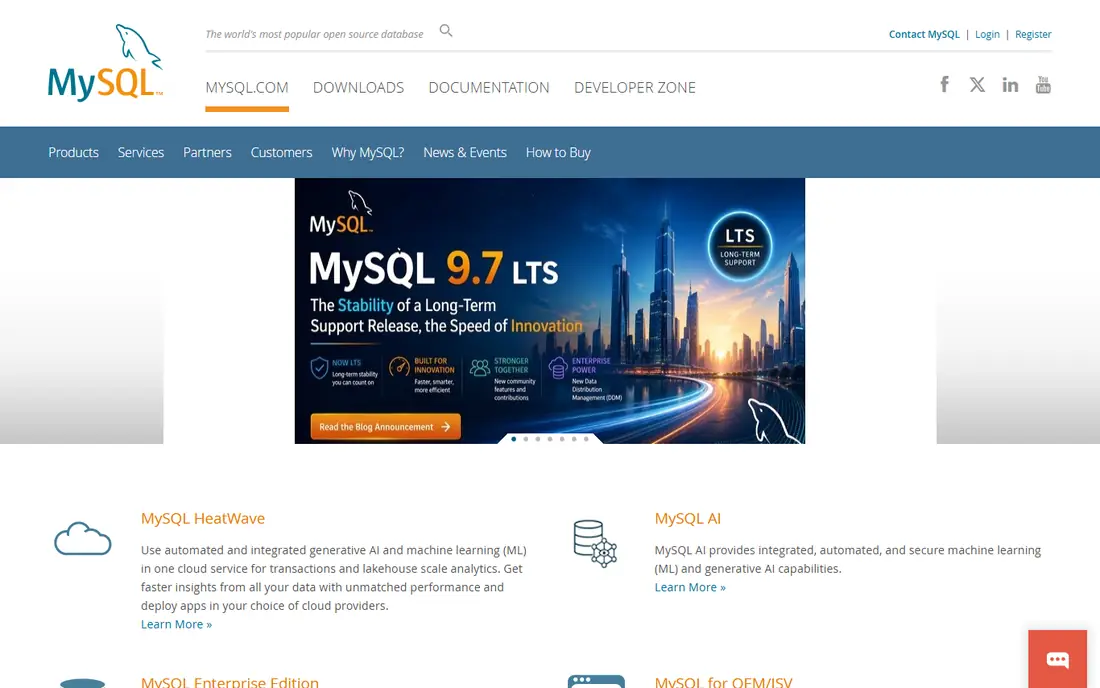
MySQL fits web applications that read far more than they write, such as blogs, catalogues and content sites. Hosting support is almost universal, migration tools are mature, and most developers have met it before, which shortens hiring and debugging time. For a standard app with clear tables, it is a calm choice. The trade-off appears in complex reporting and advanced data types, where PostgreSQL often offers more. MySQL is still a strong tool, but teams with heavy analytics or unusual data shapes should test both before committing. Check which edition you need, because some features sit behind a commercial licence.
- Open source
- Widely supported by hosts and tools
- Fast for common web queries
- Advanced features lag PostgreSQL in some areas
- Commercial editions add cost for some users
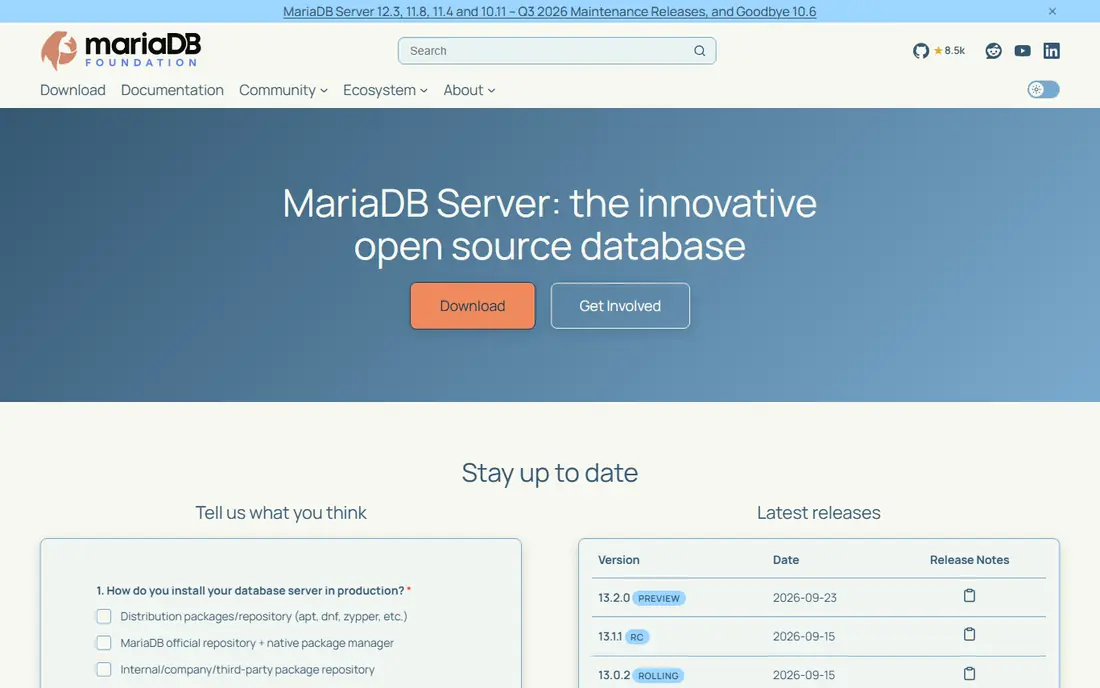
MariaDB suits teams that like MySQL but want a community-led project with a clear open source path. It keeps the familiar SQL and tooling, so migration is often low friction, and it adds its own storage engines and features over time. For shops that value independence, that stance matters. The catch is ecosystem size. Some managed hosts and tools test MySQL first, so MariaDB users should check support for their exact stack. Compatibility is strong for common workloads, but unusual features and plugins still deserve a test run before a full move.
- Open source
- Largely compatible with MySQL
- Community-led development
- Smaller ecosystem than MySQL in some hosting setups
- Compatibility gaps can appear in edge cases
SQL Server fits teams that already run Windows, .NET and Azure, because integration is tight and tooling is polished. Reporting, security and management tools feel built for larger organisations, and the Express edition lets small projects start without a licence bill. If your stack is Microsoft, this is the path of least resistance. The cost and weight are the trade-offs. Per-core licensing can grow fast, and teams outside the Microsoft world may find the tooling less natural. Check the edition limits early, especially for Express, and price a realistic workload rather than a starter database.
- Strong tooling in Visual Studio and Azure
- Good reporting and integration options
- Free Express edition for small work
- Licensing can be costly at scale
- Heaviest on Windows and Microsoft tooling
Oracle fits large organisations where uptime, audit and scale are not optional, such as banks, telecoms and government systems. Its partitioning, security and high-availability features are deep, and support contracts give large teams a clear escalation path. When failure is costly, that depth can justify the price. For most small teams, Oracle is too much. Licensing is complex, costs rise quickly, and administration needs real expertise. Unless you have a clear enterprise requirement or an existing Oracle estate, a simpler open source database will serve you better and cost far less.
- Long record in mission-critical systems
- Strong partitioning, security and high-availability options
- Free Express edition with limits
- Usually the most expensive option
- Complex licensing
- Needs skilled administrators
MongoDB suits products where each record looks a little different, such as catalogues, user profiles and content feeds. Documents store related fields together, which keeps reads fast and lets you add fields without a painful migration. Atlas, its managed service, removes much of the hosting work. Flexibility can turn into mess if no one owns the schema. Fields drift, queries slow down, and complex joins feel awkward compared with SQL. Set naming rules, index the fields you query, and use transactions where money or stock counts must stay exact.
- Document model fits changing data
- Atlas offers managed hosting
- Scales across servers
- Joins and multi-document transactions need care
- Flexible schemas can drift without discipline
SQLite fits apps that need storage inside one program, such as mobile apps, desktop tools and test suites. There is no server to install, the whole database is one file, and reads are very fast. For a single user or a small local workload, it is hard to beat for simplicity. The limit is sharing. Many writers at once, network access and fine-grained user permissions are not its job. If your data must serve a website or a team, move to a server database early rather than stretching SQLite past its design.
- No server to run
- Single file database
- Very fast for local work
- Not suited to many concurrent writers
- No built-in user management or network access
Redis fits work where speed matters more than anything, such as caches, session stores, queues and live leaderboards. Data lives in memory, so lookups return in milliseconds, and its simple structures cover many real-time jobs without a heavy query layer. Most large apps use it beside a main database. Memory is the catch. Large datasets cost more to hold in memory than on disk, and persistence settings decide what survives a restart. Treat Redis as a speed layer, keep the durable records in a relational or document database, and test failover before you rely on it.
- In-memory speed for caches, queues and leaderboards
- Simple data structures
- Widely supported
- Memory costs grow with data size
- Persistence needs careful setup
- Not a first choice for sole record storage
Supabase suits developers who want Postgres without building an API layer from scratch. You get tables, auth, storage and instant APIs in one place, which speeds up prototypes and small products. Because the core is Postgres, you can still use SQL and familiar tools when you need them. The trade-off is usage pricing and depth. A busy app can outgrow the free tier quickly, and complex queries still need SQL knowledge. Check the pricing page for your expected traffic, and keep exports in mind so you are not trapped if you later self-host.
- Postgres under the hood
- Instant APIs and auth
- Generous free tier for small projects
- Costs grow with usage
- Some advanced Postgres work still needs SQL skill
- Vendor hosting lock-in risk
Airtable suits small teams that need a shared tracker, content calendar or simple CRM without code. It looks like a spreadsheet, but it adds linked records, views and automations that keep data tidier. Non-technical staff can build and change bases without waiting for developers. Scale is the limit. Record caps, API limits and per-seat pricing make it a poor backend for a public app or a large dataset. Use it for internal operations, and pair it with a real database when customer traffic or record counts grow.
- Spreadsheet-like interface
- Views, forms and automations
- Easy for non-technical teams
- Record and API limits
- Per-seat pricing grows fast
- Not a backend for customer-facing apps
How we picked these
We reviewed official documentation, feature pages, pricing pages and app listings for each tool. We compared data model, query style, hosting options, limits and total cost, including the staff time needed to run a tool well. Where a price depends on cores, usage or edition, we wrote See website rather than inventing a flat figure. We did not claim hands-on testing. The right database depends on your data shape, read and write pattern, team skill and budget, so test a realistic workload before you commit to one for a production system.
How to pick the right database
Start by sketching your data. If records fit neat tables with clear links, a relational database such as PostgreSQL or MySQL is usually right. If each record varies in shape, a document store such as MongoDB may fit better. If you need instant lookups for a busy site, add Redis as a cache beside the main store rather than replacing it. Next, test the workload, not just the feature list. Load a realistic amount of data, run the queries your app will actually use, and measure speed under concurrent users. Check backup and restore, not only backup, because a backup you cannot restore is worthless. Also price hosting, monitoring and staff time, since a free licence with heavy care can cost more than a managed service. Finally, plan for growth and exit. Choose tools with clear export formats and common query languages where possible, and keep your schema under version control. A database that is easy to leave is often a safer long-term choice than one that is slightly faster today.
Frequently asked questions
What is the best database software for beginners?
PostgreSQL is a strong beginner choice for relational work because it is free, well documented and widely used. Airtable suits non-technical teams who want a visual tracker without code. Pick by your goal: learn SQL with Postgres, or manage a small team tracker with Airtable.
Is PostgreSQL better than MySQL?
PostgreSQL usually wins for complex queries, advanced data types and extensions, while MySQL is simple and fast for common web reads. Both are excellent for many apps, so test your own queries before choosing. The difference matters less than good indexes, backups and schema design.
Do I need a paid database?
No, open source tools such as PostgreSQL, MySQL, MariaDB and SQLite cover most needs without a licence fee. You still pay for hosting, backups and staff time, and managed services charge for convenience. Paid editions suit teams that need support contracts or specific enterprise features.
What is the difference between SQL and NoSQL?
SQL databases store data in tables with fixed links and a strict query language, which suits orders, accounts and reports. NoSQL covers document, key-value and other models that suit changing or loosely linked data. Many systems use both: a SQL store for core records and a cache or document store beside it.
Can Airtable replace a real database?
Airtable can replace a spreadsheet for internal trackers, but it is not a backend for a busy public app. Record caps, API limits and per-seat costs become problems at scale. Use it for team operations, and use Postgres, MySQL or MongoDB for customer-facing products.
Sources we checked (10)

Online Jobs is an independent blog about careers, online work, learning new skills and the tools that help people earn. More about us.
Keep reading
All posts
Eventbrite Alternatives
Compare the best Eventbrite alternatives for ticketing fees, free events and event pages, with honest notes on cost, discovery and fit for organisers.
Best Free PDF Split Software
Find the best free PDF split software in 2026. We compare 8 free tools for splitting PDFs by pages, ranges, bookmarks, and size offline or online in detail.
Best Data Recovery Software
Find the best data recovery software for PC and Mac in 2026. We compare 8 tools for deleted files, formatted drives, photos, and video recovery in detail.