Best Database Management Software in 2026: 8 Tools Compared

How we put this together: we compare official feature and pricing pages, app store listings, privacy policies and public user reviews. Prices change, so check the provider's site before you pay.
Key takeaways
- DBeaver Community is the best free all-rounder, with support for a very wide range of databases at no cost.
- DataGrip suits developers who live in SQL and want the deepest editing intelligence, especially inside the JetBrains ecosystem.
- TablePlus wins on speed and a native feel, with a one-time license instead of a subscription.
- pgAdmin and MySQL Workbench are the free, focused picks for PostgreSQL and MySQL respectively.
- Single-database tools are lighter and simpler, while multi-database tools save you learning a new client for every engine.
Quick comparison
| Name | Who it suits | Starting price | Free option | |
|---|---|---|---|---|
 DBeaver | Free multi-database work | Free | Yes | Visit |
 TablePlus | Fast native client | $99 one-time | Yes | Visit |
 DataGrip | Deep SQL intelligence | See website | No | Visit |
 pgAdmin | PostgreSQL management | Free | Yes | Visit |
 MySQL Workbench | MySQL design and admin | Free | Yes | Visit |
 Navicat | Polished multi-database teams | See website | No | Visit |
 Beekeeper Studio | Clean open-source client | Free | Yes | Visit |
 DbVisualizer | Enterprise multi-database work | Free | Yes | Visit |
The best database management software
Database tools sit between you and your data all day, so speed, SQL help and supported engines matter more than marketing claims. Some tools cover dozens of databases, while others focus on one engine and do it deeply. We compared official feature pages, pricing pages and platform support to build this list.
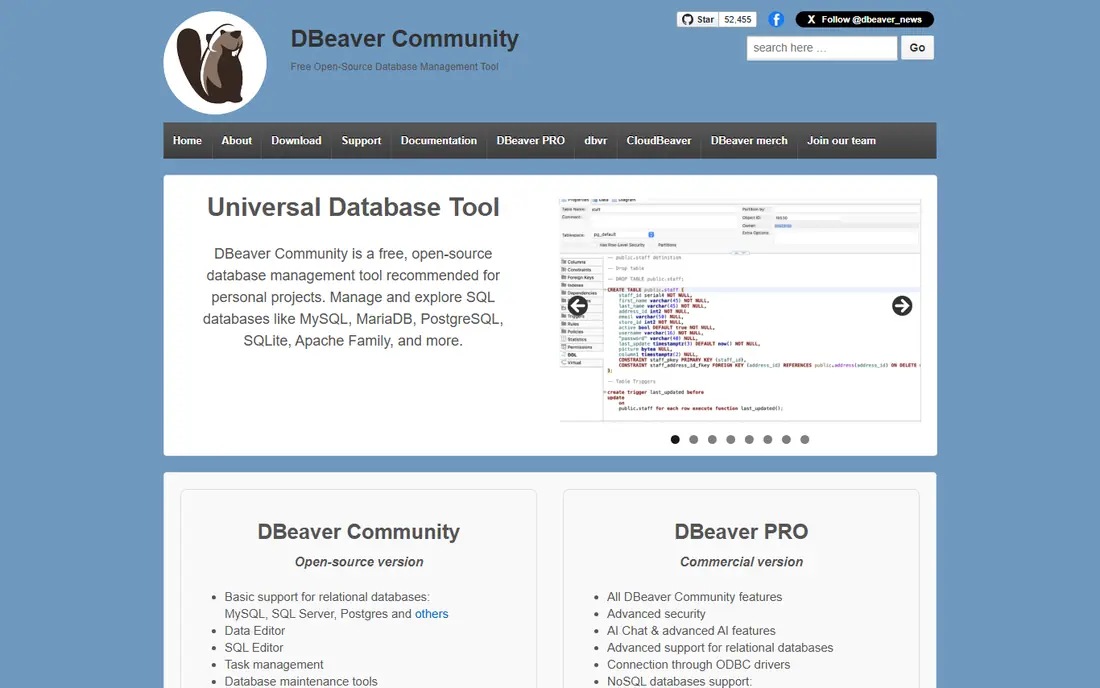
DBeaver Community is the default recommendation for developers who touch many databases. It connects to PostgreSQL, MySQL, SQLite, SQL Server, MongoDB and dozens more through drivers it downloads automatically, and it includes ER diagrams, a visual query builder and spreadsheet-style data editing at no cost.
The interface is Java-based, so it feels heavier and slower to start than native tools such as TablePlus, and features such as schema comparison live in paid editions. For most daily work, though, the free edition covers a remarkable amount. If you work across engines and want one free tool, start here.
- Free Community edition
- Supports a very wide range of databases
- ER diagrams and visual query builder included
- Java-based interface feels heavier than native clients
- Advanced features sit in paid editions
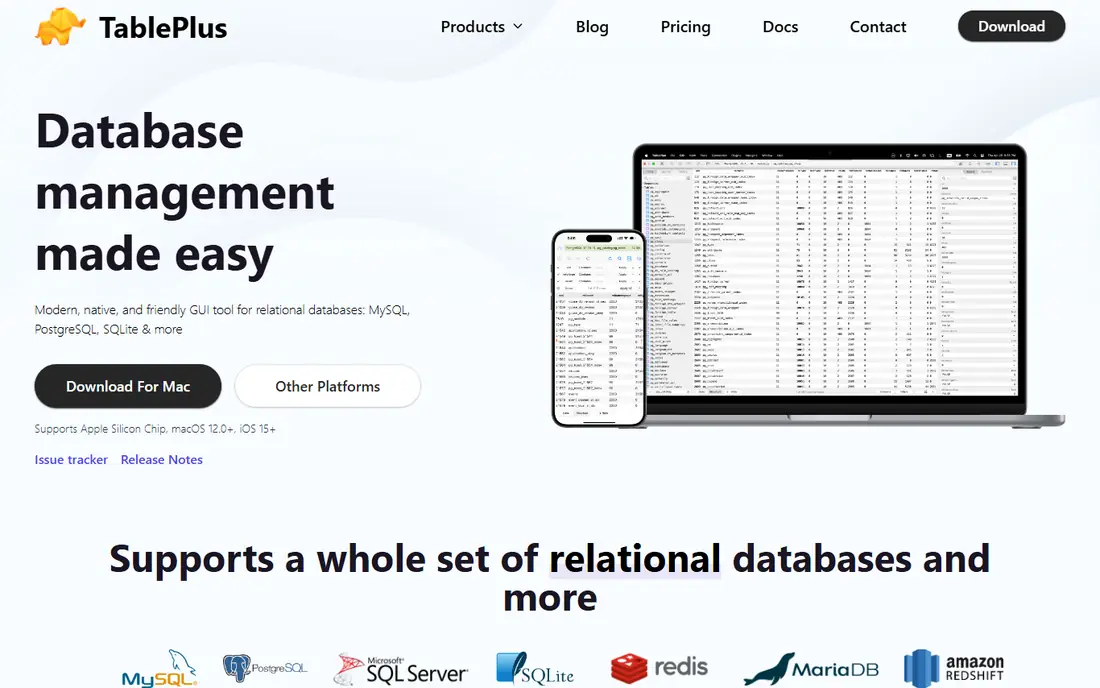
TablePlus is built for speed. As a native app, it launches quickly, browses large tables smoothly and stays out of your way, which matters when you open and close database connections all day. A one-time license replaces the subscription model, so the long-term cost is clear.
The free edition limits how many tabs and windows you can open, which pushes regular users toward the paid license. It also offers fewer deep admin features than DBeaver or DataGrip. If you value speed and simplicity over breadth, TablePlus is the pick.
- Very fast native performance
- One-time license rather than a subscription
- Clean, focused interface
- Free edition limits tabs and windows
- Fewer admin features than DBeaver or DataGrip
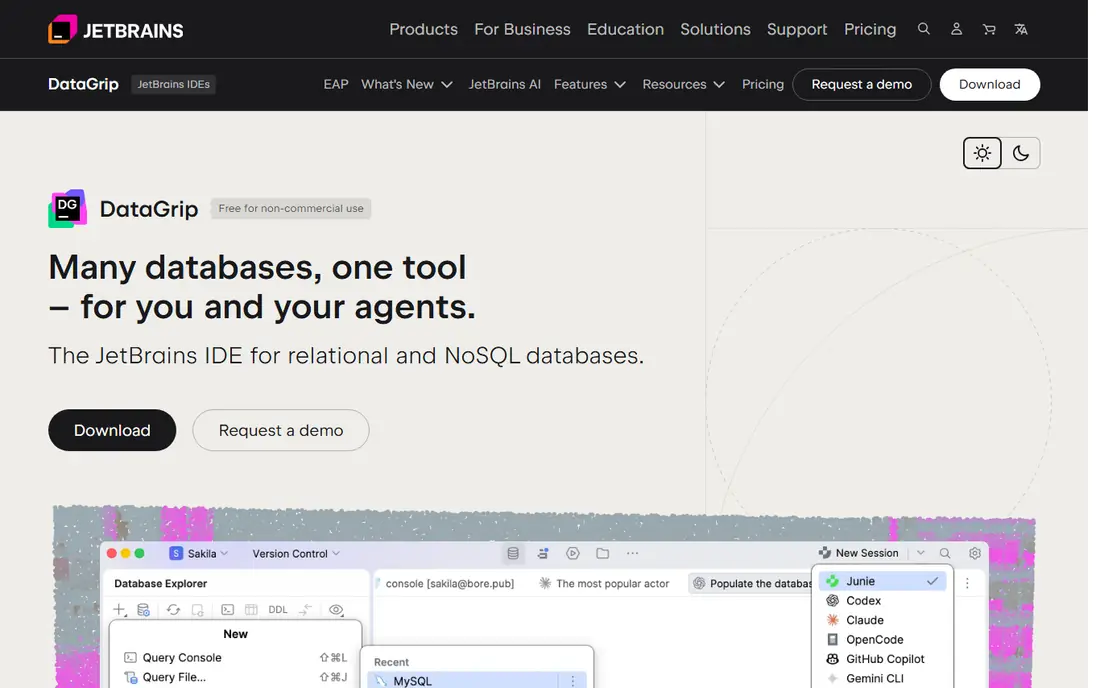
DataGrip is JetBrains' database IDE, and its SQL intelligence is its main selling point. Completion understands your schema deeply, refactoring tools rename objects safely, and the editor catches errors before you run a query. Developers who already use IntelliJ IDEA or other JetBrains tools will feel at home at once.
Pricing is subscription-based, with a free trial but no ongoing free plan for commercial use, and the app uses more memory than native clients. If SQL is your daily work and you want the smartest editor available, DataGrip earns its price.
- Best-in-class SQL completion and refactoring
- Strong JetBrains IDE integration
- Wide database support
- Subscription pricing
- Heavier resource use than native clients
pgAdmin is the official management tool for PostgreSQL, and it covers the full job: server monitoring, role and permission management, backups, and a query tool with graphical explain plans. It is free and maintained alongside PostgreSQL itself, so new server features arrive promptly.
It only works with PostgreSQL, so teams running several engines need another tool alongside it. The web-based interface can also feel slower than a native client. For PostgreSQL-only work, especially administration, pgAdmin is the natural choice.
- Free and official for PostgreSQL
- Full server, role and backup management
- Query tool with explain plans
- PostgreSQL only
- Web-based interface can feel slower than desktop clients
MySQL Workbench is the official visual tool for MySQL, combining SQL editing, schema modeling and server administration in one free package. Its visual design tools let you model tables and relationships on a canvas, which helps when planning a new database or documenting an existing one.
It only supports MySQL and MariaDB, and the interface can feel sluggish with very large schemas. For teams standardized on MySQL, especially in education or small business settings, Workbench covers design and daily administration without cost.
- Free from MySQL itself
- Visual schema design and modeling
- Server administration and migration tools
- MySQL and MariaDB only
- Interface can feel sluggish on large schemas
Navicat has a long reputation for polish. Its tools cover many databases with a consistent interface, strong data synchronization, modeling and reporting features, and a free Premium Lite edition for trying the basics. Teams that need reliable sync between development and production databases often pick Navicat for that strength.
Pricing is the hurdle. Navicat sells products per database family, so covering many engines costs more than a single all-database license elsewhere, and the free Lite edition is limited. For teams that value polish and sync tools and can pay for them, Navicat is a strong option.
- Polished interface across many databases
- Strong data sync and modeling tools
- Responsive support reputation
- Premium pricing with per-database products
- Free Lite edition is limited
Beekeeper Studio is an open-source client with a clean, modern interface that many developers prefer to busier tools. The Community edition is free and covers common SQL databases, with a straightforward query editor and table browser that stay out of your way.
Its database range is narrower than DBeaver, and advanced features such as AI helpers and team tools sit on paid plans. If you want a tidy, free client for everyday SQL work and you do not need exotic engines, Beekeeper Studio is a pleasant choice.
- Free Community edition
- Clean, modern interface
- Cross-platform with a small footprint
- Fewer databases than DBeaver
- Advanced AI and team features sit on paid tiers
DbVisualizer connects to a wide range of databases through JDBC drivers and offers ER diagram generation, query building and data browsing in a stable, traditional interface. A free edition covers basic work, while Pro adds advanced features for professional and enterprise teams.
The interface feels more traditional than TablePlus or Beekeeper Studio, and Pro pricing sits above some rivals. For enterprise teams that need broad JDBC coverage and a dependable tool, DbVisualizer remains a solid, long-running option.
- Free edition available
- Connects to many databases through JDBC
- ER diagrams and solid query tools
- Paid Pro pricing is higher than some rivals
- Interface feels traditional
How we picked these
We compared official feature pages, pricing pages and supported database lists for each tool, and we favored tools that are actively maintained, run on major desktop platforms, and cover the engines their target users actually use. Where pricing varies by license type, we wrote "See website" rather than inventing a figure. We did not claim hands-on testing of these tools; our view comes from the published material we reviewed.
How to choose database software
Count your engines first
If you use one database, a focused tool such as pgAdmin or MySQL Workbench is simpler and free. If you use several, a multi-database client saves you learning a new interface for each engine.
Test with your real workload
Open your largest tables, run your longest queries and check startup time and memory use on your own machine. A tool that feels fast in a demo can drag on real data.
Check the features you actually use
ER diagrams, visual query builders, data sync and SSH tunneling matter to different people. List the three features you use daily and confirm they are in the edition you plan to buy, not just the top tier.
Weigh free against paid honestly
Free tools cover most daily work. Pay when you need deeper SQL intelligence, schema comparison, team features or support, and confirm the paid feature is one you will use weekly.
Frequently asked questions
What is the best database management software overall?
DBeaver Community is the best free all-rounder, DataGrip is the best for deep SQL work, and TablePlus is the best for speed. Your engine mix and budget decide between them, so trial two tools with your real databases before choosing.
What is the best free database management tool?
DBeaver Community leads for multi-database work, while pgAdmin leads for PostgreSQL and MySQL Workbench leads for MySQL. Beekeeper Studio is a good free pick if you want a cleaner interface and only use common SQL databases.
What is the best database tool for PostgreSQL?
pgAdmin is the official free tool with full administration features, while DBeaver and DataGrip offer strong PostgreSQL support alongside other engines. Choose pgAdmin for administration depth and DBeaver or DataGrip when you also work with other databases.
Is TablePlus worth paying for?
Yes, if speed and a native feel matter to you daily and you use its supported databases. The one-time license is cheaper over time than subscriptions, but the free edition's tab limits mean regular users should budget for the paid license.
Do I need a paid database tool at all?
Many developers do not. Free tools cover browsing, querying, editing and diagrams for most work. Paid tools earn their cost through deeper SQL intelligence, schema comparison, sync tools and support, so pay only when you use those features regularly.
What is the difference between a database client and a database server?
The server stores and manages your data, while the client is the app you use to connect, query and manage it. Tools on this list are clients: they connect to servers such as PostgreSQL, MySQL or SQL Server that you run yourself or in the cloud.
Sources we checked (8)

Online Jobs is an independent blog about careers, online work, learning new skills and the tools that help people earn. More about us.
Keep reading
All posts
Zoom Alternatives
Zoom alternatives compared for 2026: Google Meet, Microsoft Teams, Webex, Jitsi and more for free calls, large meetings and webinars for teams and classrooms.

Which Software Is Best for PDF Page Removal
Which software is best for PDF page removal? We compare free and paid tools for deleting pages quickly, safely, and without harming your file in this guide.

Which Software Is Best for Data Entry
Compare the best data entry software for forms, OCR scanning, and spreadsheets, with free plans, pricing, and honest limits for each tool before you commit.