Best Data Catalog Platforms in 2026: 8 Tools Compared

How we put this together: we compare official feature and pricing pages, app store listings, privacy policies and public user reviews. Prices change, so check the provider's site before you pay.
Key takeaways
- Alation suits teams that need strong data discovery with machine learning suggestions and broad connector coverage.
- Collibra suits large firms that need governance, policy, and data quality in one platform.
- Atlan suits modern data teams that want a collaborative, cloud-native catalog with active metadata.
- OpenMetadata suits teams that want an open source catalog they can run and extend themselves.
Quick comparison
| Name | Who it suits | Starting price | Free option | |
|---|---|---|---|---|
 Alation | Data discovery at scale | See website | Free trial | Visit |
 Collibra | Governance and policy | See website | No | Visit |
 Atlan | Collaborative modern teams | See website | Free trial | Visit |
 data.world | Knowledge graph catalog | See website | Free trial | Visit |
 Informatica | Enterprise data management | See website | Free trial | Visit |
 Microsoft Purview | Microsoft and Azure estates | See website | Free trial | Visit |
 OpenMetadata | Open source catalog | Free | Yes | Visit |
 Select Star | Automated documentation | See website | Free trial | Visit |
The best data catalog platforms
A data catalog helps people find, understand, and trust data. It records where tables live, what columns mean, who owns them, how often they update, and whether they are safe to use. Without a catalog, analysts waste time hunting for data, duplicating work, and guessing at definitions. The platforms below differ in governance depth, automation, and fit for cloud, on-premises, and hybrid estates.

Alation is a strong choice for large teams that need analysts to find trusted data quickly. Its search covers tables, columns, dashboards, and reports, and machine learning features suggest titles, descriptions, and related assets. Usage data helps teams see which datasets people actually use, which is a practical signal for trust and for cleanup work.
The platform is priced for enterprise teams, so small firms may find the cost hard to justify for discovery alone. Governance, stewardship, and policy features are present, but they need configuration and ownership to work well. Alation fits best when a data team has a clear owner for the catalog and a plan to keep metadata current, not just a one-time import.
- Strong search and discovery
- Machine learning suggestions for titles and descriptions
- Broad connector coverage
- Enterprise pricing
- Governance features need configuration to reach full value
Collibra suits firms where governance is the main job, not just discovery. It covers data governance, policy management, stewardship workflows, data quality, and lineage in one platform, with controls that suit regulated industries. Business glossaries link business terms to technical assets, so analysts and compliance teams share the same definitions.
Implementation takes time, and the platform rewards firms that invest in governance roles and processes. A small team that only needs search may find Collibra heavier than Alation or Atlan. For banks, insurers, healthcare firms, and other regulated organisations, that depth is the point: Collibra helps prove who owns data, how it is used, and whether it meets policy.
- Deep governance, policy, and workflow features
- Data quality and lineage
- Strong enterprise controls
- Implementation can be long
- Cost and complexity suit large firms more than small teams
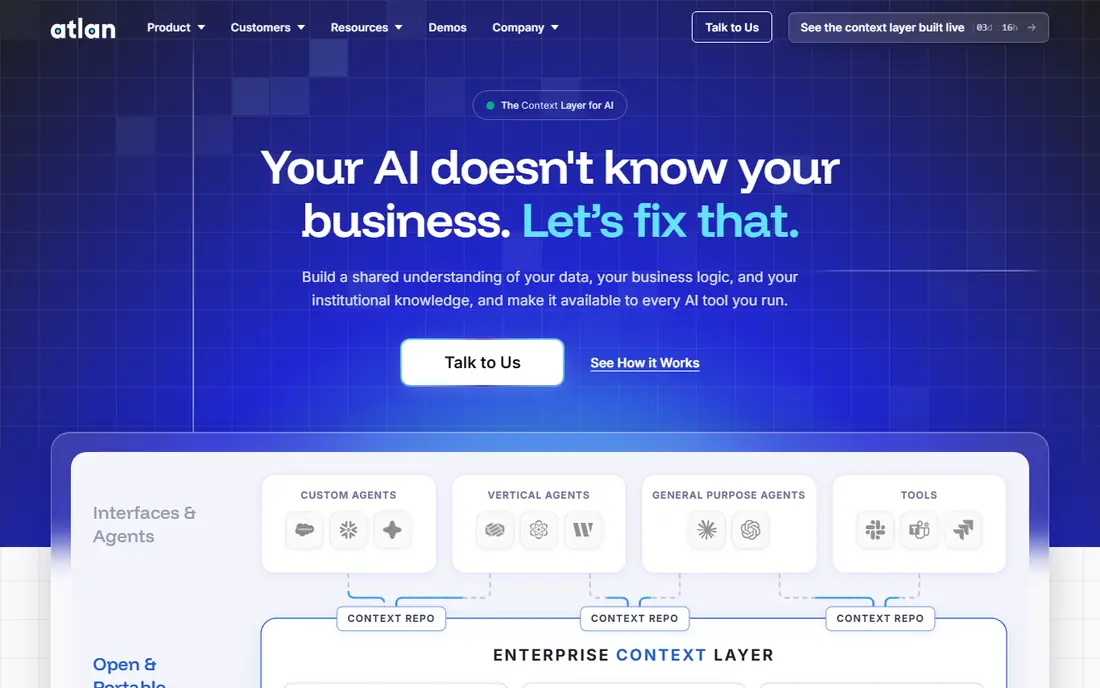
Atlan is built for modern data teams that work in cloud warehouses and use tools like Snowflake, BigQuery, and dbt. Its active metadata approach tracks lineage, usage, and changes automatically, and it lets teams add context, owners, and tags in a collaborative interface. That design helps data teams treat the catalog as a daily workspace, not a static inventory.
Legacy systems and on-premises estates need careful checking, since Atlan strength is in modern cloud tools. Pricing is also geared to teams rather than single users. For a cloud-native team that wants discovery, lineage, and collaboration in one place, Atlan is one of the clearest choices in this list.
- Cloud-native design
- Active metadata and automation
- Collaboration features for data teams
- Best fit for modern cloud stacks
- Legacy on-premises coverage needs checking
data.world uses a knowledge graph to model relationships between datasets, people, terms, and projects. That model helps teams answer questions like which dashboards use a table, which terms define a metric, and which projects depend on a source. Collaboration features, including discussion and data projects, make the catalog useful for analysts and business users together.
The graph approach takes some learning, especially for teams used to a simple table list. Pricing for full enterprise features is also aimed at larger firms. data.world fits teams that think in terms of data products and data mesh, where relationships and ownership matter as much as search. Test it with a real domain, such as customer or finance data, to see whether the graph view clarifies or complicates daily work.
- Knowledge graph model for relationships
- Strong collaboration and discovery
- Data mesh support
- Graph model needs learning for some teams
- Enterprise pricing for full features
Informatica offers a data catalog as part of a wider Intelligent Data Management Cloud, which also covers integration, data quality, and governance. That breadth helps large firms that already use Informatica for pipelines and want catalog, lineage, and quality in the same suite. Lineage across complex pipelines is a particular strength, since Informatica can track data from source to report.
Breadth is also the cost. A firm that only needs a catalog may find the suite more complex than Atlan or Alation, and implementation needs planning. Informatica fits best where data management is already centralised, with teams for integration and governance. For a standalone catalog need, a focused tool may be faster to adopt.
- Wide enterprise data management suite
- Catalog plus integration and quality
- Strong lineage
- Suite breadth adds complexity
- Pricing and implementation suit large firms
Microsoft Purview suits organisations that already run on Azure, Microsoft 365, and Power BI. It provides a unified data map, catalog search, lineage, and governance controls, with native scanning for Microsoft sources. Compliance features, including sensitivity labels and data loss prevention in the wider Purview suite, help firms that must meet Microsoft-centred compliance needs.
Firms with a mixed estate should check connector coverage for non-Microsoft sources before committing, since Purview value is highest inside Microsoft. Pricing also follows Azure consumption patterns, so costs depend on scanned assets and usage. For a Microsoft-first firm, Purview is often the simplest catalog choice, since it avoids adding a wholly separate platform.
- Native links to Azure, Microsoft 365, and Power BI
- Governance and compliance in one suite
- Unified data map
- Best value inside Microsoft estates
- Non-Microsoft coverage needs checking
OpenMetadata is the best open source option in this list. Teams can run it themselves, connect it to warehouses, lakes, dashboards, and pipelines, and extend it where needed. Features cover discovery, lineage, data profiling, data quality tests, and glossary terms, which is a strong set for a free platform.
Self-hosting is the trade. A team needs engineering time for deployment, upgrades, security, and connector care, and support comes from the community unless paid help is bought. OpenMetadata fits data teams with engineering capacity that want control and low licence cost, or firms that want to test catalog value before buying an enterprise platform. Start with a small set of key sources and prove adoption before expanding.
- Open source and self-hosted
- Broad connectors
- Lineage, profiling, and data quality features
- Needs engineering time to run and maintain
- Support depends on community or paid help
Select Star focuses on automated documentation for modern data stacks. It scans warehouses, BI tools, and dbt projects, builds lineage, and shows which tables and dashboards people actually use. That automation helps teams that have struggled to keep manual documentation current, since the catalog updates as pipelines and dashboards change.
Governance depth is lighter than Collibra, so regulated firms that need policy workflows may need a second tool. Select Star fits analyst-led teams that want a clear, current view of their data estate without a large governance programme. Test it with your warehouse and BI tools, and check whether lineage covers your full pipeline, including dbt models and dashboard queries.
- Automated documentation and lineage
- Popularity and usage signals
- Clean interface for analysts
- Smaller vendor than Alation or Collibra
- Enterprise governance depth is lighter
How we picked these
We reviewed official feature pages, pricing pages, connector lists, and product documentation for each platform, and we kept only platforms that are live and used as data catalogs in October 2026. We weighted discovery, lineage, governance, data quality, connector coverage, and ease of adoption for different team sizes. We listed pricing as See website where plans are quote based or vary by scanned assets and users, rather than repeating a figure that may not match your estate.
Catalog success depends more on ownership and adoption than on feature lists. A catalog with stale metadata or no clear owners will fail even if the tool is strong. The vendor pages in Sources give current connector lists and pricing, which are the first things to check for your specific sources.
How to choose a data catalog platform
Start with your estate. A Microsoft-first firm points to Purview, a modern cloud team points to Atlan or Select Star, a regulated large firm points to Collibra, and a team with engineering capacity points to OpenMetadata. Next, list your must-have sources: warehouses, lakes, BI tools, ETL tools, and databases. A catalog that cannot scan a core source will leave a blind spot.
Then test with a real domain. Pick one business area, such as customer or sales data, import its sources, and ask analysts to find and use data through the catalog for a week. Measure time saved, questions answered, and metadata gaps found. Finally, assign owners for glossary terms, key datasets, and stewardship tasks before rollout. A catalog without owners becomes stale quickly, no matter which platform you choose.
Adoption tips that matter more than features
Make the catalog part of daily work by linking it from BI tools and team wikis, and by using it in onboarding for new analysts. Track usage and celebrate teams that document well. Clean up unused tables and dashboards regularly, since a catalog full of dead assets erodes trust. Review lineage and quality signals each month, and fix the most-used broken assets first.
Frequently asked questions
What is a data catalog?
A data catalog is a searchable inventory of data assets, with metadata on meaning, ownership, quality, lineage, and usage. It helps analysts find trusted tables, dashboards, and reports, understand what columns mean, and see where data comes from. Think of it as a library catalog for data, with added governance and quality signals.
How is a data catalog different from a data dictionary?
A data dictionary defines terms and fields, often in a document or spreadsheet. A data catalog includes those definitions, but it also scans live sources, tracks lineage and usage, and lets users search across warehouses, lakes, and BI tools. A catalog is a living system, while a dictionary is usually a static reference.
Do small teams need a data catalog?
Small teams need one sooner than they expect, once data spreads across a warehouse, a BI tool, and spreadsheets. A lightweight tool like OpenMetadata or Select Star can help a small team avoid duplicate work and wrong definitions. Start with key sources only, and expand as the team grows, rather than trying to catalog everything at once.
What is data lineage and why does it matter?
Data lineage shows the path data takes from source to report, through pipelines, models, and dashboards. It matters when a source changes, a report looks wrong, or a compliance team asks where a figure came from. Lineage lets teams trace an error to its source and assess which reports a change will affect.
How long does it take to implement a data catalog?
A focused pilot can run in weeks, while a full enterprise rollout can take months, depending on source count, governance needs, and data quality work. Start with one domain, prove value with analyst adoption, then expand source by source. Assign owners early, since metadata without owners quickly becomes stale.
Is open source OpenMetadata safe for business use?
Yes, with the usual care for any self-hosted tool. OpenMetadata is used by data teams in production, but your team must handle deployment, security, upgrades, and backups. Firms without engineering capacity for that work may prefer a managed platform like Alation, Atlan, or Purview, where hosting and support are included.
Sources we checked (8)

Online Jobs is an independent blog about careers, online work, learning new skills and the tools that help people earn. More about us.
Keep reading
All posts
ZoomInfo Alternatives
The best ZoomInfo alternatives in 2026, compared on price, free plans, data coverage, and which tool fits small teams or large sales teams best in detail.

Workday Alternatives
We compared the best workday alternatives for HR, payroll, and global hiring, from BambooHR and Gusto to Rippling, Deel, and HiBob for growing teams in 2026.

Which SaaS Tools Have the Best Customer Support
Which SaaS tools have the best customer support? Compare eight popular tools on help centres, live help, response options and overall support quality.