Best Dashboard Software in 2026: 9 Tools Compared

How we put this together: we compare official feature and pricing pages, app store listings, privacy policies and public user reviews. Prices change, so check the provider's site before you pay.
Key takeaways
- Looker Studio is the best free starting point, especially for teams already using Google Analytics, Sheets, and Ads.
- Databox is the easiest pick for marketing and sales KPI dashboards, with many pre-built integrations and a free plan.
- Tableau and Microsoft Power BI suit teams that need deeper analysis, but both need more setup skill and cost more per user as teams grow.
- Geckoboard is the best pick for a live KPI screen on an office TV, while Klipfolio suits teams that want custom client dashboards.
- Start with one dashboard that answers a weekly decision, not a wall of charts nobody opens after week two.
Quick comparison
| Name | Who it suits | Starting price | Free option | |
|---|---|---|---|---|
 Looker Studio | Free Google-based reporting | Free | Yes | Visit |
 Databox | Marketing and sales KPIs | See website | Yes | Visit |
 Tableau | Deep visual analysis | $15 per user per month | Free trial | Visit |
 Microsoft Power BI | Microsoft 365 teams | $14 per user per month | Yes | Visit |
 Geckoboard | Live TV KPI displays | $79 per month | Free trial | Visit |
 Klipfolio | Custom client dashboards | $120 per month | Free trial | Visit |
 Zoho Analytics | Budget BI for Zoho users | See website | Yes | Visit |
 Metabase | SQL-friendly team dashboards | $100 per month | Free trial | Visit |
 DashThis | Recurring client reports | $44 per month | Free trial | Visit |
The best dashboard software
The best dashboard software is the one your team actually opens. Some tools excel at deep analysis, others at simple KPI scorecards, and the gap between them matters more than any feature list. The tools below cover free, mid-range, and enterprise-leaning options for small businesses.
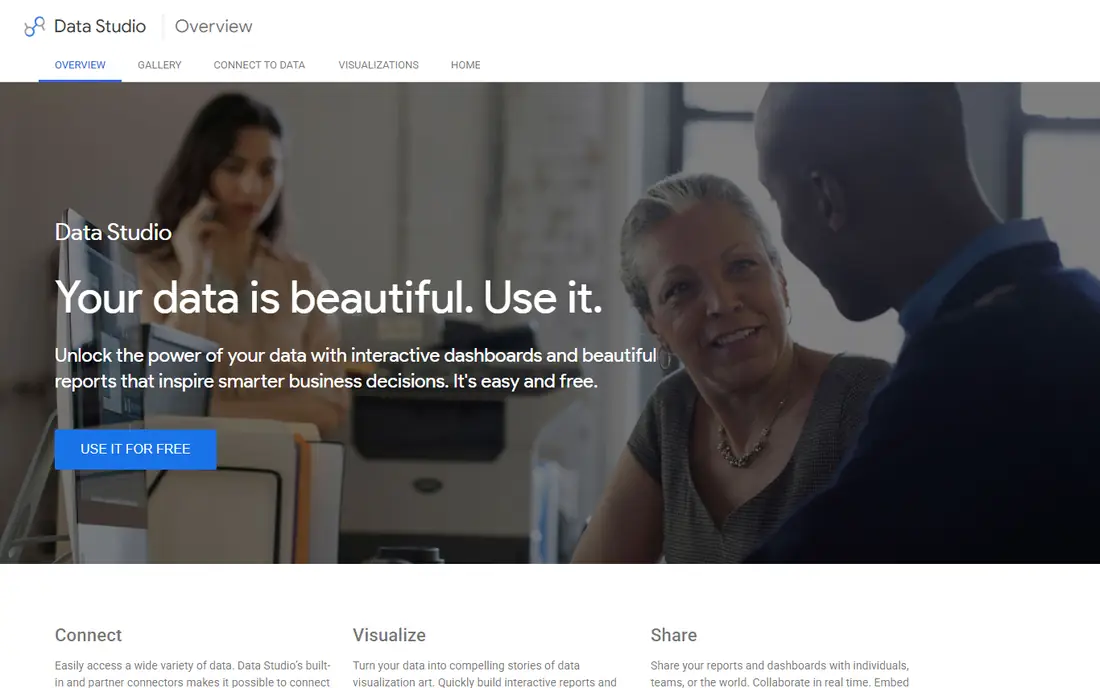
Looker Studio, formerly Google Data Studio, is the best place to start if your budget is zero and your data already lives in Google tools. It connects cleanly to Google Analytics, Google Ads, Sheets, and BigQuery, and you can share a live report with a link. For a small business tracking website traffic, ad spend, and sales from Sheets, that is often enough.
The limit shows up when your data lives elsewhere. Non-Google sources need connectors, some paid, and advanced data modeling is weaker than in Tableau or Power BI. Looker Studio Pro, at $9 per user per project per month, adds team features for larger setups. Start free, and only pay when sharing or governance needs push you there.
- Free for creators and viewers
- Deep Google data integration
- Easy sharing with a link
- Weaker for non-Google data sources
- Limited advanced modeling
- Pro features cost extra for larger teams
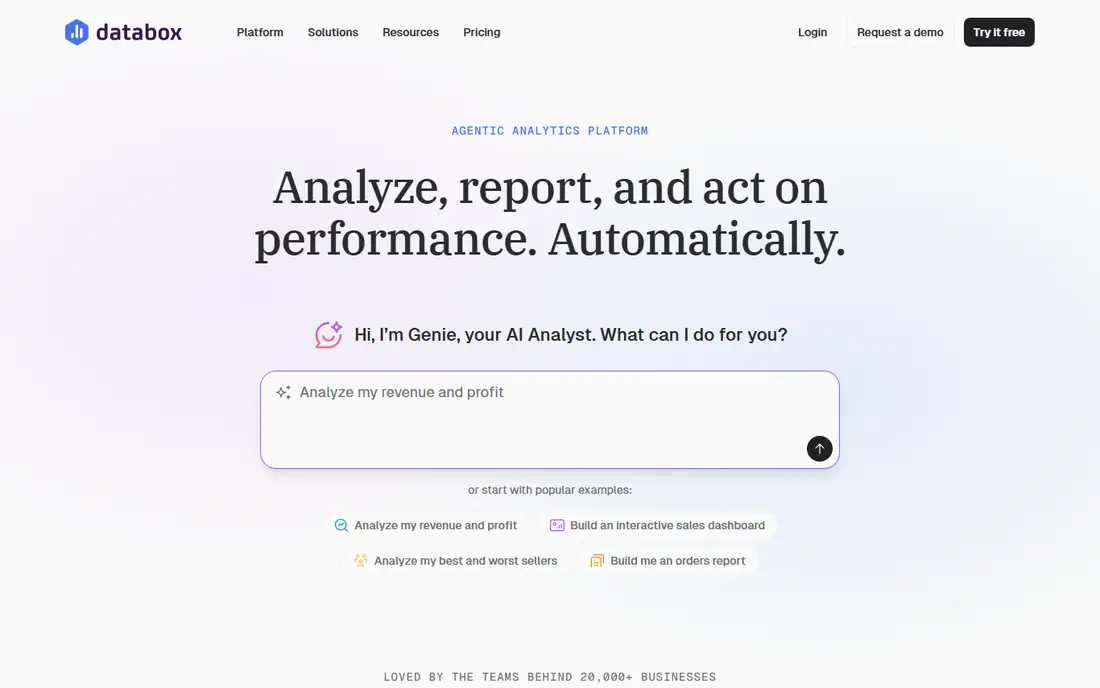
Databox is our pick for teams that want a readable KPI dashboard without hiring an analyst. It offers more than 130 integrations, including HubSpot, Google Analytics, and Facebook Ads, and its templates help you build a marketing or sales scorecard in hours rather than days. A free plan covers a first dashboard and a few data sources, which is enough to test the fit.
The catch is pricing clarity. Published entry prices for Databox have varied across 2026, from $64 to $99 per month depending on the source and plan, so check the current pricing page before budgeting. Databox also favors clear KPI views over deep exploratory analysis, so teams that need complex modeling should look at Tableau or Power BI instead.
- More than 130 integrations
- Pre-built KPI templates
- Free plan for a first dashboard
- Pricing has changed across 2026 roundups, so check the site
- Less suited to deep ad-hoc analysis
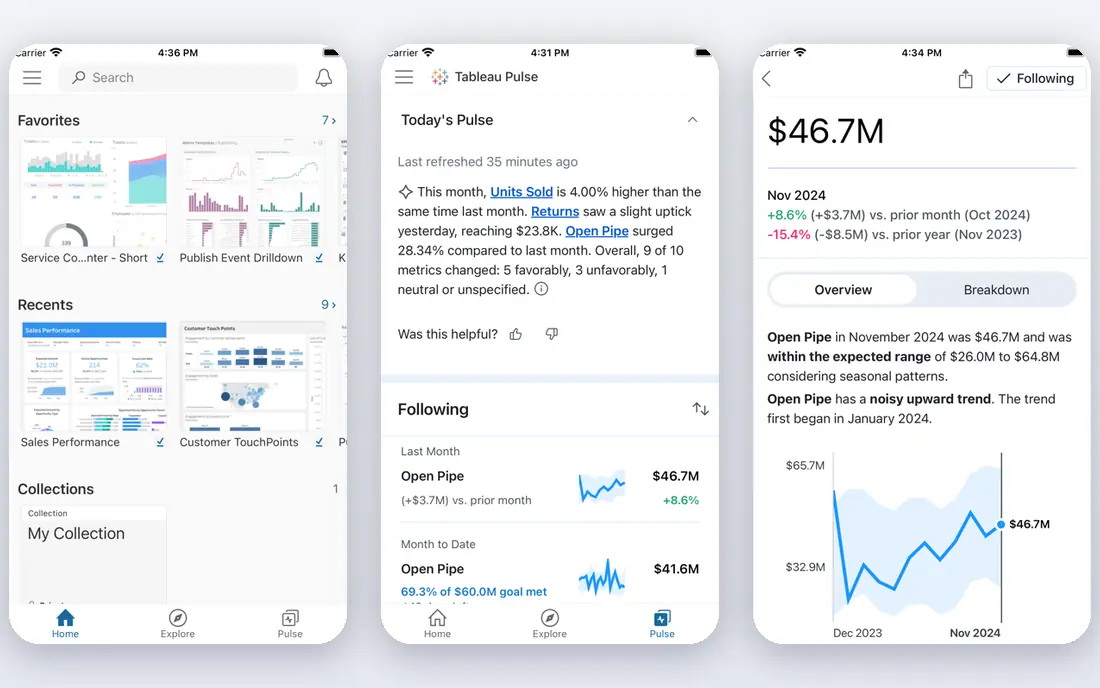
Tableau is the strongest pick for analysts who want to explore data, not just display it. Its visual tools let you drag, filter, and drill into data in ways that simpler KPI tools cannot match, and its community offers templates and help for most questions. For a growing business with a data-minded team member, Tableau scales from a first dashboard to serious analysis.
The trade-off is skill and cost. Tableau Standard starts at $15 per user per month on annual billing, and higher roles cost more, so a team of ten pays a real monthly bill. Learning Tableau also takes weeks, not hours. If nobody on your team enjoys working with data, a simpler tool will get used more.
- Best-in-class visual exploration
- Strong community and learning resources
- Handles large and messy data well
- Steeper learning curve
- Per-user costs add up
- Full power needs a skilled builder
Microsoft Power BI is the natural pick for teams already running on Microsoft 365. It connects well to Excel, SharePoint, and Dynamics, and its data modeling tools suit teams that want to combine several sources into one report. Power BI Pro costs $14 per user per month on annual billing, and a free desktop version lets an individual build reports without sharing them.
The catch is sharing. The free desktop version does not let you share reports with a team in the usual way, so most teams need Pro seats for everyone who views and shares. Power BI also rewards users who learn its modeling language, which takes time. If your team lives in Google tools instead, Looker Studio will feel more natural.
- Deep Microsoft 365 and Excel integration
- Pro at $14 per user per month
- Strong modeling and reporting
- Sharing requires a paid plan for most team use
- Learning curve for data modeling
- Best on Windows and Microsoft tools
Geckoboard solves one problem very well: putting live numbers on a screen the whole team can see. Its dashboards are designed to be read from across a room, with large KPI tiles, status indicators, and auto-refreshing data. Sales teams, support teams, and offices that want a shared sense of the day's numbers will like how fast it is to set up.
The limit is depth. Geckoboard is a display tool, not an analysis tool, so it will not replace Tableau for digging into why a number moved. At $79 per month for the Essentials plan on annual billing, it is also a considered purchase for a very small team. Buy it when a visible, shared KPI board is the actual goal.
- TV-ready live KPI boards
- Simple setup for shared screens
- Clear at a glance from across a room
- Less suited to deep analysis
- Flat monthly price is high for a single small dashboard
Klipfolio suits teams and agencies that need precise control over how metrics are calculated and displayed. Its spreadsheet-style approach lets builders write formulas, combine sources, and design client dashboards that look polished and consistent. Flat monthly pricing, starting at $120 per month for the Base plan on annual billing, makes agency budgeting simpler than per-user pricing.
The catch is the builder skill it assumes. Klipfolio rewards users who are comfortable with formulas and data connections, and its entry price is higher than Databox or DashThis for a single small dashboard. If you need one simple internal scorecard, start cheaper. If you sell client reporting, Klipfolio earns its price.
- Spreadsheet-style control over metrics
- Predictable flat pricing
- Good for agencies sharing client dashboards
- Higher entry price than simpler KPI tools
- Needs a builder comfortable with formulas and data sources
Zoho Analytics is the budget BI pick for businesses already using Zoho CRM, Books, or other Zoho apps. Its free plan covers two users and a limited row count, which is enough for a small team to test real dashboards. Connectors for Zoho apps are deep, and higher plans add an AI assistant that can help explain and build reports.
The limit is ecosystem fit. Outside Zoho, Zoho Analytics still works, but its advantage narrows against Looker Studio or Databox. Pricing also varies by region, so check the Zoho pricing page for your country. For a Zoho shop on a budget, it is a strong and affordable choice.
- Free plan for small teams
- Deep connectors for Zoho apps
- AI assistant on higher plans
- Pricing varies by region and plan
- Interface feels busy to new users
- Best value inside the Zoho ecosystem
Metabase is the pick for teams that have their own database and someone comfortable with SQL. Its visual query builder lets non-technical users ask questions, while the SQL editor gives technical users full control. The open-source version can be self-hosted for free, which appeals to budget-conscious technical teams.
The trade-off is setup. Self-hosting needs server care and updates, and the cloud plan starts at $100 per month, or $90 per month on annual billing in some listings, so check the current page. Metabase also offers fewer ready-made marketing templates than Databox. Choose it when your data lives in a database and your team can query it.
- Open-source option with free self-hosting
- Visual query builder plus SQL editor
- Good for teams with their own database
- Cloud pricing starts at $100 per month
- Needs technical setup for self-hosting
- Less polished templates than Databox
DashThis suits agencies and freelancers who send the same client report every month. Its templates pull data from marketing sources into clean, client-ready reports, and automated scheduling removes the monthly scramble to assemble numbers. The entry plan costs $44 per month on annual billing, or $54 per month on monthly billing, which is reasonable for a small agency.
The limit is that DashThis is a reporting tool first and a live dashboard second. It excels at periodic reports, not at real-time exploration or complex modeling. If your clients need a monthly PDF-style report they can read in five minutes, DashThis fits. If they need a live dashboard to explore daily, Databox or Klipfolio fits better.
- Fast client-ready report templates
- Automated recurring reports
- Simple editor for agencies
- More of a reporting tool than a live BI platform
- Limited deep analysis
- Per-report pricing can grow with clients
How we picked these
We compared official pricing pages, free plans, integrations, and each tool's main use case, and we checked recent 2026 comparisons that read prices from those same vendor pages. We favored tools that are current, available to small businesses, and clearly aimed at dashboards rather than general spreadsheets. Where pricing varied across sources, we used the most recent vendor-aligned figure or listed See website, and we note that you should confirm the price before buying.
How to choose the right dashboard tool
Start with the decision the dashboard must support. A weekly sales review needs different charts than a live support wallboard or a monthly client report. Write down the three numbers that matter most, the sources they come from, and who will open the dashboard each week. That short list eliminates most tools at once.
Match the tool to your data and skill
If your data lives in Google tools, start with Looker Studio. If it lives in Microsoft tools, start with Power BI. If you need marketing KPIs fast, try Databox. If you have a database and SQL skills, try Metabase. The best tool is usually the one closest to data you already have and skills your team already owns.
Build one dashboard first
Pick one dashboard, one audience, and one weekly decision, and build only that. Add charts only when someone asks a question the dashboard cannot answer. A dashboard with twenty charts that nobody opens is worse than a dashboard with five charts that drives a weekly meeting.
Check sharing, refresh, and cost at scale
Check who can view and edit, how often data refreshes, and what the price becomes with your full team. Per-user pricing can surprise a growing team, while flat pricing can surprise a tiny team. Run a trial with real data and real viewers before committing to an annual plan.
Frequently asked questions
What is the best dashboard software for small business?
Looker Studio is the best free starting point, and Databox is the best easy pick for marketing and sales KPIs. Power BI suits Microsoft shops, Tableau suits analysis-heavy teams, and Geckoboard suits live office displays. The best pick depends on your data sources, budget, and who builds the dashboards.
What is the best free dashboard software?
Looker Studio is the best free dashboard tool for most small businesses, since it is free for creators and viewers and connects deeply to Google data. Databox and Zoho Analytics also offer free plans, but with limits on sources and rows. Metabase offers a free self-hosted version for technical teams.
Which dashboard software is best for client reporting?
Klipfolio and DashThis are the strongest picks for client reporting. DashThis is faster for recurring monthly reports, while Klipfolio gives more control over custom metrics and dashboard design. Databox also works for client KPI scorecards, especially for marketing clients.
Is Tableau or Power BI better for a small business?
Power BI is usually better for small businesses already using Microsoft 365, thanks to lower entry cost and Excel integration. Tableau is better for deep visual exploration and for teams with a dedicated analyst. Both need more setup skill than Databox or Looker Studio, so factor learning time into the choice.
How much does dashboard software cost?
Costs range from free at Looker Studio to $14 to $15 per user per month at Power BI and Tableau, $44 to $79 per month at DashThis and Geckoboard, and $100 to $120 per month at Metabase and Klipfolio. Flat pricing suits agencies, while per-user pricing suits small internal teams. Always check the vendor page for current plans.
What makes a good dashboard?
A good dashboard answers one decision at a glance, uses data that refreshes reliably, and is opened regularly by its intended audience. It shows a small number of clear metrics, explains what changed, and links to detail only when needed. A dashboard nobody opens is a failed dashboard, no matter how polished it looks.
Sources we checked (9)
- https://lookerstudio.google.com
- https://www.databox.com/pricing
- https://www.tableau.com/pricing
- https://powerbi.microsoft.com/pricing
- https://www.geckoboard.com/pricing
- https://www.klipfolio.com/pricing
- https://www.zoho.com/analytics/pricing.html
- https://www.metabase.com/pricing
- https://www.dashthis.com/pricing

Online Jobs is an independent blog about careers, online work, learning new skills and the tools that help people earn. More about us.
Keep reading
All posts
n8n Alternatives
n8n alternatives compared for 2026, with Zapier, Make, Activepieces, and more, covering visual builders, code steps, self-hosting, and pricing models.

ZoomInfo Alternatives
The best ZoomInfo alternatives in 2026, compared on price, free plans, data coverage, and which tool fits small teams or large sales teams best in detail.

Zoom Alternatives for Webinars
Compare Zoom alternatives for webinars in 2026, from browser-based rooms to enterprise events, with prices, attendee limits, features and honest trade-offs.