Best DAM Software in 2026: 8 Digital Asset Management Tools Compared

How we put this together: we compare official feature and pricing pages, app store listings, privacy policies and public user reviews. Prices change, so check the provider's site before you pay.
Key takeaways
- Most enterprise DAM platforms, including Bynder, Brandfolder, Canto, and Aprimo, use quote-based pricing, so budget for a sales conversation rather than a simple monthly fee.
- Cloudinary is the clearest self-serve starting point, with a free plan and a Plus plan at $89 per month for its image and video platform.
- Pics.io suits small teams that want DAM features on top of Google Drive or Amazon S3, with paid plans from $100 per month in published sources.
- Frontify stands out when brand guidelines and assets need to live in one place, while Acquia DAM suits teams that also need product information management.
Quick comparison
| Name | Who it suits | Starting price | Free option | |
|---|---|---|---|---|
 Bynder | Enterprise brand governance | See website | No | Visit |
 Brandfolder | Asset analytics and portals | See website | No | Visit |
 Canto | Mid-size teams, easy adoption | See website | Free trial | Visit |
 Cloudinary | Developer-led media delivery | $89 per month | Yes | Visit |
 Frontify | Brand guidelines plus DAM | See website | No | Visit |
 Acquia DAM | Product data plus assets | See website | No | Visit |
 Aprimo | Enterprise content operations | See website | No | Visit |
 Pics.io | Small teams on Drive or S3 | $100 per month | Free trial | Visit |
The best DAM software
DAM software, short for digital asset management software, is where a team stores, finds, shares, and controls brand and media files. A good DAM replaces shared-drive chaos with searchable metadata, permission controls, approved versions, and portals for agencies and partners. The tools below range from self-serve platforms a small team can start this week to enterprise systems that need implementation help.
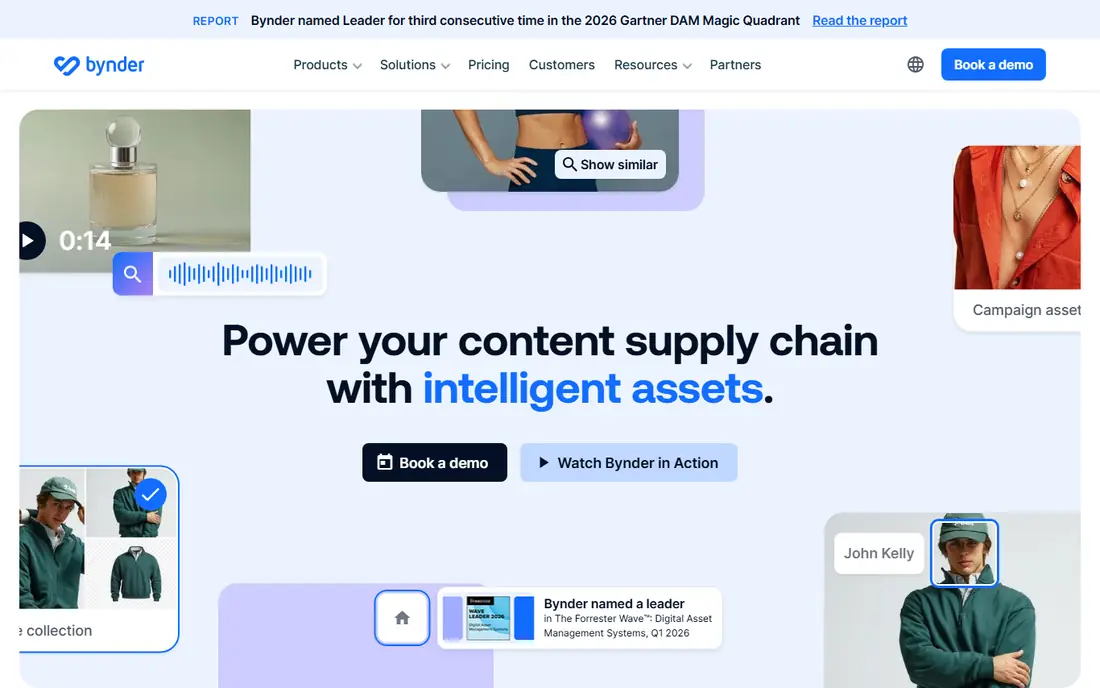
Bynder is the enterprise standard many large brands choose when governance matters most. It combines a central asset library with brand portals, so regional teams and agencies find approved logos, photos, and templates without asking marketing for files. Workflow modules cover briefs, templated content creation, proofing, and approvals, which keeps off-brand versions from spreading.
The catch is price and scale. Bynder does not publish a simple plan price, and every package is built around the core DAM plus chosen modules, users, storage, and support. Small teams will find the sales process and the likely annual cost out of proportion to their needs. For a large brand with many users and strict brand control, that structure is the point, not a flaw.
- Strong brand portals
- Workflow modules for briefs, proofing, and approvals
- Wide integration library
- Quote-only pricing
- Heavy and costly for small teams
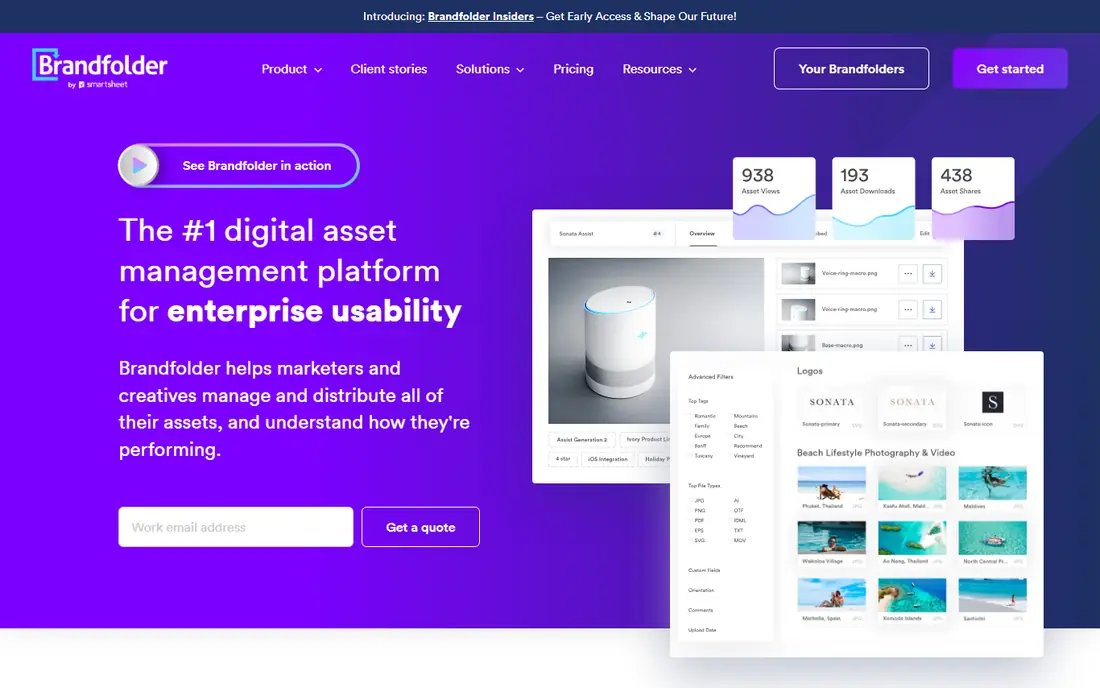
Brandfolder, now part of Smartsheet, suits teams that want to know how assets are actually used, not just where they are stored. Its analytics show which files get downloaded and shared, which helps a brand team retire stale assets and invest in formats that partners actually use. Portals and templating let local teams customize approved materials without breaking brand rules.
Pricing is the main frustration. Brandfolder does not publish a plan price on its own site, and third-party estimates vary widely, so you need a quote tied to users, storage, and features. Teams should also check which features sit on which tier, since permissions, auto-tagging, and sharing options can require higher plans. For analytics-led brand teams, it is worth that conversation. For a team that just needs a searchable library, simpler tools cost less.
- Strong asset analytics and usage insight
- Brand portals and templating
- Part of the Smartsheet ecosystem
- Quote-only pricing on its own site
- Basic plan can lack features that cost extra on higher tiers
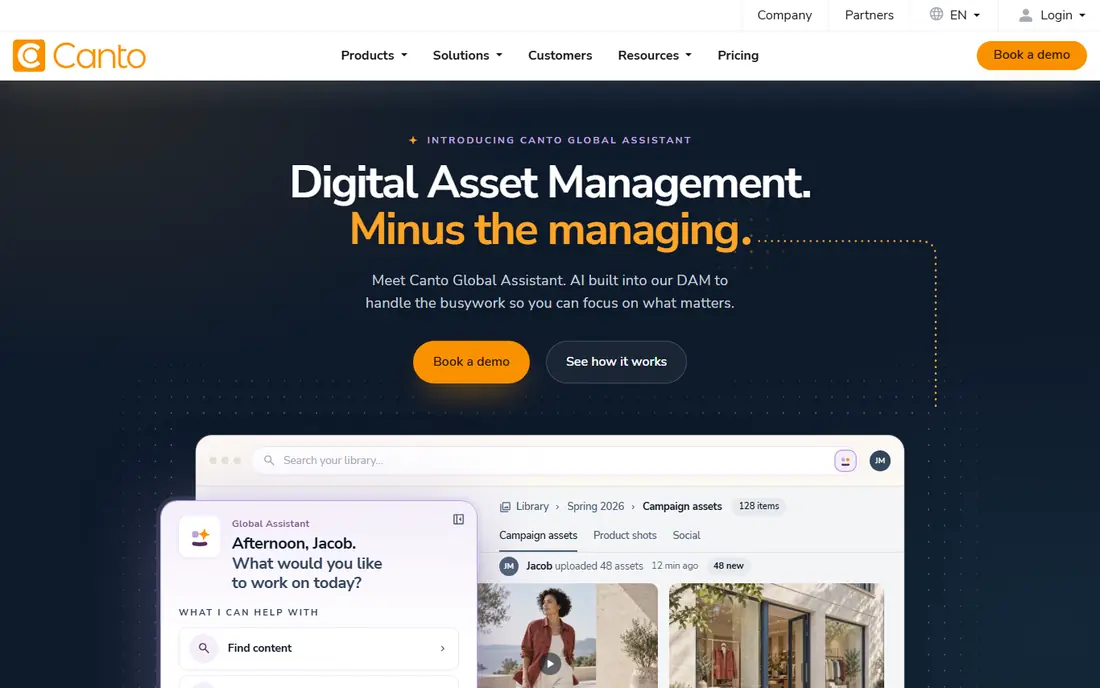
Canto is the mid-market pick for teams that want a DAM people will actually use. Its interface is straightforward, search includes AI auto-tagging and visual similarity, and onboarding is usually faster than with enterprise platforms. Packages cover core DAM, DAM Plus, DAM for Products, and DAM Pro, with product data and commerce connections in the product-focused package.
The weakness is transparency. Canto names its packages but does not publish prices for them, so budgeting needs a sales quote, and third-party estimates for entry packages vary. Check guest and viewer pricing carefully if many external partners need access, since that can change the total. For a mid-size marketing team that values ease of use over deep enterprise governance, Canto is a strong shortlist candidate.
- Approachable interface for non-technical teams
- AI auto-tagging and visual search
- Product data options in some packages
- No published prices
- Guest viewer costs can add up in some packages
Cloudinary is different from the other tools here because it is both a DAM and a media delivery platform. Teams store images and video, then Cloudinary transforms, optimizes, and delivers them through a content delivery network to websites, apps, and stores. That makes it the natural pick for developer-led teams where the asset library and the delivery pipeline are the same problem.
Pricing is published and self-serve for its image and video platform, with a free plan and a Plus plan at $89 per month when billed yearly, plus an Advanced plan at $224 per month. The catch is credit billing, where one credit covers a set amount of transformations, storage, or bandwidth, so heavy traffic can push costs up faster than a flat per-user fee. Its dedicated DAM product also offers a free trial, followed by a custom Enterprise plan, so check which Cloudinary product your team actually needs.
- Free plan to start
- Plus plan at $89 per month when billed yearly
- Transformations, optimization, and CDN delivery in one platform
- Credit-based billing can surprise growing teams
- Full DAM features sit on a custom Enterprise plan
Frontify suits brand teams that live in guidelines as much as in files. It puts brand guidelines, templates, and the asset library in one hub, so a partner can read the rule, find the approved file, and customize a template without switching tools. AI search and a brand assistant help newcomers find the right asset and the right usage rule together.
The trade-off is scope and price. Frontify does not publish a simple entry price for most buyers, and teams that only need storage and search may find the guideline layer extra weight. For a brand team that spends real time answering usage questions and fixing off-brand materials, though, combining guidelines and DAM in one place can save more time than a cheaper, files-only library.
- Guidelines, templates, and assets in one hub
- Brand assistant and AI search features
- Clear brand portal experience
- Quote-based pricing for most plans
- Smaller asset-only teams may pay for guideline features they do not need
Acquia DAM, formerly Widen, suits product-led and commerce teams that need assets tied to product data. It combines digital asset management with product information management and brand management, so a product page, a spec sheet, and a lifestyle photo can stay consistent. Its published tier specifications describe user and storage limits by tier, which helps a team size its needs before a sales call.
Pricing remains quote-only, so those tier specs do not translate into a public price. Teams should map their user count, storage, and product data needs to a tier early, and confirm what counts as a user versus a guest viewer. For a mid-size to large team with product content at the center, Acquia DAM is a serious enterprise option. For a small marketing team, it will likely feel heavy.
- Detailed tier specifications
- Product information management alongside DAM
- Strong fit for commerce and product-led teams
- Quote-only pricing
- Tier limits on users and storage need careful checking
Aprimo is built for large content operations, not just file storage. It covers asset management alongside planning, workflow, and distribution, which suits enterprises where dozens of people create, approve, and publish content across channels. Its enterprise positioning includes unlimited users in some contract structures, which can suit large, distributed teams better than strict per-seat pricing.
The cost is implementation. Pricing is quote-only, and a platform of this breadth needs configuration, migration, and an internal owner to succeed. Teams without that ownership will struggle to get value from features they do not use. Choose Aprimo when content operations are a core business function with budget and staff behind them. Choose a simpler DAM when the need is mainly a searchable, shareable library.
- Wide content operations coverage, including planning and workflow
- Unlimited-user positioning in some contracts
- Strong enterprise integrations
- Quote-only pricing
- Implementation and onboarding take time and internal ownership
Pics.io is the pragmatic pick for small teams that already live in Google Drive or Amazon S3. Instead of moving every file into a new vault, it layers DAM features such as tagging, visual search, version control, and sharing on top of existing storage. That lowers migration pain and keeps files where the team already works, which often decides whether a DAM gets adopted at all.
Published sources list paid plans from $100 per month for a Solo plan, with higher tiers for larger teams, and a trial to test the setup. The limit is depth: Pics.io does not match enterprise platforms on governance, workflow, and brand portal polish. For a small team that needs search, control, and sharing without an enterprise project, that trade is usually worth it.
- Layers DAM on Google Drive or Amazon S3
- AI visual search features
- Simpler migration since files stay in existing storage
- Depends on Drive or S3 structure
- Less enterprise governance than Bynder or Aprimo
How we picked these
We compared official feature and pricing pages, DAM pricing research for 2026, and product documentation, focusing on tools that are actively sold as digital asset management platforms. We kept only tools with a real DAM library, search, permissions, and sharing, and we used "See website" wherever the vendor itself does not publish a price, rather than repeating a third-party estimate as if it were a vendor price. Prices that are published, such as Cloudinary Plus and Pics.io entry pricing, are noted as published figures and should still be confirmed on the vendor page before purchase.
What to check before you choose a DAM platform
Start with a file audit, not a feature list. Count your assets, their formats, who creates them, who uses them, and how often old versions cause mistakes. A team with 500 logos and photos has different needs from a team with 50,000 product images and videos. That audit also reveals whether you need video handling, product data, brand guidelines, or just search and sharing, which narrows the shortlist fast.
Next, run a search test with real files and real questions. Upload a messy sample set with inconsistent names, then ask three colleagues to find specific assets without help. The DAM that returns the right file in seconds, with clear usage rights and an approved version marked, will earn adoption. A DAM with beautiful portals but weak search will be bypassed, and staff will go back to asking colleagues for files by email.
Finally, check permissions, portals, and exit. Confirm who can download originals, who can only view, how external partners get access, and how usage rights and expiry dates are shown. Test an export of assets plus metadata before you migrate a full library, since metadata is what makes the library searchable. A DAM you cannot export cleanly is a future migration project waiting to happen.
Storage, search, and rights
Good search needs metadata, and metadata needs ownership. Decide who tags new assets, what fields are required, and how rights and expiry are recorded. AI auto-tagging helps, but it does not replace a clear rule for approved versions, usage rights, and archive status. Without that rule, even a strong DAM fills with duplicates and outdated files within a year.
Portals and integrations
Portals matter when agencies, retailers, or regional teams need assets without full library access. Check whether portals can be branded, whether downloads can be tracked, and whether integrations cover your design tools, content system, and commerce platform. A DAM that sits apart from daily tools will be ignored, while one connected to design and publishing workflows becomes part of the job.
Frequently asked questions
What is the best DAM software for small teams?
Pics.io and Cloudinary are the strongest small-team starting points in this list. Pics.io layers DAM on Drive or S3 from $100 per month in published sources, while Cloudinary offers a free plan and a Plus plan at $89 per month for its image and video platform. Canto is also worth a trial for mid-size teams, though its pricing is quote-based.
What are the best digital asset management tools for large brands?
Bynder, Brandfolder, Aprimo, and Acquia DAM lead for large brands, with governance, portals, workflow, and analytics at enterprise scale. All four use quote-based pricing, so expect a sales process and an annual contract. Shortlist two, run the same search and portal test in each, and compare total cost including implementation and training.
What is the best DAM platform for ecommerce?
Acquia DAM and Canto stand out for product-led teams because they connect assets to product data and commerce workflows. Cloudinary also suits ecommerce where image transformation and fast delivery matter as much as storage. Choose based on whether product data, delivery speed, or brand control is the main bottleneck for your store.
How much does DAM software cost?
It varies widely. Self-serve platforms publish prices from free up to a few hundred dollars per month, while enterprise DAM platforms are quote-only and often run into five figures per year. The total depends on users, storage, guests, features, and implementation. Get a written quote that states users, storage, guest access, and renewal terms before comparing two enterprise offers.
What is the difference between DAM and cloud storage?
Cloud storage holds files, while DAM adds searchable metadata, version control, permissions, usage rights, portals, and workflow around those files. A shared drive can store a logo, but it cannot easily show which version is approved, who may use it, or where it has been shared. DAM pays off when many people, partners, and channels depend on finding the right file quickly.
Do I need a DAM if my team is small?
Not always. A small team with few assets and one channel can manage with well-organized cloud storage and naming rules. A DAM becomes worth it when files multiply, partners need access, versions cause mistakes, or search time starts to eat into creative work. Start with a trial on a messy sample set, and only pay when search and sharing clearly save time.
Sources we checked (8)

Online Jobs is an independent blog about careers, online work, learning new skills and the tools that help people earn. More about us.
Keep reading
All posts
n8n Alternatives
n8n alternatives compared for 2026, with Zapier, Make, Activepieces, and more, covering visual builders, code steps, self-hosting, and pricing models.

ZoomInfo Alternatives
The best ZoomInfo alternatives in 2026, compared on price, free plans, data coverage, and which tool fits small teams or large sales teams best in detail.

Zoom Alternatives for Webinars
Compare Zoom alternatives for webinars in 2026, from browser-based rooms to enterprise events, with prices, attendee limits, features and honest trade-offs.