Best Customer Service Software in 2026: 8 Tools Compared


Easy ticket management for small teams · Starting price: $19 per agent per month
How we put this together: we compare official feature and pricing pages, app store listings, privacy policies and public user reviews. Prices change, so check the provider's site before you pay.
Key takeaways
- Freshdesk and Zendesk both start at $19 per agent per month on annual billing, so the choice now rests on workflow and AI costs, not the headline price.
- Zoho Desk is the cheapest paid starting point in this list at $7 per user per month, and it includes a free plan for up to three users.
- Help Scout suits small teams that live in email, while Intercom suits software teams that lead with live chat and in-app messaging.
- HubSpot Service Hub is the natural pick if your business already runs on HubSpot CRM, since tickets sit next to the customer record.
- Per-agent pricing adds up fast, so count every person who will answer tickets before you compare plans.
Quick comparison
| Name | Who it suits | Starting price | Free option | |
|---|---|---|---|---|
| Freshdesk | Easy ticket management for small teams | $19 per agent per month | Free trial | Visit |
 Zendesk Zendesk | Advanced ticket management at scale | $19 per agent per month | Free trial | Visit |
 Zoho Desk Zoho Desk | Budget teams and Zoho users | $7 per user per month | Yes | Visit |
 Help Scout Help Scout | Email-first small teams | $25 per user per month | Yes | Visit |
 HubSpot Service Hub HubSpot Service Hub | CRM-connected support | Free | Yes | Visit |
 Intercom Intercom | Chat-first software support | $29 per seat per month | Free trial | Visit |
 Front Front | Shared inbox collaboration | $25 per seat per month | Free trial | Visit |
 LiveAgent LiveAgent | Help desk plus built-in call centre | $15 per agent per month | Free trial | Visit |
The best customer service software
Good customer service software does three things well: it gathers requests from email, chat, and other channels into one queue, it gives agents the customer context they need, and it stops requests from being forgotten. The eight tools below cover those jobs at different prices and for different team shapes.
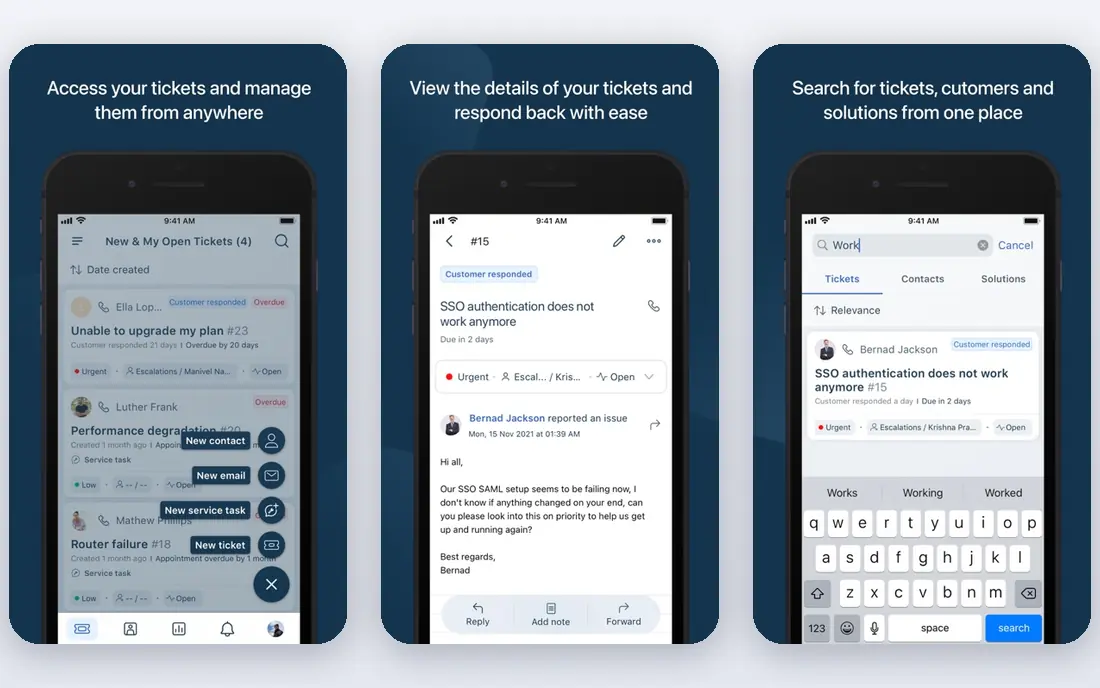
Freshdesk is the easiest starting point for a small team that needs a proper help desk without a long setup project. Tickets arrive from email, chat, phone, and social channels into one queue, and agents can set simple automations, such as assigning tickets by topic or sending a reply when a ticket sits untouched. That structure alone prevents the common small-business problem of support requests living in separate inboxes.
The honest catch is that the most useful AI features sit on higher tiers or as add-ons, so a team that wants heavy automation should price the full stack, not just the entry plan. Freshdesk still suits teams that want to start quickly and grow into automation, especially if they value a clean interface over deep customisation.
- Clear ticket views and automation for small teams
- Email, chat, phone, and social in one queue
- AI features on higher tiers
- AI add-ons cost extra
- Entry plan lacks some advanced reporting
- Prices rose in 2026, closing the gap with Zendesk
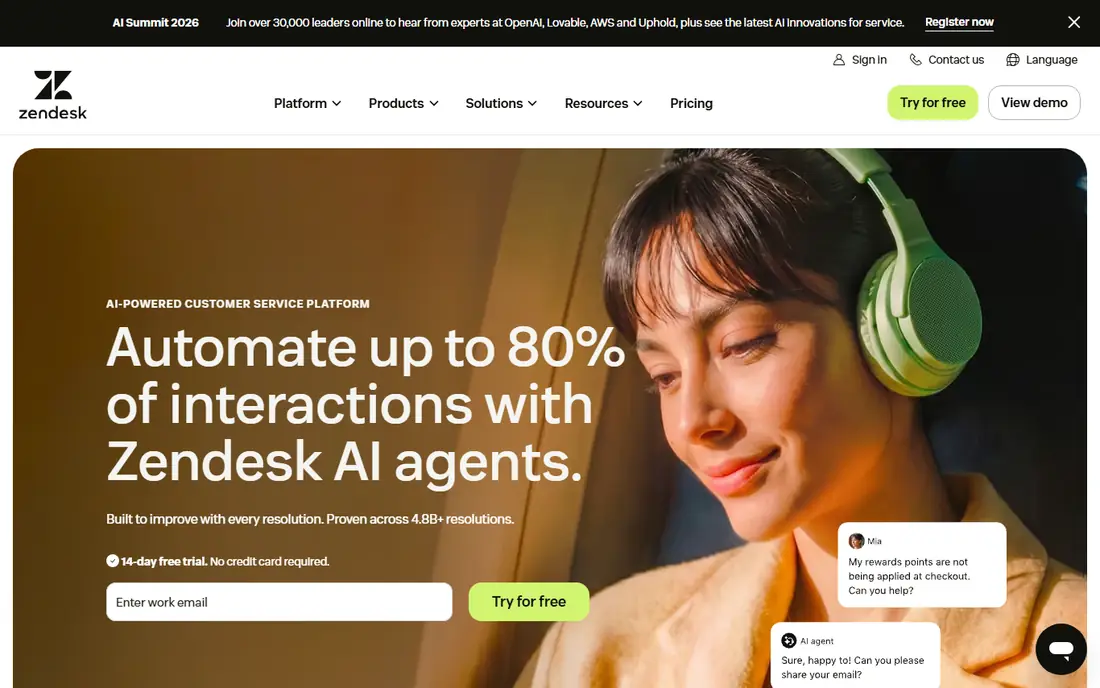
Zendesk is the standard many larger support teams compare everything else against. It handles email, chat, voice, and social in one system, with routing rules, triggers, and reporting that suit teams with complex queues or multiple brands. If your support operation spans several departments or needs detailed reporting by team, channel, and issue type, Zendesk has the depth for it.
That depth comes with cost and complexity. There is no free plan, only a trial, and AI add-ons are priced separately, so the bill can climb well past the entry price. Smaller teams may find the setup heavier than they need. Choose Zendesk when your volume or complexity justifies it, not simply because it is the best-known name.
- Deep omnichannel support and reporting
- Large integration marketplace
- Strong workflow tools for larger teams
- No free plan
- AI features can add significant cost
- Setup takes longer than simpler tools
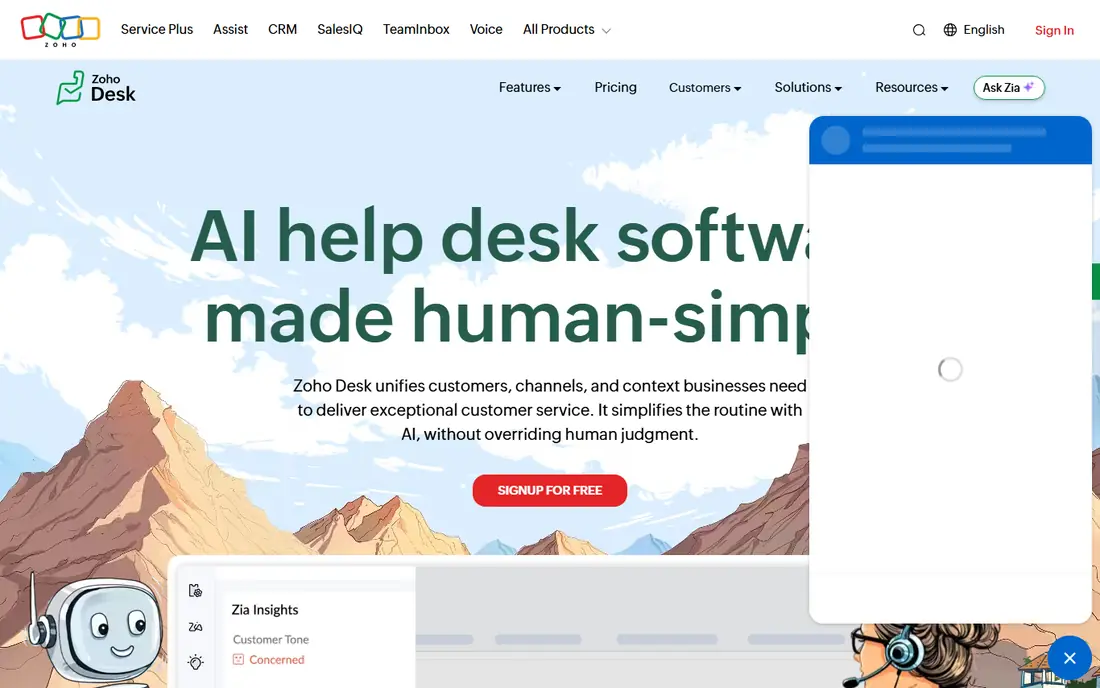
Zoho Desk is the value pick, and the gap is real: $7 per user per month on annual billing undercuts the other paid tools here, and the free plan covers up to three users. For a small team already using Zoho CRM, Books, or Projects, the integration is a genuine advantage, since ticket history can sit alongside customer and order data without extra tools.
The trade-off is polish and AI depth. Its AI assistant is useful for suggestions and basic automation, but it is not as strong as the AI offerings from Zendesk or Intercom. Teams that need heavy AI automation should test that gap before committing. For straightforward multichannel ticketing on a tight budget, Zoho Desk is hard to beat.
- Cheapest paid starting price in this list
- Free plan for up to three users
- Tight integration with Zoho CRM and other Zoho apps
- AI assistant is more basic than rivals
- Interface feels less modern in places
- Some advanced features need higher tiers
Help Scout suits teams that answer most support by email and want a tool that feels familiar. Conversations look like email threads, agents can leave private notes on a conversation, and collision detection warns when two agents open the same ticket. A built-in docs site lets customers find answers themselves, which cuts repeat questions.
The catch is structure. Teams that need complex ticket workflows, custom objects, or deep reporting will find Help Scout lighter than Zendesk or Freshdesk. Its AI answers feature is also charged per resolution, so heavy AI use needs budgeting. For a small team that values a calm, email-like workflow, that trade is often worth it.
- Simple shared inbox that feels like email
- Built-in help centre and docs
- Collaboration tools such as notes and collision detection
- Less structured ticketing than Zendesk or Freshdesk
- AI answers are charged per resolution
- Smaller integration range
HubSpot Service Hub makes most sense as part of a HubSpot setup. The free tools include a shared inbox, ticketing, and live chat, and because tickets attach to the CRM contact record, an agent can see past purchases, deals, and conversations without switching systems. That context helps a small team answer well without a separate CRM project.
Outside HubSpot, the case weakens. Paid tiers rise quickly, and some of the value comes from the wider HubSpot suite rather than the help desk alone. If your business already runs sales and marketing in HubSpot, Service Hub is the obvious pick. If not, compare it against Freshdesk or Zoho Desk on help desk features alone.
- Free tools connect tickets to the HubSpot CRM record
- Shared inbox and basic automation included
- Scales into a full HubSpot suite
- Higher paid tiers are expensive
- Best value only if you already use HubSpot
- Onboarding fees can apply on higher tiers
Intercom is built around conversation, not the traditional ticket queue. For a software company, that fits how customers actually ask for help: from inside the product, through chat, with context about who they are and what they were doing. Its Fin AI agent can resolve routine questions and hand over to a human with the conversation history intact.
The pricing model needs care. The entry seat price is only part of the cost, because AI resolutions are charged separately, and heavy AI use can push the bill up. Teams that mainly handle email tickets may also prefer a ticket-first tool. Choose Intercom when chat and in-app support are your main channels and your team is comfortable with a conversation-first workflow.
- Strong in-app messaging and live chat
- Fin AI agent handles routine questions
- Good fit for software and subscription businesses
- No free plan
- AI outcomes are charged separately
- Ticket-style workflows are less central than chat
Front is less a help desk and more a shared inbox done properly. Support, sales, and success teams can share email inboxes, assign messages, comment internally, and see at a glance what is unanswered. For a small company where the same people handle support, sales follow-ups, and partner email, that shared view prevents messages from falling between teams.
The limit is ticketing depth. Front handles assignment and collaboration well, but it lacks some of the structured workflow, SLA tooling, and reporting that a dedicated help desk offers. It suits teams whose main problem is shared email chaos, rather than high-volume ticket routing. Test it against Freshdesk if your team is split between the two problems.
- Shared inboxes for support, sales, and account teams
- Strong internal comments and assignment
- Clear view of who owns each message
- Less structured ticketing than a full help desk
- Pricing is per seat, so large teams pay more
- Reporting is lighter than Zendesk
LiveAgent appeals to small teams that need voice as well as email and chat, without buying a separate phone system. Its built-in call centre sits next to ticketing and live chat, so an agent can see a caller history and ticket record in one place. At $15 per agent per month on annual billing, it undercuts several rivals at the entry level.
The trade-off is modern polish and AI. LiveAgent is practical rather than flashy, and its AI features are thinner than those from Zendesk, Freshdesk, or Intercom. For a team that needs a solid, affordable desk with voice included, that is a fair exchange. For a team chasing AI automation first, a rival will fit better.
- Ticketing, live chat, and call centre in one tool
- Competitive entry price
- Good channel coverage for small teams
- Interface feels dated in places
- AI features are limited compared with rivals
- Some features need higher tiers
How we picked these
We compared official pricing pages, free-tier terms, and feature pages, and checked that each homepage loads and belongs to the product named. We kept tools that serve small and mid-size teams, and we included a mix of ticket-first desks, chat-first tools, and shared inboxes, because customer service software is not one shape. Prices quoted are starting prices on annual billing where vendors publish them, and we noted where AI or higher tiers change the real cost. We did not claim hands-on testing we did not do.
Choosing the right customer service software
Start from your main channel, not from a feature list. A team that lives in email needs a different tool from a team that lives in chat, and both differ from a team that needs voice.
Count seats before you compare prices
Per-agent pricing means the real cost is the plan price times every agent, plus AI add-ons. List everyone who will answer tickets, including part-time staff, and price that full count. A tool that looks cheap for three agents can look different at fifteen, especially once AI charges are added.
Test the trial with real tickets
Use the trial period on real work, not a demo. Route a week of genuine requests through the tool, check how long replies take, and see whether reporting answers the questions your manager actually asks. A tool that feels good in a demo but slows agents down on real tickets is the wrong pick, however strong its feature list looks.
Plan for self-service from the start
A help centre or docs site pays for itself by cutting repeat questions. When you compare tools, check how easy it is to publish and update help articles, and whether customers can find them without logging in. The best support tool is often the one that helps customers answer their own question before they need an agent.
Frequently asked questions
What is the best customer service software for small business?
Freshdesk is a strong default for small teams, because it combines clear ticketing with multichannel support at $19 per agent per month. Zoho Desk is cheaper at $7 per user per month, and Help Scout suits email-first teams. The right pick depends on your main channel, your budget, and whether you already use a CRM the tool should connect to.
What is the best customer support software for small business on a tight budget?
Zoho Desk offers the lowest paid starting price in this list and a free plan for up to three users. HubSpot Service Hub also has free tools, which suit businesses already using HubSpot CRM. Before choosing on price alone, check which channels you need and whether AI features you want are included or charged extra.
Is Zendesk or Freshdesk better for a small team?
Both start at $19 per agent per month on annual billing, so the difference is workflow rather than entry price. Freshdesk is generally simpler to set up and run for a small team, while Zendesk offers deeper reporting and workflow tools for larger or more complex operations. Try both trials with real tickets before deciding.
What is the best customer service platform for chat-first support?
Intercom is the strongest chat-first pick here, with in-app messaging and an AI agent built for conversational support. Freshdesk and Zendesk also offer chat, but their roots are in ticketing. If most of your customers contact you from inside a product or app, Intercom deserves the first trial.
Do I need a free plan, or is a trial enough?
A free plan suits a very small team that can live with limits, such as Zoho Desk for up to three users or HubSpot free tools. A trial suits a team that plans to pay but wants to test first. Either way, use the free period on real tickets, and confirm the paid price for your full agent count before you commit.
How much does customer service software cost per agent?
Entry prices in this list range from $7 per user per month for Zoho Desk to $29 per seat per month for Intercom, with Freshdesk and Zendesk at $19. Those are starting prices on annual billing, and AI add-ons, extra channels, and higher tiers can raise the total. Always price the full agent count and any AI usage you expect.
Sources we checked (8)

Online Jobs is an independent blog about careers, online work, learning new skills and the tools that help people earn. More about us.
Keep reading
All posts
Best White Label SEO Companies
We compare the best white label SEO companies and tools in 2026 for agencies, from fulfilment services to branded reporting platforms, margins and prices.
Best Webinar Software
We compared the best webinar software for 2026 on price, attendee limits, automation and ease of use, to help you host better live sessions with confidence.

Best Web Scraping Tools
Compare the best web scraping tools in 2026, from no-code Octoparse and Browse AI to Apify, Firecrawl, Bright Data, Zyte, ScraperAPI and free Scrapy, with prices.